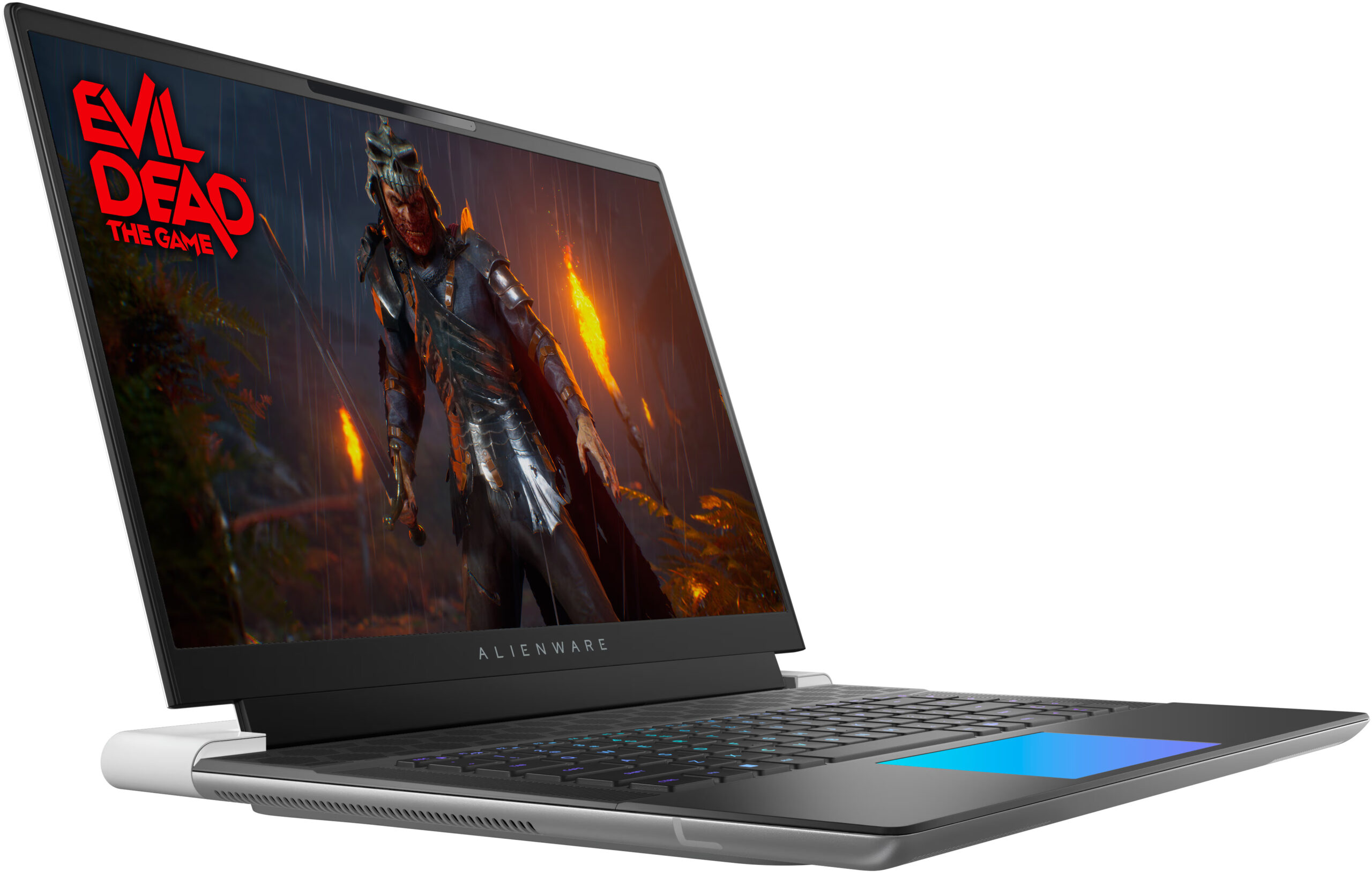
Alienware x16 R2

- Data publicării: 06 Oct 2024
- Intel Core Ultra 9 185H
- NVIDIA GeForce RTX 4090 (Laptop, 175W)
- 16.0", WQXGA (2560 x 1600), 240 Hz, IPS
- 16384GB SSD
- 32GB RAM
- 2.66 kg (5.9 lbs)

Specificații

- HDD/SSD
- 16384GB SSD
- Slot M.2
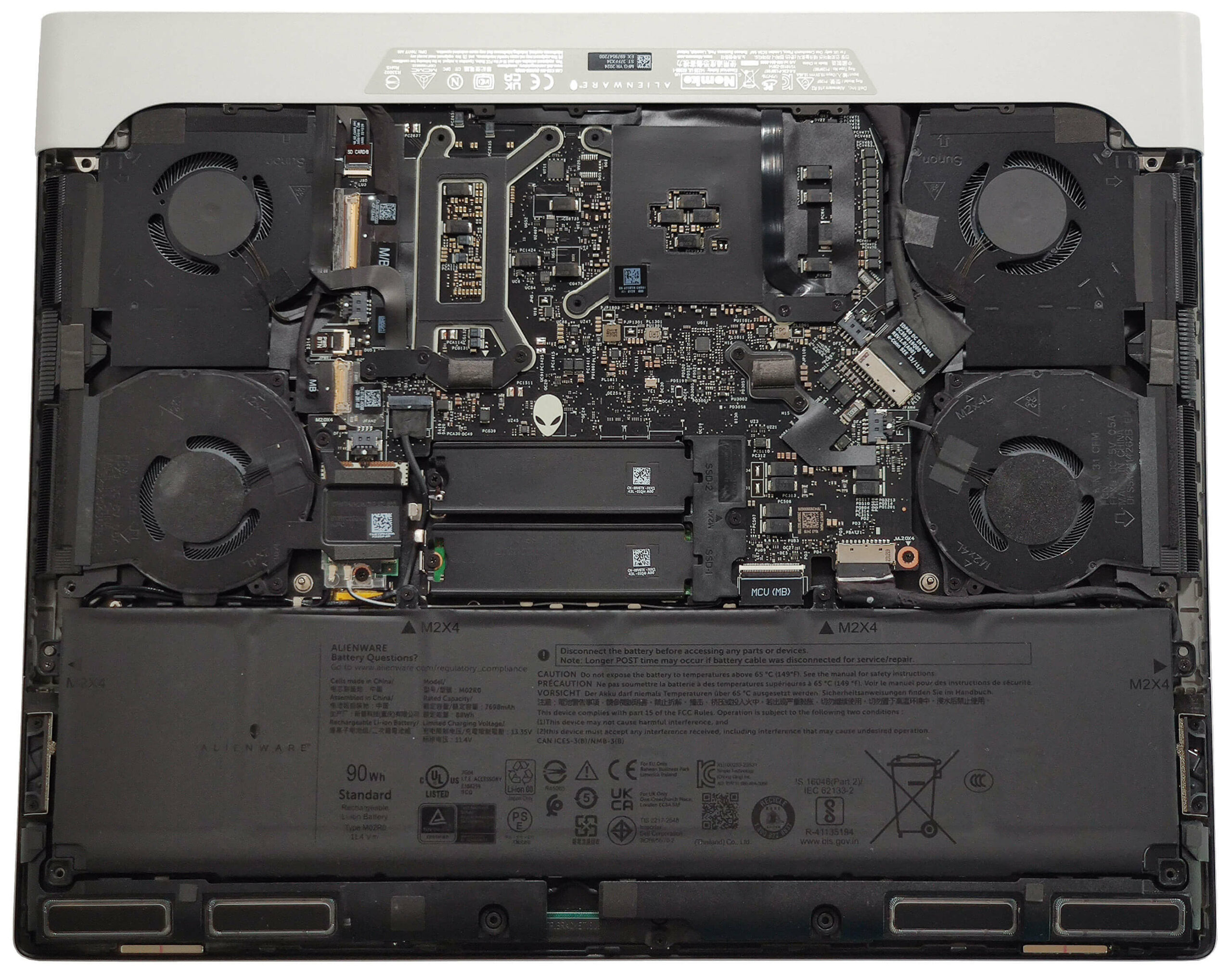
- 2x 2230 / 2280 M.2 NVMe PCIe 4.0 x4 Vezi foto
- RAM
- 32GB RAM
- OS
- Windows 11 Pro
- Material Carcasă
- Aluminiu, Aliaj de magneziu
- Dimensiuni
- 364.81 x 289.98 x 18.57 mm (14.36" x 11.42" x 0.73")
- Greutate
- 2.66 kg (5.9 lbs)
- Porturi și conectivitate
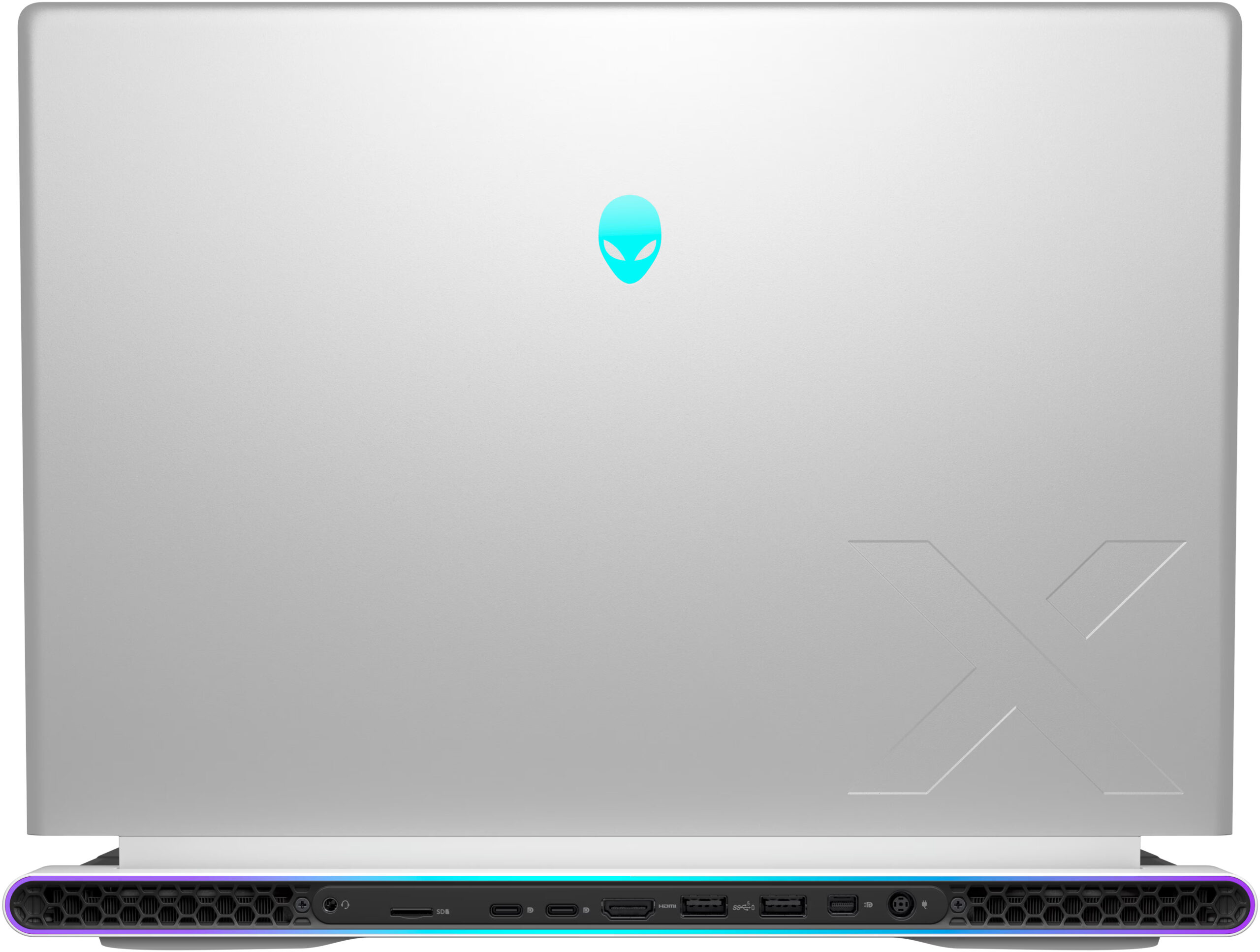
- 2x USB Type-A
- 3.2 Gen 1 (5 Gbps), Sleep and Charge
- 1x USB Type-C
- 3.2 Gen 2 (10 Gbps), DisplayPort
- 1x USB Type-C
- Thunderbolt 4, Power Delivery (PD), DisplayPort
- HDMI
- 2.1
- Mini DisplayPort
- Cititor de carduri
- microSD (microSD, microSDHC, microSDXC)
- Ethernet LAN
- Wi-Fi
- 802.11be
- Bluetooth
- 5.4
- Audio jack
- 3.5mm Combo Jack
- Caracteristici
- Cititor de amprente
- Cameră web
- FHD IR
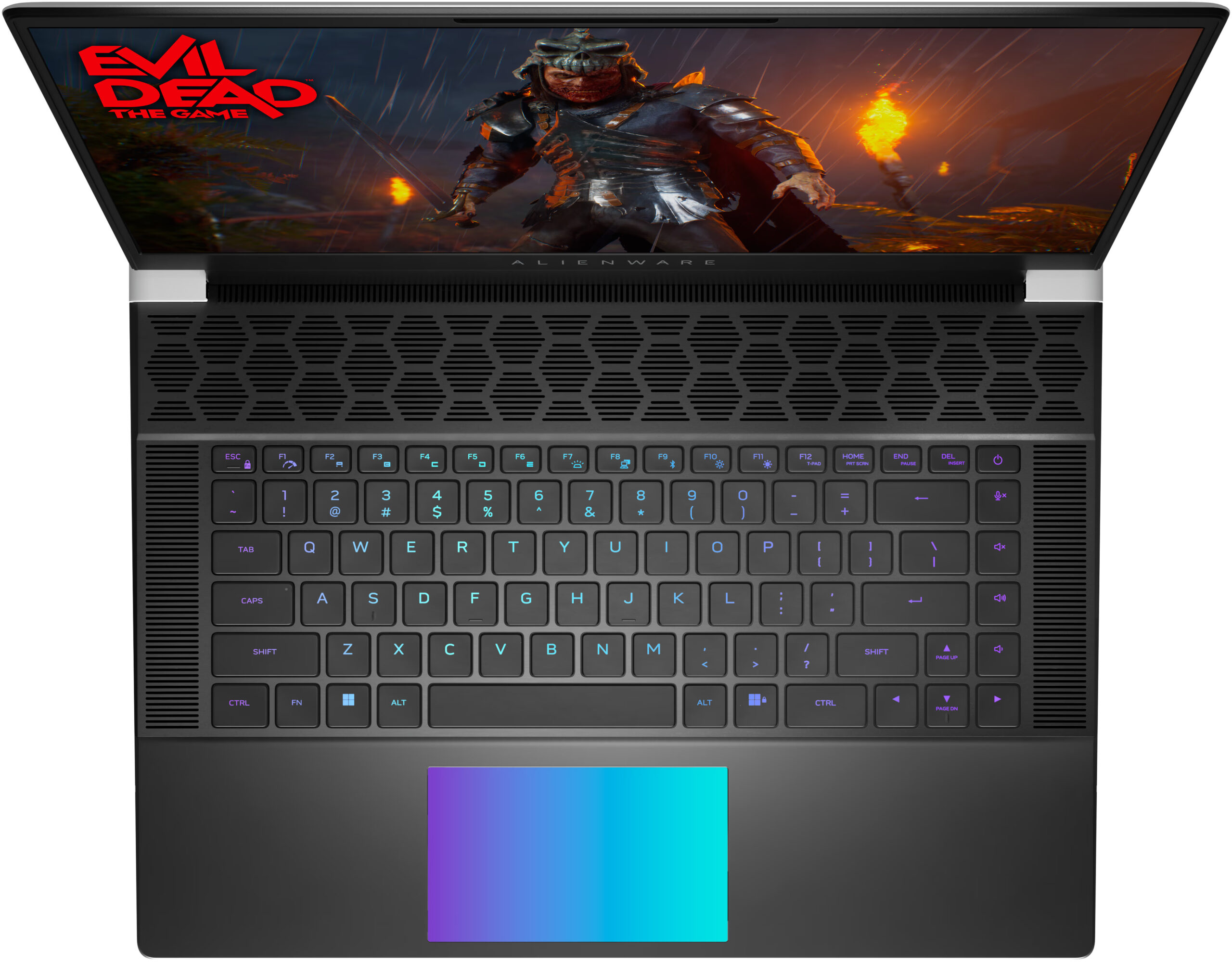
- Tastatură iluminată
- Microfon
- Digital Array Microphones
- Difuzoare
- 6x 3W Stereo Speakers
- Slot blocare securitate
Portabilitate
Recenzie
Alienware x16 R2 recenzie detaliată
There is a high demand for thin laptops in every price class. Nowadays, many users want to own a compact and powerful laptop. Alienware has tried to make one, with their x16 R2 model. This is an incredibly thin and unique-looking machine and you can also order it with up to GeForce RTX 4090.But there's a nuance. Since the 13th and 14th Gen Raptor Lake-H and HX CPUs dissipate tons of heat they aren't suitable for such a slim profile. That's why this notebook can be found with Meteor Lake-H processors. These efficient chips are a preferable choice for slim notebooks. You can choose between a 28W Core Ultra 7 155H, and 45W Core Ultra 9 185H. Based on our previous tests, we don't find 28W CPUs suitable for GPUs like RTX 4080 so we chose the more powerful option.Alienware x16 R2 is a ve[...]
Citește recenzia completă
Avantaje
- Solid premium build
- Thin profile (18.57 mm)
- Vapor chamber cooling + liquid metal for the CPU and GPU dies (for RTX 4080 and 4090-based laptops)
- High CPU frequencies under long load (3.44 GHz / 3.29 GHz P and E-core clock)
- Wide viewing angles + 1600p resolution (AUO3CA2)
- Snappy pixel response times of 7 ms (AUO3CA2)
- PWM-free (AUO3CA2)
- 338 nit max brightness + 240Hz refresh rate (AUO3CA2)
- 100% sRGB and DCI P3 coverage + accurate colors with our "Design and Gaming" profile (AUO3CA2)
- 2x M.2 slots
- Thermal pads for the SSDs and the Wi-Fi card
- Great Cherry keyboard (option)
- Precise illuminated glass touchpad (option)
- Modern port selection that is entirely placed on the back
- The fans aren't loud in "Performance" mode
- Low noise and a 118W GPU TGP in "Quiet" mode
- The Alienware Command Center app is full of useful extras
- NVIDIA Advanced Optimus, G-Sync + MUX switch
- Optional fingerprint reader and IR Web camera
- Fast Gen 4 NVMe (1TB SK Hynix PC811)
Dezavantaje
- High price
- Soldered RAM and no Gen 5 SSD slots
- Super High VRAM temperatures - 110ºC, which lead to TGP throttle
- Short battery life
Opțiuni de dezasamblare, întreținere și upgrade
Deschiderea dispozitivuluiDesfaceți cele 6 șuruburi cu cap Phillips care fixează panoul inferior. Șuruburile din mijloc și de jos sunt captive și vor ridica ușor aproape jumătate din panou, facilitând procesul de dezasamblare. Îndepărtați complet părțile laterale și partea din față a panoului. Evitați să spargeți partea din spate. Ridicați partea din față a plăcii metalice, glisați-o în față și ridicați-o de pe șasiu.Mai multe informații: Iată cum arată placa inferioară pe interior.Scoaterea baterieiDetașați bateria prin extragerea conectorului de pe placa[...]
Citește mai mult