ASUS ProArt StudioBook 16
 48.jpg)

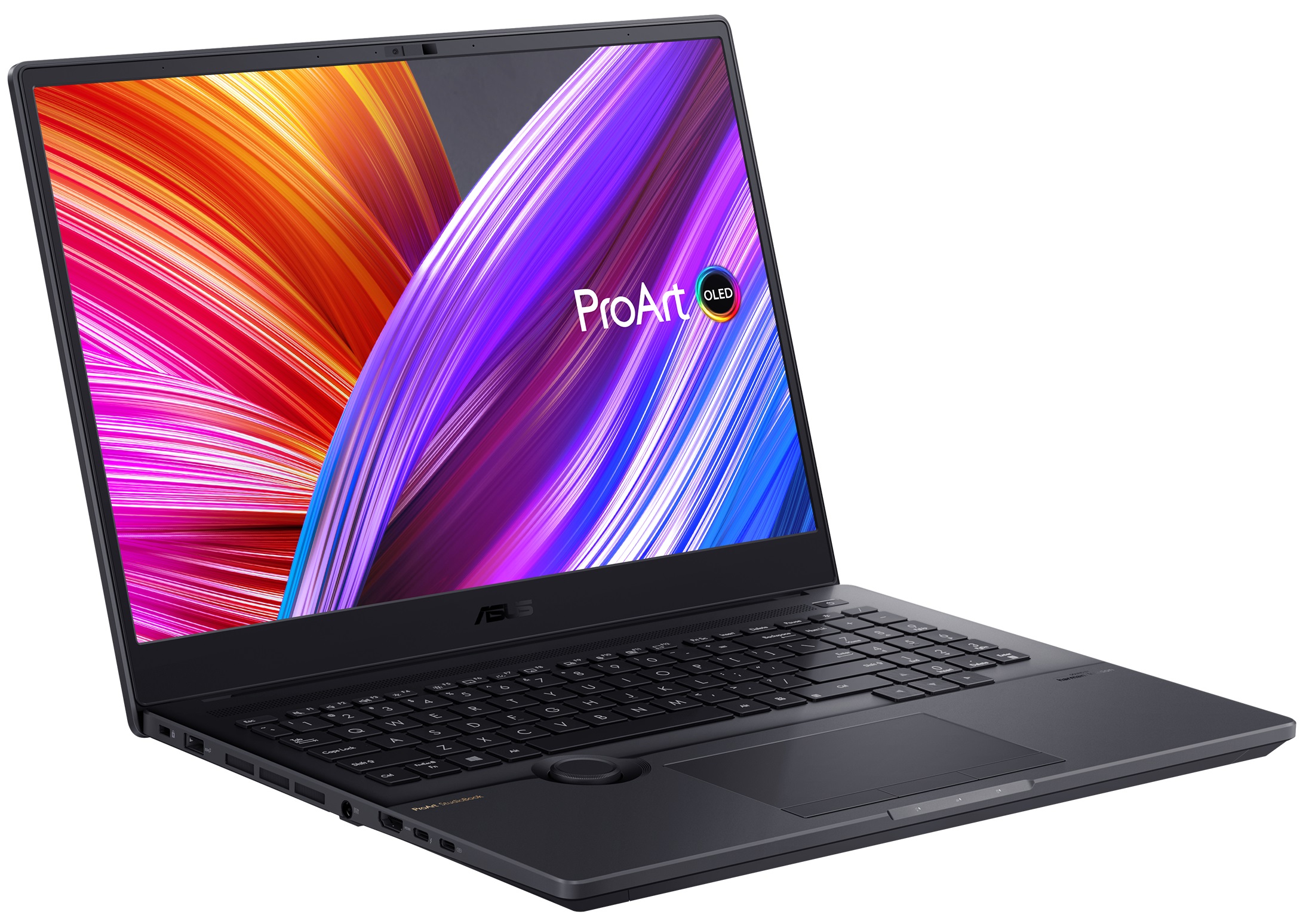
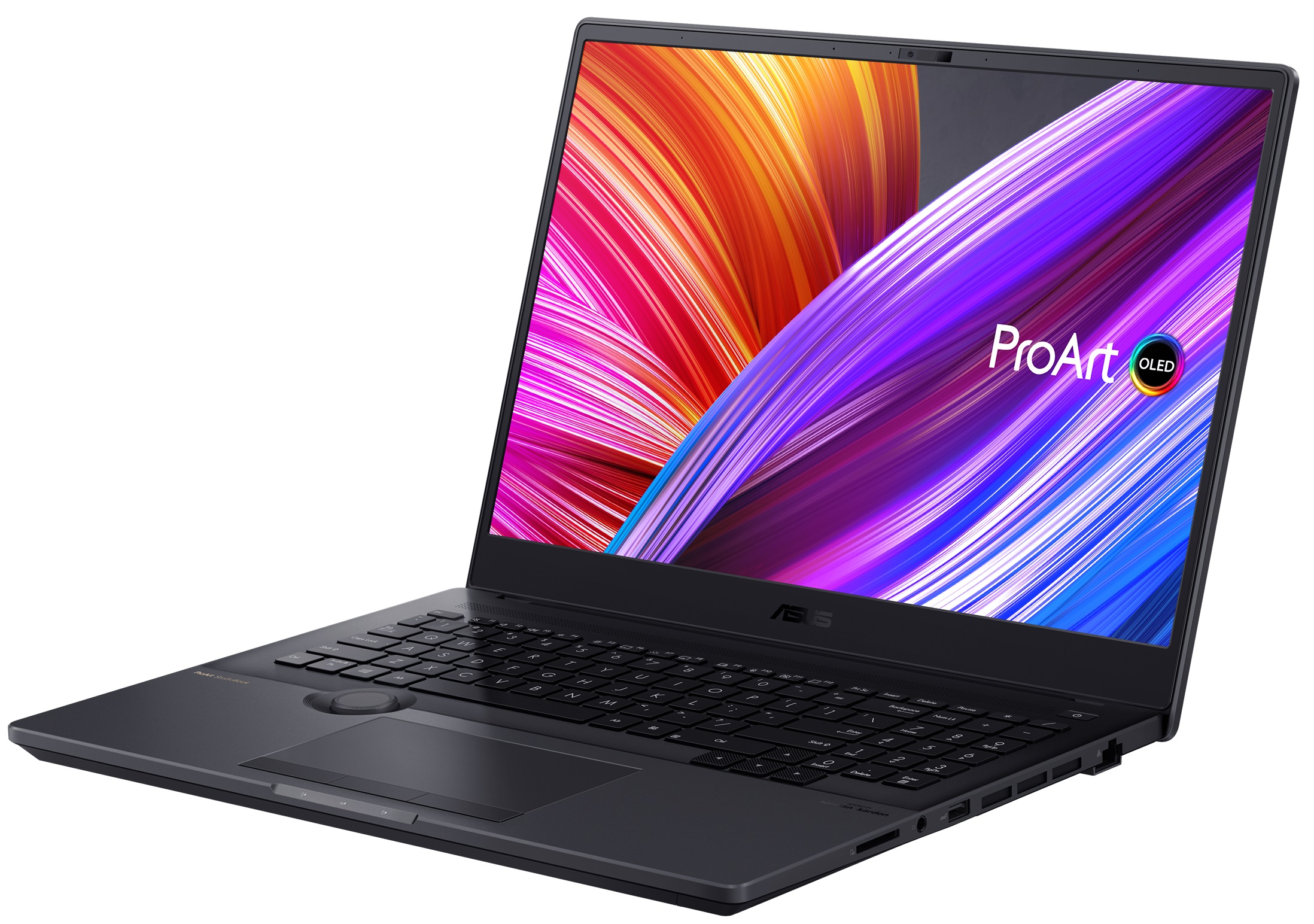
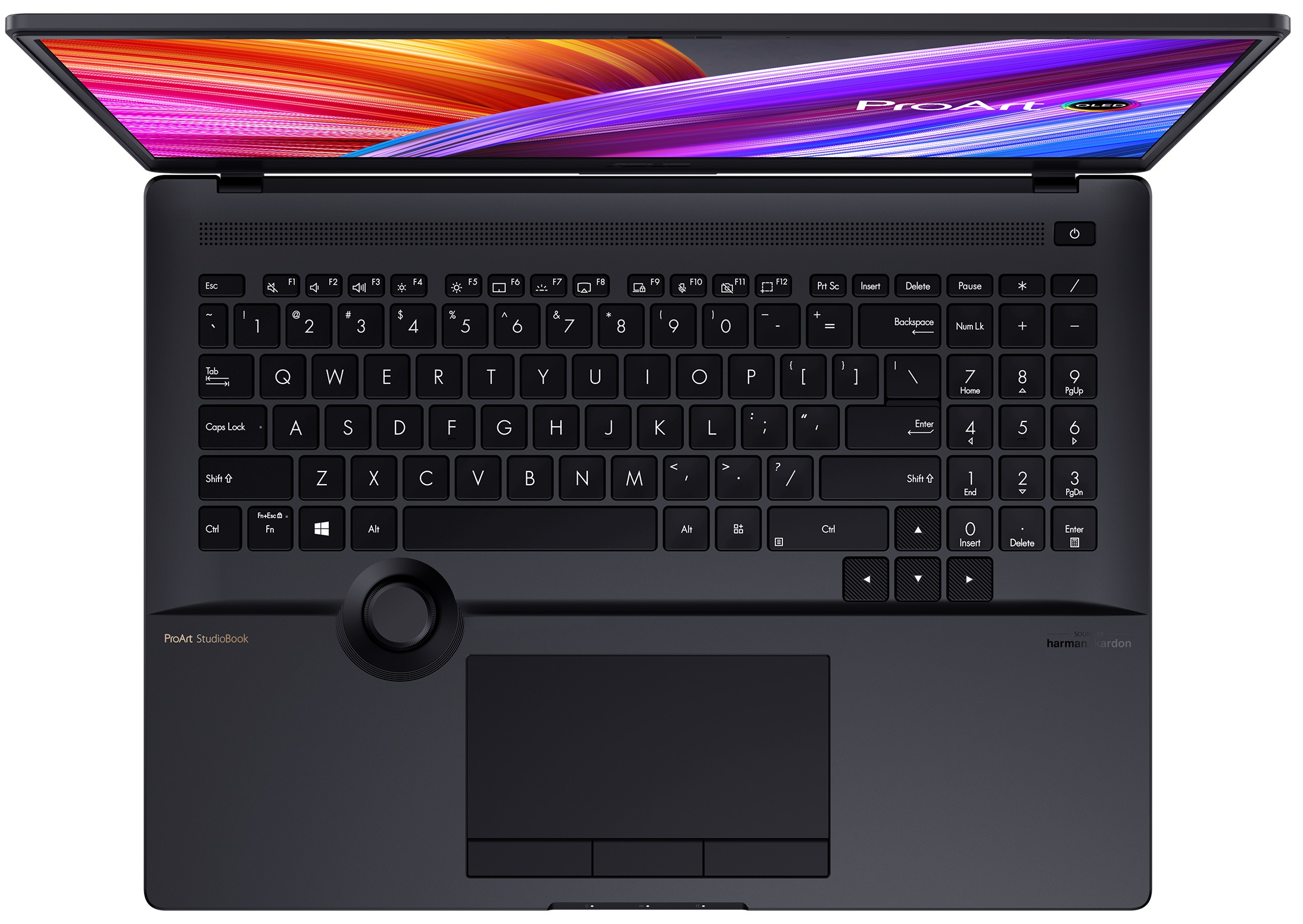
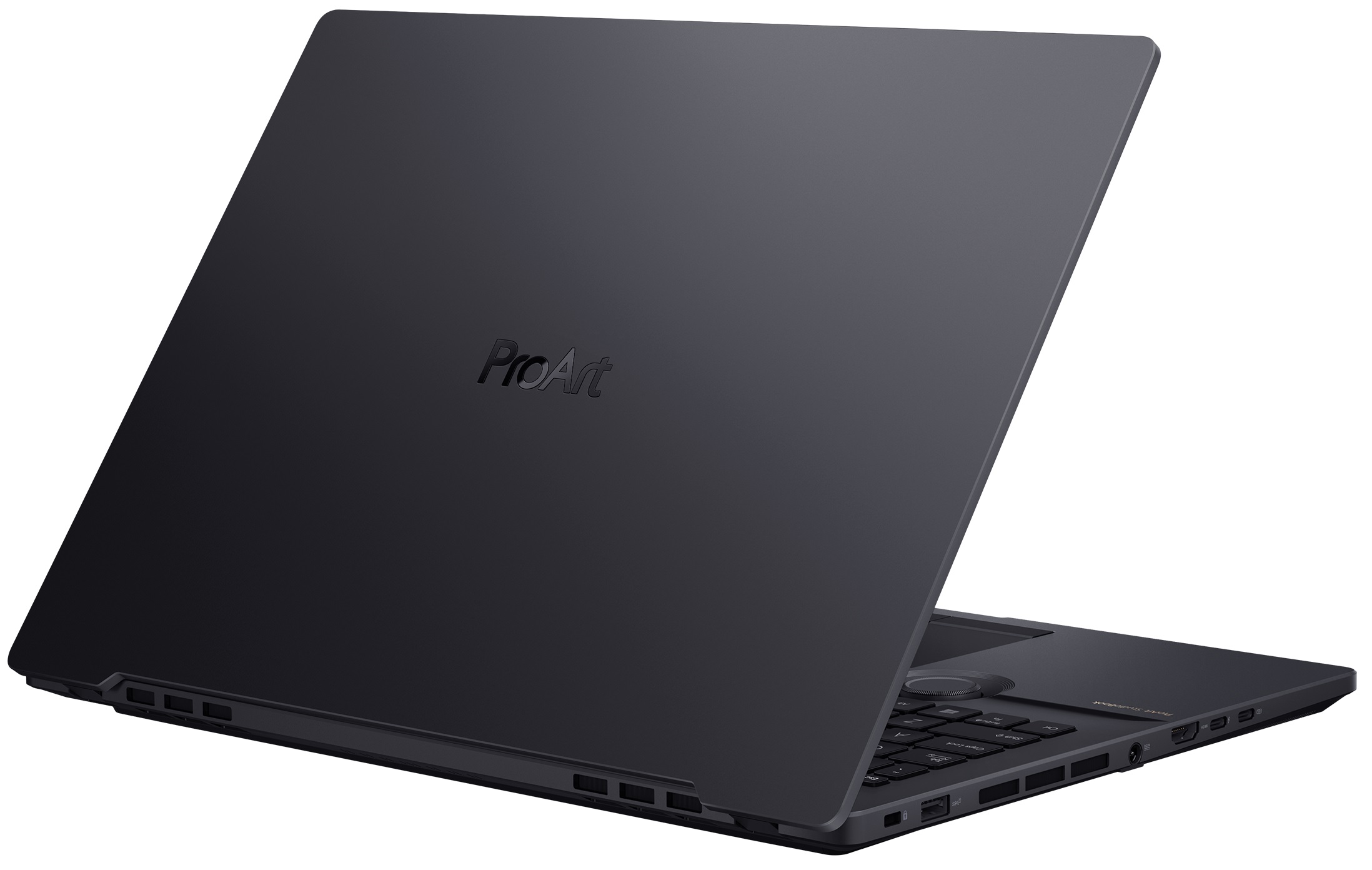

- Data publicării: 05 Sep 2023
- Intel Core i7-12700H
- NVIDIA GeForce RTX 3070 Ti (Laptop)
- 16.0”, WQUXGA (3840 x 2400), OLED
- 1000GB SSD
- 32GB DDR5
- 2.40 kg (5.3 lbs)
ASUS ProArt StudioBook 16 OLED (Pro W7600 / H7600) recenzie detaliată
The ProArt brand is hardly as popular as its ZenBook and ROG cousins. However, it offers one of the most powerful laptops ASUS makes and is actually the brand, specifically intended for content creators. And we are not talking about photographers and videographers. No, this time, the target group is [...]
Citește recenzia completă

Recenzie
ASUS ProArt StudioBook 16 recenzie detaliată
The ProArt brand is hardly as popular as its ZenBook and ROG cousins. However, it offers one of the most powerful laptops ASUS makes and is actually the brand, specifically intended for content creators.And we are not talking about photographers and videographers. No, this time, the target group is much bigger and spans even 3D model designers and architects. But what is the reason for ASUS' bold claims? Well, the ProArt Studiobook 16 OLED (W7600) is going to show you.Obviously, the display is a big selling point with its AMOLED technology, 16:10 aspect ratio, and 4K+ resolution. However, the hardware is something you simply can't overlook. We are talking about an Intel Xeon processor option, and a pro-grade graphics card of up to the RTX A5000 with 16GB of GDDR6 VRAM. Not to ment[...]
Citește recenzia completăAvantaje
- Professional-grade hardware
- Super rigid structure
- 100% sRGB and DCI-P3 coverage + HDR support
- High resolution and 16:10 aspect ratio + fast pixel response times
- Deep blacks and virtually infinite contrast ratio
- ASUS Dial + stylus-enabled touchpad
- IR face recognition + fingerprint reader
- ISV and MIL-STD-810H certifications
- Extensive I/O with Thunderbolt 4, SD card slot, and HDMI 2.1 port
Dezavantaje
- Uses PWM below 110 nits
- Subpar battery life
Opțiuni de dezasamblare, întreținere și upgrade
Not only do you get a good amount of upgrade options with this laptop, but you also have the option to use ECC RAM, should you pair it with the appropriate processor.Check out all ASUS ProArt Studiobook 16 OLED (W7600) prices and configurations in our Specs System or read more in our In-Depth review.1. Remove the bottom plate To get inside of this device, you need to undo 10 Torx-head screws. After that, carefully pry the bottom panel with a plastic tool, starting from the front corners.2. Battery Here, we see a 90Wh battery pack. Before you continue, it would be best to [...]
Citește mai mult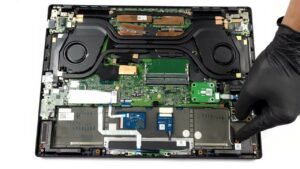
Ecran: 16.0-inch, 3840 x 2400, OLED
- Nume
- Samsung ATNA60YV02-0 (SDC415D)
- Diagonală
- 16.0"
- Densitate pixeli
- 283.02 ppi
- Refresh rate
- 60 Hz
- Luminozitate
- 385 cd/m2
- sRGB
- 100%
- Tip Panou
- OLED
- Rezoluție
- 3840 x 2400
- Devine "Retina" de la
- 12 inches (31 cm)
- Contrast
- infinite
- dE Color Checker
- 4.0 3.6

Cumpără profilurile noastre pentru Samsung ATNA60YV02-0 (SDC415D)
Pe lângă primirea de profiluri eficiente și prietenoase cu sănătatea, prin cumpărarea produselor LaptopMedia sprijiniți și dezvoltarea laboratoarelor noastre, unde testăm dispozitive pentru a produce cele mai obiective recenzii posibile.

Office Work
Office Work ar trebui folosit în principal de utilizatorii care petrec cea mai mare parte a timpului uitându-se la texte, tabele sau pur și simplu navigând. Acest profil urmărește să ofere o distincție și o claritate mai bună prin menținerea unei curbe gamma plate (2.20), a temperaturii native a culorii și a culorilor perceptiv exacte.

Design and Gaming
Acest profil se adresează designerilor care lucrează profesional cu culorile, precum și pentru jocuri și filme. Design and Gaming duce panourile de afișaj la limitele lor, făcându-le cât mai precise posibil în standardul sRGB IEC61966-2-1 pentru Web și HDTV, la punctul de alb D65.

Health-Guard
Health-Guard elimină modulația dăunătoare a lățimii impulsului (PWM) și reduce lumina albastră negativă care ne afectează ochii și corpul. Deoarece este personalizat pentru fiecare panou, reușește să mențină culorile perceptiv exacte. Health-Guard simulează hârtia, astfel încât presiunea asupra ochilor este redusă considerabil.





