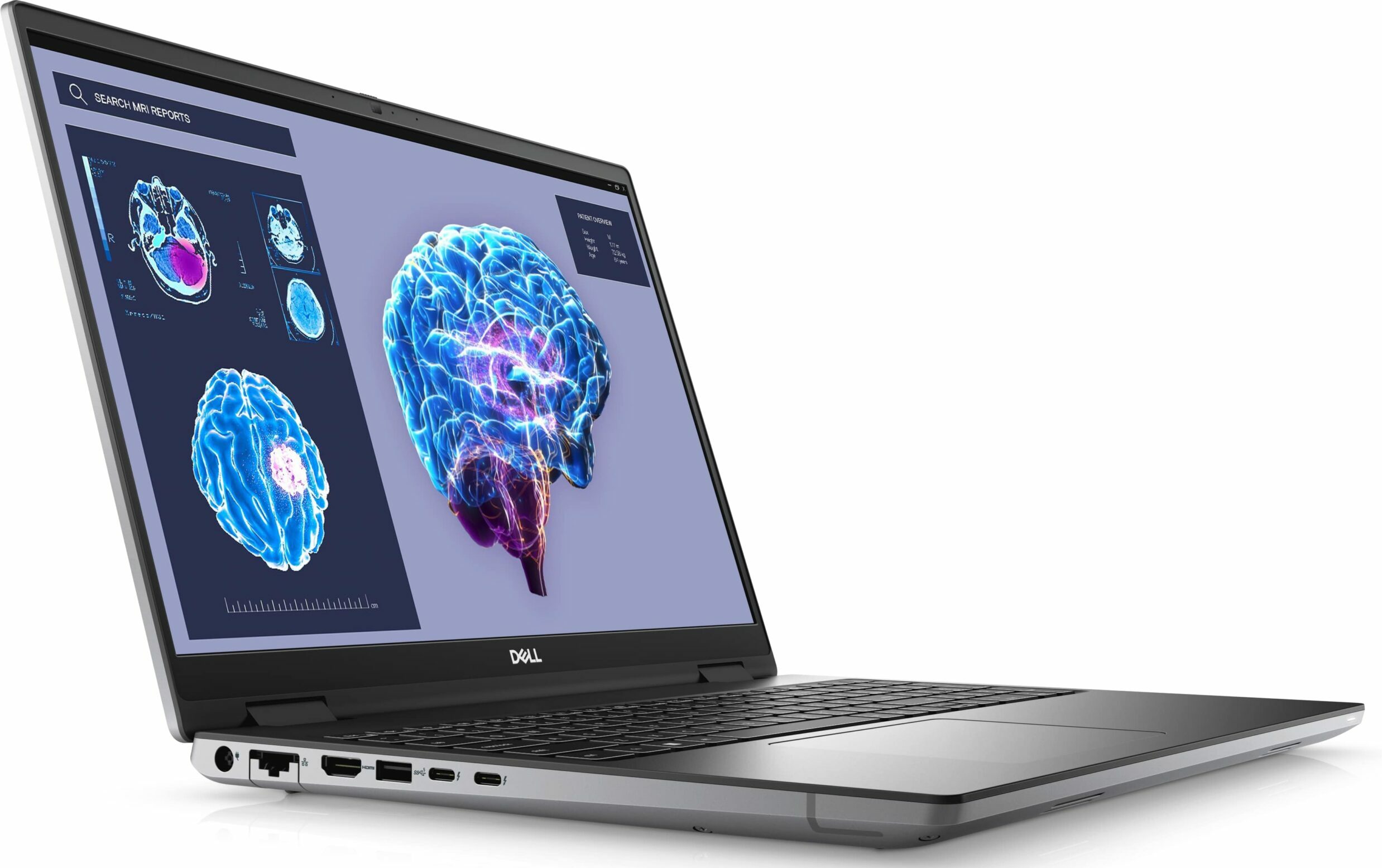
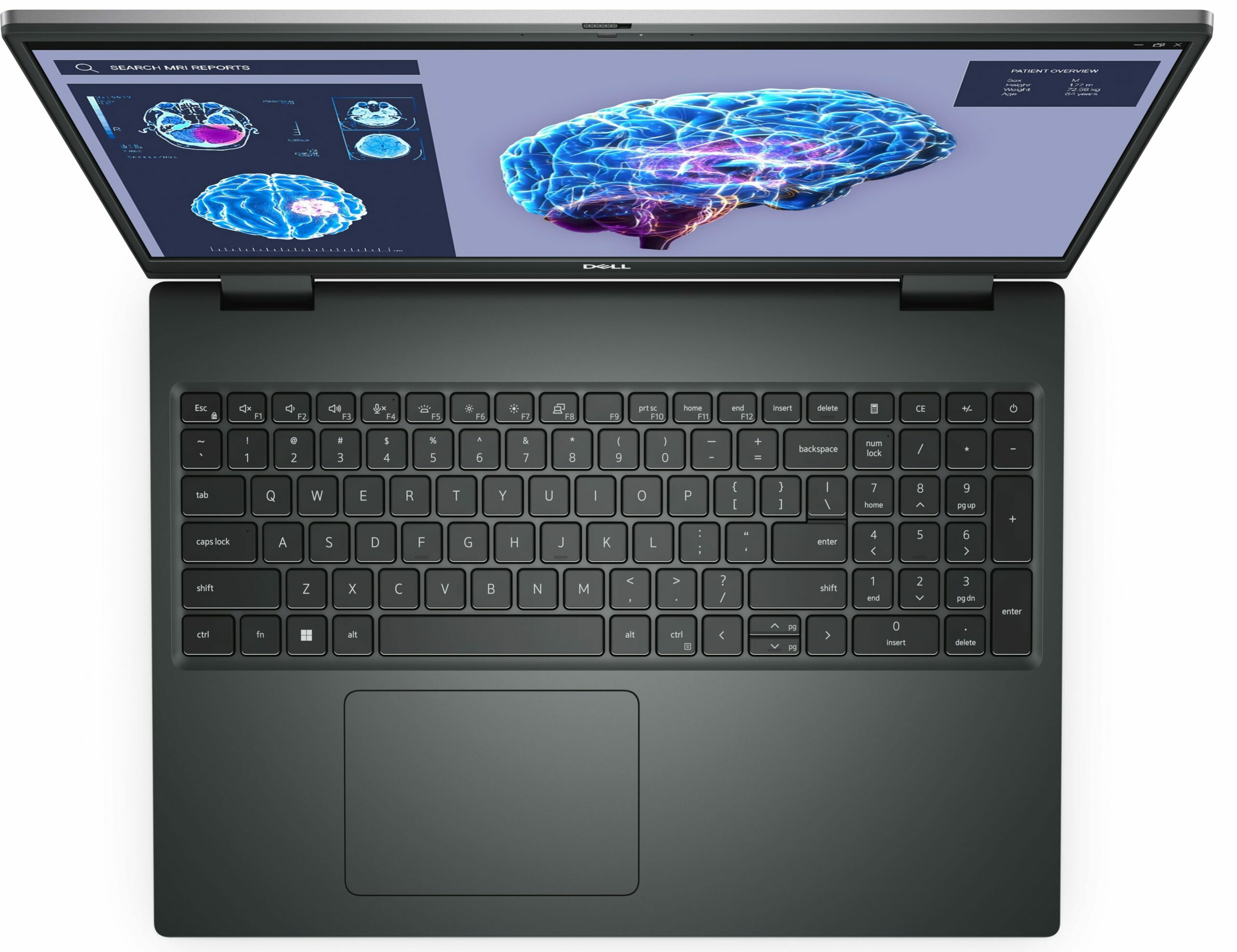
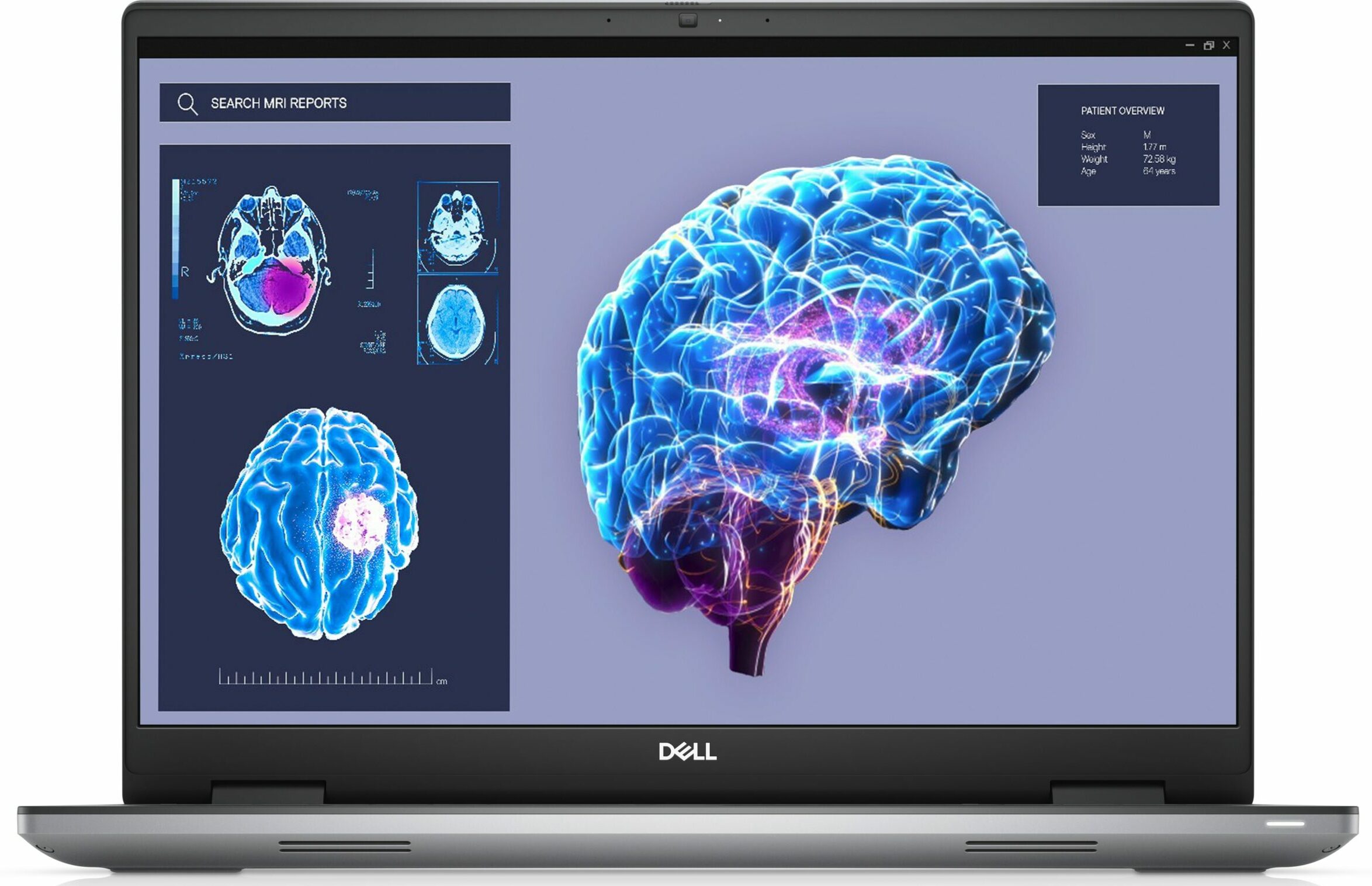
Dell Precision 16 7680



- Data publicării: 12 Sep 2025
- Intel Core i9-13950HX
- NVIDIA RTX 3500 Ada Generation (Laptop)
- 16.0”, WUXGA (1920 x 1200), IPS
- 1000GB SSD
- 64GB RAM
- 2.60 kg (5.7 lbs)

Recenzie
Dell Precision 16 7680 recenzie detaliată
In the modern laptop world, there are ordinary notebooks, gaming devices, and then there are workstations. They range from the least expensive thing that will get the job done, to a mini powerhouse that is easily comparable to a desktop system.Today, we have one such notebook, which is called the Dell Precision 16 7680. It comes with a 16-inch display, and contrary to what we expected, is not that bulky. Oftentimes, when someone needs a powerful machine for work, they settle for a gaming machine, because it is similarly powerful, but comes at a far more convincing price tag.However, choosing a workstation ensures you get the pro-grade hardware you need to effortlessly run your professional software. After all, there are a bunch of certifications, besides the support guarantees you[...]
Citește recenzia completă
Avantaje
- Up to 128GB of DDR5 (CAMM) + two M.2 slots
- Capable hardware
- Fingerprint reader + optional IR face recognition and 5G connectivity
- SD card reader + 2x Thunderbolt 4 + HDMI 2.1
- Packs good security features
- Great spill-resistant keyboard and touchpad
Dezavantaje
- High price
- Horrendous battery life
- Gets really warm even on idle
Opțiuni de dezasamblare, întreținere și upgrade
1. Accessing the Service Cover - The laptop comes with a designated service cover for quick access. - Simply pop it open to gain access to one of the M.2 PCIe x4 slots.2. Removing the Bottom Panel - First, ensure the device is powered off and disconnected from any power source. - Undo the six captive Phillips-head screws using a screwdriver. - Gently pry the bottom panel using a plastic tool. Start from the edges and work your way around. - Carefully lift the panel away from the chassis.3. Battery Removal - Begin by unplugging the battery connector from the motherboard[...]
Citește mai mult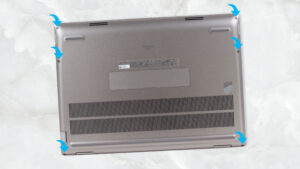
Ecran: 16.0-inch, 1920 x 1200, IPS
- Nume
- AUO 8G0JV-B160UAN (AUO31A6)
- Diagonală
- 16.0"
- Densitate pixeli
- 141.51 ppi
- Luminozitate
- 587 cd/m2
- sRGB
- 100%
- Tip Panou
- IPS
- Rezoluție
- 1920 x 1200
- Devine "Retina" de la
- 24 inches (62 cm)
- Contrast
- 1280:1
- dE Color Checker
- 2.7 0.7

Cumpără profilurile noastre pentru AUO 8G0JV-B160UAN (AUO31A6)
Pe lângă primirea de profiluri eficiente și prietenoase cu sănătatea, prin cumpărarea produselor LaptopMedia sprijiniți și dezvoltarea laboratoarelor noastre, unde testăm dispozitive pentru a produce cele mai obiective recenzii posibile.

Office Work
Office Work ar trebui folosit în principal de utilizatorii care petrec cea mai mare parte a timpului uitându-se la texte, tabele sau pur și simplu navigând. Acest profil urmărește să ofere o distincție și o claritate mai bună prin menținerea unei curbe gamma plate (2.20), a temperaturii native a culorii și a culorilor perceptiv exacte.
Design and Gaming
Acest profil se adresează designerilor care lucrează profesional cu culorile, precum și pentru jocuri și filme. Design and Gaming duce panourile de afișaj la limitele lor, făcându-le cât mai precise posibil în standardul sRGB IEC61966-2-1 pentru Web și HDTV, la punctul de alb D65.

Health-Guard
Health-Guard elimină modulația dăunătoare a lățimii impulsului (PWM) și reduce lumina albastră negativă care ne afectează ochii și corpul. Deoarece este personalizat pentru fiecare panou, reușește să mențină culorile perceptiv exacte. Health-Guard simulează hârtia, astfel încât presiunea asupra ochilor este redusă considerabil.