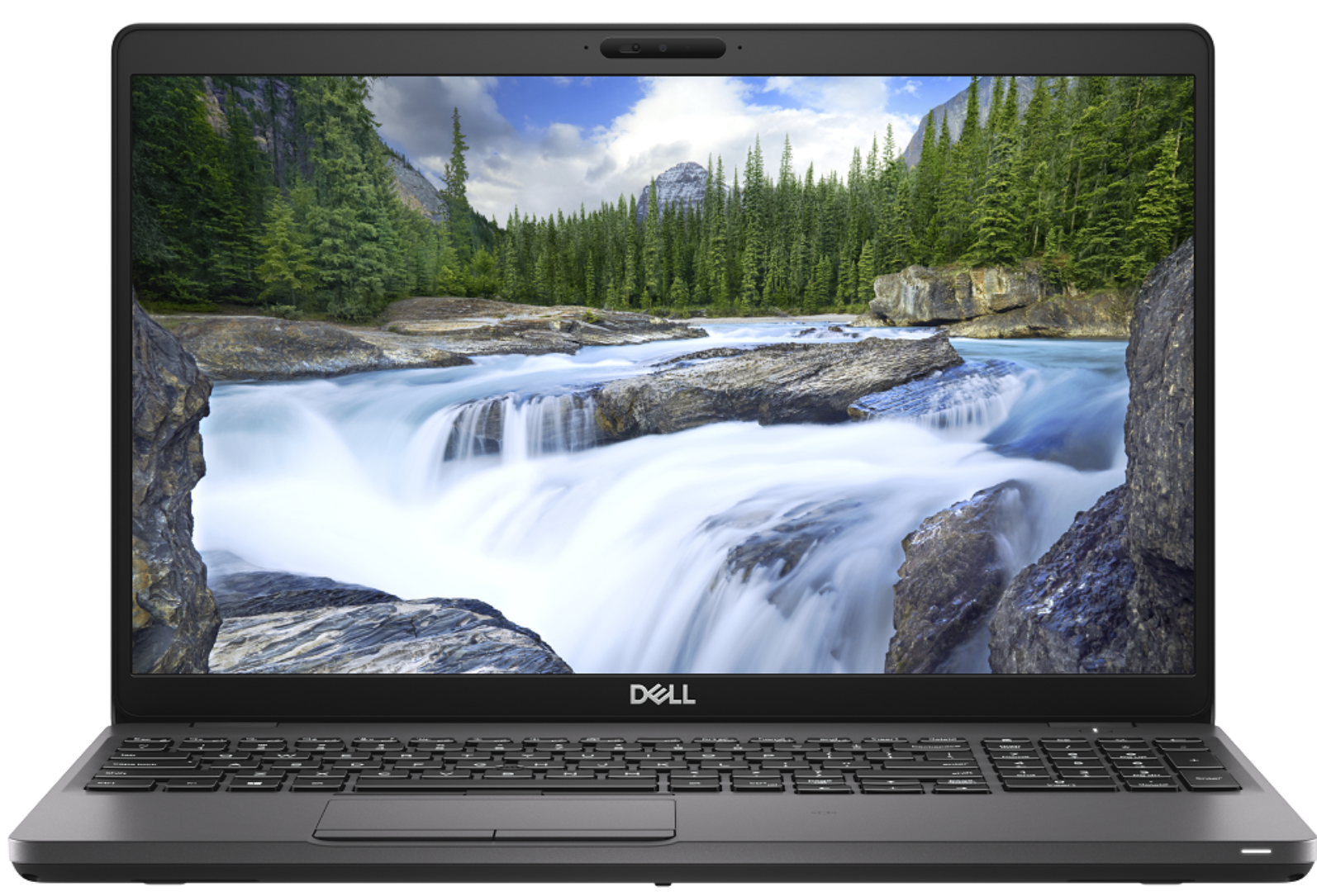
Dell Precision 3540
- Data publicării: 29 Nov 2019
- Intel Core i7-8565U
- AMD Radeon Pro WX 2100 (2GB GDDR5)
- 15.6”, Full HD (1920 x 1080), IPS
- 512GB SSD
- 8GB DDR4
- 1.83 kg (4 lbs)
Recenzie
Dell Precision 3540 recenzie detaliată
Despite the low number given to it by Dell, the Precision 3540 is a mid-range portable workstation that should satisfy the needs of more than just a handful of professionals. Its dedicated AMD Radeon Pro WX2100 GPU is certified to work with CAD applications, while further enhancing some minor 3D modeling and 2D manipulating tasks.Apart from professionalism, this device breathes to you, it is a laptop. And laptops have a tendency to not be perfect. Some of them are too thick, some of them are too thin but there is also a balance, where compromise is been reduced to a minimum. In the view of architects, this laptop should be super balanced, in order to catch their eyes. Let's dig into the Inspiron 3540 and see what does it have to offer.You can check the prices and configurations in[...]
Citește recenzia completă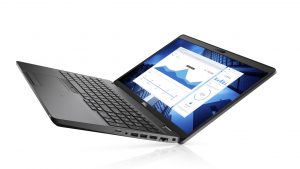
Avantaje
- Strong body
- One of the best keyboards on a laptop
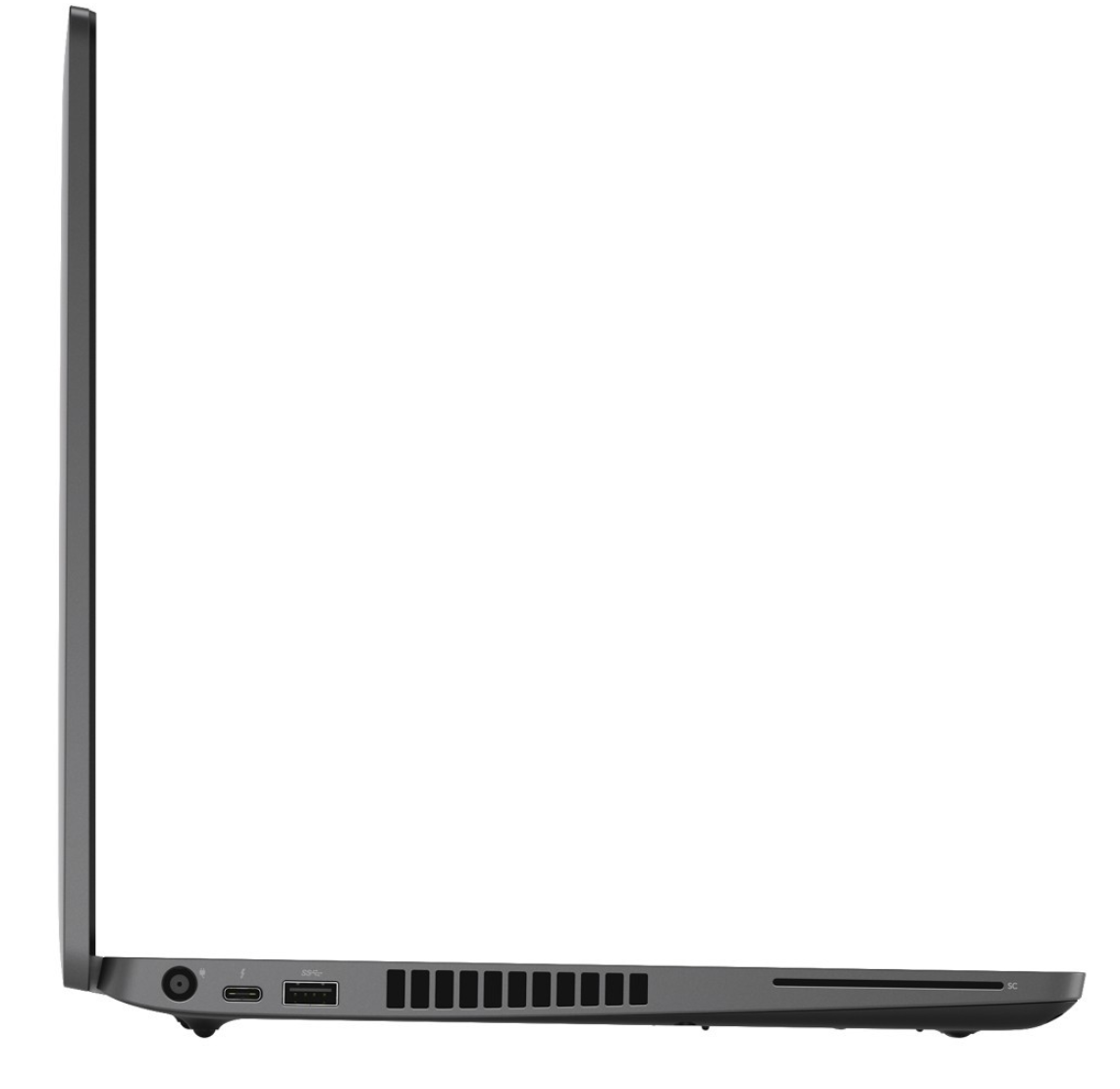
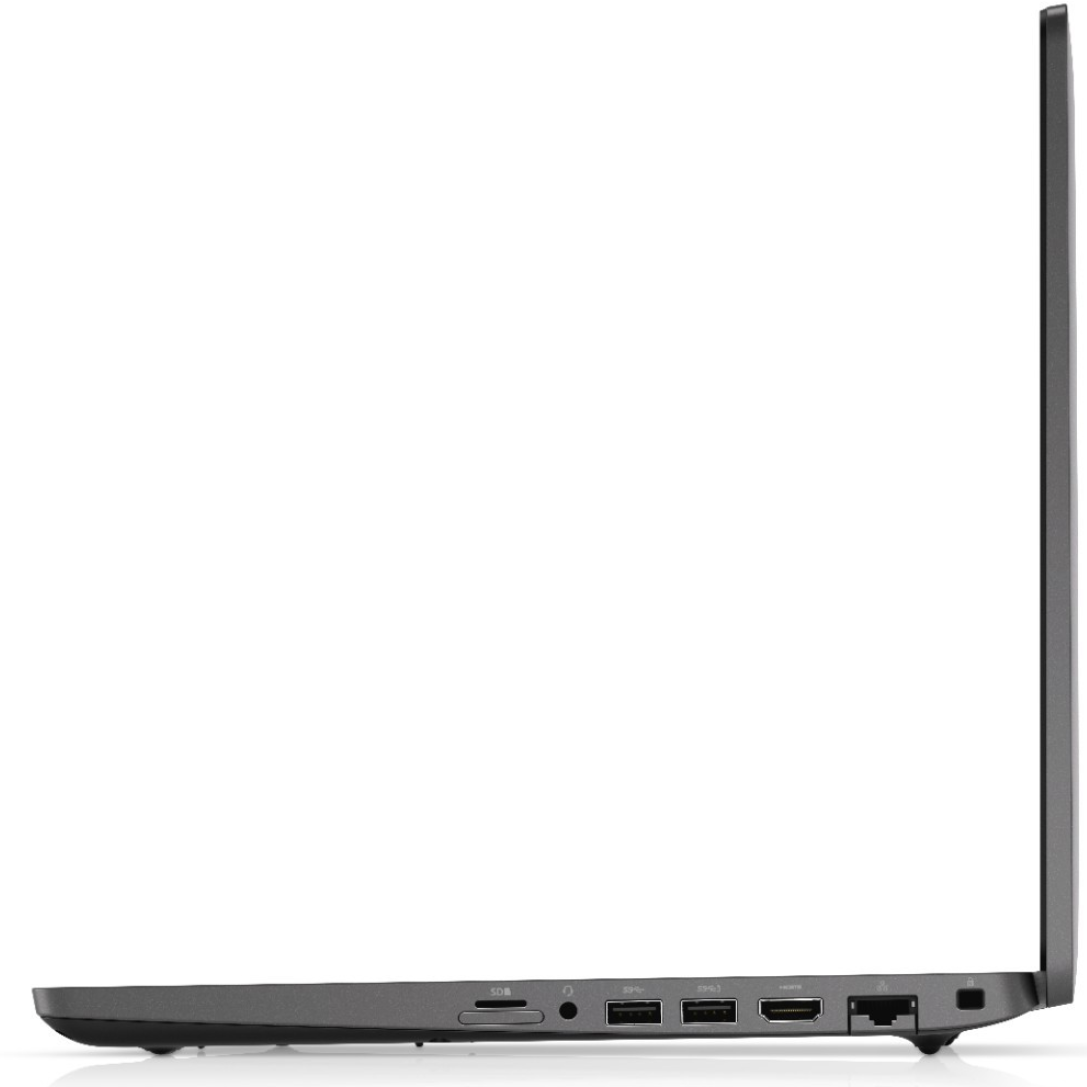
- I/O and upgradability are on point
- Great battery life
- IR face recognition
- Great viewing angles and contrast ratio (BOE NV156FHM-N4H (BOE0869))
- Thunderbolt support and PCIe x4 M.2 slot
- Above-average performance
Dezavantaje
- A bit pricey
- Covers only 50% of sRGB (BOE NV156FHM-N4H (BOE0869))
- Uses PWM to adjust its brightness (fixed by our Health-Guard profile) (BOE NV156FHM-N4H (BOE0869))
Opțiuni de dezasamblare, întreținere și upgrade
Recently, we tested the Precision 3540, and we think that it is one of the best mobile workstations you can find there. Of course, given the price tag and the ULV technology inside.Check out all Dell Precision 3540 prices and configurations in our Specs System or read more in our In-Depth review.1. Remove the bottom plate There are 8 screws you need to remove in order to pop the bottom panel open. Thankfully, they stay attached to the plate after you unscrew them, so you will have a hard time losing them.2. Battery In terms of battery, there is a 51Wh package. However, De[...]
Citește mai mult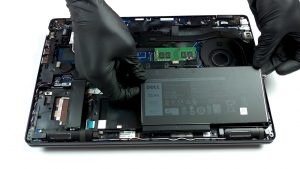
Ecran: 15.6-inch, 1920 x 1080, IPS
- Nume
- BOE NV156FHM-N4H (BOE0869)
- Diagonală
- 15.6"
- Densitate pixeli
- 141.21 ppi
- Refresh rate
- 60 Hz
- Luminozitate
- 230 cd/m2
- sRGB
- 50%
- Tip Panou
- IPS
- Rezoluție
- 1920 x 1080
- Devine "Retina" de la
- 24 inches (62 cm)
- Contrast
- 1400:1
- dE Color Checker
- 6.5 4.2

Cumpără profilurile noastre pentru BOE NV156FHM-N4H (BOE0869)
Pe lângă primirea de profiluri eficiente și prietenoase cu sănătatea, prin cumpărarea produselor LaptopMedia sprijiniți și dezvoltarea laboratoarelor noastre, unde testăm dispozitive pentru a produce cele mai obiective recenzii posibile.

Office Work
Office Work ar trebui folosit în principal de utilizatorii care petrec cea mai mare parte a timpului uitându-se la texte, tabele sau pur și simplu navigând. Acest profil urmărește să ofere o distincție și o claritate mai bună prin menținerea unei curbe gamma plate (2.20), a temperaturii native a culorii și a culorilor perceptiv exacte.

Design and Gaming
Acest profil se adresează designerilor care lucrează profesional cu culorile, precum și pentru jocuri și filme. Design and Gaming duce panourile de afișaj la limitele lor, făcându-le cât mai precise posibil în standardul sRGB IEC61966-2-1 pentru Web și HDTV, la punctul de alb D65.

Health-Guard
Health-Guard elimină modulația dăunătoare a lățimii impulsului (PWM) și reduce lumina albastră negativă care ne afectează ochii și corpul. Deoarece este personalizat pentru fiecare panou, reușește să mențină culorile perceptiv exacte. Health-Guard simulează hârtia, astfel încât presiunea asupra ochilor este redusă considerabil.