Dell Precision 3570



- Data publicării: 31 Jan 2023
- Intel Core i7-1265U
- Intel Iris Xe Graphics G7 (96EU)
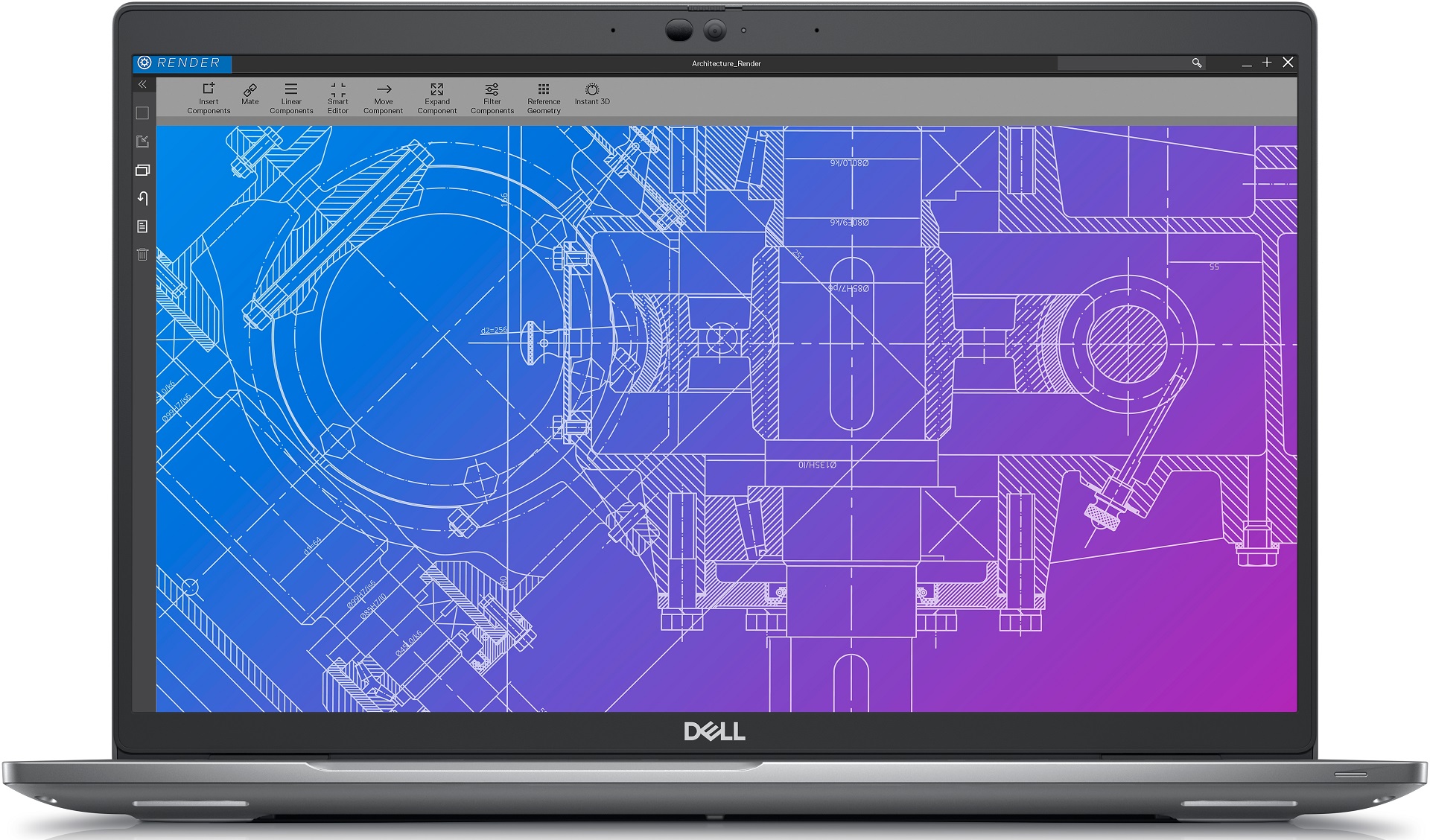
- 15.6”, Full HD (1920 x 1080), IPS
- 512GB SSD
- 32GB LPDDR5
- 1.59 kg (3.5 lbs)
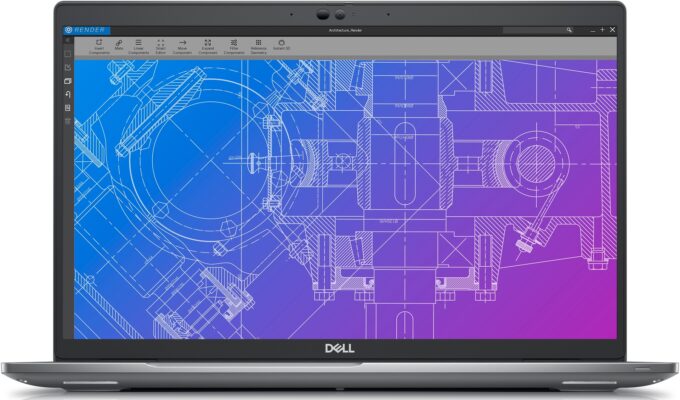
Specificații

- HDD/SSD
- 512GB SSD
- Slot M.2
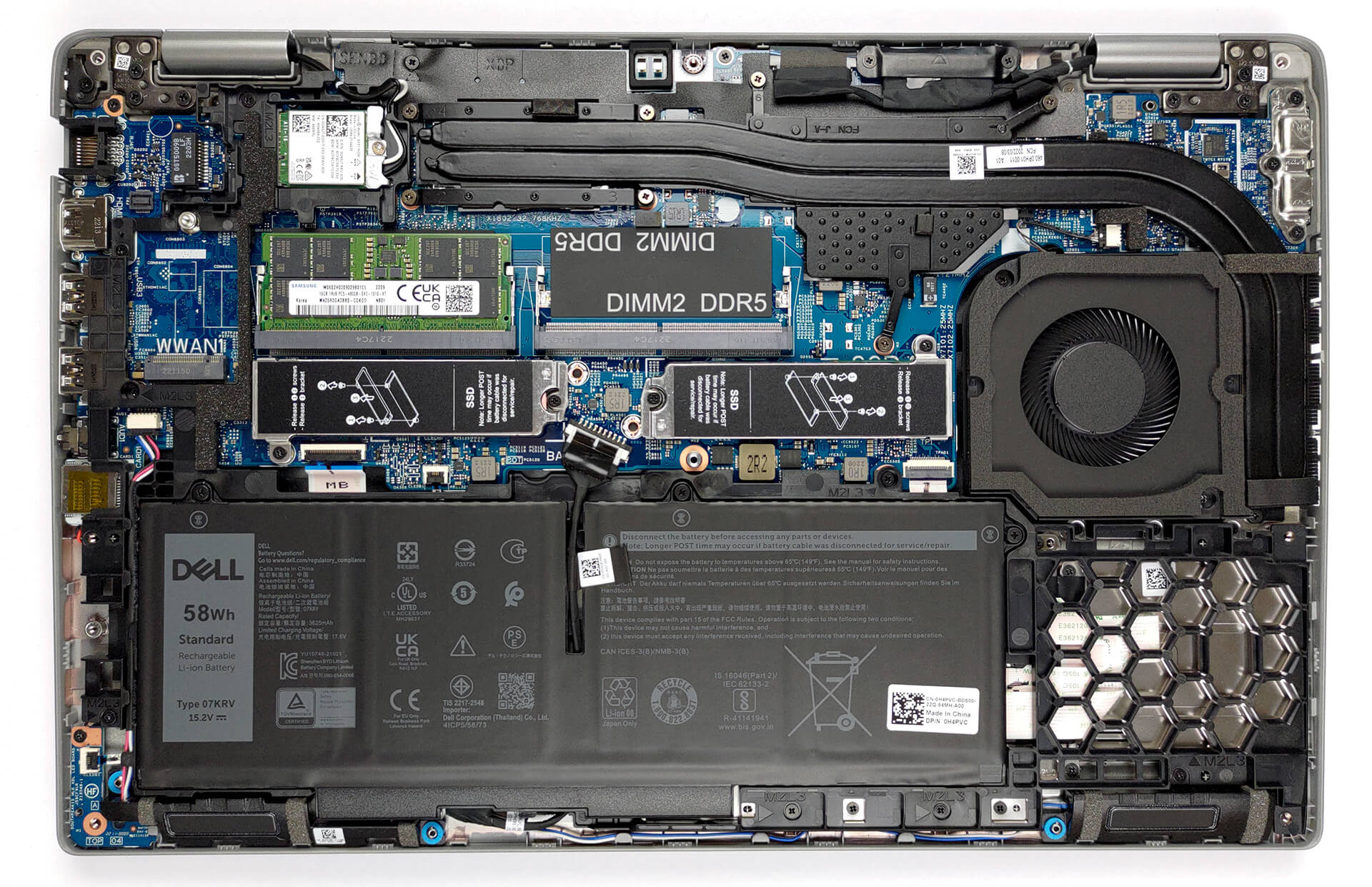
- 1x 2280 M.2 PCIe 4.0 x4 + 1x 2280 M.2 PCIe 3.0 x4 Vezi foto
- RAM
- 32GB LPDDR5
- OS
- Windows 10 Pro
- Material Carcasă
- Plastic / Policarbonat, Carbon
- Dimensiuni
- 357.80 x 233.3 x 20.77 - 22.15 mm (14.09" x 9.19" x 0.82")
- Greutate
- 1.59 kg (3.5 lbs)
- Porturi și conectivitate
- 1x USB Type-A
- 3.2 Gen 1 (5 Gbps)
- 1x USB Type-A
- 3.2 Gen 1 (5 Gbps), Sleep and Charge
- 2x USB Type-C
- 4.0, Thunderbolt 4, Power Delivery (PD), DisplayPort
- HDMI
- 2.0
- Cititor de carduri
- microSD (SD/SDHC/SDXC)
- Ethernet LAN
- 10, 100, 1000 Mbit/s
- Wi-Fi
- 802.11ax
- Bluetooth
- 5.2
- Audio jack
- 3.5mm Combo Jack
- Caracteristici
- Cameră web
- HD / FHD
- Microfon
- Dual-Array Microphones
- Difuzoare
- 2x 2.5W Stereo Speakers
- Unitate optică
- Slot blocare securitate
- Wedge Lock
Portabilitate
Recenzie
Dell Precision 3570 recenzie detaliată
Together with HP and Lenovo, Dell is one of the most consistent manufacturers when it comes to the mobile workstation market. Their Precision series battles with the ThinkPads and ZBooks of their respective competitors. To be frank, the success of Dell has been limited, but the company continues to produce newer and arguably better machines.Today, we're going to show you the Precision 15 3570 that we bought. It's definitely not among the most expensive workstations out there, and to be frank - it looks very similar to the Latitude 15 5530. However, it is still not a budget device, so we have to be fairly strict in our scrutiny.As soon as we take a look at the specs sheet, we see the first red flag - Dell still offers a workstation device in 2022 with a 768p TN panel. Indeed, besid[...]
Citește recenzia completă
Avantaje
- Wide I/O, which includes a MicroSD card reader
- Two M.2 storage slots, one of which runs at 4.0 speeds + 2x DDR5 SODIMM slots
- Fingerprint reader embedded in the power button + optional IR face recognition
- Wi-Fi 6, Thunderbolt 4
- No PWM (LG PXGVC-156WFC (LGD0709))
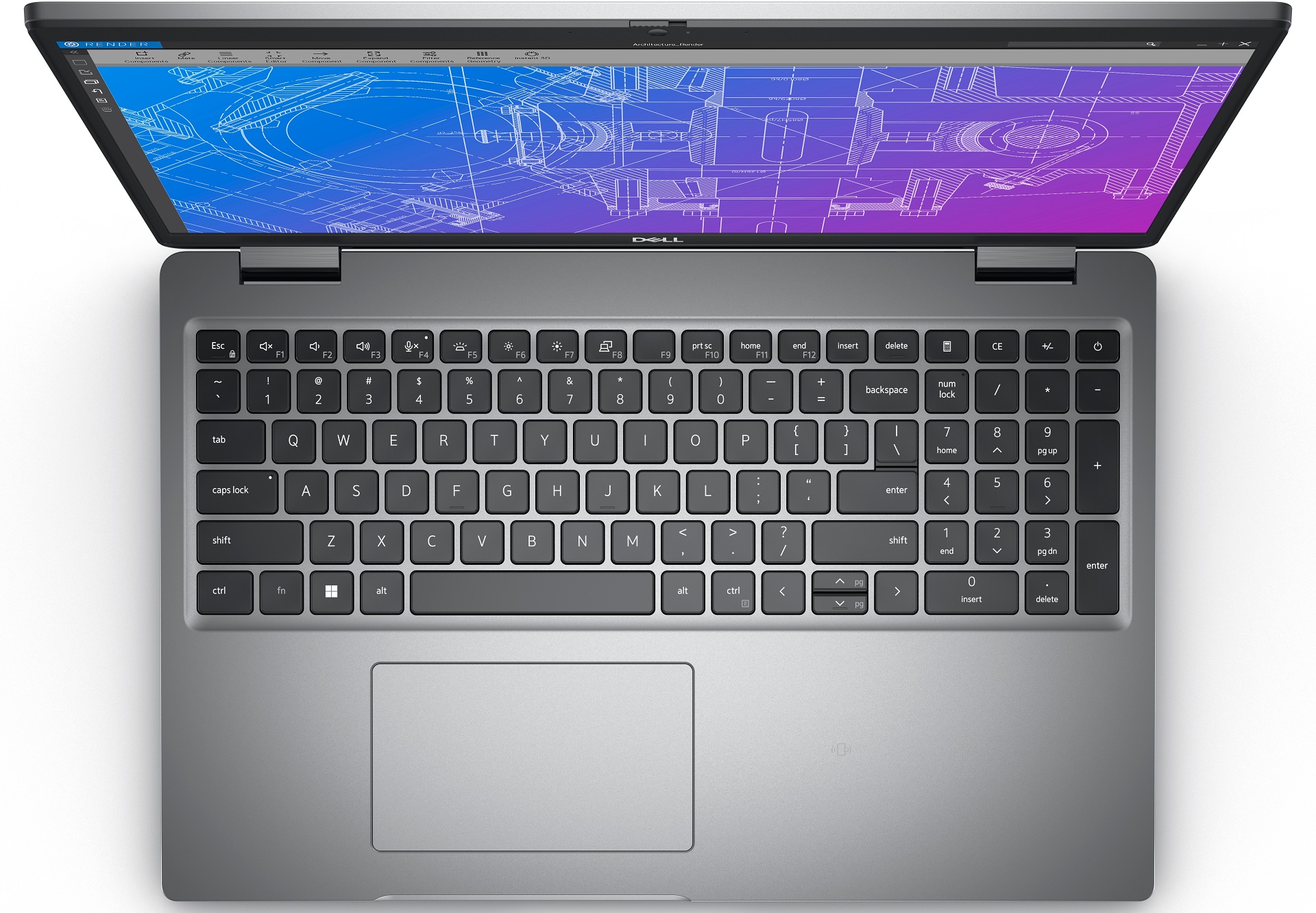
- Comfortable keyboard with a backlight
- Good battery life
Dezavantaje
- Covers only 53% of sRGB (LG PXGVC-156WFC (LGD0709))
- There is still an archaic 768p TN display option
Opțiuni de dezasamblare, întreținere și upgrade
Not only do you get great upgradability with the Precision 15 3570, but you are treated to DDR5 memory and Gen 4 SSD support as well.Check out all Dell Precision 15 3570 prices and configurations in our Specs System or read more in our In-Depth review.1. Remove the bottom plate To get inside this notebook, you need to undo 8 captive Phillips-head screws. Then, pry the bottom panel starting from the front corners.2. Battery Once inside, you can see the battery. We have the larger 58Wh option, which lasted us for 12 hours of Web browsing, or nearly 10 hours of video playbac[...]
Citește mai mult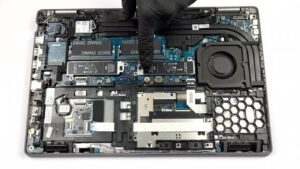


![[Septembrie 2026] Cele mai vândute mărci de laptopuri pe Amazon Global – Apple domină piața cu o cotă de venituri de peste 70%](https://laptopmedia.com/wp-content/uploads/2026/10/GLOBAL-Best-Brands-400x225.jpg)
![[Septembrie 2026] Amazon Global: Top 10 cele mai vândute laptopuri – MacBook Neo de la Apple ocupă locul 1, pe fondul dominanței dispozitivelor din gama economică și a celor premium](https://laptopmedia.com/wp-content/uploads/2026/10/Best-Selling-Laptops-GLOBAL-Top-10-400x225.jpg)
![[Septembrie 2026] Amazon Global: Top 10 cele mai bine vândute laptopuri pentru jocuri – ASUS ROG Strix G16 domină piața cu vânzări record](https://laptopmedia.com/wp-content/uploads/2026/10/Best-Selling-Gaming-Laptops-GLOBAL-Top-10-400x225.jpg)
![[Septembrie 2026] Clasamentul global al celor mai bine vândute plăci grafice pentru laptopuri de pe Amazon – Cipul M5 de la Apple surclasează NVIDIA în segmentul laptopurilor premium, dar RTX 5060 este singura placă grafică dedicată care a reușit să intre în top 10](https://laptopmedia.com/wp-content/uploads/2026/10/Best-Selling-GPUs-GLOBAL-Top-10-400x225.jpg)
![[Septembrie 2026] Clasamentul global al celor mai bine vândute procesoare pentru laptopuri de pe Amazon – M5 de la Apple surclasează Intel, iar piața premium devine o cursă cu un singur concurent](https://laptopmedia.com/wp-content/uploads/2026/10/Best-Selling-CPUs-GLOBAL-Top-10-400x225.jpg)