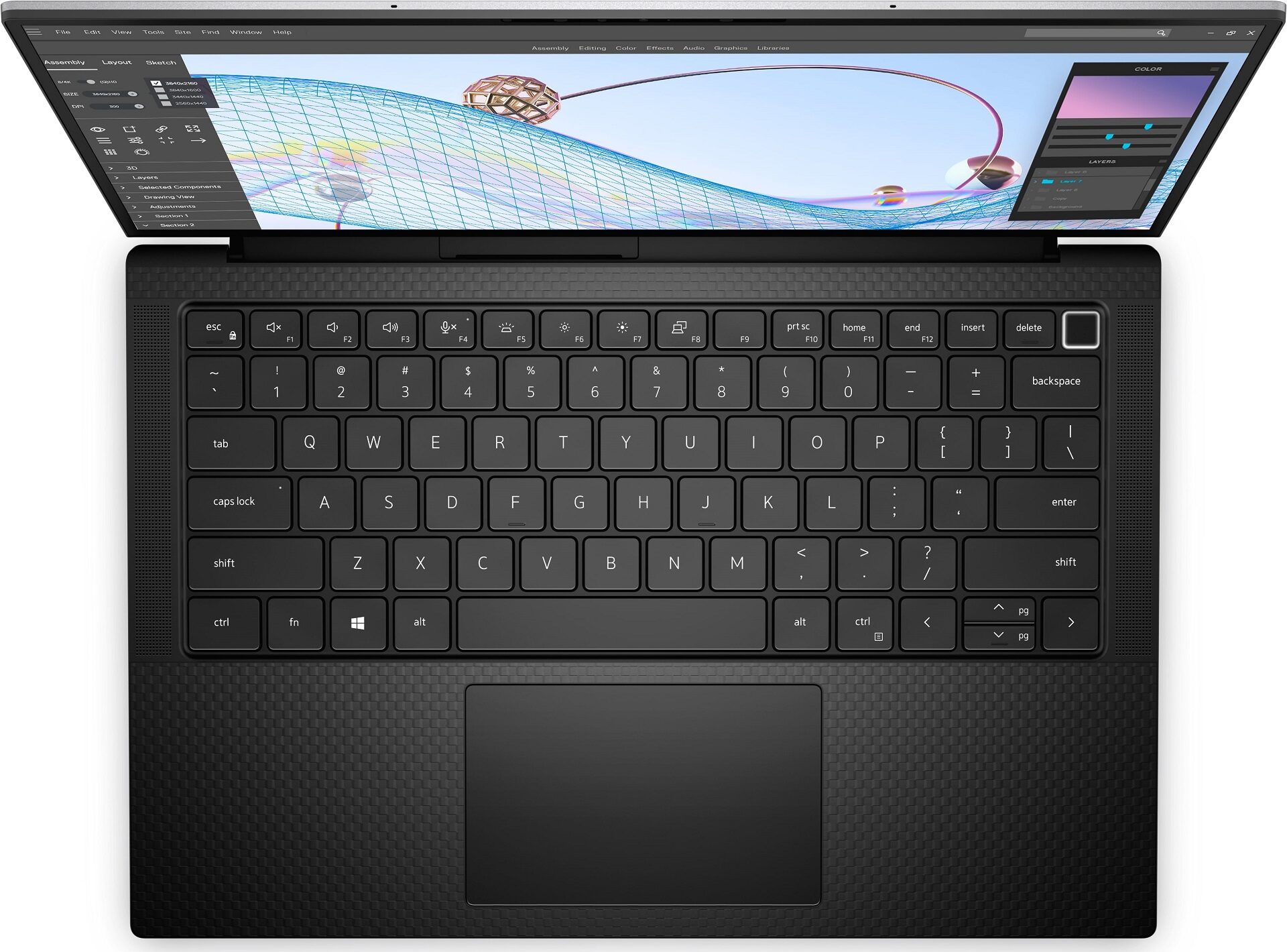
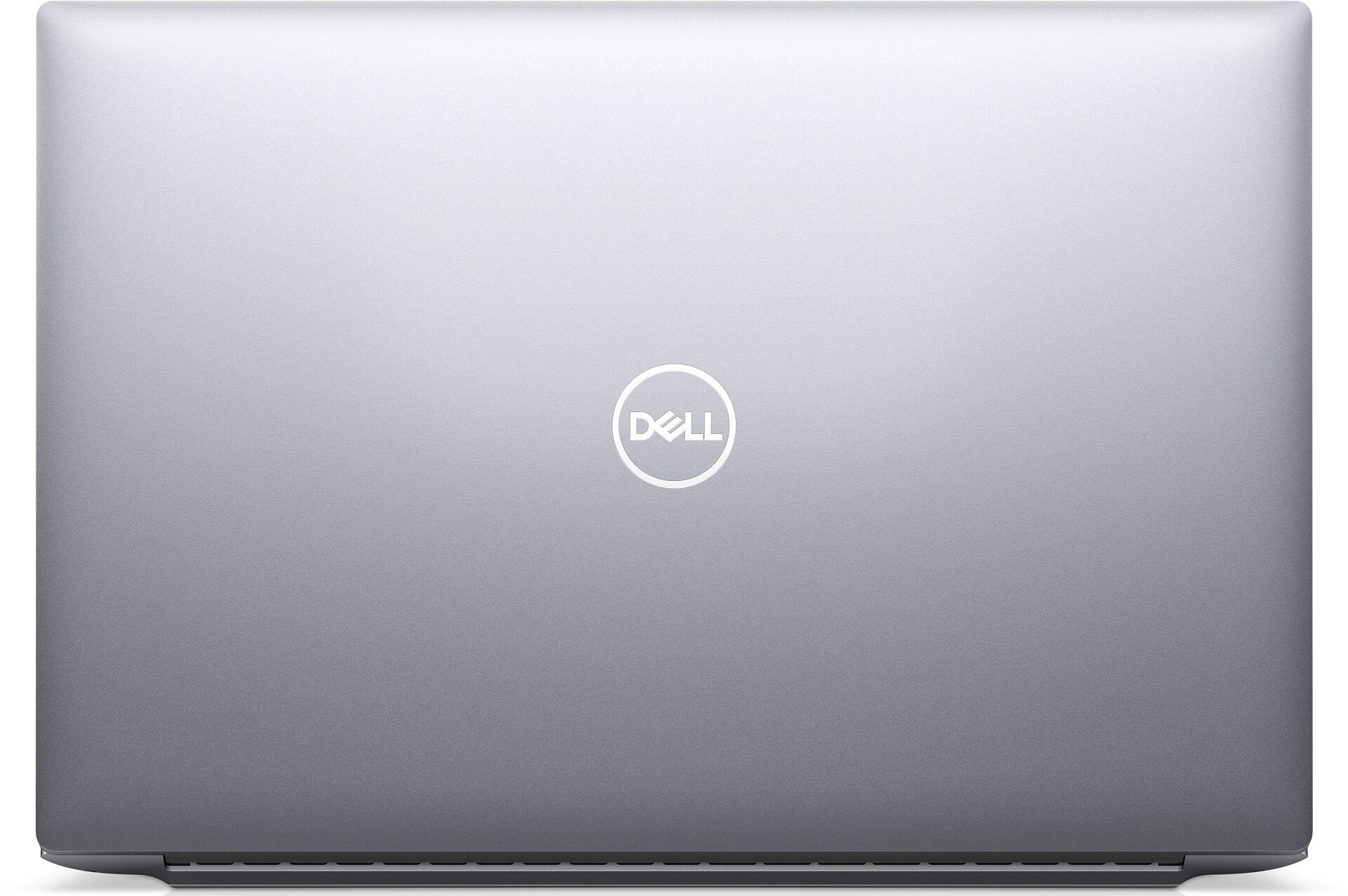
Dell Precision 5470
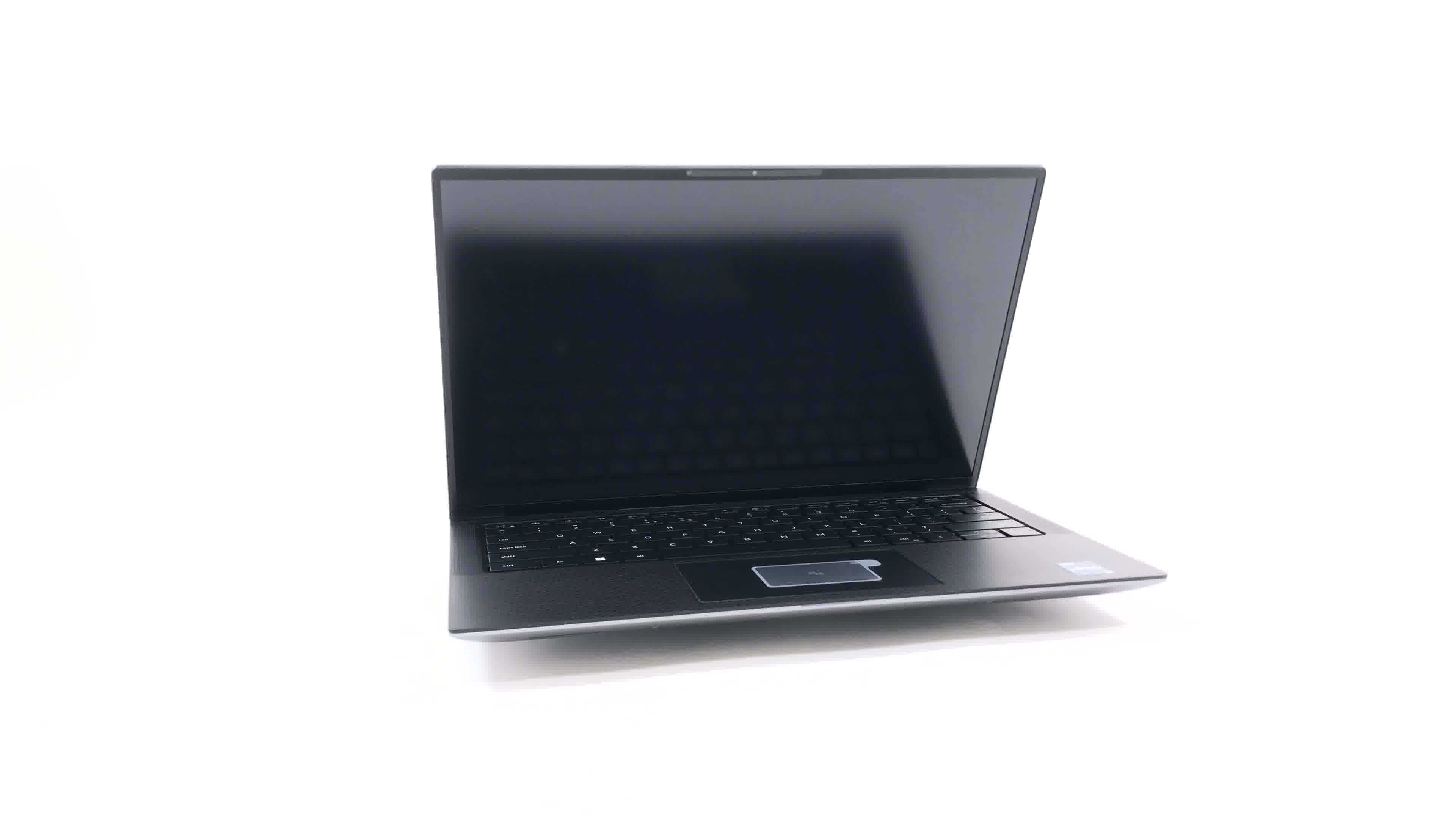

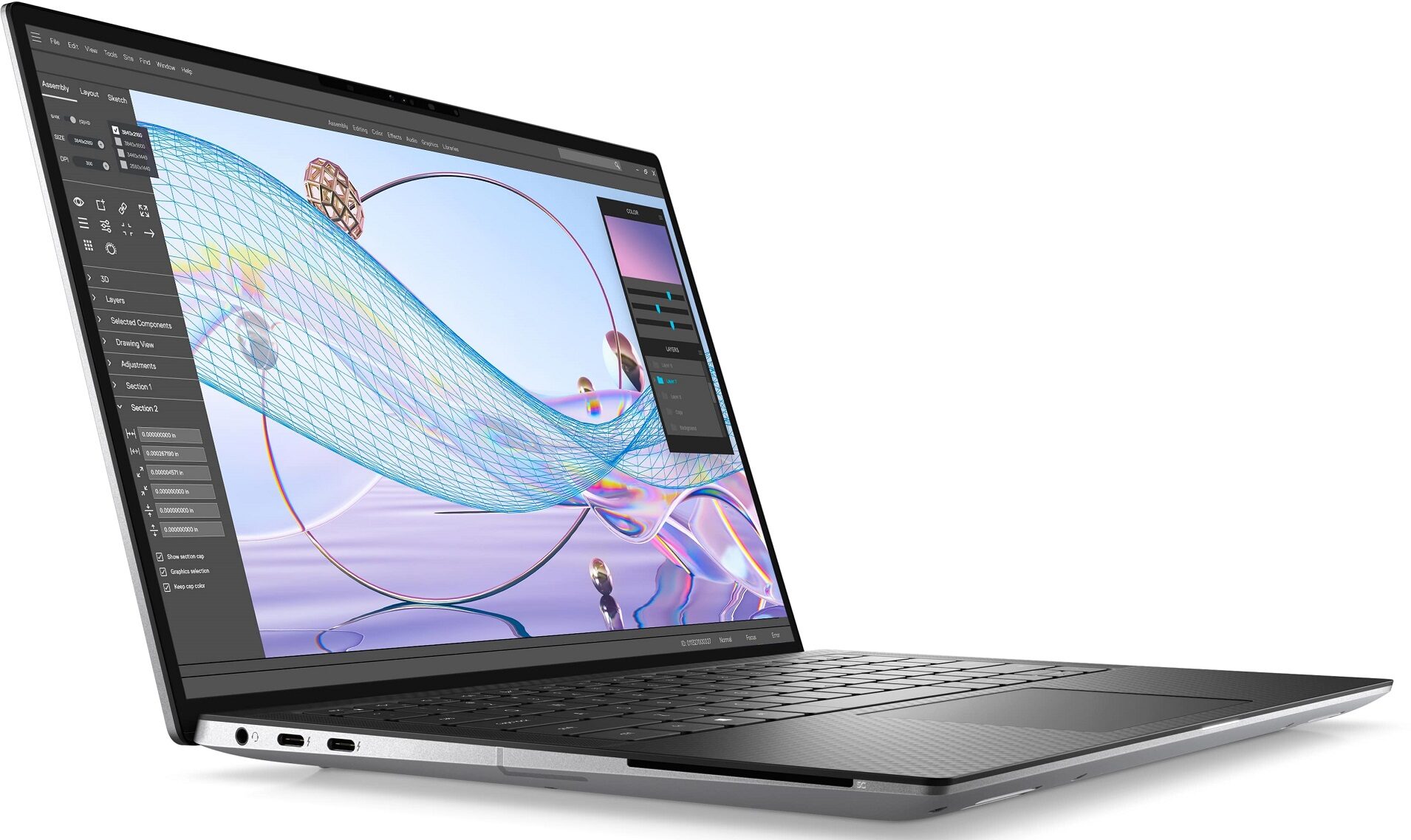
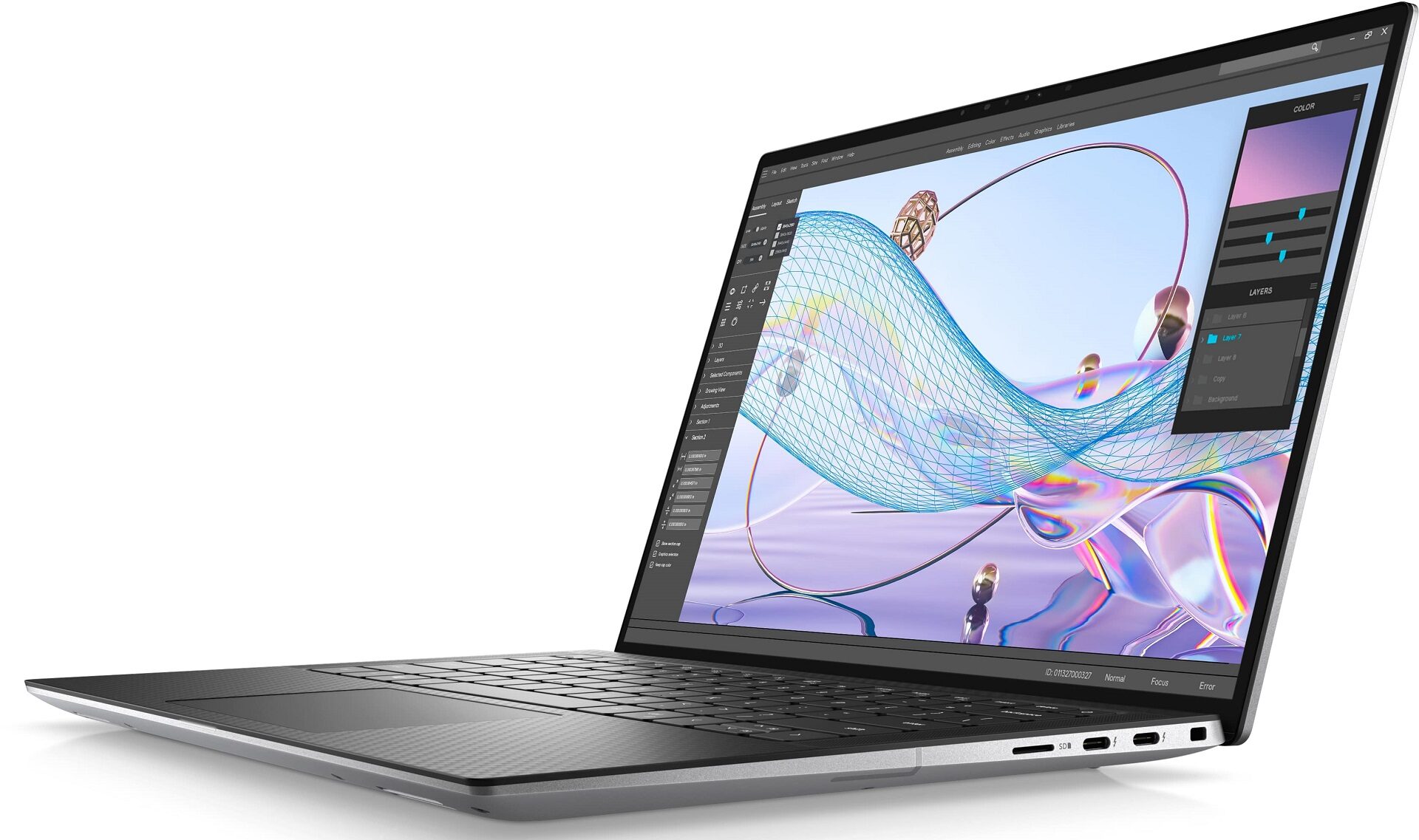
- Data publicării: 15 Dec 2022
- Intel Core i5-12500H
- Intel Iris Xe Graphics G7 (80EU)
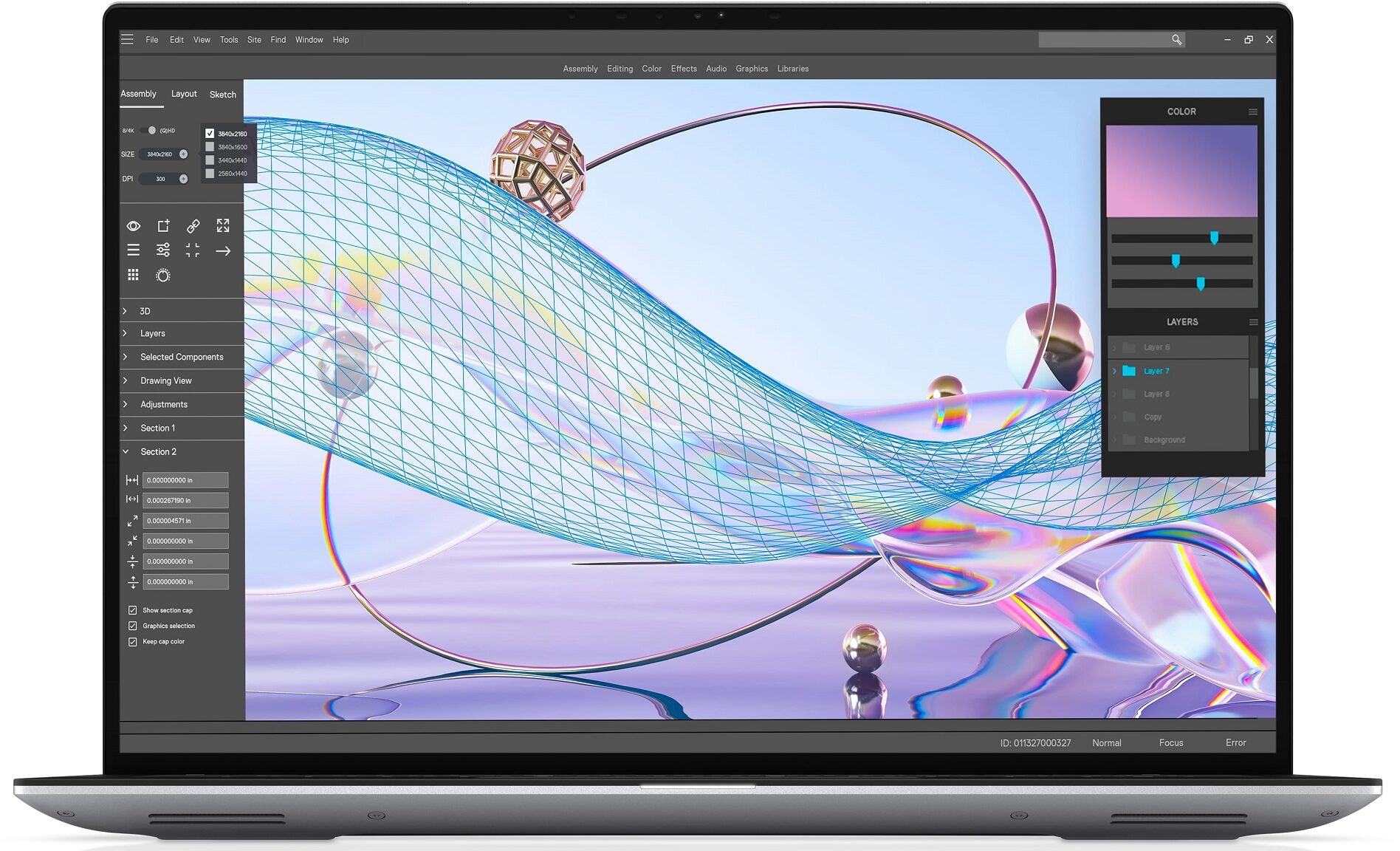
- 14.0”, WUXGA (1920 x 1200), IPS
- 4000GB SSD
- 64GB LPDDR5
- 1.48 kg (3.3 lbs)
Dell Precision 14 5470 recenzie detaliată
Dell's Precision lineup is probably the most popular workstation family of notebooks on the market. Its notorious reliability and pro app integration are second to none. Today, we have the Precision 14 5470, which is an incredibly portable mobile workstation. Not only does Dell offer it with two [...]
Citește recenzia completă
Recenzie
Dell Precision 5470 recenzie detaliată
Dell's Precision lineup is probably the most popular workstation family of notebooks on the market. Its notorious reliability and pro app integration are second to none. Today, we have the Precision 14 5470, which is an incredibly portable mobile workstation.Not only does Dell offer it with two display options, but they are both comparable in specs, only differing in resolutions. Its IPS panels should be perfect for content creation, and any color-related work. Well, at least on paper. In the following paragraphs, we are going to put it through its paces and show you its true self.Before that, we have to mention its hardware. The manufacturer has picked the Alder Lake-H processors, both with vPro and without vPro support. And for graphics, you have the opportunity to get the pro-g[...]
Citește recenzia completăAvantaje
- Strong body build of carbon fiber and aluminum
- Virtually bezel-less screen
- 400+ nits maximum brightness, 100% sRGB coverage (AUO J83VF-B140UAN (AUOF99A))
- Accurate color representation with our Gaming and Web design profile (AUO J83VF-B140UAN (AUOF99A))
- Thin and light
- Great keyboard
- Fingerprint reader embedded in the power button and an optional IR face recognition system
- Four Thunderbolt 4 connectors, USB Type-C charging, and a MicroSD card reader (+ tiny dongle inside the box)
- Decent battery life
Dezavantaje
- Can't extract 100% of the hardware it comes with
- Expensive
- Soldered memory
Opțiuni de dezasamblare, întreținere și upgrade
This is not a typical workstation. It has a high build quality and everything, but there is practically no memory upgradeability. Thankfully, you can configure it with up to 64GB prepurchase, so make sure you make the right choice for yourself.Check out all Dell Precision 14 5470 prices and configurations in our Specs System, or read more in our In-Depth review.1. Remove the bottom plate To access this device's internals, you need to undo 8 Torx-head screws. Then, carefully pry your way around the laptop with a plastic tool. It's best to start from the front corners.2. Rem[...]
Citește mai mult
Ecran: 14.0-inch, 1920 x 1200, IPS
- Nume
- AUO J83VF-B140UAN (AUOF99A)
- Diagonală
- 14.0"
- Densitate pixeli
- 161.73 ppi
- Luminozitate
- 452 cd/m2
- sRGB
- 99%
- Tip Panou
- IPS
- Rezoluție
- 1920 x 1200
- Devine "Retina" de la
- 21 inches (54 cm)
- Contrast
- 1800:1
- dE Color Checker
- 2.8 1.4

Cumpără profilurile noastre pentru AUO J83VF-B140UAN (AUOF99A)
Pe lângă primirea de profiluri eficiente și prietenoase cu sănătatea, prin cumpărarea produselor LaptopMedia sprijiniți și dezvoltarea laboratoarelor noastre, unde testăm dispozitive pentru a produce cele mai obiective recenzii posibile.

Office Work
Office Work ar trebui folosit în principal de utilizatorii care petrec cea mai mare parte a timpului uitându-se la texte, tabele sau pur și simplu navigând. Acest profil urmărește să ofere o distincție și o claritate mai bună prin menținerea unei curbe gamma plate (2.20), a temperaturii native a culorii și a culorilor perceptiv exacte.

Design and Gaming
Acest profil se adresează designerilor care lucrează profesional cu culorile, precum și pentru jocuri și filme. Design and Gaming duce panourile de afișaj la limitele lor, făcându-le cât mai precise posibil în standardul sRGB IEC61966-2-1 pentru Web și HDTV, la punctul de alb D65.

Health-Guard
Health-Guard elimină modulația dăunătoare a lățimii impulsului (PWM) și reduce lumina albastră negativă care ne afectează ochii și corpul. Deoarece este personalizat pentru fiecare panou, reușește să mențină culorile perceptiv exacte. Health-Guard simulează hârtia, astfel încât presiunea asupra ochilor este redusă considerabil.





