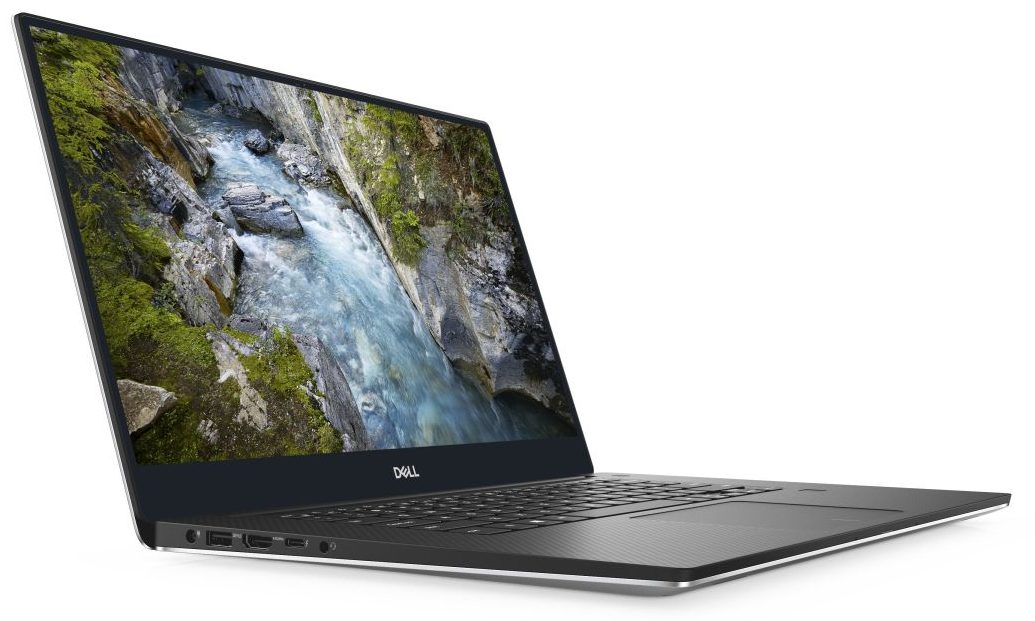
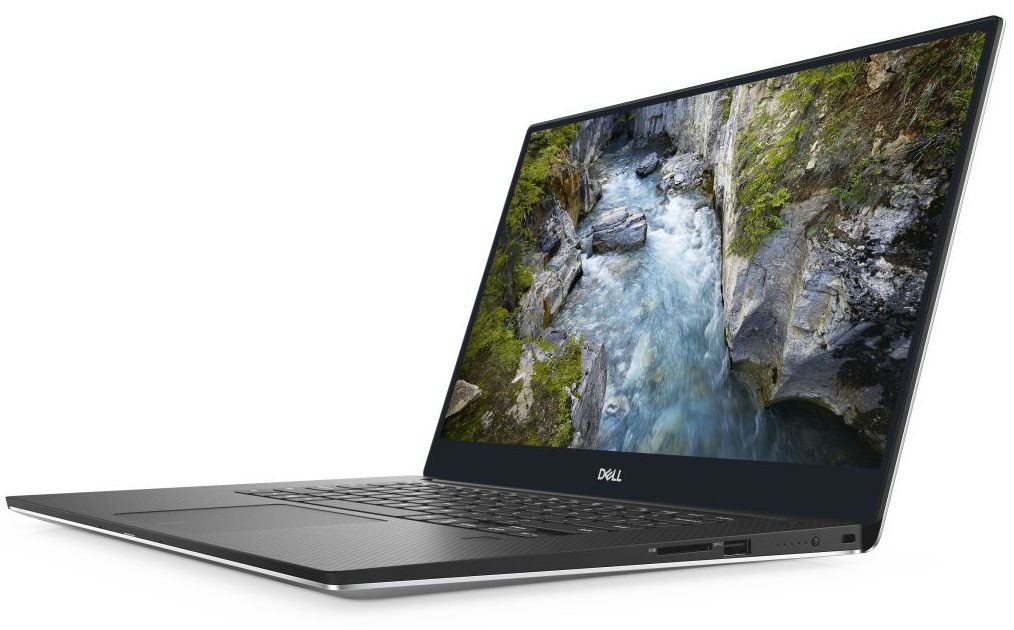
Dell Precision 5540
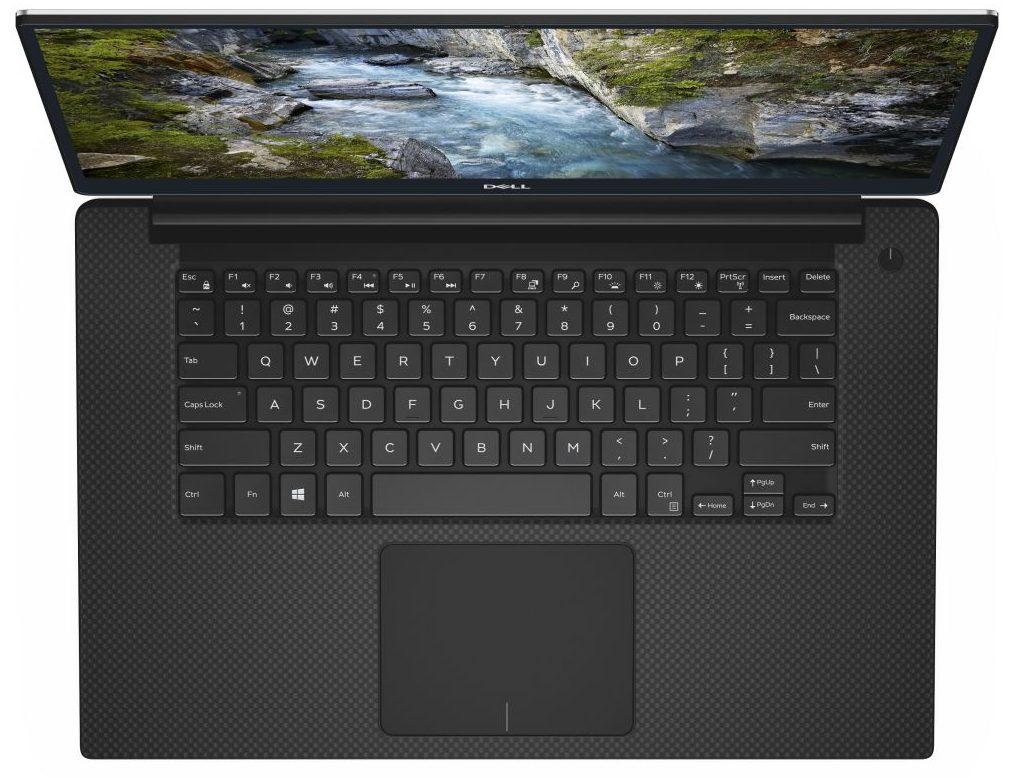
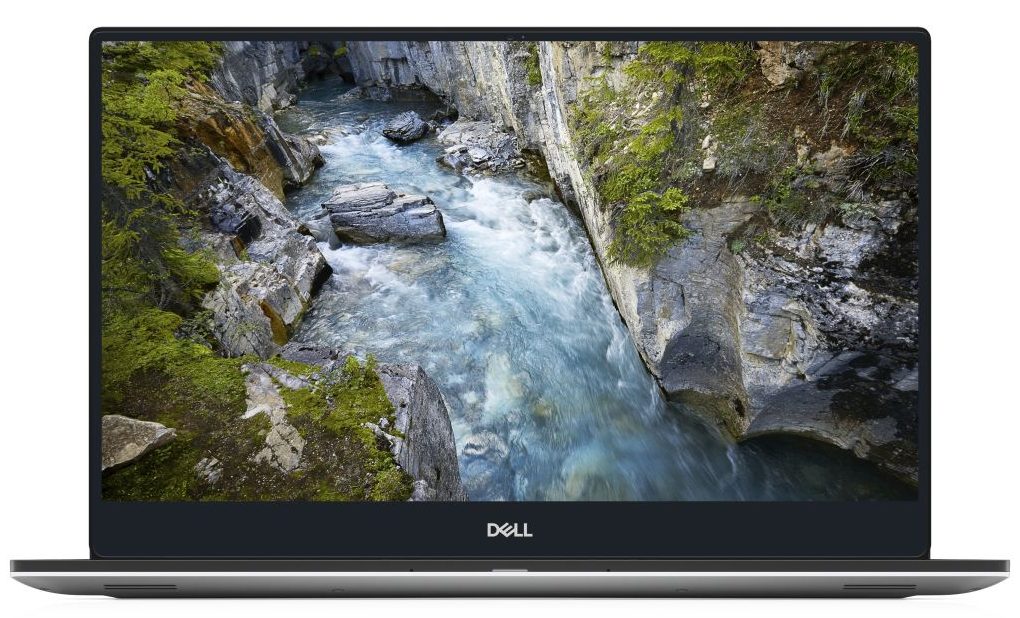
- Data publicării: 14 Nov 2019
- Intel Core i5-9400H
- NVIDIA Quadro T2000 (4GB GDDR5)
- 15.6”, Full HD (1920 x 1080), IPS
- 256GB SSD
- 8GB DDR4
- 1.80 kg (4 lbs)
Dell Precision 15 5540 recenzie detaliată
Dell seems to be really proud of its 15-inch XPS laptop design, as they not only used it for the XPS 15 7590 for the fifth year in a row, but they also use it do build the Precision 5540 around it. As they did for the Precision 5520 before that. No need for further ranting, however, because we are [...]
Citește recenzia completă
Recenzie
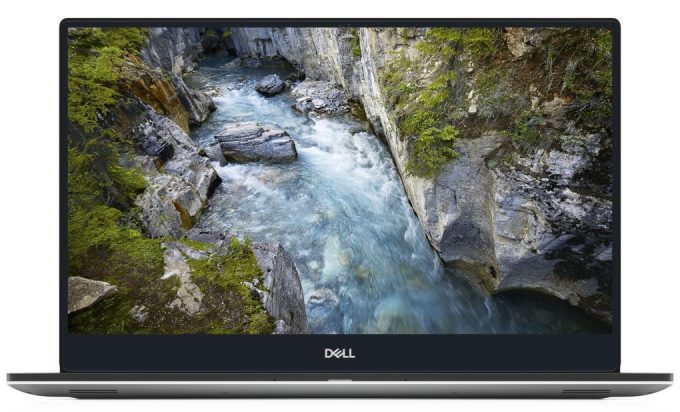
Dell Precision 5540 recenzie detaliată
Dell seems to be really proud of its 15-inch XPS laptop design, as they not only used it for the XPS 15 7590 for the fifth year in a row, but they also use it do build the Precision 5540 around it. As they did for the Precision 5520 before that. No need for further ranting, however, because we are not here to discuss the internal politics of manufacturers, but to focus on the specific device and give you our honest take on it.So, what is the Precision 5540 and who is it for? Well, this notebook is a professional tool, for people that work with CAD software, video editors, programmers, designers and much more. It can be configured with a Core i9-9880H or Core i9-9980HK, as well as a Quadro T2000 graphics card. Now if that is not the Thor hammer of thin and light laptops, we don't know [...]
Citește recenzia completăAvantaje
- Sturdy premium design, combining aluminum with carbon fiber
- Powerful hardware and a professional Quadro GPU inside
- M.2 supports PCIe x4 drives
- Easy to upgrade
- Covers 94% of sRGB and our Gaming and Web design profile makes it appropriate for color-sensitive work (SHP14BA (MWP1T-LQ156M1))
- Our Gaming and Web design profile helps it reach an Average dE of 0.7 (SHP14BA (MWP1T-LQ156M1))
- Optional IR face recognition and fingerprint reader
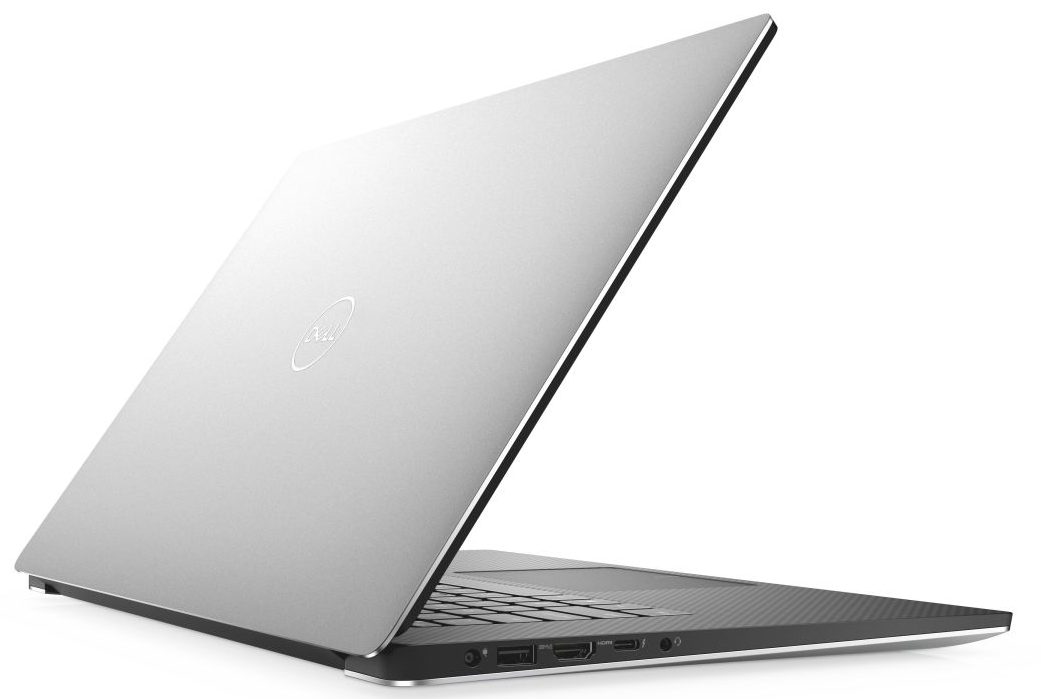
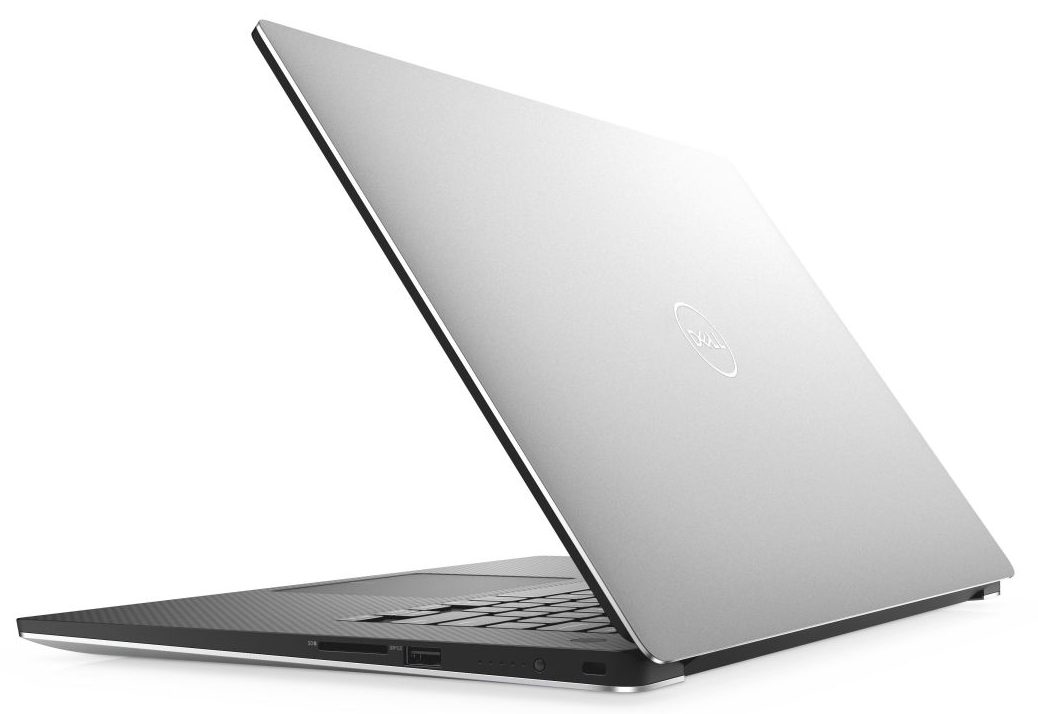
- Has an SD card slot and a Thunderbolt 3 port onboard
Dezavantaje
- High price
- Gets warm on the outside under heavy load
- Uses aggressive PWM to adjust the brightness until 140 nits (our Health-Guard profile fixes that) (SHP14BA (MWP1T-LQ156M1))
Opțiuni de dezasamblare, întreținere și upgrade
The Precision series has always been a symbol of Dell's workstation machines. However, their latest 5000-devices share the same design as the XPS lineup. So, a question arises - are they the same on the inside as well?Check out all Dell Precision 5540 prices and configurations in our Specs System or read more in our In-Depth review.1. Remove the bottom plate Unsurprisingly, getting inside of this device is pretty much the same job as disassembling the XPS 15 7590. Remove 10 Torx-headed screws, then lift the little lid and remove two Phillips-head ones. After that, gently pry the[...]
Citește mai mult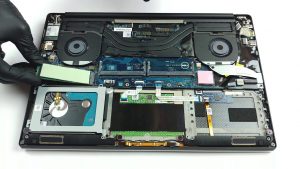
Ecran: 15.6-inch, 1920 x 1080, IPS
- Nume
- SHP14BA (MWP1T-LQ156M1)
- Diagonală
- 15.6"
- Densitate pixeli
- 141.21 ppi
- Refresh rate
- 60 Hz
- Luminozitate
- 584 cd/m2
- sRGB
- 94%
- Tip Panou
- IPS
- Rezoluție
- 1920 x 1080
- Devine "Retina" de la
- 24 inches (62 cm)
- Contrast
- 1350:1
- dE Color Checker
- 3.8 1.1

Cumpără profilurile noastre pentru SHP14BA (MWP1T-LQ156M1)
Pe lângă primirea de profiluri eficiente și prietenoase cu sănătatea, prin cumpărarea produselor LaptopMedia sprijiniți și dezvoltarea laboratoarelor noastre, unde testăm dispozitive pentru a produce cele mai obiective recenzii posibile.

Office Work
Office Work ar trebui folosit în principal de utilizatorii care petrec cea mai mare parte a timpului uitându-se la texte, tabele sau pur și simplu navigând. Acest profil urmărește să ofere o distincție și o claritate mai bună prin menținerea unei curbe gamma plate (2.20), a temperaturii native a culorii și a culorilor perceptiv exacte.

Design and Gaming
Acest profil se adresează designerilor care lucrează profesional cu culorile, precum și pentru jocuri și filme. Design and Gaming duce panourile de afișaj la limitele lor, făcându-le cât mai precise posibil în standardul sRGB IEC61966-2-1 pentru Web și HDTV, la punctul de alb D65.

Health-Guard
Health-Guard elimină modulația dăunătoare a lățimii impulsului (PWM) și reduce lumina albastră negativă care ne afectează ochii și corpul. Deoarece este personalizat pentru fiecare panou, reușește să mențină culorile perceptiv exacte. Health-Guard simulează hârtia, astfel încât presiunea asupra ochilor este redusă considerabil.





