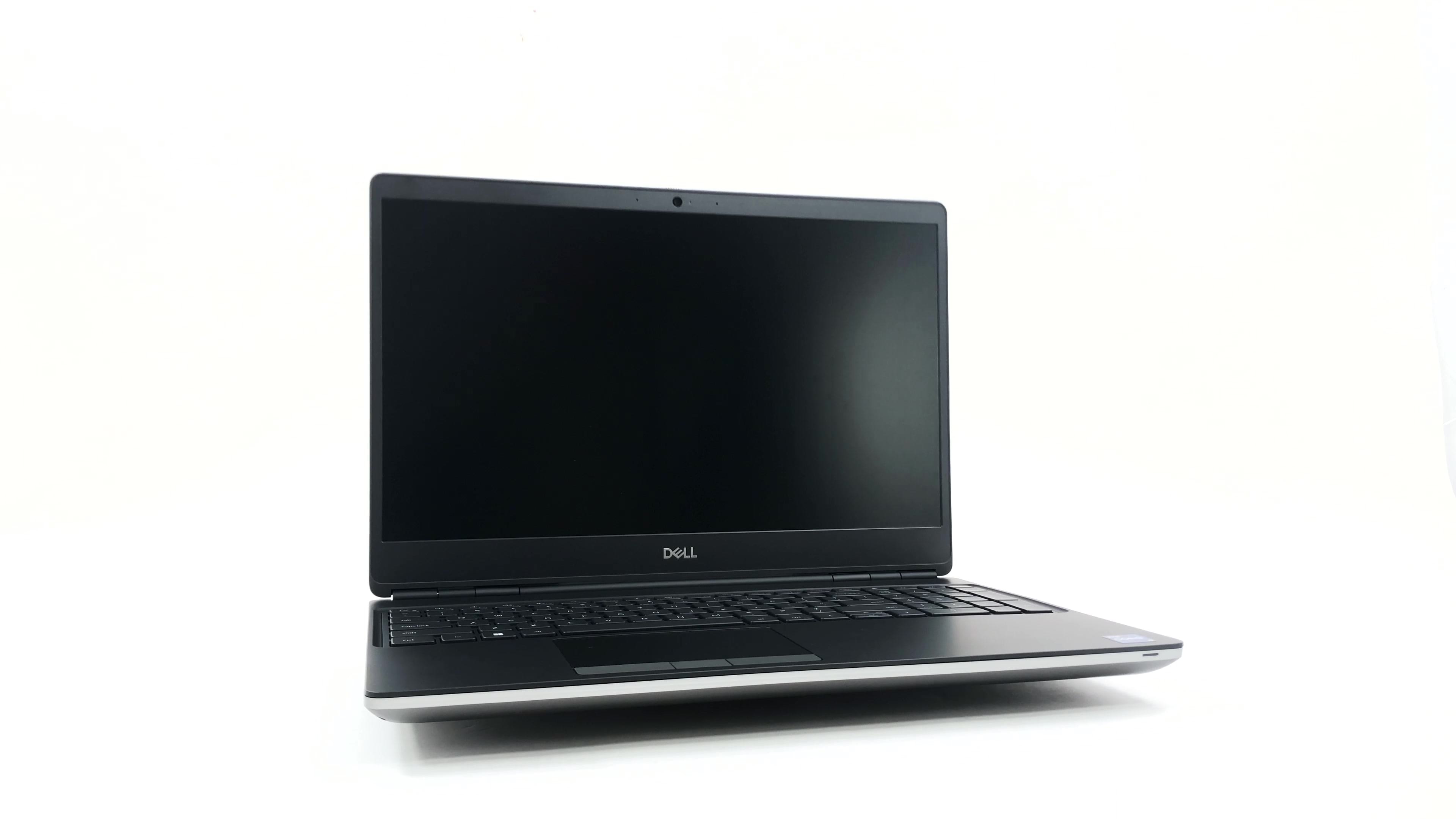
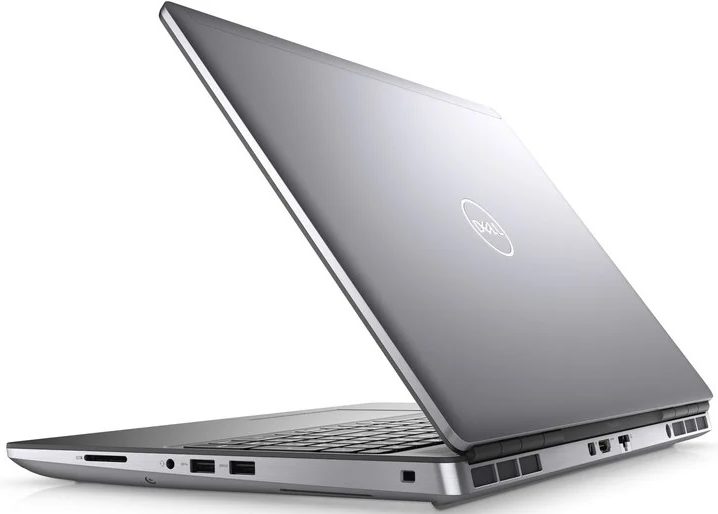
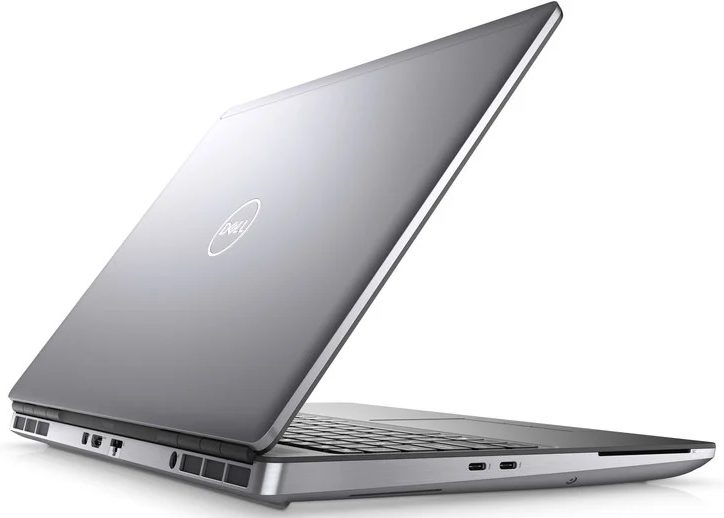
Dell Precision 7560

- Data publicării: 31 May 2021
- Intel Core i5-11500H
- Intel UHD Graphics Xe 750 (32EU)
- 15.6”, Full HD (1920 x 1080), IPS
- 4000GB SSD
- 4x 32GB DDR4, 3200 MHz
- 2.49 kg (5.5 lbs)
Dell Precision 15 7560 recenzie detaliată
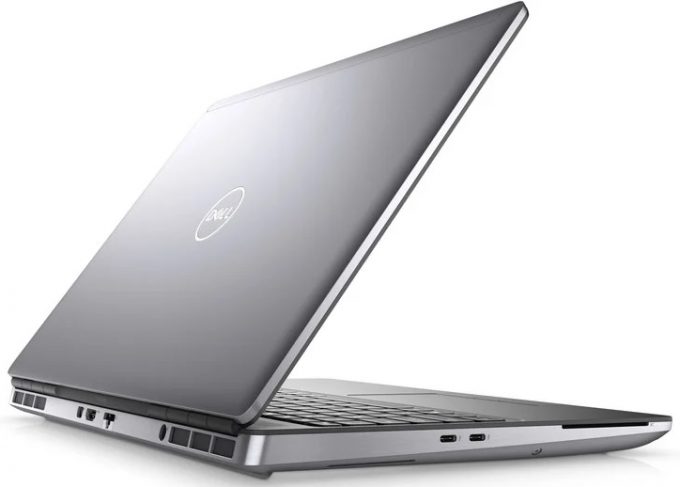
Better late than never, right? We have finally gotten ourselves a proper workstation from Dell. It is called the Precision 15 7560, and it is a very special specimen. For once, it resembles the old-fashion two-color finish and the cylindrical hinges. Yet, it incorporates some modern features like [...]
Citește recenzia completă
Recenzie
Dell Precision 7560 recenzie detaliată
Better late than never, right? We have finally gotten ourselves a proper workstation from Dell. It is called the Precision 15 7560, and it is a very special specimen. For once, it resembles the old-fashion two-color finish and the cylindrical hinges. Yet, it incorporates some modern features like sharp edges and narrow side bezels.On the other hand, it is quite obvious that the visuals are the least important thing about this device. It is meant to do work. To make sure you get the best experience in this regard, Dell provides you with a ton of processor options. They come from the Tiger Lake-H45 family and offer a choice between Core and Xeon processors.Usually, heavy-duty workstations are being used for stuff spanning large data analysis, 3D modeling, or rendering huge files. To[...]
Citește recenzia completăAvantaje
- Up to 128GB of DDR4 (with ECC support) + three M.2 slots (Up to 10TB max)
- Capable hardware
- Fingerprint reader + optional IR face recognition and 5G connectivity
- SD card reader + 2x Thunderbolt 4 + HDMI 2.1
- Packs good security features
- Great input devices
- Fantastic battery life
Dezavantaje
- Slightly larger footprint than usual
- Uses PWM for brightness adjustment
Opțiuni de dezasamblare, întreținere și upgrade
The Precision 15 7560 is a proper workstation. As such, it has a ton of memory and storage expansion potential. Take a look!Check out all Dell Precision 15 7560 prices and configurations in our Specs System or read more in our In-Depth review.1. Service door Interestingly, you can access one of the M.2 ports via a service door. To take the SSD out, flick the security bracket and undo two Phillips-head screws.2. Remove the bottom plate If you need to go even further, undo all 8 captive Phillips-head screws, and pop the bottom panel open.3. Battery Inside, you will s[...]
Citește mai mult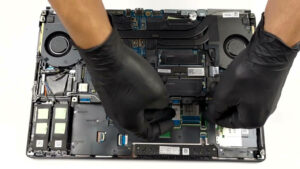
Ecran: 15.6-inch, 1920 x 1080, IPS
- Nume
- BOE 66XPP-NV15N4R (BOE08CF)
- Diagonală
- 15.6"
- Densitate pixeli
- 141.21 ppi
- Refresh rate
- 60 Hz
- Luminozitate
- 440 cd/m2
- sRGB
- 99%
- Tip Panou
- IPS
- Rezoluție
- 1920 x 1080
- Devine "Retina" de la
- 24 inches (62 cm)
- Contrast
- 830:1
- dE Color Checker
- 8.0 2.0

Cumpără profilurile noastre pentru BOE 66XPP-NV15N4R (BOE08CF)
Pe lângă primirea de profiluri eficiente și prietenoase cu sănătatea, prin cumpărarea produselor LaptopMedia sprijiniți și dezvoltarea laboratoarelor noastre, unde testăm dispozitive pentru a produce cele mai obiective recenzii posibile.

Office Work
Office Work ar trebui folosit în principal de utilizatorii care petrec cea mai mare parte a timpului uitându-se la texte, tabele sau pur și simplu navigând. Acest profil urmărește să ofere o distincție și o claritate mai bună prin menținerea unei curbe gamma plate (2.20), a temperaturii native a culorii și a culorilor perceptiv exacte.

Design and Gaming
Acest profil se adresează designerilor care lucrează profesional cu culorile, precum și pentru jocuri și filme. Design and Gaming duce panourile de afișaj la limitele lor, făcându-le cât mai precise posibil în standardul sRGB IEC61966-2-1 pentru Web și HDTV, la punctul de alb D65.

Health-Guard
Health-Guard elimină modulația dăunătoare a lățimii impulsului (PWM) și reduce lumina albastră negativă care ne afectează ochii și corpul. Deoarece este personalizat pentru fiecare panou, reușește să mențină culorile perceptiv exacte. Health-Guard simulează hârtia, astfel încât presiunea asupra ochilor este redusă considerabil.





