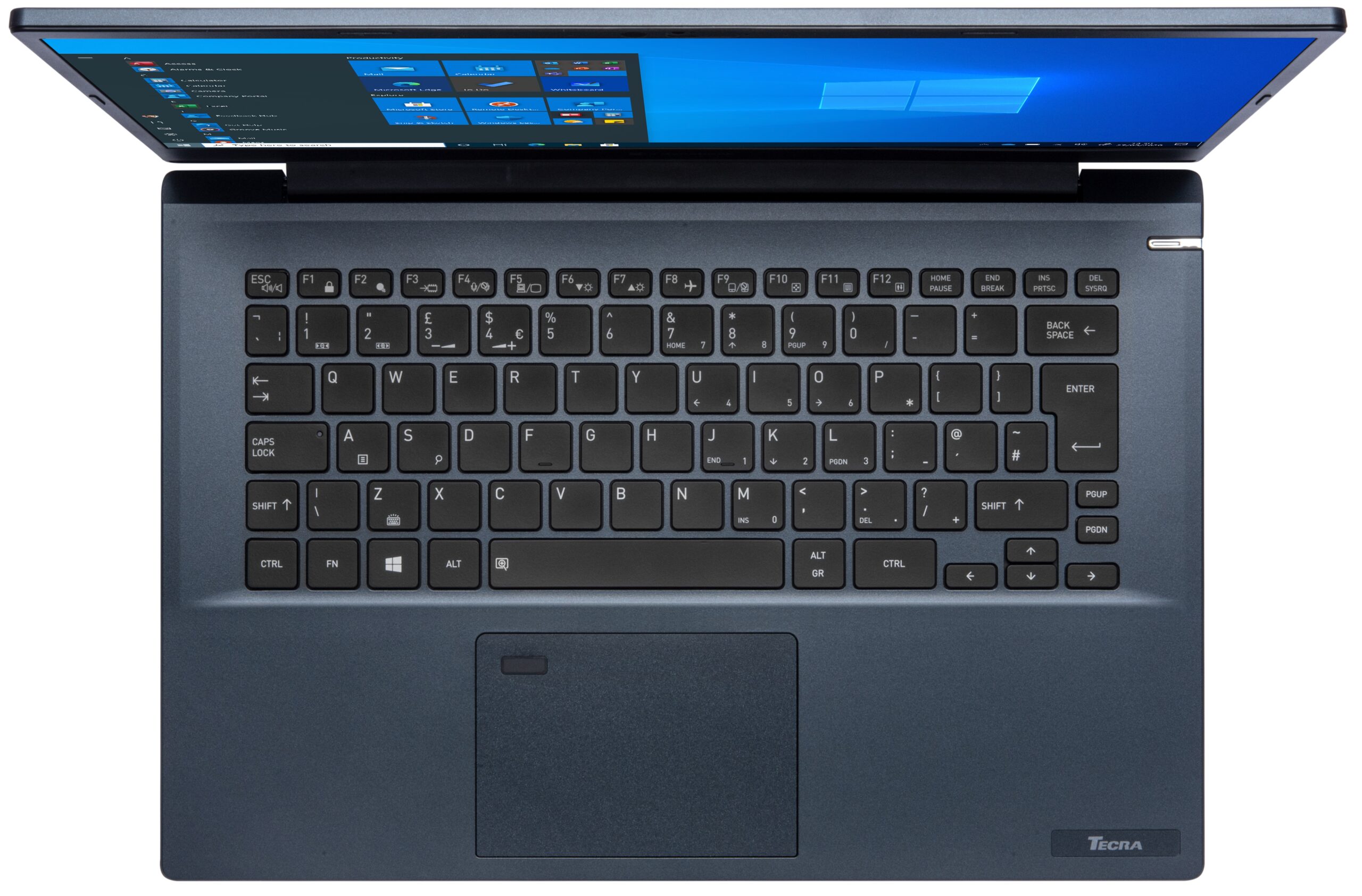
Dynabook Tecra A40-J


- Data publicării: 29 May 2025
- Intel Core i5-1135G7
- Intel Iris Xe Graphics G7 (80EU)
- 14.0”, Full HD (1920 x 1080), IPS
- 512GB SSD
- 8GB RAM
- 1.45 kg (3.2 lbs)

Recenzie
Dynabook Tecra A40-J recenzie detaliată
Dynabook, Toshiba, call it whatever you want, this brand specializes in business notebooks, and today's device is no different. It is the Tecra A40-J, and it doesn't look particularly outstanding on the outside.However, Dynabook states that their laptop is painted in an antimicrobial paint that, as the name suggests, inhibits the growth of bacteria on its surface. Additionally, it is compliant with the MIL-STD-810H durability tests.When it comes to performance, you are covered by a Tiger Lake-U chip. Provided you are happy to invest more money, you can pair it with the Core i7-1165G7. It is a pretty capable processor, with an iGPU that bests even some dedicated solutions. Also, it's good to see that the laptop comes with a 1080p IPS panel.So let's see what was Dynabook able to[...]
Citește recenzia completă
Avantaje
- Capable cooling and decent performance
- Privacy shutter + Fingerprint reader
- 2x Thunderbolt 4 + MicroSD card reader
- No aggressive PWM (Chi Mei N140HCA-EAC (CNM14D4))
- Abundance of ports
- Decent upgrade options
Dezavantaje
- Unsatisfactory speakers
- 53% of sRGB coverage (Chi Mei N140HCA-EAC (CNM14D4))
Opțiuni de dezasamblare, întreținere și upgrade
Dynabook is doing a great job with its business devices this year. This includes the upgradeability and the ease of access of the internals.Check out all Dynabook Tecra A40-J prices and configurations in our Specs System or read more in our In-Depth review.1. Remove the bottom plate This laptop's bottom panel is held in place by 9 Phillips-head screws. After you undo them, you have to pry the bottom panel with a plastic tool.2. Battery Inside, you will find a 53Wh battery. It lasted us for 10 hours of Web browsing, or 7 hours of video playback. If you want to take the bat[...]
Citește mai mult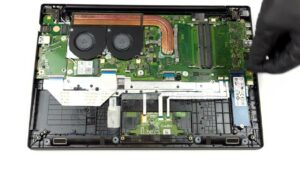
Ecran: 14.0-inch, 1920 x 1080, IPS
- Nume
- Innolux N140HCA-EAC
- Diagonală
- 14.0"
- Densitate pixeli
- 157.35 ppi
- Luminozitate
- 265 cd/m2
- sRGB
- 52%
- Tip Panou
- IPS
- Rezoluție
- 1920 x 1080
- Devine "Retina" de la
- 22 inches (56 cm)
- Contrast
- 1300:1
- dE Color Checker
- 5.8 3.5

Cumpără profilurile noastre pentru Innolux N140HCA-EAC
Pe lângă primirea de profiluri eficiente și prietenoase cu sănătatea, prin cumpărarea produselor LaptopMedia sprijiniți și dezvoltarea laboratoarelor noastre, unde testăm dispozitive pentru a produce cele mai obiective recenzii posibile.

Office Work
Office Work ar trebui folosit în principal de utilizatorii care petrec cea mai mare parte a timpului uitându-se la texte, tabele sau pur și simplu navigând. Acest profil urmărește să ofere o distincție și o claritate mai bună prin menținerea unei curbe gamma plate (2.20), a temperaturii native a culorii și a culorilor perceptiv exacte.
Design and Gaming
Acest profil se adresează designerilor care lucrează profesional cu culorile, precum și pentru jocuri și filme. Design and Gaming duce panourile de afișaj la limitele lor, făcându-le cât mai precise posibil în standardul sRGB IEC61966-2-1 pentru Web și HDTV, la punctul de alb D65.

Health-Guard
Health-Guard elimină modulația dăunătoare a lățimii impulsului (PWM) și reduce lumina albastră negativă care ne afectează ochii și corpul. Deoarece este personalizat pentru fiecare panou, reușește să mențină culorile perceptiv exacte. Health-Guard simulează hârtia, astfel încât presiunea asupra ochilor este redusă considerabil.