Microsoft Surface Laptop 4


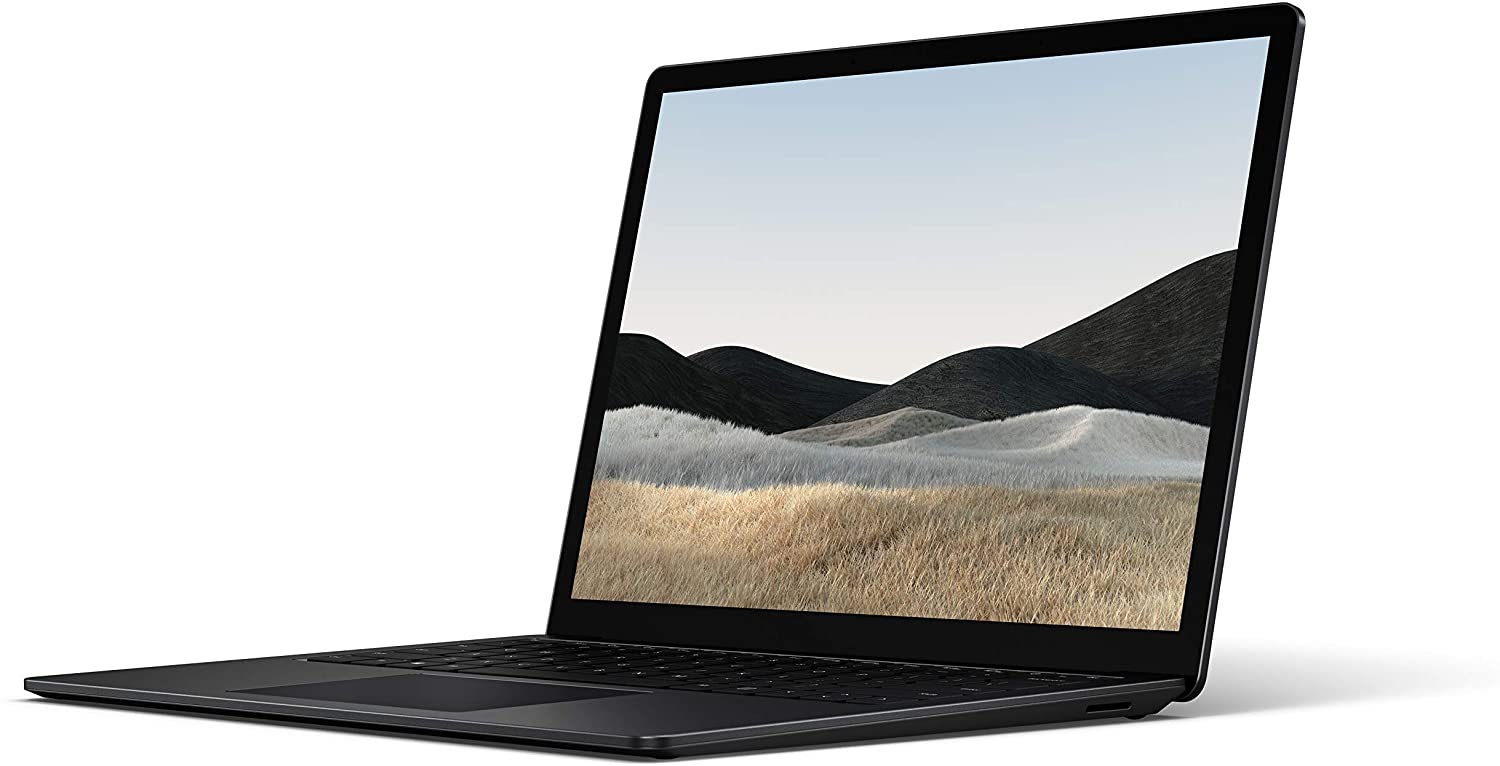
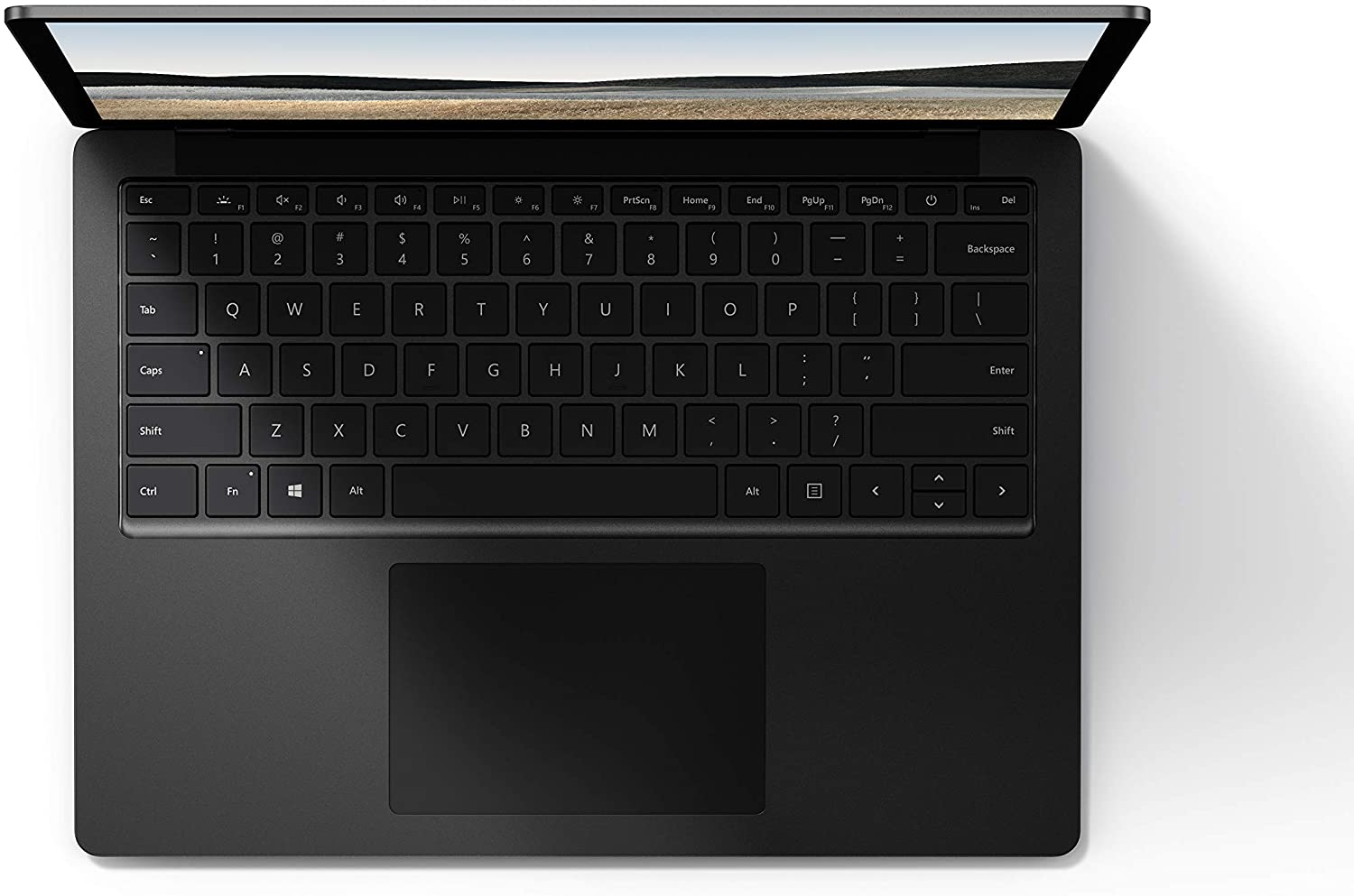
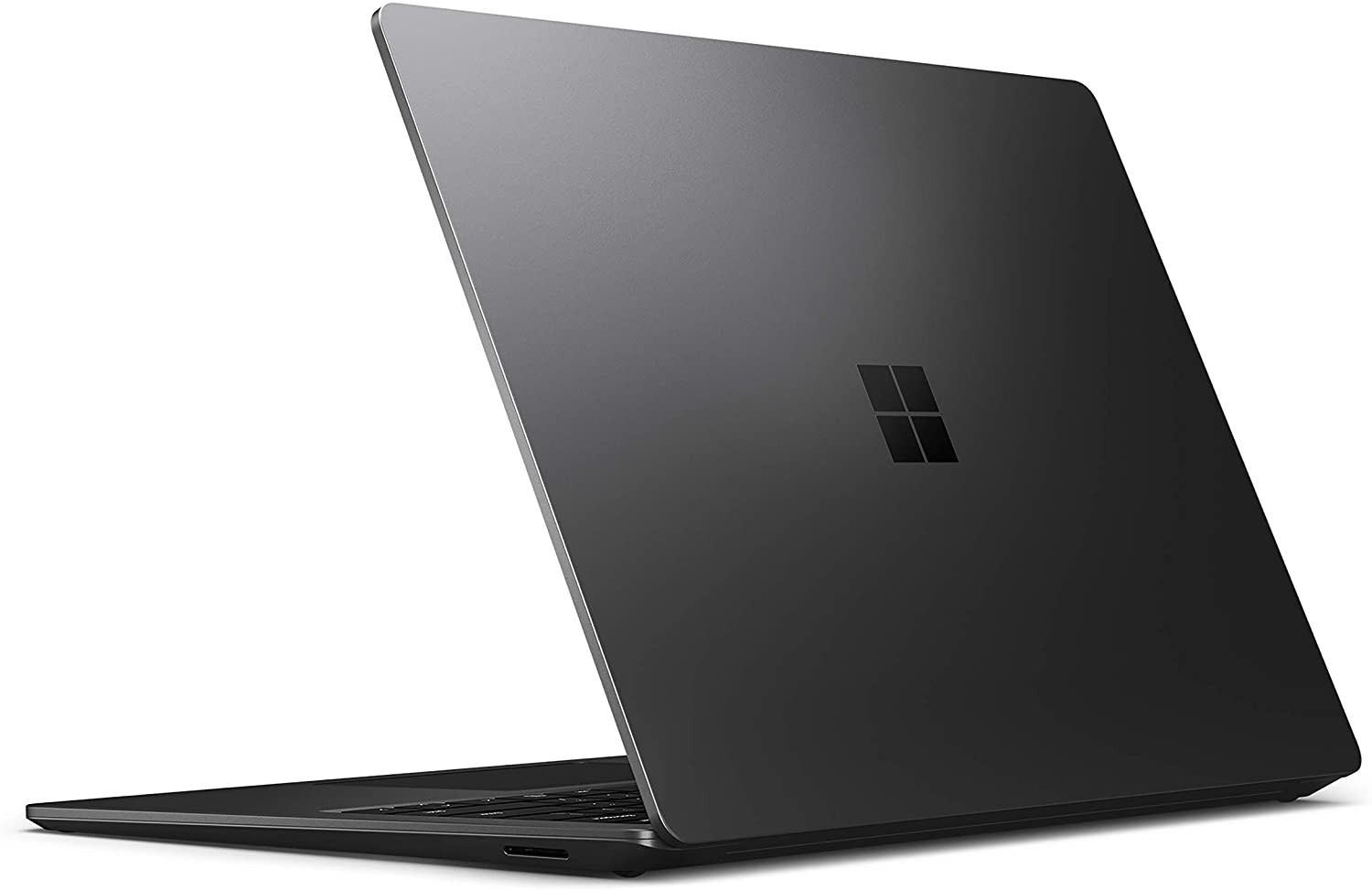

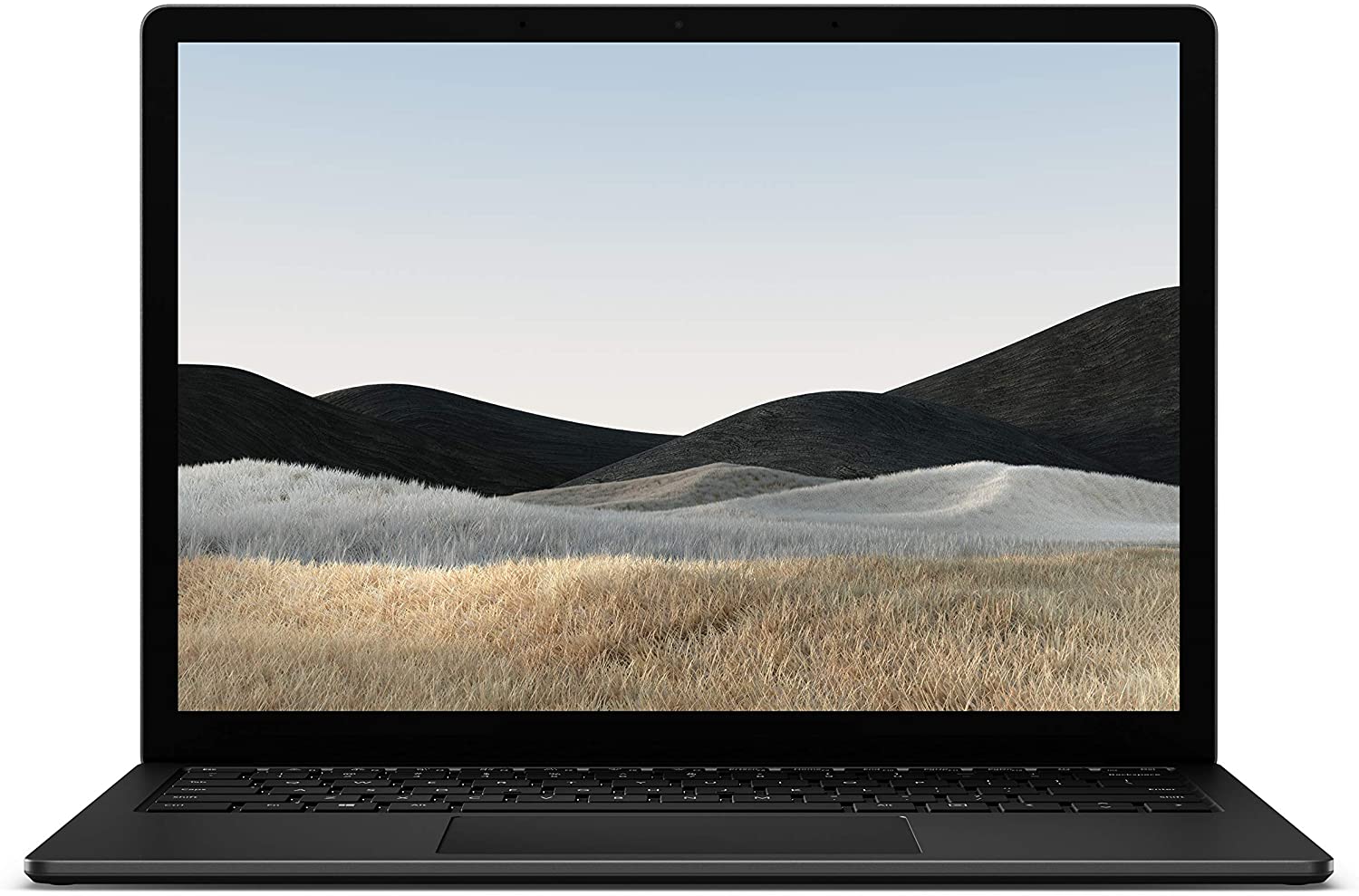
- Data publicării: 15 Apr 2021
- Intel Core i5-1135G7
- Intel Iris Xe Graphics G7 (80EU)
- 13.5”, PixelSense (2256 x 1504)
- 512GB SSD
- 8GB LPDDR4x
- 1.26 kg (2.8 lbs)
Microsoft Surface Laptop 4 (13.5") recenzie detaliată
In 2020 we tested the Microsoft Surface Laptop 3 (13.5″) and we concluded that the device has a premium build (and premium price tag), while it's light and potent at the same time. It seems that Microsoft is following the same formula for the successor - the Microsoft Surface Laptop 4 (13.5″). You [...]
Citește recenzia completă

Recenzie
Microsoft Surface Laptop 4 recenzie detaliată
In 2020 we tested the Microsoft Surface Laptop 3 (13.5″) and we concluded that the device has a premium build (and premium price tag), while it's light and potent at the same time. It seems that Microsoft is following the same formula for the successor - the Microsoft Surface Laptop 4 (13.5″). You know - if it ain't broke don't fix it. In this case, the new device looks like a decent hardware upgrade over the old machine.So, the good 13.5” PixelSense display is here again with its 3:2 aspect ratio which is very comfortable for Web browsing and office work. Hardware-wise, the new notebook relies on some Intel Tiger Lake UP3 CPUs and one AMD Zen 2 CPU variant, unlike the predecessor that can be configured with Ice Lake and Zen+ processors.Actually, the design seems pretty much (almos[...]
Citește recenzia completăAvantaje
- Tiger Lake UP3 CPUs
- Decent iGPU
- Good battery life
- Covers 95% sRGB (Sharp LQ135P1JX51 (SHP 14B3))
- Average dE value of 0.6 with our Gaming and Web design profile (Sharp LQ135P1JX51 (SHP 14B3))
- Doesn't use aggressive PWM to adjust screen brightness above 100 nits (Sharp LQ135P1JX51 (SHP 14B3))
- Work-friendly 3:2 aspect ratio and a touchscreen usability
Dezavantaje
- No SD card reader
- Soldered memory
- Expensive
- Basic I/O
Ecran: 13.5-inch, 2256 x 1504, IPS
- Nume
- Sharp LQ135P1JX51 (SHP14B3)
- Diagonală
- 13.5"
- Densitate pixeli
- 200.84 ppi
- Luminozitate
- 405 cd/m2
- sRGB
- 90%
- Tip Panou
- IPS
- Rezoluție
- 2256 x 1504
- Devine "Retina" de la
- 17 inches (44 cm)
- Contrast
- 1250:1
- dE Color Checker
- 2.0 0.8

Cumpără profilurile noastre pentru Sharp LQ135P1JX51 (SHP14B3)
Pe lângă primirea de profiluri eficiente și prietenoase cu sănătatea, prin cumpărarea produselor LaptopMedia sprijiniți și dezvoltarea laboratoarelor noastre, unde testăm dispozitive pentru a produce cele mai obiective recenzii posibile.

Office Work
Office Work ar trebui folosit în principal de utilizatorii care petrec cea mai mare parte a timpului uitându-se la texte, tabele sau pur și simplu navigând. Acest profil urmărește să ofere o distincție și o claritate mai bună prin menținerea unei curbe gamma plate (2.20), a temperaturii native a culorii și a culorilor perceptiv exacte.

Design and Gaming
Acest profil se adresează designerilor care lucrează profesional cu culorile, precum și pentru jocuri și filme. Design and Gaming duce panourile de afișaj la limitele lor, făcându-le cât mai precise posibil în standardul sRGB IEC61966-2-1 pentru Web și HDTV, la punctul de alb D65.

Health-Guard
Health-Guard elimină modulația dăunătoare a lățimii impulsului (PWM) și reduce lumina albastră negativă care ne afectează ochii și corpul. Deoarece este personalizat pentru fiecare panou, reușește să mențină culorile perceptiv exacte. Health-Guard simulează hârtia, astfel încât presiunea asupra ochilor este redusă considerabil.





