Inside Lenovo Legion 5 (15″, 2022) – disassembly and upgrade options
Legion 5 is one of the pinnacles of mobile gaming. As such, you get good upgrade options, and it is not too difficult to open.
Check out all Lenovo Legion 5 (15″, 2022) prices and configurations in our Specs System, or read more in our In-Depth review.
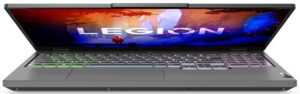
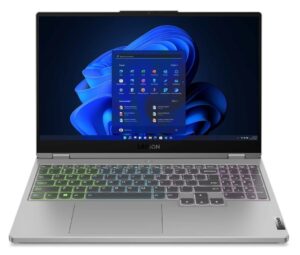
1. Remove the bottom plate
To get this notebook opened, you need to undo a total of 10 Phillips-head screws. Then, pry the bottom panel with a plastic tool, and remove it from the chassis.
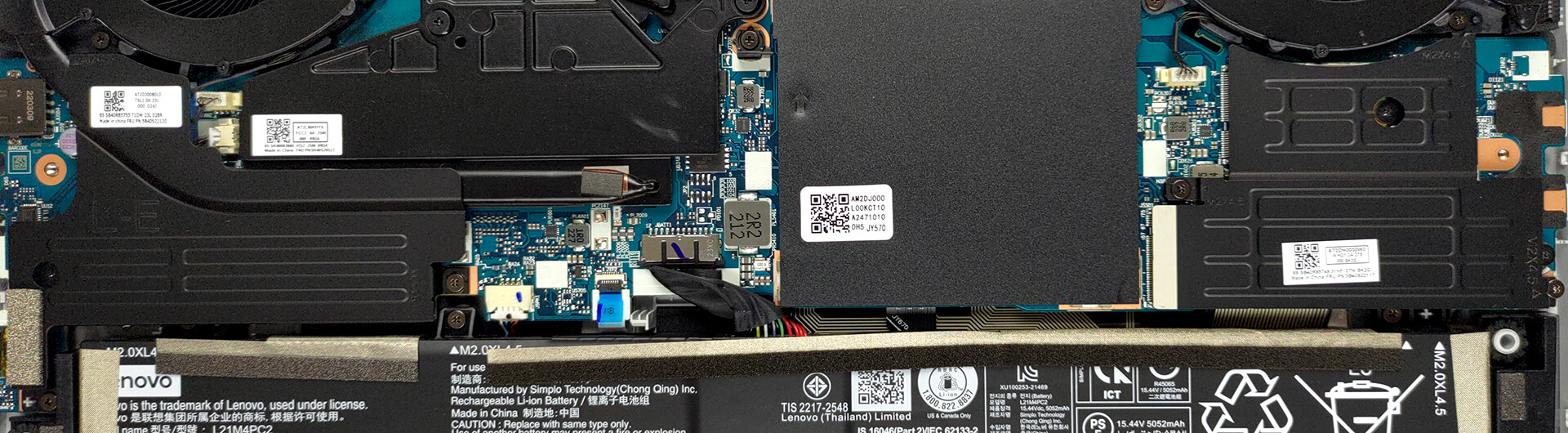
2. Battery
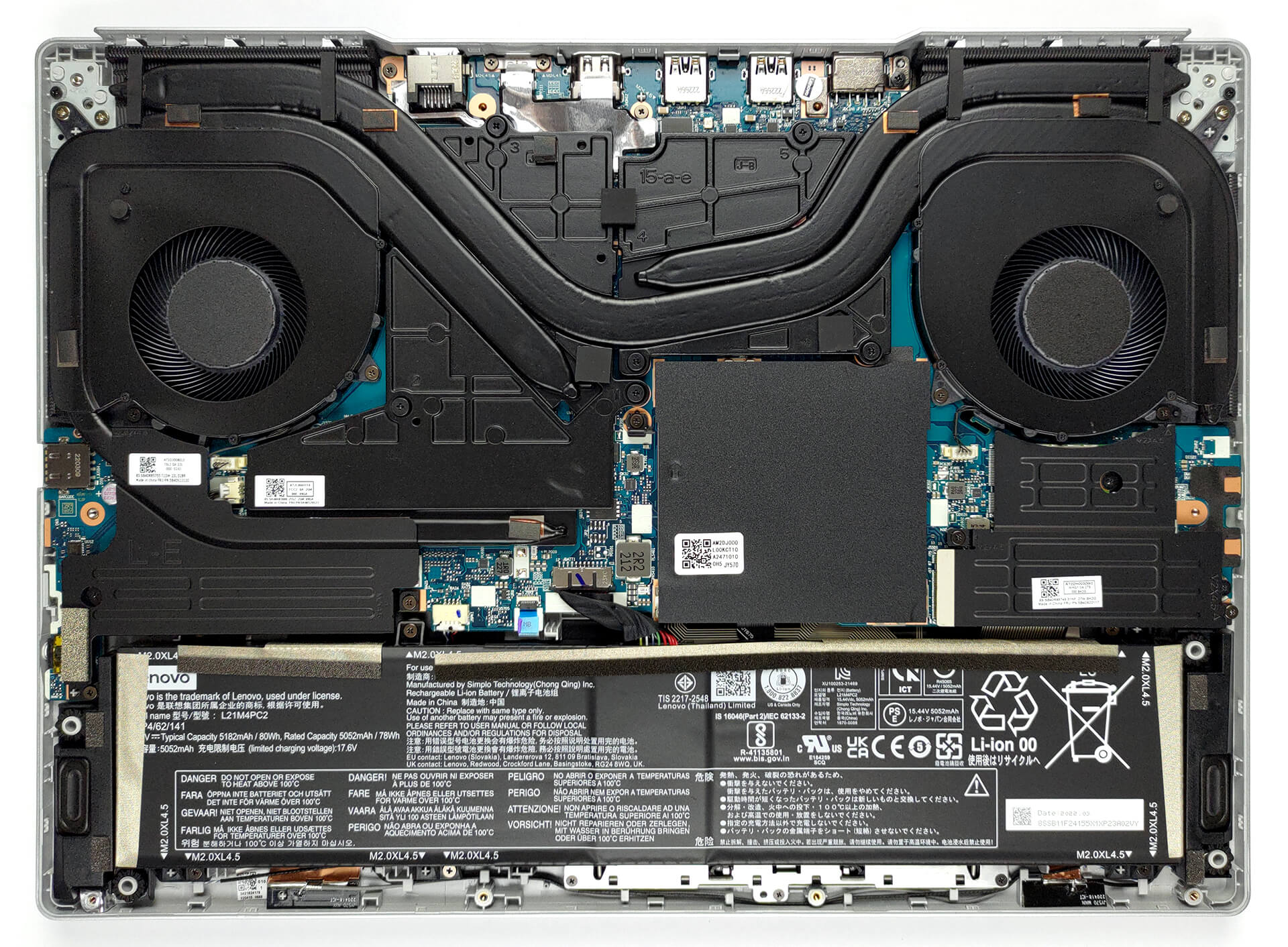
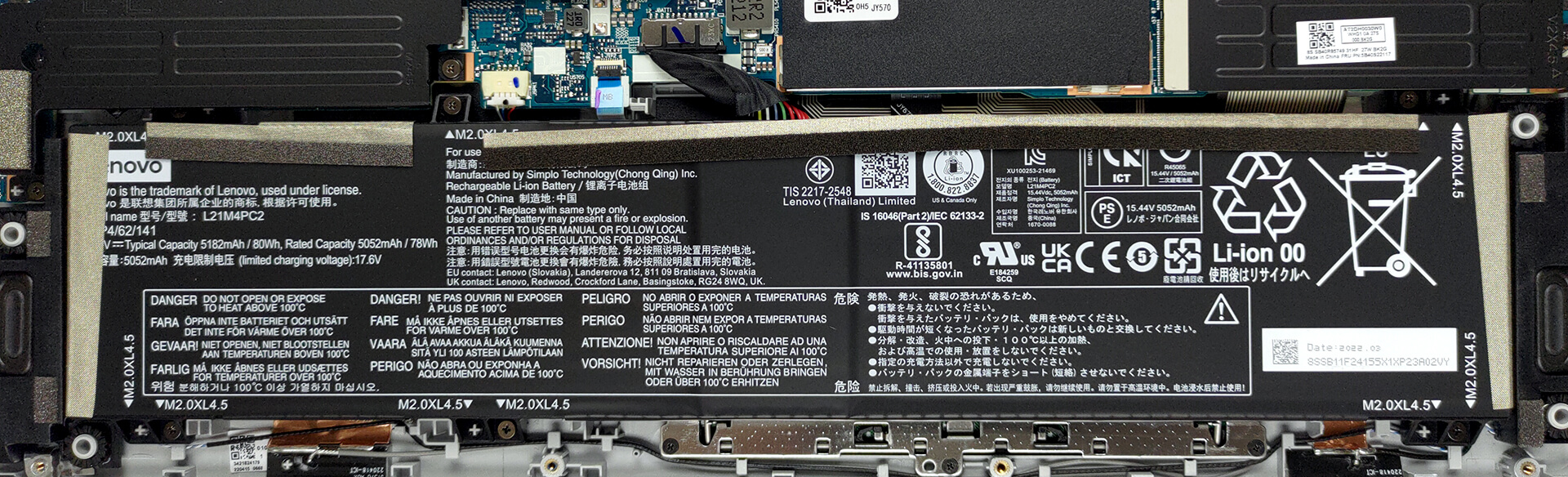
If you need to take the battery out for some reason, you should first remove the two SSD heat spreaders. By the way, the battery has a capacity of 80Wh. It lasts for about 15 hours of Web browsing, or more than 9 hours of video playback.
3. Memory and storage
Memory-wise, there are two SODIMM slots, placed beneath a metal shroud. They work in dual-channel mode and support DDR5 modules. As for the storage, there are two M.2 PCIe x4 slots, both of which work with Gen 4 SSDs.
4. Cooling system
The cooling seems like nothing too special with one heat pipe shared between the CPU and GPU, and one more for each of them. Then, there are four heat sinks, two fans, and a couple of big heat spreaders for the VRMs and the graphics memory.

Check out all Lenovo Legion 5 (15″, 2022) prices and configurations in our Specs System, or read more in our In-Depth review.
Lenovo Legion 5 (15" AMD, 2022) djupgående recension
Legion 5 har arbetat sig fram till att bli en mer premium gaming notebook, snarare än en som passar alla typer av budgetar. Detta underlättas av uppkomsten av IdeaPad Gaming 3-familjen, och utan tvekan de högre prestandasiffrorna för alla Intel, AMD och NVIDIA.Lenovo är dock inte det enda märket som bekvämt erbjuder snyggare och bättre utrustade bärbara datorer under åren som går. Acer är ett exempel med sin förnyade Nitro 5-serie, som erbjuder extremt bra kylning och grafikkort med mycket hög TGP. Så är fallet med Legion 5 förresten. Du kan välja från RTX 3050 (95W) he[...]
Fördelar
- Hög TGP GPU
- 2x M.2 PCIe x4 Gen 4-kortplatser, 2x DDR5 RAM SODIMM-kortplatser i dubbelkanal, Wi-Fi 6
- Täcker 97 % av sRGB-färgskalan och har korrekt färgåtergivning med vår profil för spel- och webbdesign (BOE NE156QHM-NY4 (BOE0A2D))
- Snygg panel med snabba svarstider (BOE NE156QHM-NY4 (BOE0A2D))
- Har massor av portar
- Bra inmatningsenheter
- Tangentbordet förblir relativt svalt efter långa spelsessioner
- Bra byggkvalitet
Nackdelar
- Inget SD-kort
- Blir dyrare och dyrare
 Author: Alex Iliev

![[Augusti 2026] Global ranking över de bästsäljande grafikkorten för bärbara datorer på Amazon – Apple dominerar, medan NVIDIAs RTX 5060 toppar listan över dedikerade grafikkort](https://laptopmedia.com/wp-content/uploads/2026/09/Best-Selling-GPUs-GLOBAL-Top-10-400x225.jpg)
![[Augusti 2026] Global ranking över de mest sålda bärbara datorprocessorerna på Amazon – Apple dominerar både i budget- och premiumsegmentet: A18 Pro och M5 krossar Intel och AMD i augusti 2026](https://laptopmedia.com/wp-content/uploads/2026/09/Best-Selling-CPUs-GLOBAL-Top-10-400x225.jpg)
![[Augusti 2026] Amazon Global: De 10 bästsäljande bärbara datorerna – Apple MacBook Neo toppar listorna medan prisvärda och mellanklassiga Windows-datorer kämpar om försäljningsvolymen](https://laptopmedia.com/wp-content/uploads/2026/09/Best-Selling-Laptops-GLOBAL-Top-10-400x225.jpg)
![[Augusti 2026] De bästsäljande bärbara datormärkena på Amazon Global – Apple dominerar omsättningen medan HP ligger i topp när det gäller modellutbudet](https://laptopmedia.com/wp-content/uploads/2026/09/GLOBAL-Best-Brands-400x225.jpg)
![[Augusti 2026] Amazon Global: De 10 mest sålda spelbärbara datorerna – HP Victus 15 tar förstaplatsen medan prisvärda modeller dominerar listan](https://laptopmedia.com/wp-content/uploads/2026/09/Best-Selling-Gaming-Laptops-GLOBAL-Top-10-400x225.jpg)
