How to open Lenovo Yoga Slim 7 Pro X (14″, 2022) – disassembly and upgrade options
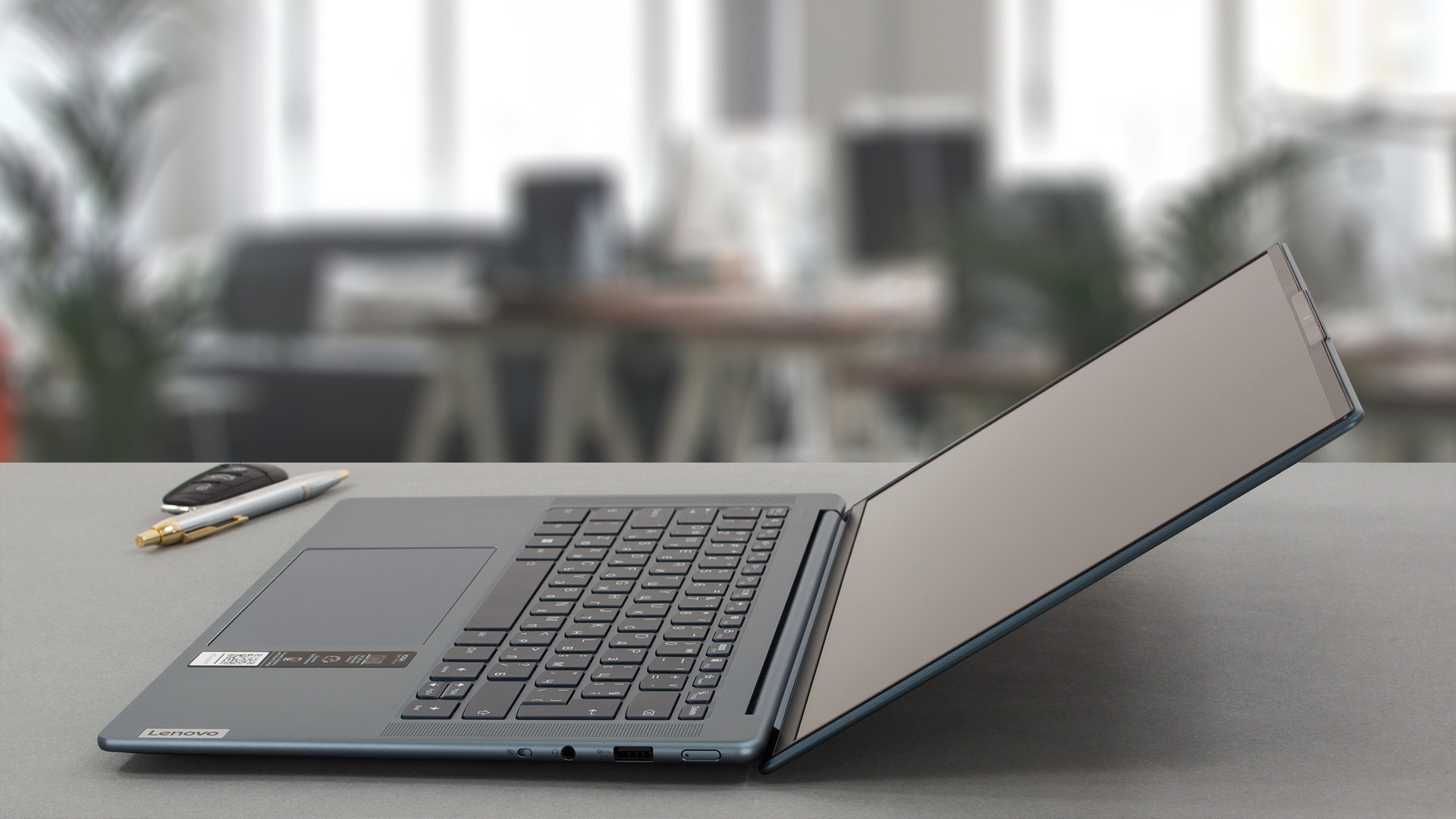
The Lenovo Yoga Slim 7 Pro X (14″, 2022) is a compact and powerful device that has a very good build quality. Now it’s time to have a sneak peek under the hood and to see the internals.
Check out all Lenovo Yoga Slim 7 Pro X (14″, 2022) prices and configurations in our Specs System, or read more in our In-Depth review.
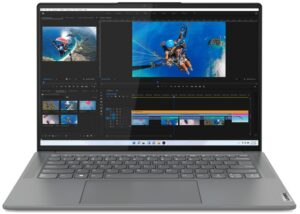
1. Remove the bottom plate
In order to open this notebook, you need to undo 5 Torx-head screws. After that, you have to pry the bottom panel with a plastic tool.
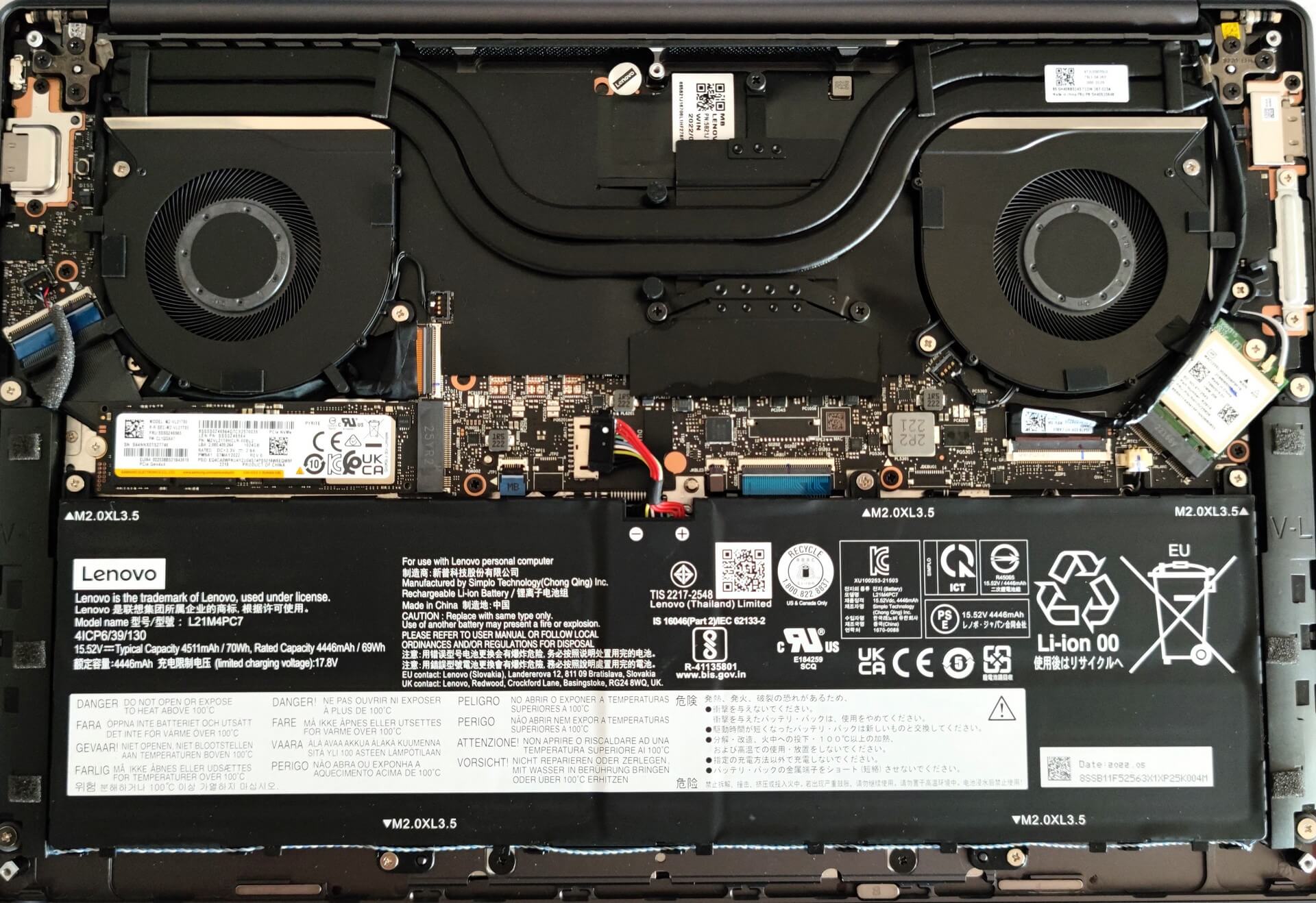
From the inside, the bottom plate has a dedicated thermal pad for the SSD which is nice to see.

2. Remove the battery
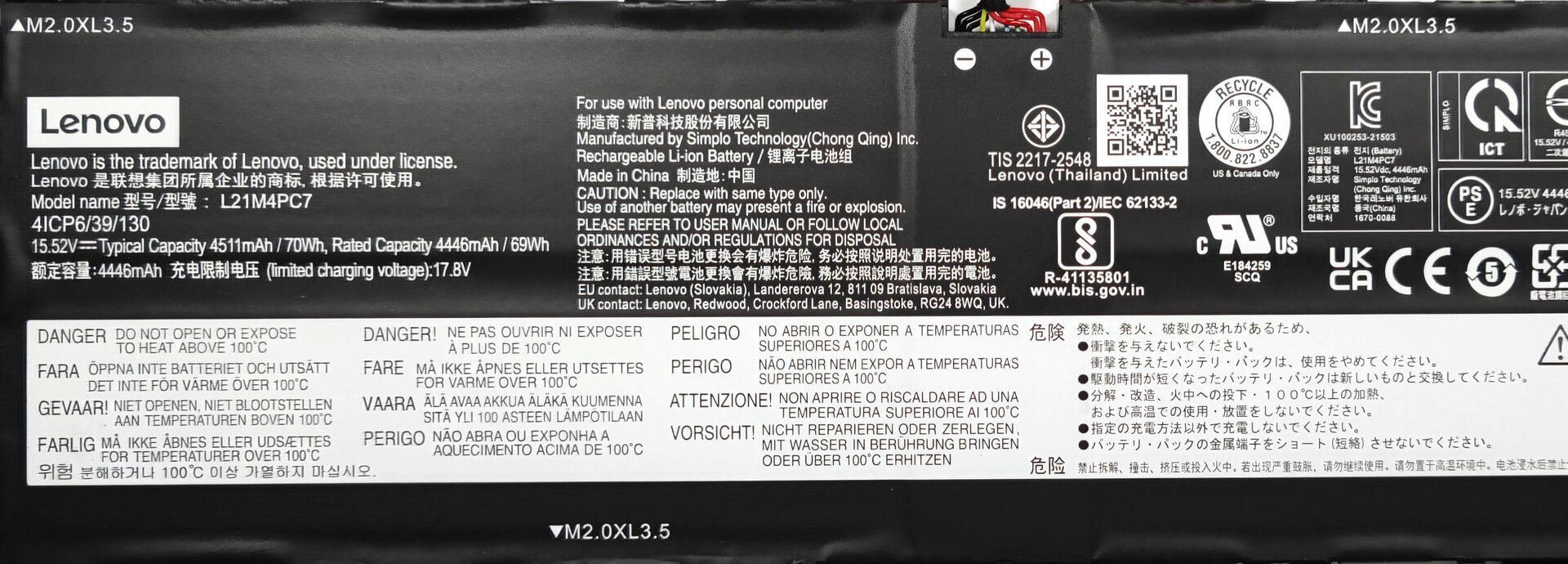
Here, we have a 70Wh battery unit. It lasts for 9 hours and 5 minutes of Web browsing, or 10 hours of video playback. To remove the battery, you need to undo 5 Phillips-head screws. Then, you just have to unplug the connector from the motherboard. The next step is to carefully disentangle the speaker cables from the bottom of the battery housing.
3. Upgrade memory and storage
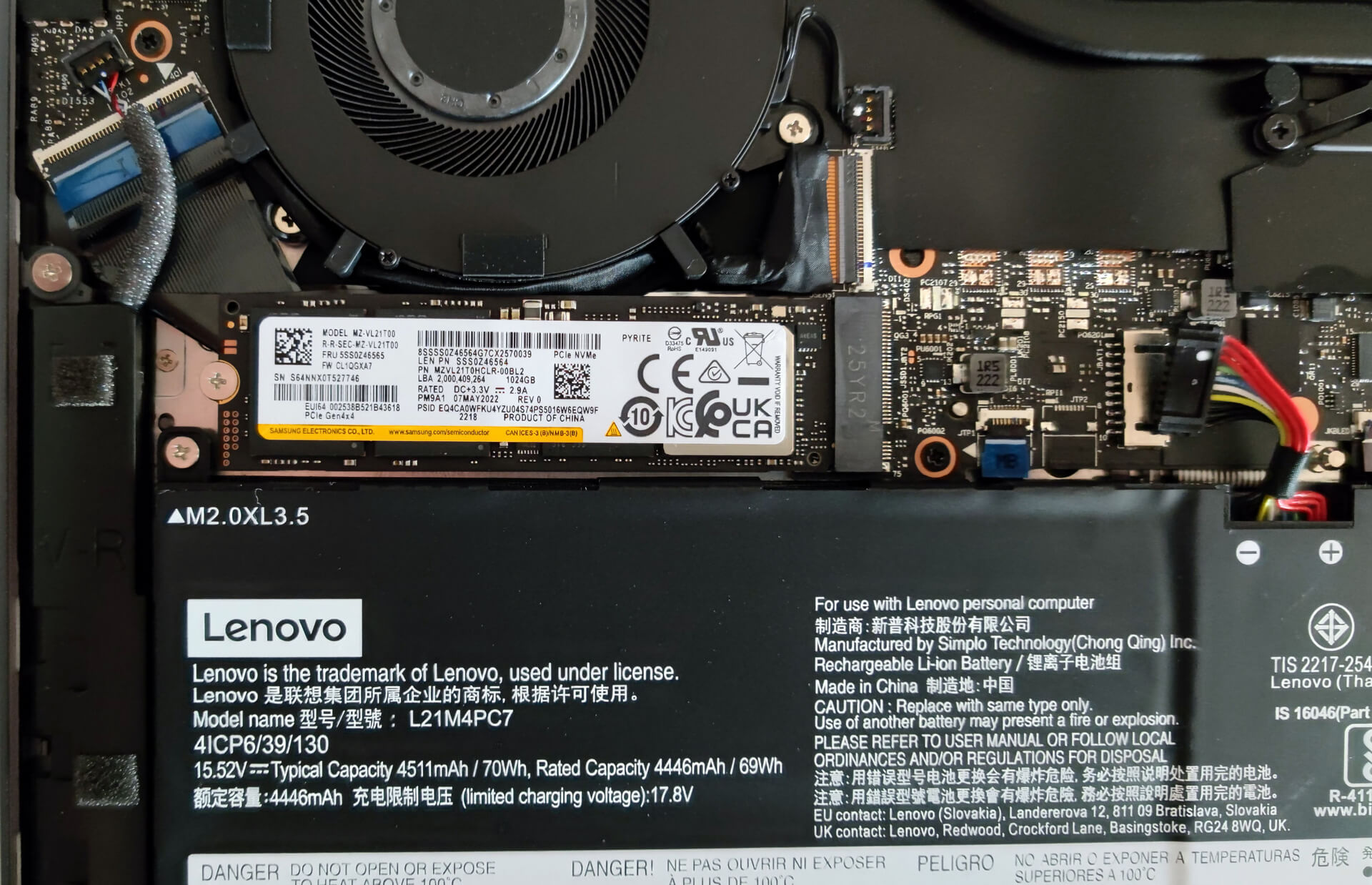
The memory here is soldered to the motherboard. The device can be configured with up to 32GB of LPDDR5 RAM. For storage, there is one M.2 PCIe x4 slot compatible with Gen 4 SSDs.
4. Cooling system
The cooling solution looks good, it has two big heat pipes, two fans, and a heat spreader over the VRMs.

Check out all Lenovo Yoga Slim 7 Pro X (14″, 2022) prices and configurations in our Specs System, or read more in our In-Depth review.
Lenovo Yoga Slim 7 Pro X (14", 2022) djupgående recension
Idag ska vi recensera Lenovo Yoga Slim 7 Pro X (14″, 2022) och eftersom vi har en artikel om det Intel-baserade syskonet ska det bli intressant att se skillnader mellan de två enheterna då de ser 99% procent identiska ut från utsidan.Kort sagt, framför oss har vi en kompakt bärbar dator med en högupplöst 13,5-tumsskärm, kapabel hårdvara under huven och ett hyfsat stort batteri. Låter som en bra kombination för mångsidig användning - den här maskinen kan vara en daglig förare, du kan använda den som en kontorsenhet eller för lite lätt spelande efter jobbet. Japp, till oc[...]
Fördelar
- Tunn och lätt maskin
- Starkt chassi i aluminium
- Täcker 94 % av sRGB-färgskalan och har korrekt färgåtergivning med vår profil för spel- och webbdesign (BOE NE145F8M-N61 (BOEAA8))
- Hög upplösning och bildförhållande 16:10
- Ingen PWM (BOE NE145F8M-N61 (BOEAA8))
- 2x USB typ-C
- Mycket bra prestanda för sin klass
- Full HD-webbkamera + IR-ansiktsigenkänning
- Bra batteritid
Nackdelar
- Lödd minne
- Ingen plats för SD-kort
 Author: Nikolay Palaozov

![[Augusti 2026] Global ranking över de bästsäljande grafikkorten för bärbara datorer på Amazon – Apple dominerar, medan NVIDIAs RTX 5060 toppar listan över dedikerade grafikkort](https://laptopmedia.com/wp-content/uploads/2026/09/Best-Selling-GPUs-GLOBAL-Top-10-400x225.jpg)
![[Augusti 2026] Global ranking över de mest sålda bärbara datorprocessorerna på Amazon – Apple dominerar både i budget- och premiumsegmentet: A18 Pro och M5 krossar Intel och AMD i augusti 2026](https://laptopmedia.com/wp-content/uploads/2026/09/Best-Selling-CPUs-GLOBAL-Top-10-400x225.jpg)
![[Augusti 2026] Amazon Global: De 10 bästsäljande bärbara datorerna – Apple MacBook Neo toppar listorna medan prisvärda och mellanklassiga Windows-datorer kämpar om försäljningsvolymen](https://laptopmedia.com/wp-content/uploads/2026/09/Best-Selling-Laptops-GLOBAL-Top-10-400x225.jpg)
![[Augusti 2026] De bästsäljande bärbara datormärkena på Amazon Global – Apple dominerar omsättningen medan HP ligger i topp när det gäller modellutbudet](https://laptopmedia.com/wp-content/uploads/2026/09/GLOBAL-Best-Brands-400x225.jpg)
![[Augusti 2026] Amazon Global: De 10 mest sålda spelbärbara datorerna – HP Victus 15 tar förstaplatsen medan prisvärda modeller dominerar listan](https://laptopmedia.com/wp-content/uploads/2026/09/Best-Selling-Gaming-Laptops-GLOBAL-Top-10-400x225.jpg)
