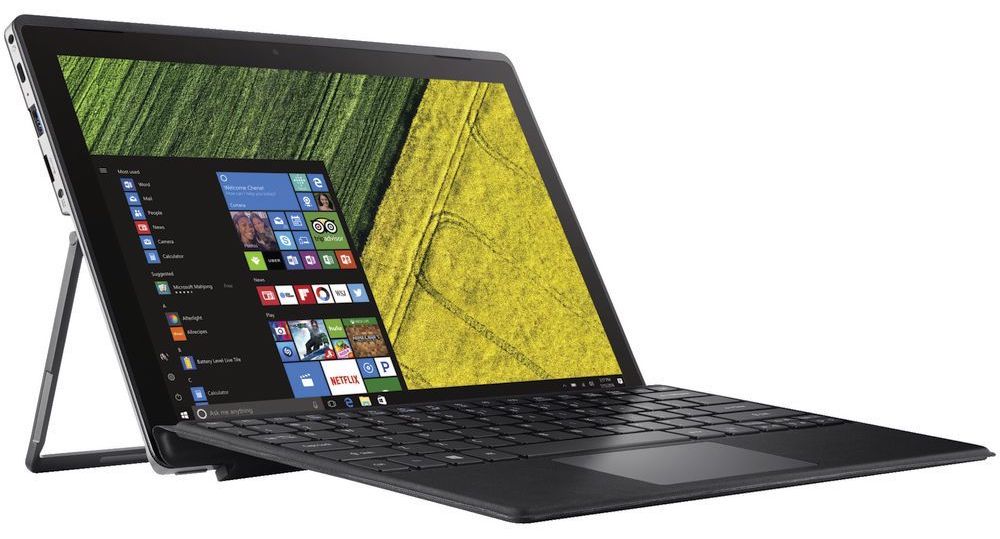
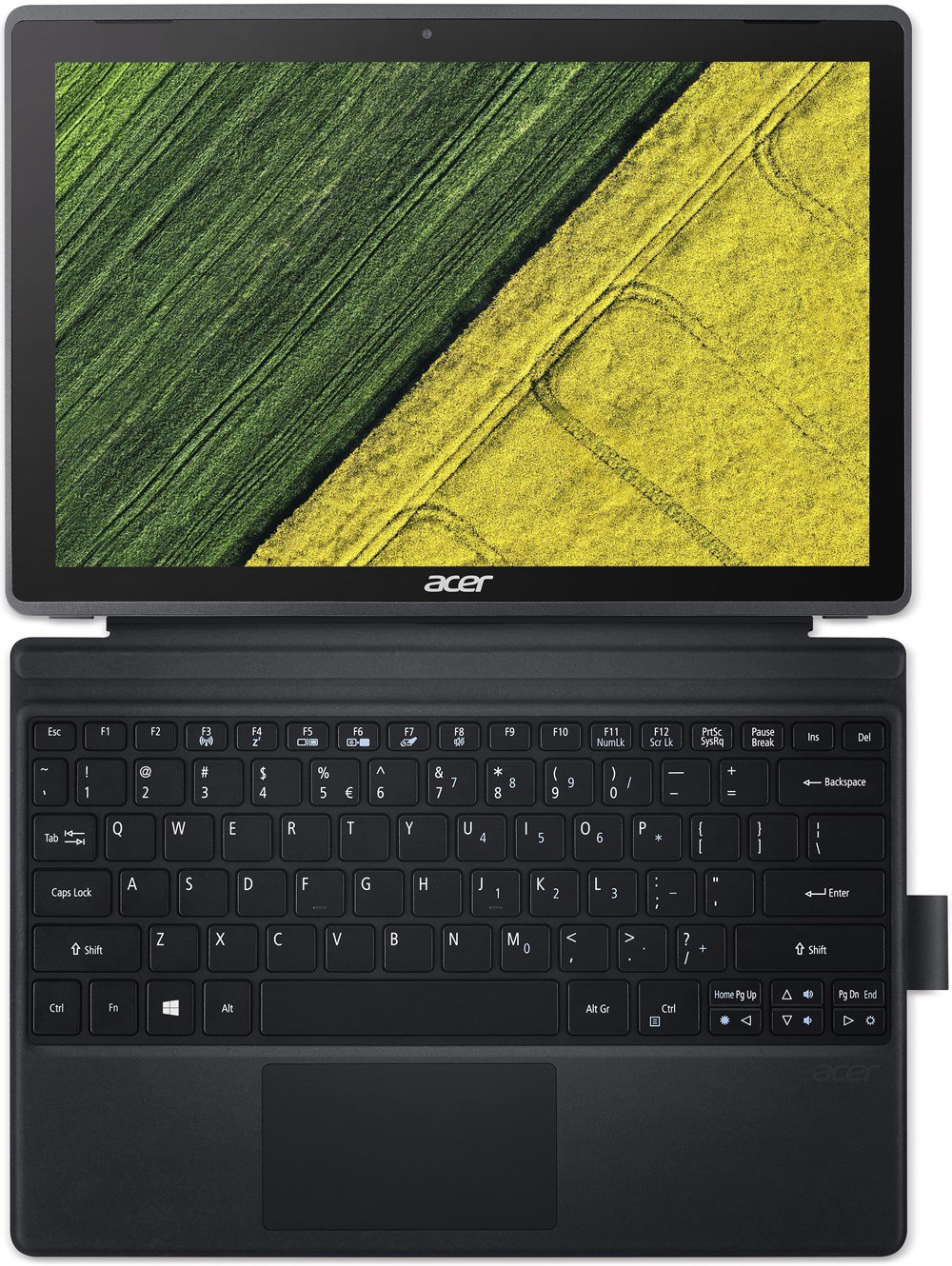
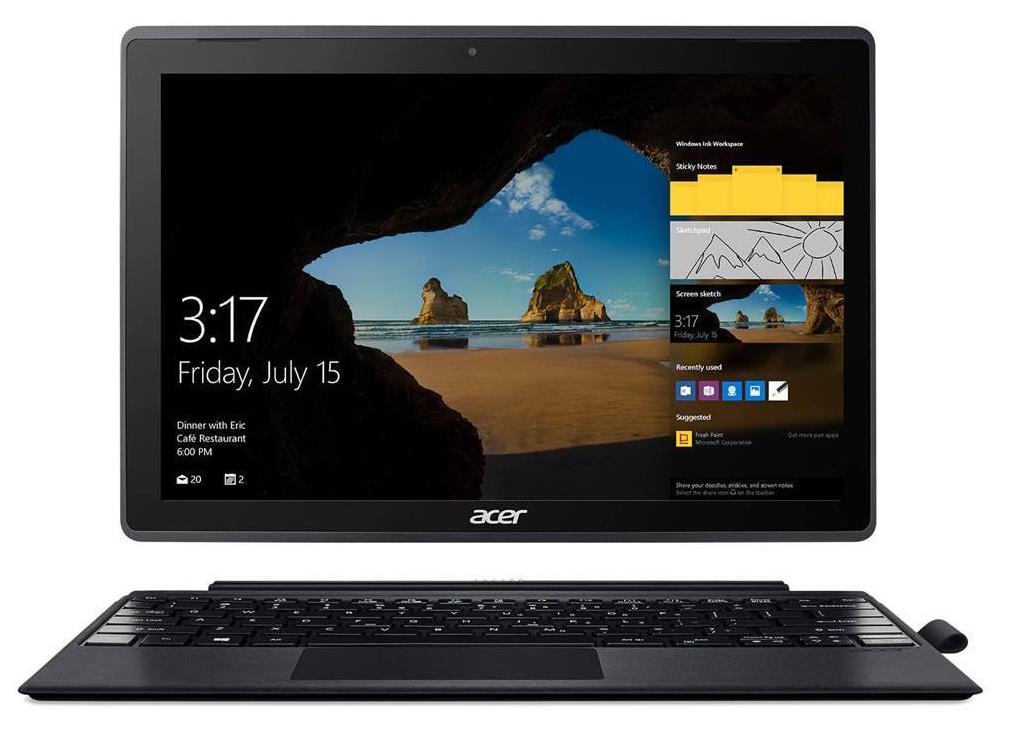
Acer Switch 3

- Publiceringsdatum: 16 Feb 2018
- Intel Pentium N4200
- Intel HD Graphics 505 (Apollo Lake)
- 12.2", FHD (1920 x 1200), IPS
- 64GB SSD
- 4GB LPDDR3 RAM
- 0.90 kg (2 lbs)
Review
Acer Switch 3 djupgående recension
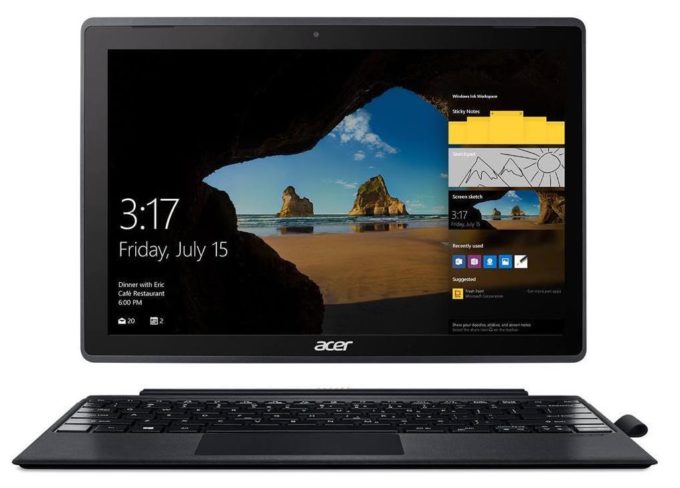
Today we are looking at a more different type of product. A tablet computer, to be more precise. These devices are on the top of the size/portability/versatility table, and that's why we are going to review today a member of the budget Switch series by Acer. Acer Switch 3 (SW312-31) is the exact name of the device. It has a stylish shell that features a mobile chipset, touchscreen and a few presents inside the box.The mobile chipset we're talking about is made by Intel - Pentium N4200 - а four core/four thread CPU, working at a base frequency of 1.10 GHz and a burst frequency of 2.50 GHz. The processor also has 2 MB of L2 cache. Additionally, the Switch 3 (SW312-31) is equipped with 4 GB of LPDDR3 RAM, working on speeds of 1866 MHz. As far as the storage of the device is concerned, we[...]
Läs hela recensionen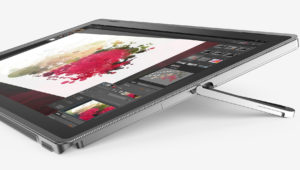
Fördelar
- Aluminum design and sturdy chassis
- Bright Full HD IPS panel
- External keyboard and a stylus in the package
- Good battery life
- Almost no sign of thermal throttling
Nackdelar
- Mediocre hardware
- Poor speakers
- Brightness is PWМ-controlled for all levels (fixed by our profiles)
Skärm: 12.0-inch, 1920 x 1200, IPS
- Namn
- KD122N0439A04
- Diagonal
- 12.0"
- Pixeltäthet
- 188.68 ppi
- Ljusstyrka
- 325 cd/m2
- sRGB
- 86%%
- Paneltyp
- IPS
- Upplösning
- 1920 x 1200
- Blir "Retina" från
- 18 inches (46 cm)
- Kontrast
- 900:1
- dE Color Checker
- 2.8 2.0
Köp våra profiler för KD122N0439A04
Förutom att du får effektiva och hälsovänliga profiler, stöder du genom att köpa LaptopMedias produkter även utvecklingen av våra labb, där vi testar enheter för att kunna producera så objektiva recensioner som möjligt.
Kontorsarbete
Office Work bör främst användas av användare som tillbringar större delen av tiden med att titta på text, tabeller eller bara surfar. Denna profil syftar till att ge bättre tydlighet och skärpa genom att bibehålla en platt gammakurva (2.20), native färgtemperatur och perceptuellt korrekta färger.
Design och Spel
Denna profil riktar sig till designers som arbetar professionellt med färger, samt för spel och filmer. Design and Gaming tar skärmpanelerna till sina gränser och gör dem så exakta som möjligt i sRGB IEC61966-2-1-standarden för webb och HDTV, vid vitpunkt D65.

Health-Guard
Health-Guard eliminerar den skadliga pulsbreddsmoduleringen (PWM) och minskar det negativa blå ljuset som påverkar våra ögon och vår kropp. Eftersom den är skräddarsydd för varje panel lyckas den hålla färgerna perceptuellt korrekta. Health-Guard simulerar papper så att trycket på ögonen minskar avsevärt.