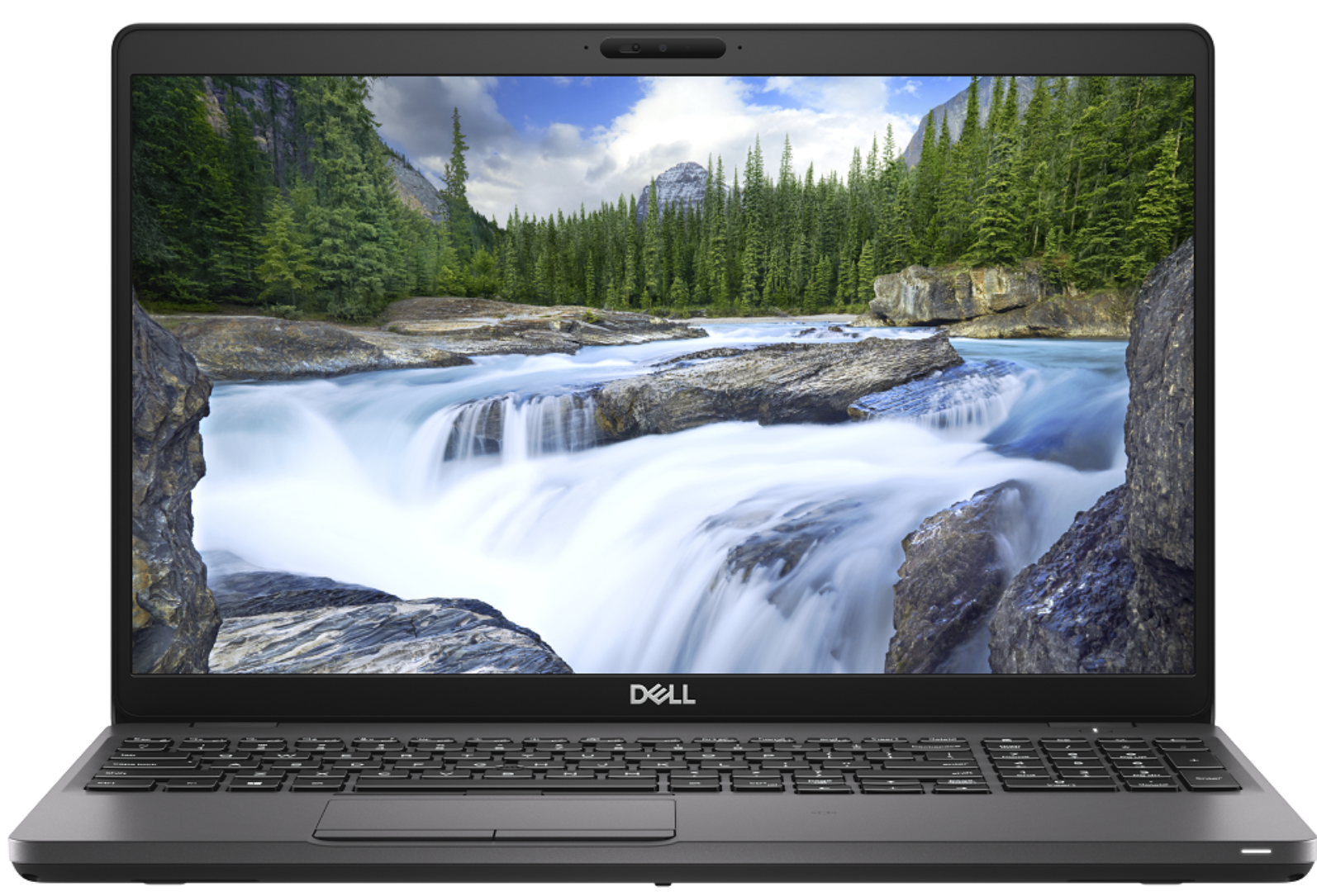
Dell Precision 3540
- Publiceringsdatum: 29 Nov 2019
- Intel Core i7-8565U
- AMD Radeon Pro WX 2100 (2GB GDDR5)
- 15.6”, Full HD (1920 x 1080), IPS
- 512GB SSD
- 8GB DDR4
- 1.83 kg (4 lbs)
Review
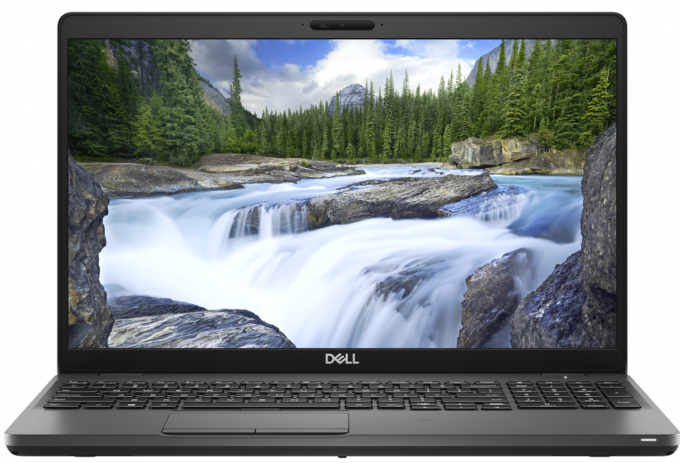
Dell Precision 3540 djupgående recension
Despite the low number given to it by Dell, the Precision 3540 is a mid-range portable workstation that should satisfy the needs of more than just a handful of professionals. Its dedicated AMD Radeon Pro WX2100 GPU is certified to work with CAD applications, while further enhancing some minor 3D modeling and 2D manipulating tasks.Apart from professionalism, this device breathes to you, it is a laptop. And laptops have a tendency to not be perfect. Some of them are too thick, some of them are too thin but there is also a balance, where compromise is been reduced to a minimum. In the view of architects, this laptop should be super balanced, in order to catch their eyes. Let's dig into the Inspiron 3540 and see what does it have to offer.You can check the prices and configurations in[...]
Läs hela recensionen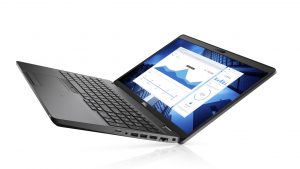
Fördelar
- Strong body
- One of the best keyboards on a laptop
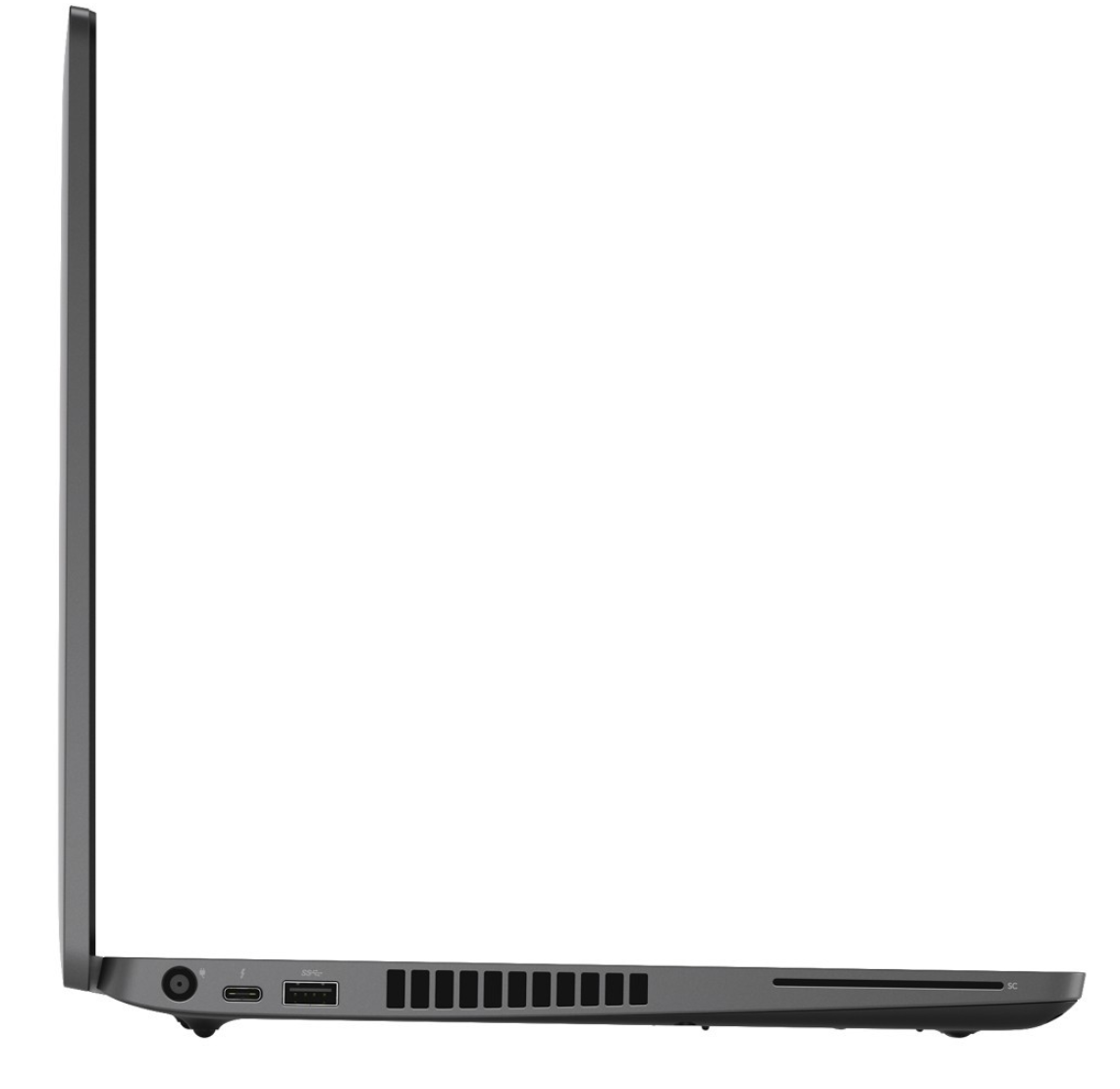
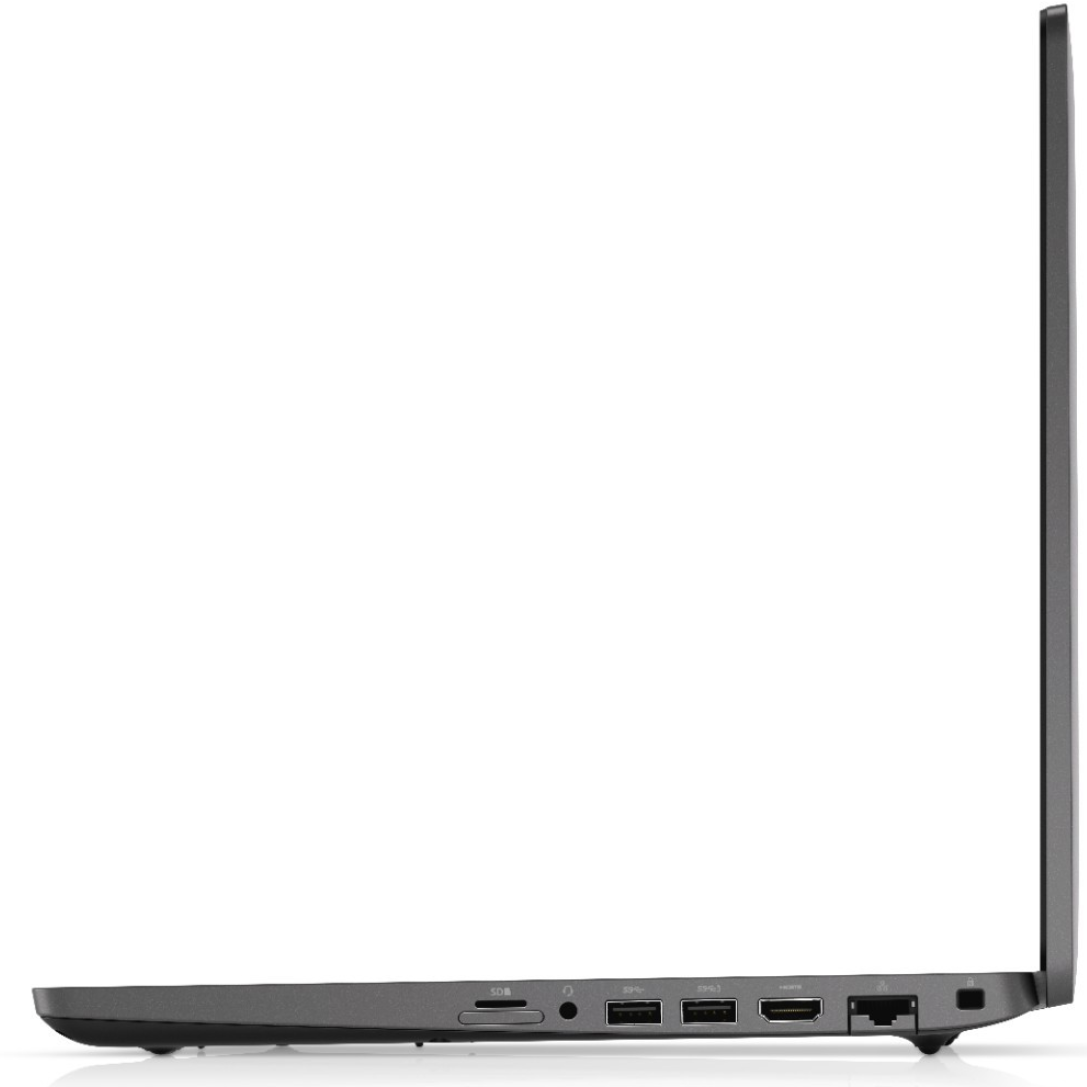
- I/O and upgradability are on point
- Great battery life
- IR face recognition
- Great viewing angles and contrast ratio (BOE NV156FHM-N4H (BOE0869))
- Thunderbolt support and PCIe x4 M.2 slot
- Above-average performance
Nackdelar
- A bit pricey
- Covers only 50% of sRGB (BOE NV156FHM-N4H (BOE0869))
- Uses PWM to adjust its brightness (fixed by our Health-Guard profile) (BOE NV156FHM-N4H (BOE0869))
Demontering, underhåll och uppgraderingsalternativ
Recently, we tested the Precision 3540, and we think that it is one of the best mobile workstations you can find there. Of course, given the price tag and the ULV technology inside.Check out all Dell Precision 3540 prices and configurations in our Specs System or read more in our In-Depth review.1. Remove the bottom plate There are 8 screws you need to remove in order to pop the bottom panel open. Thankfully, they stay attached to the plate after you unscrew them, so you will have a hard time losing them.2. Battery In terms of battery, there is a 51Wh package. However, De[...]
Läs mer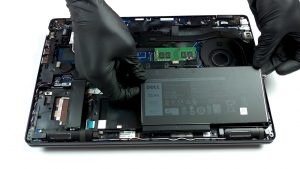
Skärm: 15.6-inch, 1920 x 1080, IPS
- Namn
- BOE NV156FHM-N4H (BOE0869)
- Diagonal
- 15.6"
- Pixeltäthet
- 141.21 ppi
- Refresh rate
- 60 Hz
- Ljusstyrka
- 230 cd/m2
- sRGB
- 50%
- Paneltyp
- IPS
- Upplösning
- 1920 x 1080
- Blir "Retina" från
- 24 inches (62 cm)
- Kontrast
- 1400:1
- dE Color Checker
- 6.5 4.2

Köp våra profiler för BOE NV156FHM-N4H (BOE0869)
Förutom att du får effektiva och hälsovänliga profiler, stöder du genom att köpa LaptopMedias produkter även utvecklingen av våra labb, där vi testar enheter för att kunna producera så objektiva recensioner som möjligt.

Kontorsarbete
Office Work bör främst användas av användare som tillbringar större delen av tiden med att titta på text, tabeller eller bara surfar. Denna profil syftar till att ge bättre tydlighet och skärpa genom att bibehålla en platt gammakurva (2.20), native färgtemperatur och perceptuellt korrekta färger.
Design och Spel
Denna profil riktar sig till designers som arbetar professionellt med färger, samt för spel och filmer. Design and Gaming tar skärmpanelerna till sina gränser och gör dem så exakta som möjligt i sRGB IEC61966-2-1-standarden för webb och HDTV, vid vitpunkt D65.

Health-Guard
Health-Guard eliminerar den skadliga pulsbreddsmoduleringen (PWM) och minskar det negativa blå ljuset som påverkar våra ögon och vår kropp. Eftersom den är skräddarsydd för varje panel lyckas den hålla färgerna perceptuellt korrekta. Health-Guard simulerar papper så att trycket på ögonen minskar avsevärt.