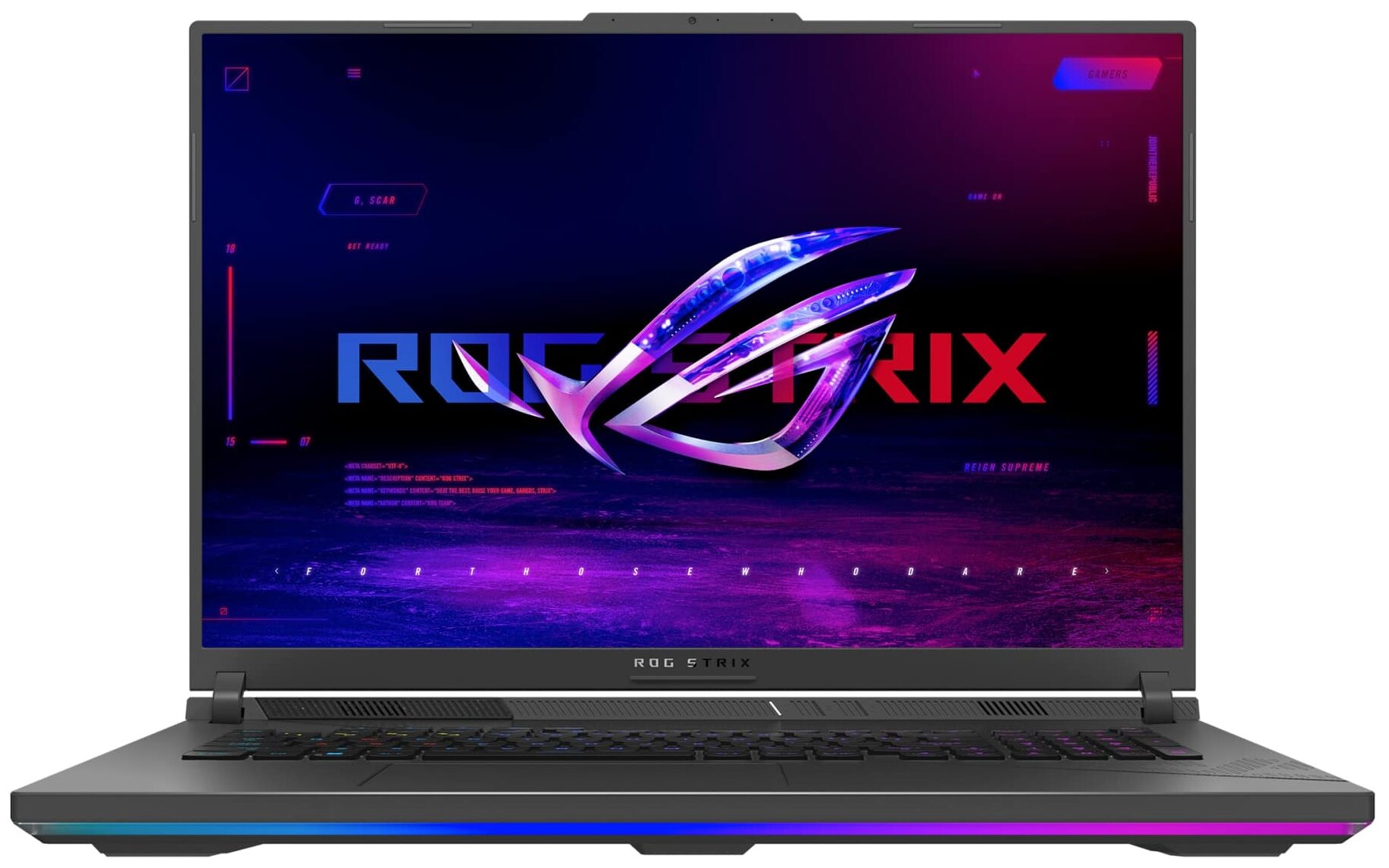
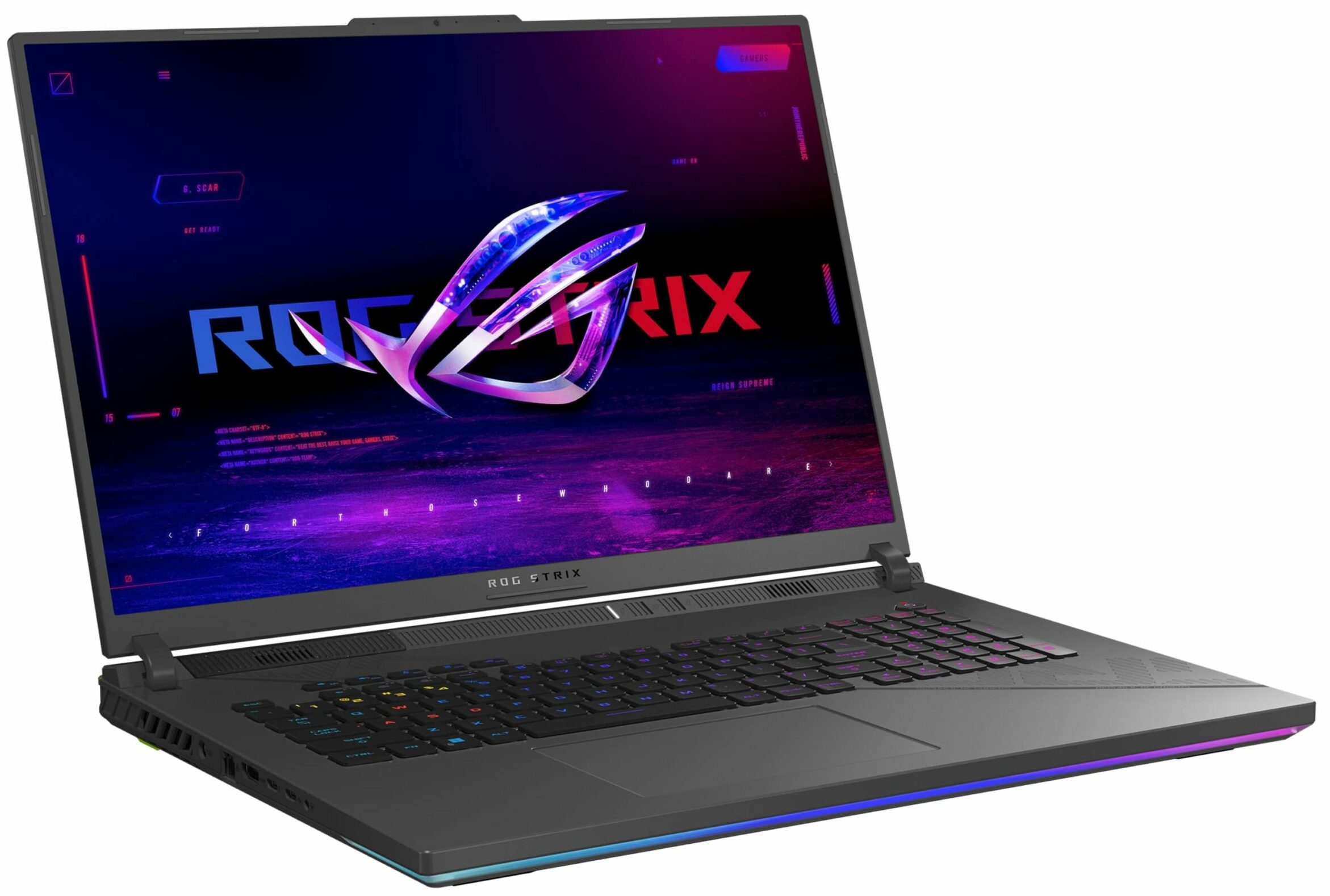
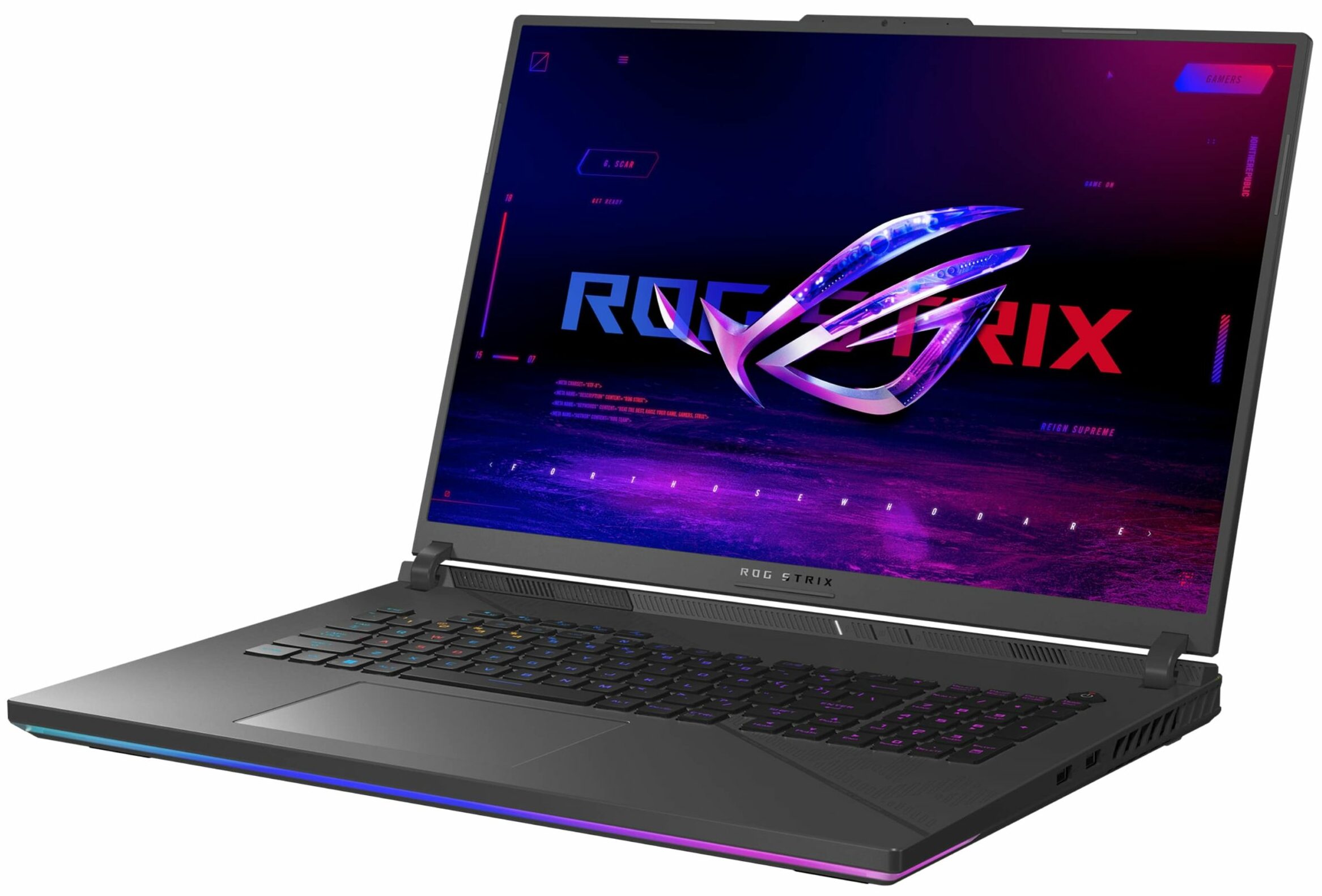
ASUS ROG Strix G18 (G814, 2024)
ASUS ROG Strix G18 (G814, 2024) - Specs
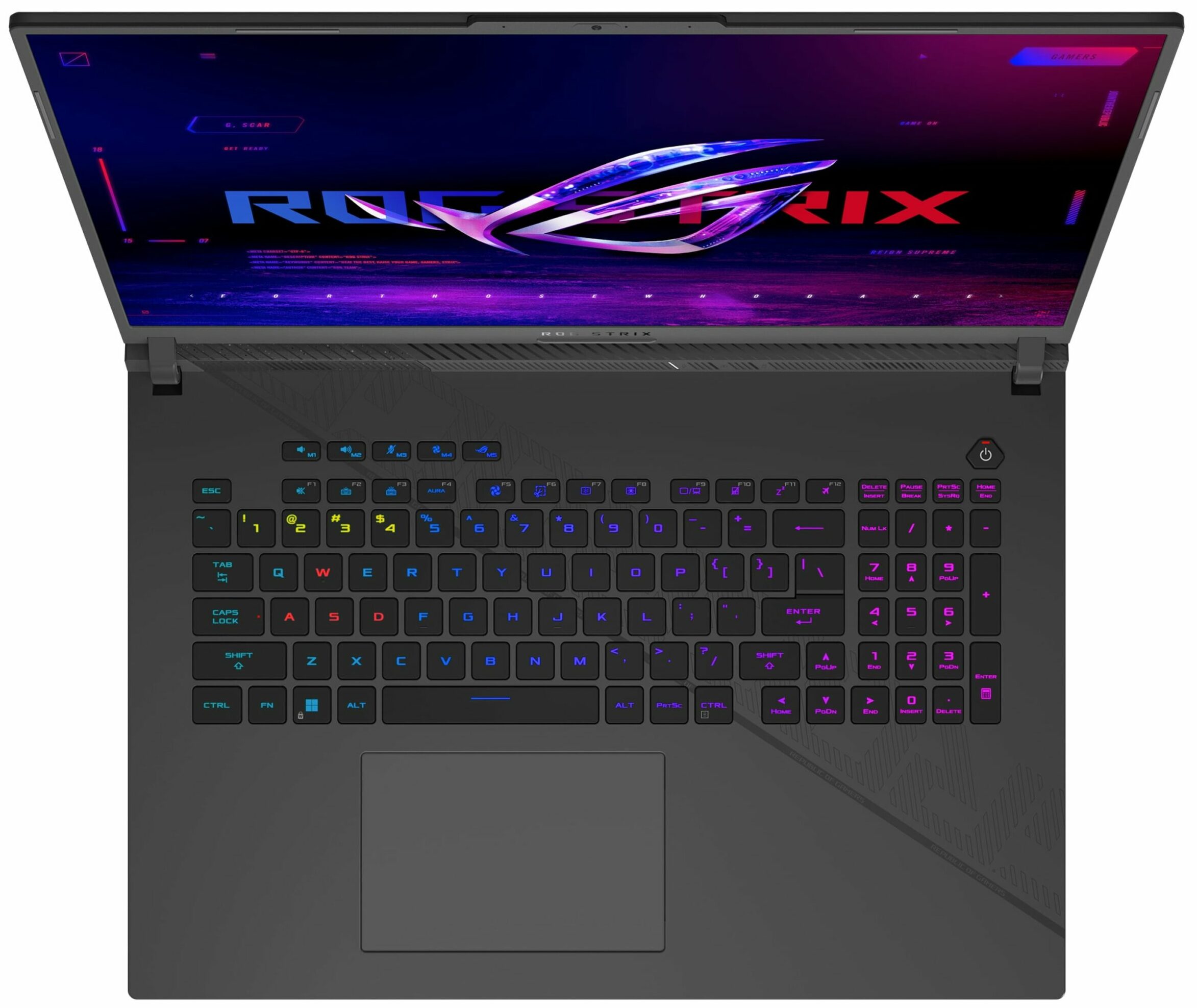

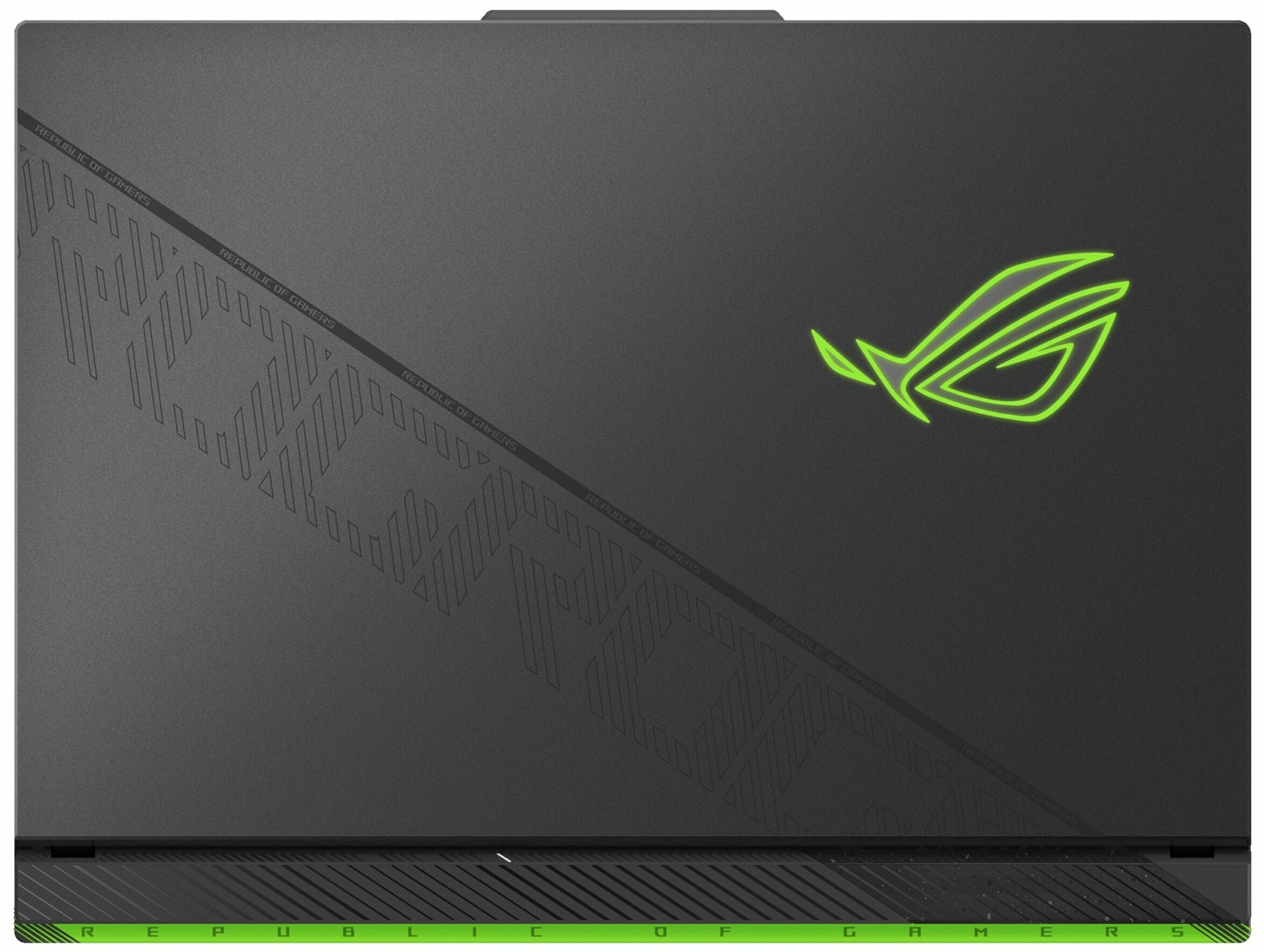

- HDD/SSD
- up to 16000GB SSD
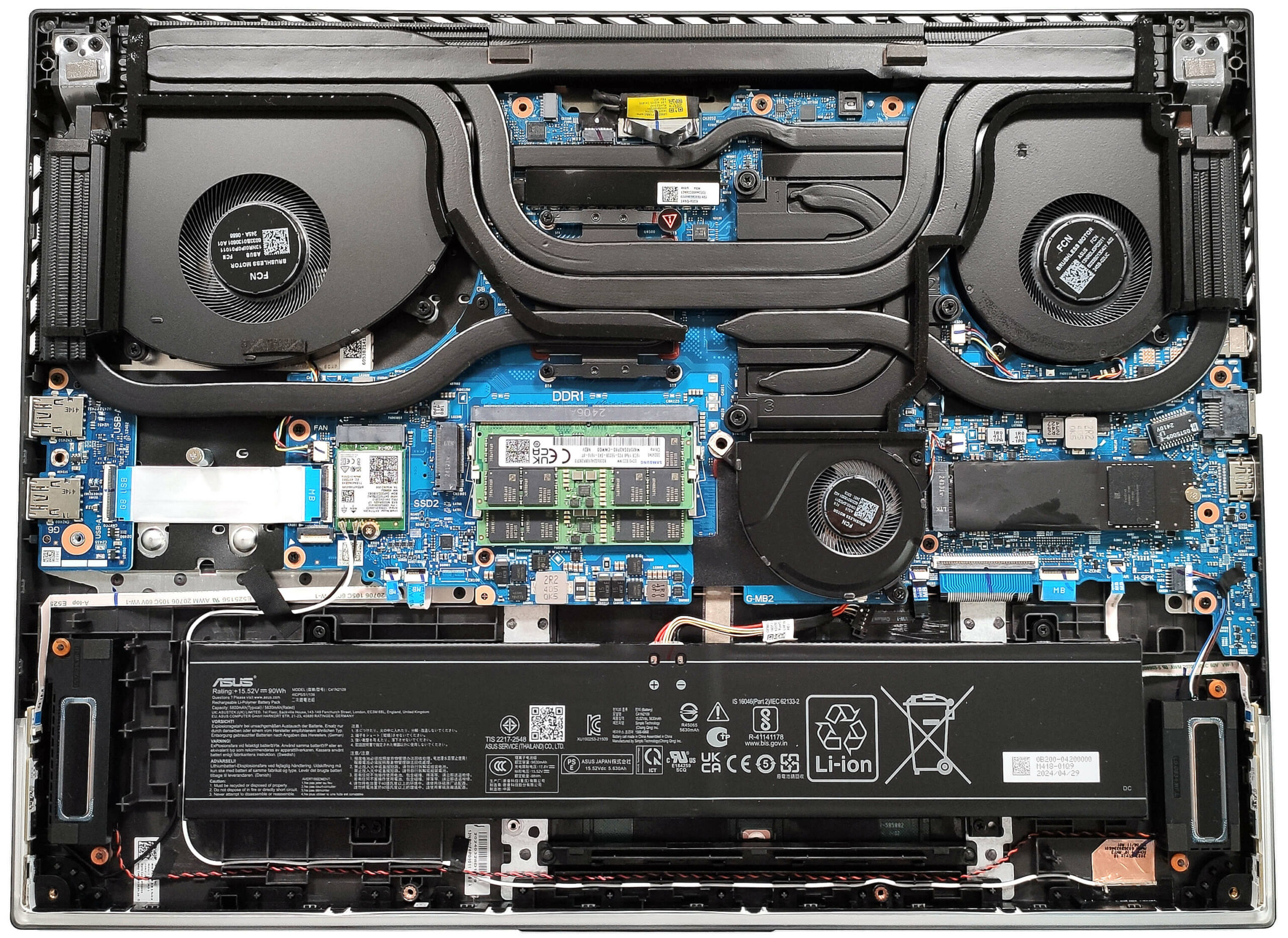
- M.2 Slot
- 2x 2280 M.2 NVMe PCIe 4.0 x4 See photo
- RAM
- up to 96GB
- OS
- Windows 11 Pro, Windows 11 Home, Windows 10 Pro, No OS, DOS, Windows 11
- Battery
- 90Wh, 4-cell, 90, 90Wh
- Body material
- Plastic / Polycarbonate, Aluminum
- Dimensions
- 399 x 294 x 23.1 x 30.8 mm (15.71" x 11.57" x 0.91")
- Weight
- 3.00 kg (6.6 lbs)
- Ports and connectivity
- 2x USB Type-A
- 3.2 Gen 2 (10 Gbps)
- 1x USB Type-C
- 3.2 Gen 2 (10 Gbps)
- 1x USB Type-C
- Thunderbolt 4, DisplayPort
- HDMI
- 2.1
- Card reader
- Ethernet LAN
- 10, 100, 1000 Mbit/s
- Wi-Fi
- 802.11ax
- Bluetooth
- 5.3
- Audio jack
- 3.5mm Combo Jack
- Features
- Fingerprint reader
- optional
- Web camera
- HD
- Backlit keyboard
- optional
- Microphone
- Array Microphone with AI Noise Cancelling
- Speakers
- 2x Stereo Speakers, Smart Amp, Dolby Atmos
- Optical drive
- Security Lock slot
All ASUS ROG Strix G18 (G814, 2024) configurations
Buy our profiles for NE180QDM-NZ4 (BOE0G64) / 18.0”, QHD+ (2560 x 1600), 240 Hz, IPS
In addition to receiving efficient and health-friendly profiles, by buying LaptopMedia's products you also support the development of our labs, where we test devices in order to produce the most objective reviews possible.

Office Work
Office Work should be used mostly by users who spend most of the time looking at pieces of text, tables or just surfing. This profile aims to deliver better distinctness and clarity by keeping a flat gamma curve (2.20), native color temperature and perceptually accurate colors.

Design and Gaming
This profile is aimed at designers who work with colors professionally, and for games and movies as well. Design and Gaming takes display panels to their limits, making them as accurate as possible in the sRGB IEC61966-2-1 standard for Web and HDTV, at white point D65.

Health-Guard
Health-Guard eliminates the harmful Pulse-Width Modulation (PWM) and reduces the negative Blue Light which affects our eyes and body. Since it’s custom tailored for every panel, it manages to keep the colors perceptually accurate. Health-Guard simulates paper so the pressure on the eyes is greatly reduced.
Get all 3 profiles with 33% discount

CPU performance
Here you can find the price/performance difference between all the CPUs that come in the ASUS ROG Strix G18 (G814, 2024) series.
Here, we evaluate the CPU's performance using a real-world 3D rendering task, assessing its ability to handle complex computations and rendering workloads efficiently.
Results are from the Cinebench 2024 Multi-Core test (higher is better)
GPU performance
Here you can find the price/performance difference between all the GPUs that come in the ASUS ROG Strix G18 (G814, 2024) series.
The results are from 3DMark Time Spy (Graphics). Higher is better.
ASUS ROG Strix G18 (G814, 2024) in-depth review
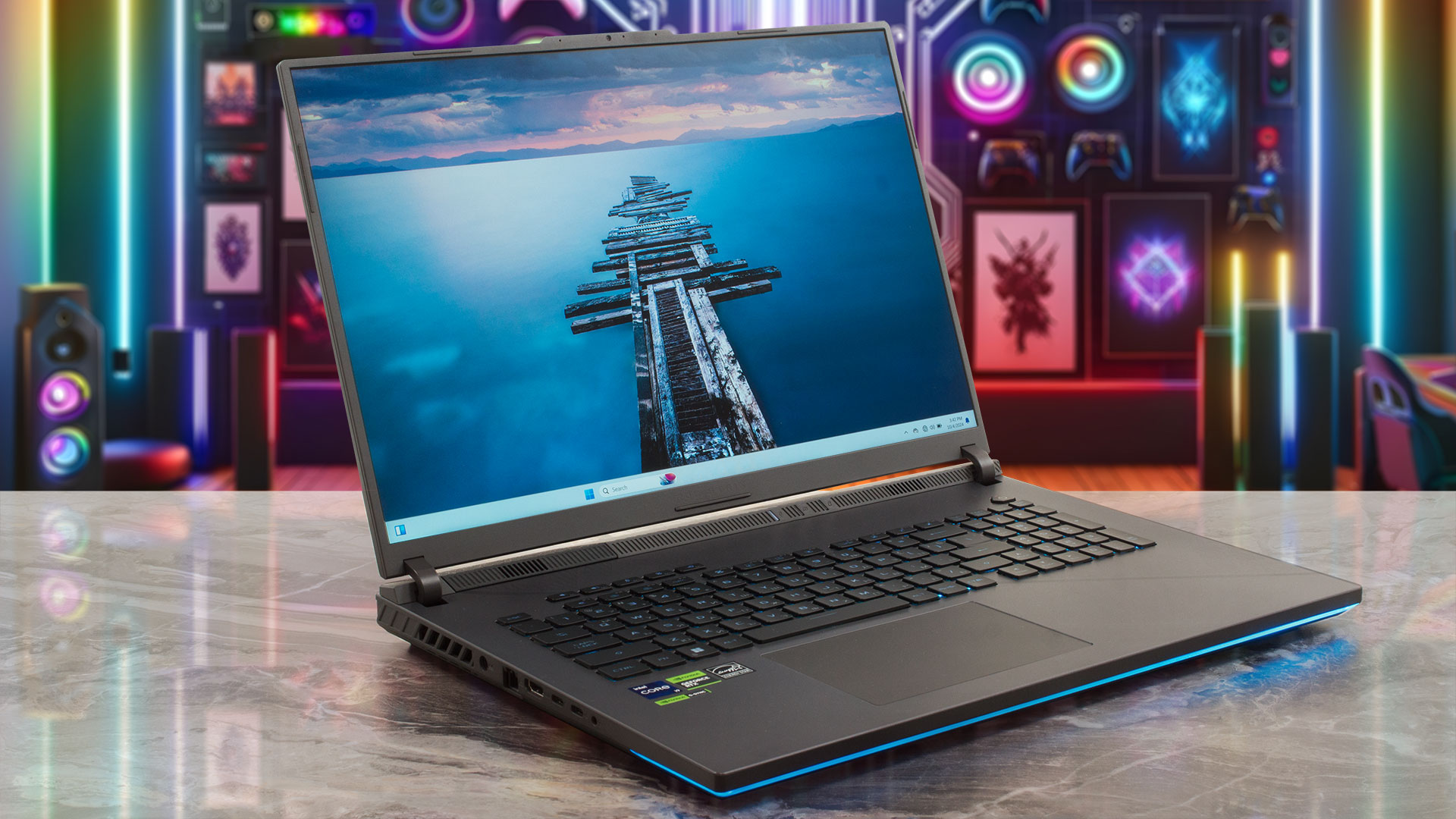
The ROG Strix G18 G814 boasts similar hardware and cooling as the more expensive G834 model. Of course, the manufacturer has to cut corners here and there. That's why the G814 model isn't offered with a mini LED display and the most powerful GPU option here is the RTX 4080. "Big deal", if you ask us. The RTX 4080 performance isn't too far behind the RTX 4090 levels, especially if you undervolt and overclock the chip. The CPU is the same 32-thread Core i9-14900HX. The 3-fan cooling with seven heat pipes and five heatsinks seems identical to the one in the G834 version. Only the top-tier models [...]
Pros
- 2x SODIMMs + 2x 2280 Gen 4 slots
- Very good overall performance
- High CPU clocks and power limits during heavy stress in "Turbo" mode (3.37 GHz P-core clock + 135W)
- Capable "Performance" preset that offers lower fan noise and the 2.8 GHz P-core clock + 120W GPU TGP for the RTX 4070
- G-Sync + MUX Switch + NVIDIA Advanced Optimus
- Rich port selection
- Full sRGB and 99% DCI-P3 coverage + accurate color with our "Design and Gaming" profile (BOE0G64)
- 240Hz refresh rate and 1600p resolution (BOE0G64)
- High max brightness of 524 nits (BOE0G64)
- The Armoury crate app offers tons of customization options
- Comfortable and quiet RGB backlit keyboard + accurate glass touchpad
- Good battery life considering the thirsty hardware and the high-res panel (~8 hours of videos)
- The fans aren't that noisy even in "Turbo mode"
- Stable metal lid
- Capable 3-fan cooling
- Solid chassis
Cons
- Hefty (23.1 - 30.8 mm / 3.00 kg)
- High SSD temperatures during benchmarking
- Lacks goodies such as Wi-Fi 7, Gen 5 SSD slot, cooling pad for the memory, and bigger pads for the SSDs
- The battery connector is placed below the lower fan
- Plastic base
- The Wi-Fi card is positioned in front of the left SSD slot which is unlogical
How to open ASUS ROG Strix G18 (G814, 2024) - disassembly and upgrade options
Games you can play on this laptop series









Resolution: 1920 x 1080 (Full HD) |
HIGH PERF |
HIGH QLT |
|---|---|---|
 | 1382 FPS PLAY VIDEO | 750 FPS PLAY VIDEO |
| NVIDIA GeForce RTX 4070 (Laptop, 140W) | 1070 FPS PLAY VIDEO | 538 FPS PLAY VIDEO |
| NVIDIA GeForce RTX 4060 (Laptop, 140W) | - PLAY VIDEO | 545 FPS PLAY VIDEO |



![[May 2026] Global Ranking of Best-Selling Laptop GPUs on Amazon – Apple Dominates with 45% Share, Sweeps Top 3 Spots; NVIDIA’s RTX 5060 Leads the Dedicated GPU Pack](https://laptopmedia.com/wp-content/uploads/2026/06/Best-Selling-GPUs-GLOBAL-Top-10-400x225.jpg)
![[May 2026] Global Ranking of Best-Selling Laptop CPUs on Amazon – Apple Crushes Competition with 45.2% Market Share, M5 Dominates](https://laptopmedia.com/wp-content/uploads/2026/06/Best-Selling-CPUs-GLOBAL-Top-10-400x225.jpg)
![[May 2026] Amazon Germany: Top 7 Best-Selling Gaming Laptops – Lenovo Legion 5i Crowned Champion Amidst Fierce Mid-Range Competition](https://laptopmedia.com/wp-content/uploads/2026/06/Best-Selling-Gaming-Laptops-DE-Top-10-1-400x225.jpg)
![[May 2026] Amazon Italy: Top 10 Best-Selling Laptops – Apple MacBook Neo Reigns Supreme, Premium Models Capture Dominant Revenue Share](https://laptopmedia.com/wp-content/uploads/2026/06/Best-Selling-Laptops-IT-Top-10-400x225.jpg)
![[May 2026] Best-Selling Laptop Brands on Amazon Italy – Apple Dominates Across All Metrics](https://laptopmedia.com/wp-content/uploads/2026/06/IT-Best-Brands-400x225.jpg)