How to open Acer TravelMate P2 (TMP215-54) – disassembly and upgrade options
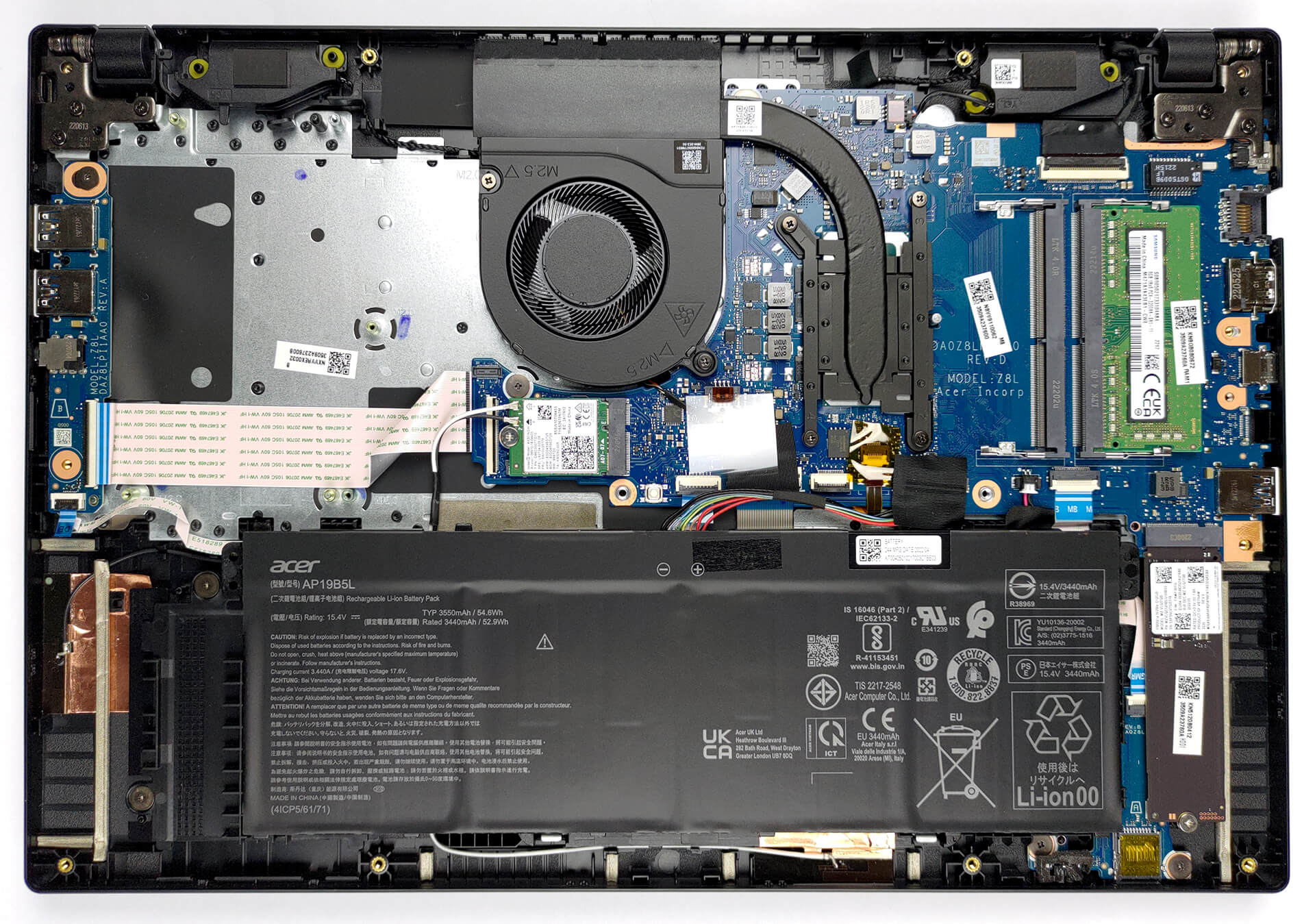
Well, this is pretty much all you can want from a business notebook. It has two RAM slots, an M.2 PCIe x4 slot for fast SSDs, and a 2.5-inch SATA drive bay with provided mounting accessories. Now, we will show you how to access all of them.
Check out all Acer TravelMate P2 (TMP215-54) prices and configurations in our Specs System, or read more in our In-Depth review.

1. Remove the bottom plate
To take this device apart, you need to undo 13 Phillips-head screws. Then, just pry the bottom panel with a plastic tool, and remove it from the chassis.
2. Remove the battery
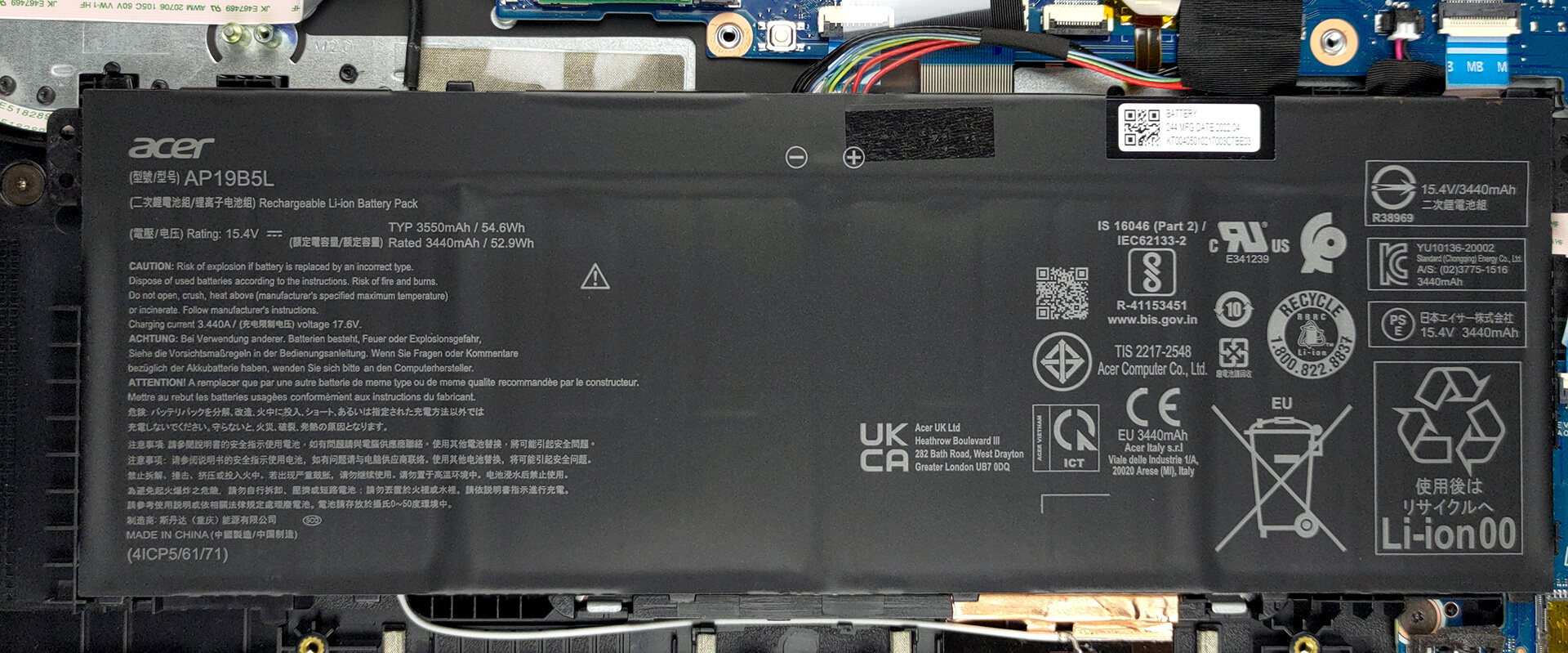
Inside the notebook, we find a 54.6Wh battery pack. It lasts for 10 hours and 30 minutes of Web browsing, or 7 hours and 30 minutes of video playback. To remove it, you only need to unplug it from the motherboard.
3. Upgrade memory and storage
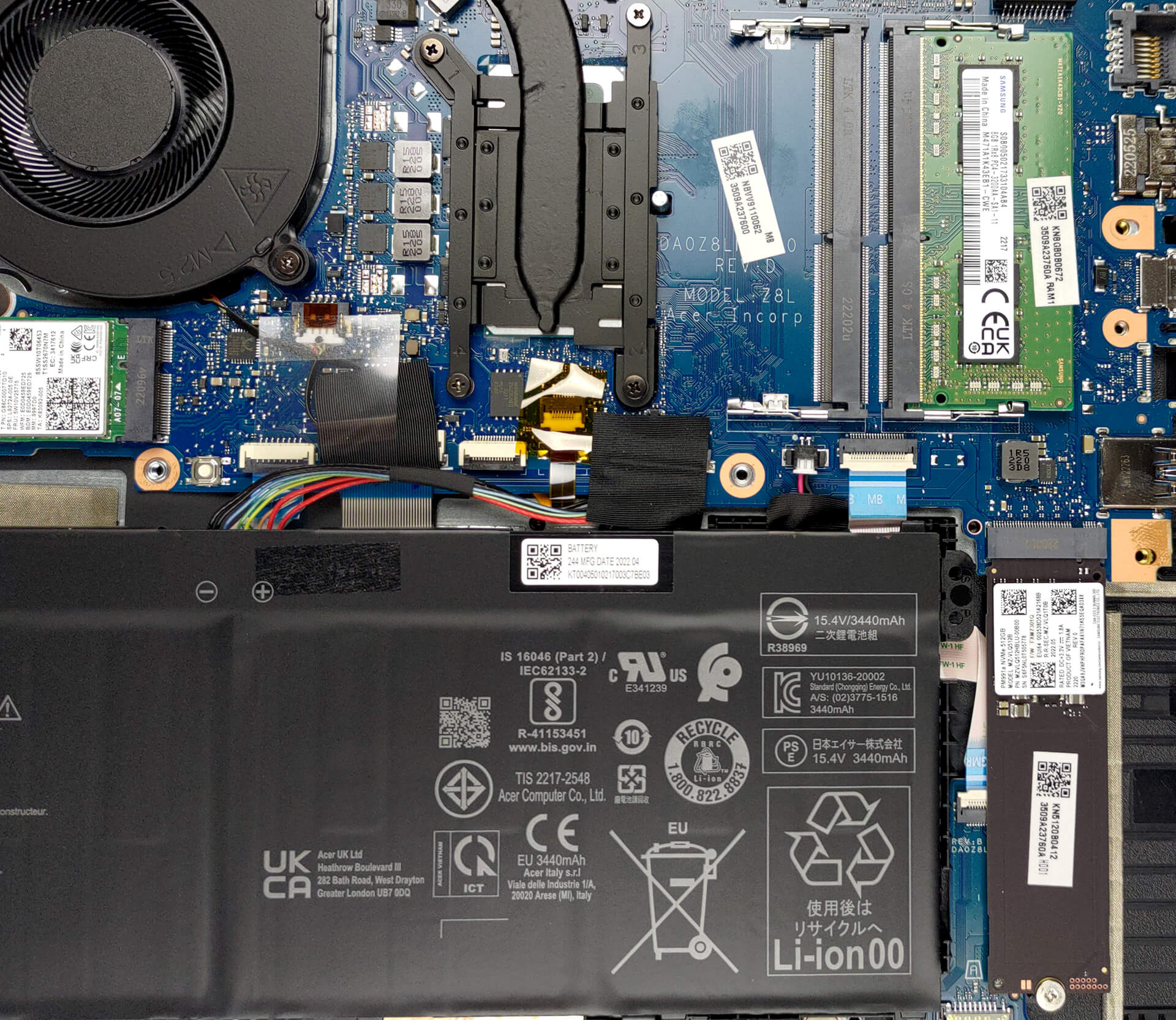
Here, you get two SODIMM slots, which work with DDR4 memory. Storage-wise, there is one M.2 PCIe x4 slot, as well as a 2.5-inch SATA drive bay. Thankfully, Acer provides all the needed accessories and a cable to install such a drive.

4. Cooling system
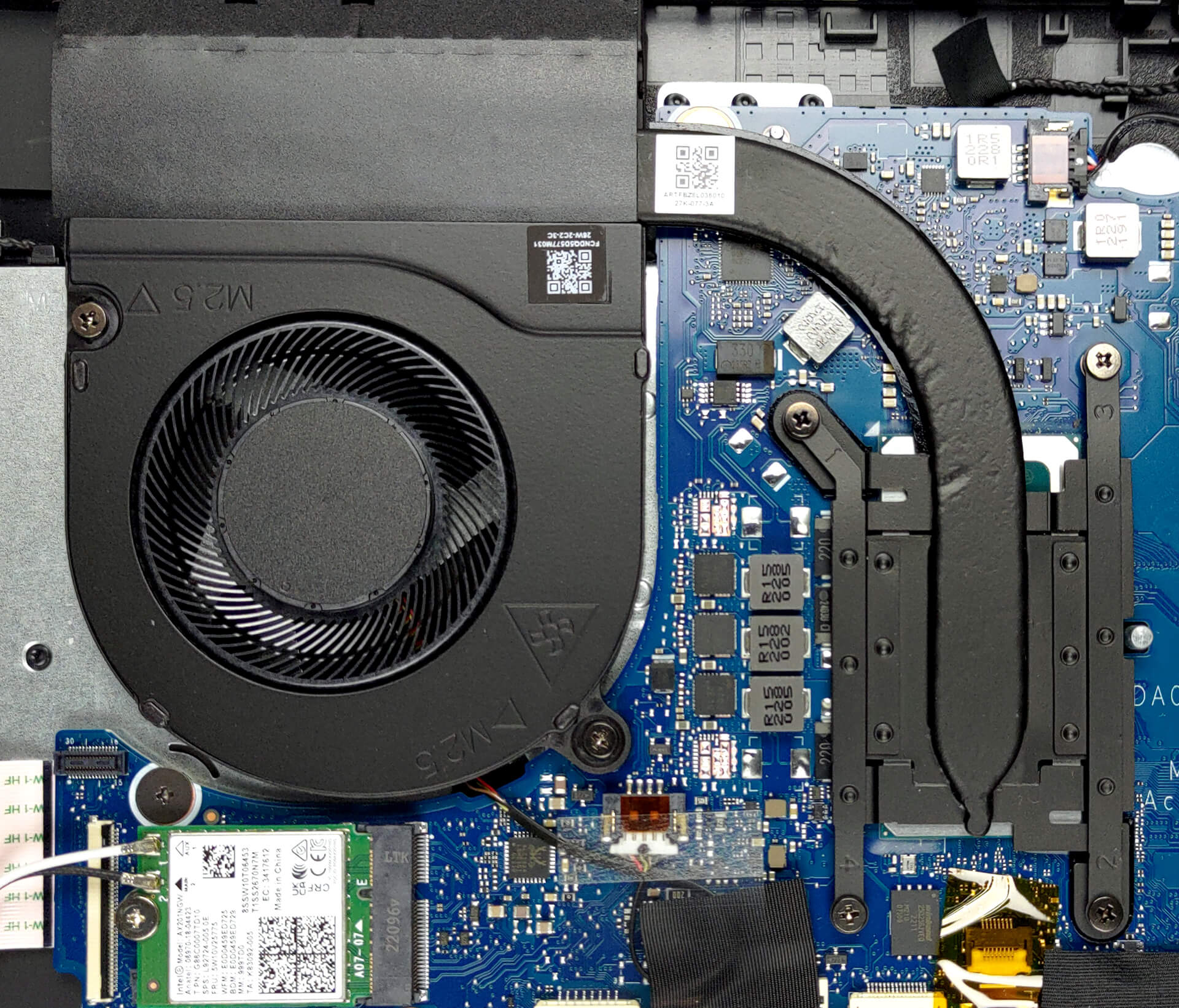
This device’s cooling comprises a single heat pipe, a heat sink, and a fan.
Check out all Acer TravelMate P2 (TMP215-54) prices and configurations in our Specs System, or read more in our In-Depth review.
Acer TravelMate P2 (TMP215-54) uitgebreide review
Acer's TravelMate lineup is often being overlooked by business customers in favor of the ThinkPads of Lenovo and Latitudes of Dell. However, in our opinion, this is purely out of popularity and image, and not because of the lack of quality from the Acer devices.Today, we're going to review the TravelMate P2 (TMP215-54). It is a 15-inch business notebook, which sits at the bottom end of the price spectrum. Acer sells it with Alder Lake-U processors.Ultimately, there is nothing too shiny about its design. This means that the manufacturer is looking for something flashy. Instead, they wa[...]
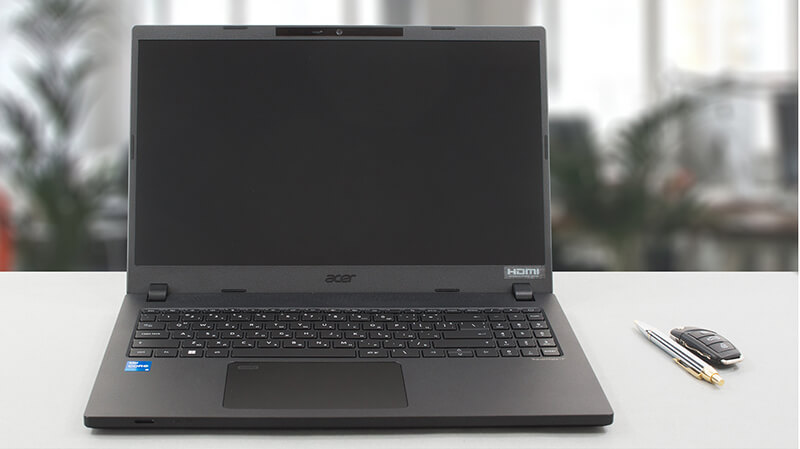
Pros
- Good upgradability with two SODIMMs, M.2, and SATA ports
- Great keyboard and touchpad
- No PWM (Innolux N156HCA-EAB (CMN15E7))
- Optional fingerprint reader + IR face recognition scanner
- Decent performance (despite 45W charger)
- Wide port selection with Thunderbolt 4 connector and MicroSD card slot
Minpunten
- Covers only 52% of sRGB (Innolux N156HCA-EAB (CMN15E7))
- Low-budget build
 Author: Alex Iliev

![[juni 2026] Bestverkochte laptopmerken op Amazon Global – Apple’s ongeëvenaarde dominantie in aantal verkochte exemplaren en omzet](https://laptopmedia.com/wp-content/uploads/2026/07/GLOBAL-Best-Brands-400x225.jpg)
![[juni 2026] Amazon Global: Top 10 bestverkochte laptops – De nieuwe MacBook Neo van Apple stormt naar de eerste plaats en zet de markt op zijn kop dankzij zijn betaalbaarheid](https://laptopmedia.com/wp-content/uploads/2026/07/Best-Selling-Laptops-GLOBAL-Top-10-400x225.jpg)
![[juni 2026] Amazon Global: Top 10 van best verkochte gaminglaptops – De Nitro V 16S AI van Acer domineert de verkoopcijfers, terwijl ASUS qua totale omzet aan kop gaat](https://laptopmedia.com/wp-content/uploads/2026/07/Best-Selling-Gaming-Laptops-GLOBAL-Top-10-400x225.jpg)
![[juni 2026] Wereldwijde ranglijst van bestverkochte laptop-GPU’s op Amazon – De NVIDIA RTX 5060 is de bestverkochte speciale GPU](https://laptopmedia.com/wp-content/uploads/2026/07/Best-Selling-GPUs-GLOBAL-Top-10-400x225.jpg)
![[juni 2026] Wereldwijde ranglijst van bestverkochte laptop-CPU’s op Amazon – Apple M5 domineert, AMD Ryzen 7 260 verovert een stevig aandeel in het premiumsegment](https://laptopmedia.com/wp-content/uploads/2026/07/Best-Selling-CPUs-GLOBAL-Top-10-400x225.jpg)
