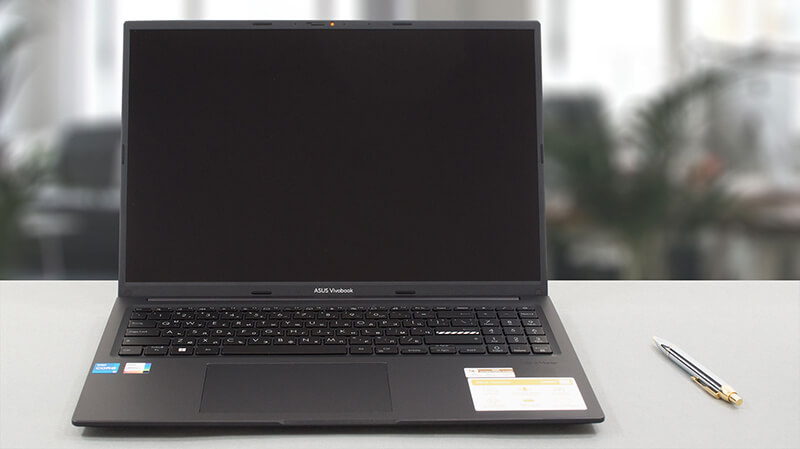
How to open ASUS Vivobook 16 (X1605) – disassembly and upgrade options
Even though it is a low-budget offering, the Vivobook 16 (X1605) comes with a few upgrade options – one SODIMM slot for memory, and one M.2 PCIe x4 slot for either Gen 3 or Gen 4 SSDs. Here’s how to access them.
Check out all ASUS Vivobook 16 (X1605) prices and configurations in our Specs System, or read more in our In-Depth review.
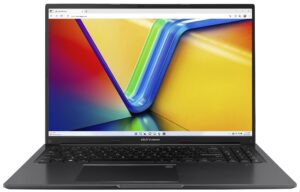
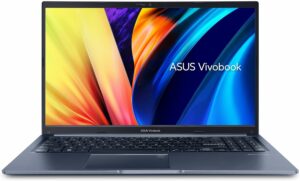
1. Remove the bottom plate
To access this notebook’s internals, you need to undo 10 Phillips-head screws. After that, pry the bottom panel with a plastic tool, and lift it away from the chassis.

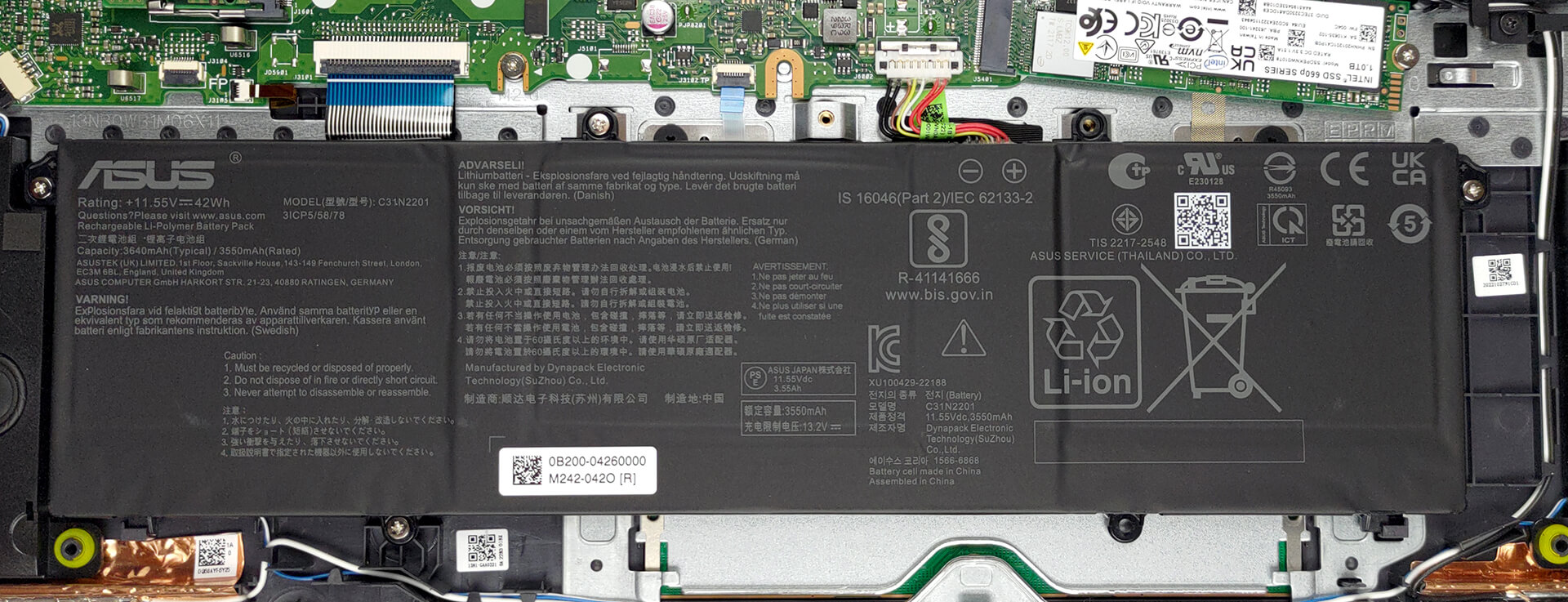
2. Remove the battery
Inside, we find a 42Wh battery pack. To take it out, unplug the connector from the motherboard, and undo the 4 Phillips-head screws that hold it in place.
3. Upgrade memory and storage
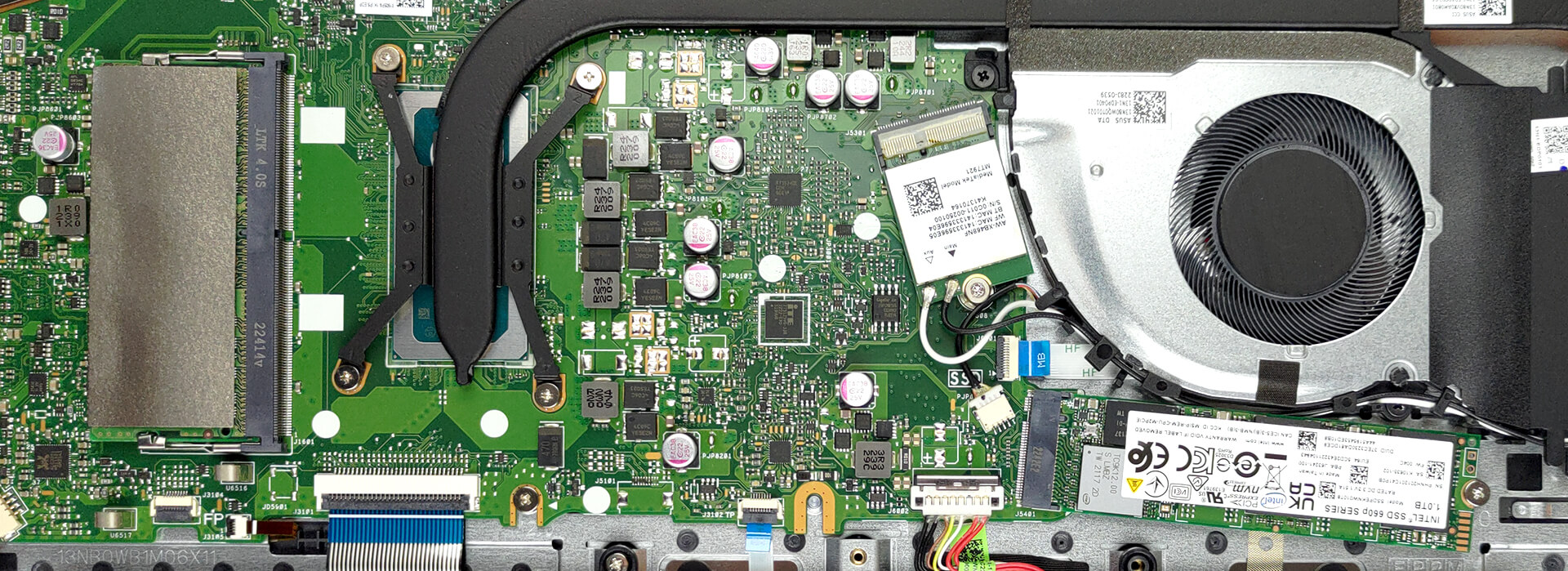
This device features 8GB of DDR4 RAM soldered to the motherboard, with one SODIMM slot offering further expansion. As for storage, you get one M.2 PCIe x4 slot, which works with either Gen 3 or Gen 4 SSDs.
4. Cooling system
Cooling-wise, there is one very long heat pipe that connects to two heat sinks. A single fan blows the heat away from the chassis.

Check out all ASUS Vivobook 16 (X1605) prices and configurations in our Specs System, or read more in our In-Depth review.
ASUS Vivobook 16 (X1605 / F1605) uitgebreide review
Nog geen twee jaar geleden bestonden laptops van 16 inch gewoon niet. Tegenwoordig zijn ze een van de populairste form factors op de markt aan het worden. Daarom zie je apparaten van dit formaat in vrijwel alle prijsklassen.Vandaag bekijken we de ASUS Vivobook 16 (X1605). Het is een vrij eenvoudig product dat niets minder wil bieden dan wat je nodig hebt voor je dagelijkse computer- en multimediaconsumptie.We moeten een disclaimer plaatsen dat we de OLED-versie van het product niet gaan behandelen, omdat we "alleen" het IPS-model in handen konden krijgen. Desalniettemin heeft het een [...]
Pros
- Betaalbaar en snel
- Geen PWM (Innolux N160JCE-ELL (CMN1618))
- Antibacteriële coating
- Comfortabel toetsenbord en touchpad
- Camera met een privacy shutter
Minpunten
- Geen SD-kaartlezer
- USB Type-C poort is alleen voor gegevensoverdracht
- Dekt 54% van sRGB-kleuren (Innolux N160JCE-ELL (CMN1618))
- Alleen plastic voor bouwmateriaal
 Author: Alex Iliev

![[juli 2026] Wereldwijde ranglijst van best verkochte laptop-GPU’s op Amazon – RTX 5060 domineert het premiumsegment, Intel blijft de toon aangeven in het budgetsegment](https://laptopmedia.com/wp-content/uploads/2026/08/Best-Selling-GPUs-GLOBAL-Top-10-400x225.jpg)
![[juli 2026] Wereldwijde ranglijst van bestverkochte laptop-CPU’s op Amazon – Apple domineert het premiumsegment, Intel behoudt de algemene eerste plaats](https://laptopmedia.com/wp-content/uploads/2026/08/Best-Selling-CPUs-GLOBAL-Top-10-400x225.jpg)
![[July 2026] Amazon Canada: Top 10 Best-Selling Laptops – Apple MacBook Neo Dominates the Market to Claim the #1 Spot](https://laptopmedia.com/wp-content/uploads/2026/08/Best-Selling-Laptops-CA-Top-10-2-400x225.jpg)
![[July 2026] Best-Selling Laptop Brands on Amazon Japan – HP and Lenovo Dominate Units and Revenue Amid Fierce Competition](https://laptopmedia.com/wp-content/uploads/2026/08/CO.JP-Best-Brands-2-400x225.jpg)
![[July 2026] Amazon Italy: Top 10 Best-Selling Laptops – Apple MacBook Neo Claims the #1 Spot Amid Budget-Friendly Dominance](https://laptopmedia.com/wp-content/uploads/2026/08/Best-Selling-Laptops-IT-Top-10-400x225.jpg)
