How to open ASUS Vivobook Pro 15 OLED (K6502) – disassembly and upgrade options
It’s good to see that ASUS has found a way to offer some upgradeability for this device. It has some memory soldered to the motherboard, but you get an extra SODIMM slot for further expansion.
Check out all ASUS Vivobook Pro 15 OLED (K6502) prices and configurations in our Specs System, or read more in our In-Depth review.
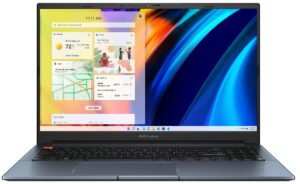
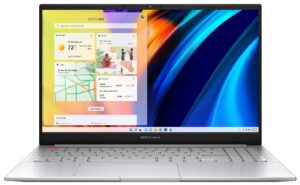
1. Remove the bottom plate
To get access to this notebook’s internals, you need to undo a total of 9 Torx-head screws. After that, pry the bottom panel. We found it easiest to start from the front corners.
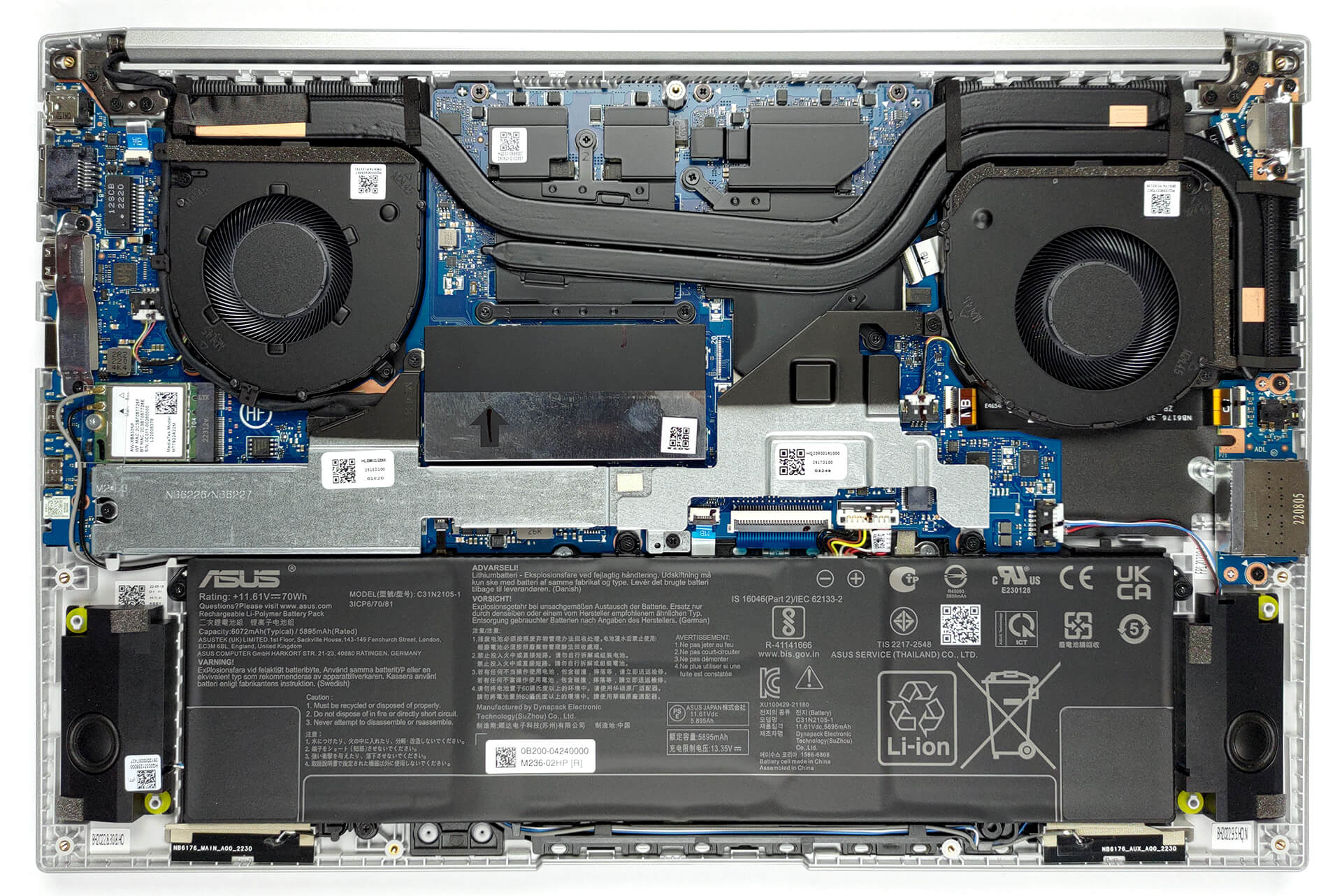
2. Remove the battery
Here, we find a 70Wh battery pack. It lasts for 8 hours of Web browsing, or 7 hours of video playback. To take it out, you will need to unplug the battery connector from the motherboard and undo all 5 screws that keep it attached. This time, they are of Phillips type.
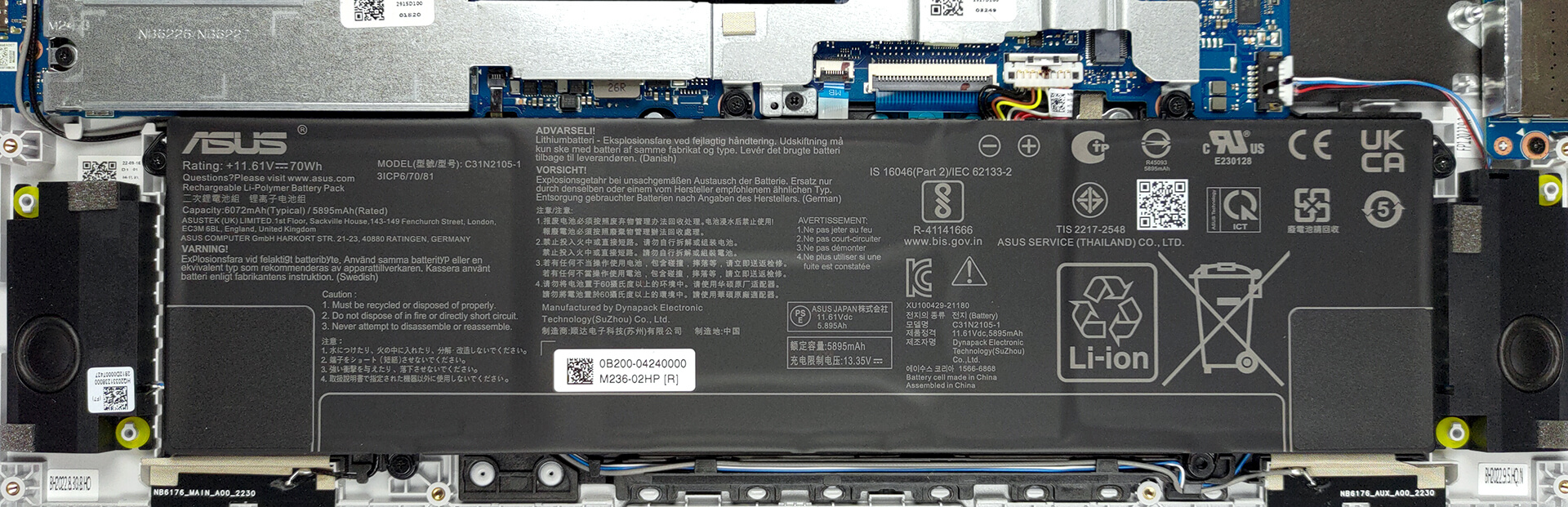
3. Upgrade memory and storage
Underneath a metal shroud, you will find the single SODIMM slot. There are 16GB soldered to the motherboard, and you can put up to 16GB of DDR4 RAM in the slot. The single M.2 PCIe x4 Gen 4 storage slot is hidden beneath a metal bracket. There are three screws that you need to undo before you can access it.

4. Cooling system
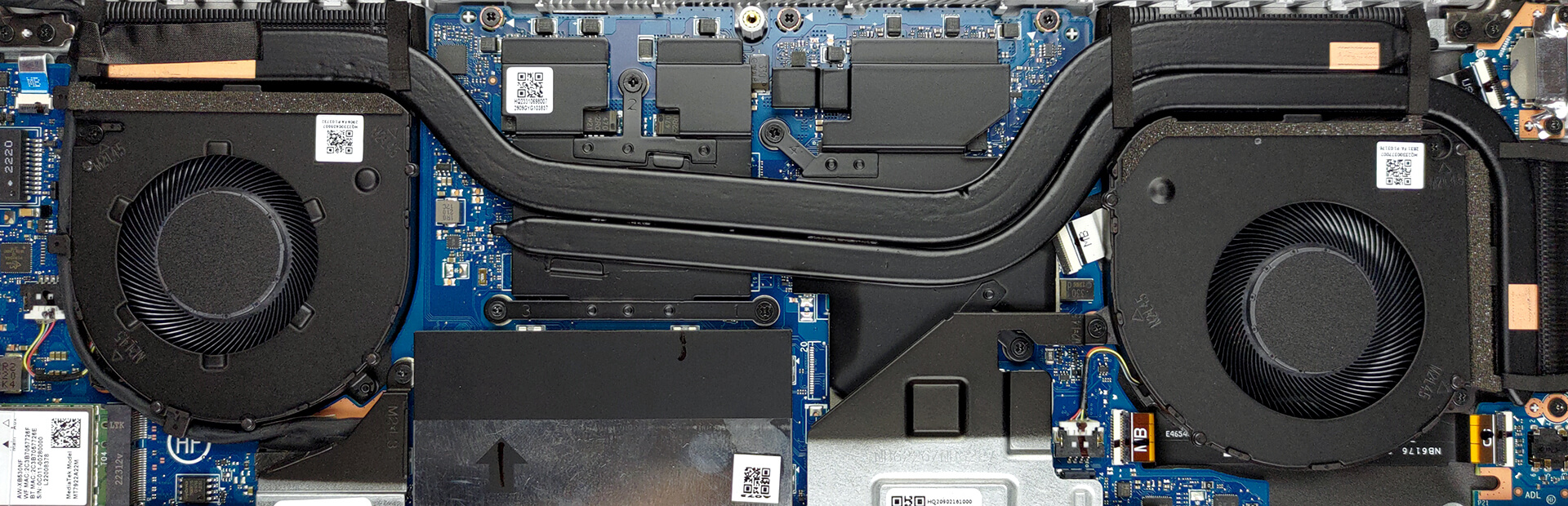
The cooling comprises two heat pipes, three heat sinks, and two reasonably-sized fans. In addition, the VRMs and the graphics memory all come with metal heat spreaders on top.
Check out all ASUS Vivobook Pro 15 OLED (K6502) prices and configurations in our Specs System, or read more in our In-Depth review.
ASUS Vivobook Pro 15 OLED (K6502) uitgebreide review
Once you start seeing the word "creative" appear on the official Web page of a laptop, then, you immediately know its target group. However, once you dig deeper into the specs, you will find out, that there is more to it.In fact, there is one feature that stood out among the rest, and it is the MUX switch. Halt! Pull the handbrake! Let's not get ahead of ourselves. We don't yet know what is powering the machine, and here we are talking about switches and stuff.First, you get the full treatment - 45W Alder Lake CPU in the form of the Core i5-12500H and Core i7-12700H, or the more cooli[...]
Pros
- Fantastic battery life
- Antibacterial coating
- 100% sRGB and DCI-P3 coverage + HDR support
- Accurate colors in both the sRGB and the DCI-P3 color spaces
- 120Hz refresh rate + fast pixel response times
- Deep blacks and virtually infinite contrast ratio
- Fingerprint reader
- Thunderbolt 4, SD card slot, and many more
- Noise cancellation
- MUX switch
Minpunten
- Uses PWM below 110 nits (fixed by the My ASUS app)
- Small Arrow keys
 Author: Alex Iliev

![[juni 2026] Bestverkochte laptopmerken op Amazon Global – Apple’s ongeëvenaarde dominantie in aantal verkochte exemplaren en omzet](https://laptopmedia.com/wp-content/uploads/2026/07/GLOBAL-Best-Brands-400x225.jpg)
![[juni 2026] Amazon Global: Top 10 bestverkochte laptops – De nieuwe MacBook Neo van Apple stormt naar de eerste plaats en zet de markt op zijn kop dankzij zijn betaalbaarheid](https://laptopmedia.com/wp-content/uploads/2026/07/Best-Selling-Laptops-GLOBAL-Top-10-400x225.jpg)
![[juni 2026] Amazon Global: Top 10 van best verkochte gaminglaptops – De Nitro V 16S AI van Acer domineert de verkoopcijfers, terwijl ASUS qua totale omzet aan kop gaat](https://laptopmedia.com/wp-content/uploads/2026/07/Best-Selling-Gaming-Laptops-GLOBAL-Top-10-400x225.jpg)
![[juni 2026] Wereldwijde ranglijst van bestverkochte laptop-GPU’s op Amazon – De NVIDIA RTX 5060 is de bestverkochte speciale GPU](https://laptopmedia.com/wp-content/uploads/2026/07/Best-Selling-GPUs-GLOBAL-Top-10-400x225.jpg)
![[juni 2026] Wereldwijde ranglijst van bestverkochte laptop-CPU’s op Amazon – Apple M5 domineert, AMD Ryzen 7 260 verovert een stevig aandeel in het premiumsegment](https://laptopmedia.com/wp-content/uploads/2026/07/Best-Selling-CPUs-GLOBAL-Top-10-400x225.jpg)

good!