How to open Lenovo ThinkPad L13 Gen 3 – disassembly and upgrade options
Unfortunately, the ThinkPad L13 Gen 3 is not very well prepared in terms of upgradeability.
Check out all Lenovo ThinkPad L13 Gen 3 prices and configurations in our Specs System, or read more in our In-Depth review.
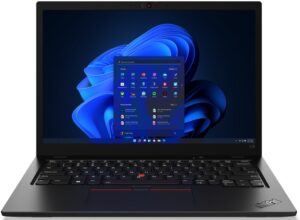
1. Remove the bottom plate
To access this notebook’s internals, you need to undo a total of 8 captive Phillips-head screws. Then, pry the bottom panel with a plastic tool, starting from the back.
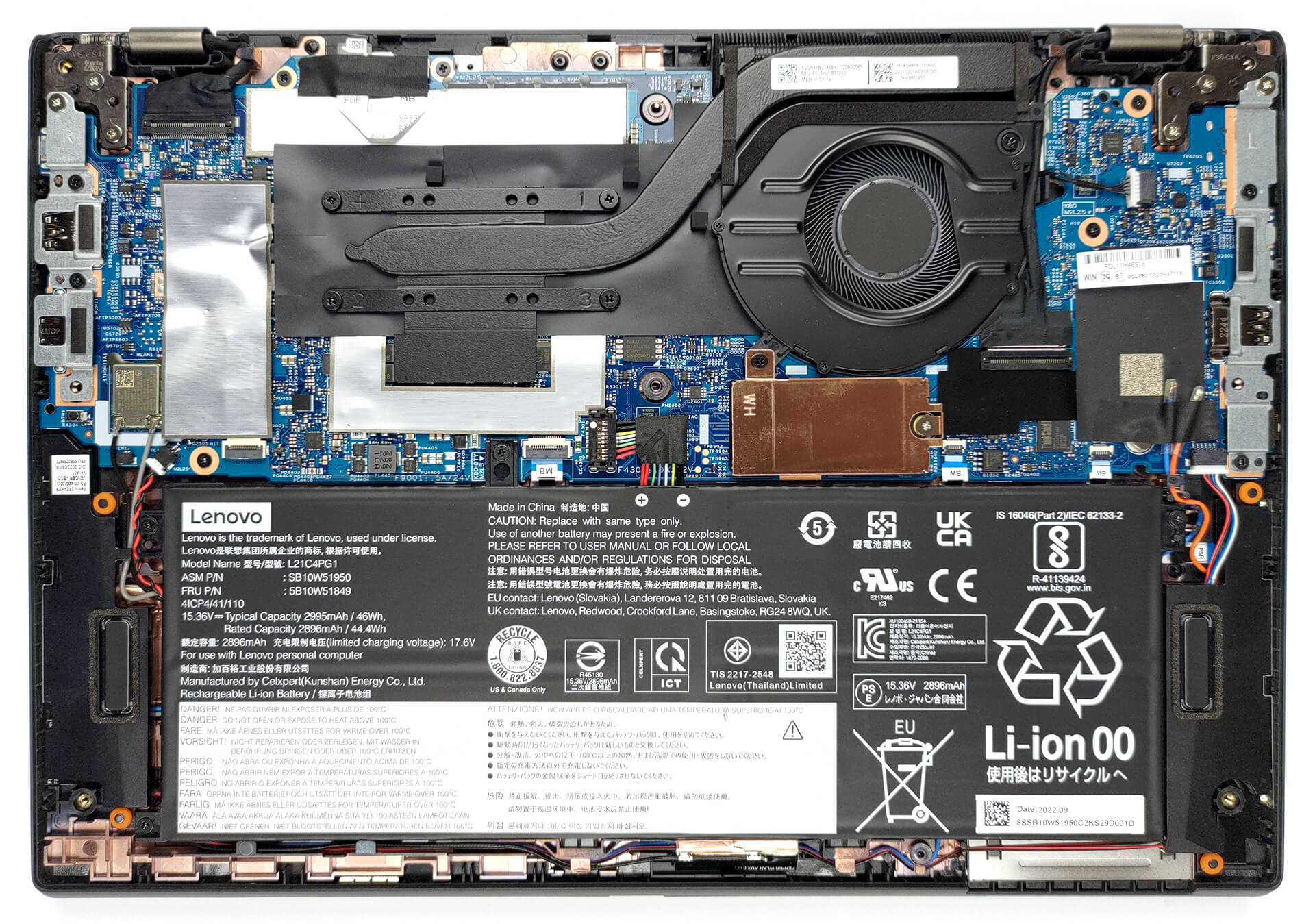
2. Remove the battery
Inside, we see a 46Wh battery pack. It got us through 8 hours and 30 minutes of Web browsing, or 8 hours of video playback on a single charge. To remove it, unplug the connector from the motherboard, and undo all 4 Phillips-head screws.
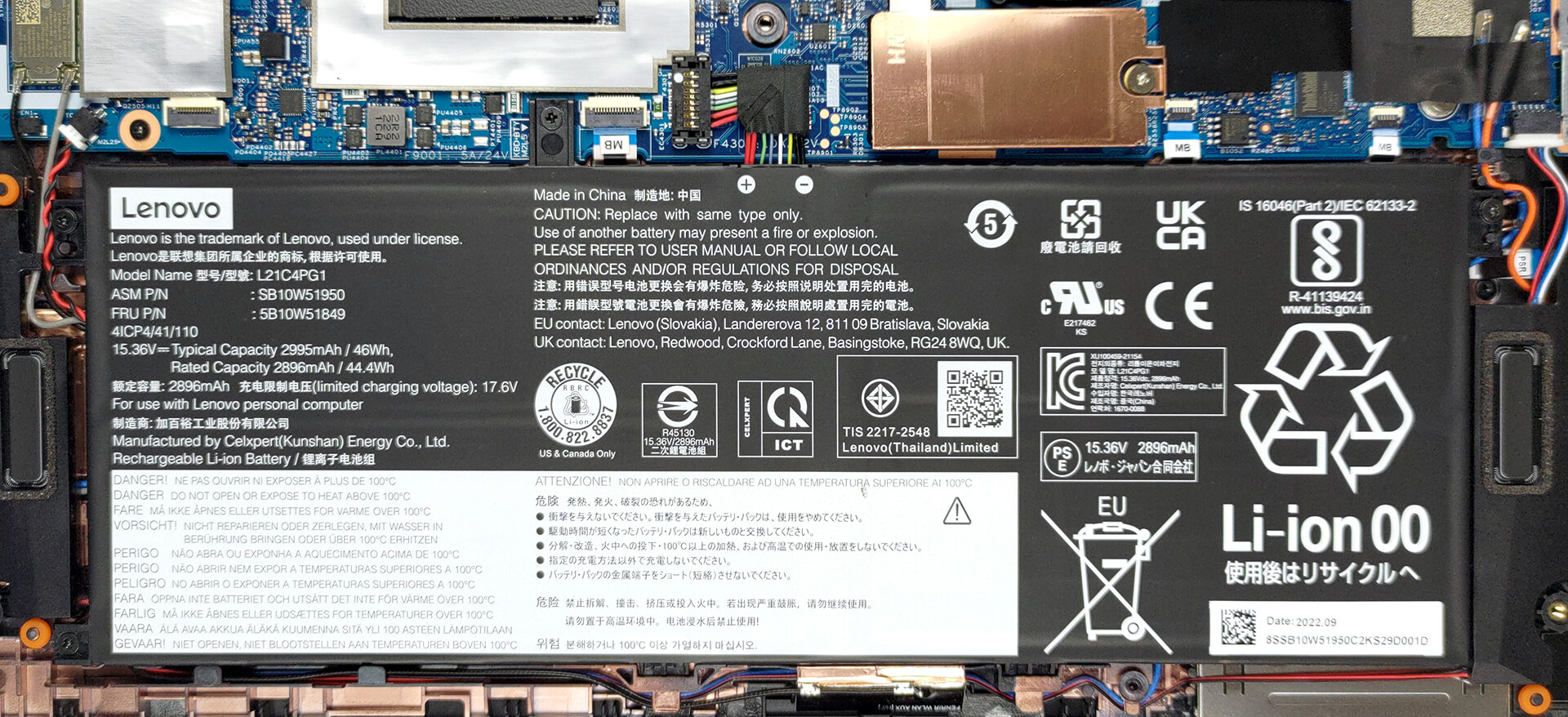
3. Upgrade memory and storage
As you can see, the memory is soldered to the motherboard. You can find configurations with 8, 16, and 32GB of DDR4 RAM, working at 3200MHz. Storage-wise, there is one M.2 PCIe x4 slot, which supports 42mm Gen 4 SSDs.
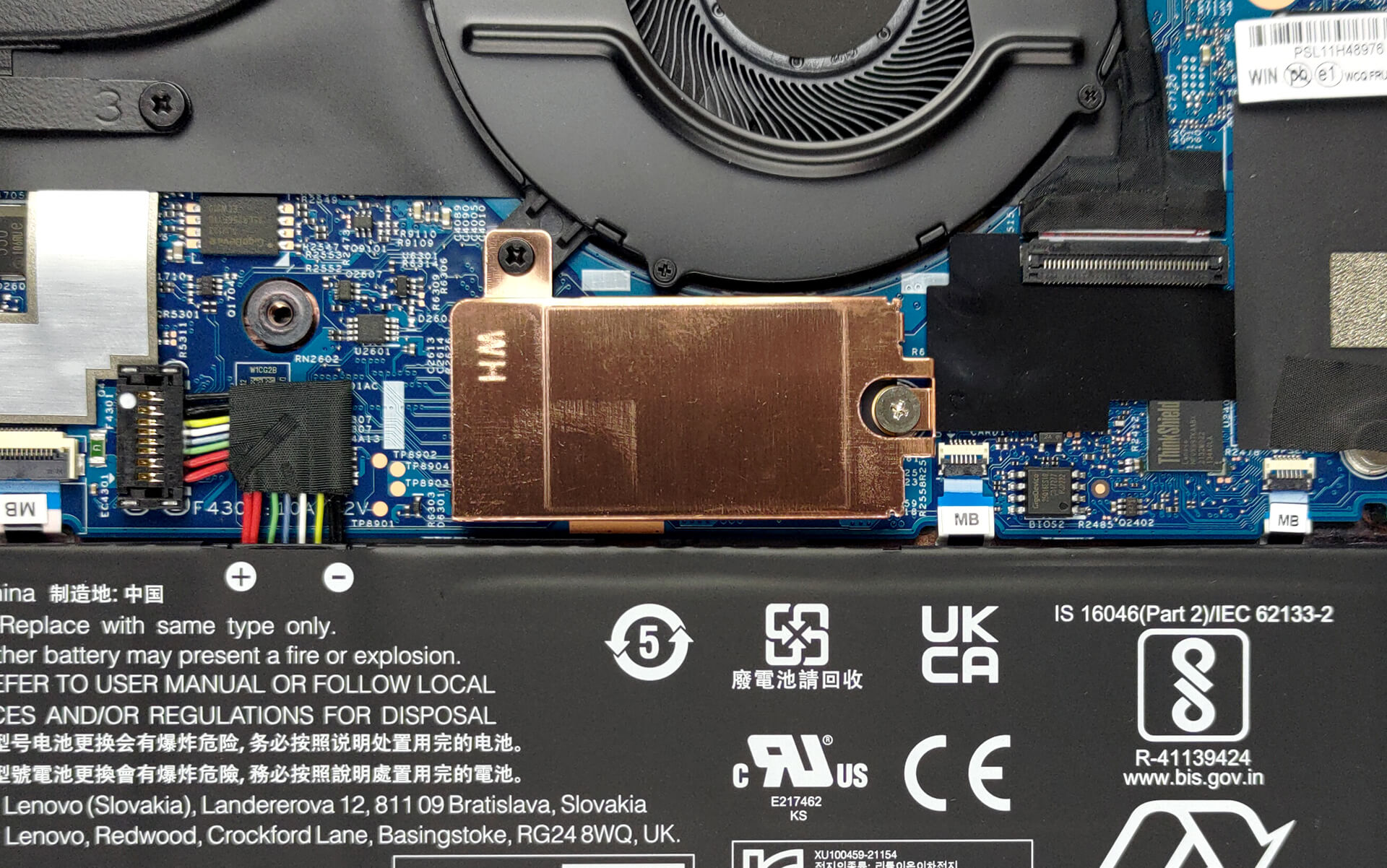
4. Cooling system
Its cooling comprises a single heat pipe, a heat sink, and a fan of decent size. Furthermore, there is one small heat spreader over the VRMs.
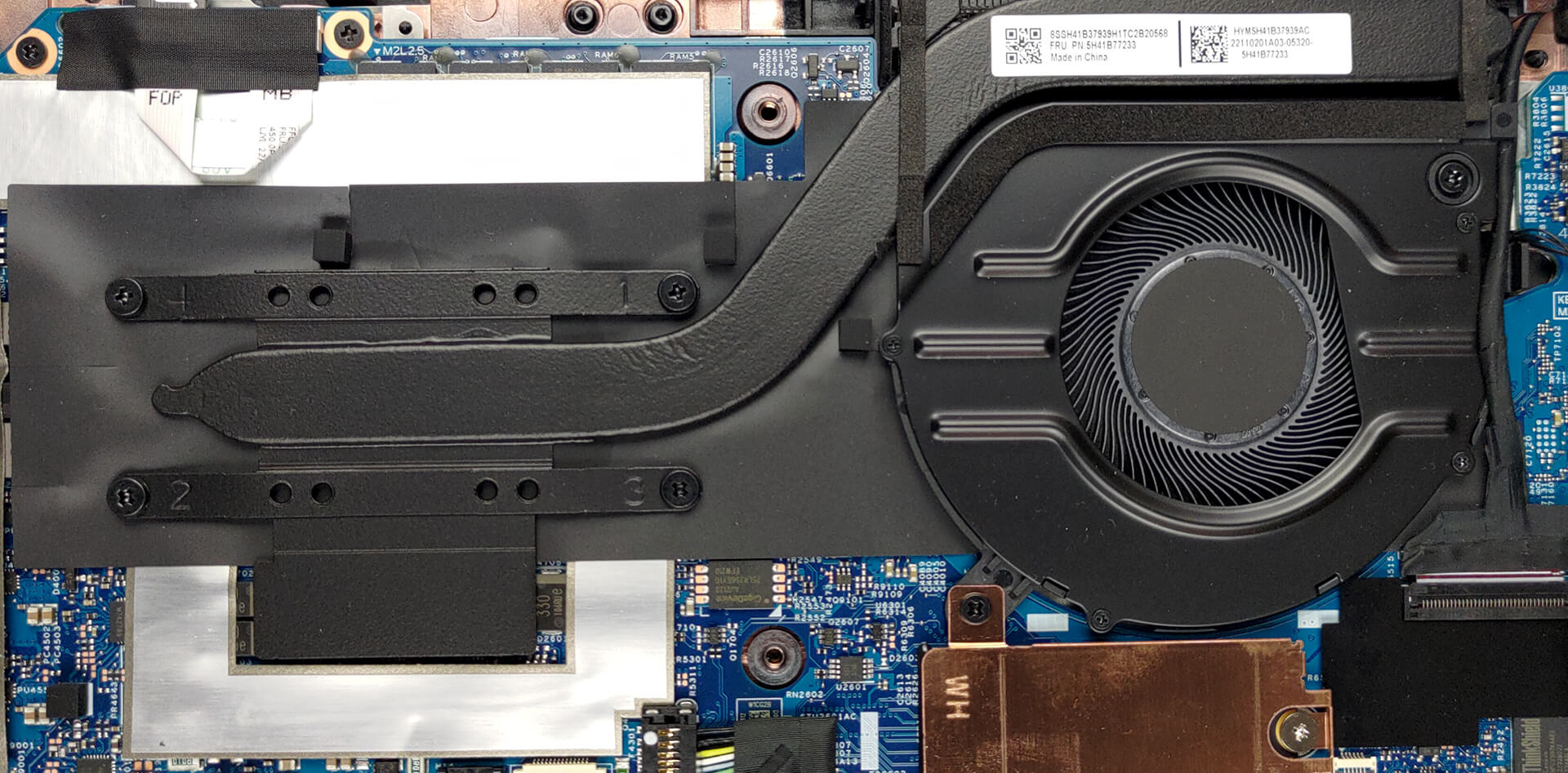
Check out all Lenovo ThinkPad L13 Gen 3 prices and configurations in our Specs System, or read more in our In-Depth review.
Lenovo ThinkPad L13 Gen 3 (AMD) uitgebreide review
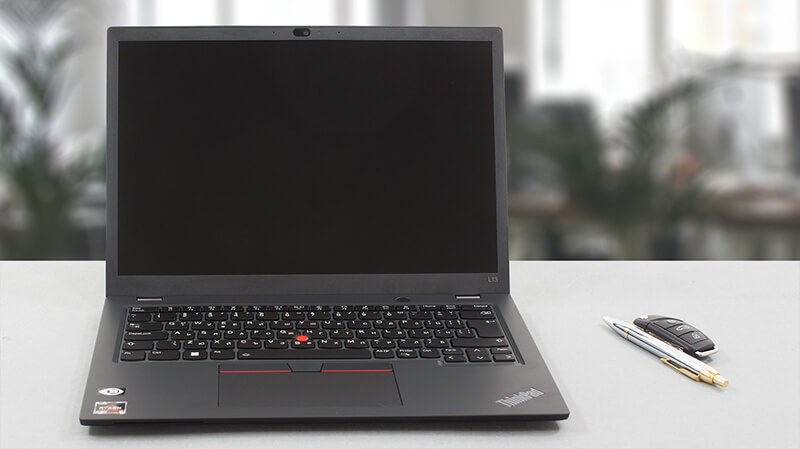
Lenovo has finally given the ThinkPad L13 series the treatment it deserves. Now, it is smaller than ever and has a screen with a 16:10 aspect ratio. Essentially, the overall shape and design of the product haven't changed a lot, as it still respects its ThinkPad roots.However, we see an interesting choice regarding the processor options. Expectedly, the device is offered with both Intel and AMD CPUs. While Team Blue supplied the 12th Gen Alder Lake options, Team Red only goes for the refreshed Ryzen 5000U devices.This is not necessarily a bad idea. They are less expensive, and some pe[...]
Pros
- No PWM (IVO M133NW4J R4 (LEN41A0))
- Smaller form factor
- Premium build quality
- Great keyboard
- IR face recognition + fingerprint reader
Minpunten
- Soldered RAM
- Covers only 56% of sRGB (IVO M133NW4J R4 (LEN41A0))
- No Thunderbolt (due to AMD limitations) and no SD card slot
 Author: Alex Iliev

![[augustus 2026] Wereldwijde ranglijst van bestverkochte laptop-GPU’s op Amazon – Apple is onbetwist nummer één, NVIDIA’s RTX 5060 staat bovenaan de ranglijst voor dedicated GPU’s](https://laptopmedia.com/wp-content/uploads/2026/09/Best-Selling-GPUs-GLOBAL-Top-10-400x225.jpg)
![[augustus 2026] Wereldwijde ranglijst van bestverkochte laptop-CPU’s op Amazon – Apple domineert zowel het budget- als het premiumsegment: A18 Pro en M5 verslaan Intel en AMD in augustus 2026](https://laptopmedia.com/wp-content/uploads/2026/09/Best-Selling-CPUs-GLOBAL-Top-10-400x225.jpg)
![[augustus 2026] Amazon Global: Top 10 van best verkochte laptops – De Apple MacBook Neo domineert de hitlijsten, terwijl goedkope en middenklasse Windows-laptops strijden om het verkoopvolume](https://laptopmedia.com/wp-content/uploads/2026/09/Best-Selling-Laptops-GLOBAL-Top-10-400x225.jpg)
![[augustus 2026] Bestverkochte laptopmerken op Amazon Global – Apple domineert qua omzet, terwijl HP koploper is qua modelvariëteit](https://laptopmedia.com/wp-content/uploads/2026/09/GLOBAL-Best-Brands-400x225.jpg)
![[augustus 2026] Amazon Global: Top 10 bestverkochte gaminglaptops – HP Victus 15 pakt de eerste plaats terwijl budgetvriendelijke modellen de hitlijsten domineren](https://laptopmedia.com/wp-content/uploads/2026/09/Best-Selling-Gaming-Laptops-GLOBAL-Top-10-400x225.jpg)
