How to open Lenovo ThinkPad X13 Gen 3 – disassembly and upgrade options
You don’t get an opportunity to upgrade the memory down the road, but you can pick from three configuration options pre-purchase.
Check out all Lenovo ThinkPad X13 Gen 3 prices and configurations in our Specs System, or read more in our In-Depth review.
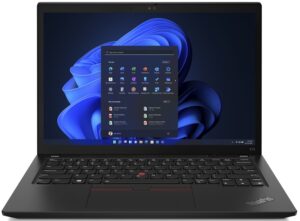

1. Remove the bottom plate
To access this notebook’s internals, you need to undo 7 captive Phillips-head screws. Then, pry the bottom panel with a plastic tool, starting from the back.
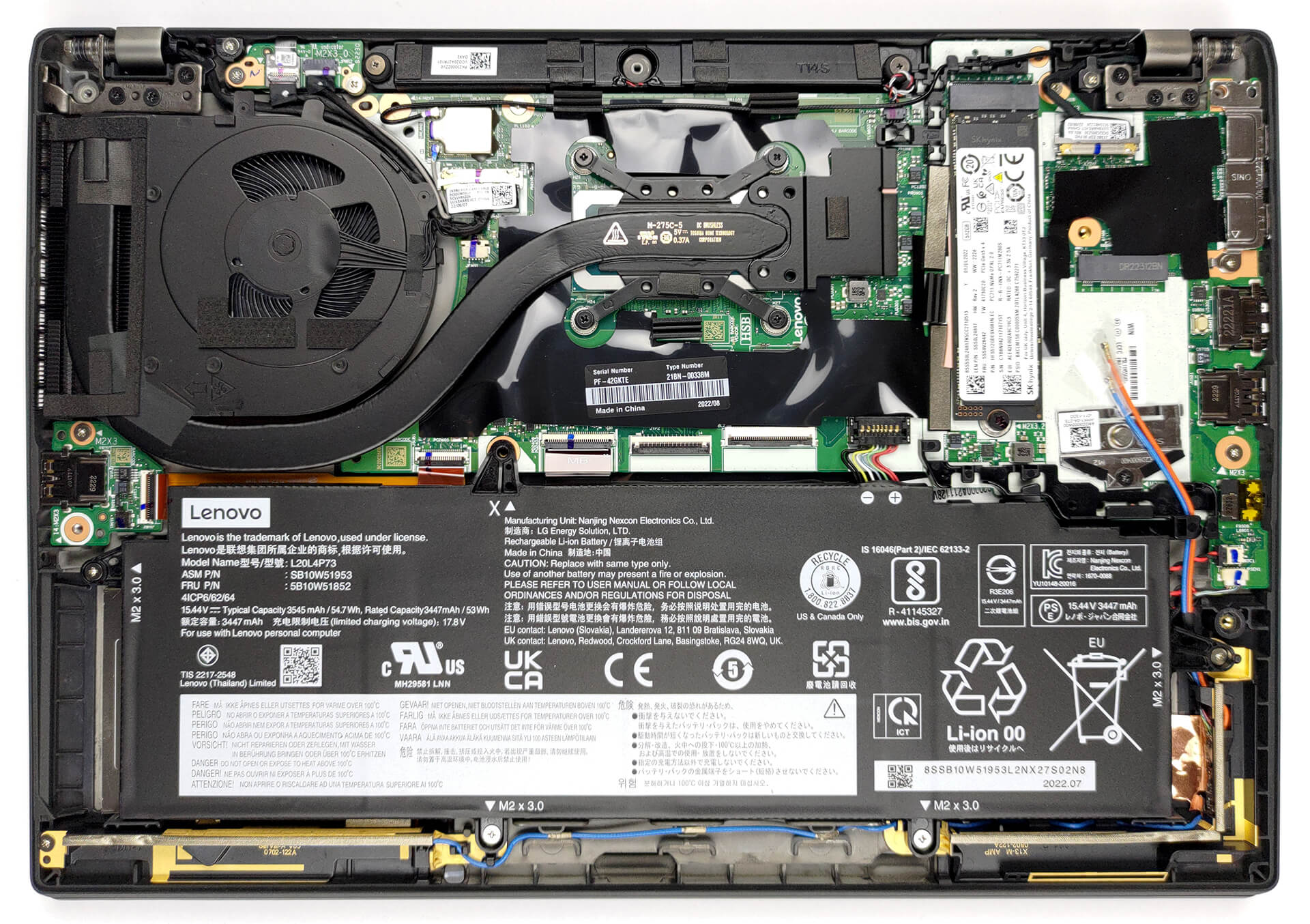
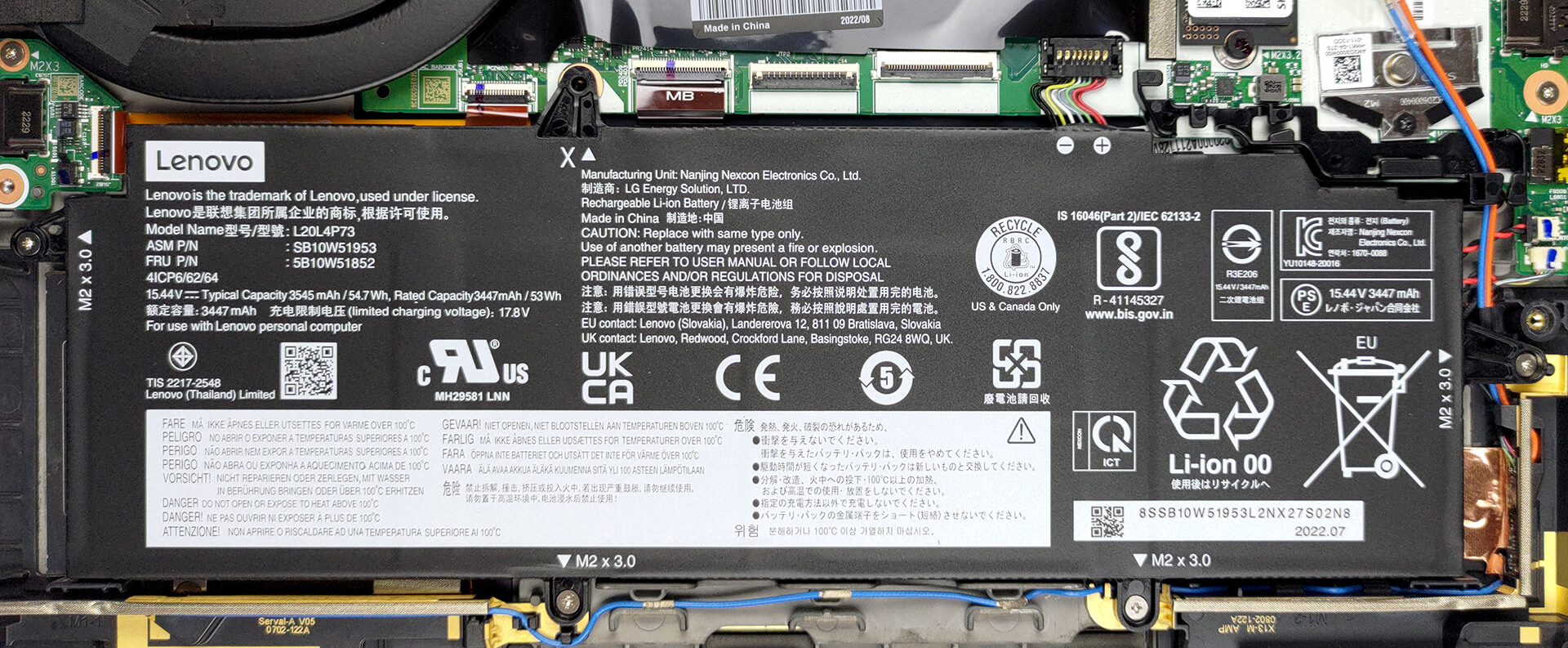
2. Remove the battery
Inside, we got a 54.7Wh battery pack. To take it out, unplug the connector from the motherboard, and undo all four Phillips-head screws that keep the battery attached to the chassis.
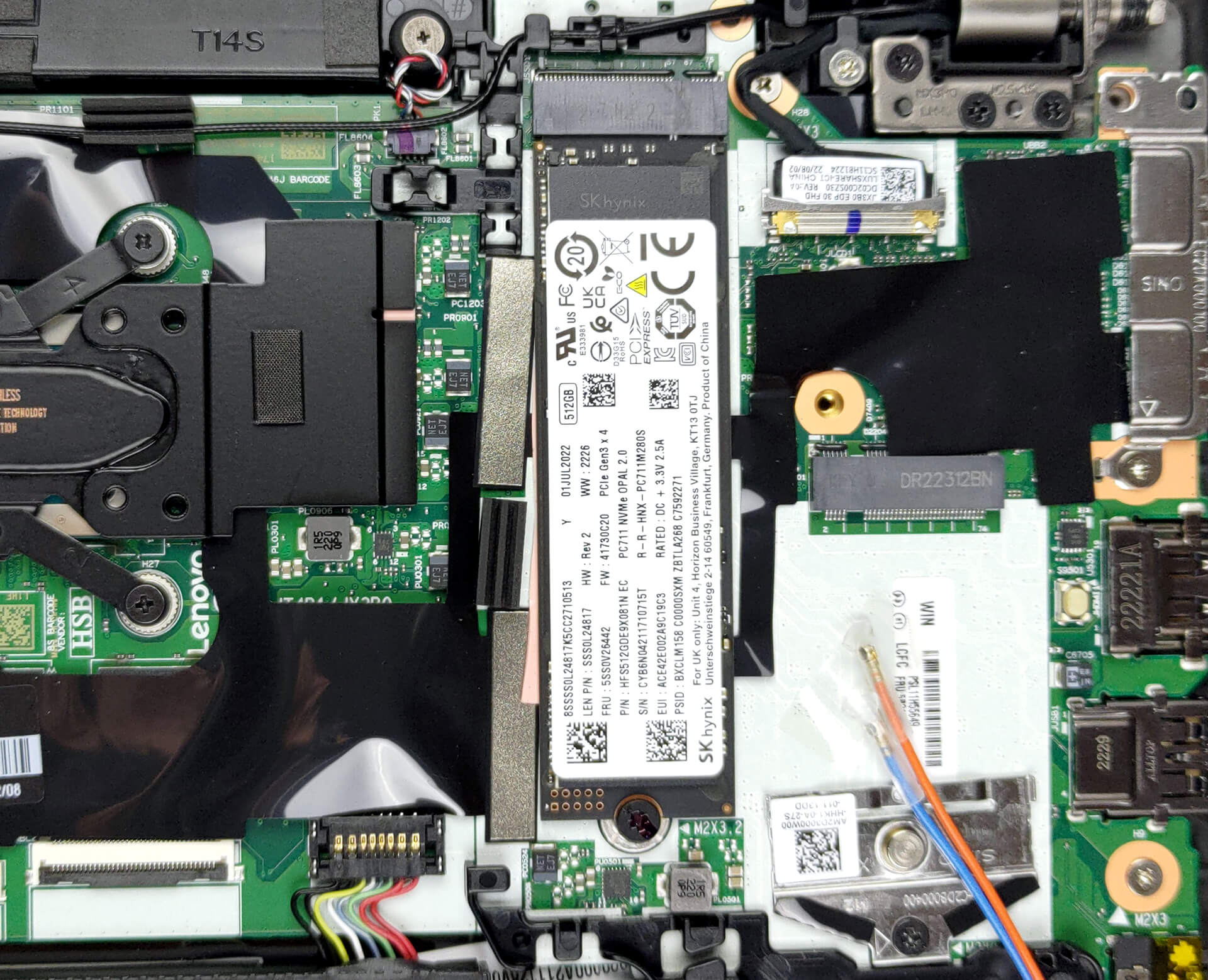
3. Upgrade memory and storage
Here, the memory comes soldered to the motherboard. You can pick between 8, 16, and 32GB of LPDDR5 RAM, working at 4800 MHz. Storage-wise, there is one M.2 PCIe x4 slot, which fits Gen 4 SSDs.
4. Cooling system
In terms of cooling, there is one heat pipe, a side-mounted heat sink, and a fan that blows the heat away from the chassis.
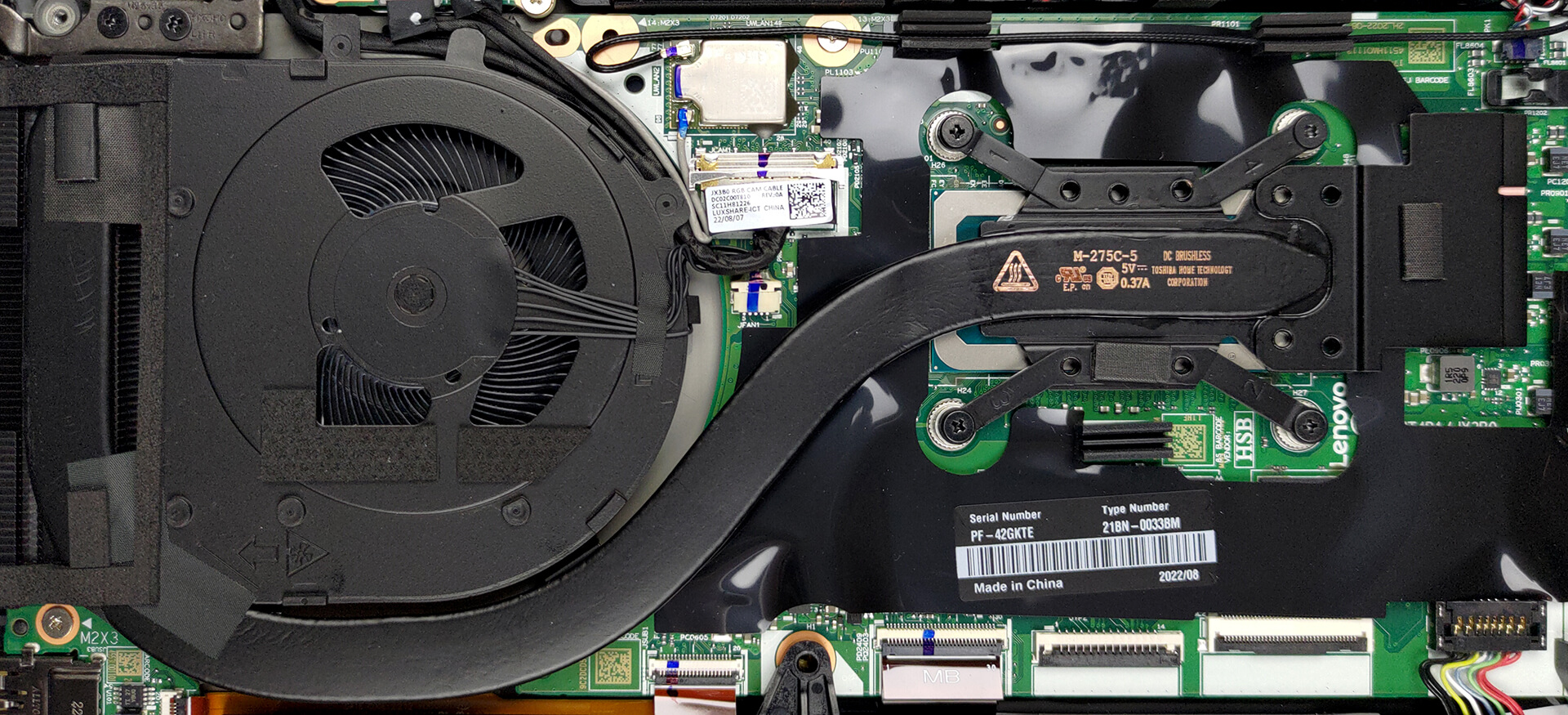
Check out all Lenovo ThinkPad X13 Gen 3 prices and configurations in our Specs System, or read more in our In-Depth review.
Lenovo ThinkPad X13 Gen 3 (Intel) uitgebreide review
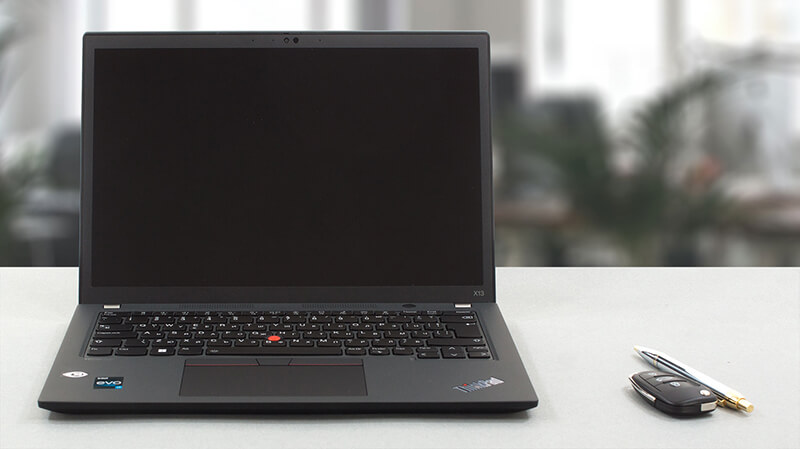
Het merk ThinkPad heeft laptops voor elk budget en elke grootte. Vandaag hebben we er een voor de meer pretentieuze gebruikers. Een laptop die goed draagbaar is, eersteklas is gebouwd en meer dan voldoende prestaties levert.De laptop in kwestie heet de Lenovo Thinkpad X13 Gen 3, en het is precies wat je verwacht. Het is echter interessant om te zien dat de fabrikant niet bang is om krachtige CPU's te gebruiken in dit kleine chassis.We hebben het over de Intel-versie, die wordt aangeboden met maximaal de Core i7-1280P - een 28W CPU met 6 P-cores en 8 E-cores. Zoals gebruikelijk kun je [...]
Pros
- Hoogwaardige bouwkwaliteit
- 100% sRGB-dekking en supernauwkeurige kleuren met ons Gaming- en webdesignprofiel (BOE NV133WUM-N61 (LEN41A0))
- Geen PWM (BOE NV133WUM-N61 (LEN41A0))
- Opladen via Type-C
- 2x Thunderbolt 4 + Gen 4 SSD-ondersteuning
- IR-gezichtsherkenning + vingerafdruklezer
Minpunten
- Heeft betere koeling nodig
- Gesoldeerd geheugen
 Author: Alex Iliev

![[juni 2026] Bestverkochte laptopmerken op Amazon Global – Apple’s ongeëvenaarde dominantie in aantal verkochte exemplaren en omzet](https://laptopmedia.com/wp-content/uploads/2026/07/GLOBAL-Best-Brands-400x225.jpg)
![[juni 2026] Amazon Global: Top 10 bestverkochte laptops – De nieuwe MacBook Neo van Apple stormt naar de eerste plaats en zet de markt op zijn kop dankzij zijn betaalbaarheid](https://laptopmedia.com/wp-content/uploads/2026/07/Best-Selling-Laptops-GLOBAL-Top-10-400x225.jpg)
![[juni 2026] Amazon Global: Top 10 van best verkochte gaminglaptops – De Nitro V 16S AI van Acer domineert de verkoopcijfers, terwijl ASUS qua totale omzet aan kop gaat](https://laptopmedia.com/wp-content/uploads/2026/07/Best-Selling-Gaming-Laptops-GLOBAL-Top-10-400x225.jpg)
![[juni 2026] Wereldwijde ranglijst van bestverkochte laptop-GPU’s op Amazon – De NVIDIA RTX 5060 is de bestverkochte speciale GPU](https://laptopmedia.com/wp-content/uploads/2026/07/Best-Selling-GPUs-GLOBAL-Top-10-400x225.jpg)
![[juni 2026] Wereldwijde ranglijst van bestverkochte laptop-CPU’s op Amazon – Apple M5 domineert, AMD Ryzen 7 260 verovert een stevig aandeel in het premiumsegment](https://laptopmedia.com/wp-content/uploads/2026/07/Best-Selling-CPUs-GLOBAL-Top-10-400x225.jpg)
