How to open Lenovo Yoga Slim 7 Pro X (14″, 2022) – disassembly and upgrade options
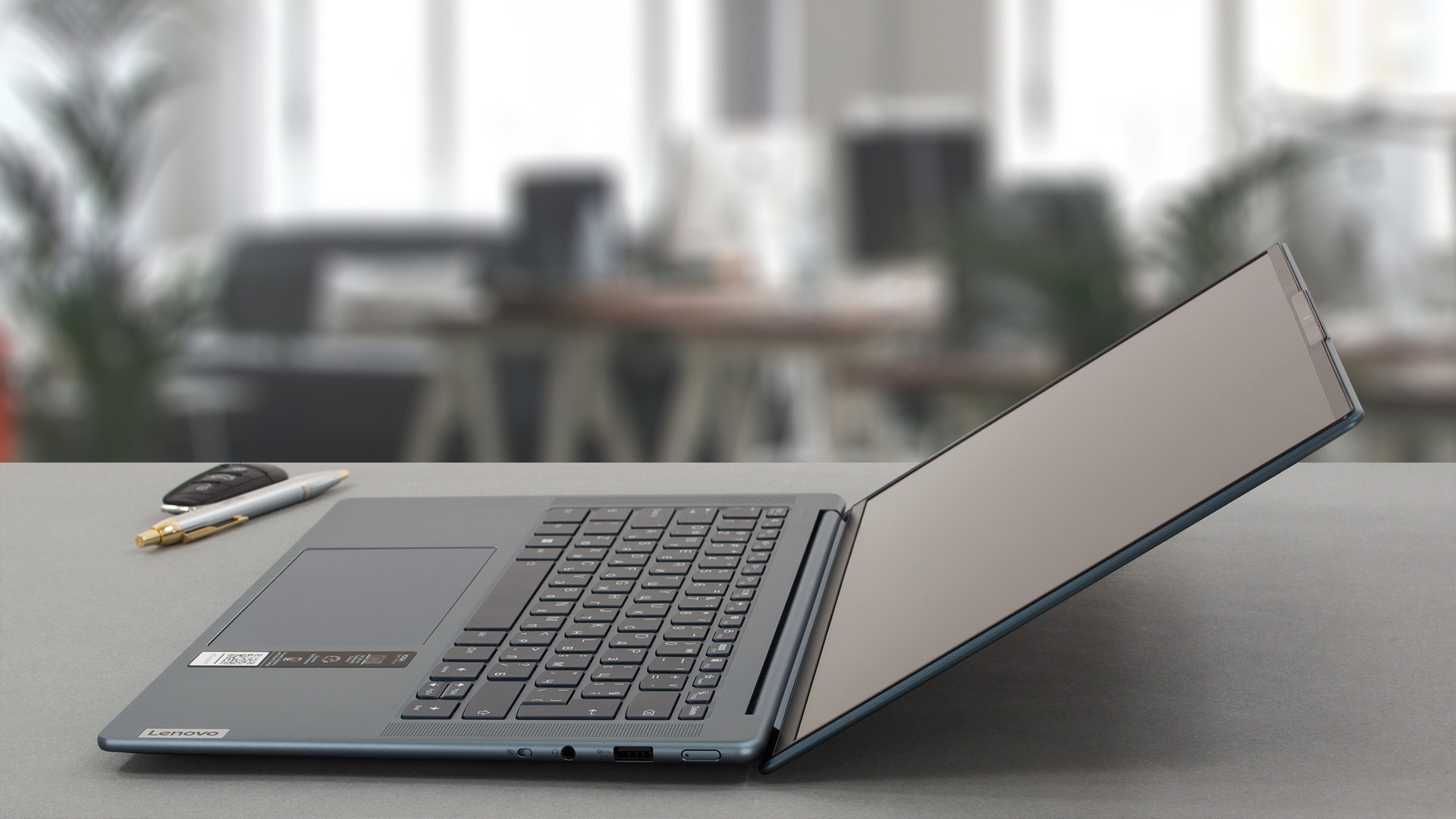
The Lenovo Yoga Slim 7 Pro X (14″, 2022) is a compact and powerful device that has a very good build quality. Now it’s time to have a sneak peek under the hood and to see the internals.
Check out all Lenovo Yoga Slim 7 Pro X (14″, 2022) prices and configurations in our Specs System, or read more in our In-Depth review.
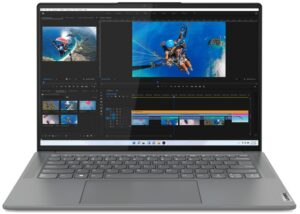
1. Remove the bottom plate
In order to open this notebook, you need to undo 5 Torx-head screws. After that, you have to pry the bottom panel with a plastic tool.
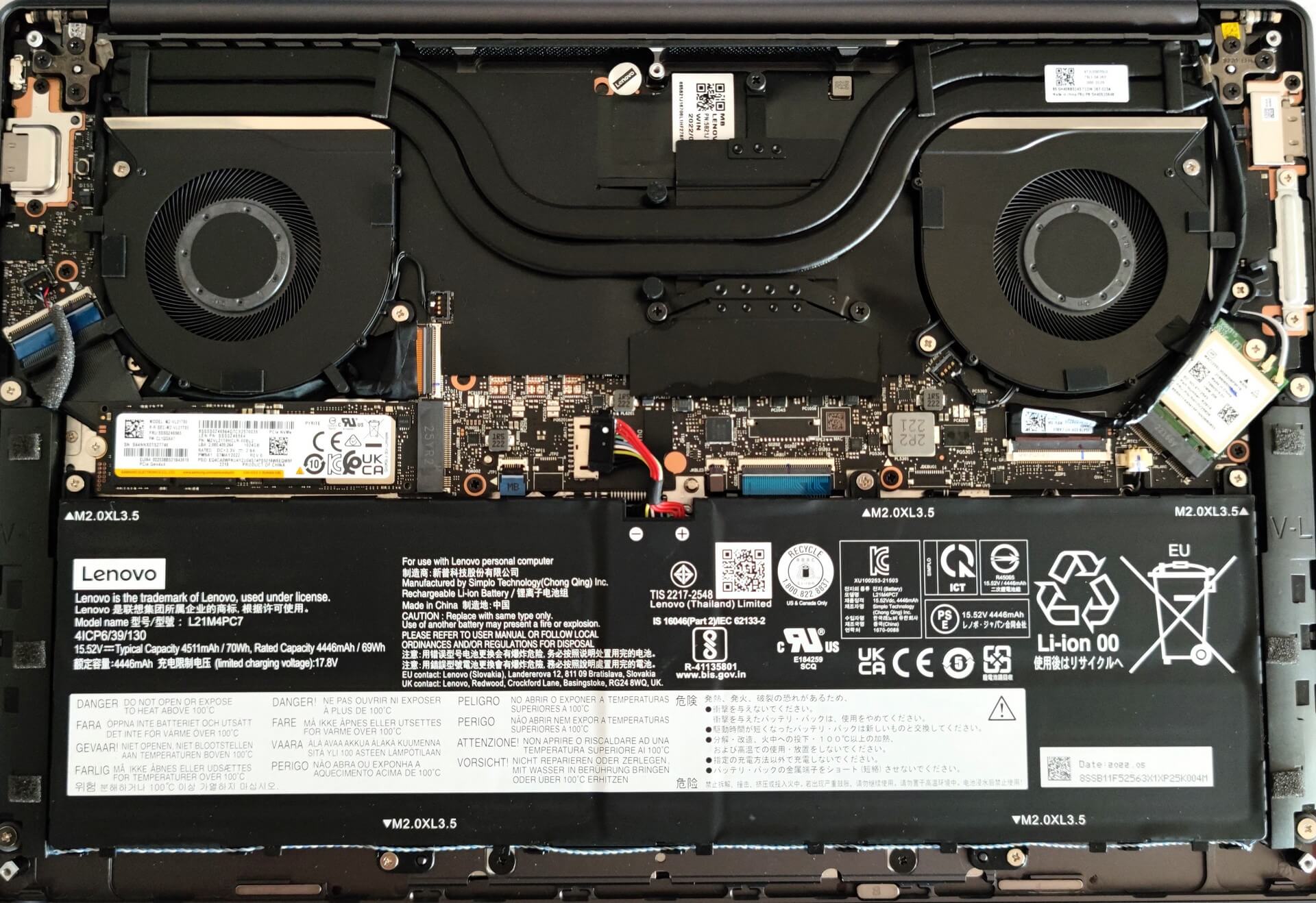
From the inside, the bottom plate has a dedicated thermal pad for the SSD which is nice to see.

2. Remove the battery
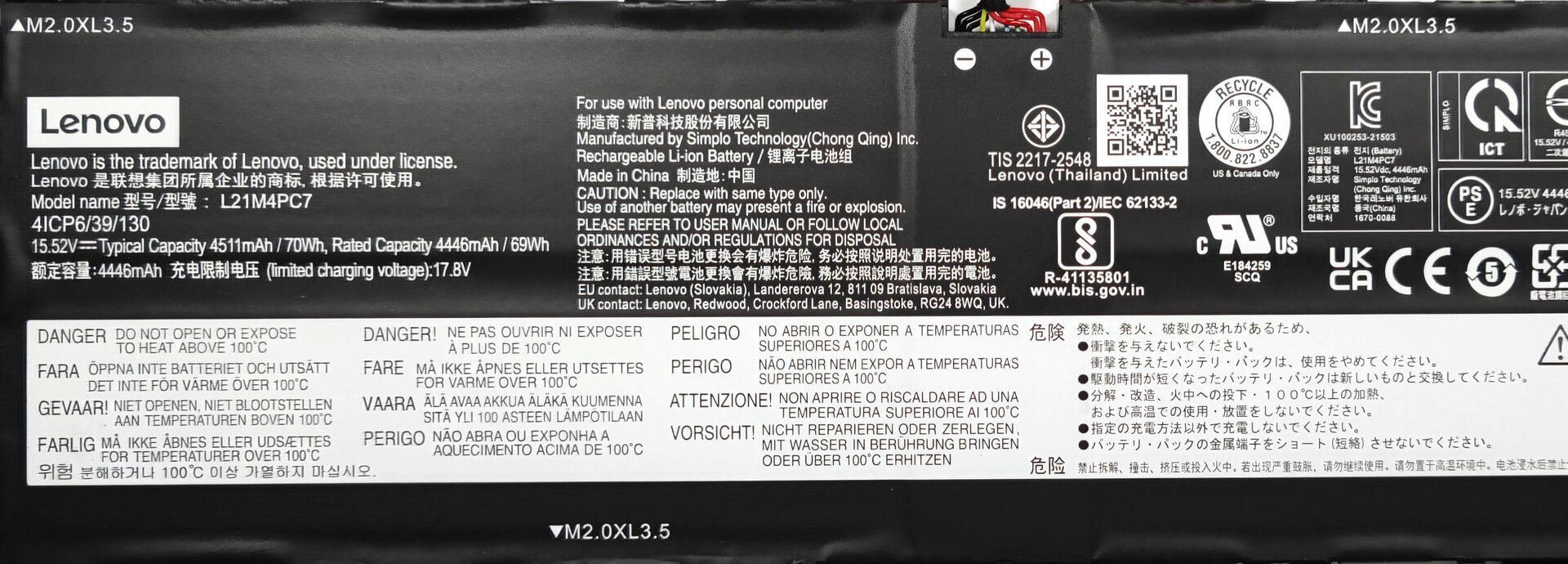
Here, we have a 70Wh battery unit. It lasts for 9 hours and 5 minutes of Web browsing, or 10 hours of video playback. To remove the battery, you need to undo 5 Phillips-head screws. Then, you just have to unplug the connector from the motherboard. The next step is to carefully disentangle the speaker cables from the bottom of the battery housing.
3. Upgrade memory and storage
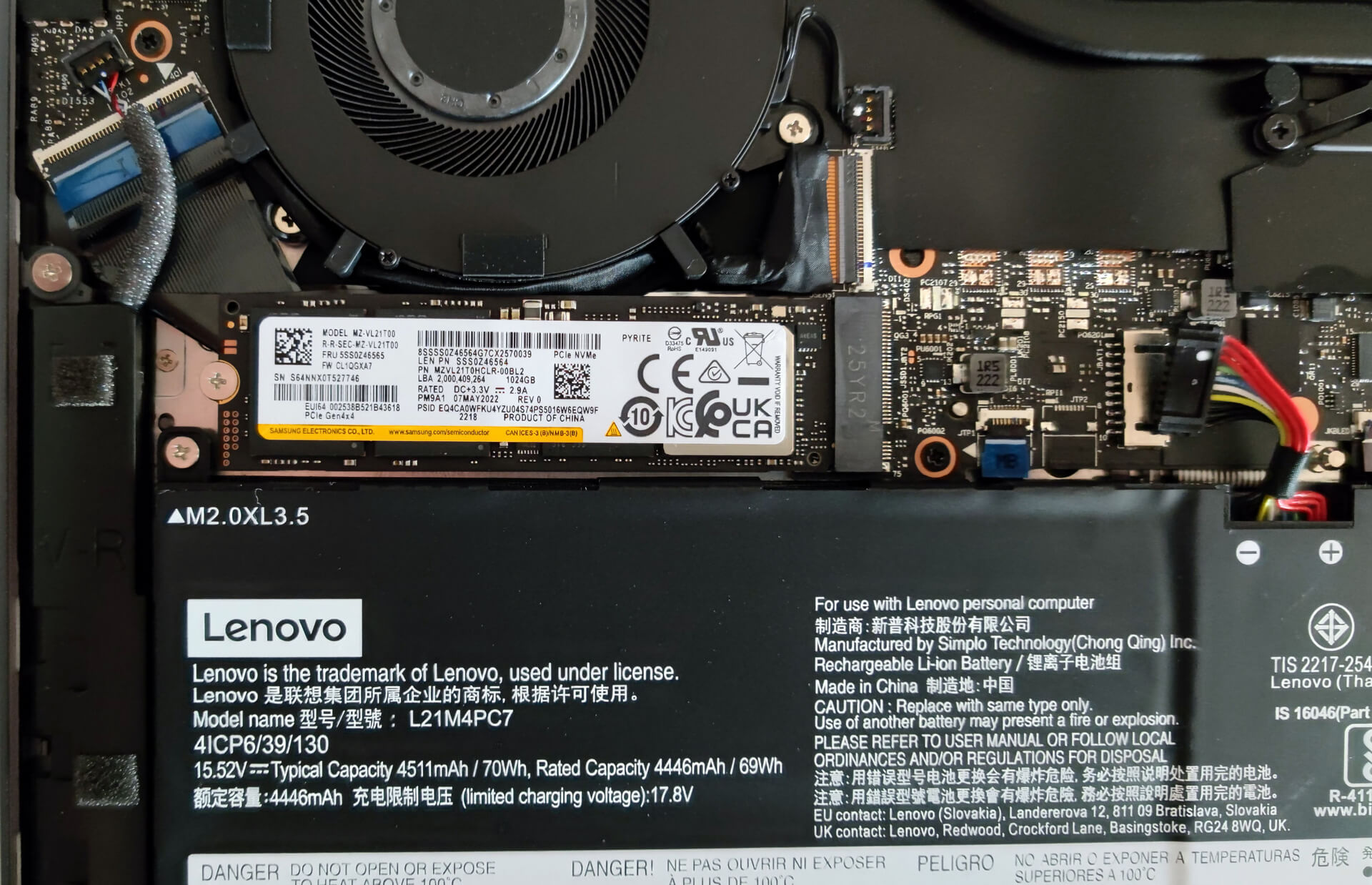
The memory here is soldered to the motherboard. The device can be configured with up to 32GB of LPDDR5 RAM. For storage, there is one M.2 PCIe x4 slot compatible with Gen 4 SSDs.
4. Cooling system
The cooling solution looks good, it has two big heat pipes, two fans, and a heat spreader over the VRMs.

Check out all Lenovo Yoga Slim 7 Pro X (14″, 2022) prices and configurations in our Specs System, or read more in our In-Depth review.
Lenovo Yoga Slim 7 Pro X (14", 2022) uitgebreide review
Vandaag bespreken we de Lenovo Yoga Slim 7 Pro X (14″, 2022) en aangezien we een artikel hebben over de Intel-gebaseerde broer, is het interessant om de verschillen tussen de twee apparaten te zien, aangezien ze er aan de buitenkant 99% identiek uitzien.Kortom, voor ons ligt een compacte laptop met een 13,5 inch beeldscherm met hoge resolutie, capabele hardware onder de motorkap en een behoorlijk grote batterij. Klinkt als een goede combinatie voor multifunctionele ladingen - deze machine kan een dagelijkse bestuurder zijn, je kunt hem gebruiken als kantoorapparaat of voor wat licht game[...]
Pros
- Dun en licht apparaat
- Sterk aluminium chassis
- Dekt 94% van het sRGB-kleurengamma en heeft een nauwkeurige kleurweergave met ons Gaming en Webdesign profiel (BOE NE145F8M-N61 (BOEAA8))
- Hoge resolutie en 16:10 beeldverhouding
- Geen PWM (BOE NE145F8M-N61 (BOEAA8))
- 2x USB Type-C
- Zeer goede prestaties voor zijn klasse
- Full HD-webcamera + IR-gezichtsherkenning
- Goede batterijduur
Minpunten
- Gesoldeerd geheugen
- Geen SD-kaartsleuf
 Author: Nikolay Palaozov

![[augustus 2026] Wereldwijde ranglijst van bestverkochte laptop-GPU’s op Amazon – Apple is onbetwist nummer één, NVIDIA’s RTX 5060 staat bovenaan de ranglijst voor dedicated GPU’s](https://laptopmedia.com/wp-content/uploads/2026/09/Best-Selling-GPUs-GLOBAL-Top-10-400x225.jpg)
![[augustus 2026] Wereldwijde ranglijst van bestverkochte laptop-CPU’s op Amazon – Apple domineert zowel het budget- als het premiumsegment: A18 Pro en M5 verslaan Intel en AMD in augustus 2026](https://laptopmedia.com/wp-content/uploads/2026/09/Best-Selling-CPUs-GLOBAL-Top-10-400x225.jpg)
![[augustus 2026] Amazon Global: Top 10 van best verkochte laptops – De Apple MacBook Neo domineert de hitlijsten, terwijl goedkope en middenklasse Windows-laptops strijden om het verkoopvolume](https://laptopmedia.com/wp-content/uploads/2026/09/Best-Selling-Laptops-GLOBAL-Top-10-400x225.jpg)
![[augustus 2026] Bestverkochte laptopmerken op Amazon Global – Apple domineert qua omzet, terwijl HP koploper is qua modelvariëteit](https://laptopmedia.com/wp-content/uploads/2026/09/GLOBAL-Best-Brands-400x225.jpg)
![[augustus 2026] Amazon Global: Top 10 bestverkochte gaminglaptops – HP Victus 15 pakt de eerste plaats terwijl budgetvriendelijke modellen de hitlijsten domineren](https://laptopmedia.com/wp-content/uploads/2026/09/Best-Selling-Gaming-Laptops-GLOBAL-Top-10-400x225.jpg)
