How to open MSI Stealth 16 Studio (A13V) – disassembly and upgrade options
This is one of the most impressive laptops on the market right now. The upgrade options are part of its great features.
Check out all MSI Stealth 16 Studio (A13V) prices and configurations in our Specs System, or read more in our In-Depth review.
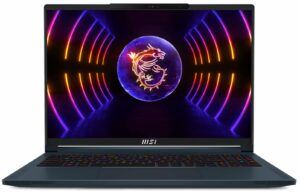

1. Remove the bottom plate
To open this machine, you need to undo 7 Phillips-head screws. After that, pry the bottom panel with a plastic tool, and lift it away from the chassis.
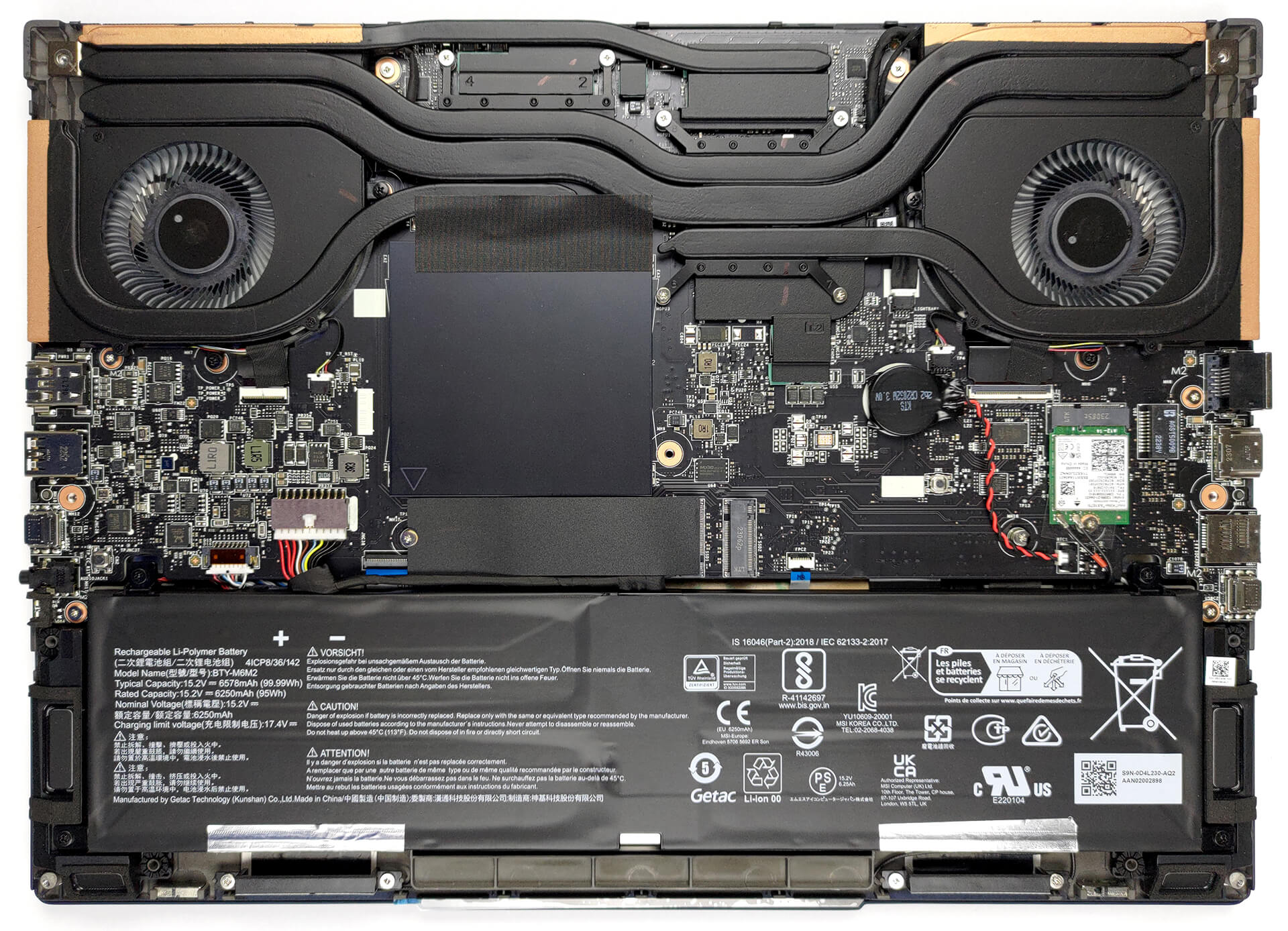
2. Remove the battery
This unit comes with a 99.9Wh battery pack. It lasts for 9 hours of either Web browsing or video playback. To remove it undo 4 Phillips-head screws that hold it to the chassis, and unplug the battery connector from the motherboard.
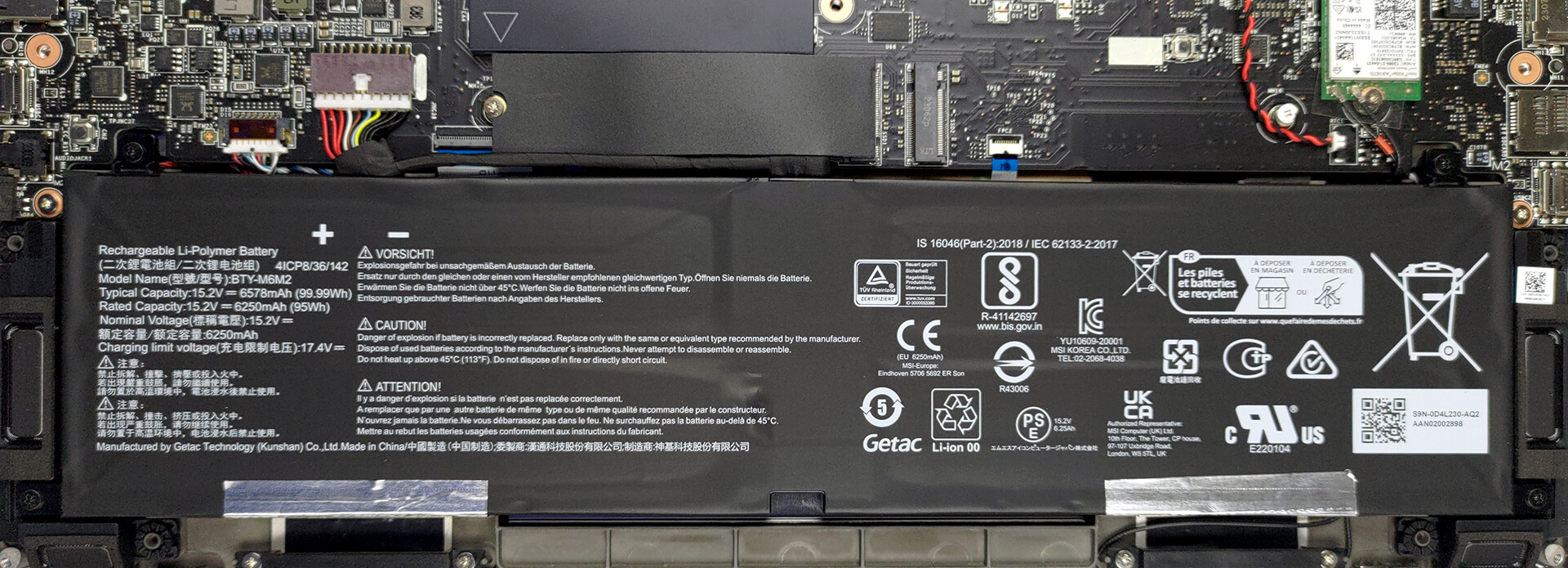
3. Upgrade memory and storage
Here, you see two SODIMM slots, which support up to 64GB of DDR5 RAM in total. As for storage, there are two M.2 PCIe x4 slots, both of which support Gen 4 SSDs.
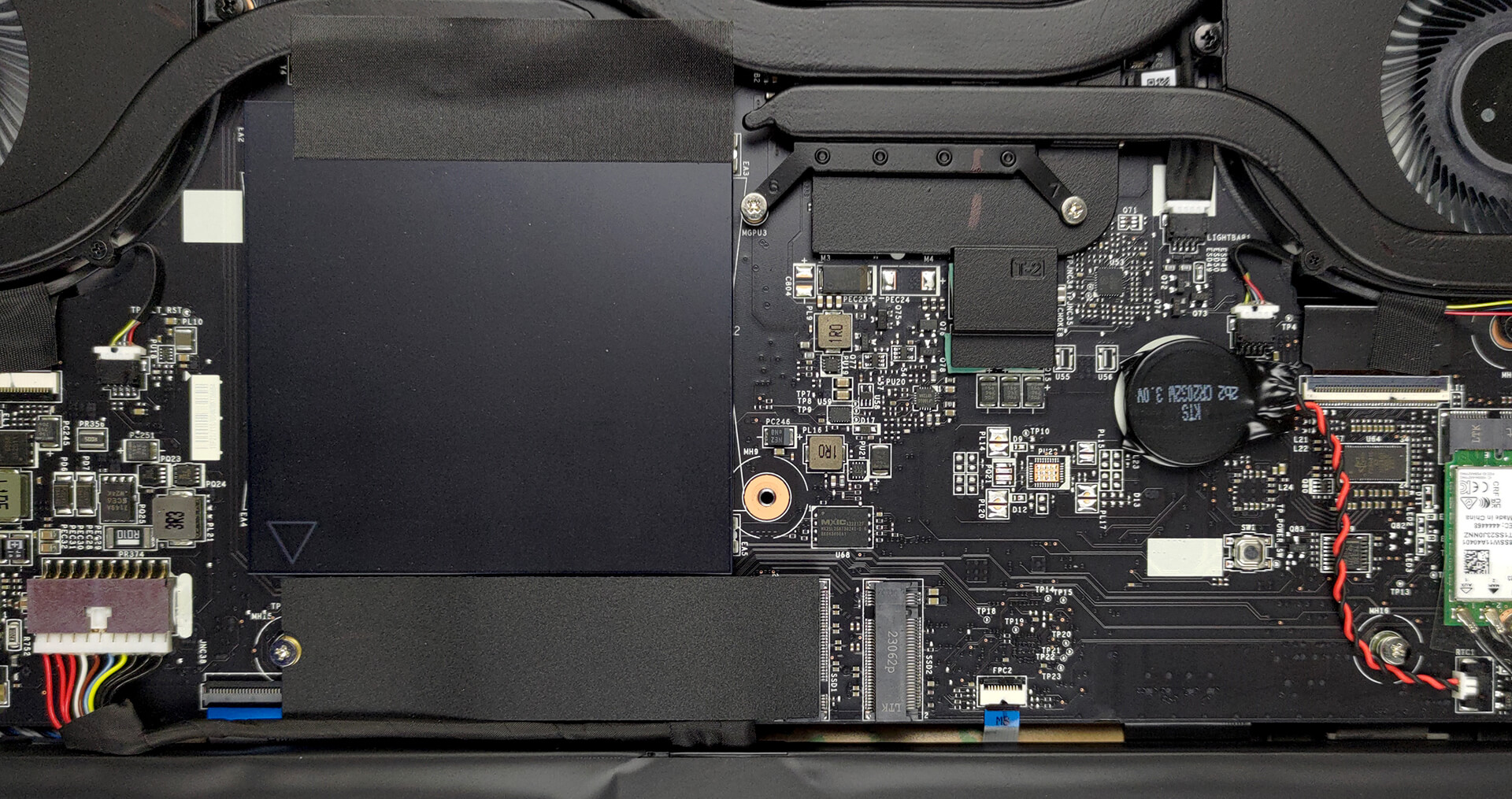
4. Cooling system
Cooling-wise, there are two heat pipes shared between the CPU and the GPU, with one more dedicated to each of them. In addition, there is one more heat pipe dedicated to the VRMs and the graphics memory. Furthermore, there are two fans and four heat sinks.
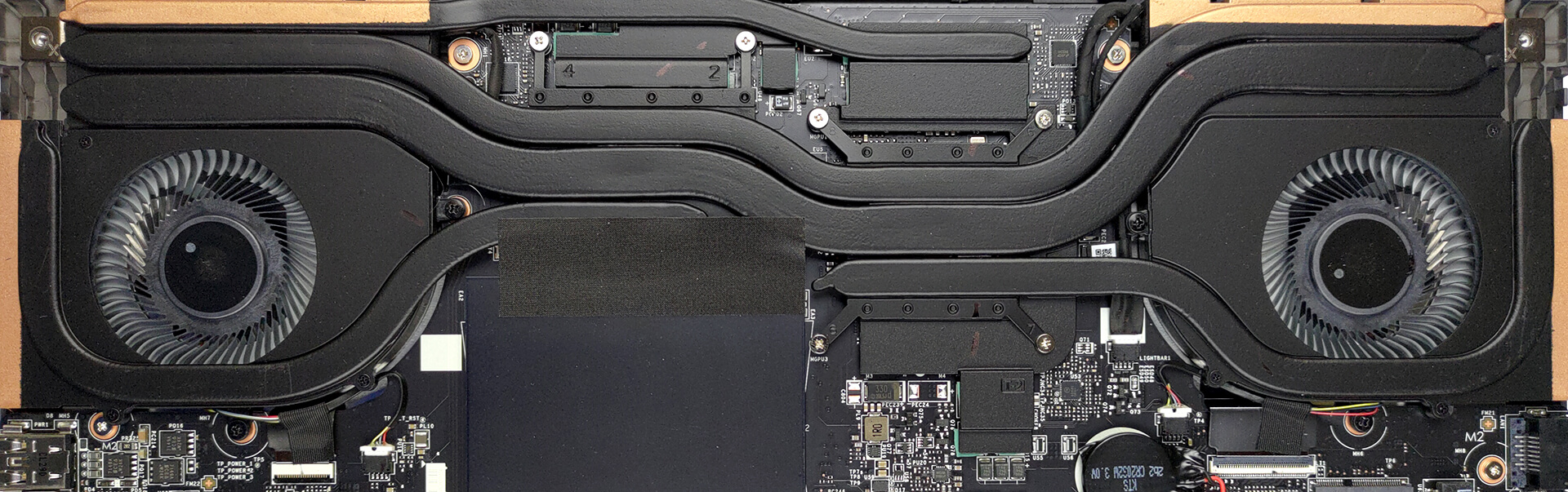
Check out all MSI Stealth 16 Studio (A13V) prices and configurations in our Specs System, or read more in our In-Depth review.
MSI Stealth 16 Studio (A13Vx) uitgebreide review
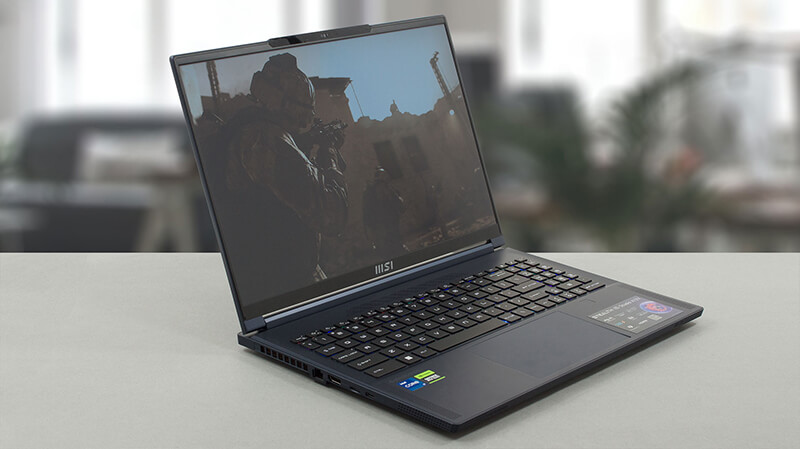
Ah, de dunne lijn tussen gaming en zakelijke computers. In het verleden waren apparaten uit het ene gebied niet te verwarren met het andere - gaming notebooks waren dik, zwaar en agressief, terwijl zakelijke laptops er stijlvol en over het algemeen neutraal uitzagen.Hier komt de MSI Stealth 16 Studio (A13V). Het is een apparaat dat eruit ziet alsof het de Matrix doorbreekt. Hij is dun, licht en ziet er erg goed uit. Maar dit zijn zeker zijn belangrijkste kenmerken.Wat de verwachtingen hoger maakt, is de hardware. Het bevat Intel's nieuwste en beste - 13e generatie CPU's met 45W TDP, e[...]
Pros
- Vingerafdruklezer en IR-gezichtsherkenningsscanner
- 2x M.2 PCIe x4 Gen 4-sleuven, 2x DDR5 RAM SODIMM-sleuven in dubbel kanaal/li>.
- Dekt 100% van het DCI-P3-kleurengamma en heeft een nauwkeurige kleurweergave met ons Gaming en Webdesign profiel (AUO B160QAN02.3 (AUO26A9))
- Snel paneel met snelle responstijden (AUO B160QAN02.3 (AUO26A9))
- Geen PWM (AUO B160QAN02.3 (AUO26A9))
- MUX-schakelaar
- Brede poortselectie
- Fatsoenlijke batterijlevensduur
- Het toetsenbord blijft relatief koel na lange gamesessies
- Goede bouwkwaliteit
Minpunten
- Chassis heeft wat lawaaierige flex
- Korte veerweg
 Author: Alex Iliev

![[juni 2026] Bestverkochte laptopmerken op Amazon Global – Apple’s ongeëvenaarde dominantie in aantal verkochte exemplaren en omzet](https://laptopmedia.com/wp-content/uploads/2026/07/GLOBAL-Best-Brands-400x225.jpg)
![[juni 2026] Amazon Global: Top 10 bestverkochte laptops – De nieuwe MacBook Neo van Apple stormt naar de eerste plaats en zet de markt op zijn kop dankzij zijn betaalbaarheid](https://laptopmedia.com/wp-content/uploads/2026/07/Best-Selling-Laptops-GLOBAL-Top-10-400x225.jpg)
![[juni 2026] Amazon Global: Top 10 van best verkochte gaminglaptops – De Nitro V 16S AI van Acer domineert de verkoopcijfers, terwijl ASUS qua totale omzet aan kop gaat](https://laptopmedia.com/wp-content/uploads/2026/07/Best-Selling-Gaming-Laptops-GLOBAL-Top-10-400x225.jpg)
![[juni 2026] Wereldwijde ranglijst van bestverkochte laptop-GPU’s op Amazon – De NVIDIA RTX 5060 is de bestverkochte speciale GPU](https://laptopmedia.com/wp-content/uploads/2026/07/Best-Selling-GPUs-GLOBAL-Top-10-400x225.jpg)
![[juni 2026] Wereldwijde ranglijst van bestverkochte laptop-CPU’s op Amazon – Apple M5 domineert, AMD Ryzen 7 260 verovert een stevig aandeel in het premiumsegment](https://laptopmedia.com/wp-content/uploads/2026/07/Best-Selling-CPUs-GLOBAL-Top-10-400x225.jpg)
