Inside HP 15 (15-dw1000) – disassembly and upgrade options
Surprisingly, this is a laptop that packs a whole lot of features, despite its modest price tag.
Check out all HP 15 (15-dw1000) prices and configurations in our Specs System or read more in our In-Depth review.
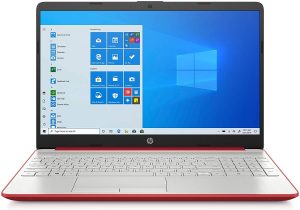
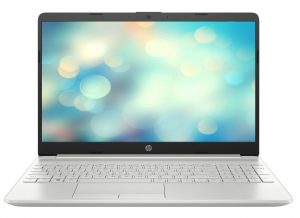
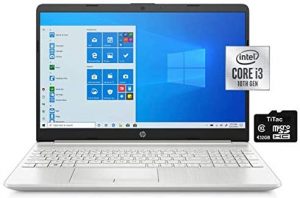
1. Remove the bottom plate
Every now and then, HP produces a laptop that has all its screws visible to the naked eye. However, this device is not one of them. In order to unravel all of them, you need to remove both of the rubber feet. They hide five of the seven total Phillips-head screws. Once you’ve removed all of them, you can start prying the bottom panel. You can either do so by gently lifting the base from the lid, or you can turn the laptop around. Whatever is more comfortable for you.
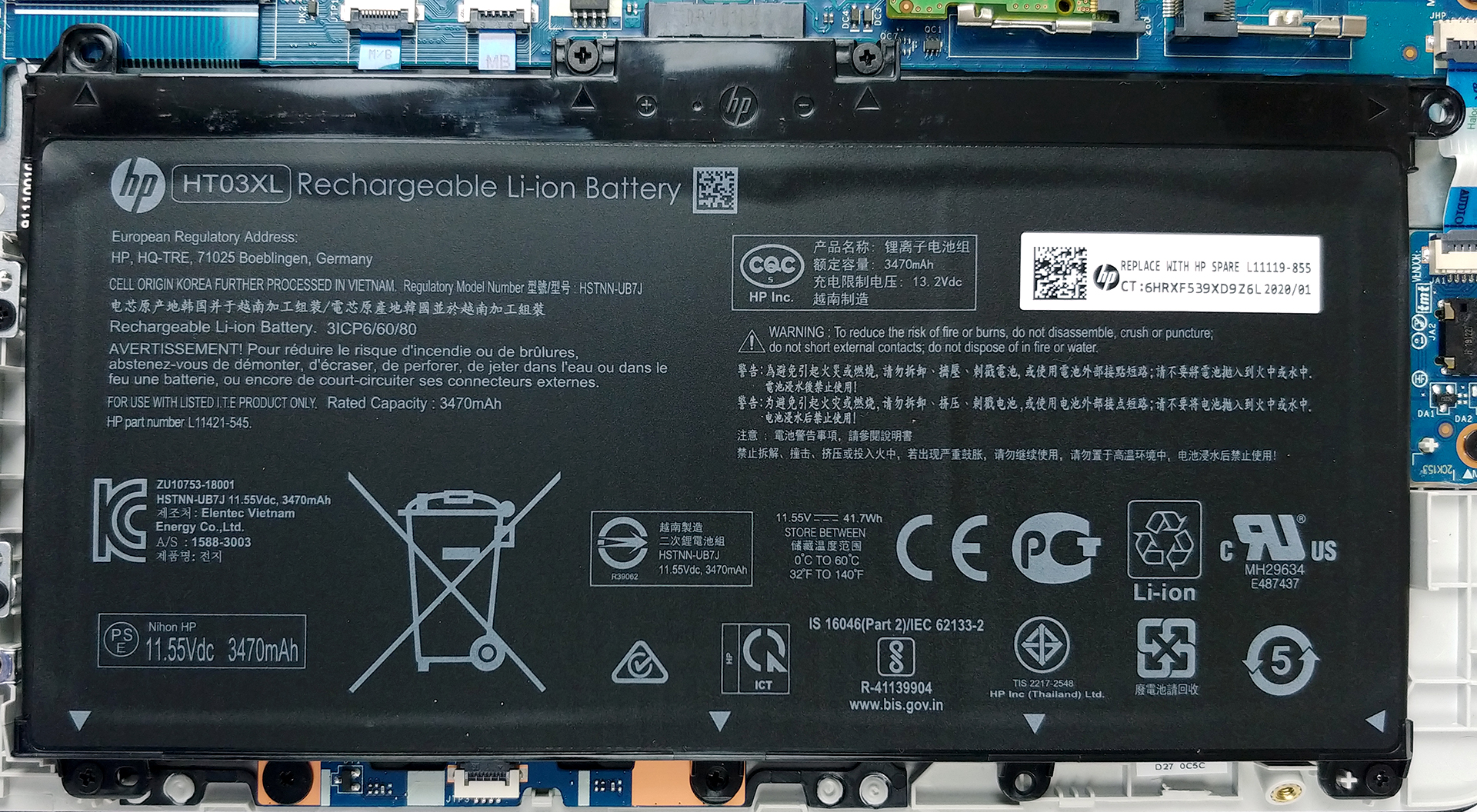
2. Battery
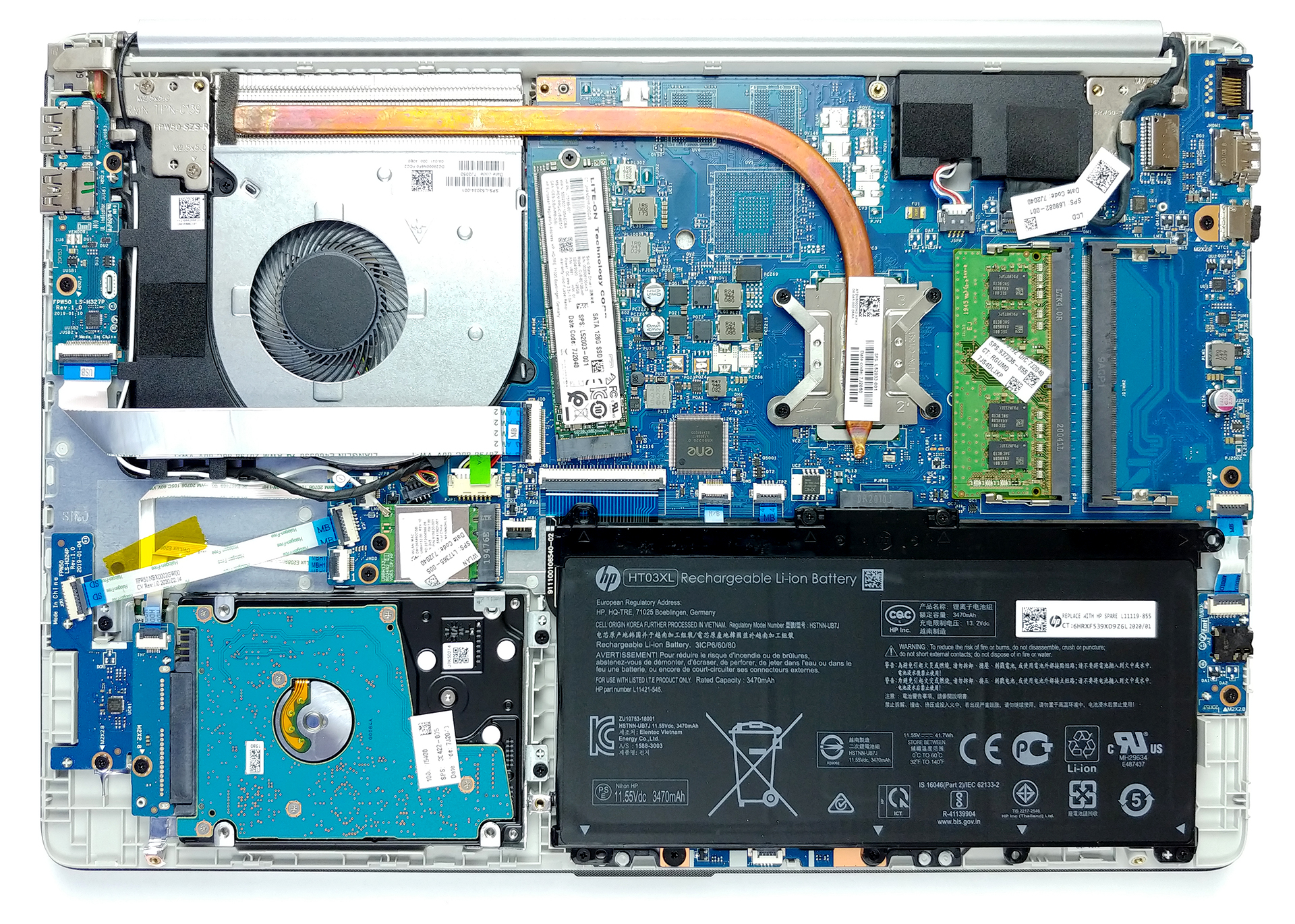
Should you need to stay away from the plug, there is a 41Wh battery that will power the laptop.
3. Memory and storage
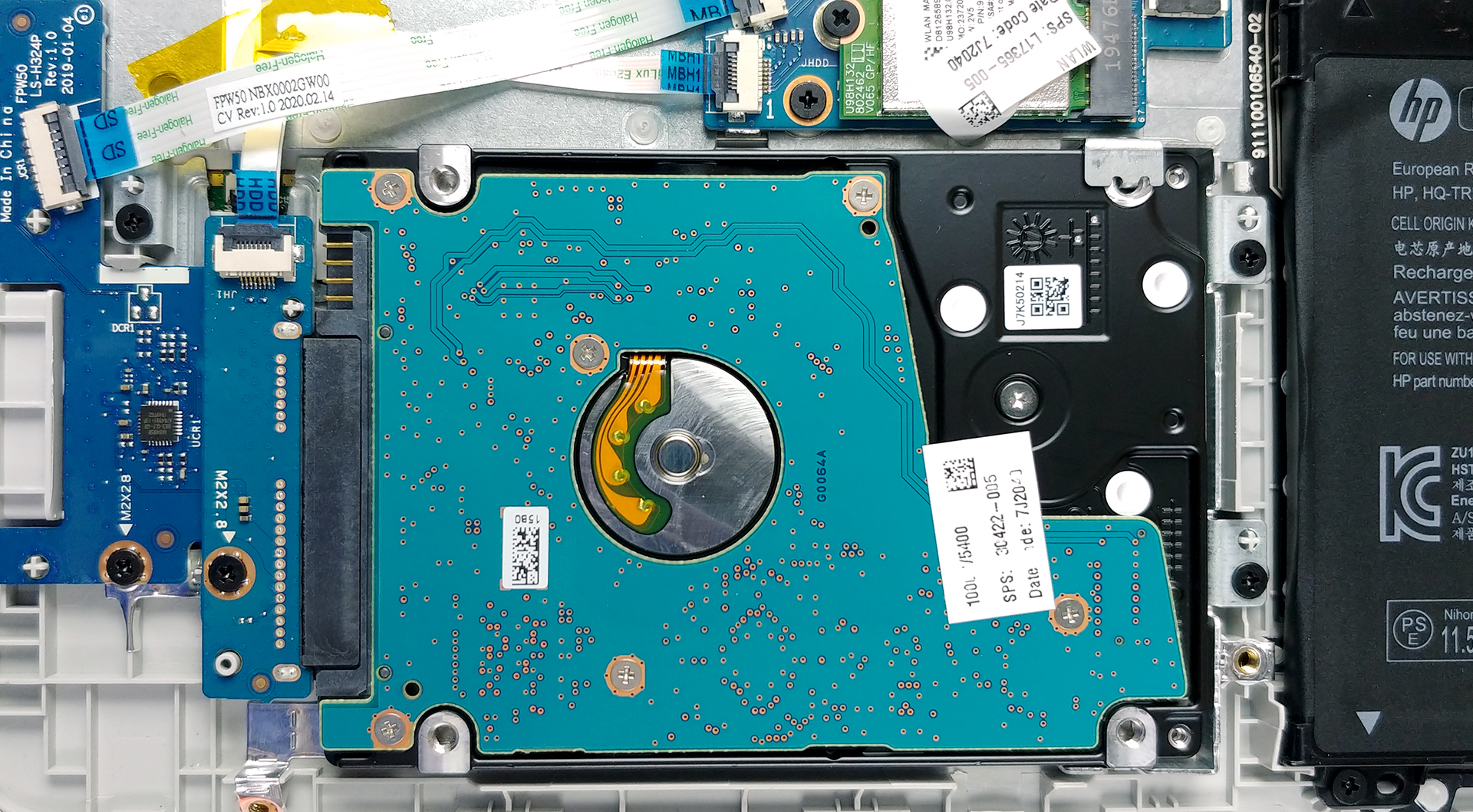
Interestingly, this budget machine offers a lot of upgradability options. There are two RAM SODIMMs, which support up to 16GB of DDR4 memory in dual channel. As of the storage, there is one M.2 slot, able to fit both SATA and PCIe x2 drives. Not that it affects its performance, but it looks weird, being placed at a slight angle. Next, there is a 2.5-inch SATA drive bay for your music or movie libraries.

4. Cooling system
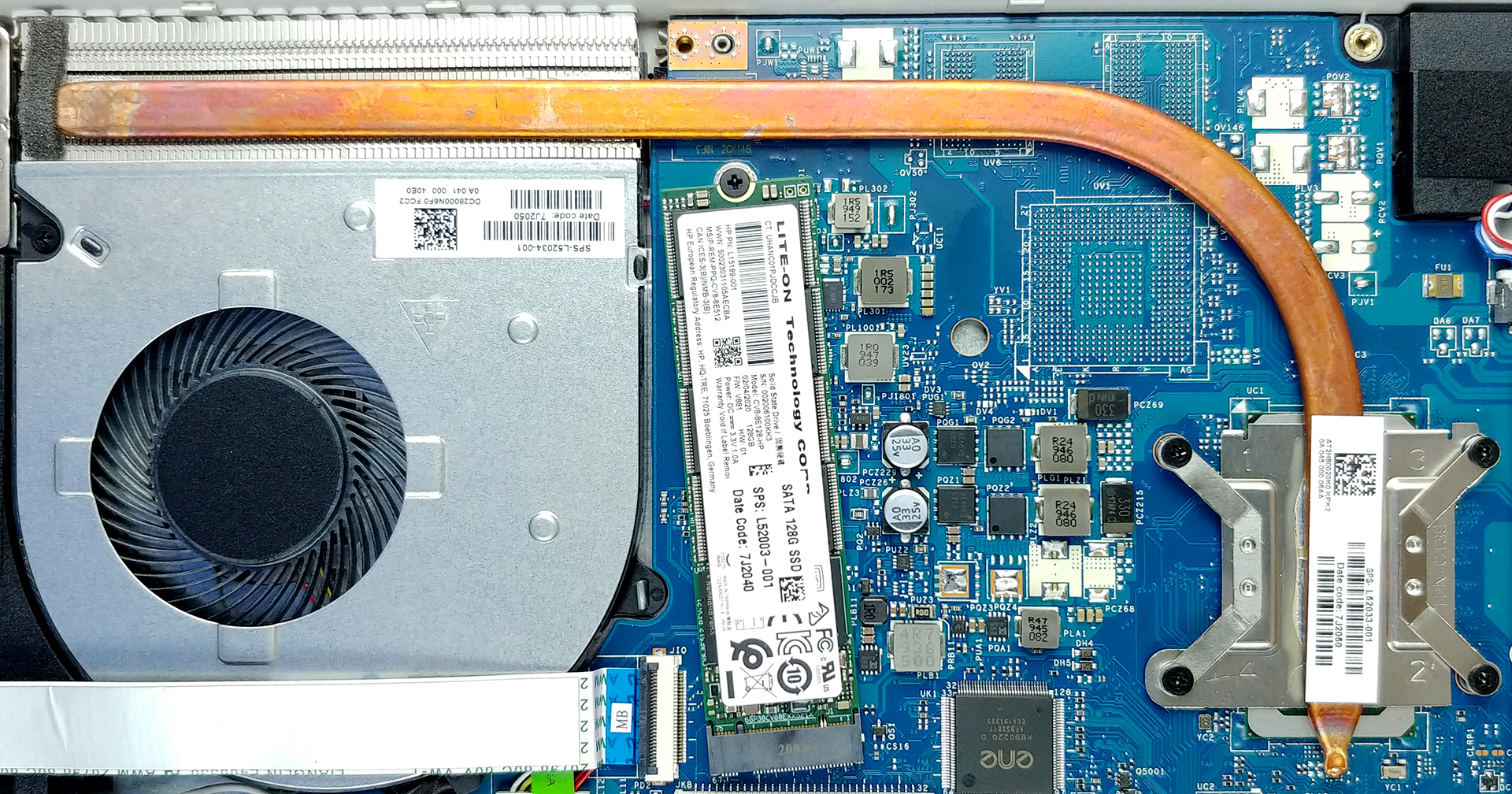
In terms of cooling, we see a single heat pipe with quite a narrow diameter. However, we are glad to see conventional cooling, rather than a one with the metal plate-no fan black wizardry.
Check out all HP 15 (15-dw1000) prices and configurations in our Specs System or read more in our In-Depth review.
 Author: Alex Iliev

![[juni 2026] Bestverkochte laptopmerken op Amazon Global – Apple’s ongeëvenaarde dominantie in aantal verkochte exemplaren en omzet](https://laptopmedia.com/wp-content/uploads/2026/07/GLOBAL-Best-Brands-400x225.jpg)
![[juni 2026] Amazon Global: Top 10 bestverkochte laptops – De nieuwe MacBook Neo van Apple stormt naar de eerste plaats en zet de markt op zijn kop dankzij zijn betaalbaarheid](https://laptopmedia.com/wp-content/uploads/2026/07/Best-Selling-Laptops-GLOBAL-Top-10-400x225.jpg)
![[juni 2026] Amazon Global: Top 10 van best verkochte gaminglaptops – De Nitro V 16S AI van Acer domineert de verkoopcijfers, terwijl ASUS qua totale omzet aan kop gaat](https://laptopmedia.com/wp-content/uploads/2026/07/Best-Selling-Gaming-Laptops-GLOBAL-Top-10-400x225.jpg)
![[juni 2026] Wereldwijde ranglijst van bestverkochte laptop-GPU’s op Amazon – De NVIDIA RTX 5060 is de bestverkochte speciale GPU](https://laptopmedia.com/wp-content/uploads/2026/07/Best-Selling-GPUs-GLOBAL-Top-10-400x225.jpg)
![[juni 2026] Wereldwijde ranglijst van bestverkochte laptop-CPU’s op Amazon – Apple M5 domineert, AMD Ryzen 7 260 verovert een stevig aandeel in het premiumsegment](https://laptopmedia.com/wp-content/uploads/2026/07/Best-Selling-CPUs-GLOBAL-Top-10-400x225.jpg)

What’s the difference between the dw1000 and the dw1083wm?
83wm