Inside HP Victus 16 (16-e0000) – disassembly and upgrade options
A rebranded Pavilion Gaming or not, the Victus 16 is here to stay. So let’s see what it has on the inside.
Check out all HP Victus 16 (16-e0000) prices and configurations in our Specs System or read more in our In-Depth review.
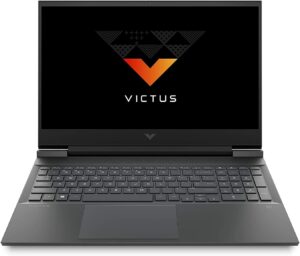
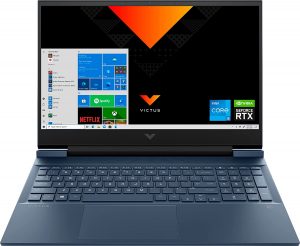
1. Remove the bottom plate
To get inside of this notebook, you have to undo 8 Phillips-head screws. After that, pry the bottom panel starting from the front corners.
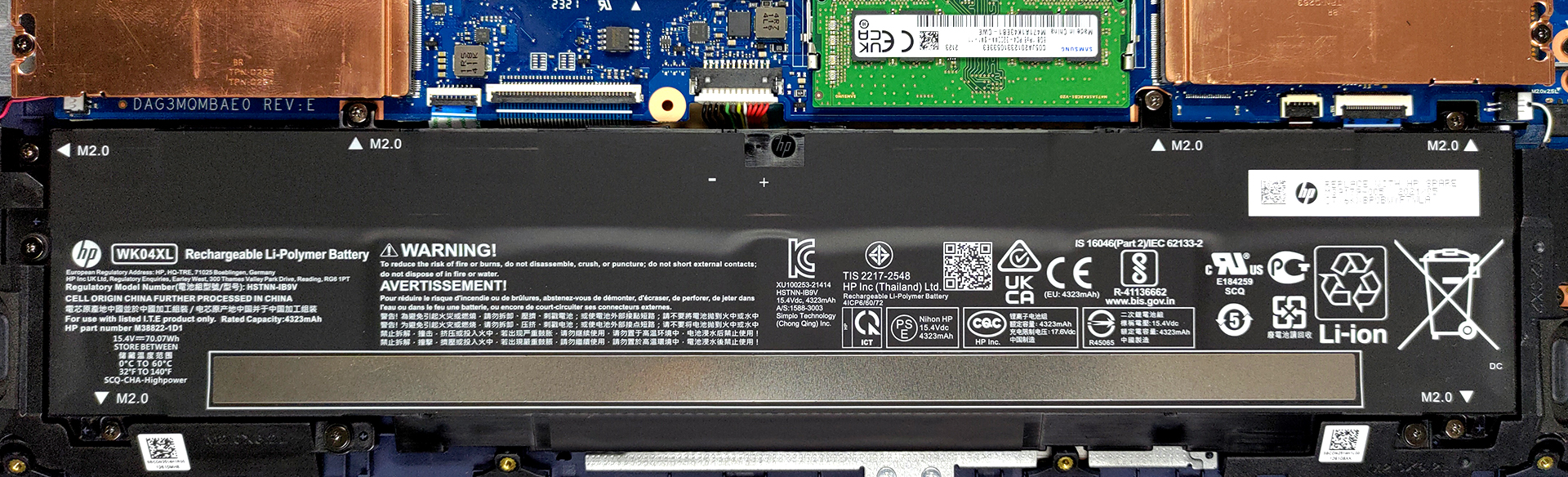
2. Battery
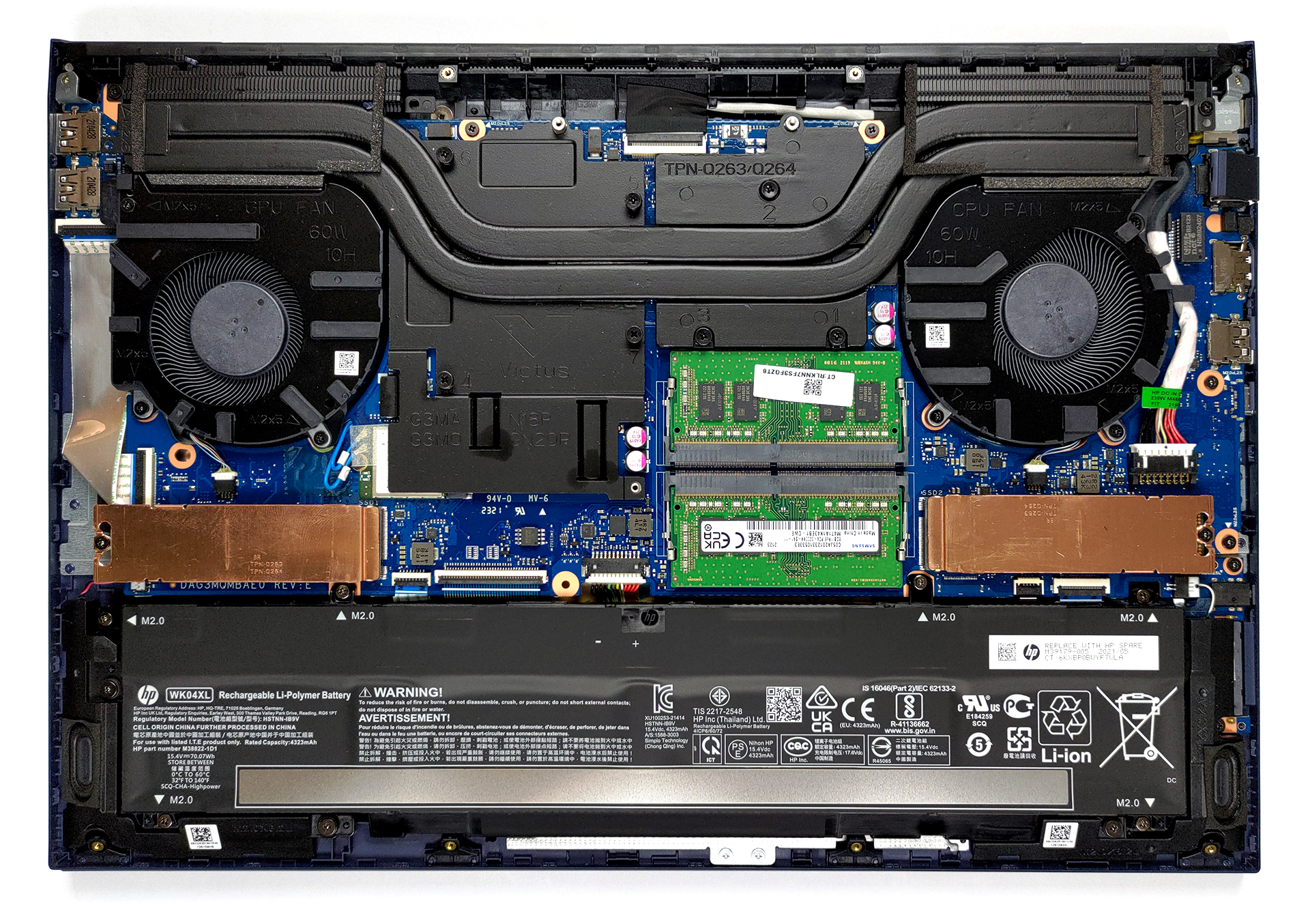
This device comes with a 70Wh battery pack.
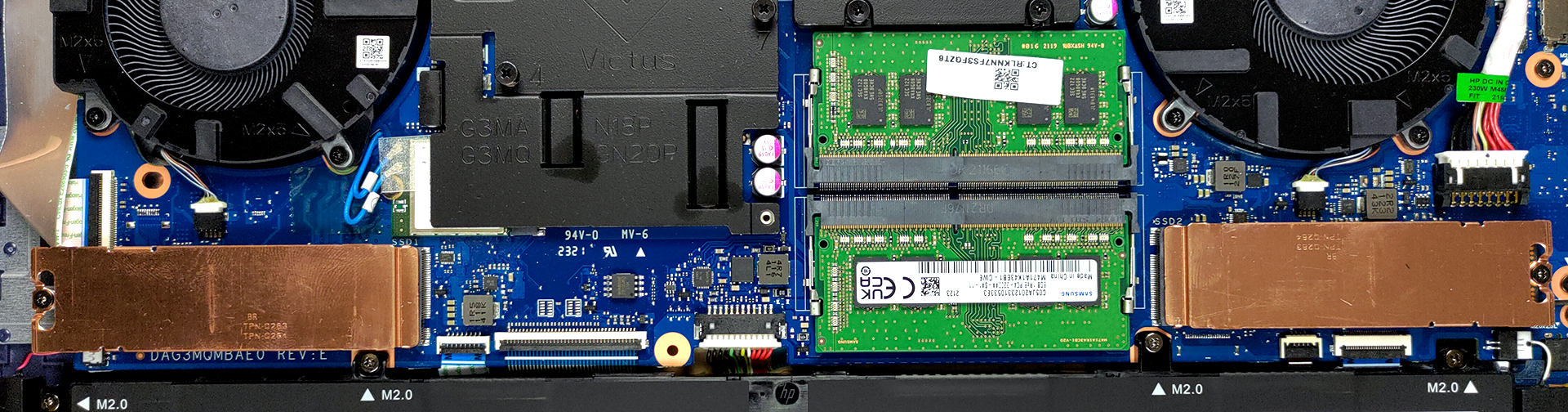
3. Мemory and storage
In terms of memory, there are two SODIMM slots for up to 64GB of RAM in total, working in dual-channel mode. Storage-wise, you get two M.2 PCIe x4 slots.
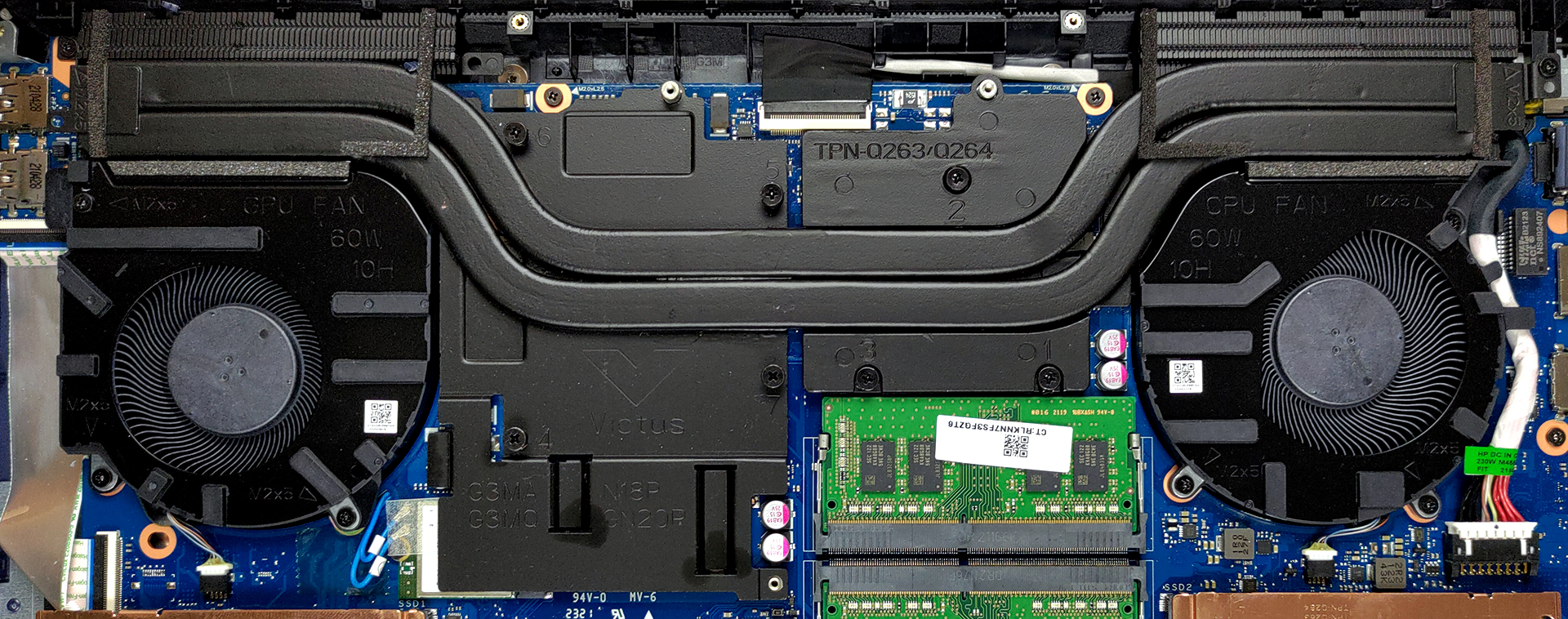
4. Cooling system
As for the cooling, there are two heat pipes cooling both the CPU and the GPU. Additionally, there are two heat spreaders, taking care of the VRMs and the graphics memory.
Check out all HP Victus 16 (16-e0000) prices and configurations in our Specs System or read more in our In-Depth review.
HP Victus 16 (16-d0000, e0000) uitgebreide review
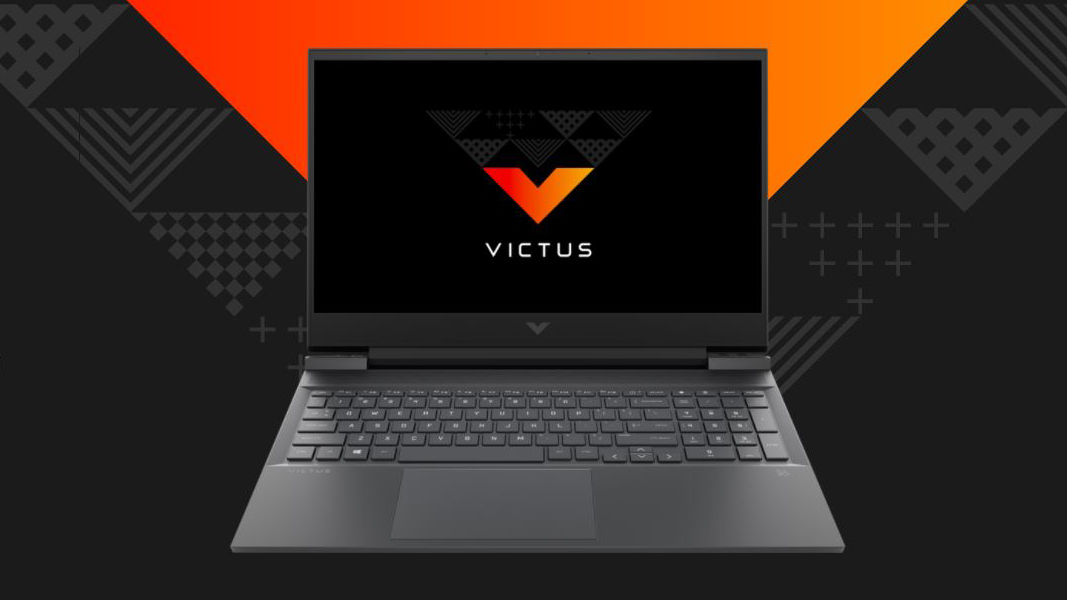
Today we mark the beginning of a new era for HP and their gaming department. This is because we are going to review the brand new HP Victus 16 (16-e0000). In Latin, the word "victus" means "nourishment" or "way of life". Not that we know Latin, we just trust our friend Googlius Caesar. Nevertheless, the latest gaming notebook from HP is seemingly trying to benefit from the gap between the marque's Omen and Pavilion Gaming subbrands. Additionally, it is capitalizing on the 16-inch trend, which sooner or later is going to make the 15.6-inch standard obsolete.Interestingly, in order to get t[...]
Pros
- Up to 64GB of RAM in dual-channel mode + dual M.2 support
- The display doesn't flicker at any brightness level
- Covers 99% of sRGB and has great color accuracy (with our Gaming and Web design profile)
- 144Hz IPS display option with quick response time
- Good battery life
- Pretty affordable
Minpunten
- Plastic body with flimsy hinges
- Can't get the maximum out of the Ryzen 7 5800H
 Author: Alex Iliev

![[juni 2026] Bestverkochte laptopmerken op Amazon Global – Apple’s ongeëvenaarde dominantie in aantal verkochte exemplaren en omzet](https://laptopmedia.com/wp-content/uploads/2026/07/GLOBAL-Best-Brands-400x225.jpg)
![[juni 2026] Amazon Global: Top 10 bestverkochte laptops – De nieuwe MacBook Neo van Apple stormt naar de eerste plaats en zet de markt op zijn kop dankzij zijn betaalbaarheid](https://laptopmedia.com/wp-content/uploads/2026/07/Best-Selling-Laptops-GLOBAL-Top-10-400x225.jpg)
![[juni 2026] Amazon Global: Top 10 van best verkochte gaminglaptops – De Nitro V 16S AI van Acer domineert de verkoopcijfers, terwijl ASUS qua totale omzet aan kop gaat](https://laptopmedia.com/wp-content/uploads/2026/07/Best-Selling-Gaming-Laptops-GLOBAL-Top-10-400x225.jpg)
![[juni 2026] Wereldwijde ranglijst van bestverkochte laptop-GPU’s op Amazon – De NVIDIA RTX 5060 is de bestverkochte speciale GPU](https://laptopmedia.com/wp-content/uploads/2026/07/Best-Selling-GPUs-GLOBAL-Top-10-400x225.jpg)
![[juni 2026] Wereldwijde ranglijst van bestverkochte laptop-CPU’s op Amazon – Apple M5 domineert, AMD Ryzen 7 260 verovert een stevig aandeel in het premiumsegment](https://laptopmedia.com/wp-content/uploads/2026/07/Best-Selling-CPUs-GLOBAL-Top-10-400x225.jpg)

Salve È possibile aggiungere una memoria compatibile da 500 GB e in caso quali consigliate, se ne è presente solo una nella slot idonea?