Inside Lenovo Ideapad L340 (15″) – disassembly and upgrade options
Lenovo Ideapad L340 (15″) is the direct successor to the Ideapad 330 – one of Lenovo’s best selling laptops. Let’s see what Lenovo has done in order to keep the price low, and what type of compromises had to be made.
Check out all Lenovo Ideapad L340 (15″) prices and configurations in our Specs System, or read our In-Depth review.
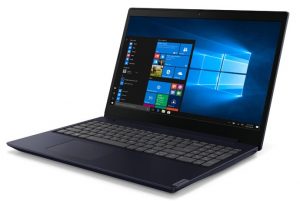
1. Remove the bottom plate
The first thing you need to do, as this is one of the few laptops that still feature an optical drive – is to remove it. It is held in place by a single screw (check the video we made for reference) and after you remove it you can just pull out the drive. Additionally, there are 12 more Phillips head-screws that you need to remove before you pop the bottom plate open with a plastic pry tool
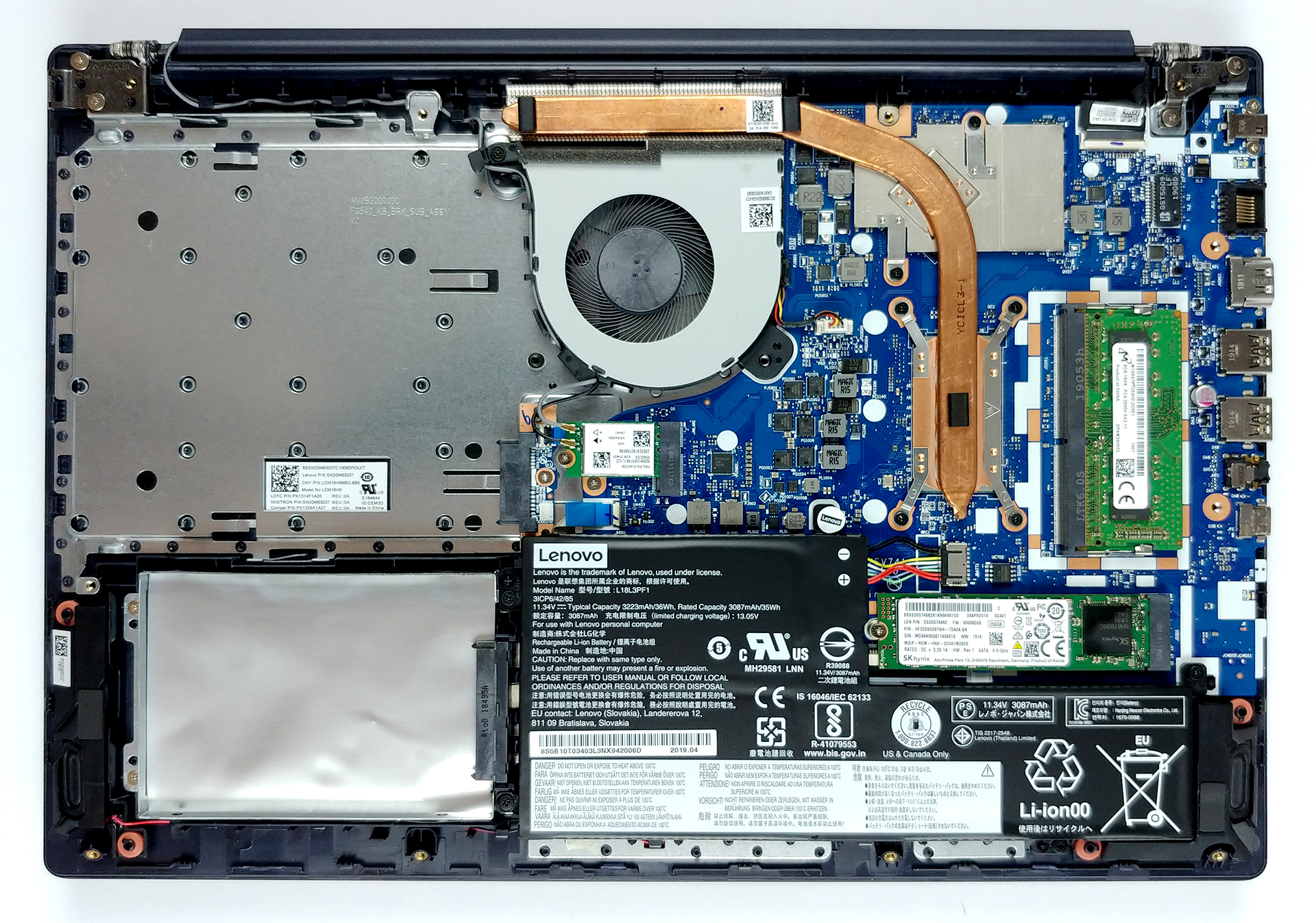
2. Battery
Lenovo has put a pretty modest 36Wh battery pack inside of this laptop. Despite that, it provides a decent battery life as you can see HERE. Additionally, if you have to remove the battery pack, you need to unscrew 5 Phillips-head screws. However, this will most probably void your warranty as one of the screws has a Lenovo-branded sticker on it.
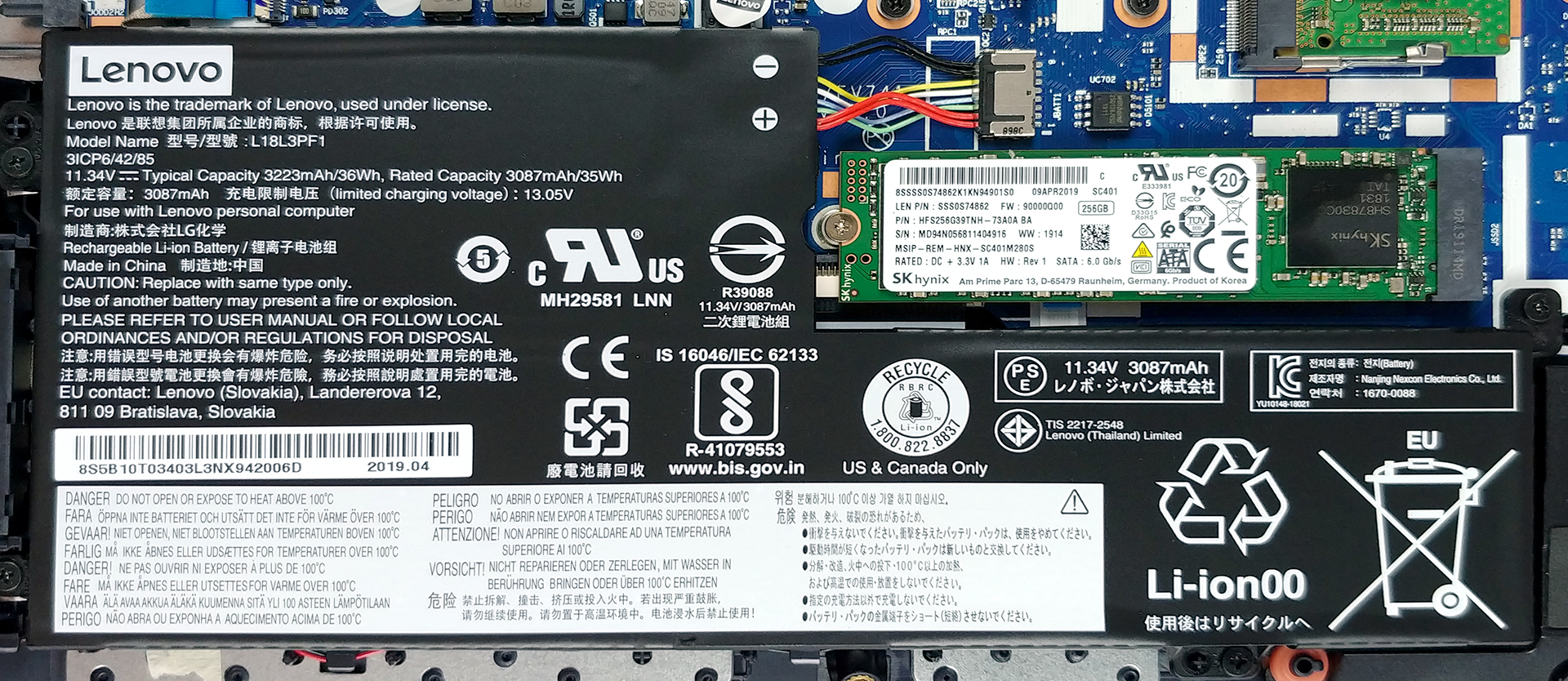
3. Memory and storage
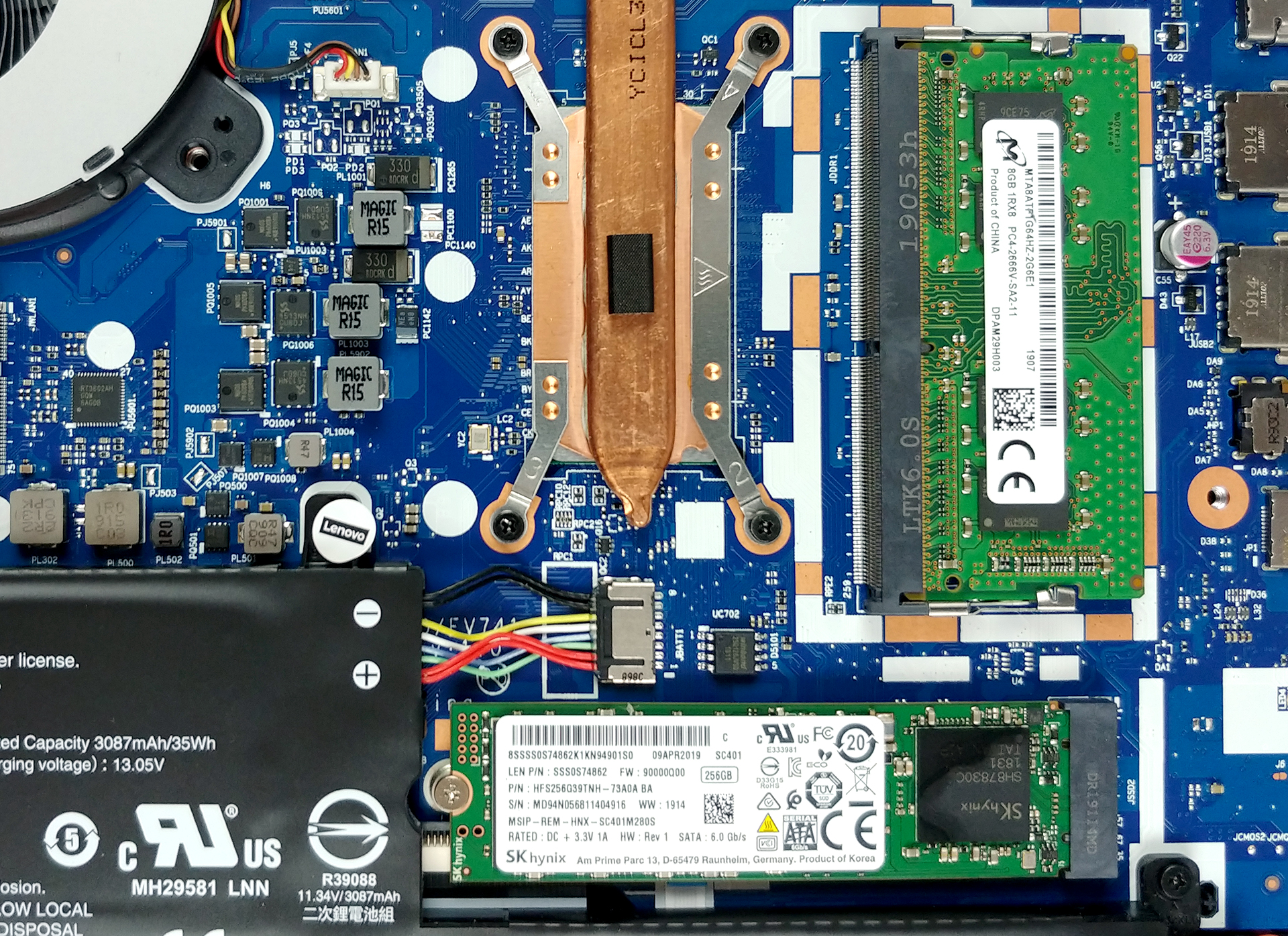
On the left, to the battery, you can see the location of the 2.5″ SATA drive slot. Don’t be scared of the huge empty space you see above it – it is reserved for the optical drive you have just removed. On the other side, there is the M.2 NVMe-enabled slot as well as a single RAM DIMM.
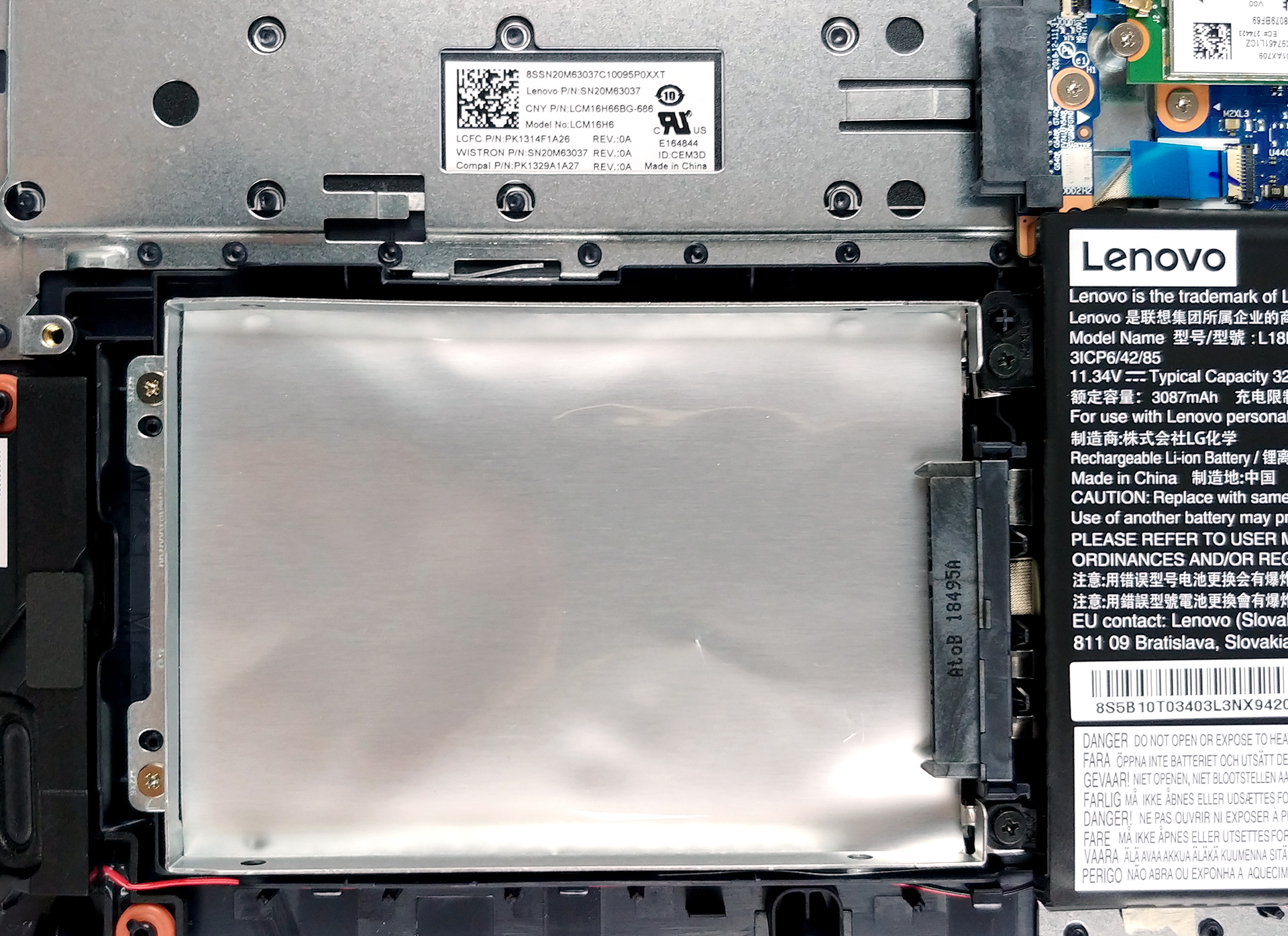
4. Cooling solution
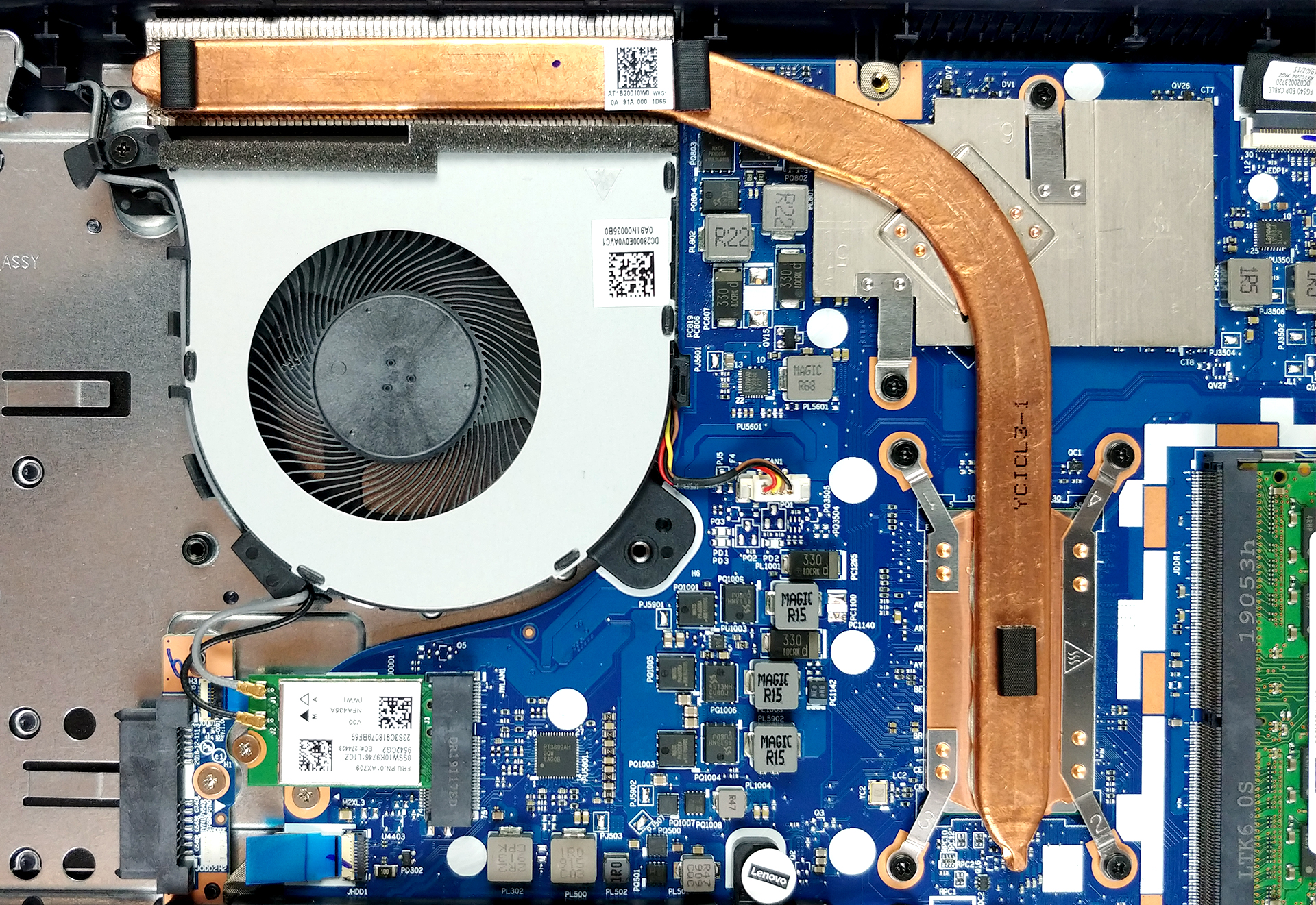
Ideapad L340 (15″)’s cooling comprises a single short, but bulky heat pipe that cools both the CPU and the GPU. Usually, it is not a great idea to thermally connect the two major heat outputs, however, it just seems to work right, when we performed our Temperature tests.
Check out all Lenovo Ideapad L340 (15″) prices and configurations in our Specs System, or read our In-Depth review.
 Author: Alex Iliev

![[juni 2026] Bestverkochte laptopmerken op Amazon Global – Apple’s ongeëvenaarde dominantie in aantal verkochte exemplaren en omzet](https://laptopmedia.com/wp-content/uploads/2026/07/GLOBAL-Best-Brands-400x225.jpg)
![[juni 2026] Amazon Global: Top 10 bestverkochte laptops – De nieuwe MacBook Neo van Apple stormt naar de eerste plaats en zet de markt op zijn kop dankzij zijn betaalbaarheid](https://laptopmedia.com/wp-content/uploads/2026/07/Best-Selling-Laptops-GLOBAL-Top-10-400x225.jpg)
![[juni 2026] Amazon Global: Top 10 van best verkochte gaminglaptops – De Nitro V 16S AI van Acer domineert de verkoopcijfers, terwijl ASUS qua totale omzet aan kop gaat](https://laptopmedia.com/wp-content/uploads/2026/07/Best-Selling-Gaming-Laptops-GLOBAL-Top-10-400x225.jpg)
![[juni 2026] Wereldwijde ranglijst van bestverkochte laptop-GPU’s op Amazon – De NVIDIA RTX 5060 is de bestverkochte speciale GPU](https://laptopmedia.com/wp-content/uploads/2026/07/Best-Selling-GPUs-GLOBAL-Top-10-400x225.jpg)
![[juni 2026] Wereldwijde ranglijst van bestverkochte laptop-CPU’s op Amazon – Apple M5 domineert, AMD Ryzen 7 260 verovert een stevig aandeel in het premiumsegment](https://laptopmedia.com/wp-content/uploads/2026/07/Best-Selling-CPUs-GLOBAL-Top-10-400x225.jpg)

what is the type of M.2 SSD ?
is it M.2 Nvme ?
m2 SSD. Two Slot on the card
Has anyone upgraded the wifi card? It is an M2 card but apparently there are several different versions of the card. Dows anyone know which card will be an upgrade?
Has anyone upgraded the wifi card? It is an M2 card but apparently there are several different versions of the card. Does anyone know which card will be an upgrade?