Inside Lenovo ThinkPad L15 – disassembly and upgrade options
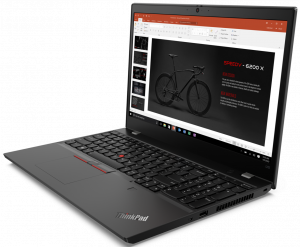
Quite honestly, this laptop is not too far from being an ordinary business notebook. However, it supports up to 64GB of DDR4 memory in dual channel, which is still something rarely seen on the market.
Check out all Lenovo ThinkPad L15 prices and configurations in our Specs System or read more in our In-Depth review.

1. Remove the bottom plate
In order to make changes on the inside of this device, you have to undo 9 Phillips-head screws. They stay attached to the bottom panel even after you unscrew them, which means it would be difficult to lose them. Before starting the prying process, make sure you remove the SIM card tray.
2. Battery
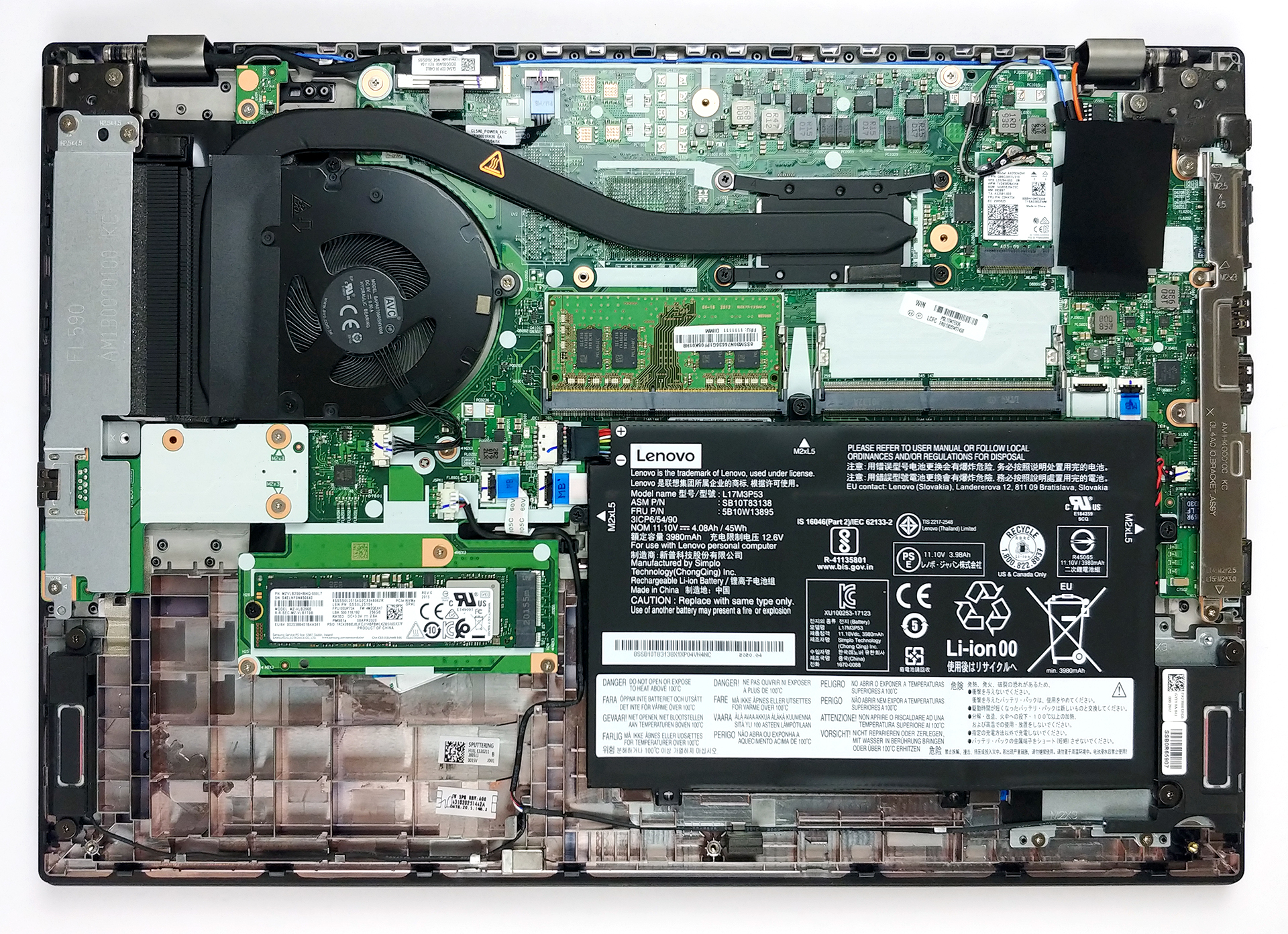
Unfortunately, the 45Wh battery pack in this notebook is glued to the chassis, in addition to being secured by three Phillips-head screws. We don’t really see a point of Lenovo doing so, other than preventing customers change their batteries, should the die after the warranty period ends.
3. Memory and storage
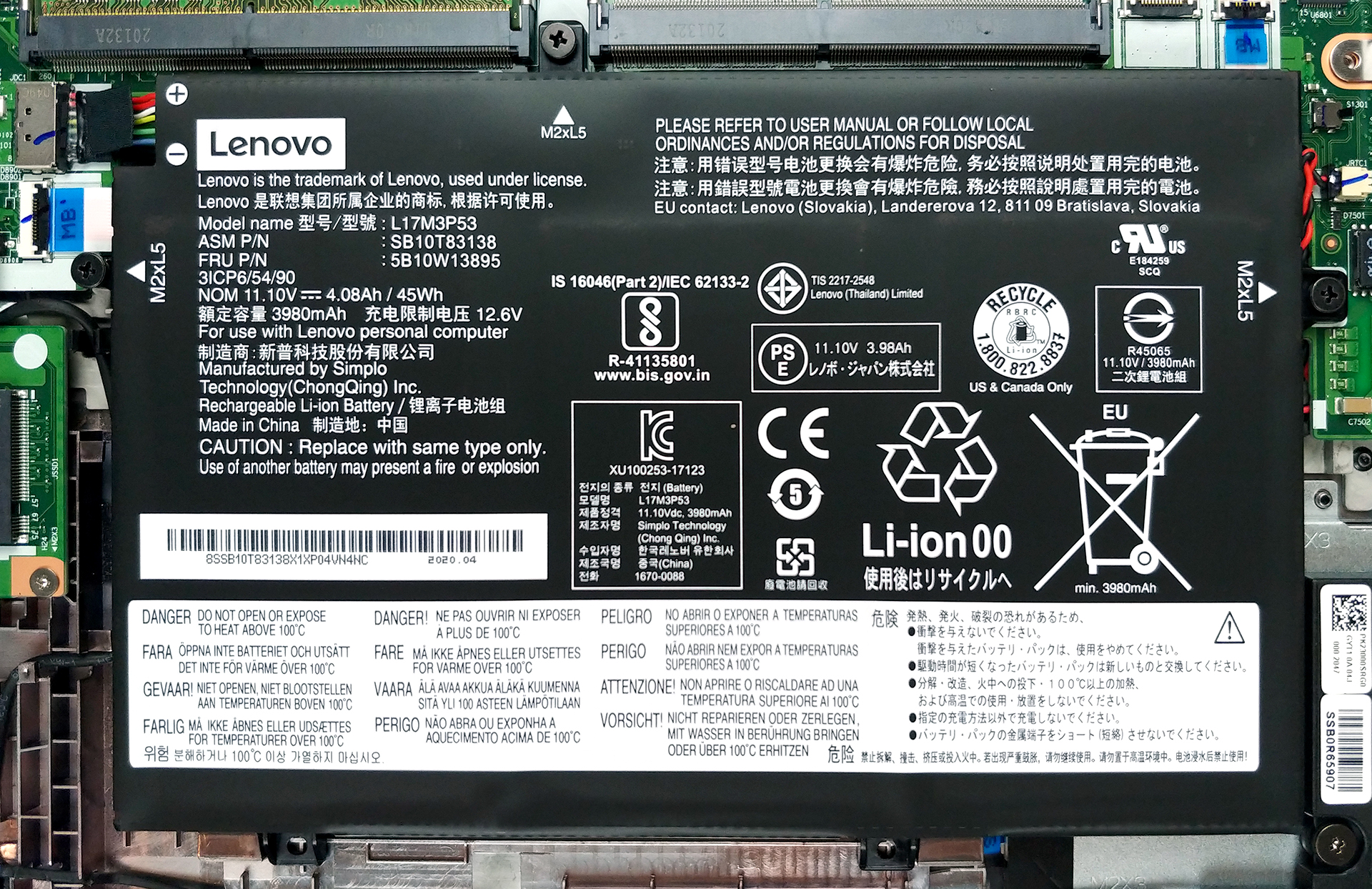
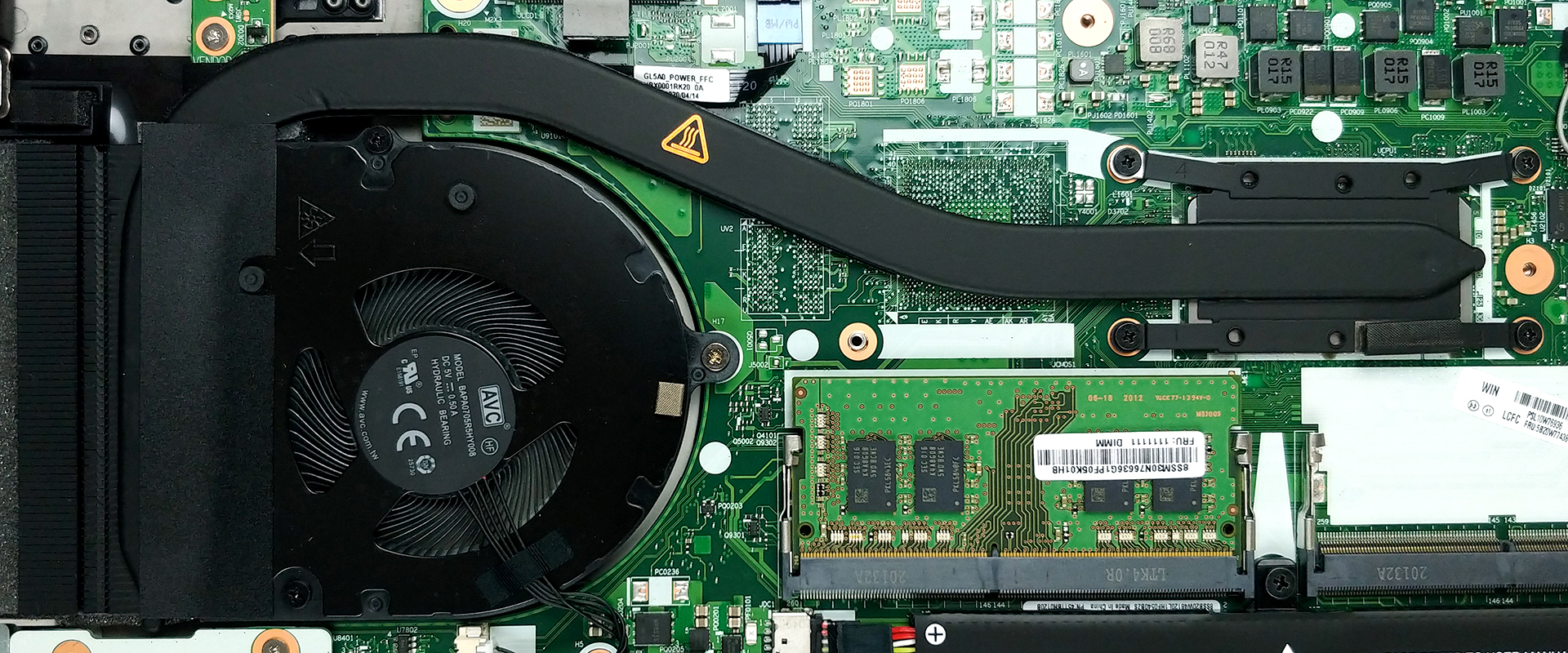
In terms of upgradability, we see two RAM SODIMM slots, which support up to 64GB of DDR4 memory in dual-channel mode. Additionally, our model comes with a single M.2 PCIe x4 slot.
4. Cooling system
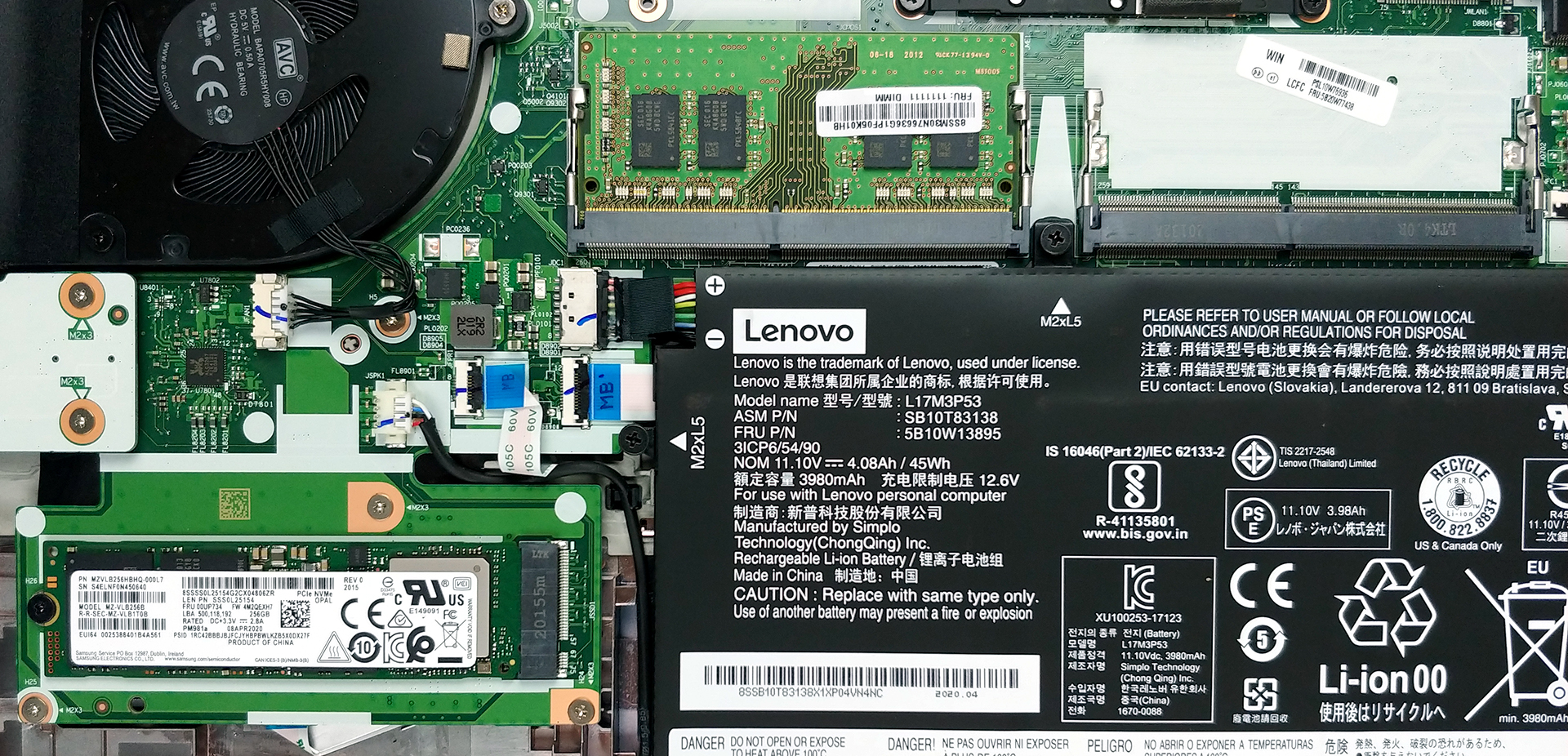
Looking at the cooling solution, we see a long and reasonably thick heat pipe. By the way, our model features only a processor with no dedicated GPU, however, you can clearly see the mounting spot, where it would sit, should you order your laptop equipped with the Radeon 625.
Check out all Lenovo ThinkPad L15 prices and configurations in our Specs System or read more in our In-Depth review.
 Author: Alex Iliev

![[juni 2026] Bestverkochte laptopmerken op Amazon Global – Apple’s ongeëvenaarde dominantie in aantal verkochte exemplaren en omzet](https://laptopmedia.com/wp-content/uploads/2026/07/GLOBAL-Best-Brands-400x225.jpg)
![[juni 2026] Amazon Global: Top 10 bestverkochte laptops – De nieuwe MacBook Neo van Apple stormt naar de eerste plaats en zet de markt op zijn kop dankzij zijn betaalbaarheid](https://laptopmedia.com/wp-content/uploads/2026/07/Best-Selling-Laptops-GLOBAL-Top-10-400x225.jpg)
![[juni 2026] Amazon Global: Top 10 van best verkochte gaminglaptops – De Nitro V 16S AI van Acer domineert de verkoopcijfers, terwijl ASUS qua totale omzet aan kop gaat](https://laptopmedia.com/wp-content/uploads/2026/07/Best-Selling-Gaming-Laptops-GLOBAL-Top-10-400x225.jpg)
![[juni 2026] Wereldwijde ranglijst van bestverkochte laptop-GPU’s op Amazon – De NVIDIA RTX 5060 is de bestverkochte speciale GPU](https://laptopmedia.com/wp-content/uploads/2026/07/Best-Selling-GPUs-GLOBAL-Top-10-400x225.jpg)
![[juni 2026] Wereldwijde ranglijst van bestverkochte laptop-CPU’s op Amazon – Apple M5 domineert, AMD Ryzen 7 260 verovert een stevig aandeel in het premiumsegment](https://laptopmedia.com/wp-content/uploads/2026/07/Best-Selling-CPUs-GLOBAL-Top-10-400x225.jpg)

can we change the processor if we want later?
Of course not, that option has pretty much disappeared around 7 years ago, mainly thanks to Intel.
Why does my laptop have no connection to this slot?
It’s so frustrating that you can’t add a 2.5″ SSD. There’s even room for it, but it’s blocked off!