Inside MSI Creator Z16 (A11Ux) – disassembly and upgrade options
Although the Creator Z16 is a truly impressive device, it is a pain in the …plastic pry tool… to open.
Check out all MSI Creator Z16 (A11Ux) prices and configurations in our Specs System or read more in our In-Depth review.
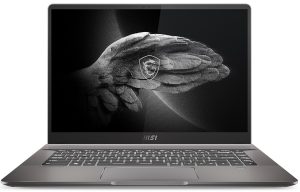
1. Remove the bottom plate
To get inside of this notebook, you need to undo 6 Phillips-head screws, two of which are located beneath the back rubber feet. After you’re done, pry the bottom panel with a plastic tool, and remove it from the chassis.
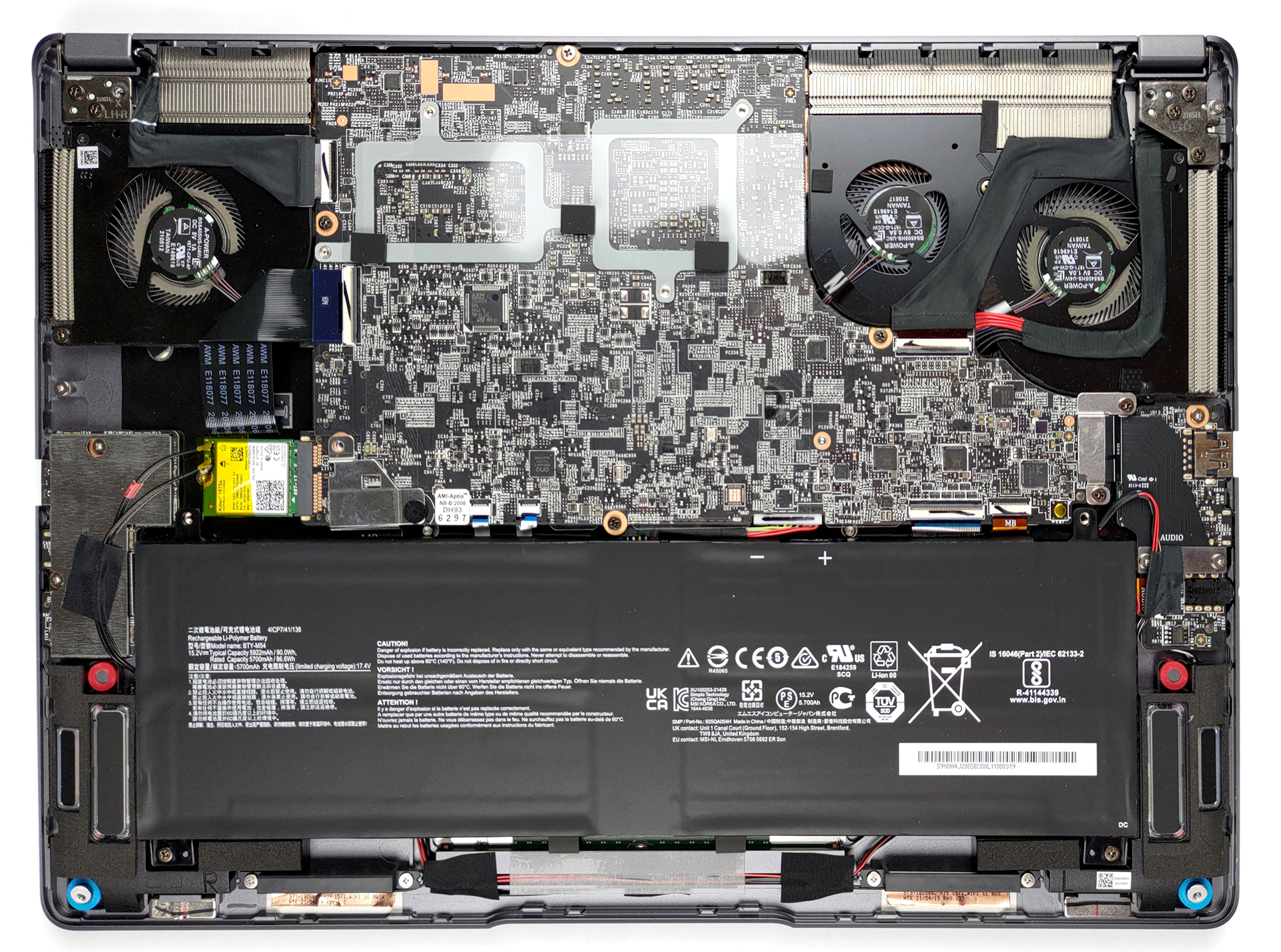
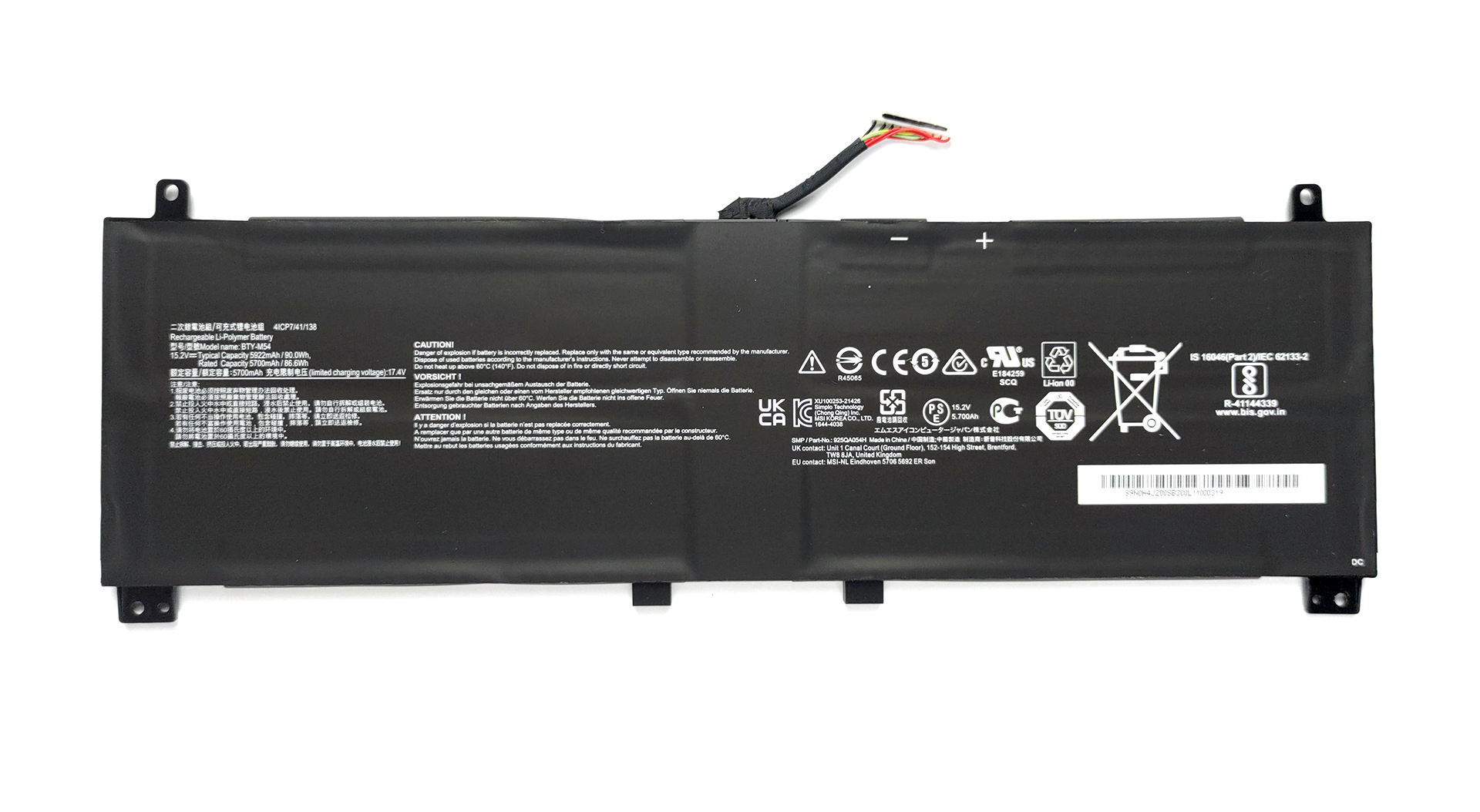
2. Battery
Unfortunately, your job does not end here. Since the motherboard is facing the wrong way around, you need to remove it to access the upgradeable parts. First, disconnect the 90Wh battery pack, and take it away from the chassis. Then, you will need to peel the plastic protective foil. After that, undo all screws holding the motherboard, including one for the Wi-Fi card, and two for the fans. Keep in mind that one of the fan screws is hiding beneath the display cable.
Speaking of cables, make sure you remove all connectors from the motherboard before you try lifting it away from the chassis.
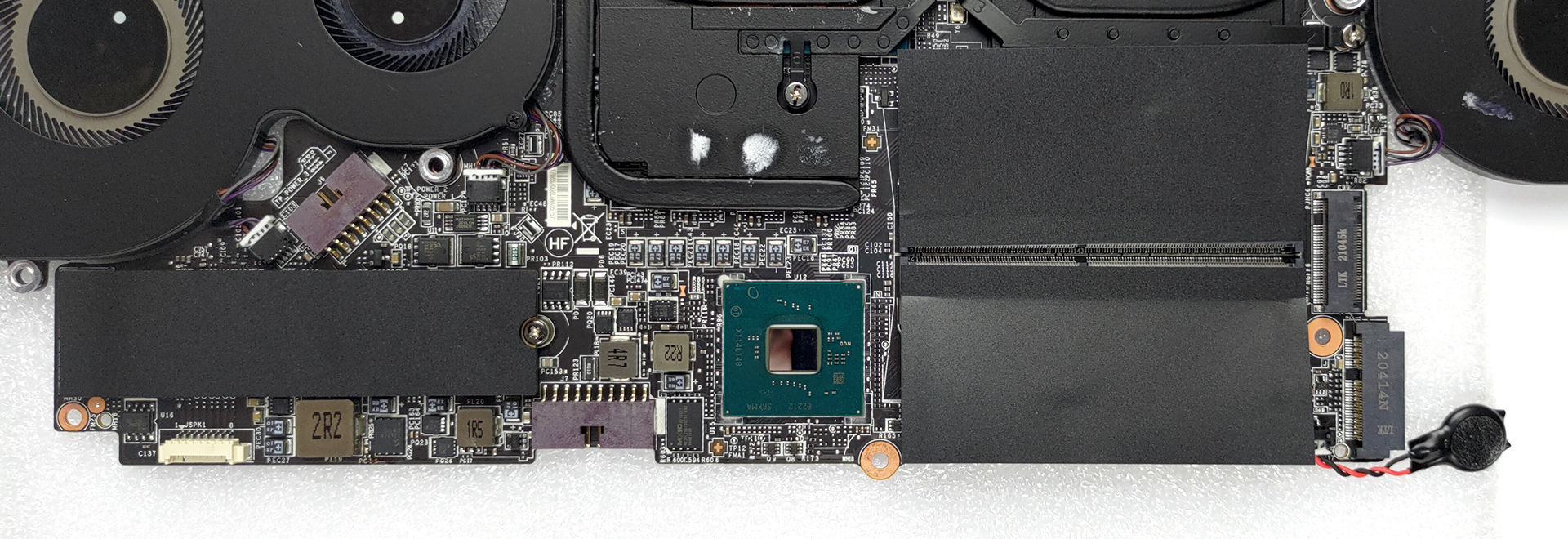
3. Мemory and storage
Now that we have finally taken the motherboard out of the device, we can see the two RAM SODIMM slots, and the two M.2 PCIe x4 slots.
4. Cooling system
As for the cooling solution, it comprised two heat pipes for the CPU, two heat pipes for the graphics card, and an additional heat pipe, managing the thermals of the graphics memory.
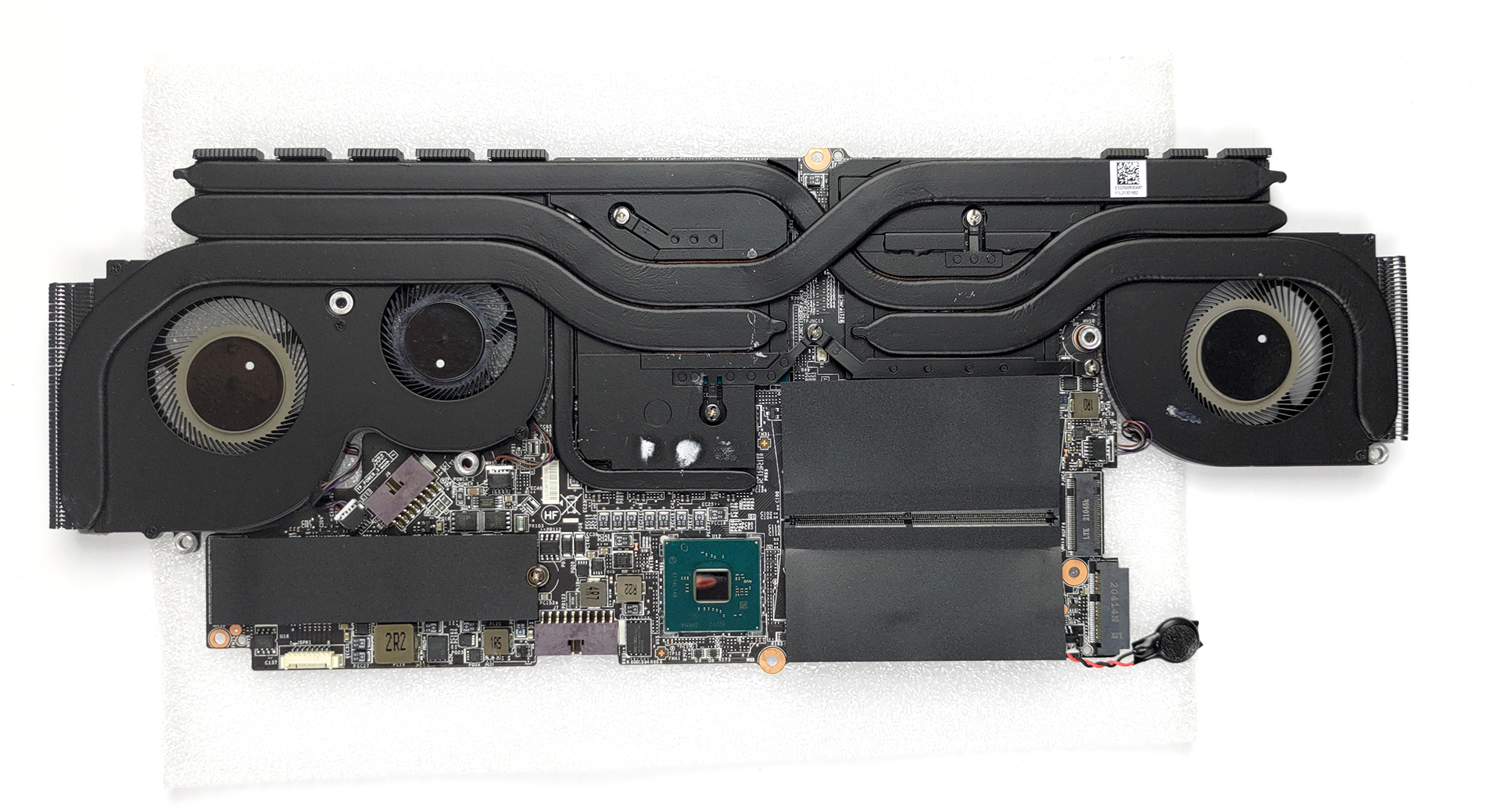
Check out all MSI Creator Z16 (A11Ux) prices and configurations in our Specs System or read more in our In-Depth review.
MSI Creator Z16 (A11Ux) uitgebreide review
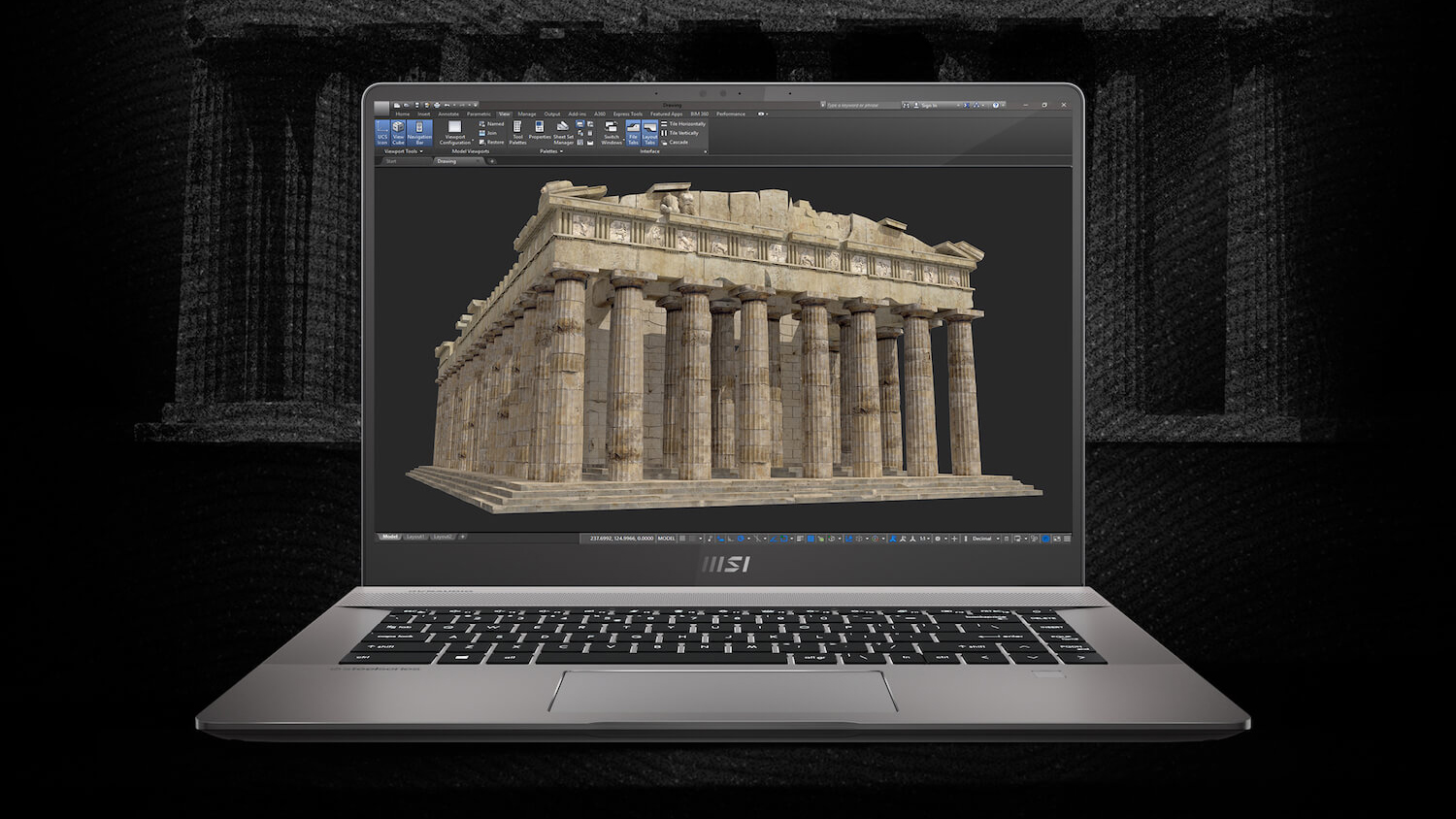
From making high-end gaming laptops to somewhat affordable office solutions, MSI is now well established in the portable computing industry. A couple of years ago, a market emerged seemingly out of nowhere - the content creator one. And last year, MSI converted its GS66 device into the MSI Creator 15. We can't say it was a total hit among its target audience, but it was good enough to deserve our "Editor's choice" award.Today, however, we mark a step in a completely different direction, regarding the design. Gone is the industrially-inspired gaming look, the sharp corners, and the boxy de[...]
Pros
- Aluminum design and great build quality
- Large arrow keys, RGB backlight, and responsive touchpad
- 2x SODIMM + 2x M.2 PCIe x4
- No PWM (MNG007DA1-1 (CSO1600))
- Full sRGB, and DCI-P3 coverage + 92% Adobe RGB coverage (MNG007DA1-1 (CSO1600))
- 120Hz refresh rate with fast pixel response times (MNG007DA1-1 (CSO1600))
- 2x Thunderbolt 4 + MicroSD card slot
- IR face recognition + fingerprint reader
Minpunten
- Underperforming CPU
- Uneven color uniformity
- Relatively difficult to upgrade
 Author: Alex Iliev

![[juni 2026] Bestverkochte laptopmerken op Amazon Global – Apple’s ongeëvenaarde dominantie in aantal verkochte exemplaren en omzet](https://laptopmedia.com/wp-content/uploads/2026/07/GLOBAL-Best-Brands-400x225.jpg)
![[juni 2026] Amazon Global: Top 10 bestverkochte laptops – De nieuwe MacBook Neo van Apple stormt naar de eerste plaats en zet de markt op zijn kop dankzij zijn betaalbaarheid](https://laptopmedia.com/wp-content/uploads/2026/07/Best-Selling-Laptops-GLOBAL-Top-10-400x225.jpg)
![[juni 2026] Amazon Global: Top 10 van best verkochte gaminglaptops – De Nitro V 16S AI van Acer domineert de verkoopcijfers, terwijl ASUS qua totale omzet aan kop gaat](https://laptopmedia.com/wp-content/uploads/2026/07/Best-Selling-Gaming-Laptops-GLOBAL-Top-10-400x225.jpg)
![[juni 2026] Wereldwijde ranglijst van bestverkochte laptop-GPU’s op Amazon – De NVIDIA RTX 5060 is de bestverkochte speciale GPU](https://laptopmedia.com/wp-content/uploads/2026/07/Best-Selling-GPUs-GLOBAL-Top-10-400x225.jpg)
![[juni 2026] Wereldwijde ranglijst van bestverkochte laptop-CPU’s op Amazon – Apple M5 domineert, AMD Ryzen 7 260 verovert een stevig aandeel in het premiumsegment](https://laptopmedia.com/wp-content/uploads/2026/07/Best-Selling-CPUs-GLOBAL-Top-10-400x225.jpg)

Upside down motherboard … need to take a day off to upgrade … never buying this one.
To install a second SSD it´s noct necessary to remove the mainboard. You can reach the slot easily after removing the bottom plate of the notebook.