Inside MSI Prestige 14 (A12M) – disassembly and upgrade options
Surprisingly, the Prestige 14 (A12M) does not let you upgrade its memory. On the bright side, you can still take advantage of Gen 4 SSDs.
Check out all MSI Prestige 14 (A12M) prices and configurations in our Specs System or read more in our In-Depth review.
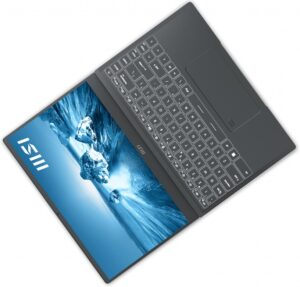
1. Remove the bottom plate
To access this notebook’s internals, you need to undo 7 Phillips-head screws. Then, pry the bottom panel with a plastic tool and lift it away from the chassis.
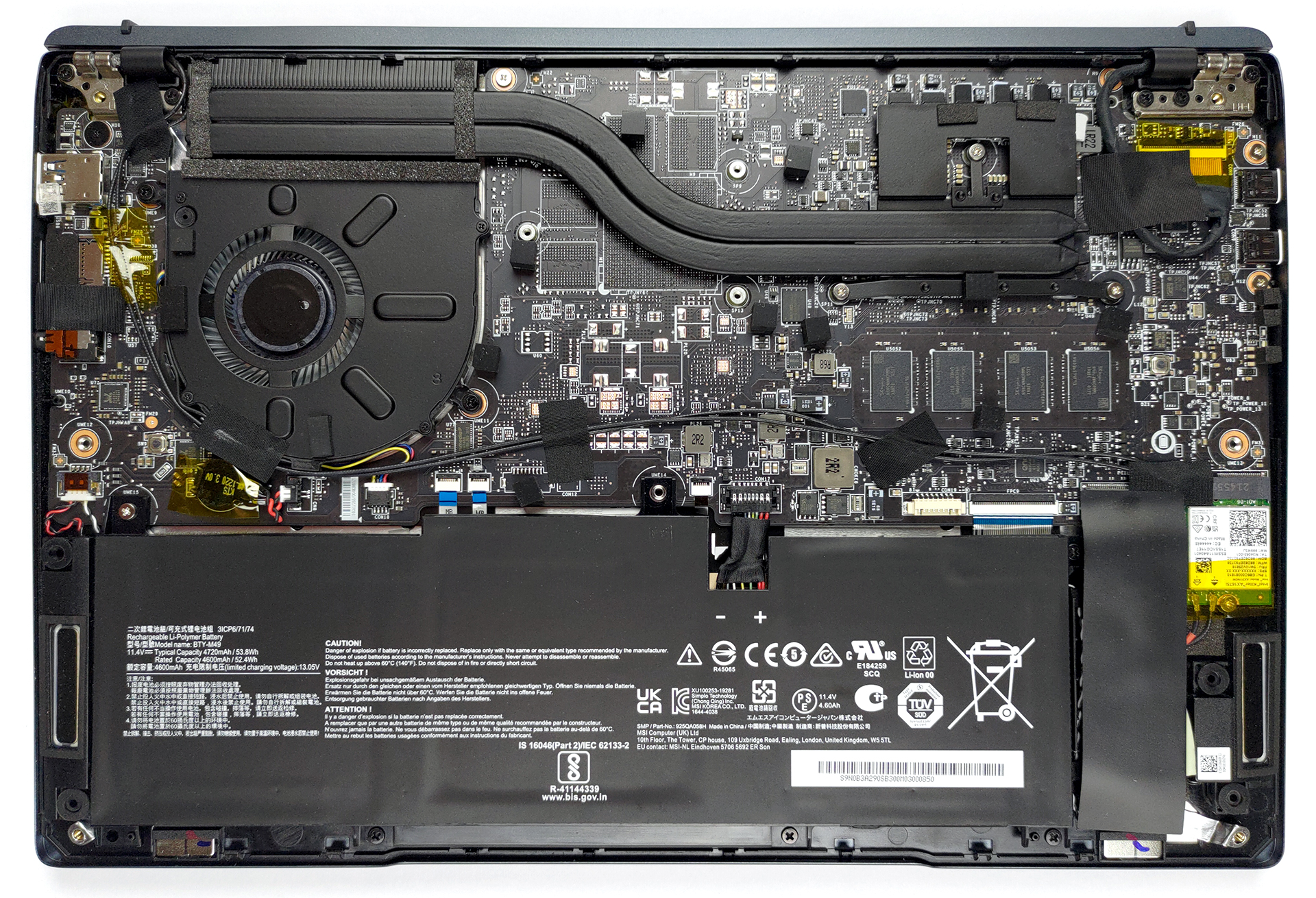
2. Battery
Inside, we find a 53.8Wh battery pack. It lasts for nearly 10 hours of Web browsing, or 8 hours of video playback. To remove it, unplug the connector, and undo all 5 Phillips-head screws, which hold the battery in place.
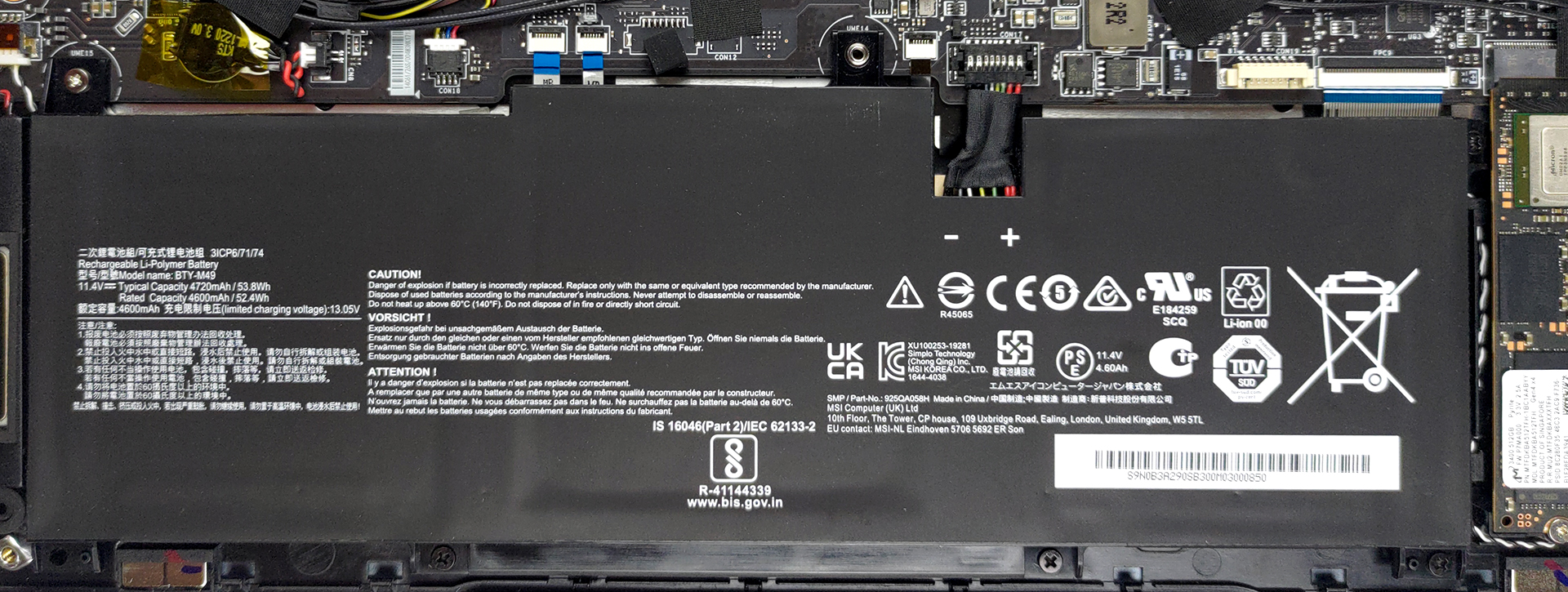
3. Memory and storage
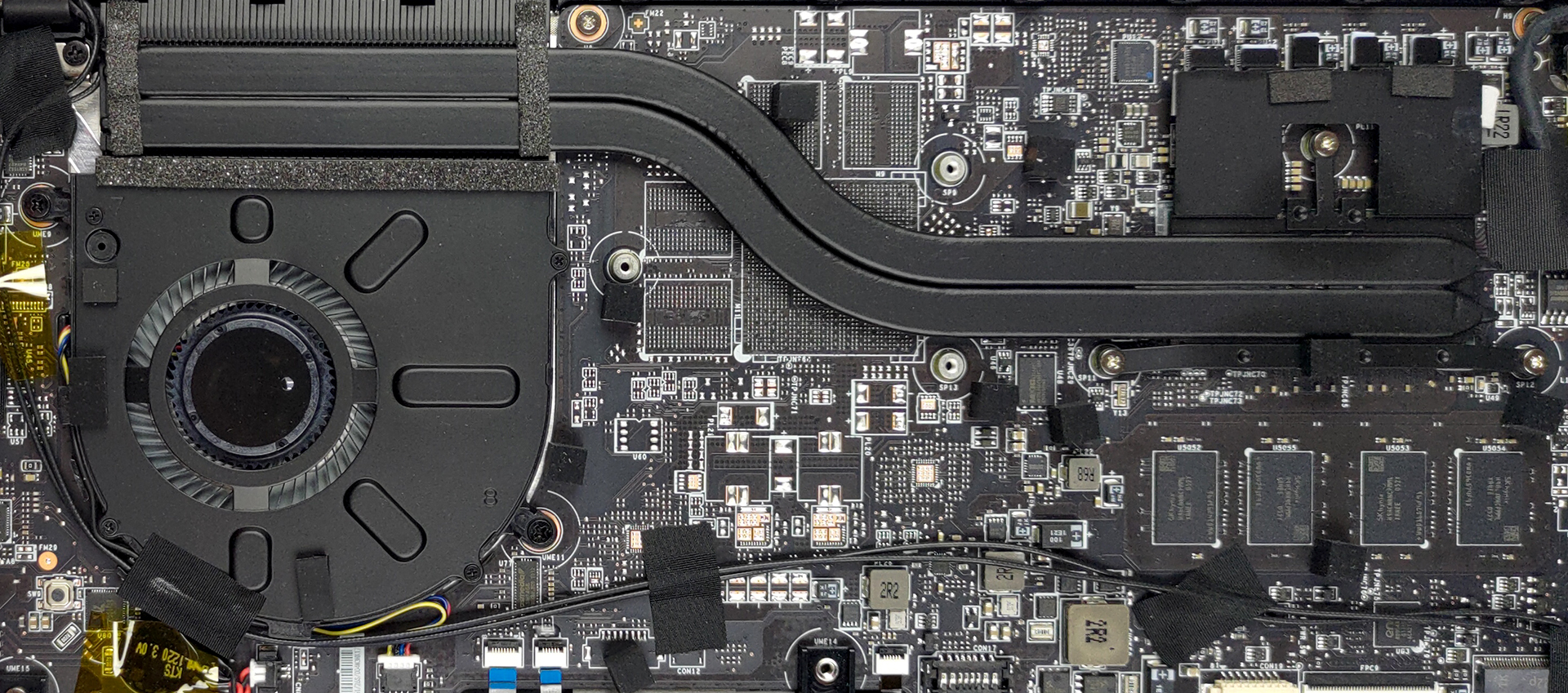
Unfortunately, all of the memory is soldered to the motherboard. The maximum amount you can get before purchase is 32GB of LPDDR4x RAM, working in quad-channel mode. Storage-wise, there is one M.2 PCIe x4 slot, which works with Gen 4 drives.
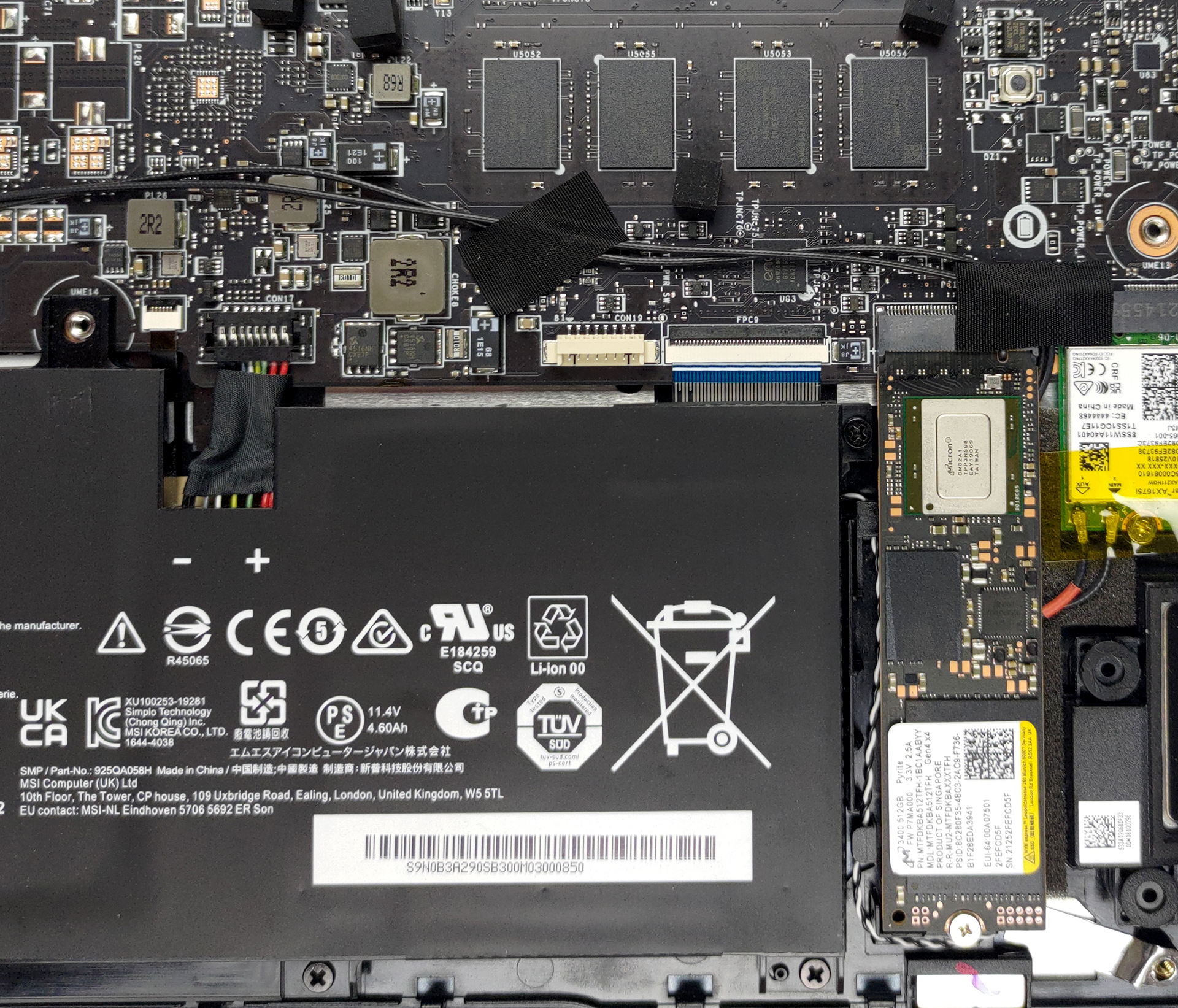
4. Cooling system
In terms of cooling, the laptop sports two heat pipes, which connect to a heat sink, and a fan. Thankfully, the VRMs are also being cooled down.
Check out all MSI Prestige 14 (A12M) prices and configurations in our Specs System or read more in our In-Depth review.
MSI Prestige 14 (A12Mx / A12Sx / A12Ux) uitgebreide review
Sometimes you find yourself struggling to cope with your work. And many times, the reason for that is not the work itself, but what sits inside your brain. Burning out is a big issue in the modern world, as more and more people feel the stress of overperforming. To do so, one would want to take his/her time and enjoy life. In this case, the Prestige 14 (A12M) might come in handy, as it can be both your workhorse and entertainment machine.See, much like the smartphone, laptops have become a portal to not only the virtual world but a hub to the real world as well. After all, you use your mo[...]
Pros
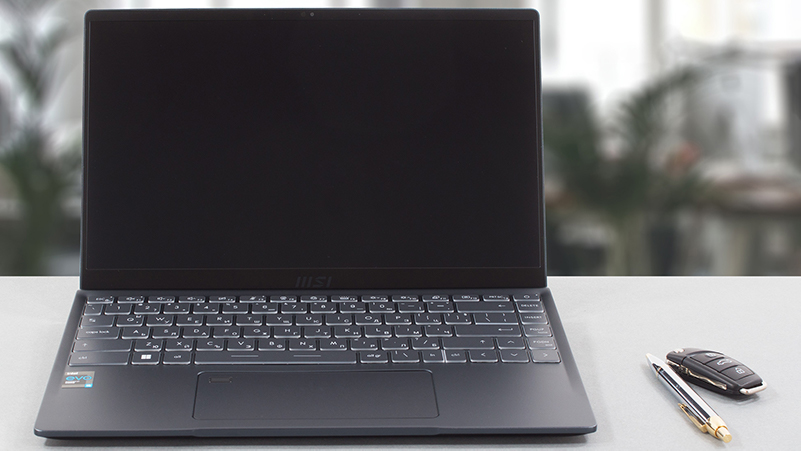
- Two Thunderbolt 4 connectors and a MicroSD card reader
- Very thin and light body
- Its Full HD IPS panel has comfortable viewing angles and a good contrast ratio (AUO B140HAN06.2 (AUO623D))
- Covers 98% of sRGB and our Gaming and Web design profile helps it reach an Average dE of <2.0 (AUO B140HAN06.2 (AUO623D))
- No PWM (AUO B140HAN06.2 (AUO623D))
- Very high CPU performance
Minpunten
- Very warm and loud during gameplay
- Soldered memory (although working at quad-channel mode)
- Its cooling can't keep high clocks for long periods of time
 Author: Alex Iliev

![[juni 2026] Bestverkochte laptopmerken op Amazon Global – Apple’s ongeëvenaarde dominantie in aantal verkochte exemplaren en omzet](https://laptopmedia.com/wp-content/uploads/2026/07/GLOBAL-Best-Brands-400x225.jpg)
![[juni 2026] Amazon Global: Top 10 bestverkochte laptops – De nieuwe MacBook Neo van Apple stormt naar de eerste plaats en zet de markt op zijn kop dankzij zijn betaalbaarheid](https://laptopmedia.com/wp-content/uploads/2026/07/Best-Selling-Laptops-GLOBAL-Top-10-400x225.jpg)
![[juni 2026] Amazon Global: Top 10 van best verkochte gaminglaptops – De Nitro V 16S AI van Acer domineert de verkoopcijfers, terwijl ASUS qua totale omzet aan kop gaat](https://laptopmedia.com/wp-content/uploads/2026/07/Best-Selling-Gaming-Laptops-GLOBAL-Top-10-400x225.jpg)
![[juni 2026] Wereldwijde ranglijst van bestverkochte laptop-GPU’s op Amazon – De NVIDIA RTX 5060 is de bestverkochte speciale GPU](https://laptopmedia.com/wp-content/uploads/2026/07/Best-Selling-GPUs-GLOBAL-Top-10-400x225.jpg)
![[juni 2026] Wereldwijde ranglijst van bestverkochte laptop-CPU’s op Amazon – Apple M5 domineert, AMD Ryzen 7 260 verovert een stevig aandeel in het premiumsegment](https://laptopmedia.com/wp-content/uploads/2026/07/Best-Selling-CPUs-GLOBAL-Top-10-400x225.jpg)
