_1 48.jpg)



- Publicatiedatum: 19 Jun 2025
- Intel Core i7-1165G7
- Intel Iris Xe Graphics G7 (96EU)
- 13.5”, 2K (2256 x 1504), IPS
- 4000GB SSD
- 8GB RAM
- 1.20 kg (2.6 lbs)
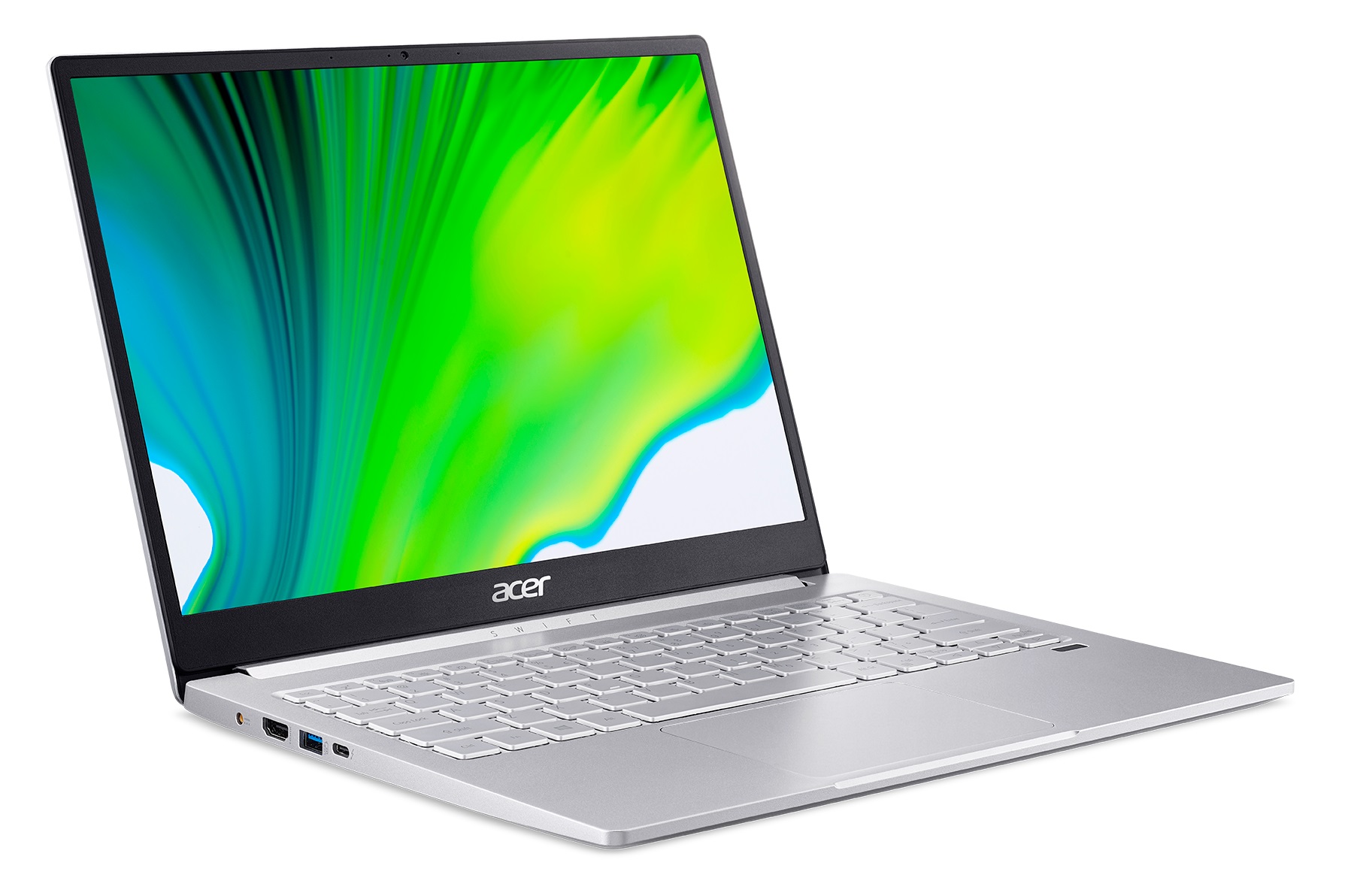
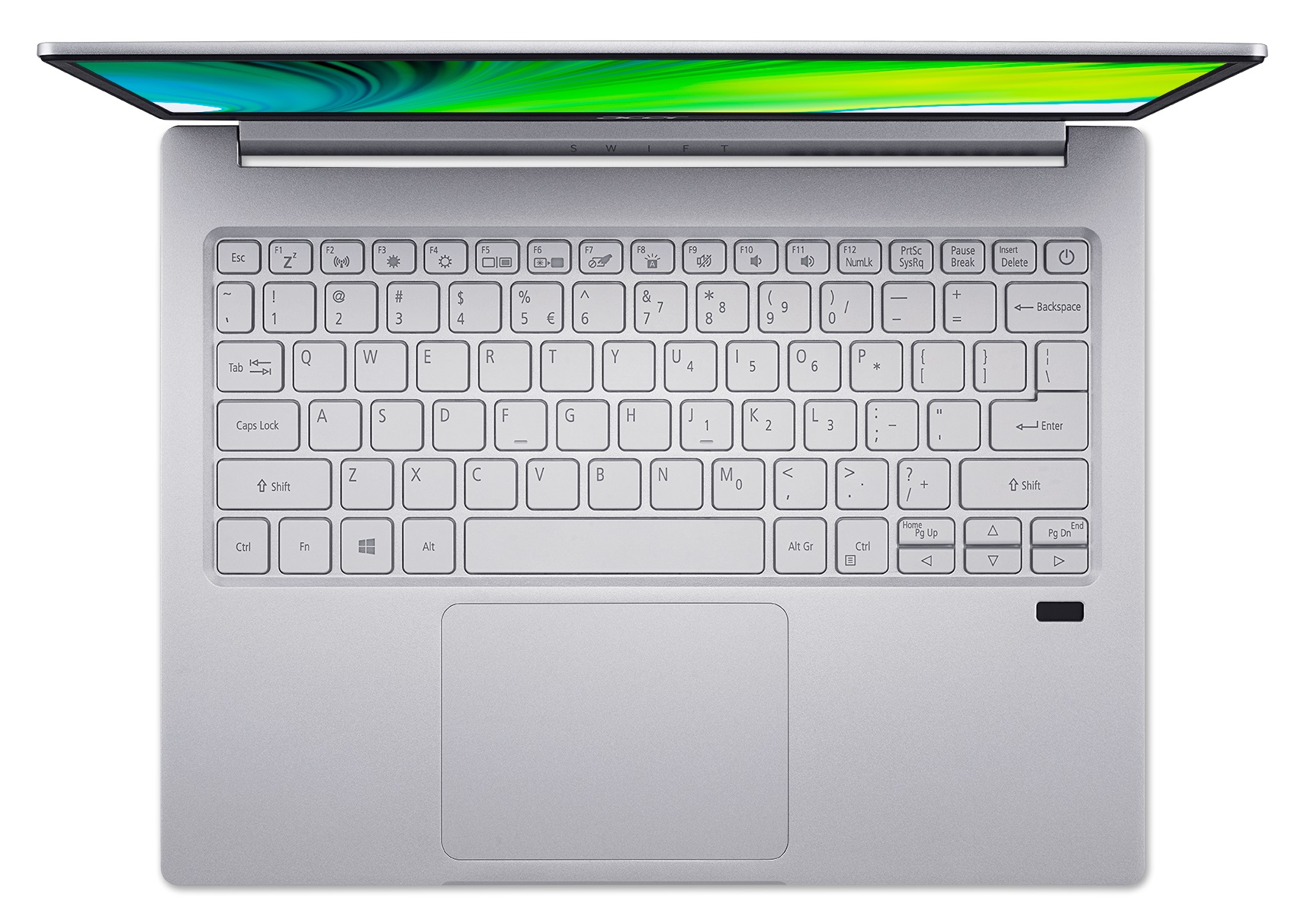
Acer Swift 3 (SF313-53 / SF313-53G) uitgebreide review
Earlier this year, Acer revealed a 13-inch laptop that was aimed at workaholics. It sported a 3:2 display with a rather high resolution and a very light chassis. Now, we have its successor - the Swift 3 (SF313-53). What's different? Well, expectedly you get the higher performance and better [...]
Lees de volledige review
Review
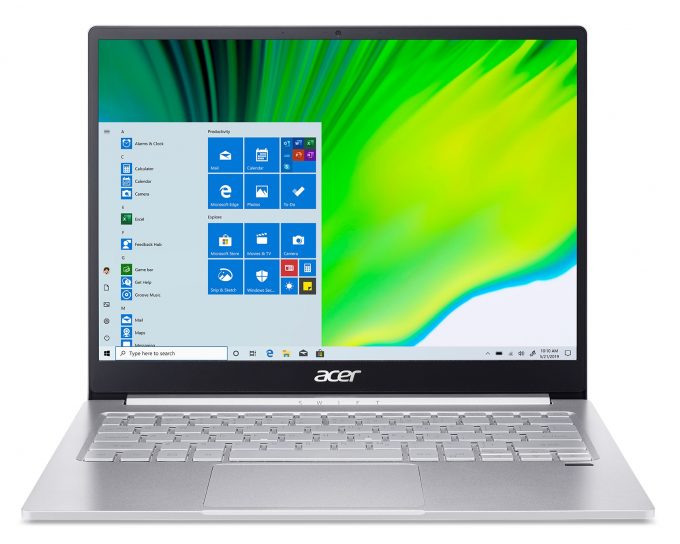
Acer Swift 3 uitgebreide review
Earlier this year, Acer revealed a 13-inch laptop that was aimed at workaholics. It sported a 3:2 display with a rather high resolution and a very light chassis. Now, we have its successor - the Swift 3 (SF313-53). What's different? Well, expectedly you get the higher performance and better optimization of the Intel Tiger Lake processor family. Yep, this means that you get the fastest integrated graphics yet - the Iris Xe Graphics G7.Nevertheless, let's keep the details for the lines below. Other than that, Acer is boasting with its lightweight design. To achieve it, they have used aluminum and magnesium-aluminum alloy. Yep, this makes the laptop a bit premium, so don't expect to get it on the cheap.Let's waste no more time, though, and get straight to the review.You can check[...]
Lees de volledige reviewPros
- Ultra-lightweight
- Tiger Lake CPU, that provides capable integrated graphics
- Decent battery life
- Covers 99% sRGB (BOE08BC)
- Our Gaming and Web design profile improves the color accuracy to comply with the standard Average dE of 0.6 (BOE08BC)
- Work-friendly 3:2 aspect ratio
- Thunderbolt 4 port onboard and support of NVMe M.2 drives
Minpunten
- No SD card reader
- Memory is soldered
Demontage, onderhoud en upgrade-opties
This device has very potent mobile hardware, but sadly, it doesn't shine with its upgradability.Check out all Acer Swift 3 (SF313-53) prices and configurations in our Specs System or read more in our In-Depth review.1. Remove the bottom plate To get inside this notebook, you have to undo 11 Torx-head screws. After that, pry the panel with a plastic tool, and lift it away.2. Battery, memory, and storage First, unplug the battery, which has a capacity of 55.9Wh.As you can see, the RAM chips are soldered above the processor. This means you won't be able to upgrade th[...]
Lees meer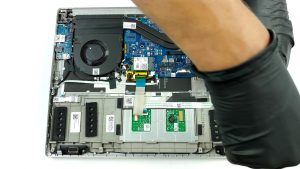
Scherm: 13.5-inch, 2256 x 1504, IPS
- Naam
- BOE NE135FBM-N41 (BOE08BC)
- Diagonaal
- 13.5"
- Pixeldichtheid
- 200.84 ppi
- Refresh rate
- 60 Hz
- Helderheid
- 466 cd/m2
- sRGB
- 98%
- Paneeltype
- IPS
- Resolutie
- 2256 x 1504
- Wordt "Retina" vanaf
- 17 inches (44 cm)
- Contrast
- 1400:1
- dE Color Checker
- 2.8 1.3

Koop onze profielen voor BOE NE135FBM-N41 (BOE08BC)
Naast het ontvangen van efficiënte en gezondheidsvriendelijke profielen, ondersteunt u door het kopen van LaptopMedia's producten ook de ontwikkeling van onze labs, waar we apparaten testen om zo objectief mogelijke reviews te produceren.

Office Work
Office Work is voornamelijk bedoeld voor gebruikers die de meeste tijd besteden aan het bekijken van teksten, tabellen of gewoon surfen. Dit profiel streeft naar een betere onderscheidbaarheid en helderheid door een vlakke gammacurve (2.20), native kleurtemperatuur en perceptueel accurate kleuren te behouden.

Design and Gaming
Dit profiel is bedoeld voor ontwerpers die professioneel met kleuren werken, maar ook voor games en films. Design and Gaming haalt het uiterste uit beeldschermen, waardoor ze zo nauwkeurig mogelijk zijn in de sRGB IEC61966-2-1 norm voor Web en HDTV, met witpunt D65.

Health-Guard
Health-Guard elimineert de schadelijke Pulsbreedtemodulatie (PWM) en vermindert het negatieve Blauwe Licht dat onze ogen en lichaam beïnvloedt. Omdat het op maat gemaakt is voor elk paneel, slaagt het erin de kleuren perceptueel accuraat te houden. Health-Guard simuleert papier zodat de druk op de ogen sterk wordt verminderd.





