
- Publicatiedatum: 08 Apr 2021
- Intel Core i7-10870H
- NVIDIA GeForce RTX 3080 (Laptop, 105W)
- 15.6”, Full HD (1920 x 1080), 240 Hz, IPS
- 1000GB SSD
- 32GB DDR4
- 2.00 kg (4.4 lbs)
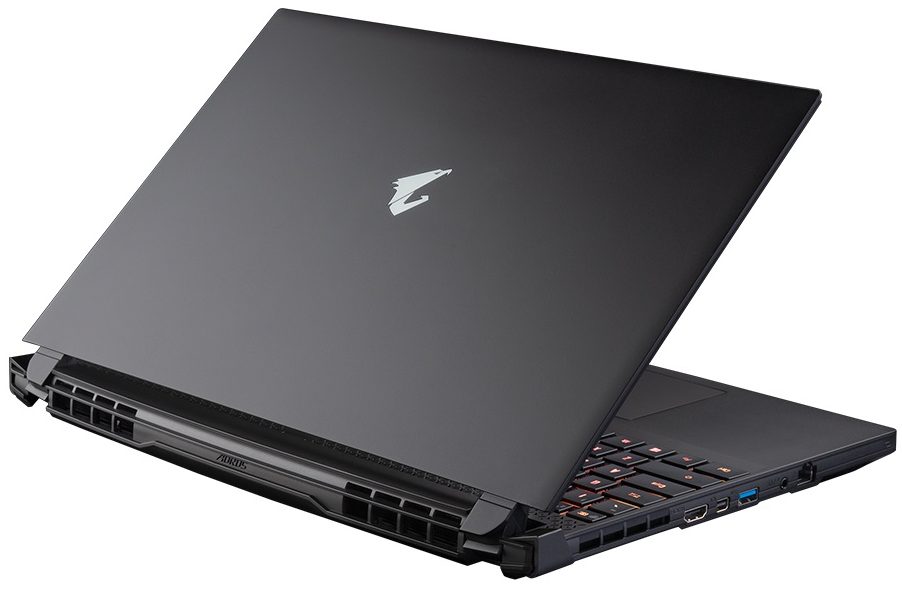
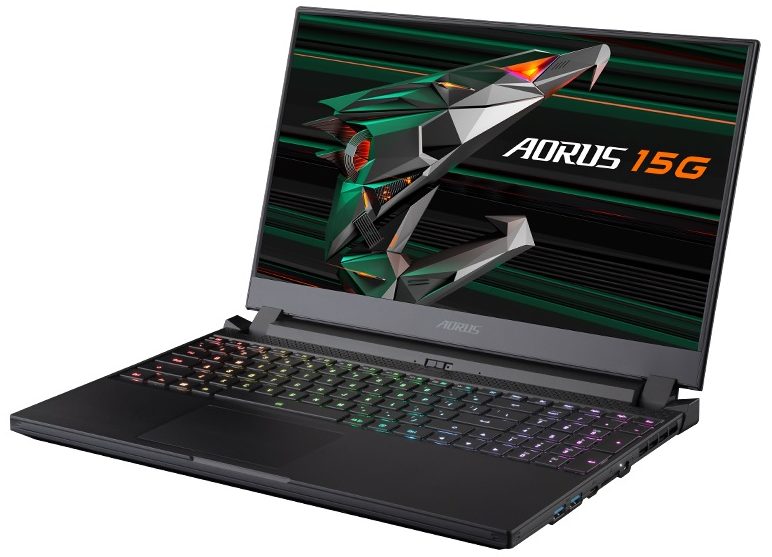
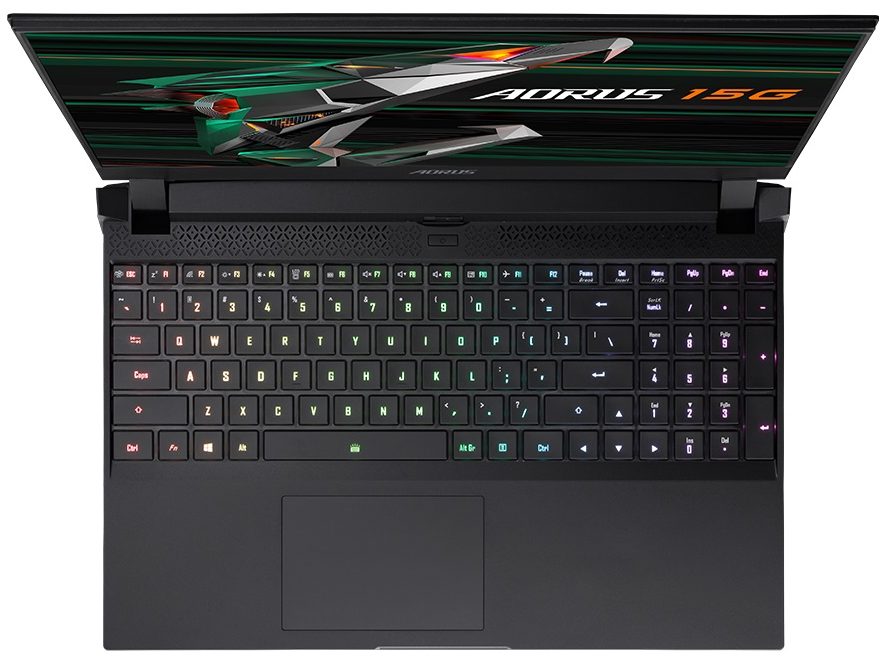
AORUS 15G (RTX 30) uitgebreide review
Today, we say. Hello to the AORUS 15G from GIGABYTE. This is a brand highly associated with gaming, so we feel that the expectations are already set high. Obviously, if you want to be competitive, you need the best in terms of hardware. And while GIGABYTE provides you with the latest from NVIDIA in [...]
Lees de volledige review

Review
AORUS 15G uitgebreide review
Today, we say. Hello to the AORUS 15G from GIGABYTE. This is a brand highly associated with gaming, so we feel that the expectations are already set high. Obviously, if you want to be competitive, you need the best in terms of hardware. And while GIGABYTE provides you with the latest from NVIDIA in the form of the RTX 3060, RTX 3070, and RTX 3080, we were surprised to see that the processor of choice is the Core i7-10870H. Yep, there is only one option. Although it is slower in computational workloads compared to the Zen 3 and Tiger Lake H45 architectures, it is still a very good gaming CPU.So, the feature list doesn't stop here. You get a 240Hz refresh rate display by default and a 72% NTSC color coverage (this roughly translates to a full sRGB coverage). Also, the addition of the RT[...]
Lees de volledige reviewPros
- 99% sRGB coverage and brilliant color accuracy
- Good performance
- Decent battery life
- Per-key RGB backlight
- 240Hz refresh rate with super-fast pixel response time
- SD card slot and generally wide I/O
- HD camera with a privacy shutter
- 2x RAM SODIMM slots + 2x M.2 storage slots
Minpunten
- Plastic body
- Horrid battery life
- No Thunderbolt connection
Demontage, onderhoud en upgrade-opties
Well, the AORUS 15G had its downsides but upgradability is definitely not one of them.Check out all GIGABYTE AORUS 15G (RTX 30) prices and configurations in our Specs System or read more in our In-Depth review.1. Remove the bottom plate To get inside of this device, you need to undo 12 Torx-head screws. Then, pry the bottom panel starting from the front side.2. Battery Here, we see a huge 99Wh battery pack.3. Мemory and storage Its two SODIMM slots support up to 64GB of dual-channel memory in total. Storage-wise, there are two M.2 slots. One of them fits only PCIe [...]
Lees meer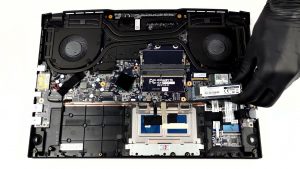
Scherm: 15.6-inch, 1920 x 1080, IPS
- Naam
- Sharp LQ156M1JW26 (SHP1532)
- Diagonaal
- 15.6"
- Pixeldichtheid
- 141.21 ppi
- Helderheid
- 310 cd/m2
- sRGB
- 99%
- Paneeltype
- IPS
- Resolutie
- 1920 x 1080
- Wordt "Retina" vanaf
- 24 inches (62 cm)
- Contrast
- 1120:1
- dE Color Checker
- 0.8 0.5

Koop onze profielen voor Sharp LQ156M1JW26 (SHP1532)
Naast het ontvangen van efficiënte en gezondheidsvriendelijke profielen, ondersteunt u door het kopen van LaptopMedia's producten ook de ontwikkeling van onze labs, waar we apparaten testen om zo objectief mogelijke reviews te produceren.

Office Work
Office Work is voornamelijk bedoeld voor gebruikers die de meeste tijd besteden aan het bekijken van teksten, tabellen of gewoon surfen. Dit profiel streeft naar een betere onderscheidbaarheid en helderheid door een vlakke gammacurve (2.20), native kleurtemperatuur en perceptueel accurate kleuren te behouden.

Design and Gaming
Dit profiel is bedoeld voor ontwerpers die professioneel met kleuren werken, maar ook voor games en films. Design and Gaming haalt het uiterste uit beeldschermen, waardoor ze zo nauwkeurig mogelijk zijn in de sRGB IEC61966-2-1 norm voor Web en HDTV, met witpunt D65.

Health-Guard
Health-Guard elimineert de schadelijke Pulsbreedtemodulatie (PWM) en vermindert het negatieve Blauwe Licht dat onze ogen en lichaam beïnvloedt. Omdat het op maat gemaakt is voor elk paneel, slaagt het erin de kleuren perceptueel accuraat te houden. Health-Guard simuleert papier zodat de druk op de ogen sterk wordt verminderd.





