ASUS VivoBook S13 S330
ASUS VivoBook S13 S330 - Specs
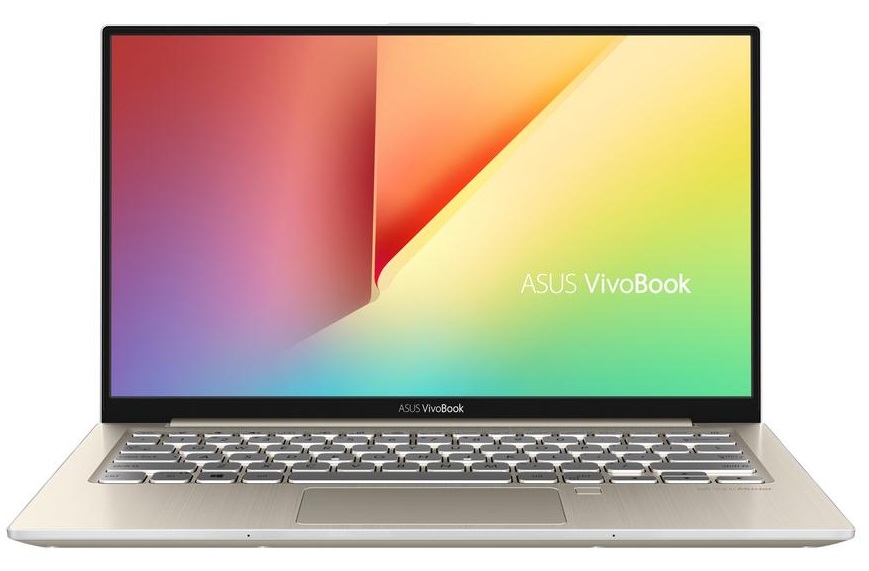
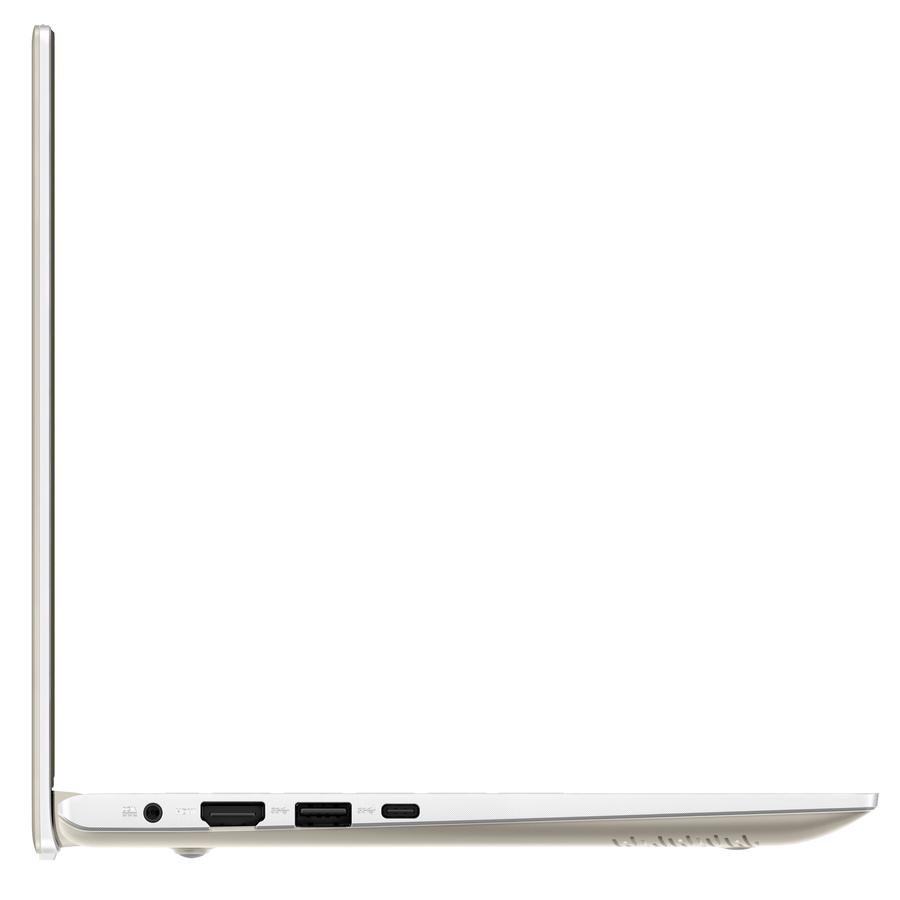
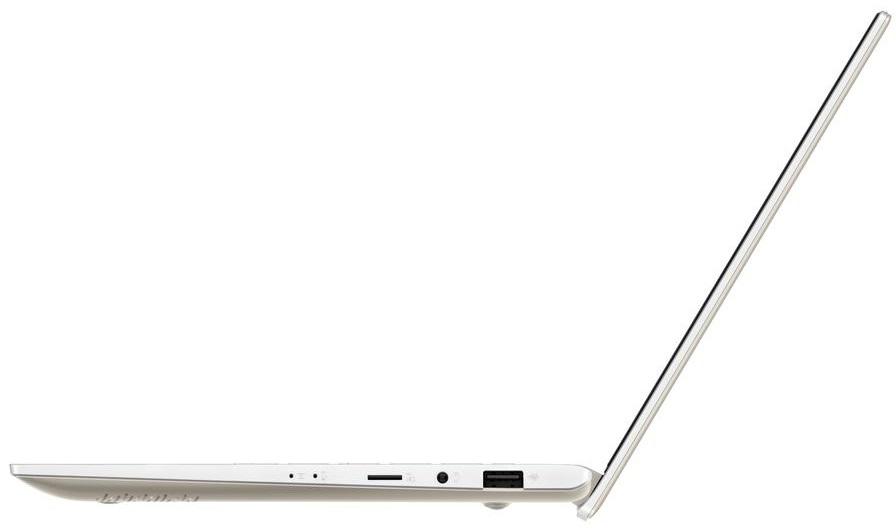
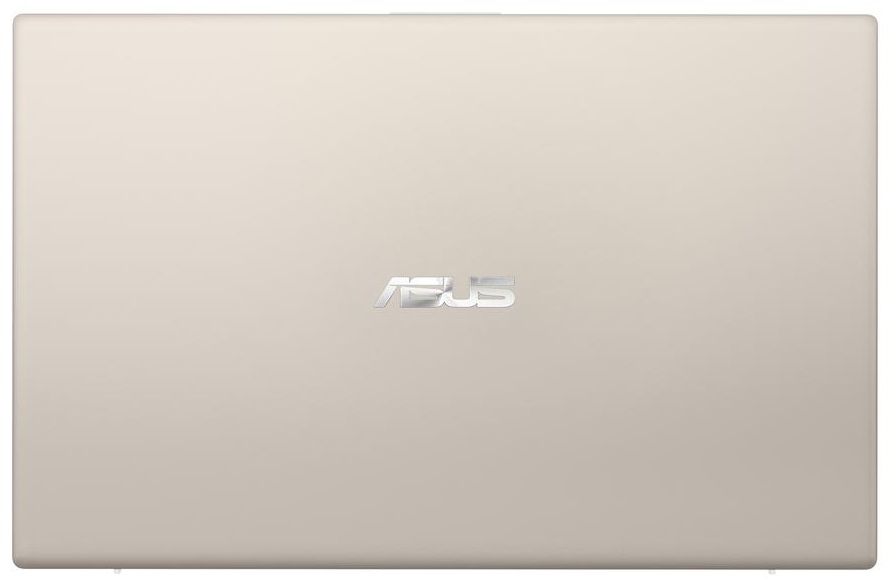
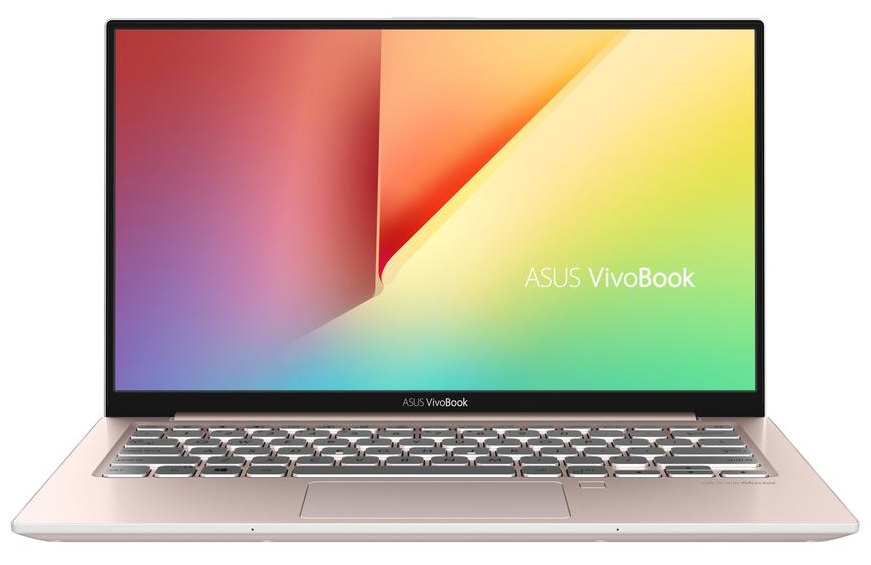
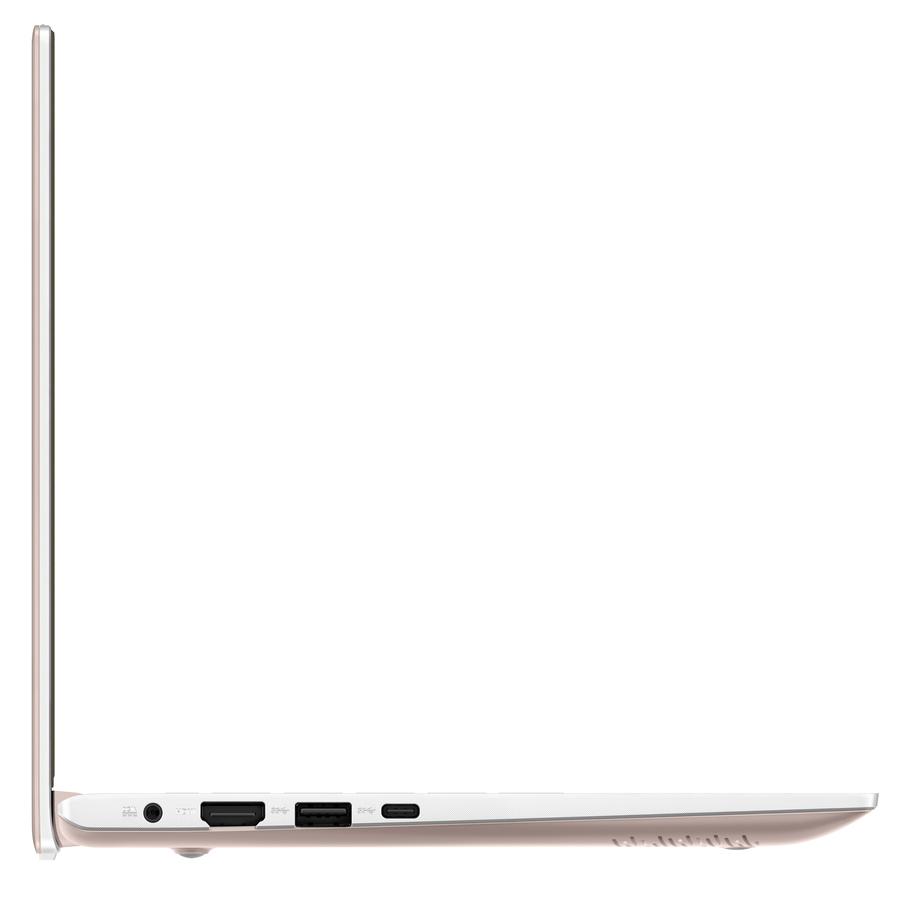
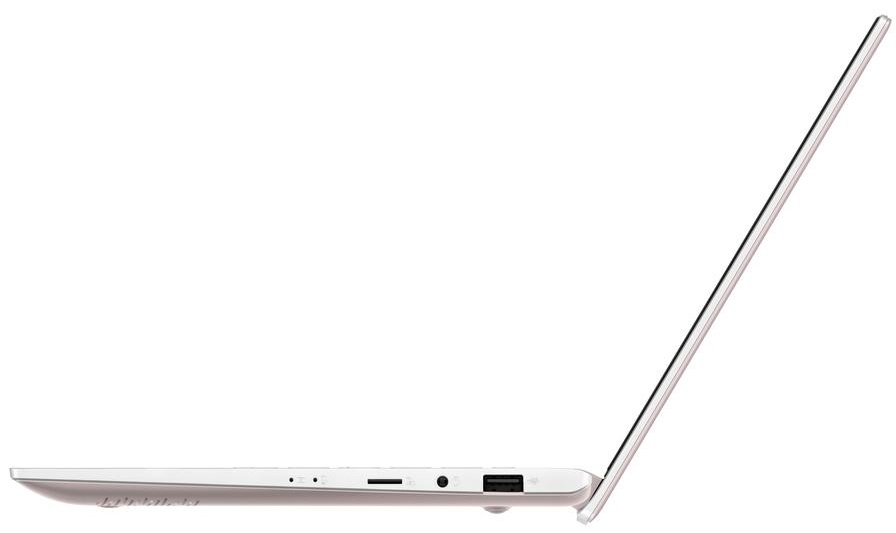
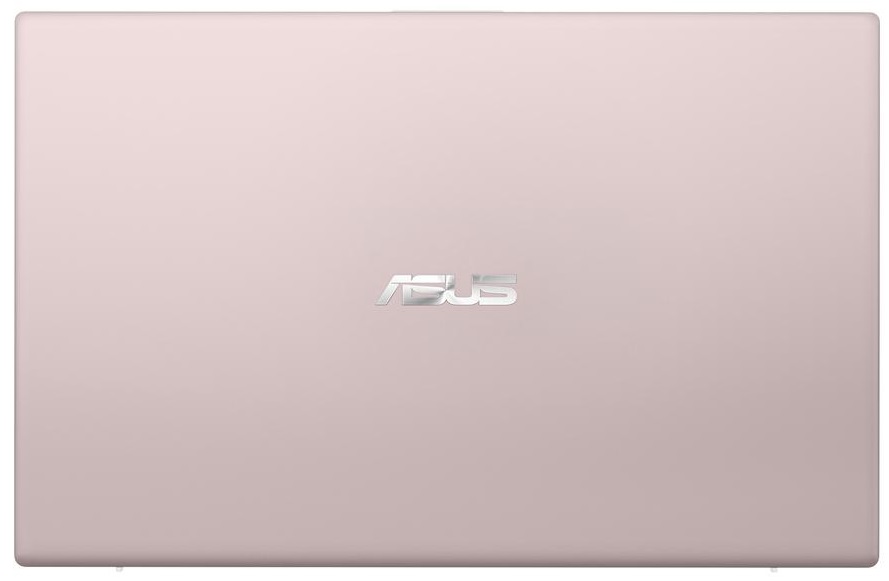
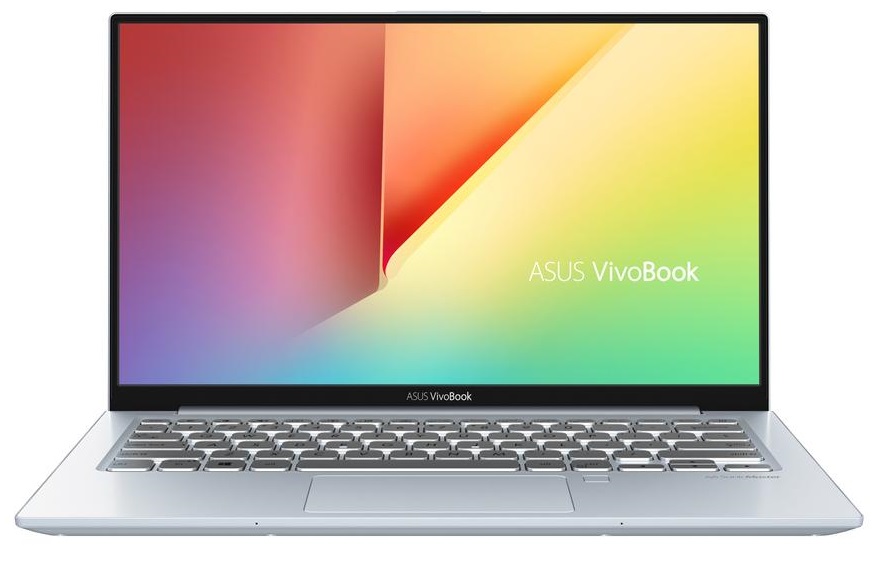
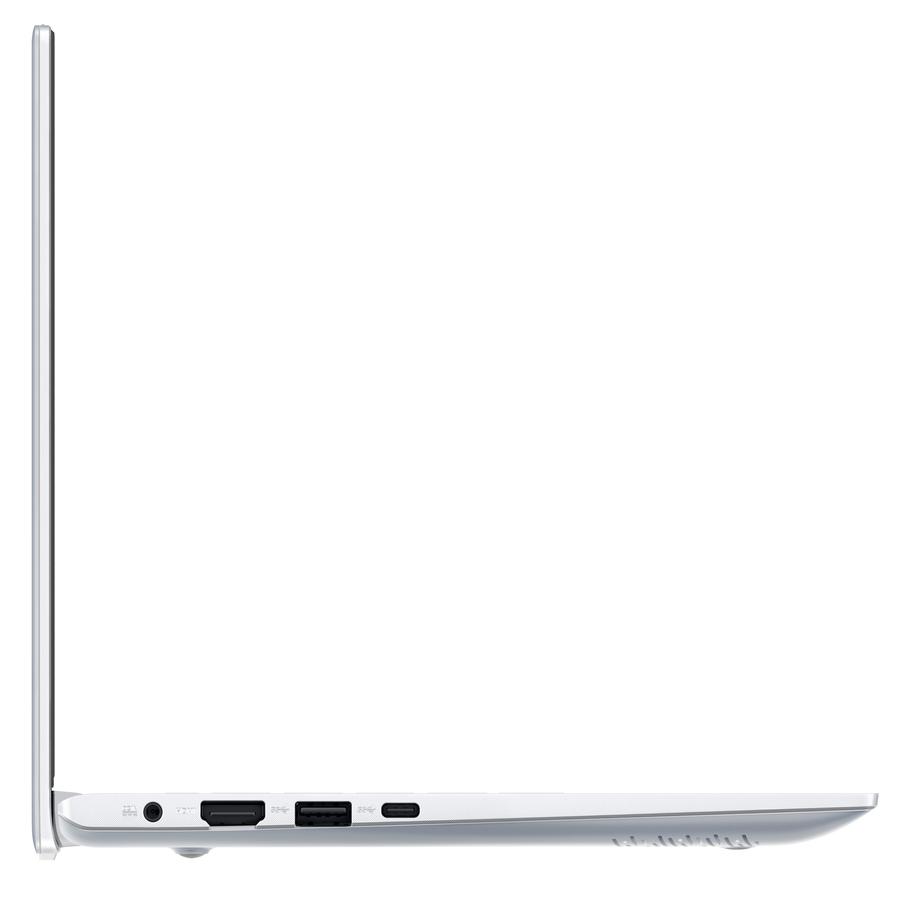
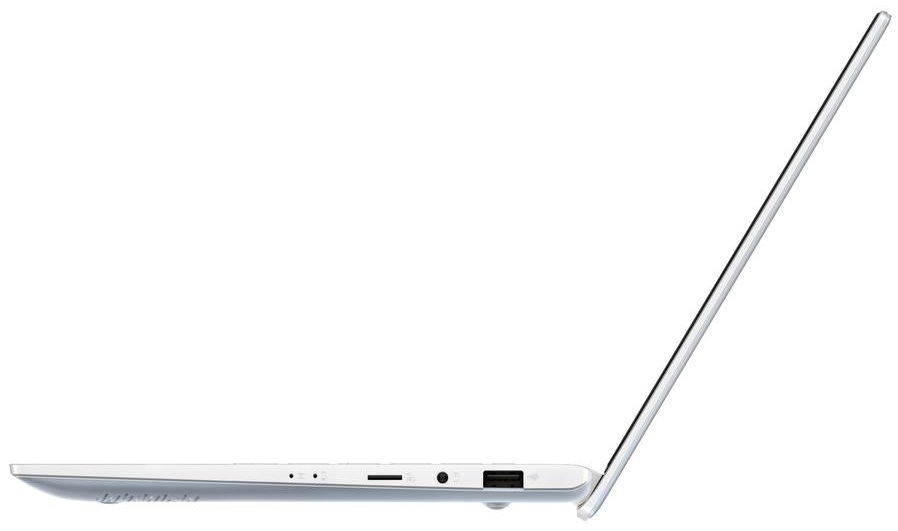
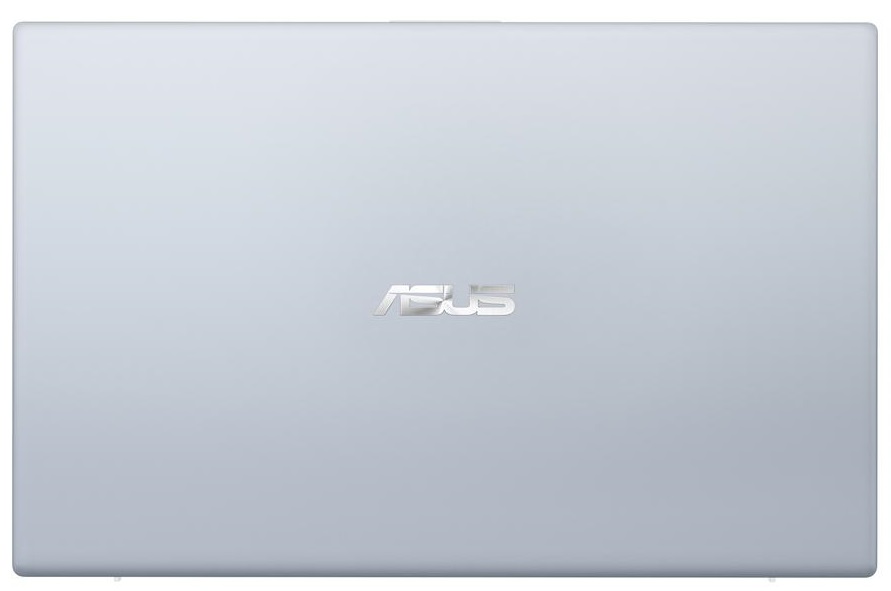

- HDD/SSD
- tot 1000GB SSD
- M.2 Sleuf
- 1x 2280 M.2 NVMe slot
- RAM
- up to 16GB
- OS
- Windows 10 Home, Windows 10 Pro
- Accu
- 42Wh, 3-cell
- Materiaal behuizing
- Plastic / Polycarbonate, Aluminum
- Afmetingen
- 306 x 196 x 17.9 mm (12.05" x 7.72" x 0.70")
- Gewicht
- 1.20 kg (2.6 lbs)
- Poorten en connectiviteit
- 1x USB Type-C
- 3.2 Gen 1 (5 Gbps)
- 1x USB Type-A
- 3.2 Gen 1 (5 Gbps)
- 1x USB Type-A
- 2.0
- HDMI
- Kaartlezer
- Micro SD
- Ethernet LAN
- Wi-Fi
- 802.11ac
- Bluetooth
- 4.2
- Audio-aansluiting
- combo audio / microphone jack
- Functies
- Vingerafdruklezer
- optional
- Verlicht toetsenbord
- optional
- Microfoon
- Luidsprekers
- Optische drive
- Sleuf voor veiligheidsslot
Alle ASUS VivoBook S13 S330 configuraties
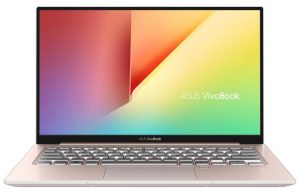
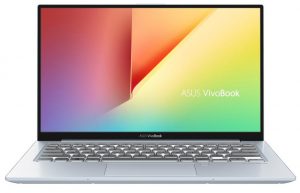
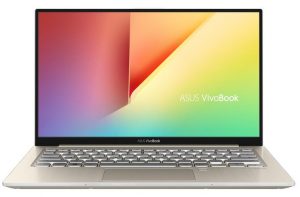
Koop onze profielen voor BOE NV133FHM-N46 / 13.3”, Full HD (1920 x 1080), IPS
Naast het ontvangen van efficiënte en gezondheidsvriendelijke profielen, ondersteunt u door het kopen van LaptopMedia's producten ook de ontwikkeling van onze labs, waar we apparaten testen om zo objectief mogelijke reviews te produceren.

Office Work
Office Work is voornamelijk bedoeld voor gebruikers die de meeste tijd besteden aan het bekijken van teksten, tabellen of gewoon surfen. Dit profiel streeft naar een betere onderscheidbaarheid en helderheid door een vlakke gammacurve (2.20), native kleurtemperatuur en perceptueel accurate kleuren te behouden.

Design and Gaming
Dit profiel is bedoeld voor ontwerpers die professioneel met kleuren werken, maar ook voor games en films. Design and Gaming haalt het uiterste uit beeldschermen, waardoor ze zo nauwkeurig mogelijk zijn in de sRGB IEC61966-2-1 norm voor Web en HDTV, met witpunt D65.

Health-Guard
Health-Guard elimineert de schadelijke Pulsbreedtemodulatie (PWM) en vermindert het negatieve Blauwe Licht dat onze ogen en lichaam beïnvloedt. Omdat het op maat gemaakt is voor elk paneel, slaagt het erin de kleuren perceptueel accuraat te houden. Health-Guard simuleert papier zodat de druk op de ogen sterk wordt verminderd.
Krijg alle 3 profielen met 33% korting

CPU Prestaties
Hier vindt u het prijs/prestatieverschil tussen alle CPU's die in de ASUS VivoBook S13 S330 Series.
De resultaten zijn afkomstig van de Cinebench R23 CPU-test (hoe hoger de score, hoe beter)
ASUS VivoBook S13 S330 uitgebreide review
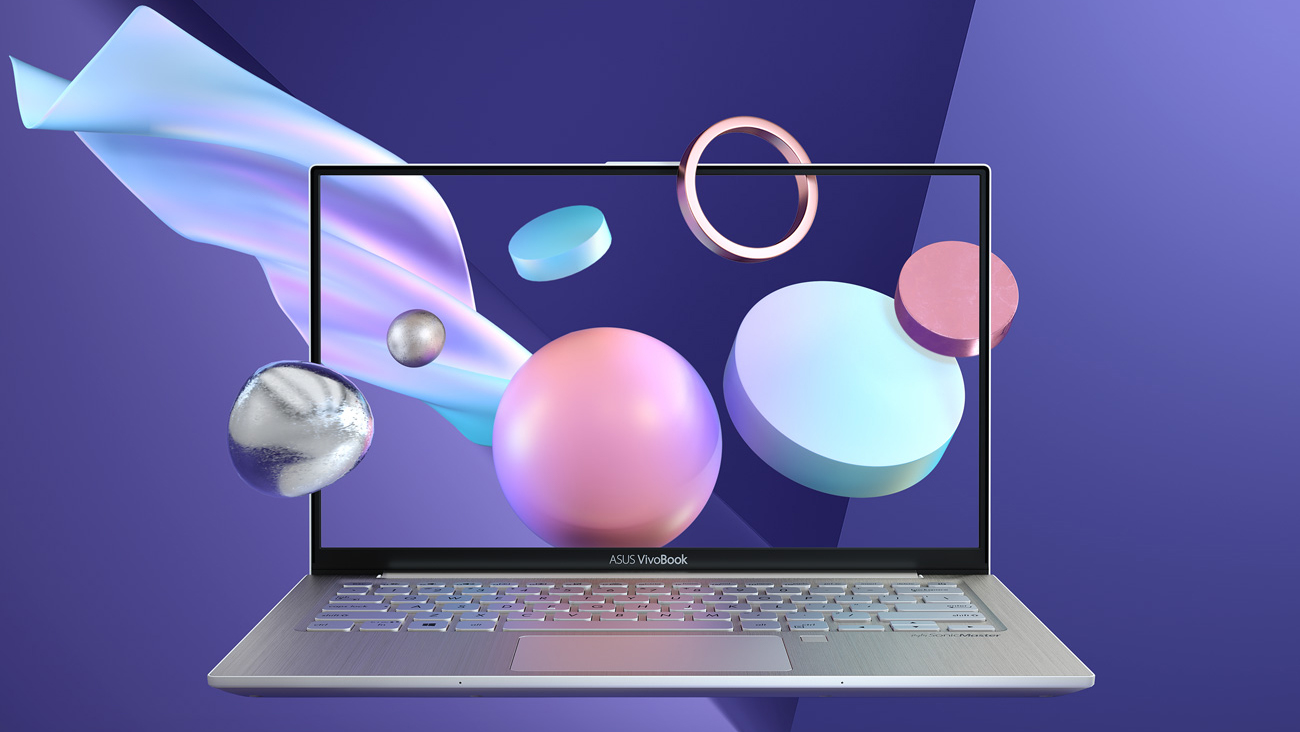
ASUS' VivoBook laptops provide the closest possible experience to a ZenBook device, being significantly cheaper. Here we have the VivoBook S13 S330, which we tested together with the ZenBook 13 UX333. Either of the devices is aimed at students, daily users, and fashion stars. ...okay we might have made the last one up, but it is clearly a good choice for people on the go. By the way, the similarity in their names is no coincidence. VivoBook S13 S330 looks pretty much like what it is - a cheaper alternative to the ZenBook 13 UX333 - both on the outside and on the inside.ASUS is very proud [...]
Pros
- Impressive battery life
- Thin and light bezel-less design
- Very high contrast and decent brightness (BOE NV133FHM-N46)
- It doesn't use PWM to adjust screen brightness (BOE NV133FHM-N46)
- Quiet under heavy load
Minpunten
- Limited upgradability
- Cheap feeling build
- Narrow color coverage - 53% of sRGB (BOE NV133FHM-N46)
- Lacks a camera


![[augustus 2026] Amazon Global: Top 10 van best verkochte laptops – De Apple MacBook Neo domineert de hitlijsten, terwijl goedkope en middenklasse Windows-laptops strijden om het verkoopvolume](https://laptopmedia.com/wp-content/uploads/2026/09/Best-Selling-Laptops-GLOBAL-Top-10-400x225.jpg)
![[augustus 2026] Bestverkochte laptopmerken op Amazon Global – Apple domineert qua omzet, terwijl HP koploper is qua modelvariëteit](https://laptopmedia.com/wp-content/uploads/2026/09/GLOBAL-Best-Brands-400x225.jpg)
![[augustus 2026] Amazon Global: Top 10 bestverkochte gaminglaptops – HP Victus 15 pakt de eerste plaats terwijl budgetvriendelijke modellen de hitlijsten domineren](https://laptopmedia.com/wp-content/uploads/2026/09/Best-Selling-Gaming-Laptops-GLOBAL-Top-10-400x225.jpg)
![[August 2026] Best-Selling Laptop Brands on Amazon Japan – Apple Dominates Market Share and Revenue Led by Strong Unit Sales](https://laptopmedia.com/wp-content/uploads/2026/09/CO.JP-Best-Brands-1-400x225.jpg)
![[August 2026] Best-Selling Laptop Brands on Amazon USA – Apple Dominates Market Revenue and Volume Despite Lower Model Diversity](https://laptopmedia.com/wp-content/uploads/2026/09/COM-Best-Brands-1-400x225.jpg)
