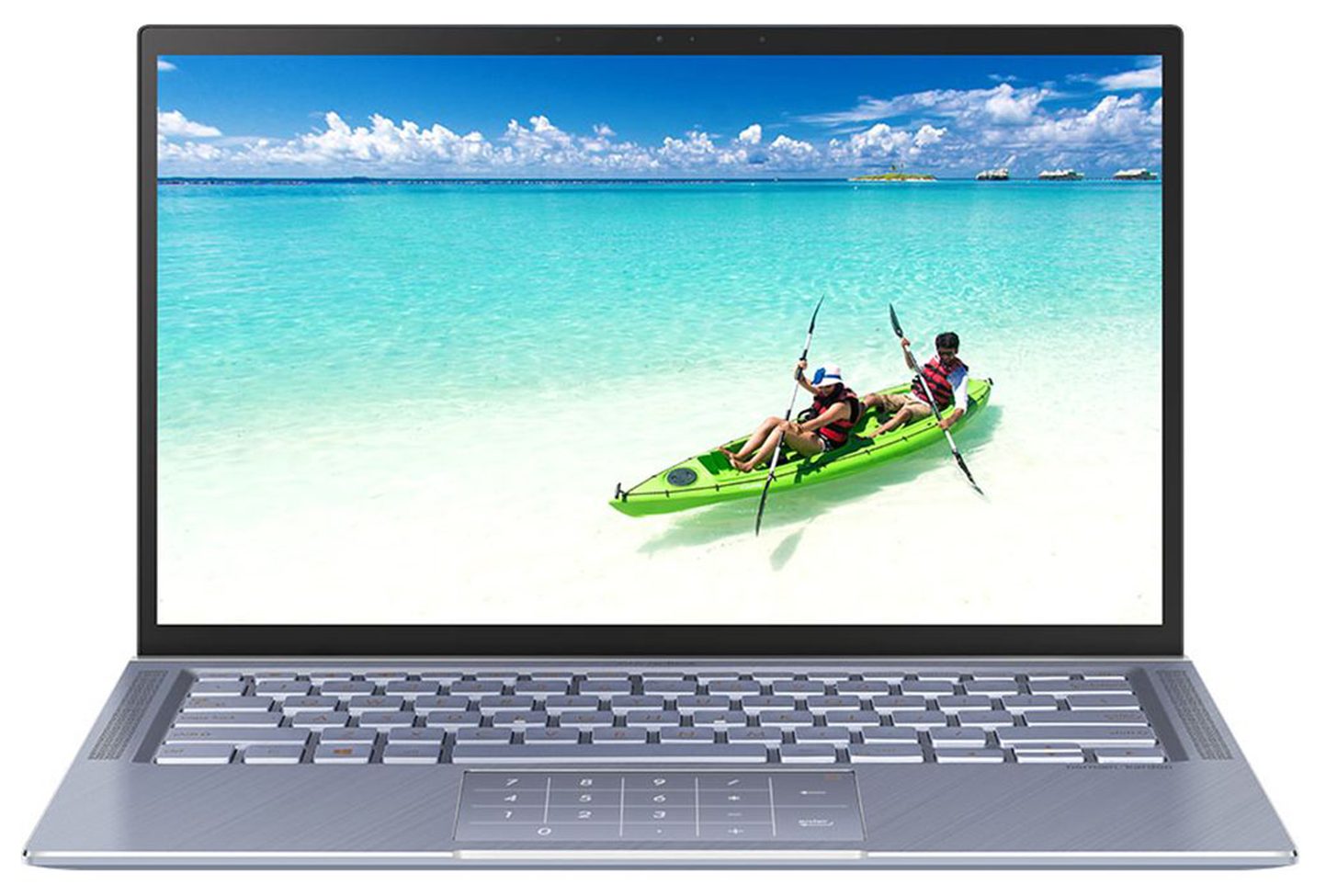
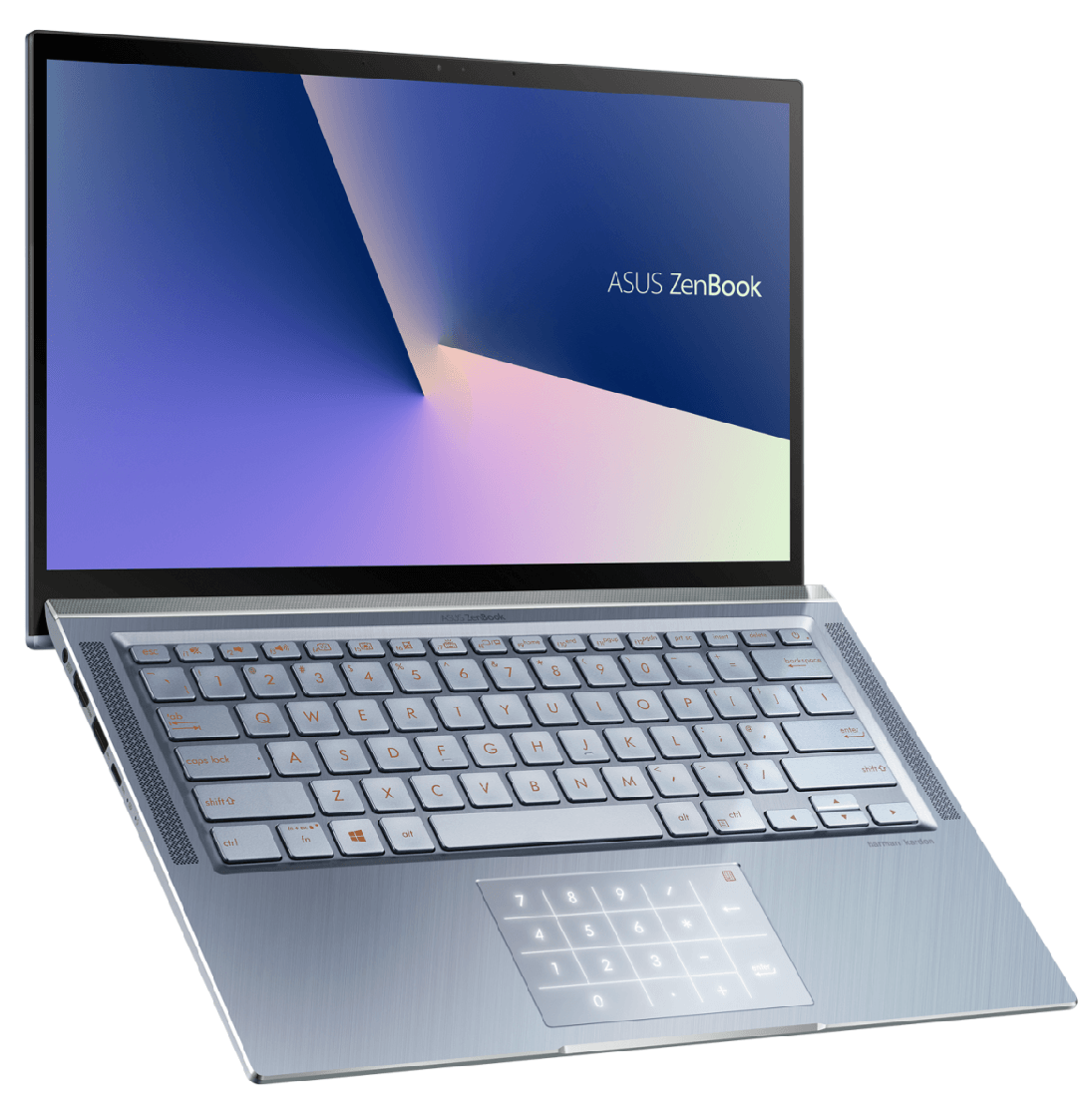
ASUS ZenBook 14 UM431
ASUS ZenBook 14 UM431 - Specs




- HDD/SSD
- tot 2000GB SSD
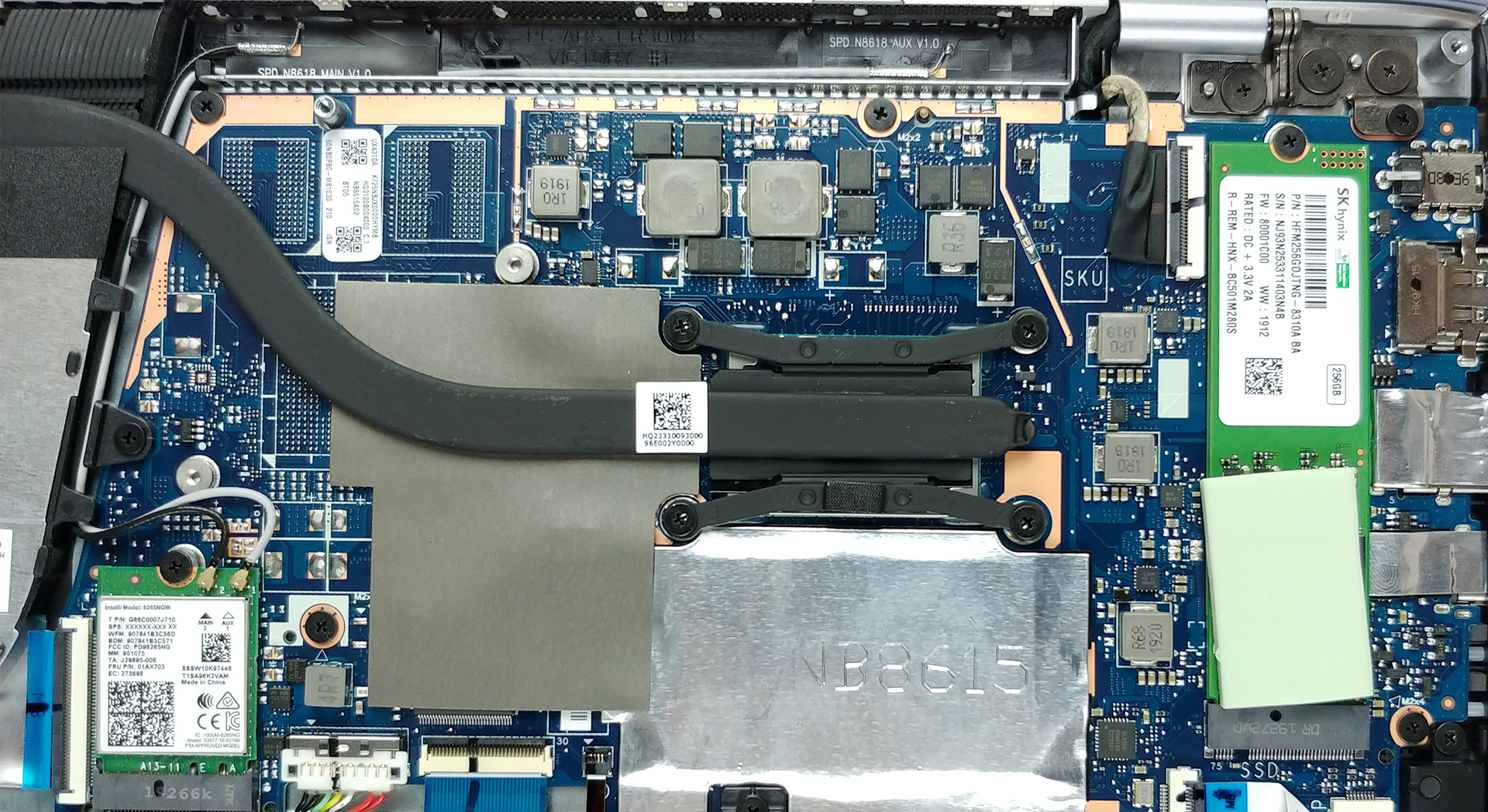
- M.2 Sleuf
- 1x 2280 M.2 PCIe NVMe 3.0 x4 Zie foto
- RAM
- up to 16GB
- OS
- Windows 10 Home, No OS
- Accu
- 47Wh, 2-cell
- Materiaal behuizing
- Plastic / Polycarbonate, Aluminum
- Afmetingen
- 324 x 212 x 15.9 mm (12.76" x 8.35" x 0.63")
- Gewicht
- 1.39 kg (3.1 lbs)
- Poorten en connectiviteit
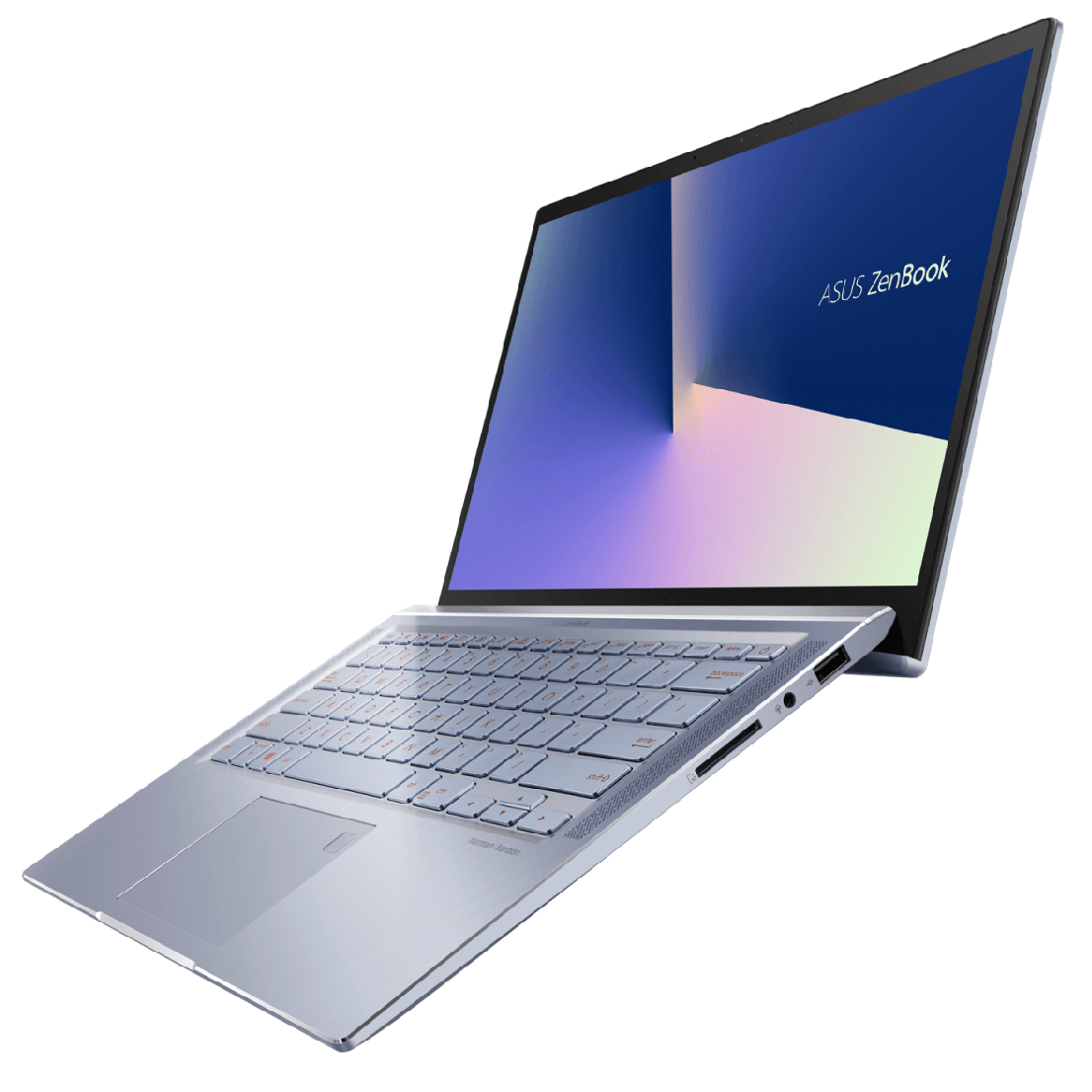
- 1x USB Type-C
- 3.2 Gen 1 (5 Gbps)
- 1x USB Type-A
- 3.2 Gen 1 (5 Gbps)
- 1x USB Type-A
- 2.0
- HDMI
- Kaartlezer
- SD
- Wi-Fi
- 802.11ac
- Bluetooth
- 5.0
- Audio-aansluiting
- Headphone/ Microphone combo
- Functies
- Vingerafdruklezer
- optional
- Webcamera
- HD
- Verlicht toetsenbord
- optional
- Microfoon
- Array microphone with Cortana voice-recognition support
- Optische drive
- Sleuf voor veiligheidsslot
Alle ASUS ZenBook 14 UM431 configuraties
Koop onze profielen voor LM140LF-3L03 (NCP-00345) / 14.0”, Full HD (1920 x 1080), IPS
Naast het ontvangen van efficiënte en gezondheidsvriendelijke profielen, ondersteunt u door het kopen van LaptopMedia's producten ook de ontwikkeling van onze labs, waar we apparaten testen om zo objectief mogelijke reviews te produceren.

Office Work
Office Work is voornamelijk bedoeld voor gebruikers die de meeste tijd besteden aan het bekijken van teksten, tabellen of gewoon surfen. Dit profiel streeft naar een betere onderscheidbaarheid en helderheid door een vlakke gammacurve (2.20), native kleurtemperatuur en perceptueel accurate kleuren te behouden.

Design and Gaming
Dit profiel is bedoeld voor ontwerpers die professioneel met kleuren werken, maar ook voor games en films. Design and Gaming haalt het uiterste uit beeldschermen, waardoor ze zo nauwkeurig mogelijk zijn in de sRGB IEC61966-2-1 norm voor Web en HDTV, met witpunt D65.

Health-Guard
Health-Guard elimineert de schadelijke Pulsbreedtemodulatie (PWM) en vermindert het negatieve Blauwe Licht dat onze ogen en lichaam beïnvloedt. Omdat het op maat gemaakt is voor elk paneel, slaagt het erin de kleuren perceptueel accuraat te houden. Health-Guard simuleert papier zodat de druk op de ogen sterk wordt verminderd.
Krijg alle 3 profielen met 33% korting

CPU Prestaties
Hier vindt u het prijs/prestatieverschil tussen alle CPU's die in de ASUS ZenBook 14 UM431 Series.
Resultaten zijn van de Cinebench 20 Multi-core test (hoe hoger de score, hoe beter)
GPU Prestaties
Hier vindt u het prijs/prestatieverschil tussen alle GPU's die in de ASUS ZenBook 14 UM431 Series.
De resultaten zijn van 3DMark Time Spy (Graphics). Hoger is beter.
ASUS ZenBook 14 UM431 uitgebreide review
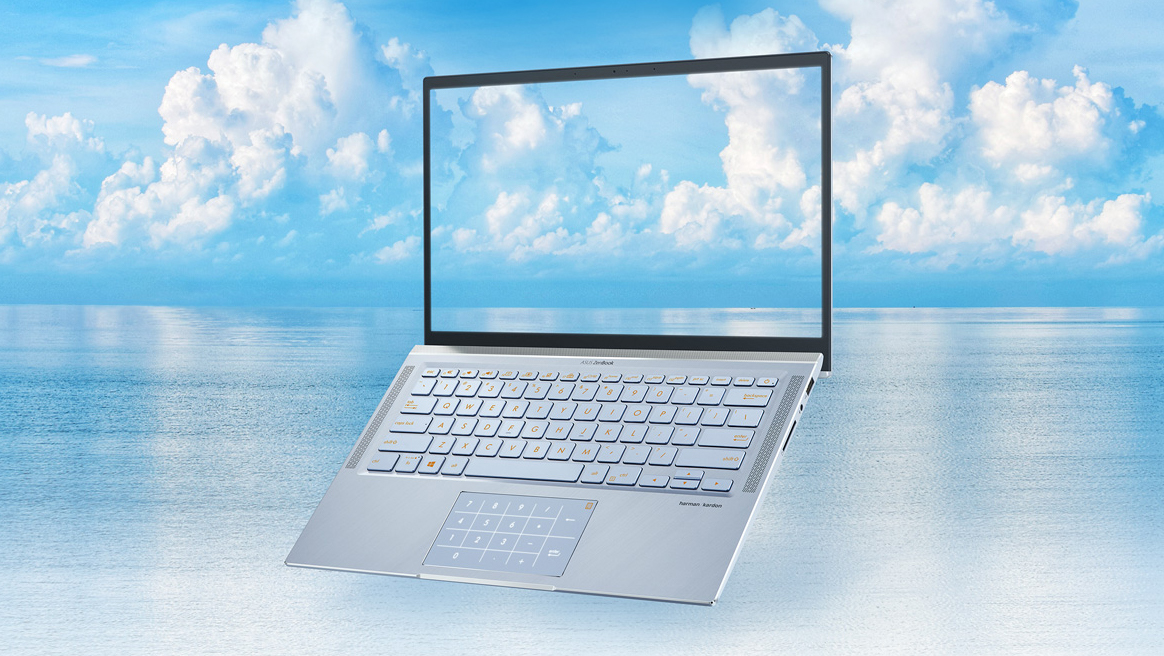
ASUS wants you to "expand your creative vision" with their new ZenBook 14 UM431. It is aimed towards creators and multimedia consumers, that happen to also be AMD lovers. Yes, guys, this device comes with the latest (by the time of writing this review) low-voltage AMD Ryzen processors.We would quite comfortably say that this laptop is very similar to the ZenBook 14 UX433 and UX434, however, it has a slightly thicker bezel. In the review to follow, you are going to understand what are trade-offs and the positive outcomes of this. As a self-respecting ZenBook - the UM431 features the ErgoLi[...]
Pros
- Great price for the build quality
- Backlit keyboard
- Loud speakers
- Good input devices
- Decent battery life
- Covers 92% of sRGB and with our Gaming and Web design it can be used for Web design (LM140LF-3L03 (NCP0035))
- Doesn't use aggressive PWM to adjust its brightness (LM140LF-3L03 (NCP0035))
Minpunten
- USB ports are limited to 3.0 speeds
- Its RAM is soldered
- No Type-C charging
Spelletjes die je op deze laptop serie kunt spelen

Resolution: 1920 x 1080 (Full HD) |
NORMAL |
HIGH |
VERY HIGH |
MAX |
|---|---|---|---|---|
| AMD Radeon RX Vega 8 (R2000/3000, 15W) | 31 FPS VIDEO AFSPELEN | - VIDEO AFSPELEN | - VIDEO AFSPELEN | - VIDEO AFSPELEN |

Resolution: 1920 x 1080 (Full HD) |
MIN |
MAX |
|---|---|---|
| AMD Radeon RX Vega 8 (R2000/3000, 15W) | 170 FPS VIDEO AFSPELEN | 25 FPS VIDEO AFSPELEN |

Resolution: 1920 x 1080 (Full HD) |
VERY LOW |
MED |
MAX |
|---|---|---|---|
| AMD Radeon RX Vega 8 (R2000/3000, 15W) | 127 FPS VIDEO AFSPELEN | 99 FPS VIDEO AFSPELEN | 83 FPS VIDEO AFSPELEN |

Resolution: 1920 x 1080 (Full HD) |
MIN |
MED |
ULTRA |
|---|---|---|---|
| AMD Radeon RX Vega 8 (R2000/3000, 15W) | 118 FPS VIDEO AFSPELEN | 26 FPS VIDEO AFSPELEN | 13 FPS VIDEO AFSPELEN |

Resolution: 1920 x 1080 (Full HD) |
LOW |
MED |
MAX |
|---|---|---|---|
| AMD Radeon RX Vega 8 (R2000/3000, 15W) | 51 FPS VIDEO AFSPELEN | 42 FPS VIDEO AFSPELEN | 29 FPS VIDEO AFSPELEN |

Resolution: 1920 x 1080 (Full HD) |
LOW |
NORMAL |
HIGH |
MAX |
|---|---|---|---|---|
| AMD Radeon RX Vega 8 (R2000/3000, 15W) | 65 FPS VIDEO AFSPELEN | 40 FPS VIDEO AFSPELEN | 21 FPS VIDEO AFSPELEN | - VIDEO AFSPELEN |

Resolution: 1920 x 1080 (Full HD) |
HIGH PERF |
HIGH QLT |
|---|---|---|
| AMD Radeon RX Vega 8 (R2000/3000, 15W) | 55 FPS VIDEO AFSPELEN | 19 FPS VIDEO AFSPELEN |

Resolution: 1920 x 1080 (Full HD) |
PERF. |
ORIG. |
ENCH. |
|---|---|---|---|
| AMD Radeon RX Vega 8 (R2000/3000, 15W) | 33 FPS VIDEO AFSPELEN | 28 FPS VIDEO AFSPELEN | 26 FPS VIDEO AFSPELEN |

Resolution: 1920 x 1080 (Full HD) |
LOW |
HIGH |
|---|---|---|
| AMD Radeon RX Vega 8 (R2000/3000, 15W) | 47 FPS VIDEO AFSPELEN | - VIDEO AFSPELEN |

Resolution: 1920 x 1080 (Full HD) |
LOW |
MAX |
|---|---|---|
| AMD Radeon RX Vega 8 (R2000/3000, 15W) | 65 FPS VIDEO AFSPELEN | 34 FPS VIDEO AFSPELEN |


![[juni 2026] Bestverkochte laptopmerken op Amazon Global – Apple’s ongeëvenaarde dominantie in aantal verkochte exemplaren en omzet](https://laptopmedia.com/wp-content/uploads/2026/07/GLOBAL-Best-Brands-400x225.jpg)
![[juni 2026] Amazon Global: Top 10 bestverkochte laptops – De nieuwe MacBook Neo van Apple stormt naar de eerste plaats en zet de markt op zijn kop dankzij zijn betaalbaarheid](https://laptopmedia.com/wp-content/uploads/2026/07/Best-Selling-Laptops-GLOBAL-Top-10-400x225.jpg)
![[juni 2026] Amazon Global: Top 10 van best verkochte gaminglaptops – De Nitro V 16S AI van Acer domineert de verkoopcijfers, terwijl ASUS qua totale omzet aan kop gaat](https://laptopmedia.com/wp-content/uploads/2026/07/Best-Selling-Gaming-Laptops-GLOBAL-Top-10-400x225.jpg)
![[juni 2026] Wereldwijde ranglijst van bestverkochte laptop-GPU’s op Amazon – De NVIDIA RTX 5060 is de bestverkochte speciale GPU](https://laptopmedia.com/wp-content/uploads/2026/07/Best-Selling-GPUs-GLOBAL-Top-10-400x225.jpg)
![[juni 2026] Wereldwijde ranglijst van bestverkochte laptop-CPU’s op Amazon – Apple M5 domineert, AMD Ryzen 7 260 verovert een stevig aandeel in het premiumsegment](https://laptopmedia.com/wp-content/uploads/2026/07/Best-Selling-CPUs-GLOBAL-Top-10-400x225.jpg)