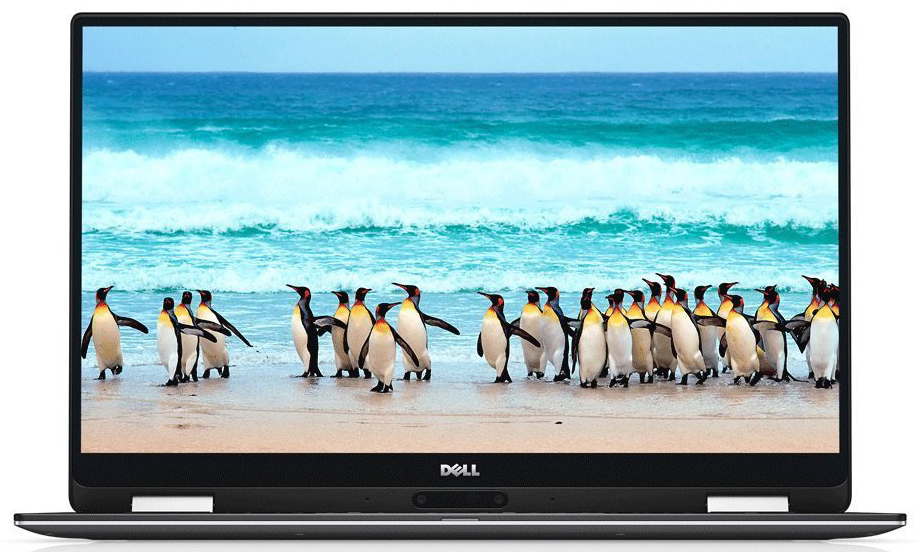
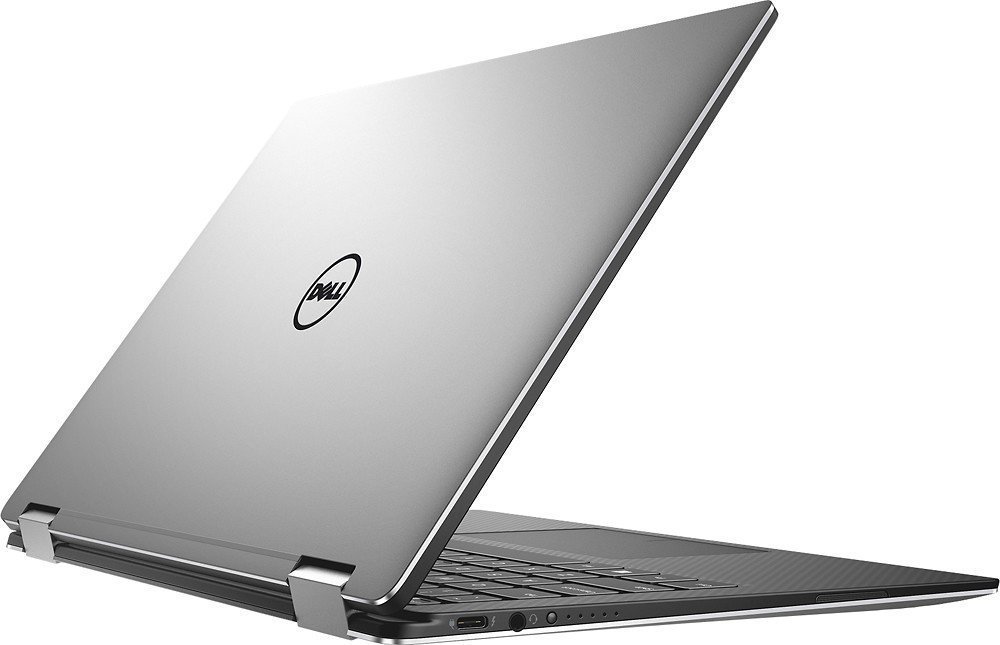
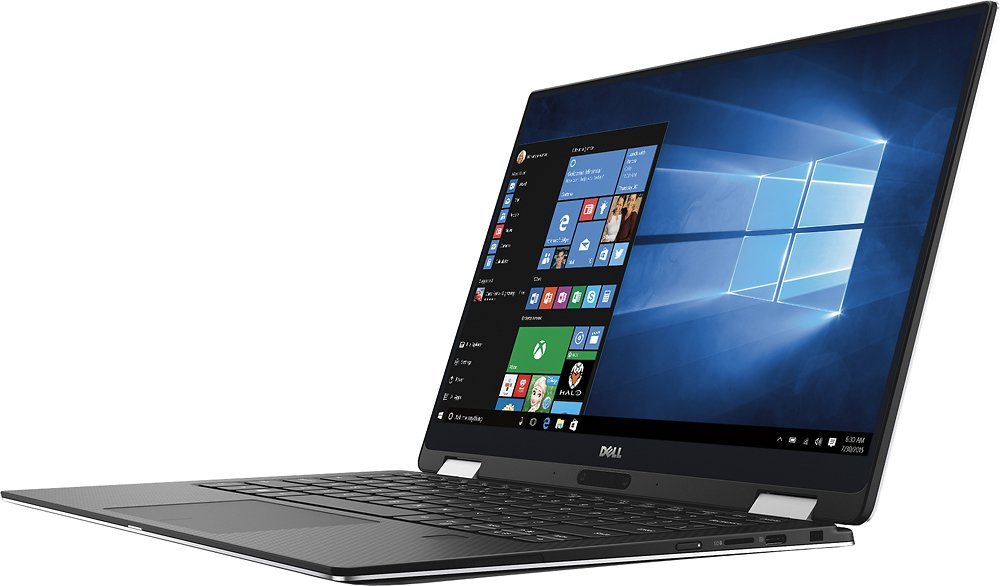
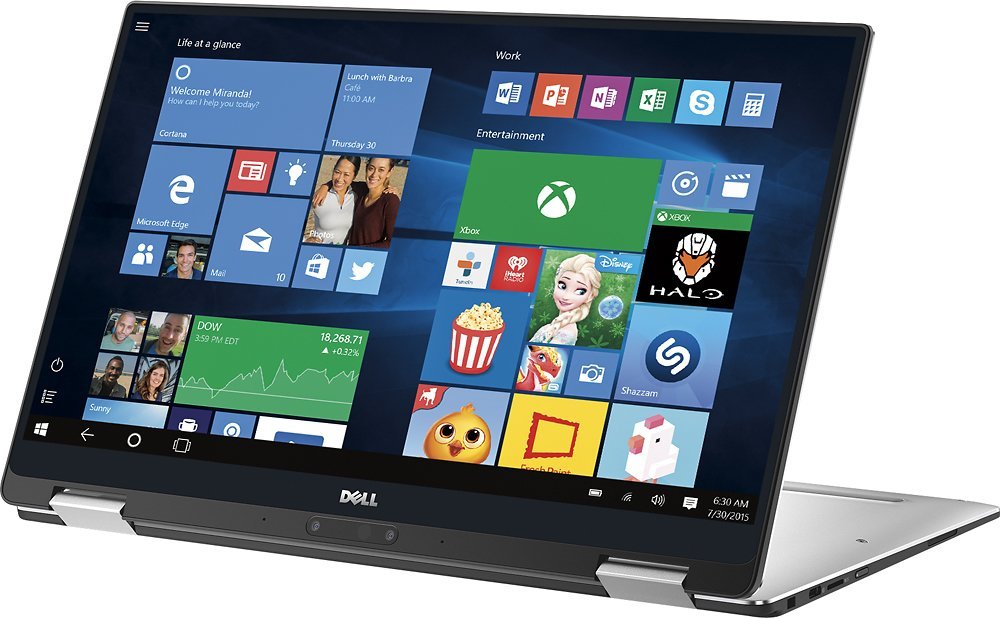
Dell XPS 13 9365
Dell XPS 13 9365 - Specs

- HDD/SSD
- tot 2000GB SSD + tot 1000GB HDD
- RAM
- up to 16GB
- OS
- Windows 10 Home, Windows 10 Pro
- Accu
- 52Wh, 4-cell, 46Wh, 4-cell, 4-cell 46WHr, 46Wh, Li-Ion, 3-cell, 46Wh, Li-ion, 3-cell, 4-cell, 46Wh
- Materiaal behuizing
- Aluminum, Carbon fiber
- Afmetingen
- 304 x 199 x 8 - 13.7 mm (11.97" x 7.83" x 0.31")
- Gewicht
- 1.24 kg (2.7 lbs)
- Poorten en connectiviteit
- 1x USB Type-C
- 3.2 Gen 2 (10 Gbps), Power Delivery (PD), DisplayPort
- 1x USB Type-C
- 3.2 Gen 2 (10 Gbps), Thunderbolt 3, Power Delivery (PD), DisplayPort
- HDMI
- VGA
- DVI
- Kaartlezer
- SD
- Ethernet LAN
- Wi-Fi
- 802.11ac
- Bluetooth
- 4.2
- Audio-aansluiting
- headphone/microphone
- Functies
- Vingerafdruklezer
- optional
- Webcamera
- Verlicht toetsenbord
- Microfoon
- Luidsprekers
- Optische drive
- Sleuf voor veiligheidsslot
- Battery gauge button and indicator
Alle Dell XPS 13 9365 configuraties
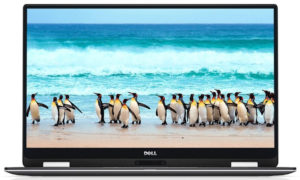
Koop onze profielen voor Sharp SHP146A (LQ133M1, V6V6D) / 13.3”, QHD+ (3200 x 1800), IPS
Naast het ontvangen van efficiënte en gezondheidsvriendelijke profielen, ondersteunt u door het kopen van LaptopMedia's producten ook de ontwikkeling van onze labs, waar we apparaten testen om zo objectief mogelijke reviews te produceren.

Office Work
Office Work is voornamelijk bedoeld voor gebruikers die de meeste tijd besteden aan het bekijken van teksten, tabellen of gewoon surfen. Dit profiel streeft naar een betere onderscheidbaarheid en helderheid door een vlakke gammacurve (2.20), native kleurtemperatuur en perceptueel accurate kleuren te behouden.

Design and Gaming
Dit profiel is bedoeld voor ontwerpers die professioneel met kleuren werken, maar ook voor games en films. Design and Gaming haalt het uiterste uit beeldschermen, waardoor ze zo nauwkeurig mogelijk zijn in de sRGB IEC61966-2-1 norm voor Web en HDTV, met witpunt D65.

Health-Guard
Health-Guard elimineert de schadelijke Pulsbreedtemodulatie (PWM) en vermindert het negatieve Blauwe Licht dat onze ogen en lichaam beïnvloedt. Omdat het op maat gemaakt is voor elk paneel, slaagt het erin de kleuren perceptueel accuraat te houden. Health-Guard simuleert papier zodat de druk op de ogen sterk wordt verminderd.
Krijg alle 3 profielen met 33% korting

CPU Prestaties
Hier vindt u het prijs/prestatieverschil tussen alle CPU's die in de Dell XPS 13 9365 Series.
Resultaten zijn van de Cinebench 20 Multi-core test (hoe hoger de score, hoe beter)
GPU Prestaties
Hier vindt u het prijs/prestatieverschil tussen alle GPU's die in de Dell XPS 13 9365 Series.
De resultaten zijn van 3DMark Time Spy (Graphics). Hoger is beter.
Dell XPS 13 9365 uitgebreide review
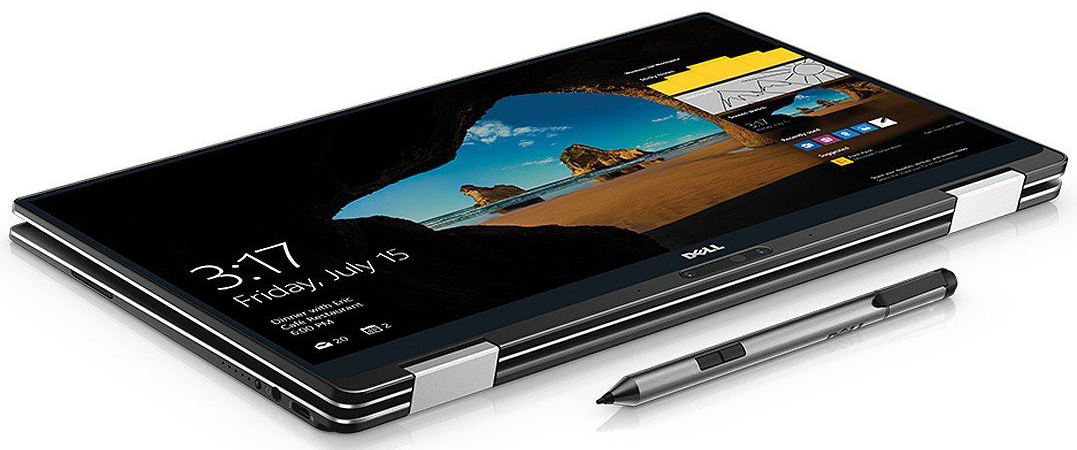
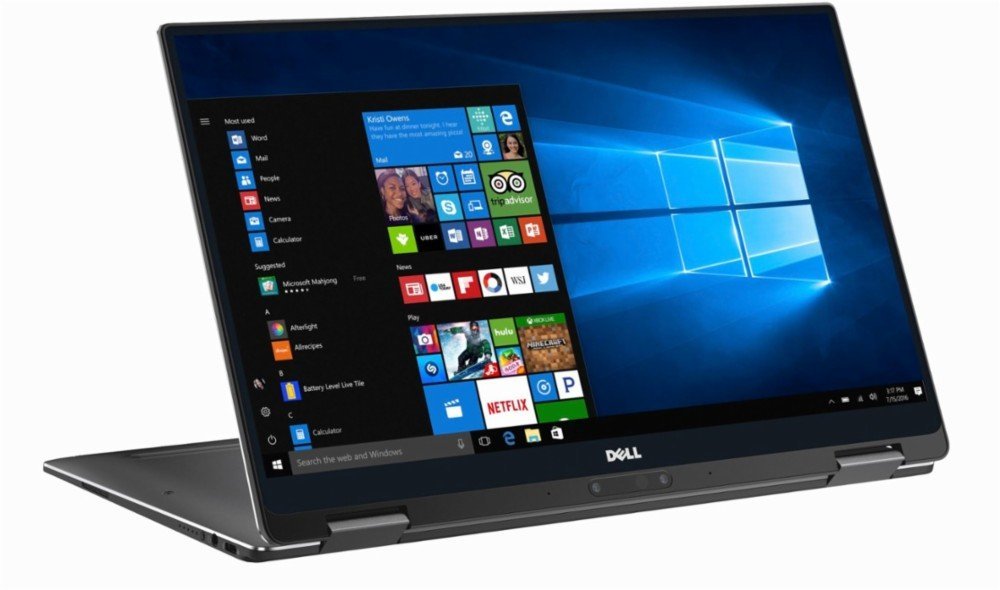
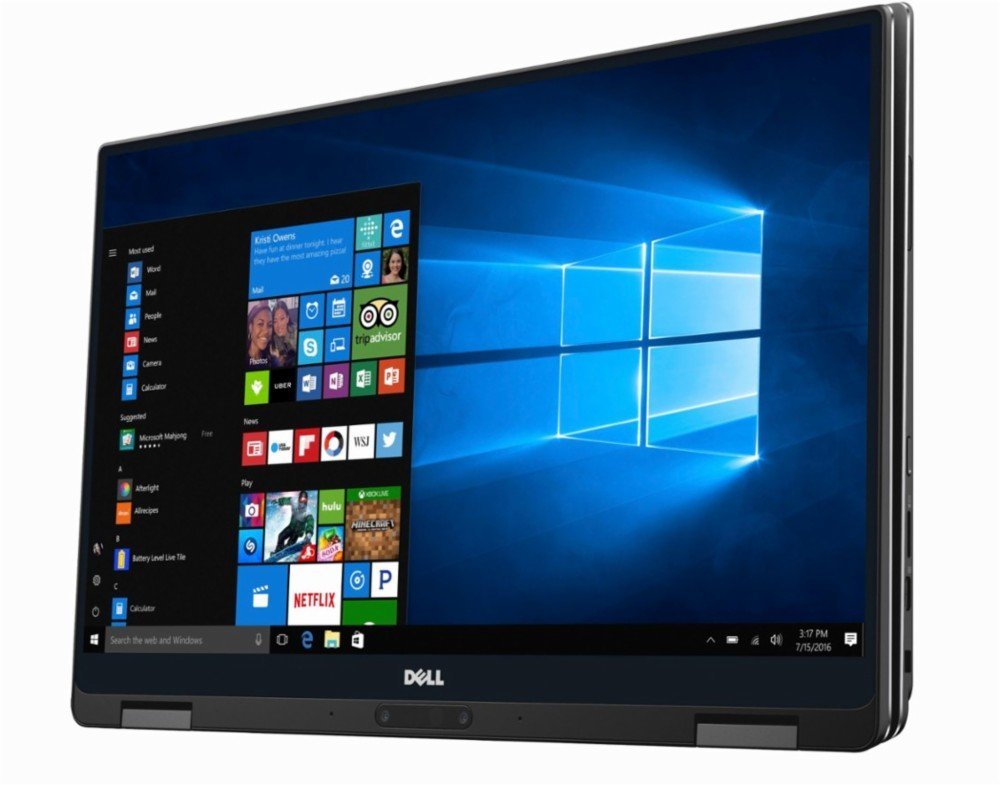
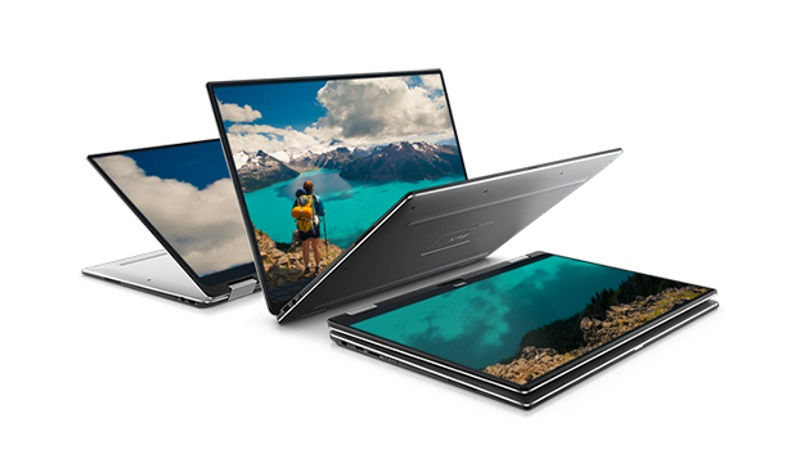
Following the trend of 2-in-1s, Dell decided to release a version of one of its best ever notebooks, the XPS 13. The award-winning device took the tech market by a storm and despite its "bulky" price, it was praised by a number of reviewers and tech websites, ours included. Totally deserved, though. With every minor update, the XPS 13 returned better in every way - more powerful and with more stamina.But what about the 2-in-1 version? Well, it's practically the same XPS 13 but with a 360-degree rotatable hinge offering versatility - something the main version of the XPS 13 doesn't have[...]
Pros
- Excellent build quality
- Thin, light, portable chassis
- Good input devices
- Great IPS screen with extremely high brightness
- Presumably good battery life on the FHD version
Minpunten
- The system can't utiliza the full performance of the SoC
- Aggressive (1 kHz) PWM up to 120 cd/m2 (our Health-Guard profile takes care of that)
- The QHD+ version has subpar battery life
- Rather limited I/O


![[augustus 2026] Wereldwijde ranglijst van bestverkochte laptop-GPU’s op Amazon – Apple is onbetwist nummer één, NVIDIA’s RTX 5060 staat bovenaan de ranglijst voor dedicated GPU’s](https://laptopmedia.com/wp-content/uploads/2026/09/Best-Selling-GPUs-GLOBAL-Top-10-400x225.jpg)
![[augustus 2026] Wereldwijde ranglijst van bestverkochte laptop-CPU’s op Amazon – Apple domineert zowel het budget- als het premiumsegment: A18 Pro en M5 verslaan Intel en AMD in augustus 2026](https://laptopmedia.com/wp-content/uploads/2026/09/Best-Selling-CPUs-GLOBAL-Top-10-400x225.jpg)
![[augustus 2026] Amazon Global: Top 10 van best verkochte laptops – De Apple MacBook Neo domineert de hitlijsten, terwijl goedkope en middenklasse Windows-laptops strijden om het verkoopvolume](https://laptopmedia.com/wp-content/uploads/2026/09/Best-Selling-Laptops-GLOBAL-Top-10-400x225.jpg)
![[augustus 2026] Bestverkochte laptopmerken op Amazon Global – Apple domineert qua omzet, terwijl HP koploper is qua modelvariëteit](https://laptopmedia.com/wp-content/uploads/2026/09/GLOBAL-Best-Brands-400x225.jpg)
![[augustus 2026] Amazon Global: Top 10 bestverkochte gaminglaptops – HP Victus 15 pakt de eerste plaats terwijl budgetvriendelijke modellen de hitlijsten domineren](https://laptopmedia.com/wp-content/uploads/2026/09/Best-Selling-Gaming-Laptops-GLOBAL-Top-10-400x225.jpg)
