Вътре в Lenovo Yoga 910 – разглобяване, вътрешни снимки и опции за надграждане
Вероятността да разглобите ултрабук като Yoga 910 е доста малка, но понякога обновяването на паметта, подмяната на батерията и почистването на вентилаторите са необходимост. За щастие, ъпгрейдът на този модел е сравнително лесен, но поддържането на вентилаторите чисти ще бъде болка във врата. Ето какво открихме вътре.
Цената и наличността на Lenovo Yoga 910 можете да намерите тук: http://amzn.to/2fwppBs
1. Премахване на долната част
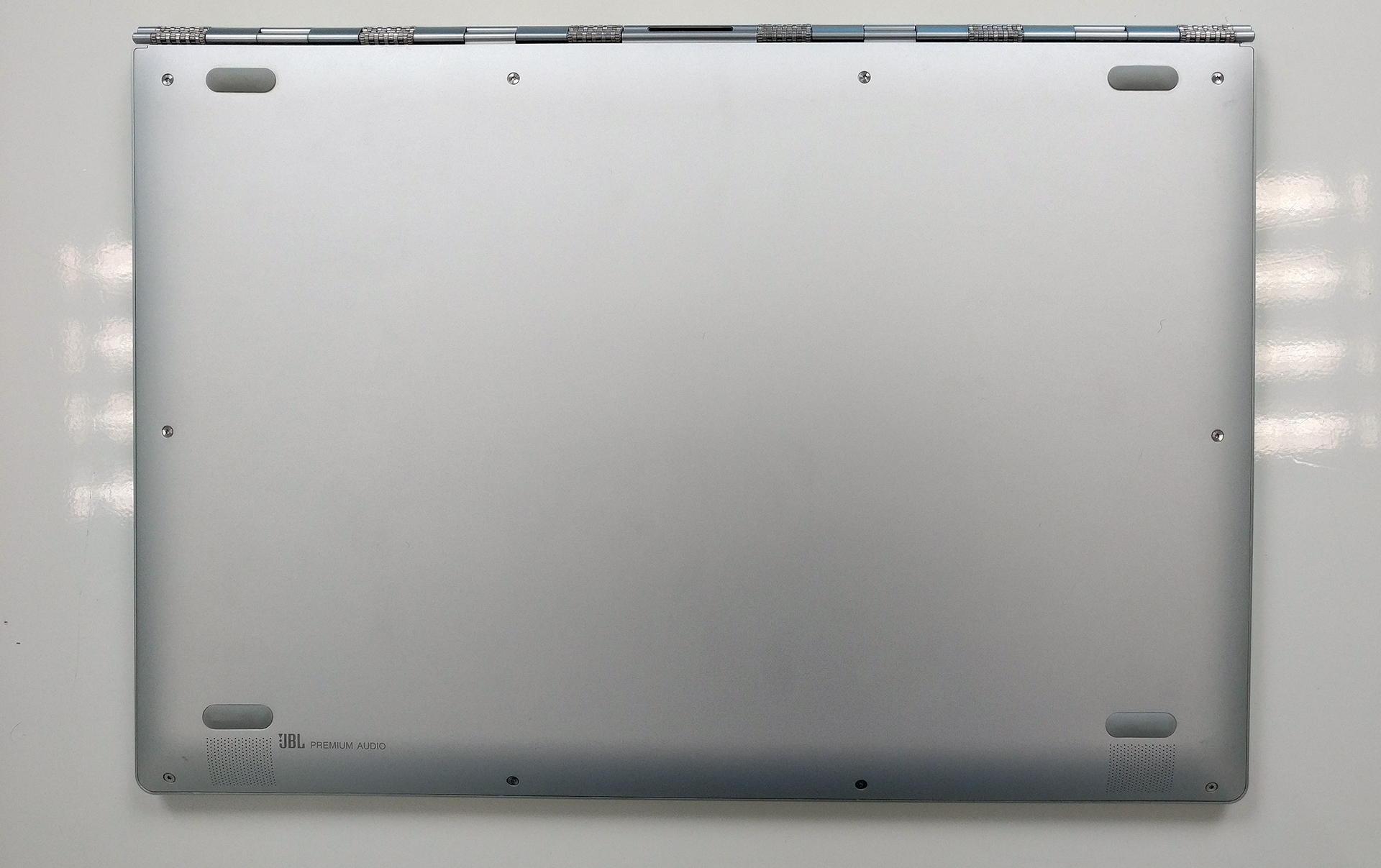
Долната част се сваля много лесно, така че просто трябва да отстраните всички винтове по ъглите.

2. Съхранение, батерия и Wi-Fi карта
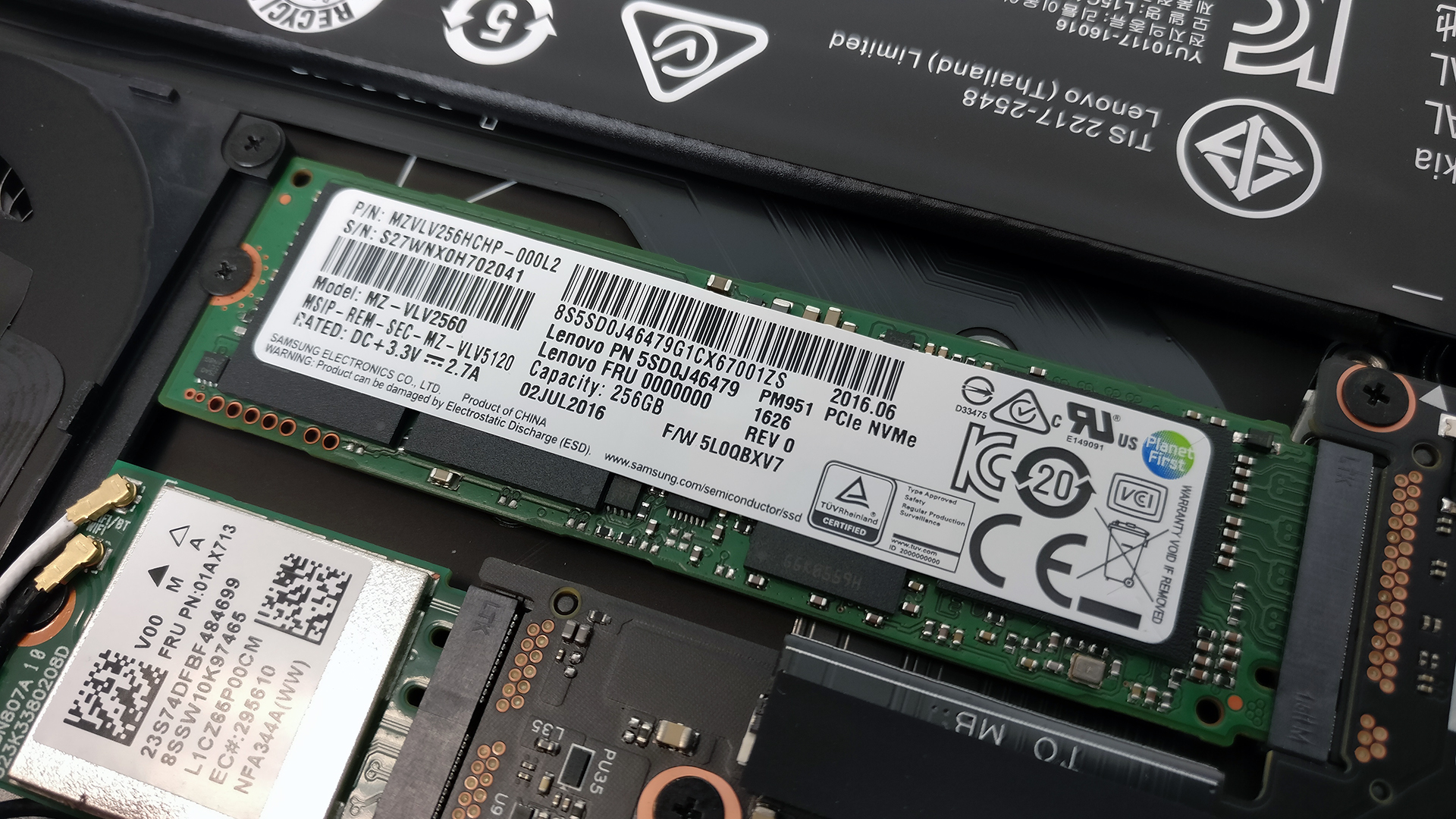
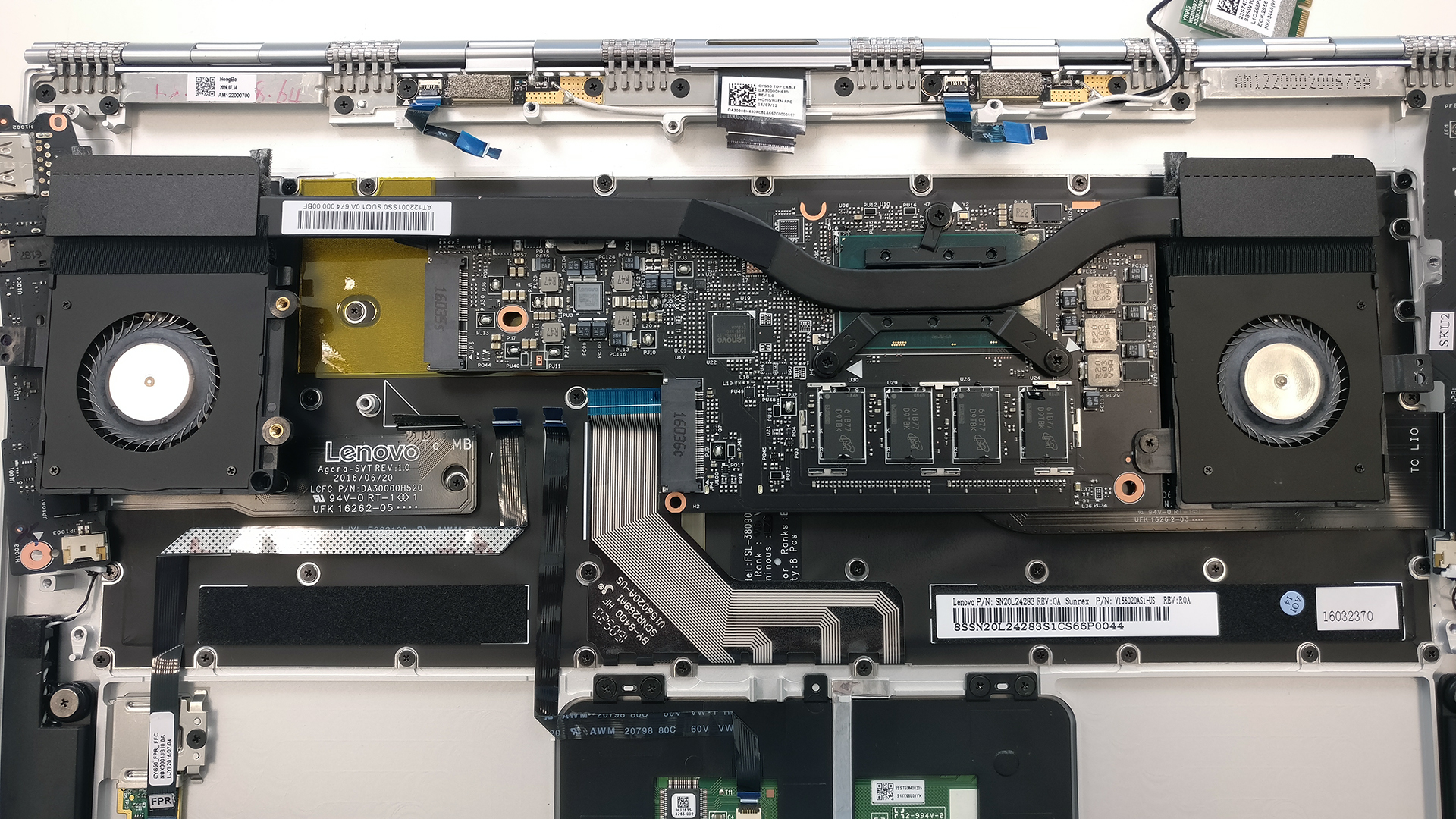
Веднага ще откриете M.2 PCIe NVMe SSD, което е произведено от Samsung и е част от OEM линията PM951. Слотът поддържа обичайния размер 2280 с ключ B&M или M.
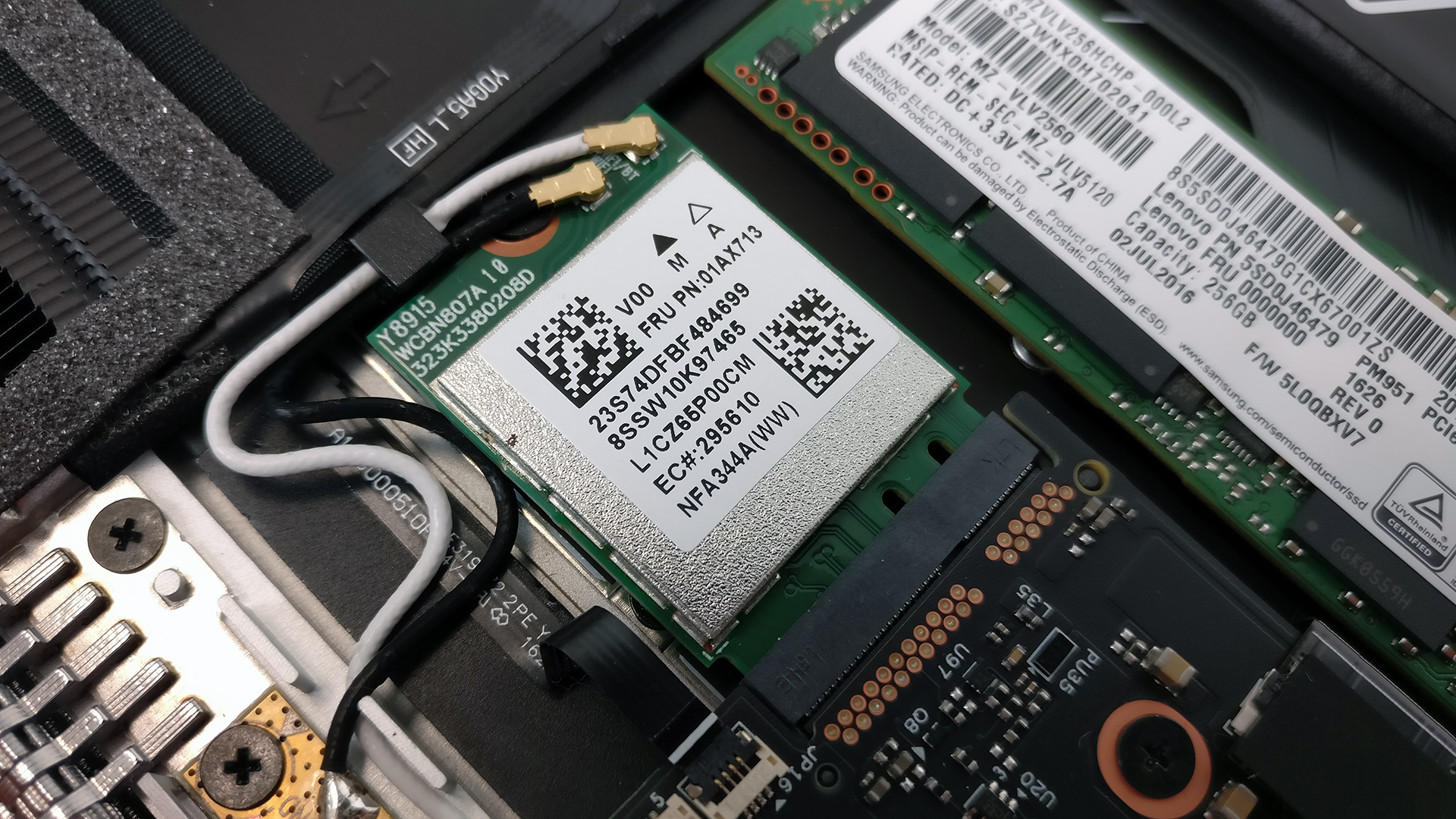
Wi-Fi модулът е разположен точно до вентилатора, произведен от Anatel.
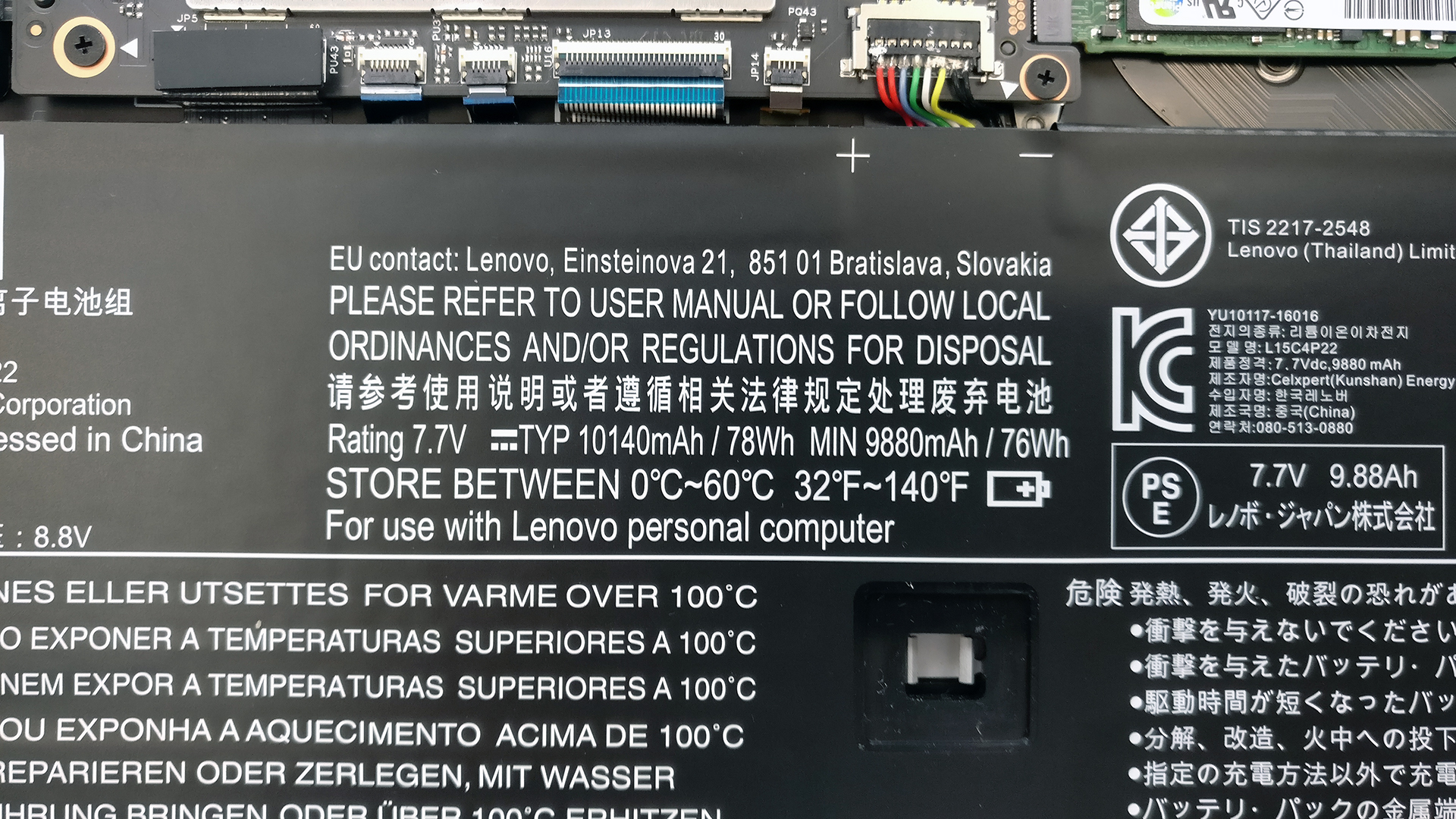
А що се отнася до батерията, наистина е трудно да я пропуснете, тъй като тя заема по-голямата част от вътрешното пространство. Тя е с капацитет 78Wh и сме доста впечатлени от размера на батерията, която са успели да натъпчат вътре, и от чипа Intel KBL-U, който се побира на толкова малка дънна платка.
3. RAM
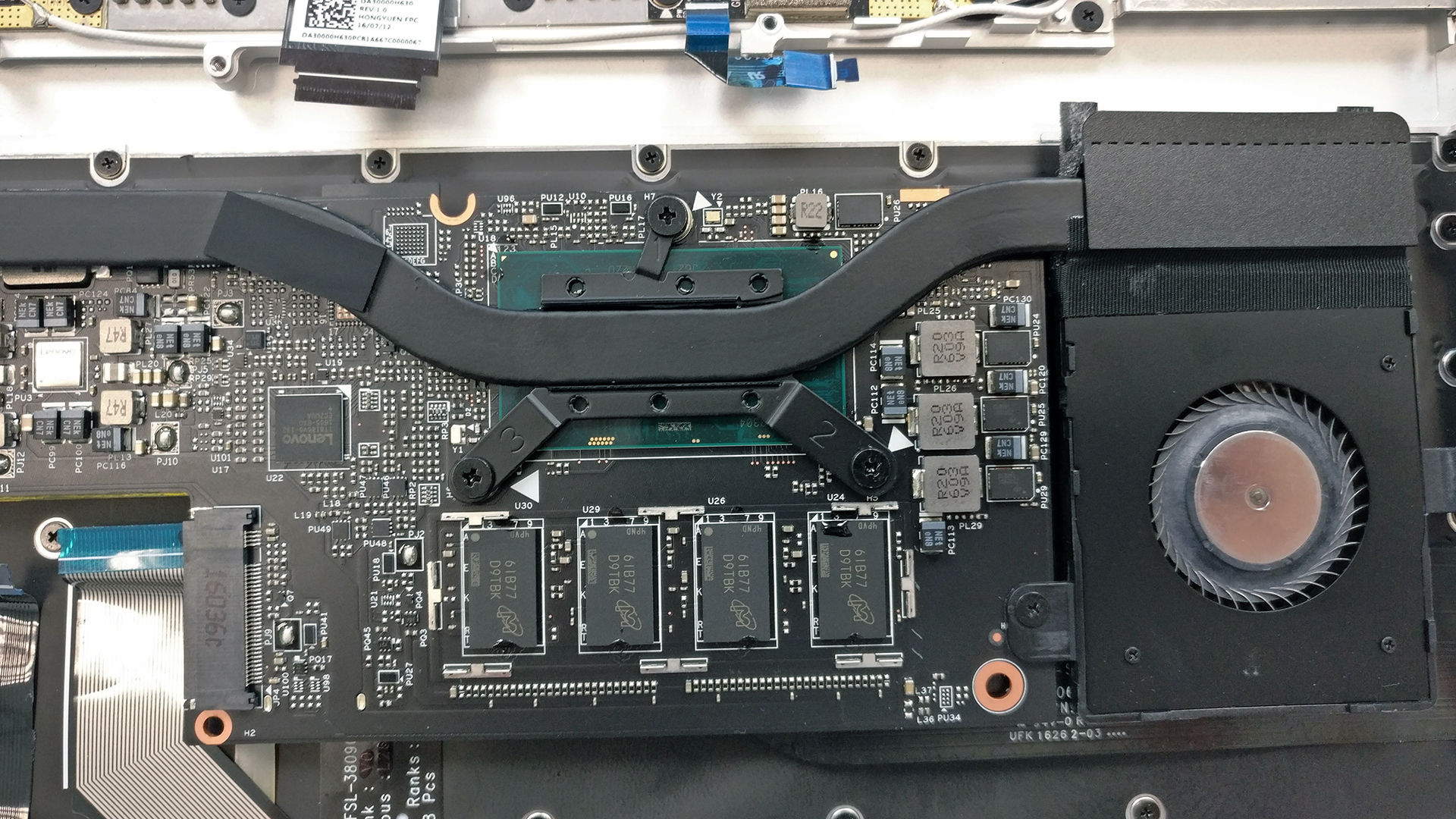
Както се очакваше, чипът RAM е само един и е запоен към дънната платка. Можете да го намерите, след като обърнете цялата дънна платка.

4. Охлаждаща система
Ако искате да получите достъп до цялата охладителна система (топлинни тръби, радиатор и вентилатори), ще трябва да преминете през целия процес на разглобяване. Трябва да отвиете всички болтове, които държат дънната платка и разширенията. След като това бъде направено, вентилаторите трябва да бъдат отстранени заедно с всички кабели, свързващи дисплея, батерията, клавиатурата и т.н. След като всички кабели и винтове са отстранени, можете да пристъпите към обръщане на дънната платка.
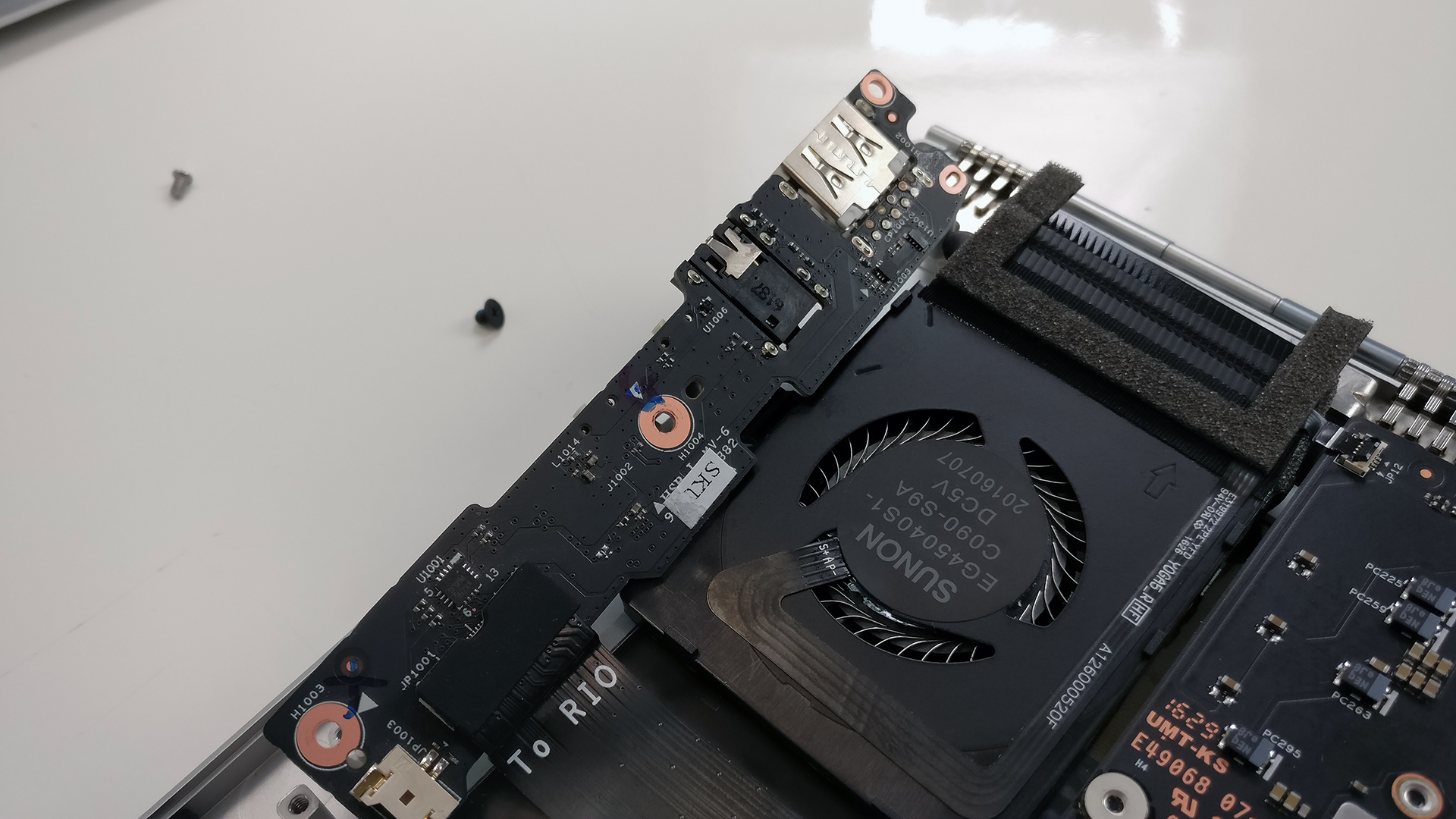
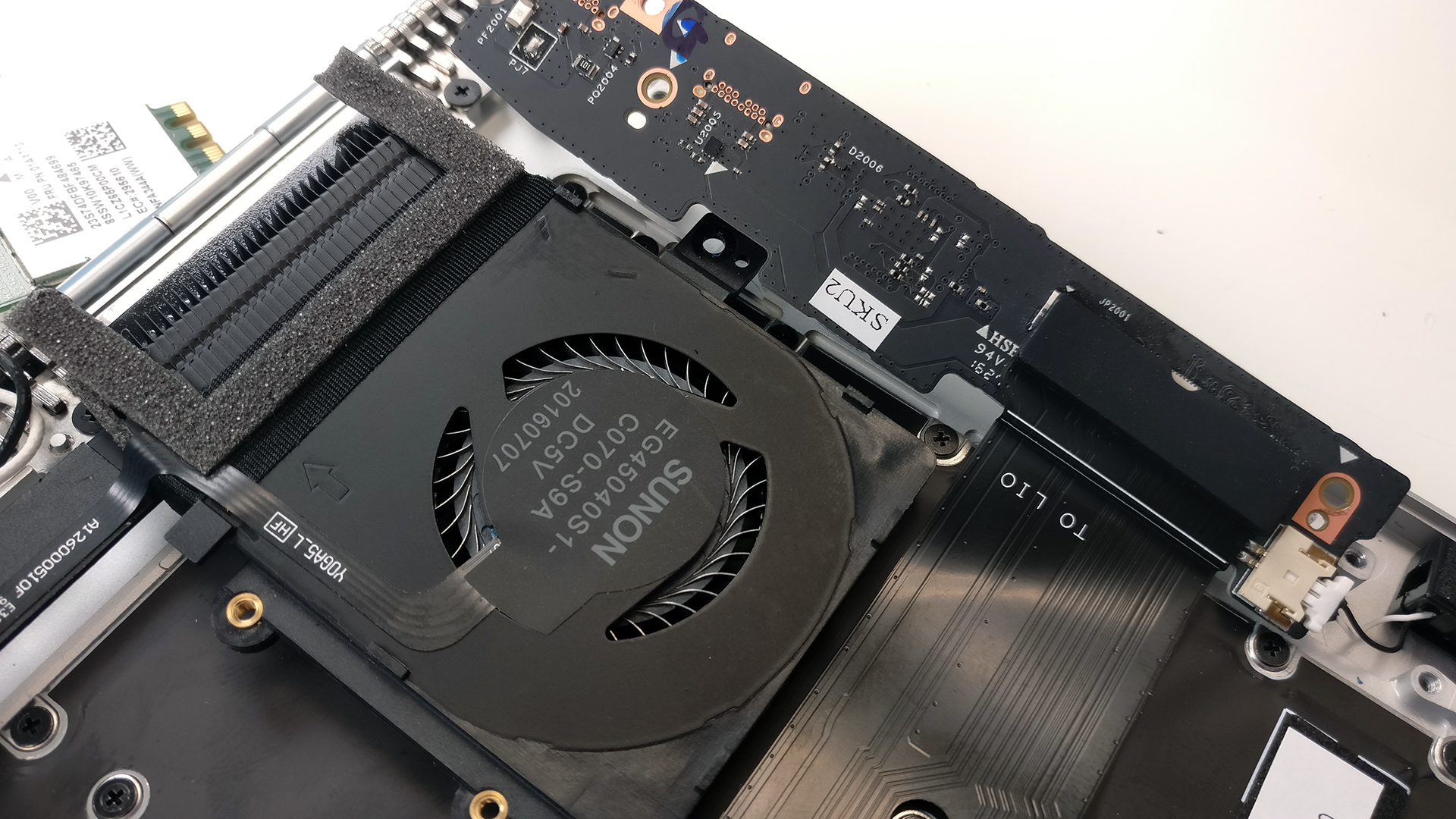
Както можете да видите на снимките по-долу, дизайнът на охлаждането е прост – един радиатор, свързващ двата вентилатора и процесора. Тестовете ни, които ще публикуваме в предстоящото пълно ревю, потвърждават, че охладителната система запазва нещата хладни дори при пълно натоварване.
Цената и наличността на Lenovo Yoga 910 можете да намерите тук: http://amzn.to/2fwppBs
 Author: Rossen Pandev

![[юни 2026 г.] Най-продаваните марки лаптопи в Amazon Global – безпрецедентното господство на Apple по брой продадени бройки и приходи](https://laptopmedia.com/wp-content/uploads/2026/07/GLOBAL-Best-Brands-400x225.jpg)
![[юни 2026 г.] Amazon Global: Топ 10 на най-продаваните лаптопи – новият MacBook Neo на Apple се изкачва на първо място и променя пазара с достъпната си цена](https://laptopmedia.com/wp-content/uploads/2026/07/Best-Selling-Laptops-GLOBAL-Top-10-400x225.jpg)
![[юни 2026 г.] Amazon Global: Топ 10 на най-продаваните геймърски лаптопи – моделът Nitro V 16S AI на Acer доминира в продажбите, докато ASUS е начело по общи приходи](https://laptopmedia.com/wp-content/uploads/2026/07/Best-Selling-Gaming-Laptops-GLOBAL-Top-10-400x225.jpg)
![[юни 2026 г.] Световна класация на най-продаваните графични процесори за лаптопи в Amazon – NVIDIA RTX 5060 е най-продаваният специализиран графичен процесор](https://laptopmedia.com/wp-content/uploads/2026/07/Best-Selling-GPUs-GLOBAL-Top-10-400x225.jpg)
![[юни 2026 г.] Световна класация на най-продаваните процесори за лаптопи в Amazon – Apple M5 доминира, а AMD Ryzen 7 260 заема солиден дял в премиум сегмента](https://laptopmedia.com/wp-content/uploads/2026/07/Best-Selling-CPUs-GLOBAL-Top-10-400x225.jpg)

i have the same question
Can the GPU be replaced? I have the 4K model and as weird as it sounds. I want to downgrade the graphics.
Thanks
don’t think so since it’s an integrated GPU
Hi Brian, give me your address, we can switch our Yogas 🙂
Thank you for the break down. I have noticed on my 910 our processor were overvolted and resulted in thermal throttling, I noticed that some had concerns about performance/fan noise and I am curious if that maybe the issue as well. By undervolting the processor by .125 – .140 mvs and the core cache by the same as well and the igpu by around .60 mv I noted about large performance increase due as well as 10% increase in battery life. My idle temps went down 15 degrees Celsius as a result. Intel has a program that can do this… Прочети още »
My Lenovo Yoga 910 has pinch of dust or residue stuck within the track-pad. This issue made the right – click button mechanism hard to press (before having this issue, the track-pad is fantastic). Do you know an easy way to get the dust out of the track-pad.
Is it relatively difficult to replace the wifi card? I got a refurbished one and suspect that my card is faulty, wondering if it would be worth opening up. Just for context I have repaired some hardware in the past, I successfully disassembled a samsung galaxy s6 and replaced the internal charging thing with no problems. I’m just a bit afraid to open up my laptop as I do need it for work!
Is there a BIOS battery in the Yoga 910? I opened mine up and don’t see it .. at least not the easy-to-find battery that looks like a watch battery … I’ve got my dad’s YOGA and it’s bricked — no power, no lights, no nothing. I realize that it might be a bad motherboard, but the machine’s out of warranty and before going there, I’d like to try to a power-reset of the bios … if I can figure out what’s going on with the BIOS power …
https://www.youtube.com/watch?v=smqwko4ZQNk hope this can help you to bios your battery, if the battery is broken, you may buy a new replacement battery to try here https://www.battery-store.eu/laptopcomputer/1005027.htm
Did you figure this out? A shop said it’s my motherboard but that is crazy. I can get the power light and keybard to flash once every 18 seconds….so what is that??
i have a yoga 910, and i think mine is bricked because someone else flashed a new bios on it and now it wont boot into bios.
so im gonna flash the bios externally with another computer, if that doest work ill just replace the bios chip. it should work after that.
i thought this might be the same issue as yours
Hi my question is Lenovo Yoga 910 has bios battery
Would it be possible to swap the 910 motherboard with a 920 motherboard?
My laptop is 5 years old and lately I am having issues with the wifi and the temperatures. I am thinking to change the thermal paste to see if it gets better. Any suggestion?