Top 5 reasons to BUY or NOT buy the ASUS X507
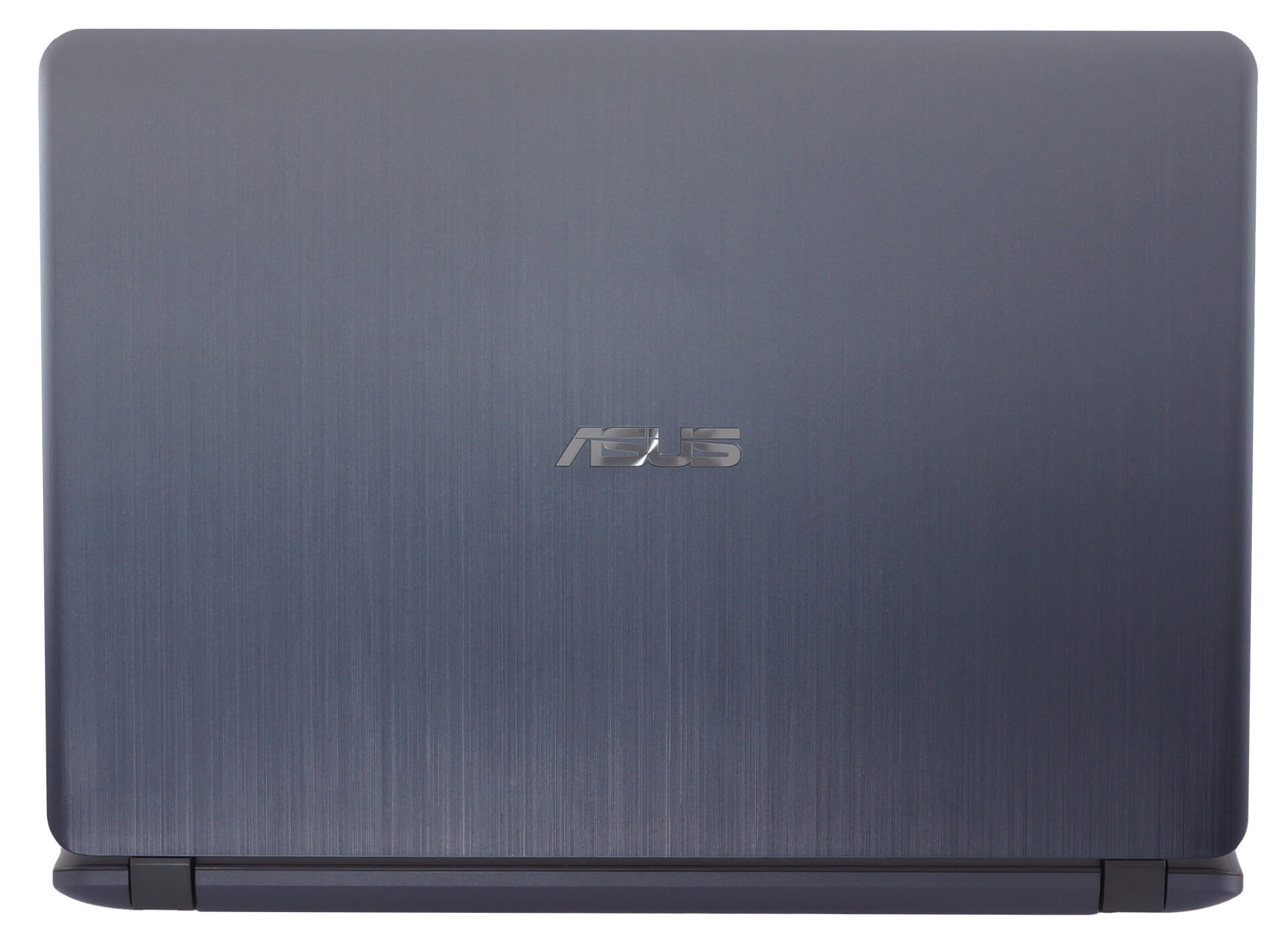
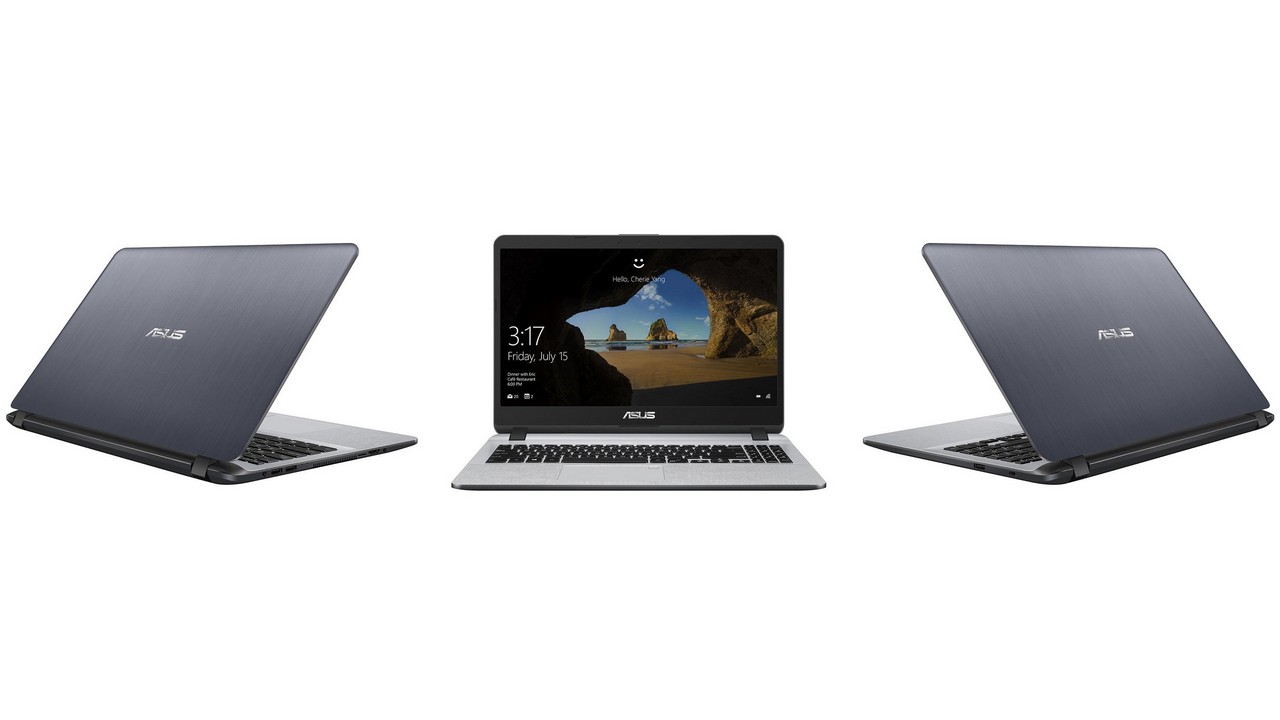 ASUS X507 is an affordable device that has a design from yesterday – those thick bezels around the display don’t look particularly good in 2020. The notebook can be configured with a large variety of processors, video cards, and panels. You can have it with a decently fast Kaby Lake-R CPU like the Intel Core i5-8250U (a bit dated too but it’s still good for low-priced laptops) and if you need more graphics power you can rely on low-end NVIDIA GPUs like the GeForce MX110 or MX130 (both coming with 2GB GDDR5).
There are three display options – two TN panels (a 1080p one and a 768p variant) and one IPS display with Full HD resolution. If you plan to buy this machine just try to get the IPS option – the difference is night and day for daily computing. If you haven’t already checked our in-depth analysis regarding this device you can find it here.
Here are our Top 5 picks about the ASUS X507.
You can check the prices and configurations in our Specs System: https://laptopmedia.com/series/asus-x507/

3 reasons to BUY the ASUS X507
1. Upgradability
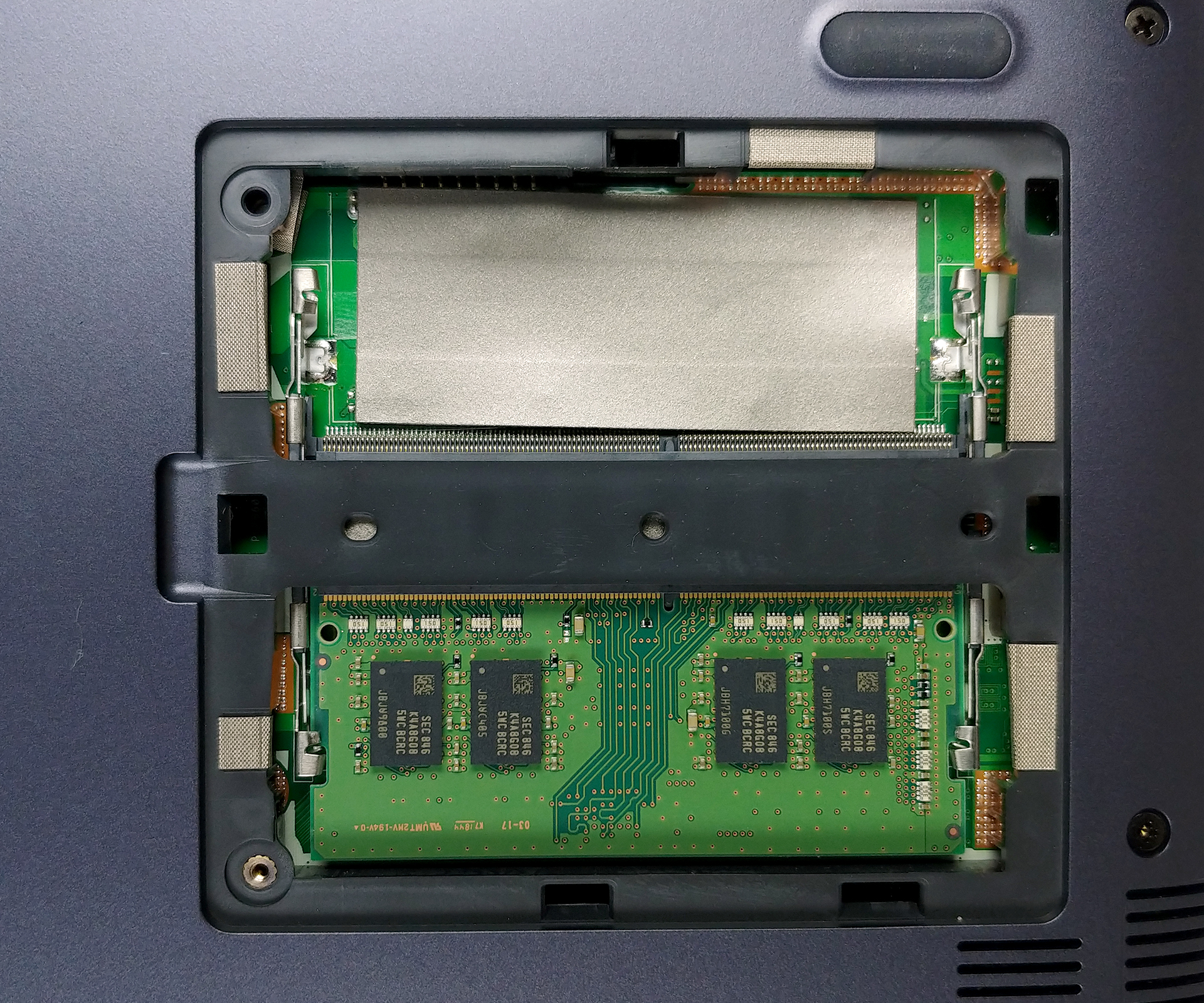
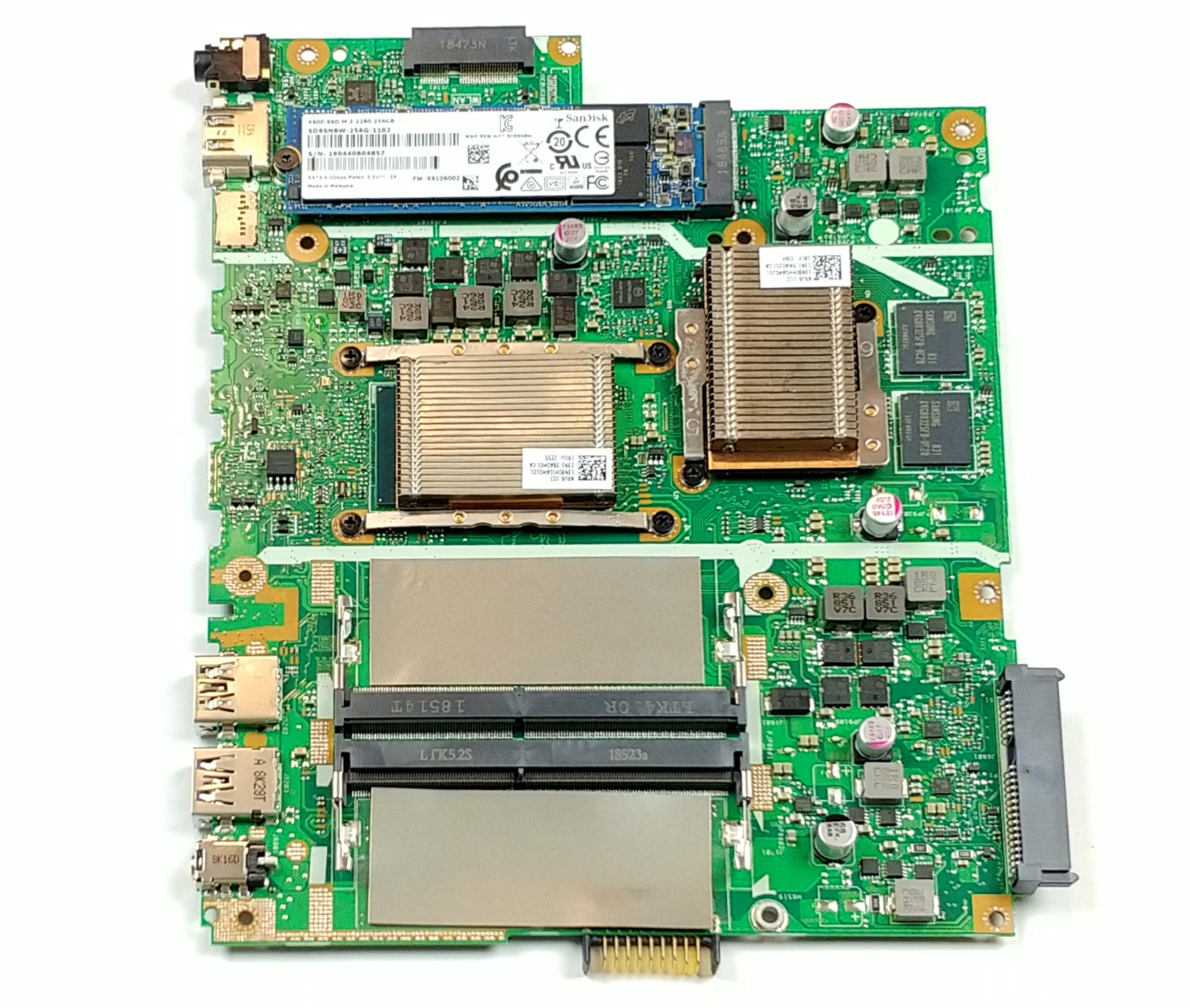
Let’s start with the service lid for RAM access – it’s really easy to change your memory – thumbs up for that. So, there are two RAM slots, an NVMe slot and a 2.5″ SATA one as well – not bad for a low-priced laptop.
2. Well-priced device
Thanks to the aforementioned upgradability, there are a lot of different configurations you can pick. And more importantly – all of them have a decent price tag.
3. Good battery life
Battery life is decent – more than 7 hours of Web browsing and almost 6 hours of video playback. Not bad.
2 reasons not to BUY the ASUS X507
1. Not-so-cool
The cooling solution isn’t very effective because there are no heat pipes. There are two copper heat spreaders with large fins for the CPU and GPU. The MX130 isn’t a power-hungry beast because it doesn’t dissipate a lot of heat but in our case, the GPU reaches 81°C during benchmarking. This is a pretty bad result for such low-end GPU (the normal temperature of this MX130 should be around 70°C, and certainly not above 80°C).
The shell isn’t that warm during load but the heat is concentrated in the WASD area and the palm-rest place which isn’t very comfortable for long hours of usage.
2. Bad display
Our test device is equipped with a Full HD TN panel (Innolux N156HGA-EA3 CMN15F5). Sadly, this one has bad viewing angles, a low contrast ratio – 310:1 – such is the nature of the TN panels. Additionally, it covers only 53% of the sRGB gamut.

 Author: Nikolay Palaozov

![[June 2026] Best-Selling Laptop Brands on Amazon Global – Apple’s Unrivaled Dominance in Units and Revenue](https://laptopmedia.com/wp-content/uploads/2026/07/GLOBAL-Best-Brands-400x225.jpg)
![[June 2026] Amazon Global: Top 10 Best-Selling Laptops – Apple’s New MacBook Neo Storms to #1, Reshaping the Market with Affordability](https://laptopmedia.com/wp-content/uploads/2026/07/Best-Selling-Laptops-GLOBAL-Top-10-400x225.jpg)
![[June 2026] Amazon Global: Top 10 Best-Selling Gaming Laptops – Acer’s Nitro V 16S AI Dominates Sales, While ASUS Leads Overall Revenue](https://laptopmedia.com/wp-content/uploads/2026/07/Best-Selling-Gaming-Laptops-GLOBAL-Top-10-400x225.jpg)
![[June 2026] Global Ranking of Best-Selling Laptop GPUs on Amazon – NVIDIA RTX 5060 is the Top-Selling Dedicated GPU](https://laptopmedia.com/wp-content/uploads/2026/07/Best-Selling-GPUs-GLOBAL-Top-10-400x225.jpg)
![[June 2026] Global Ranking of Best-Selling Laptop CPUs on Amazon – Apple M5 Dominates, AMD Ryzen 7 260 Gets Solid Premium Share](https://laptopmedia.com/wp-content/uploads/2026/07/Best-Selling-CPUs-GLOBAL-Top-10-400x225.jpg)
