- Date Published: 11 Jul 2026
- Intel Core 7 240H
- NVIDIA GeForce RTX 5070 (Laptop, 8GB GDDR7)
- 15.6”, Full HD (1920 x 1080), 144 Hz, IPS
- 1000GB SSD
- 64GB RAM
- 2.10 kg (4.6 lbs)
Specs

- HDD/SSD
- 1000GB SSD
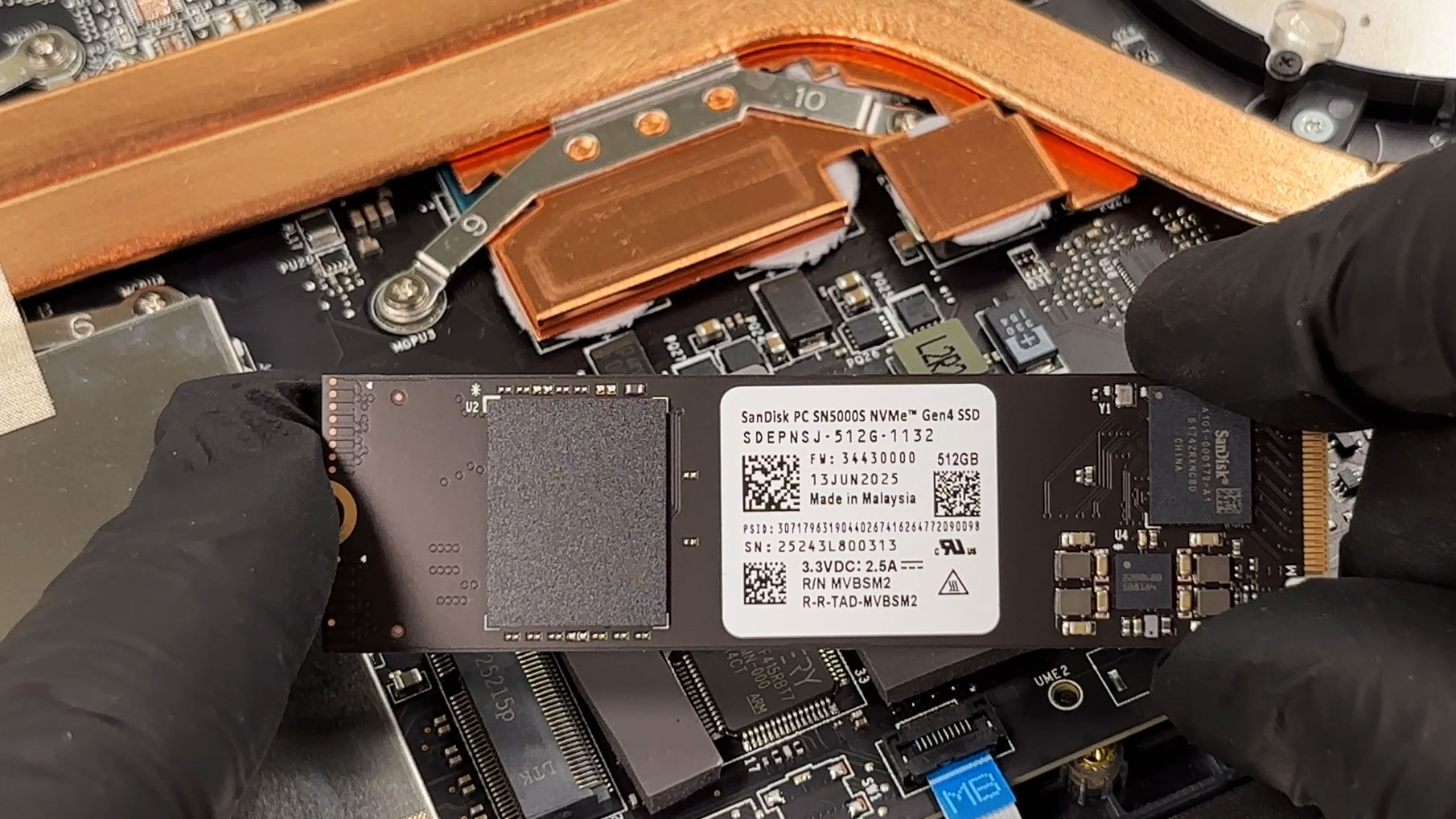
- M.2 Slot
- 1x 2280 M.2 NVMe PCIe 4.0 x4 See photo
- RAM
- 64GB RAM
- OS
- Windows 11 Pro
- Body Material
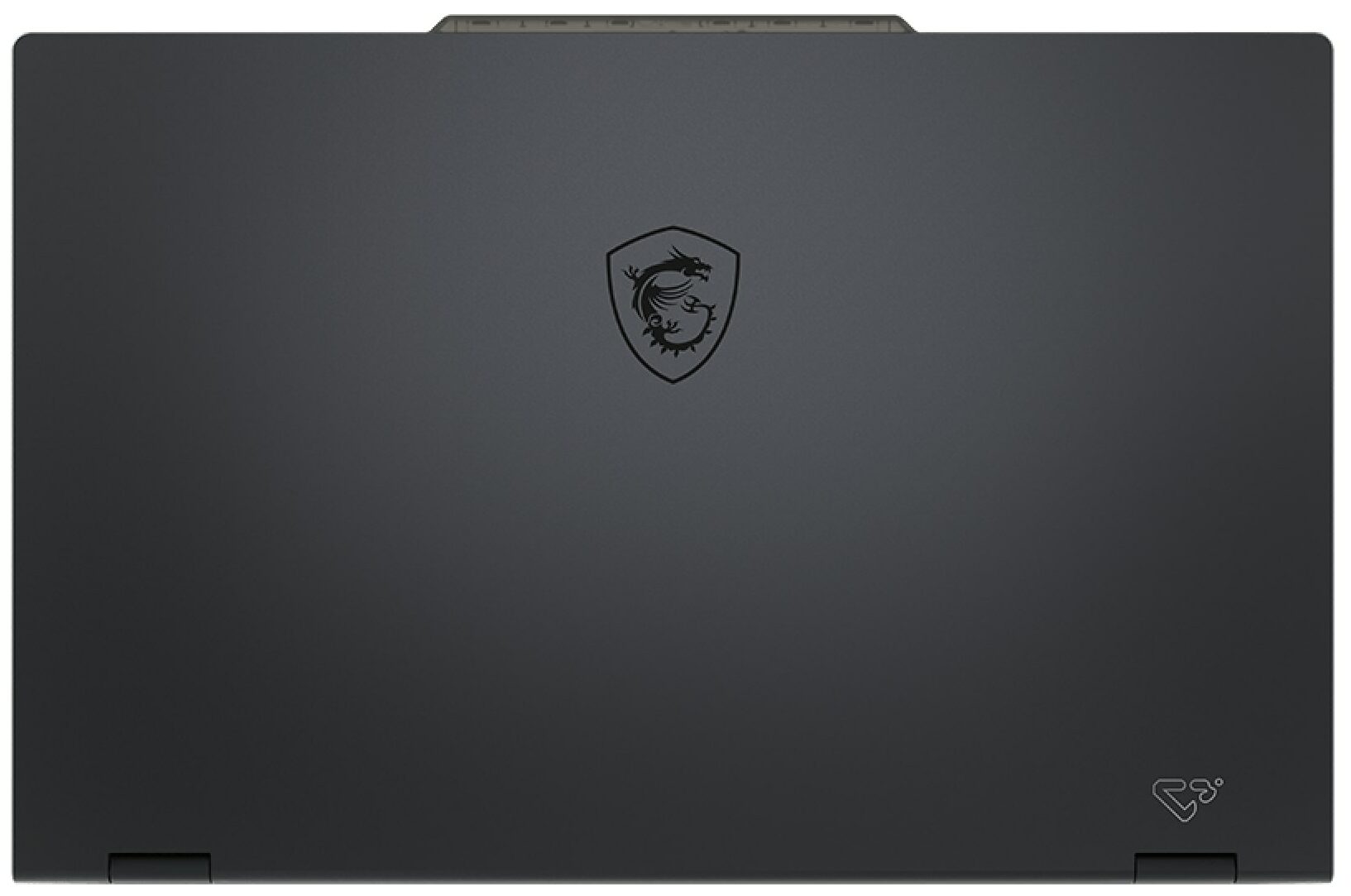
- Plastic / Polycarbonate
- Dimensions
- 359.3 x 245.25 x 22.15 ~ 23.15 mm (14.15" x 9.66" x 0.87")
- Weight
- 2.10 kg (4.6 lbs)
- Ports and connectivity
- 2x USB Type-A
- 3.2 Gen 2 (10 Gbps)
- 1x USB Type-C
- 3.2 Gen 2 (10 Gbps), Power Delivery (PD), DisplayPort
- HDMI
- 2.1 (4K@60Hz)
- Card Reader
- Ethernet LAN
- 10, 100, 1000 Mbit/s
- Wi-Fi
- Wi-Fi 6E
- Bluetooth
- 5.3
- Audio jack
- 3.5mm Combo Jack
- Features
- Fingerprint reader
- Web camera
- HD with privacy shutter
- Backlit keyboard
- Microphone
- Speakers
- 2x 2W Stereo Speakers
- Security Lock slot
- Kensington Lock
- Gifts
- ICP Hub
Portability
Review
MSI Cyborg 15 in-depth review
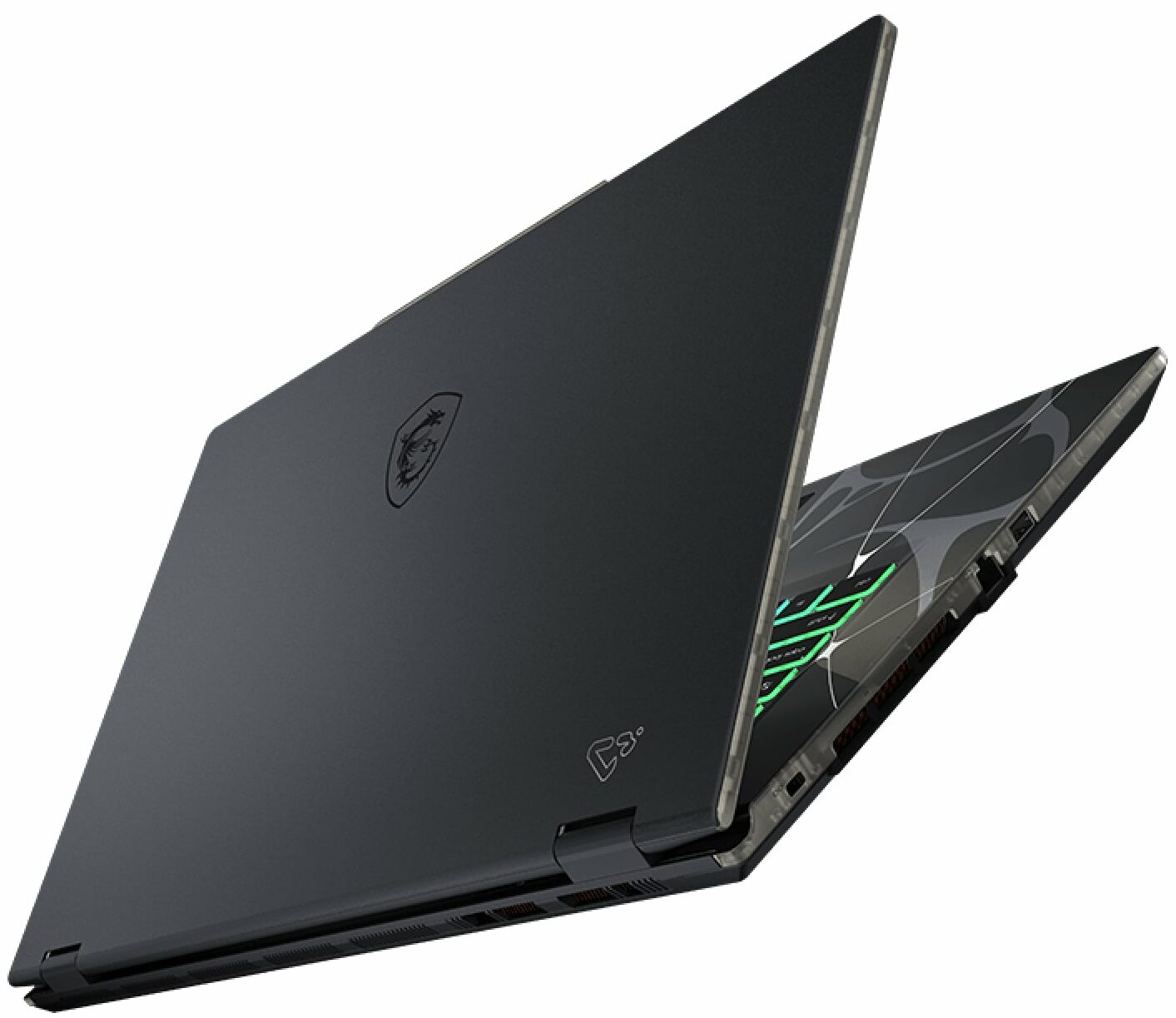
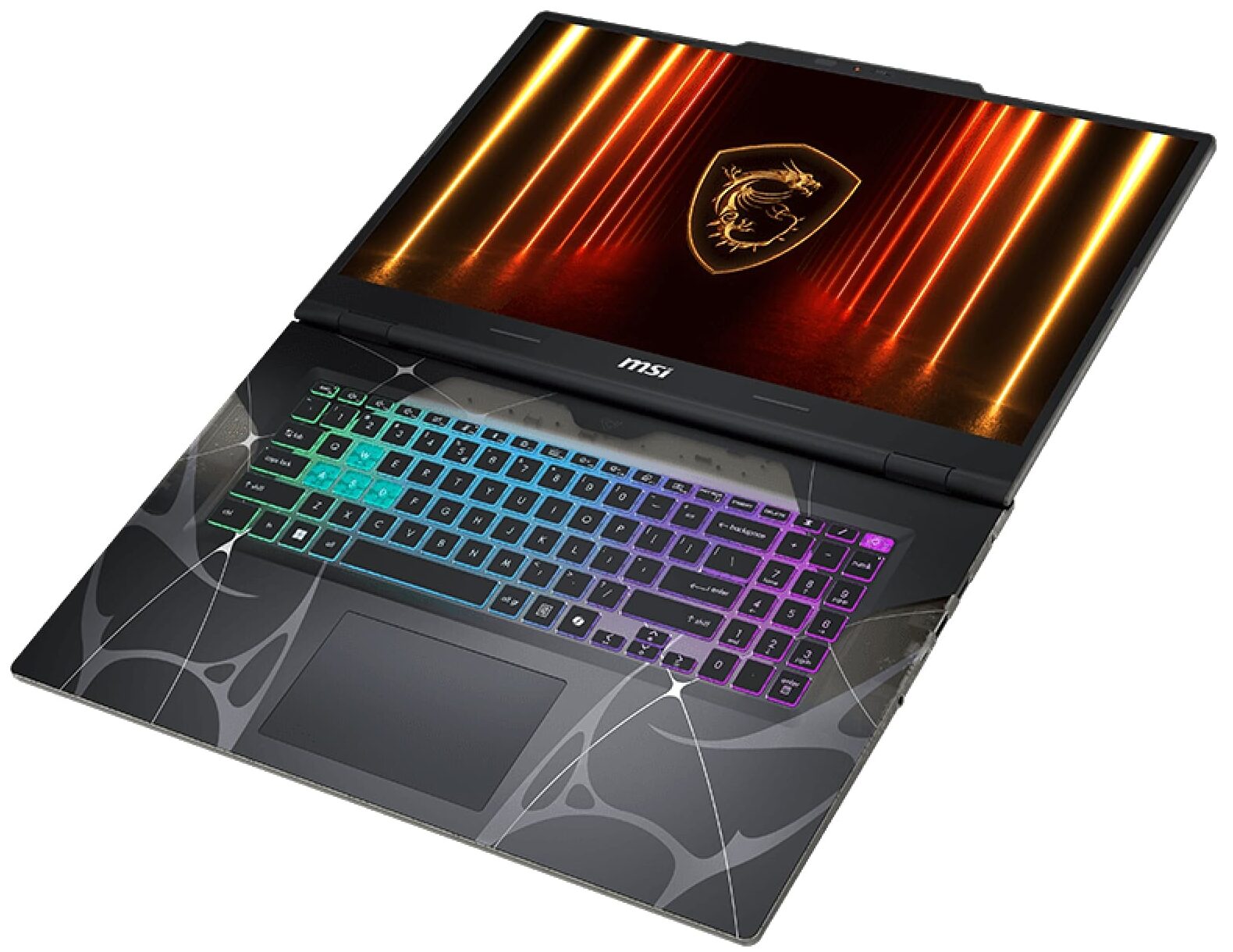
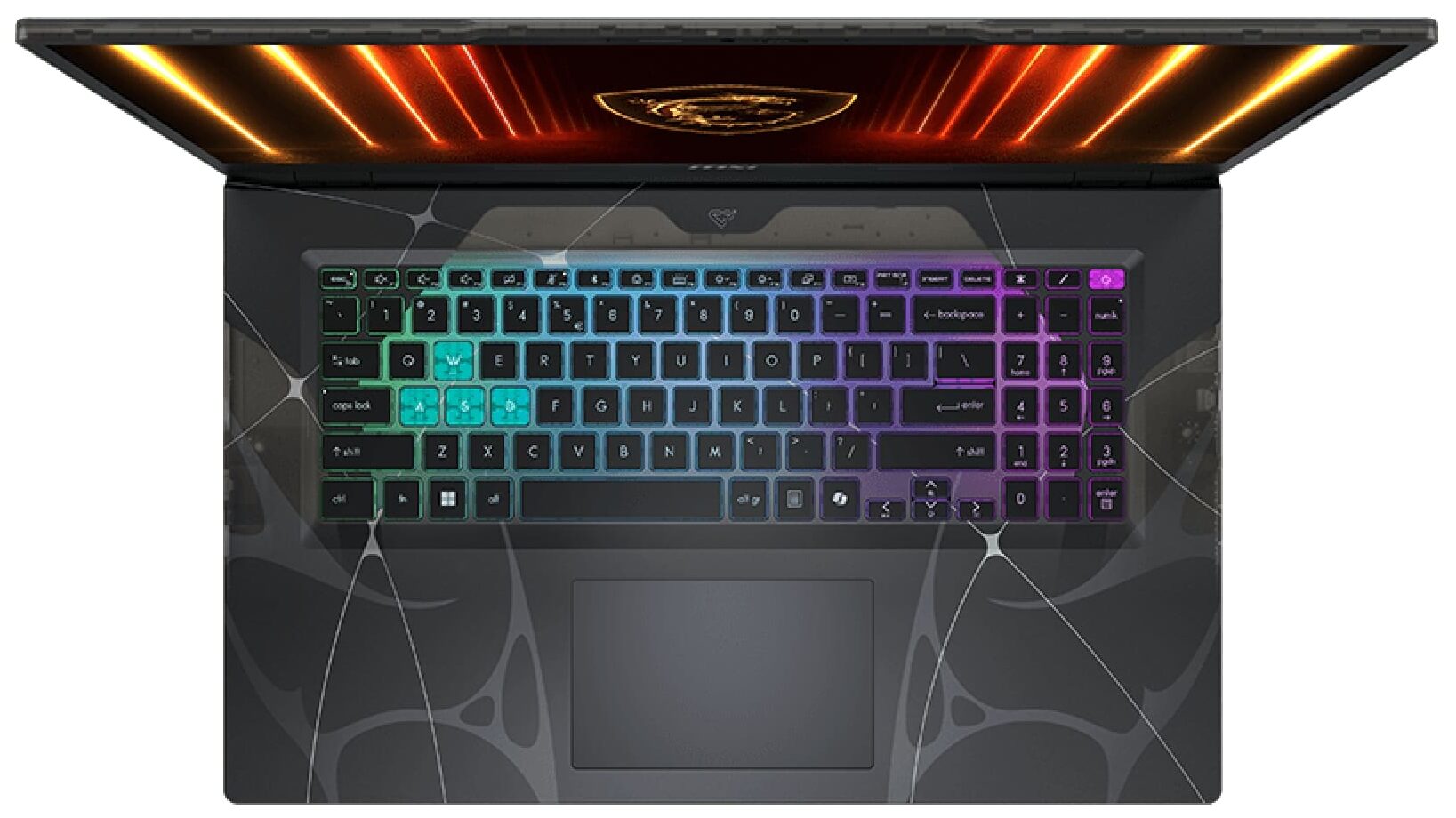
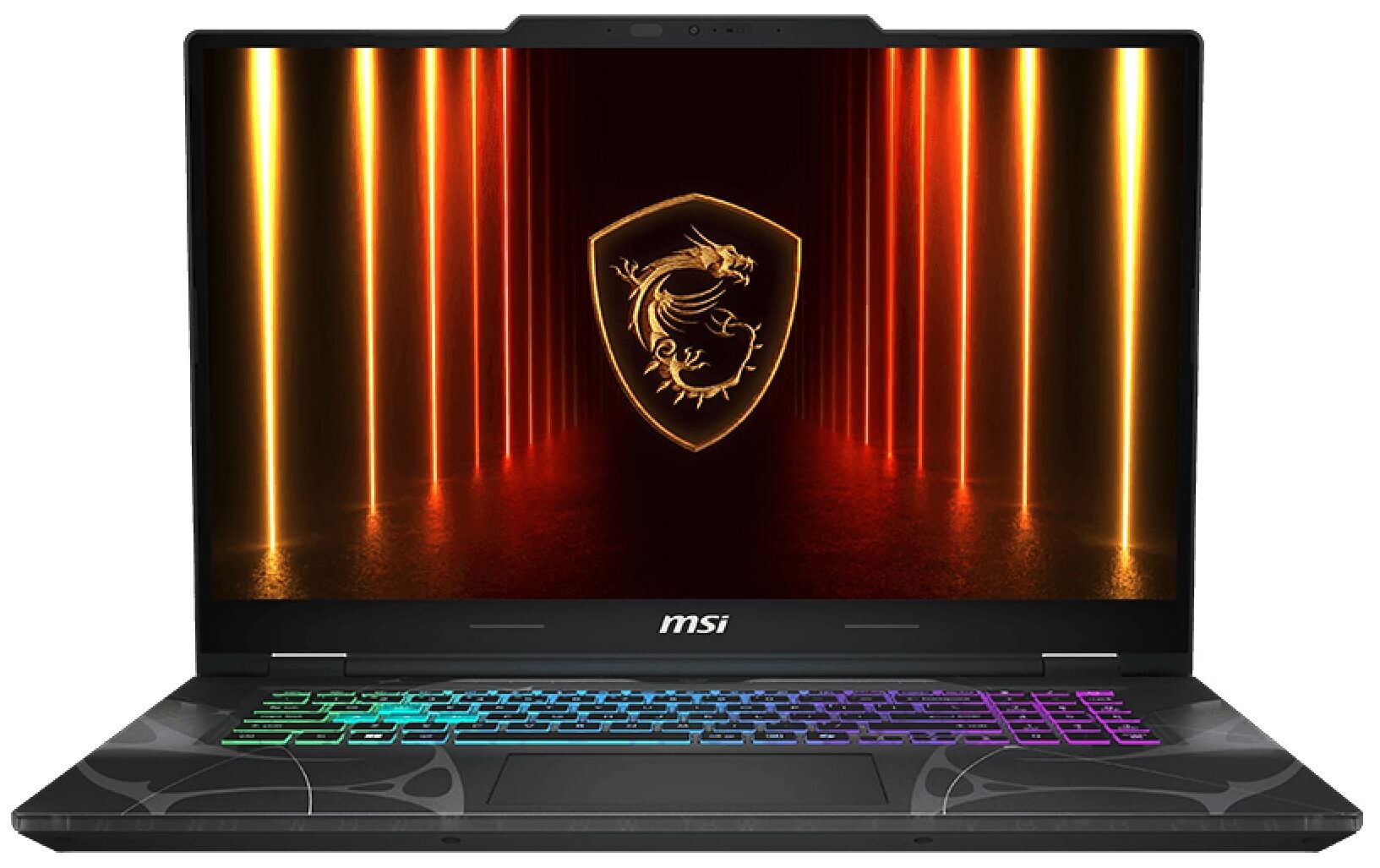
The MSI Cyborg 15 (B2RW) immediately catches the eye with its translucent, mech-inspired chassis, offering a refreshing dose of personality in the crowded budget gaming space. On paper, packing an NVIDIA RTX 5060 into such an affordable and relatively lightweight machine sounds like a dream come true for entry-level gamers. However, in the world of gaming laptops, a spec sheet rarely tells the whole story. To keep this cyberpunk-styled rig from overheating with a simplified single-fan cooling system, MSI had to make a drastic and defining compromise under the hood. Is its striking aesthetic and icy-cool thermal performance enough to make up for a severely power-capped graphics card? We put the Cyborg 15 through our rigorous testing to find out if it's all style and no substance.TES[...]
Read the full review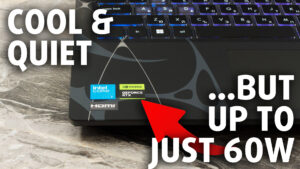
Pros
- Excellent thermal management keeps the system very cool
- Unique and striking translucent "cyberpunk" design
- Two user-accessible RAM slots for easy upgrades
- PWM-free display is great for eye comfort
- Physical privacy shutter for the webcam
Cons
- Severely power-limited GPU results in poor gaming performance
- Base model display has very poor color coverage (57% sRGB)
- Abysmal battery life (just over 3 hours)
- Only one M.2 slot for storage
- Half-height arrow keys are frustrating for gaming
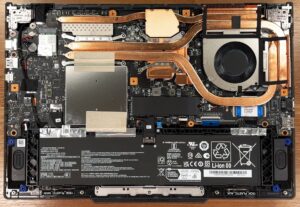
Disassembly, maintenance and upgrade options
Step 1: Removing the bottom panelPower off the laptop and place it on a soft, clean surface. Remove the 12 screws securing the bottom panel. Use a thin plastic pry tool to carefully release the clips around the edges. Lift the bottom cover away from the chassis.More info: Once inside, the layout is easy to understand: the battery spans the front, the cooling system occupies most of the upper half, the single M.2 storage slot sits near the middle-right, and the Wi-Fi card is positioned toward the left side.Step 2: Battery removalDisconnect the battery connec[...]
Read more