Best RTX 5090 Gaming Laptops – 10 Models Tested and Compared
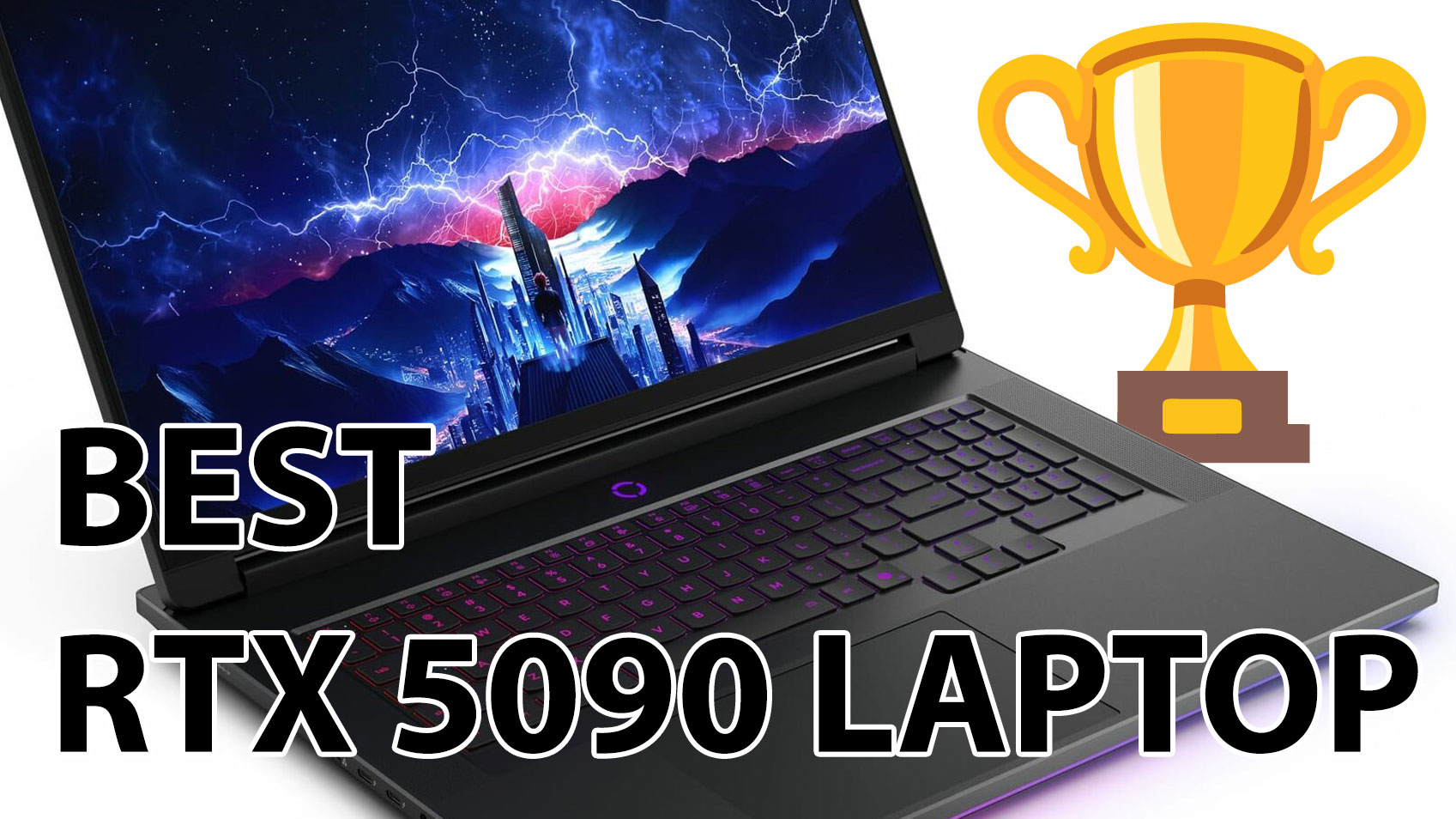 We bought 10 laptops with the GeForce RTX 5090, NVIDIA’s fastest laptop GPU, and tested every one of them in our lab.
They all have the same graphics chip, so which one is the king of gaming? And if the GPU is the same, what should you look at when you pick one?
Here’s how the 10 compare in graphics and processor performance, games, temperatures, displays, weight and battery life, and which one we’d buy.
You can also check out our Top Laptop Graphics Ranking.
Table of Contents
The short answer
- THE FASTEST: Lenovo Legion 9i (18″, Gen 10). It led both 3DMark tests and kept its GPU the coolest, at 68°C, though its Time Spy lead over the Vector 18 HX AI is only about 1%. We tested it with the GPU overclock that Lenovo offers in its Legion Space app switched on.
- BEST VALUE: MSI Vector 18 HX AI. It came within a few percent of the Legion 9i, won two of our four games at 1600p and lasted the longest on battery.
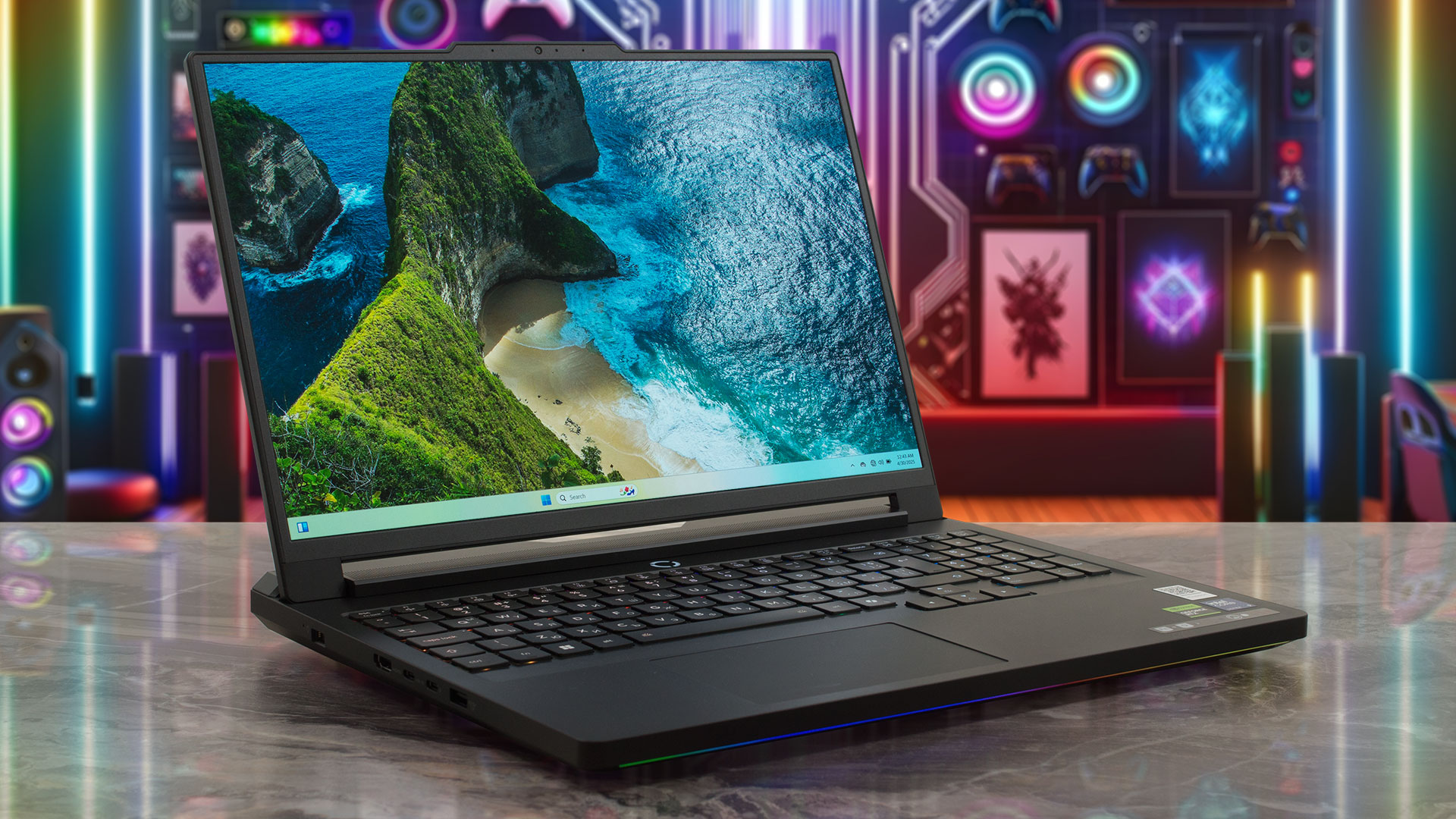
- BEST 16-INCH: Lenovo Legion Pro 7i (16″, Gen 10). It’s the lightest of the 10, at 2.57 kg, has an OLED display and was the fastest in two of the four games.
- The GPU performance is close on all 10. In 3DMark Time Spy, the slowest laptop scored only about 9% less than the fastest, so the rest of the laptop decides more than the GPU does.
The 10 laptops we tested
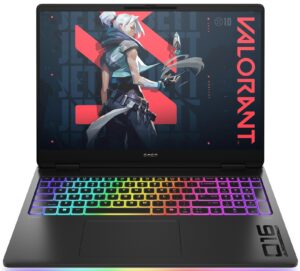
All 10 have the GeForce RTX 5090 laptop GPU with 24GB of video memory. Nine have an Intel Core Ultra 9 HX processor, and the MSI Raider A18 HX has AMD’s Ryzen 9 9955HX3D.
| Laptop | CPU | Display | Weight | Battery (video) |
|---|---|---|---|---|
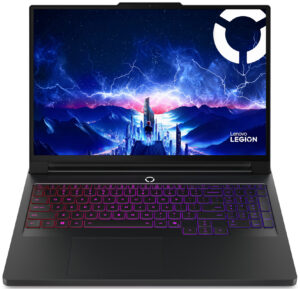
| Lenovo Legion 9i (18″, Gen 10) (detailed review) | Core Ultra 9 275HX | 18″, 3840×2400, 240Hz, IPS | 3.50 kg | 4h 15m |
| MSI Vector 18 HX AI (detailed review) | Core Ultra 9 275HX | 18″, 2560×1600, 240Hz, IPS | 3.60 kg | 5h 48m |
| MSI Vector 17 HX AI (detailed review) | Core Ultra 9 275HX | 17″, 2560×1600, 240Hz, IPS | 3.00 kg | 5h 42m |
| Lenovo Legion Pro 7i (16″, Gen 10) (detailed review) | Core Ultra 9 275HX | 16″, 2560×1600, 240Hz, OLED | 2.57 kg | 5h 05m |
| HP OMEN MAX 16 (16-ah0000) (detailed review) | Core Ultra 9 275HX | 16″, 1920×1200, 165Hz, IPS | 2.74 kg | 3h 06m |
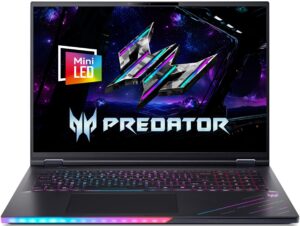
| Acer Predator Helios 18 AI (PH18-I71) (detailed review) | Core Ultra 9 290HX Plus | 18″, 3840×2400, 120Hz, Mini LED | 3.50 kg | 4h 04m |
| MSI Titan 18 HX AI (detailed review) | Core Ultra 9 285HX | 18″, 3840×2400, 120Hz, Mini LED | 3.60 kg | 2h 29m |
| MSI Raider A18 HX (detailed review) | Ryzen 9 9955HX3D | 18″, 3840×2400, 120Hz, Mini LED | 3.60 kg | 2h 55m |
| Acer Predator Helios 16 AI (PH16-73) (detailed review) | Core Ultra 9 275HX | 16″, 2560×1600, 240Hz, OLED | 2.70 kg | 5h 04m |
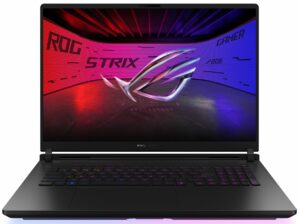
| ASUS ROG Strix SCAR 18 (G835, 2025) (detailed review) | Core Ultra 9 275HX | 18″, 2560×1600, 240Hz, Mini LED | 3.30 kg | 4h 37m |
We tested each laptop in its maker’s highest performance mode. Only the Legion 9i also had its GPU overclock switched on. The battery figures come from our video playback test. Our reviews span April 2025 to June 2026, so drivers and game versions differ, and the Helios 18 AI was tested on a newer NVIDIA driver after crashes on the older one.
Graphics performance
| # | Laptop | 3DMark Time Spy (Graphics) | 3DMark Steel Nomad Light | GPU power (1-hour gaming average) | GPU temperature |
|---|---|---|---|---|---|
| 🥇 | Lenovo Legion 9i (18″, Gen 10) | 25814 | 28229 | 164W | 68°C |
| 🥈 | MSI Vector 18 HX AI | 25525 | 26870 | 172W | 74°C |
| 🥉 | MSI Vector 17 HX AI | 25293 | 27071 | 172W | 79°C |
| #4 | HP OMEN MAX 16 (16-ah0000) | 25031 | 26827 | 172W | 74°C |
| #5 | Acer Predator Helios 18 AI (PH18-I71) | 24819 | 26693 | 170W | 78°C |
| #6 | Lenovo Legion Pro 7i (16″, Gen 10) | 24744 | 27320 | 171W | 79°C |
| #7 | ASUS ROG Strix SCAR 18 (G835, 2025) | 24134 | 24656 | 159W | 73°C |
| #8 | Acer Predator Helios 16 AI (PH16-73) | 24068 | 26068 | 163W | 85°C |
| #9 | MSI Raider A18 HX | 23944 | 26449 | 161W | 78°C |
| #10 | MSI Titan 18 HX AI | 23542 | 27031 | 172W | 83°C |
The Legion 9i led both 3DMark tests, followed by MSI’s two Vectors in Time Spy. Most laptops kept their GPU at 170 to 172W in our one-hour gaming test. The ASUS ROG Strix SCAR 18 ran it at 159W and scored the lowest in Steel Nomad Light.
The results are from 3DMark Time Spy (Graphics). Higher is better.
The results are from 3DMark Wild Life Extreme Unlimited. Higher is better.
Gaming Tests
Seven of the laptops were tested at 2560×1600 at the same settings (a dash means we didn’t run that test):
| Laptop | Black Myth: Wukong (Cinematic) | Shadow of the Tomb Raider (Highest) | Metro Exodus Enhanced Edition (Extreme) | Counter-Strike 2 (Very High) |
|---|---|---|---|---|
| Lenovo Legion Pro 7i (16″, Gen 10) (detailed review) | 56 | 151 | 74 | 296 |
| MSI Vector 18 HX AI (detailed review) | 53 | 146 | 76 | 346 |
| MSI Vector 17 HX AI (detailed review) | 54 | 146 | 74 | 295 |
| MSI Raider A18 HX (detailed review) | 52 | 142 | 71 | – |
| ASUS ROG Strix SCAR 18 (G835, 2025) (detailed review) | 52 | – | 66 | 252 |
| Acer Predator Helios 18 AI (PH18-I71) (detailed review) | 51 | 142 | – | – |
| Acer Predator Helios 16 AI (PH16-73) (detailed review) | 51 | 137 | 71 | 274 |
 The Legion Pro 7i was the fastest in Black Myth: Wukong and Shadow of the Tomb Raider, and the Vector 18 in Metro Exodus and Counter-Strike 2. In the three demanding games, all seven are within about 15% of each other. In Counter-Strike 2 the gap is bigger, from 252 to 346 FPS, even though all five laptops tested in it have the same Core Ultra 9 275HX.
The MSI Titan 18 HX AI, HP OMEN MAX 16 and Legion 9i were tested at 1920×1200 (the Titan and Legion 9i also at 3840×2400). There, in Shadow of the Tomb Raider at the Highest preset, the Legion 9i reached 213 FPS, the Titan 202 FPS and the OMEN MAX 16 199 FPS, while the Legion Pro 7i reached 222 FPS at the same settings. In Metro Exodus at the Extreme preset, all of them ran at 97 to 101 FPS. At 3840×2400, the Legion 9i was the fastest of the four 4K laptops in Shadow of the Tomb Raider (77 FPS vs 72 to 73) and Metro Exodus (43 vs 41).
Processor performance
The MSI Titan 18 HX AI has the fastest processor here, the Core Ultra 9 285HX. It led Cinebench 2024 and Geekbench 6 multi-core, but it also averaged 184W and 99°C in our 30-minute load test. The HP OMEN MAX 16 scored the lowest, but stayed the coolest, at 78°C.
Single-core performance ensures smooth operation and responsiveness in operating systems, providing a better user experience.
Results are from the Geekbench 6 Single-Core test (higher is better)
Multi-core performance is essential for handling complex and demanding tasks, such as Video editing, CAD, and Scientific simulations.
Results are from the Geekbench 6 Multi-Core test (higher is better)
Here, we evaluate the CPU's performance using a real-world 3D rendering task, assessing its ability to handle complex computations and rendering workloads efficiently.
Results are from the Cinebench 2024 Multi-Core test (higher is better)
Displays, weight and battery
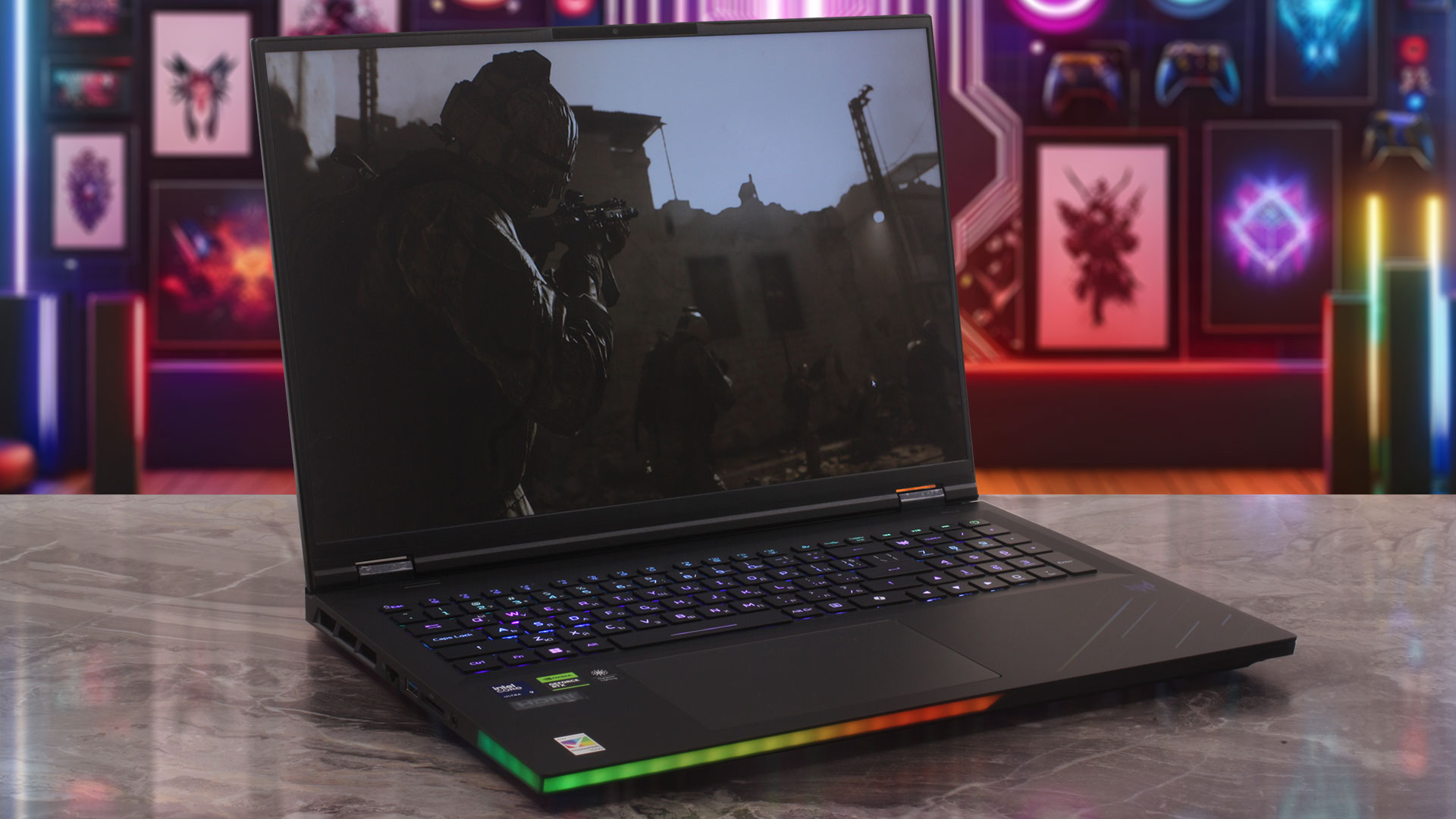 The brightest display is the Mini LED panel of the Acer Predator Helios 18 AI, at 717 nits in SDR, ahead of the Titan (663 nits), Raider (600) and SCAR 18 (586). All four Mini LED panels use PWM with a low duty cycle, which can bother people sensitive to flicker. The IPS panels of the Legion 9i, both Vectors and the OMEN MAX 16 don’t use PWM. The Legion Pro 7i and Helios 16 AI have 16-inch OLED displays. Both are glossy, and the Helios 16 AI’s reflects the most.
Our OMEN MAX 16 had the weakest display, a 1920×1200 165Hz IPS panel covering 76% of DCI-P3. HP also sells it with a 2560×1600 OLED display.
The lightest laptops are the 16-inch ones: the Legion Pro 7i weighs 2.57 kg, and the Helios 16 AI and OMEN MAX 16 about 2.7 kg. The 18-inch models weigh 3.3 to 3.6 kg.
For battery life, pick an MSI Vector. The Vector 18 HX AI lasted 5 hours and 48 minutes in our video playback test and the Vector 17 HX AI 5 hours and 42 minutes. The MSI Raider and Titan lasted under 3 hours.
Which RTX 5090 laptop should you buy?
- FOR THE HIGHEST PERFORMANCE: the Lenovo Legion 9i (18″, Gen 10) (detailed review). It led both 3DMark tests and kept its GPU the coolest, but it’s also one of the most expensive, at $6,499 on Amazon in the US at the time of writing.
- FOR THE BEST VALUE: the MSI Vector 18 HX AI (detailed review). It’s within a few percent of the Legion 9i, has the longest battery life and starts at €4,429 in Germany, the lowest price we found there for any of these laptops.
- FOR A SMALLER LAPTOP: the Lenovo Legion Pro 7i (16″, Gen 10) (detailed review). It’s the lightest, has an OLED display and is as fast in games as the 18-inch models.
- FOR THE BRIGHTEST DISPLAY: the Acer Predator Helios 18 AI (PH18-I71) (detailed review), with the brightest panel of the 10, at 717 nits, though like every Mini LED panel here it uses PWM.
- FOR PROCESSOR-HEAVY WORK: the MSI Titan 18 HX AI (detailed review), with the fastest processor, if you can live with its heat and short battery life.
Prices change often, and some of these models are hard to find now. Here are the current offers for RTX 5090 laptops:
 Author: Simeon NikolovEditor-in-Chief at LaptopMedia.com with 20+ years of experience in testing and analyzing laptops and mobile devices.




