Lenovo Yoga Slim 6i (14, Gen 8, 14IAP8) review – thin and light machine with Alder Lake P-series CPU options
Design and construction
Right off the bat, we can guess that it’s a Lenovo machine even without looking at the branding (which is minimal, at least on the lid). The design is sleek, with rounded edges, and an anodized finish, and there is a slight protrusion on the lid for easier opening. The build is aluminum and overall, the laptop feels solid.
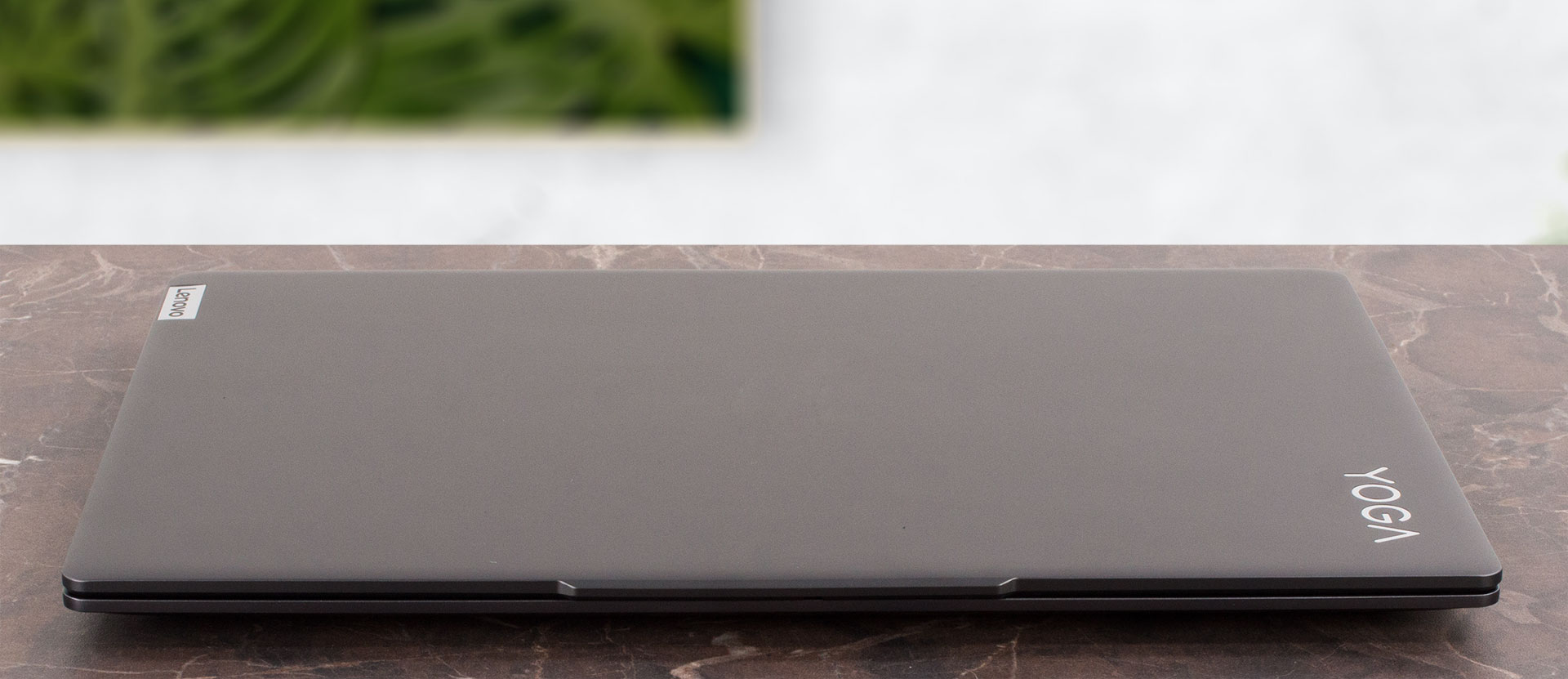
Dimensions-wise, this is a great device for people who are constantly on the go. The gadget weighs just 1.31kg with the 60Wh battery model, and if the battery is the 65Wh variant, the machine stops the scales at 1.35kg which is also a good result. The profile is thin – 14.9 mm.
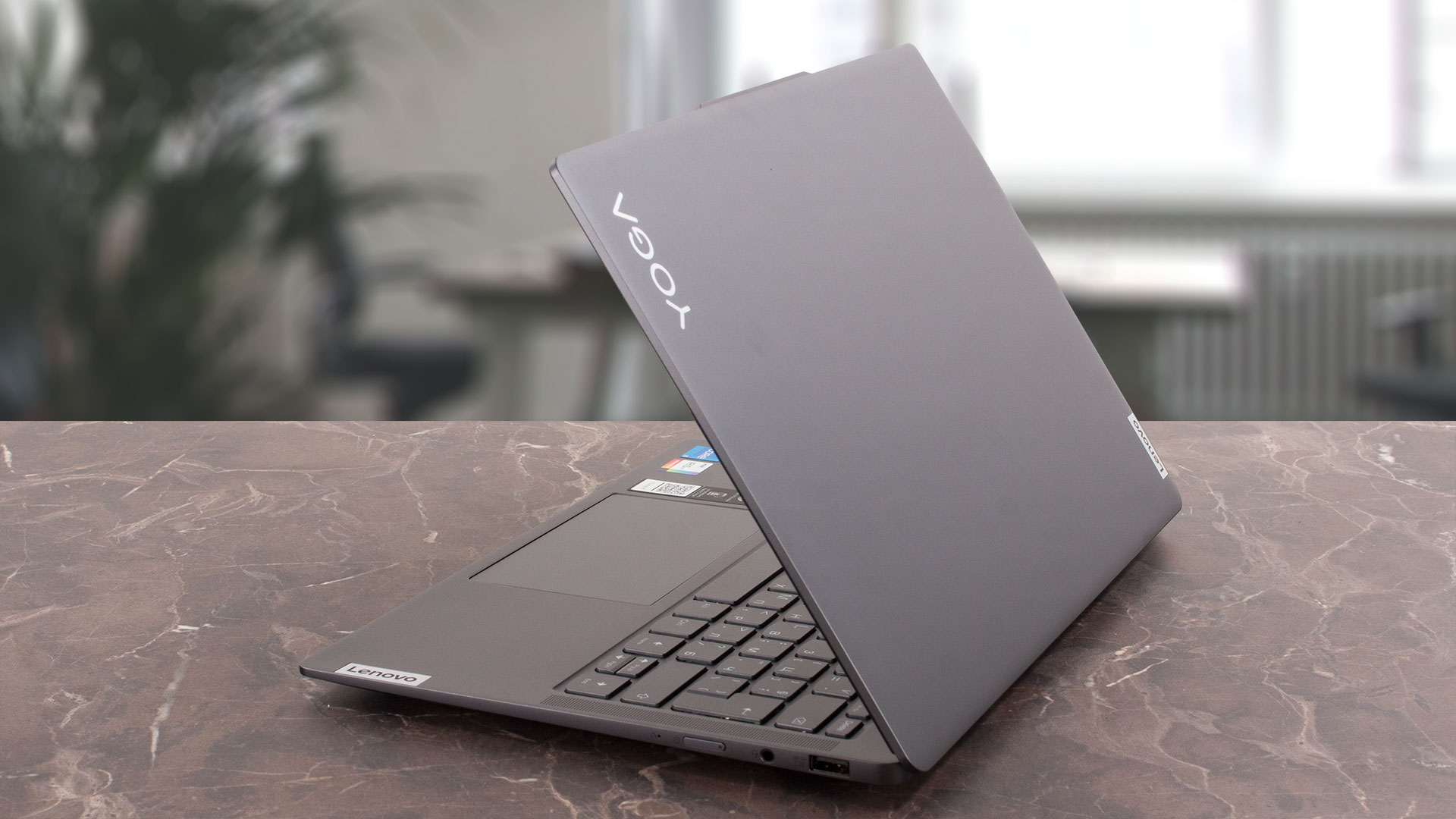
You can open the lid with a single hand but you have to do it a bit slower than usual because of the low weight of the machine. The hinge stiffness is spot-on, so the lid can be opened smoothly and it’s not bouncy when you release it. We tried to twist it, it’s okay – it’s not too spongy. However, when the lid is closed, there is almost zero flex when you apply some pressure. You can place a book or two on the laptop, it’ll be fine.
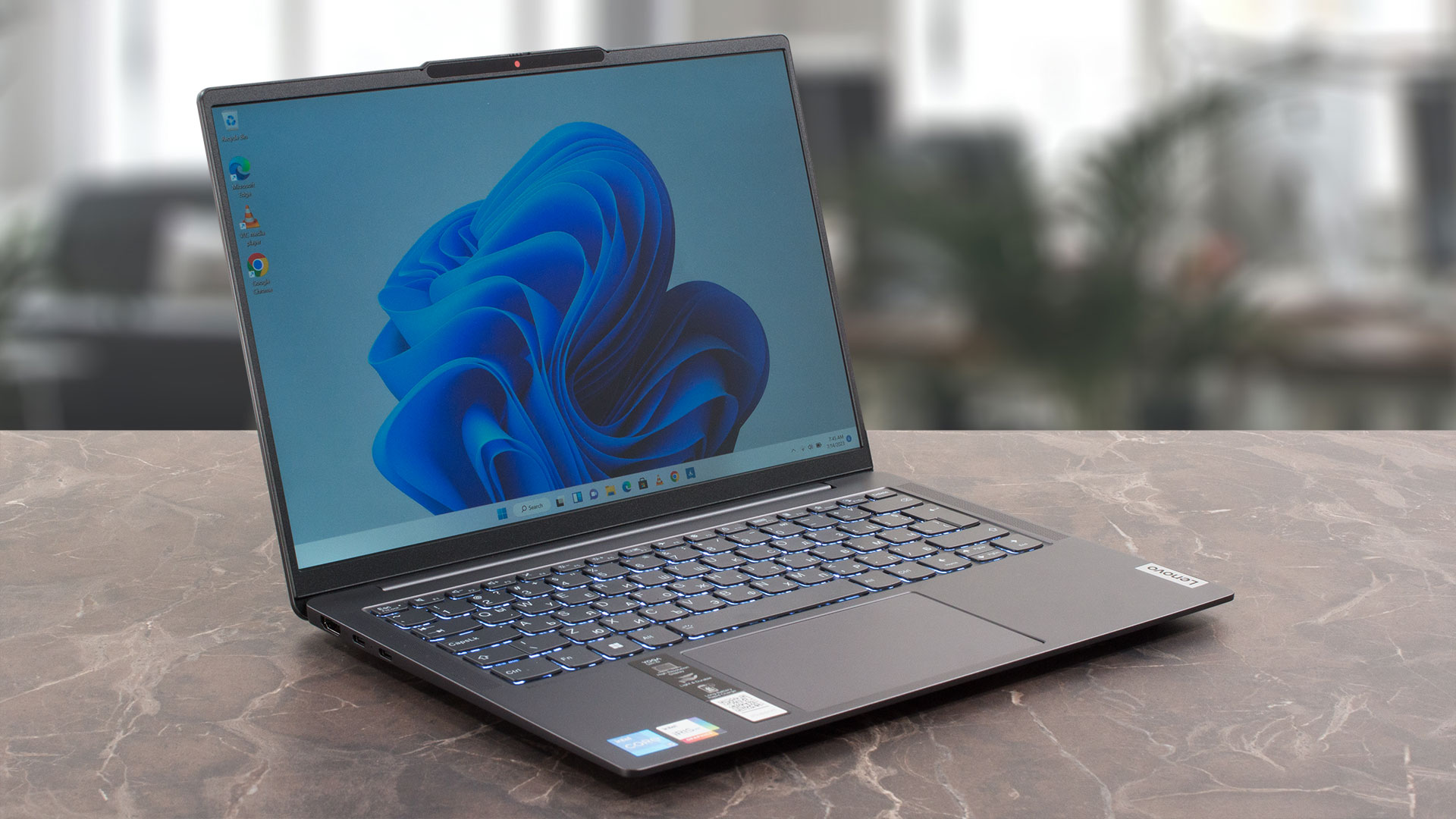
Speaking of the lid, it can be opened up to 180° and we can spot thin bezels around the panel. The top one houses a 1080p Web camera with a privacy shutter and an IR sensor for Windows Hello. The ToF (Time-of-flight) sensor is part of the package too.
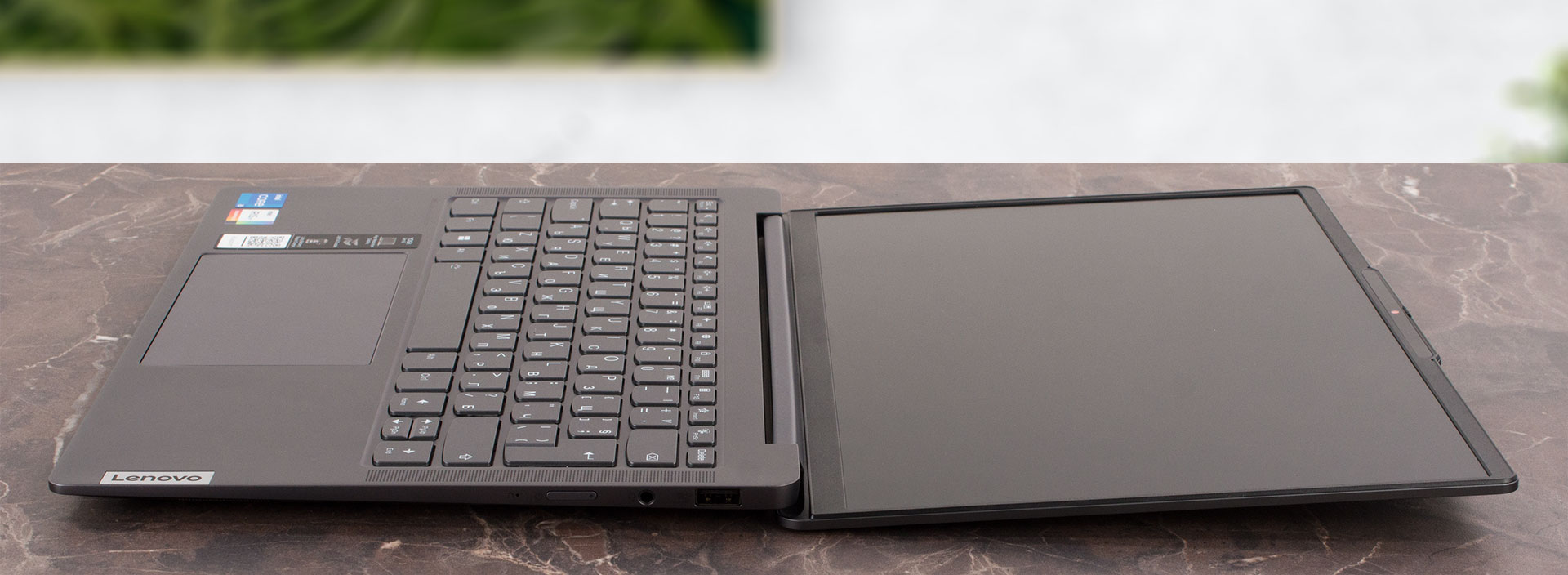
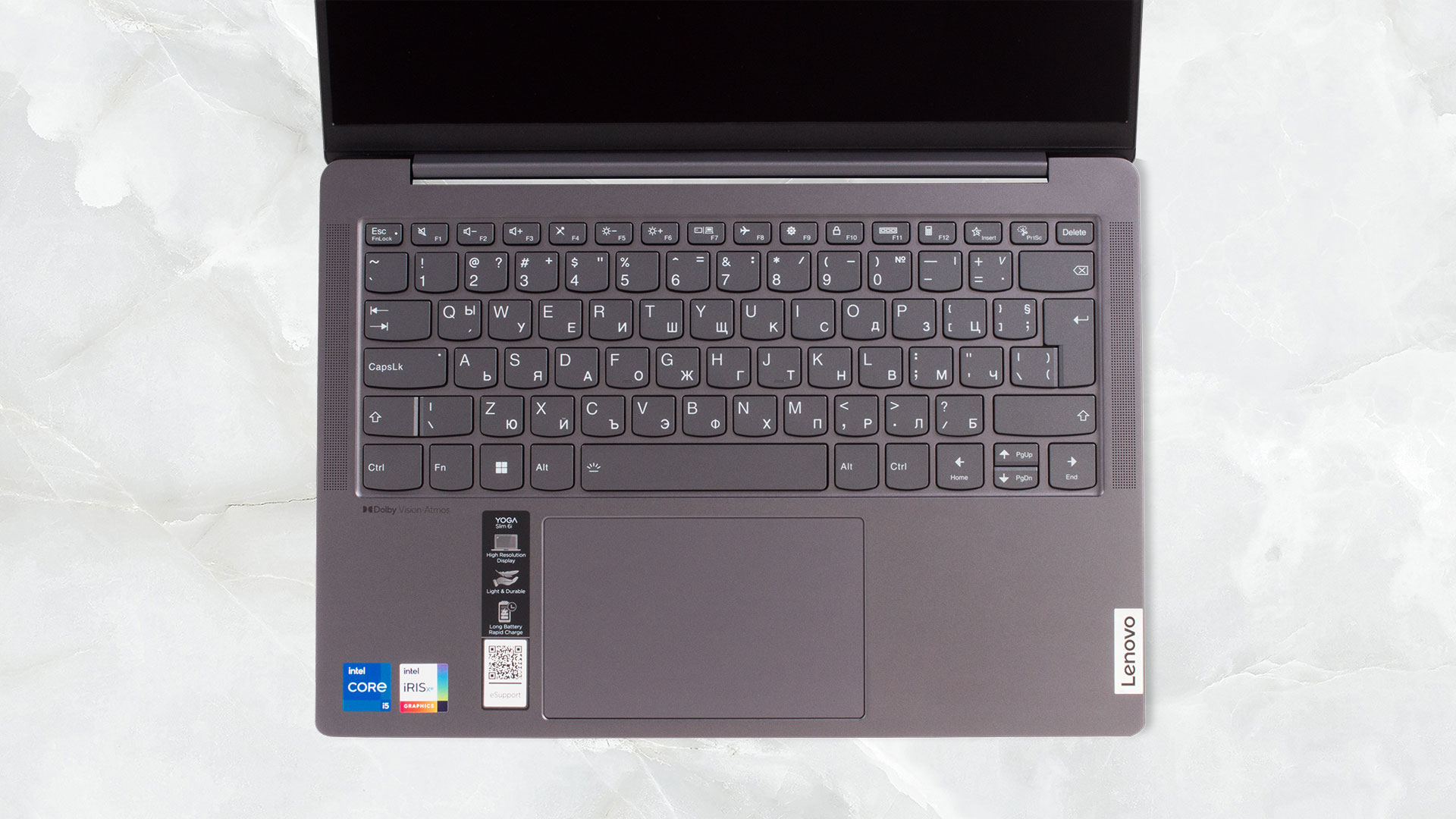
On the base, we can see the two 2w front-firing (Dolby Atmos) speakers positioned on both sides of the backlit keyboard. The latter is a pleasant surprise because no matter the thin profile, the key travel is decently long and the feedback is clicky. So, the unit is good for typing. Still, the “Up” and “Down” Arrow keys are small, and there isn’t a NumPad but that’s normal for a 14-inch laptop. The base is stable, even when you type fast and harsh. There is a minimal amount of flex around the two palm rest areas (the zones that are close to the keyboard) but during normal usage, this should not be a problem at all.
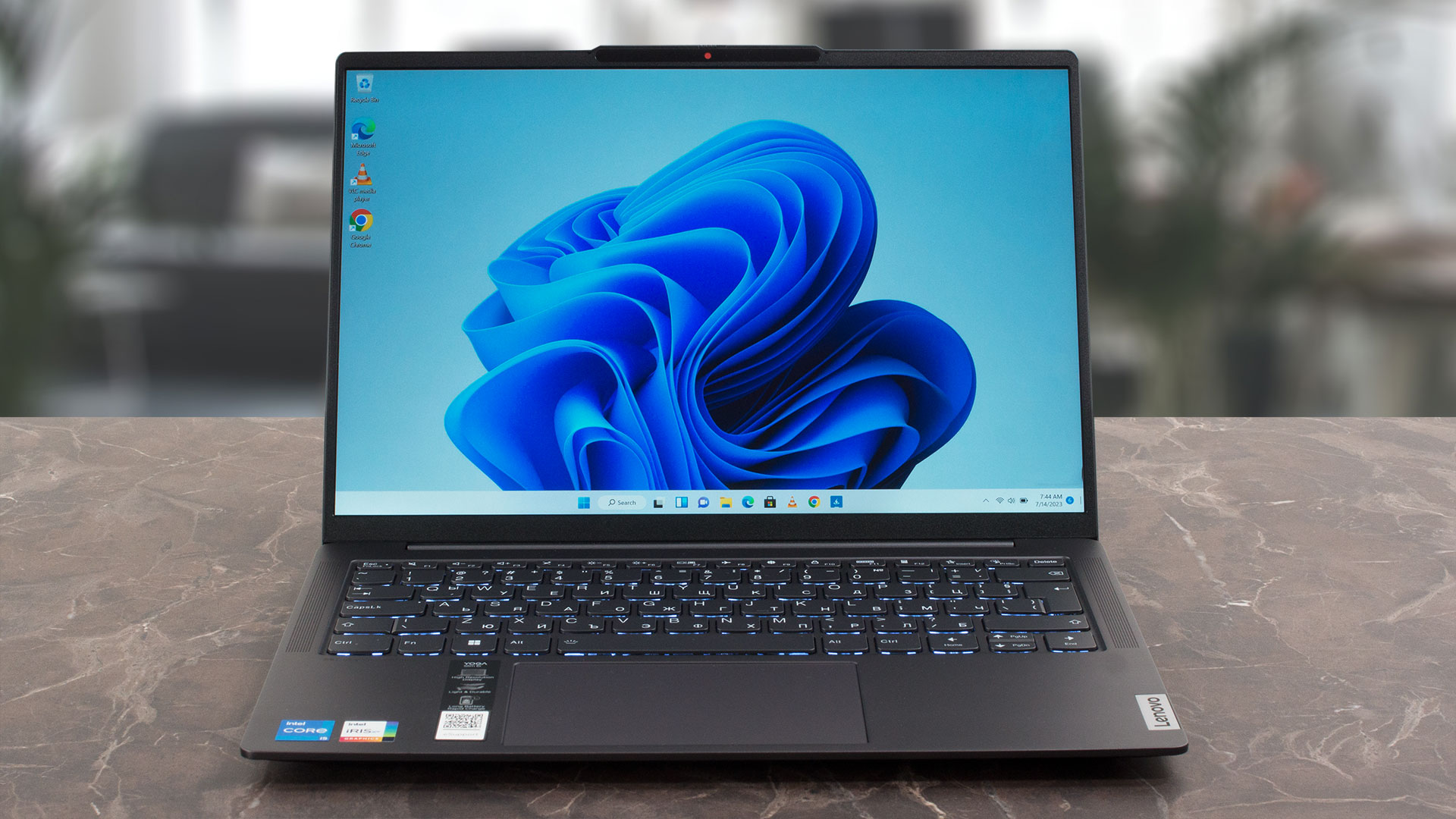
The touchpad is big (75 x 120 mm) which is nice to see in a small laptop. It has a glass surface that allows smooth gliding and great accuracy.
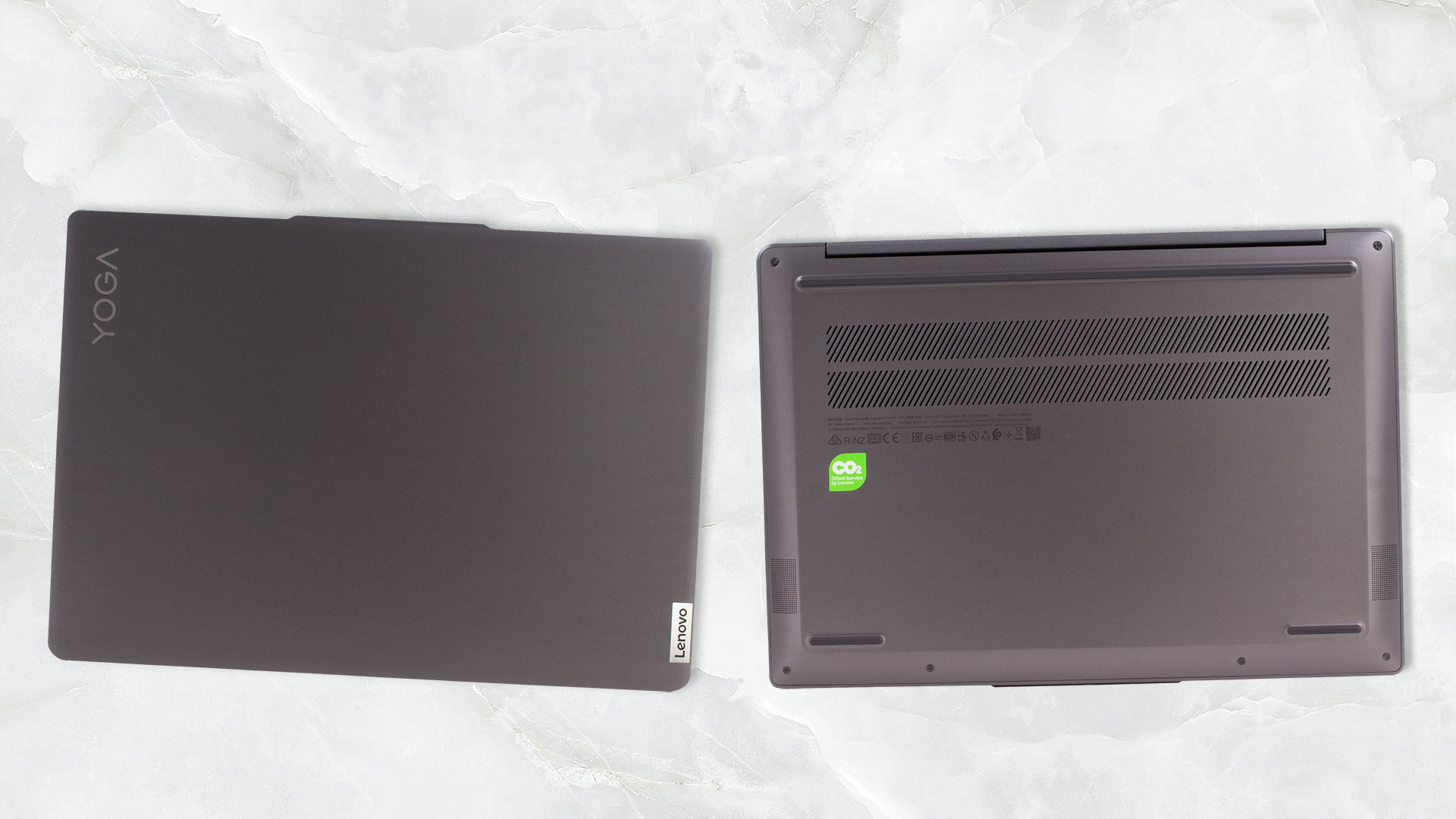
The bottom panel has three rubber feet and a big ventilation grill. The hot air is pushed through a large vent positioned on the back of the base right in front of the hinge. Unfortunately, part of the heated air reaches the display which isn’t good.
Ports
The port I/O seems normal for a thin device and the port selection can be considered modern. On the left, you will find an HDMI 2.1 (that can handle a 4K 60Hz external display) and two Thunderbolt 4 ports with data transfer, Power Delivery 3.0, and DisplayPort 1.4 capabilities. On the right, there is a USB Type-A 3.2 (Gen. 1) with an Always On function, an Audio jack, and a Power button.


 Author: Nikolay Palaozov
 Author: eng. Kroum NikolovHead of Engineering at LaptopMedia.com, inventor and innovator with 40+ years of experience in electronics and high technology.

![[June 2026] Best-Selling Laptop Brands on Amazon Global – Apple’s Unrivaled Dominance in Units and Revenue](https://laptopmedia.com/wp-content/uploads/2026/07/GLOBAL-Best-Brands-400x225.jpg)
![[June 2026] Amazon Global: Top 10 Best-Selling Laptops – Apple’s New MacBook Neo Storms to #1, Reshaping the Market with Affordability](https://laptopmedia.com/wp-content/uploads/2026/07/Best-Selling-Laptops-GLOBAL-Top-10-400x225.jpg)
![[June 2026] Amazon Global: Top 10 Best-Selling Gaming Laptops – Acer’s Nitro V 16S AI Dominates Sales, While ASUS Leads Overall Revenue](https://laptopmedia.com/wp-content/uploads/2026/07/Best-Selling-Gaming-Laptops-GLOBAL-Top-10-400x225.jpg)
![[June 2026] Global Ranking of Best-Selling Laptop GPUs on Amazon – NVIDIA RTX 5060 is the Top-Selling Dedicated GPU](https://laptopmedia.com/wp-content/uploads/2026/07/Best-Selling-GPUs-GLOBAL-Top-10-400x225.jpg)
![[June 2026] Global Ranking of Best-Selling Laptop CPUs on Amazon – Apple M5 Dominates, AMD Ryzen 7 260 Gets Solid Premium Share](https://laptopmedia.com/wp-content/uploads/2026/07/Best-Selling-CPUs-GLOBAL-Top-10-400x225.jpg)

Great review. There are not that many available for this particular laptop version. Thanks!
Can confirm gpu-z shows 96eu igpu on the 1240p model.
But 80 in Hwinfo, so prob just gpu-z bug.
Hi Lukas,
are you happy with the laptop? how are thermals, fans loudness, battery life? Do hinges feel stable?
Thanks in advance
Always love your detailed reviews, thanks
Shit. No touch screen, no 360 degree