ASUS ZenBook Flip UX360CA
ASUS ZenBook Flip UX360CA - Specs



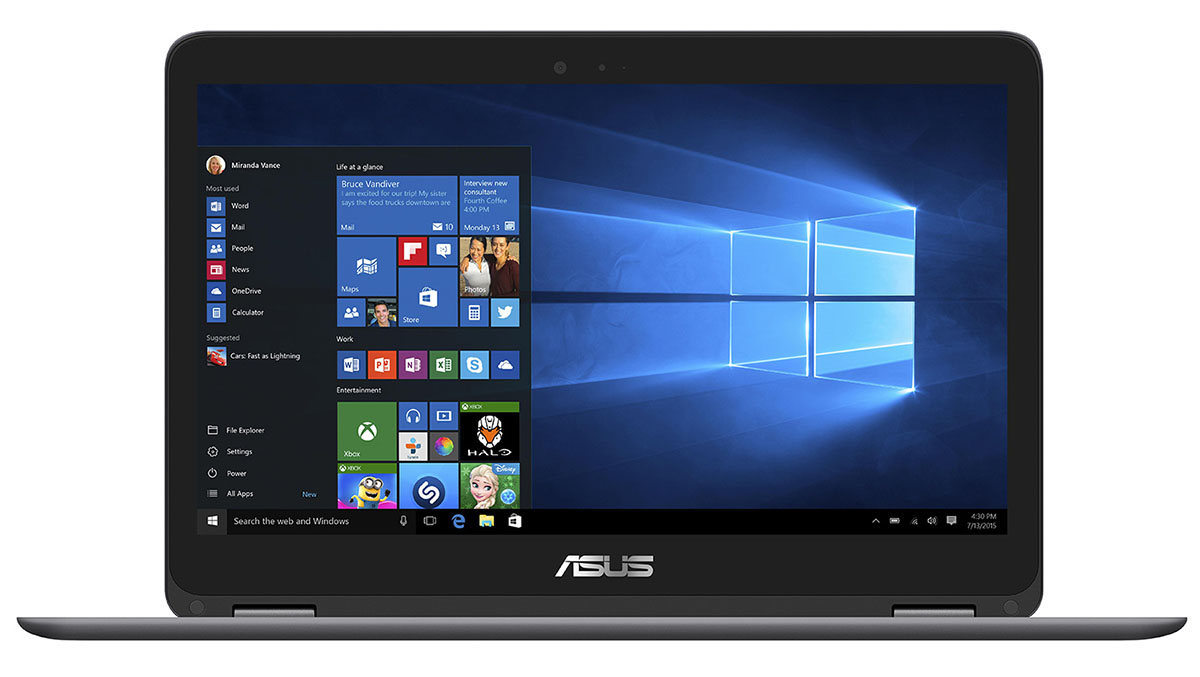

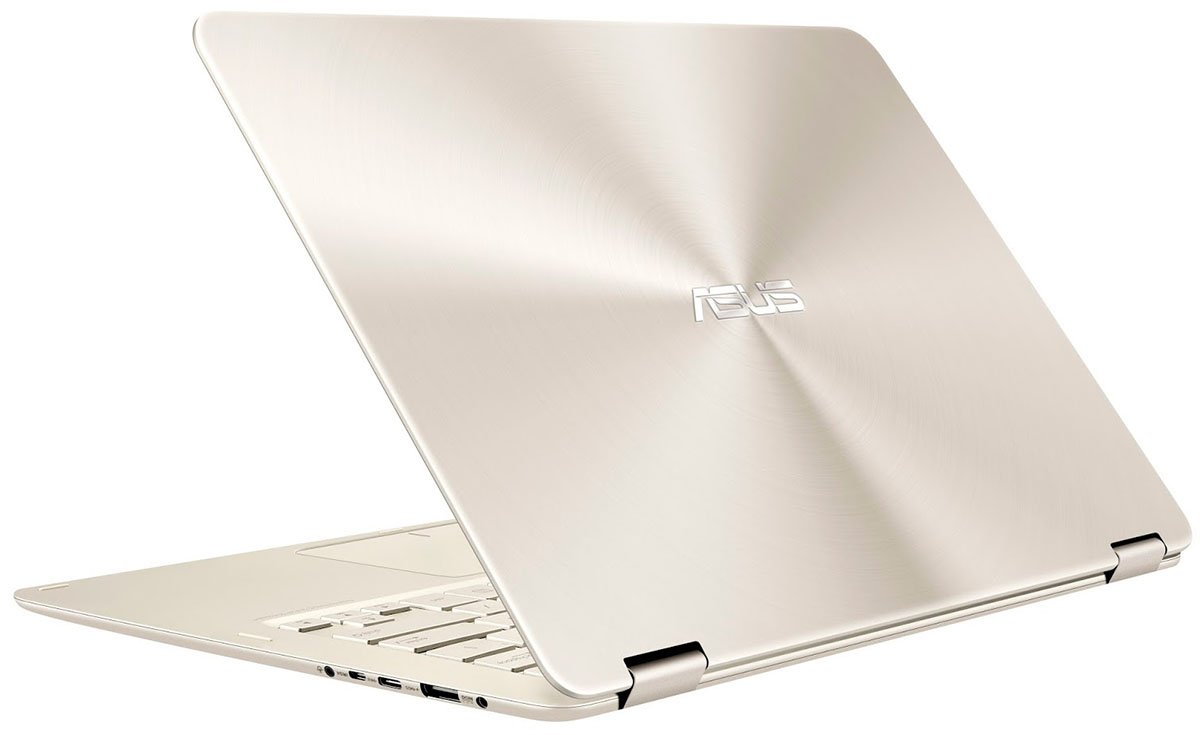
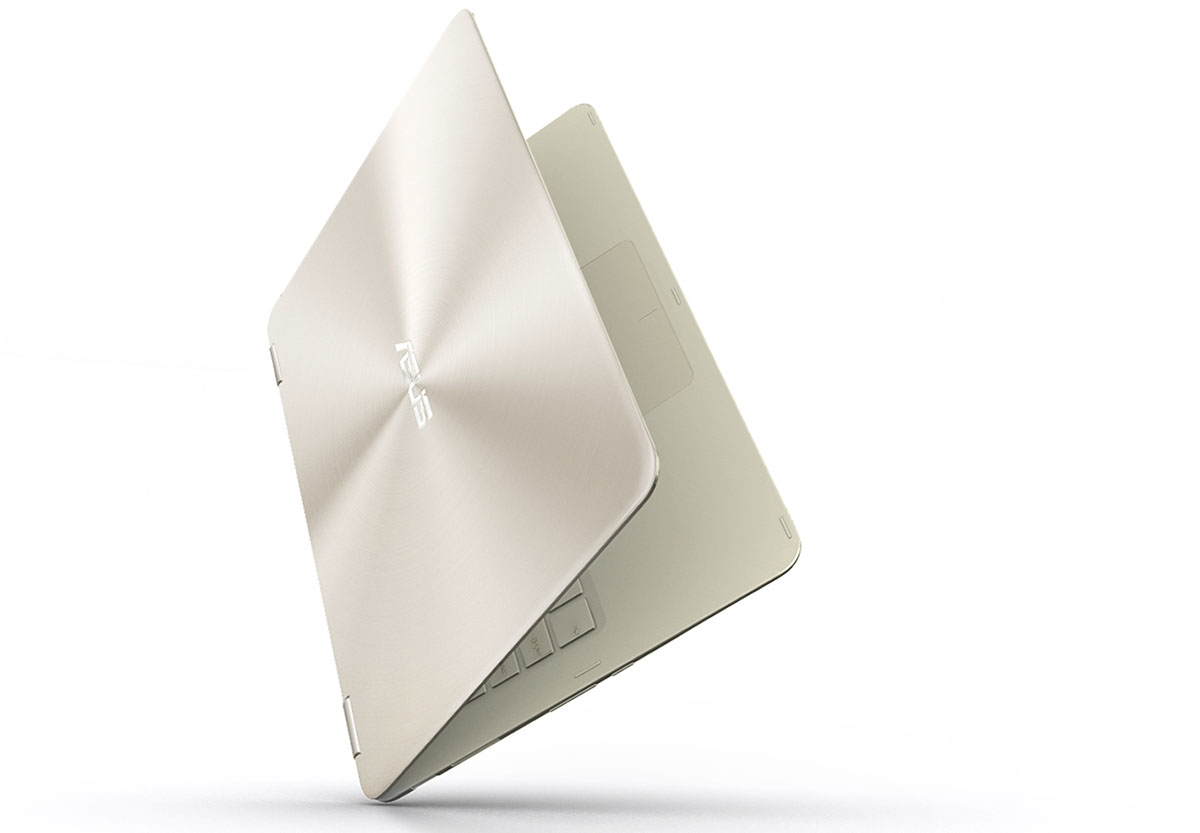

- HDD/SSD
- up to 512GB SSD
- M.2 Slot
- 1x 2280 SATA III (M key)
- RAM
- up to 8GB
- OS
- Windows 10 Home, Windows 10 Pro
- Battery
- 54Wh, 3-cells, 54Wh, 3-cell, 54Wh, 54Wh, Li-Ion, 4-cell, 54Wh, Li-Po, 3-cell
- Body material
- Aluminum
- Dimensions
- 323 x 220 x 14 mm (12.72" x 8.66" x 0.55")
- Weight
- 1.30 kg (2.9 lbs)
- Ports and connectivity
- 1x USB Type-C
- 3.2 Gen 1 (5 Gbps)
- 2x USB Type-A
- 3.2 Gen 1 (5 Gbps)
- HDMI
- 1
- Card reader
- SD
- Ethernet LAN
- Wi-Fi
- 802.11ac
- Bluetooth
- 4.1
- Audio jack
- combo audio/microphone jack
- Features
- Fingerprint reader
- Web camera
- HD webcam
- Backlit keyboard
- Microphone
- Digital array microphone
- Speakers
- Stereo 1.6 W
- Optical drive
- Security Lock slot
All ASUS ZenBook Flip UX360CA configurations

Buy our profiles for AUO B133HAN02.7 / 13.3”, Full HD (1920 x 1080), IPS
In addition to receiving efficient and health-friendly profiles, by buying LaptopMedia's products you also support the development of our labs, where we test devices in order to produce the most objective reviews possible.

Office Work / Web Design
If your field is office work or web design, or you just want your monitor's color set to be as accurate as possible for the Internet color space, this profile will prove to be useful.

Gaming and Movie Nights
We developed this profile especially for games and movies. It makes fine nuances in dark scenes easier to discern during long sessions in front of the display.

Health-Guard
This profile reduces the negative impact of Pulse-Width Modulation (PWM) and the Blue Light spectrum, while keeping colors perceptually accurate for this panel.
Get all 3 profiles with 33% discount

ASUS ZenBook Flip UX360CA in-depth review
The new ASUS ZenBook Flip UX360 is probably the best upgrade we've seen on a notebook. It adopts a considerably higher price than its UX305 predecessor, of course, while adding tons of new features, updated hardware and overall better user experience. The UX305 turns convertible with a 360-degree rotatable hinge - yep, conveniently named UX360 - offers even more detailed QHD+ (3200x1800) resolution to the 13.3-inch diagonal, better CPU options and integrates USB-C connector along with a micro HDMI.However, we see a slight increase in weight and thickness but hardly noticeable. And this[...]

Pros
- Exceptional build quality
- Thin and light with 360-degree rotatable hinge, which was absent in the previous model
- Excellent keyboard and touchpad experience
- Good CPU utilization
- Great screen quality
- No PWM from 25 to 100% screen brightness
- Unmatched battery performance
- Well-priced base configurations with the Core m3 CPU
Cons
- Thinner screen bezels would have been better
- Slightly dim screen for outdoor usage
- The M.2 SATA SSD support on the more expensive models doesn't cut it
- No keyboard illumination again


![[September 2026] Best-Selling Laptop Brands on Amazon Global – Apple Dominates the Market with Over 70% Revenue Share](https://laptopmedia.com/wp-content/uploads/2026/10/GLOBAL-Best-Brands-400x225.jpg)
![[September 2026] Amazon Global: Top 10 Best-Selling Laptops – Apple’s MacBook Neo Claims the #1 Spot as Budget and Premium Devices Dominate](https://laptopmedia.com/wp-content/uploads/2026/10/Best-Selling-Laptops-GLOBAL-Top-10-400x225.jpg)
![[September 2026] Amazon Global: Top 10 Best-Selling Gaming Laptops – ASUS ROG Strix G16 Dominates the Market with Record-Breaking Unit Sales](https://laptopmedia.com/wp-content/uploads/2026/10/Best-Selling-Gaming-Laptops-GLOBAL-Top-10-400x225.jpg)
![[September 2026] Global Ranking of Best-Selling Laptop GPUs on Amazon – Apple’s M5 Chip Obliterates NVIDIA in Premium Laptops, But the RTX 5060 Is the Only Dedicated GPU to Crack the Top 10](https://laptopmedia.com/wp-content/uploads/2026/10/Best-Selling-GPUs-GLOBAL-Top-10-400x225.jpg)
![[September 2026] Global Ranking of Best-Selling Laptop CPUs on Amazon – Apple’s M5 Crushes Intel as Premium Market Becomes a One-Horse Race](https://laptopmedia.com/wp-content/uploads/2026/10/Best-Selling-CPUs-GLOBAL-Top-10-400x225.jpg)
