Inside HP ProBook 650 G8 – disassembly and upgrade options
Despite the unimpressive battery capacity, we saw a good battery life on this notebook. However, there is one thing that is more important to the longevity of the device – its upgradeability.
Check out all HP ProBook 650 G8 prices and configurations in our Specs System or read more in our In-Depth review.
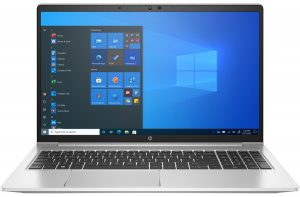
1. Remove the bottom plate
To take the bottom panel away, you need to undo only 5 captive Phillips-head screws. After that, pry the panel with a plastic tool.
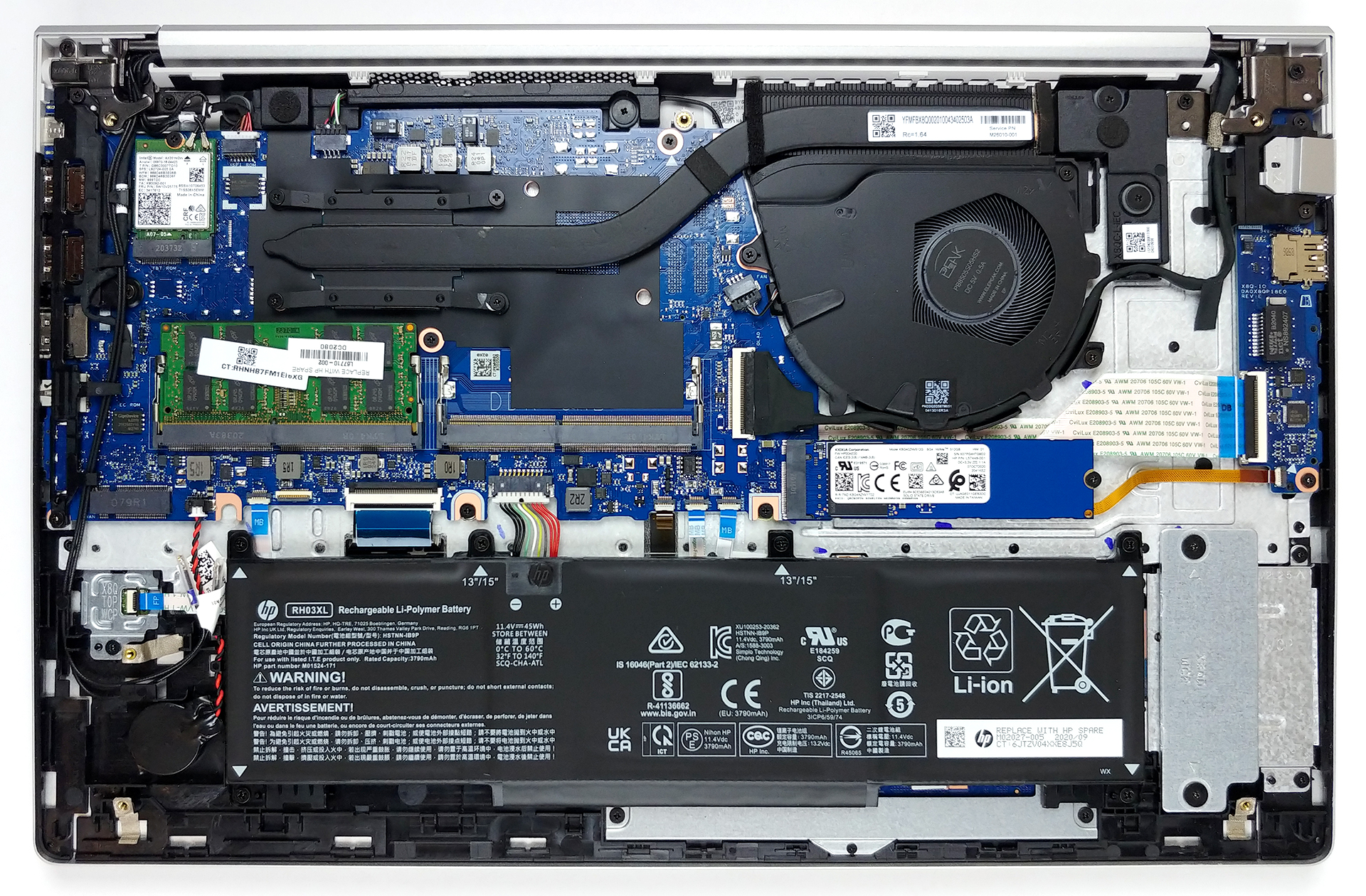
2. Battery
Battery-wise, the laptop features a 45Wh unit.
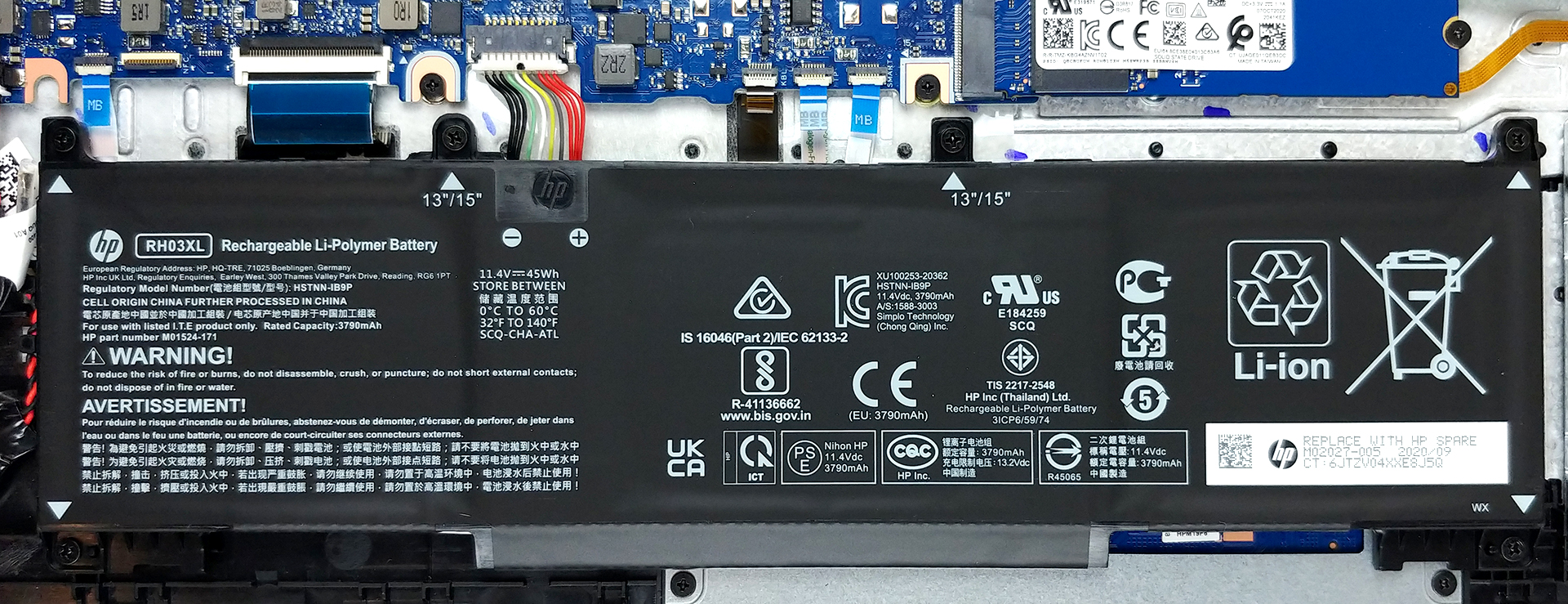
3. Memory and storage
What is more important is upgradeability. Here, we see two RAM SODIMM slots that support 32GB of DDR4 memory in dual-channel, working at 3200 MHz. Also, there are two M.2 PCIe slots for storage.
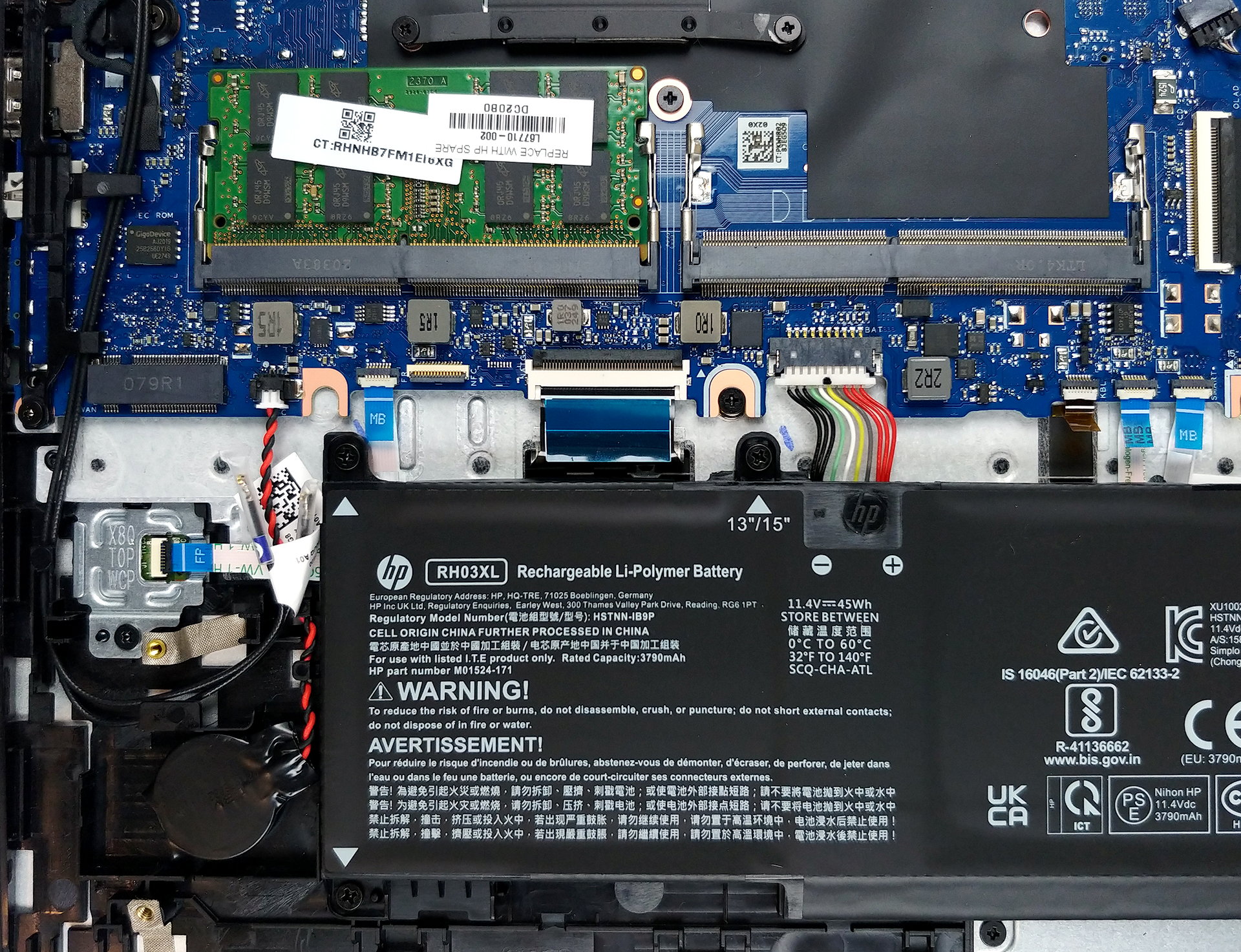
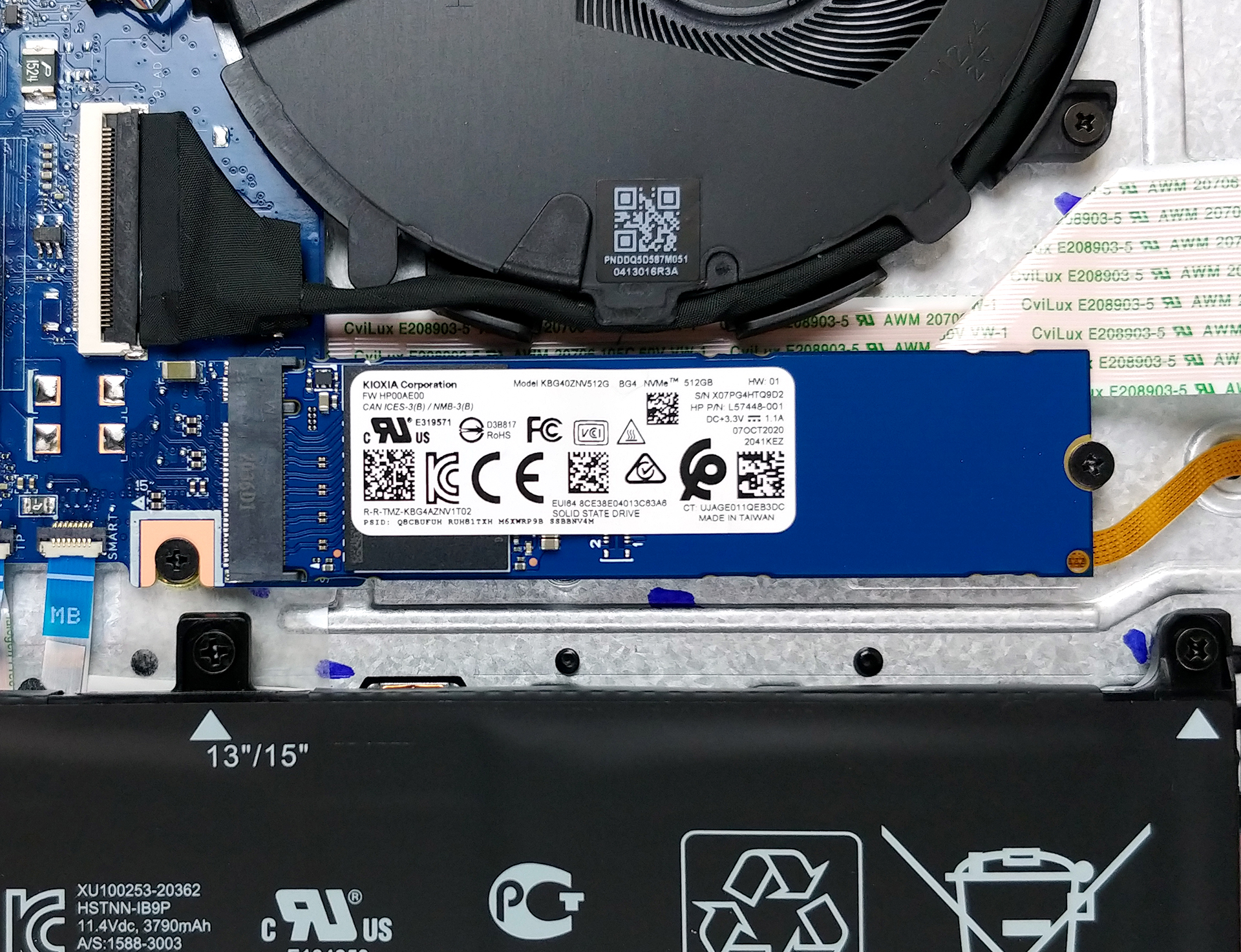
4. Cooling system
This device’s cooling solution includes a single beefy heat pipe, a decently-sized heat sink, and a fan.
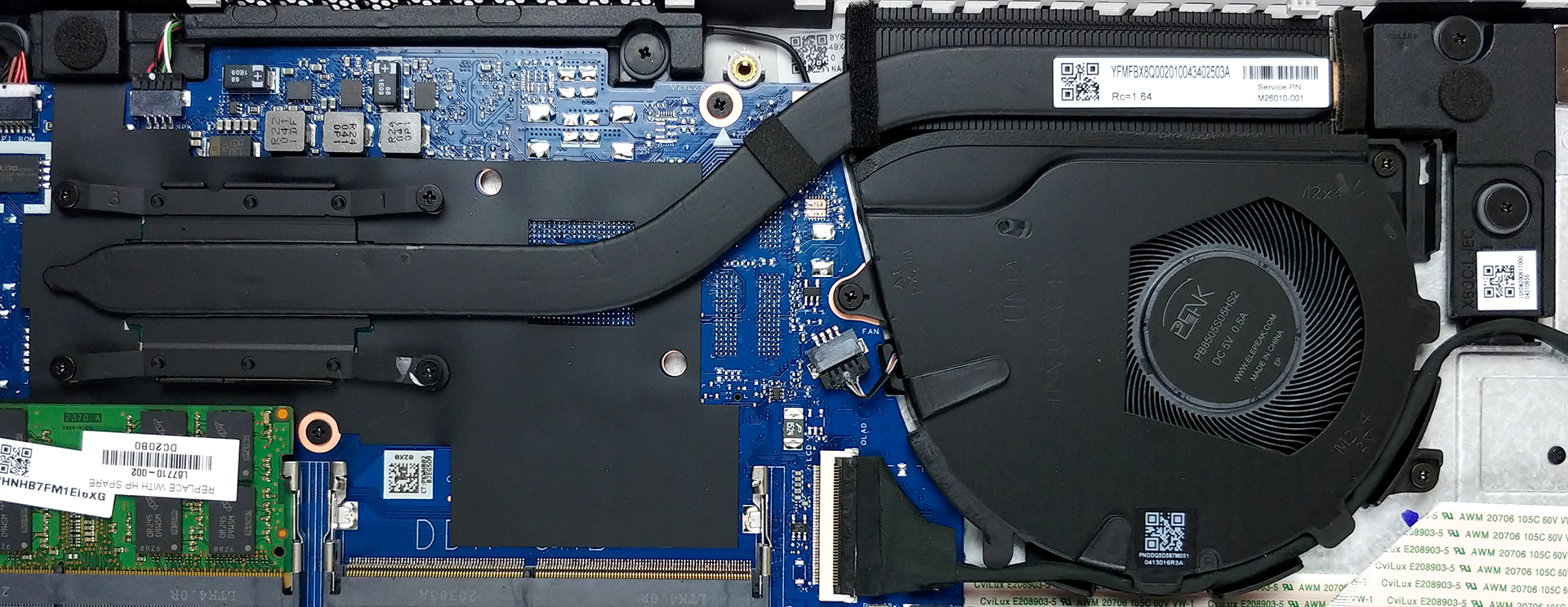
Check out all HP ProBook 650 G8 prices and configurations in our Specs System or read more in our In-Depth review.
 Author: Alex Iliev

![[2026 年 5 月]亚马逊全球最畅销笔记本电脑 GPU 排行榜–苹果以 45% 的份额独占鳌头,包揽前三名;英伟达™(NVIDIA®)RTX 5060 引领专用 GPU 阵营](https://laptopmedia.com/wp-content/uploads/2026/06/Best-Selling-GPUs-GLOBAL-Top-10-400x225.jpg)
![[2026 年 5 月] 亚马逊全球最畅销笔记本电脑 CPU 排行榜–苹果以 45.2% 的市场份额压倒竞争对手,M5 独占鳌头](https://laptopmedia.com/wp-content/uploads/2026/06/Best-Selling-CPUs-GLOBAL-Top-10-400x225.jpg)
![[May 2026] Amazon Germany: Top 7 Best-Selling Gaming Laptops – Lenovo Legion 5i Crowned Champion Amidst Fierce Mid-Range Competition](https://laptopmedia.com/wp-content/uploads/2026/06/Best-Selling-Gaming-Laptops-DE-Top-10-1-400x225.jpg)
![[May 2026] Amazon Italy: Top 10 Best-Selling Laptops – Apple MacBook Neo Reigns Supreme, Premium Models Capture Dominant Revenue Share](https://laptopmedia.com/wp-content/uploads/2026/06/Best-Selling-Laptops-IT-Top-10-400x225.jpg)
![[May 2026] Best-Selling Laptop Brands on Amazon Italy – Apple Dominates Across All Metrics](https://laptopmedia.com/wp-content/uploads/2026/06/IT-Best-Brands-400x225.jpg)
