- 发布日期: 20 Feb 2021
- Intel Core i7-10870H
- NVIDIA GeForce RTX 3070 (Laptop, 105W)
- 15.6”, Full HD (1920 x 1080), 240 Hz, IPS
- 16000GB SSD
- 2x 32GB DDR4, 3200 MHz
- 2.00 kg (4.4 lbs)
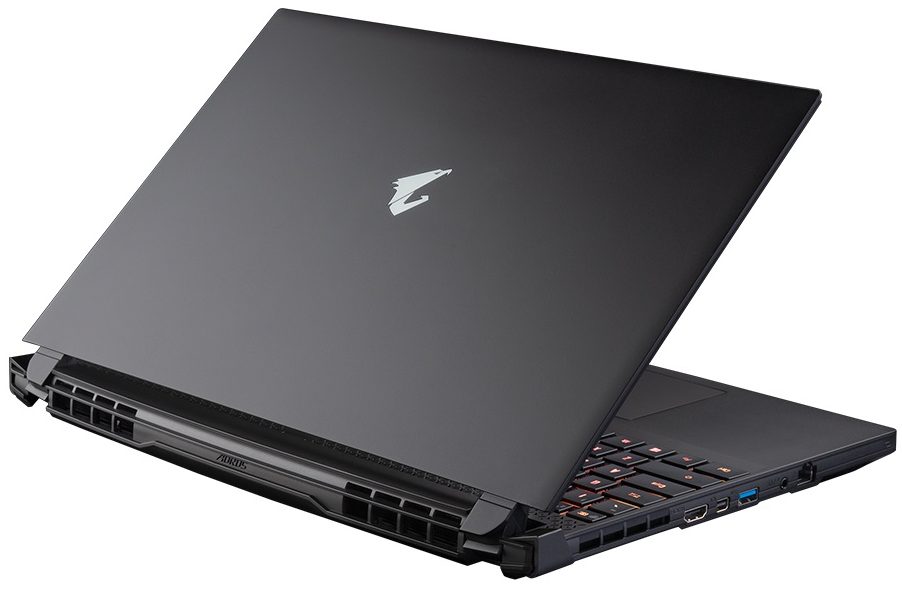
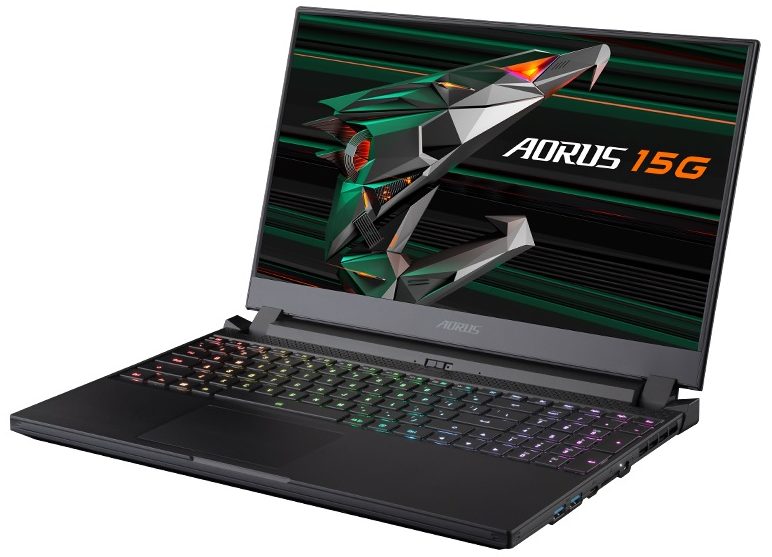
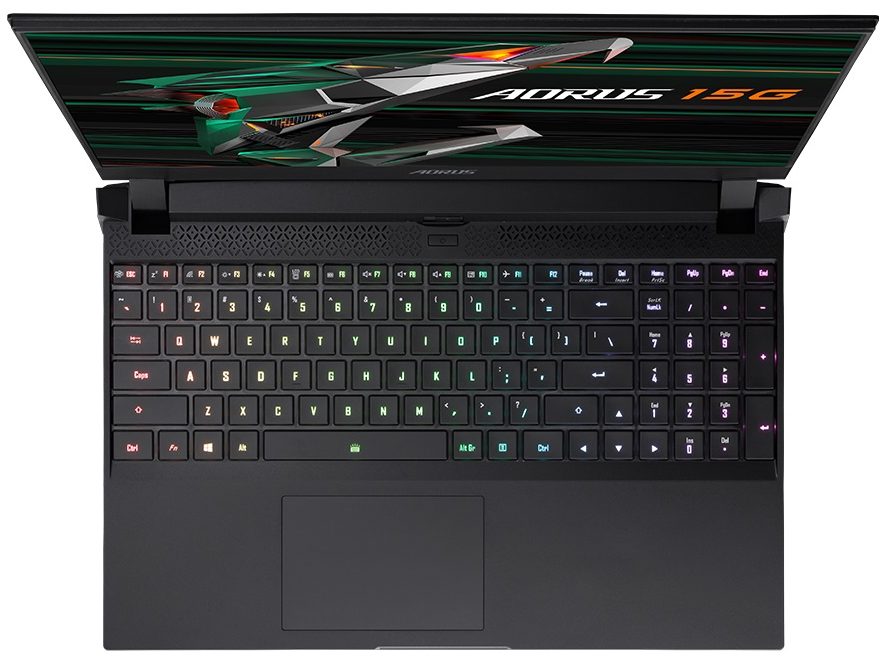
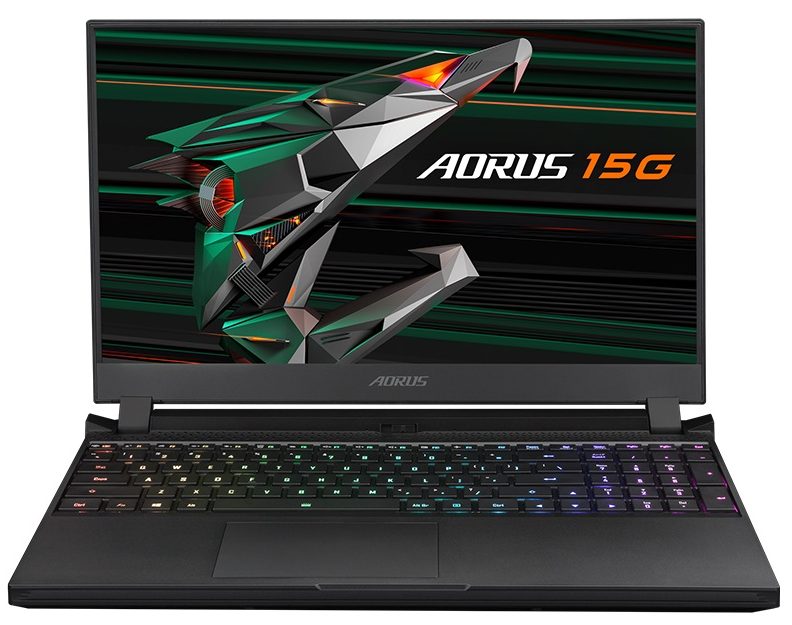
AORUS 15G (RTX 30) 深度评测
Today, we say. Hello to the AORUS 15G from GIGABYTE. This is a brand highly associated with gaming, so we feel that the expectations are already set high. Obviously, if you want to be competitive, you need the best in terms of hardware. And while GIGABYTE provides you with the latest from NVIDIA in [...]
阅读完整评测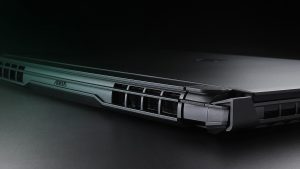
回顾
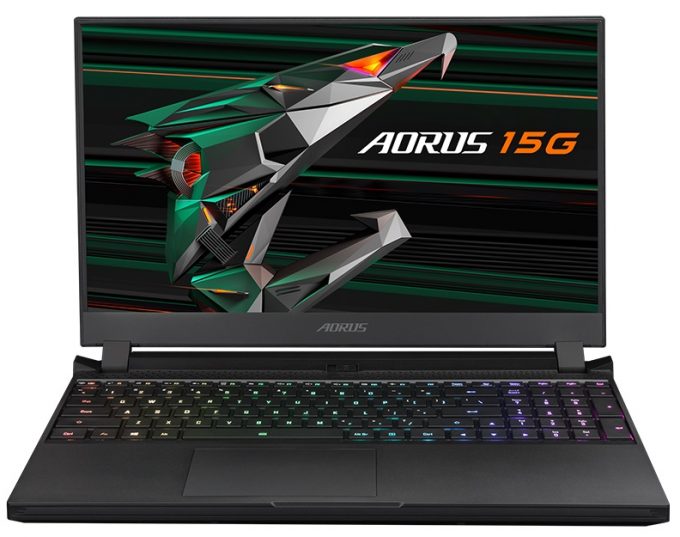
AORUS 15G 深度评测
Today, we say. Hello to the AORUS 15G from GIGABYTE. This is a brand highly associated with gaming, so we feel that the expectations are already set high. Obviously, if you want to be competitive, you need the best in terms of hardware. And while GIGABYTE provides you with the latest from NVIDIA in the form of the RTX 3060, RTX 3070, and RTX 3080, we were surprised to see that the processor of choice is the Core i7-10870H. Yep, there is only one option. Although it is slower in computational workloads compared to the Zen 3 and Tiger Lake H45 architectures, it is still a very good gaming CPU.So, the feature list doesn't stop here. You get a 240Hz refresh rate display by default and a 72% NTSC color coverage (this roughly translates to a full sRGB coverage). Also, the addition of the RT[...]
阅读完整评测优点
- 99% sRGB coverage and brilliant color accuracy
- Good performance
- Decent battery life
- Per-key RGB backlight
- 240Hz refresh rate with super-fast pixel response time
- SD card slot and generally wide I/O
- HD camera with a privacy shutter
- 2x RAM SODIMM slots + 2x M.2 storage slots
弊端
- Plastic body
- Horrid battery life
- No Thunderbolt connection
拆卸、维护和升级选项
好吧,AORUS 15G有其缺点,但可升级性绝对不是其中之一。在我们的规格系统中查看所有技嘉AORUS 15G(RTX 30)的价格和配置,或在我们的深入审查中阅读更多内容。1.拆除底板 要进入这个设备的内部,你需要解开12个Torx头的螺丝。然后,从正面开始撬动底板。2.电池 在这里,我们看到一个巨大的99Wh电池组。3.内存和存储 它的两个SODIMM插槽总共支持高达64GB的双通道内存。存储方面,有两个M.2插槽。其中一个只适合PCIe驱动器,而另一个可以同时容纳PCIe和SATA设备。4.冷却系统 这台笔记本电脑的CPU和GPU是由两个共同的热管冷却的。此外,还有一根专门用于它们的。在我们的规格系统中查看所有技嘉AORUS 15G(RTX 30)的价格和配置,或在我们的深入审查中阅读更多内容。[...]
阅读更多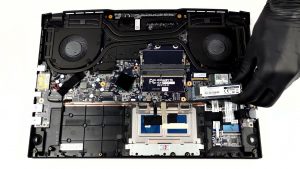
显示屏: 15.6-inch, 1920 x 1080, IPS
- 名称
- Sharp LQ156M1JW26 (SHP1532)
- 对角线
- 15.6"
- 像素密度
- 141.21 ppi
- 亮度
- 310 cd/m2
- sRGB
- 99%
- 面板类型
- IPS
- 分辨率
- 1920 x 1080
- 从...成为“Retina”
- 24 inches (62 cm)
- 对比度
- 1120:1
- dE Color Checker
- 0.8 0.5

购买我们的配置文件 Sharp LQ156M1JW26 (SHP1532)
除了获得高效且有益健康的配置文件外,购买 LaptopMedia 的产品也是对我们实验室发展的支持,我们在实验室中测试设备,以提供最客观的评测。

办公工作
Office Work 主要适用于大部分时间在查看文本、表格或上网的用户。此配置文件旨在通过保持平坦的伽马曲线 (2.20)、原始色温和感知上准确的颜色来提供更好的清晰度。

设计和游戏
此配置文件适用于专业处理色彩的设计师,以及游戏和电影。Design and Gaming 将显示面板推向极限,使其在 Web 和 HDTV 的 sRGB IEC61966-2-1 标准中尽可能准确,白点为 D65。






