ASUS X570 (M570 / K570)
ASUS X570 (M570 / K570) - 规格
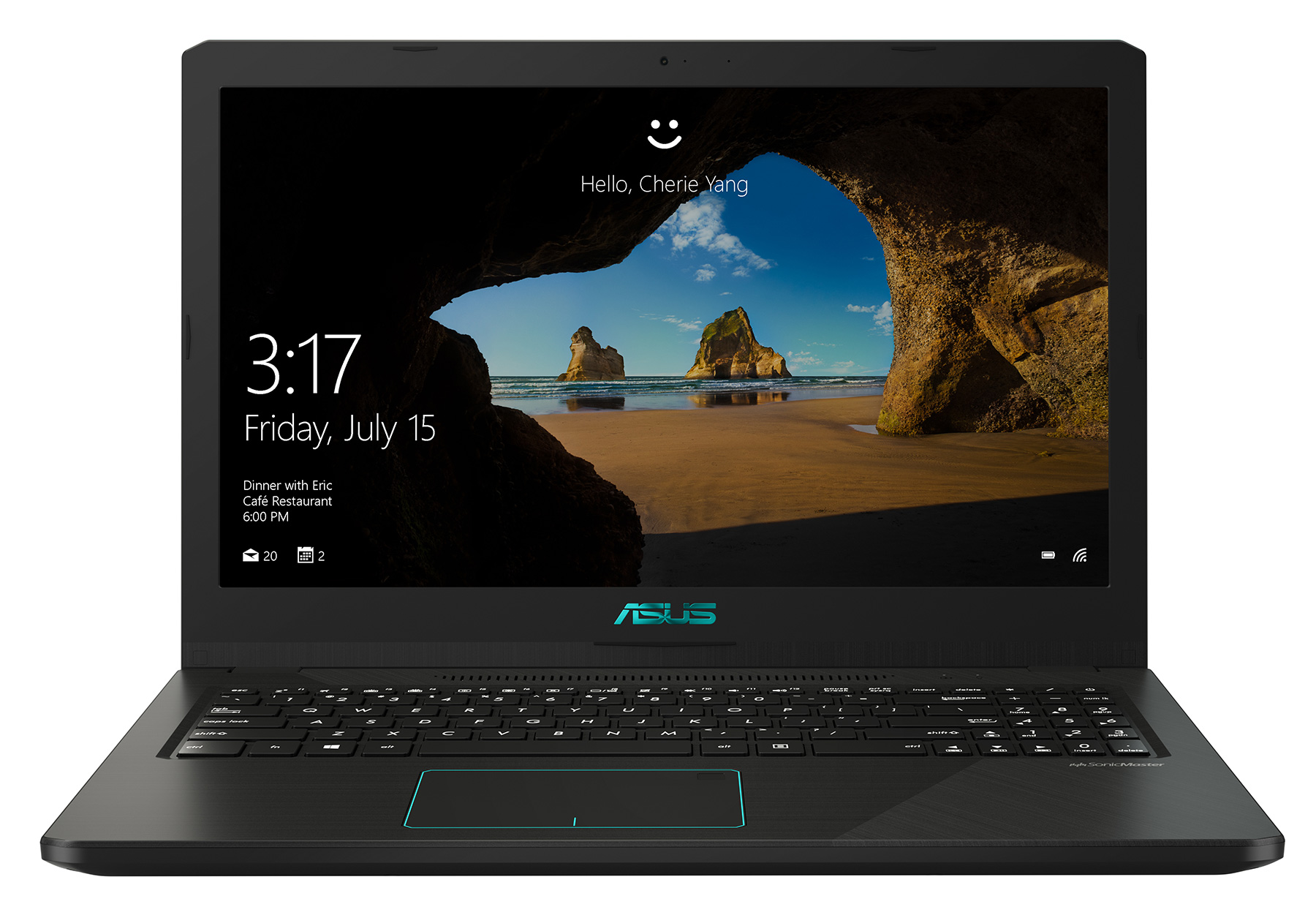
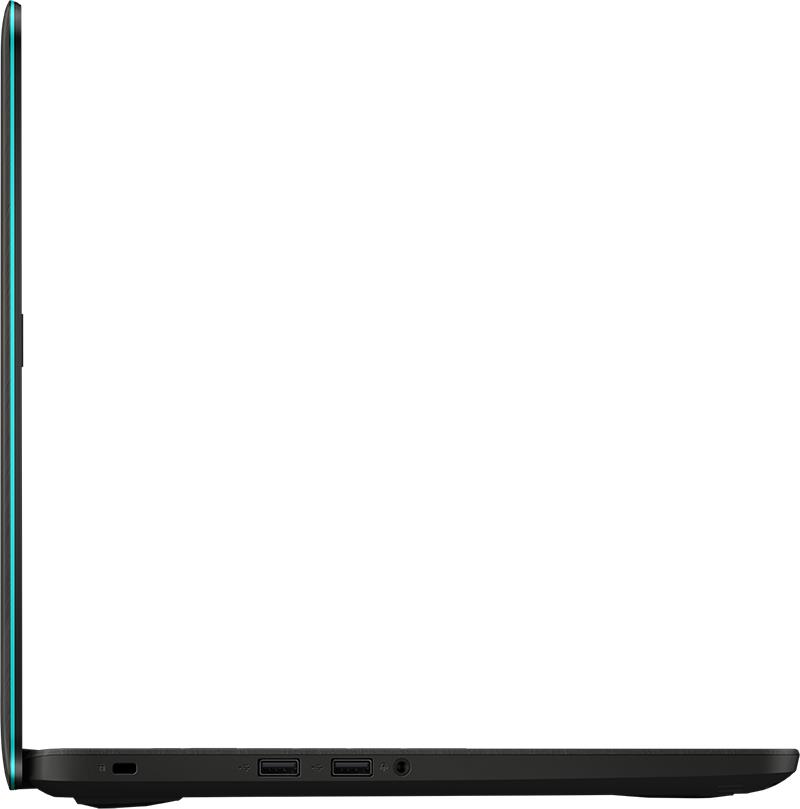
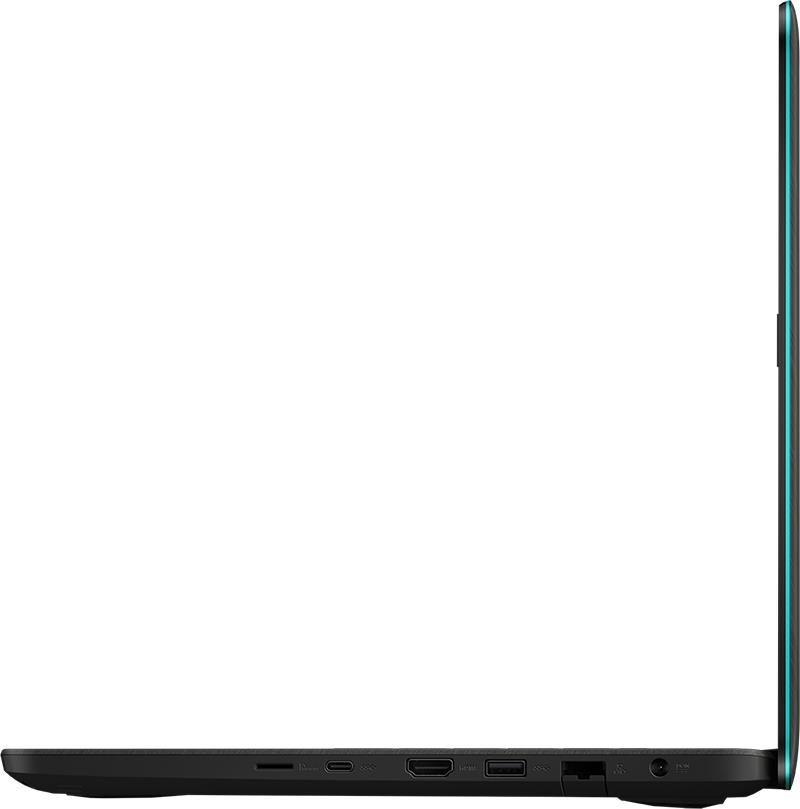
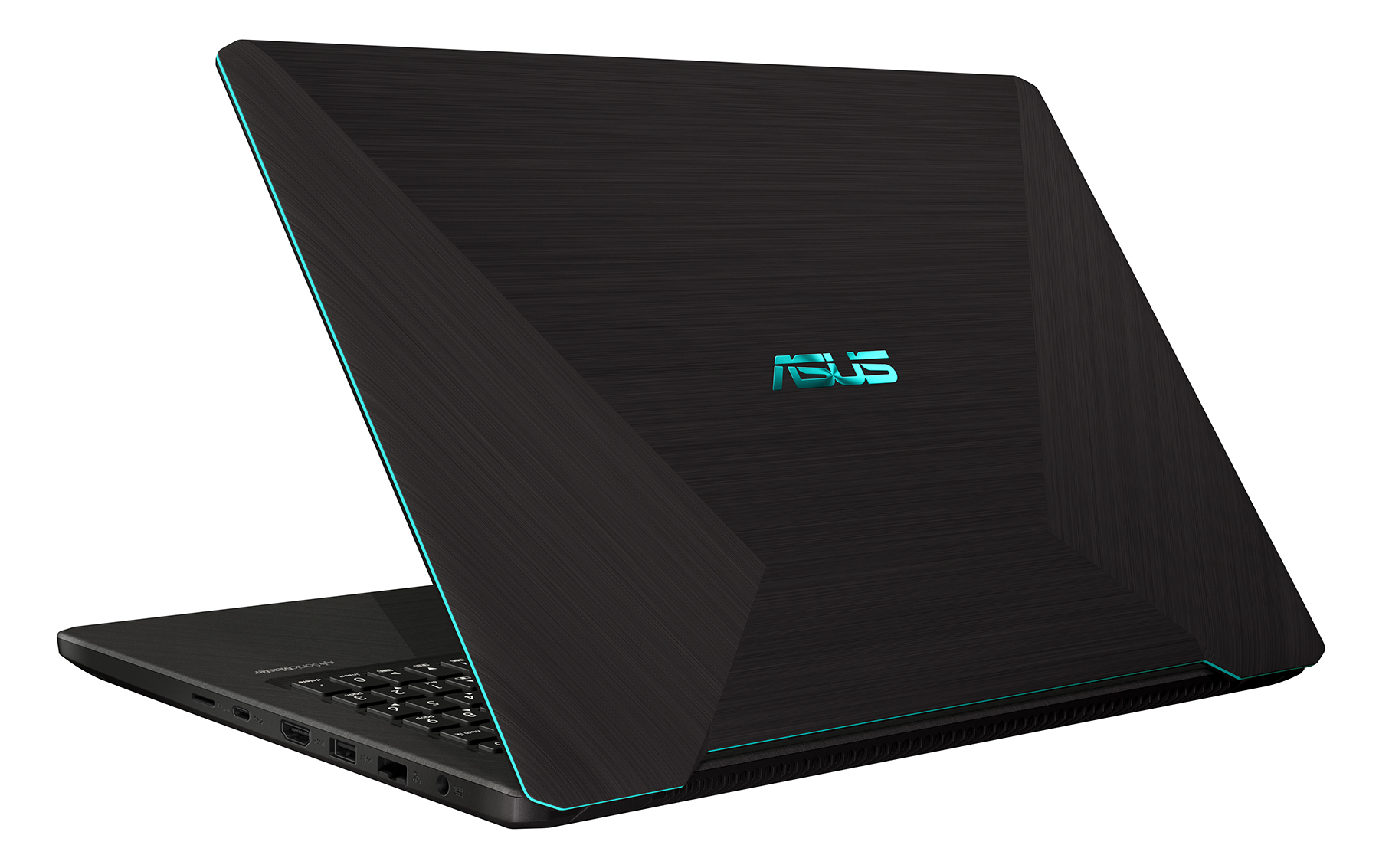

- HDD/SSD
- 高达 1000GB SSD + 高达 2000GB HDD
- RAM
- up to 32GB
- 操作系统
- Windows 10 Home, No OS
- 电池
- 48Wh, 3-cell, 48Wh
- 尺寸
- 375 x 256 x 21.9 mm (14.76" x 10.08" x 0.86")
- 重量
- 1.90 kg (4.2 lbs)
- 端口和连接
- 1x USB Type-C
- 3.2 Gen 1 (5 Gbps)
- 1x USB Type-A
- 3.2 Gen 1 (5 Gbps)
- 2x USB Type-A
- 2.0
- HDMI
- 1.4
- 读卡器
- microSD (SD/SDHC/SDXC)
- 以太网 LAN
- 10/100/1000 Mbps
- Wi-Fi
- 802.11ac
- 蓝牙
- 4.1
- 功能
- 指纹识别器
- optional
- 网络摄像头
- VGA
- 背光键盘
- optional
- 麦克风
- Analog Microphone
- 扬声器
- 2x 2W
- 光驱
- 安全锁槽
- Kensington Lock
全部 ASUS X570 (M570 / K570) 配置
购买我们的配置文件 Innolux N156HGA-EAB / 15.6”, Full HD (1920 x 1080), TN
除了获得高效且有益健康的配置文件外,购买 LaptopMedia 的产品也是对我们实验室发展的支持,我们在实验室中测试设备,以提供最客观的评测。

办公工作
Office Work 主要适用于大部分时间在查看文本、表格或上网的用户。此配置文件旨在通过保持平坦的伽马曲线 (2.20)、原始色温和感知上准确的颜色来提供更好的清晰度。

设计和游戏
此配置文件适用于专业处理色彩的设计师,以及游戏和电影。Design and Gaming 将显示面板推向极限,使其在 Web 和 HDTV 的 sRGB IEC61966-2-1 标准中尽可能准确,白点为 D65。

以 33% 的折扣获取所有 3 个配置文件

CPU 性能
在这里,您可以找到内置的所有CPU之间的价格/性能差异 ASUS X570 (M570 / K570) 系列.
结果来自Cinebench R23 CPU测试(分数越高越好)。
GPU 性能
在这里,您可以找到内置的所有GPU之间的价格/性能差异。 ASUS X570 (M570 / K570) 系列.
结果来自 3DMark Time Spy (Graphics)。分数越高越好。
ASUS X570 (M570 / K570) 深度评测
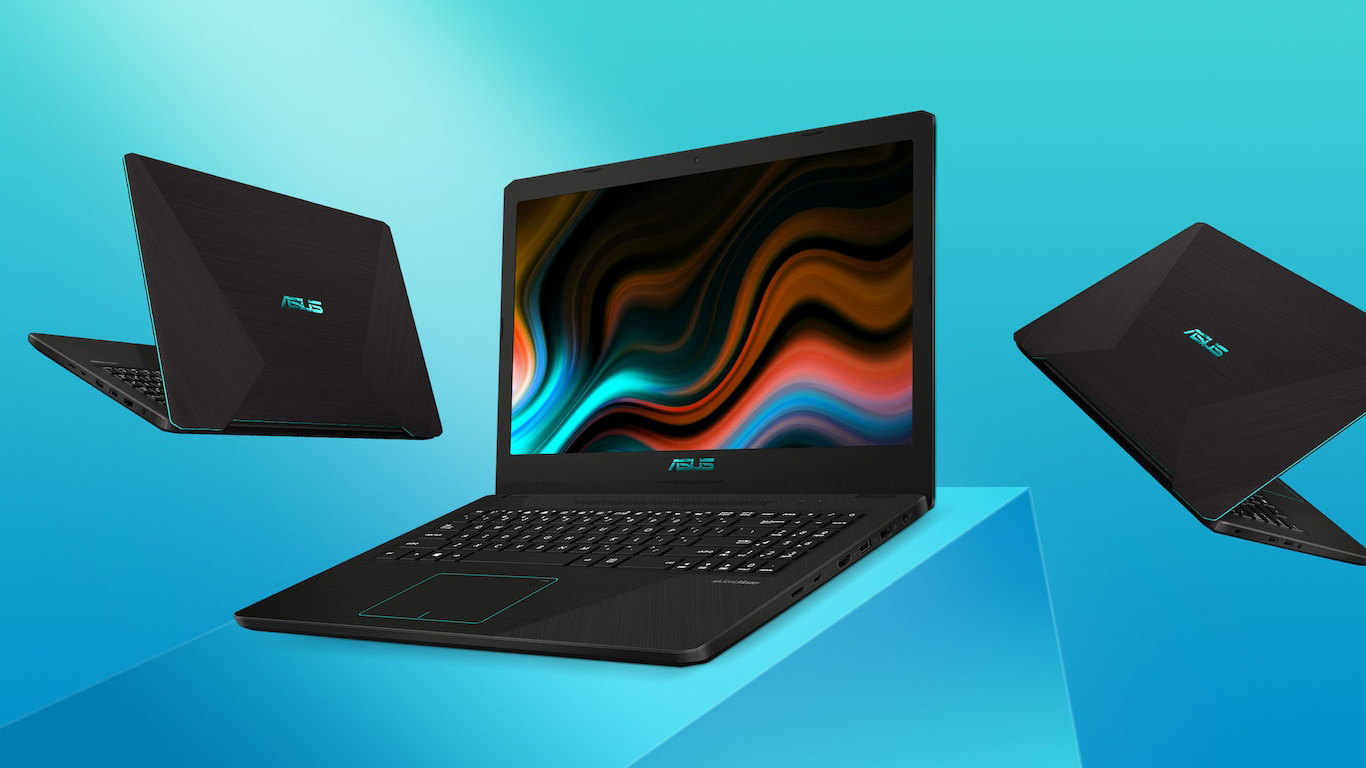
This is another laptop that comes by a couple of different names and configurations. You can see it as the VivoBook M570/X570/K570 and is equipped with either an Intel or AMD processors. So for the sake of clarity and ease, we are going to call this notebook the VivoBook K570, and we want to point out that we're reviewing the AMD CPU version of this model, which features an NVIDIA GeForce GTX 1050.We know, there is a lot to digest for the beginning of a review, but it is better to put things straight from the beginning. So, as of now, the VivoBook K570 can be configured with either an IPS[...]
优点
- Clicky keyboard with lots of key travel
- Interesting AMD + NVIDIA combo
- One of the most affordable gaming notebooks
- Its TN panel has quick response times
- Doesn't use aggressive PWM to adjust its brightness levels
弊端
- Budget build quality
- TN panel with narrow viewing angles and poor contrast ratio
- Difficult to upgrade
- Runs hot during gaming



![[2026年9月] 亚马逊全球畅销笔记本电脑品牌——苹果以超过70%的营收份额主导市场](https://laptopmedia.com/wp-content/uploads/2026/10/GLOBAL-Best-Brands-400x225.jpg)
![[2026年9月] 亚马逊全球:畅销笔记本电脑前十名——苹果MacBook Neo荣登榜首,平价与高端机型占据主导地位](https://laptopmedia.com/wp-content/uploads/2026/10/Best-Selling-Laptops-GLOBAL-Top-10-400x225.jpg)
![[2026年9月] 亚马逊全球:十大畅销游戏本——华硕ROG Strix G16以创纪录的销量称霸市场](https://laptopmedia.com/wp-content/uploads/2026/10/Best-Selling-Gaming-Laptops-GLOBAL-Top-10-400x225.jpg)
![[2026年9月] 亚马逊畅销笔记本显卡全球排行榜——苹果M5芯片在高端笔记本市场碾压英伟达,但RTX 5060是唯一跻身前十的独立显卡](https://laptopmedia.com/wp-content/uploads/2026/10/Best-Selling-GPUs-GLOBAL-Top-10-400x225.jpg)
