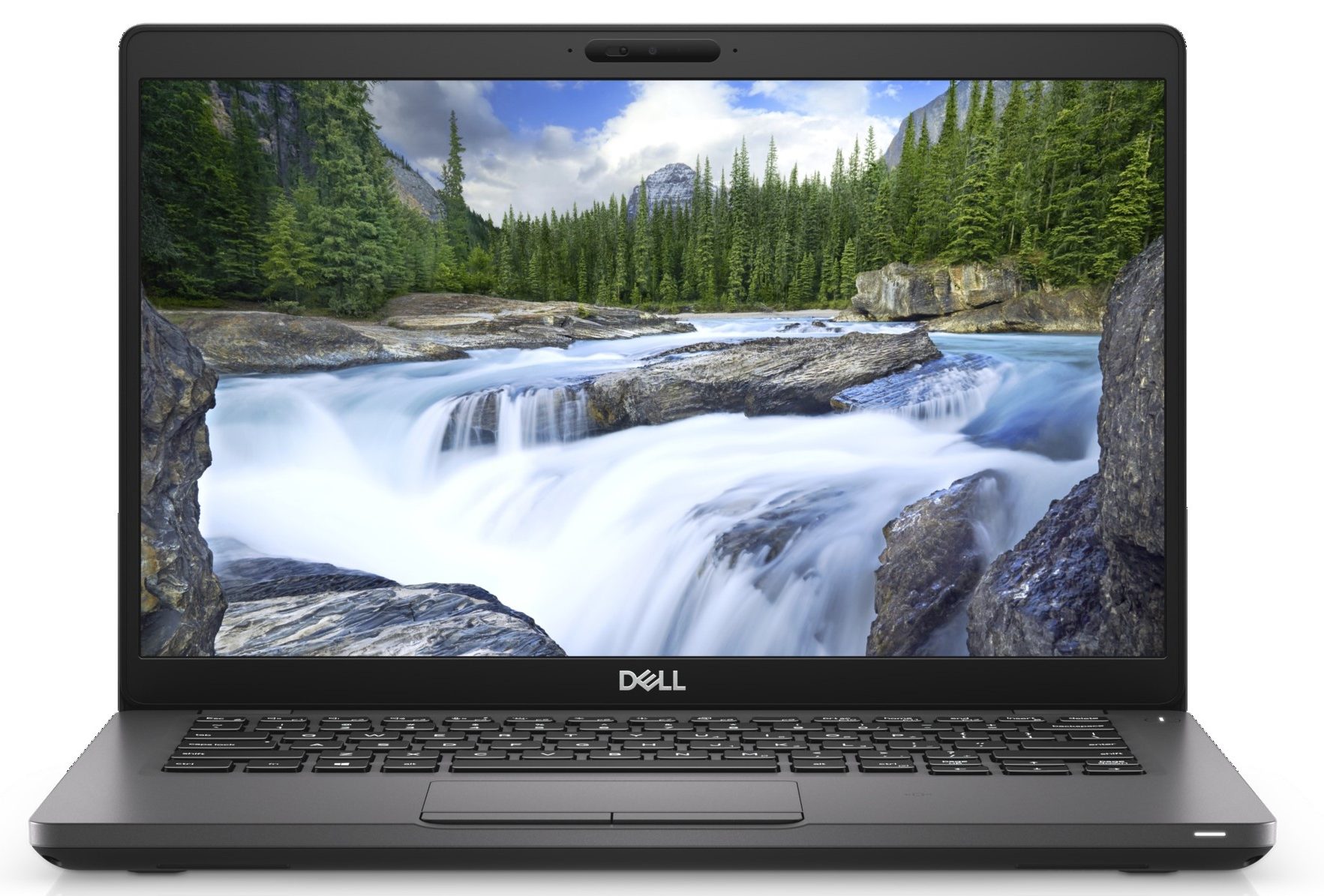
Dell Latitude 14 5401
Dell Latitude 14 5401 - 规格
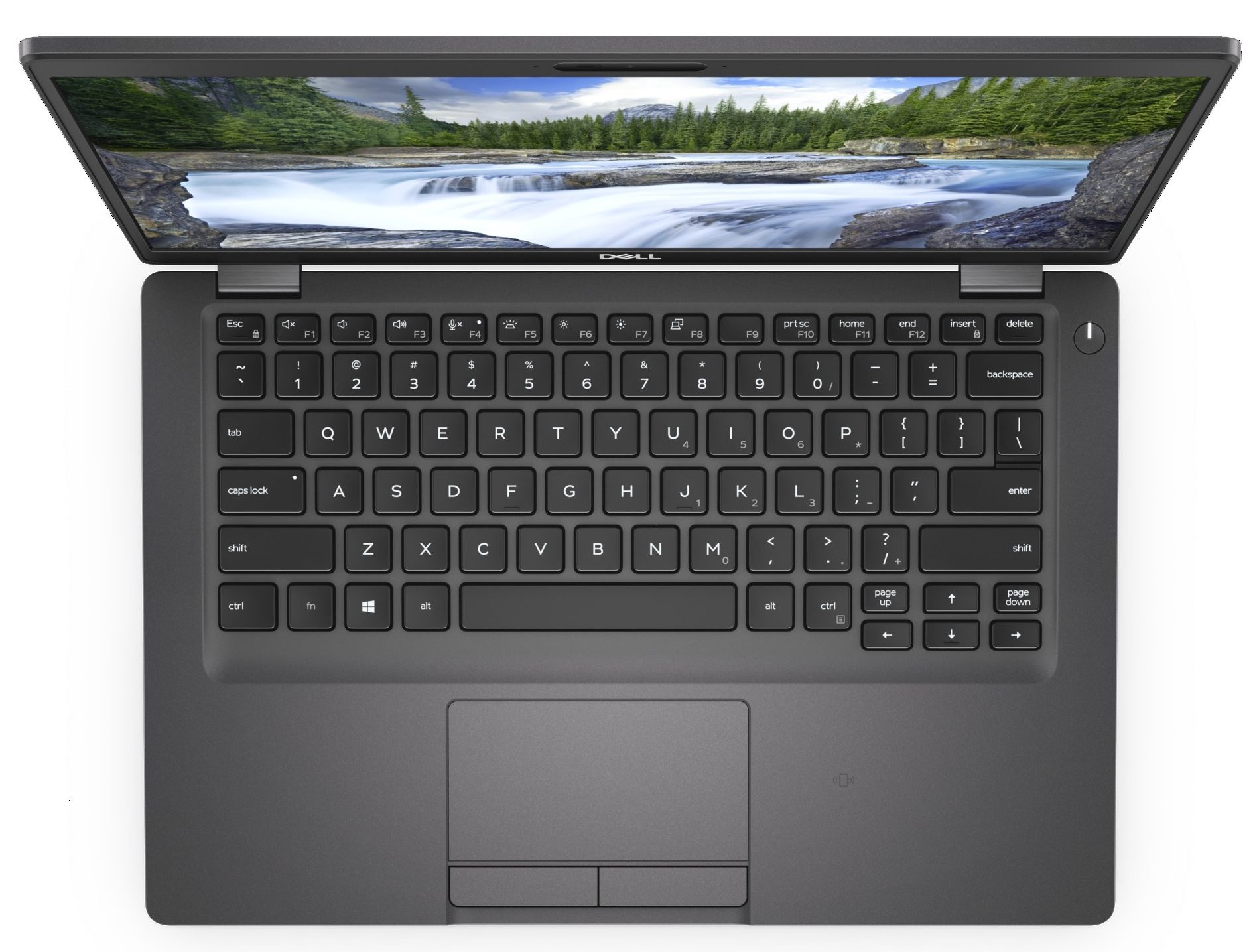
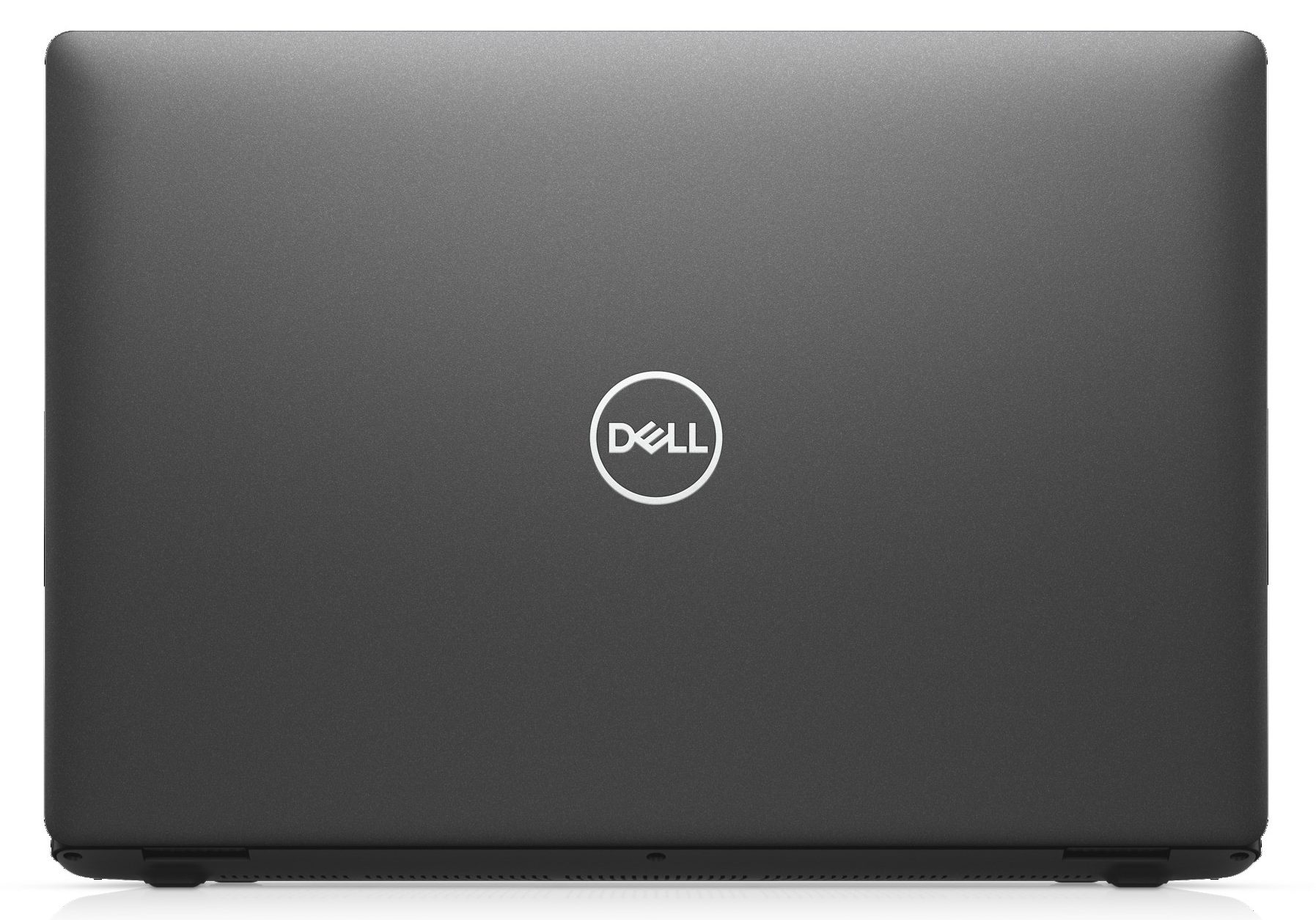

- HDD/SSD
- 高达 2000GB SSD + 高达 500GB HDD
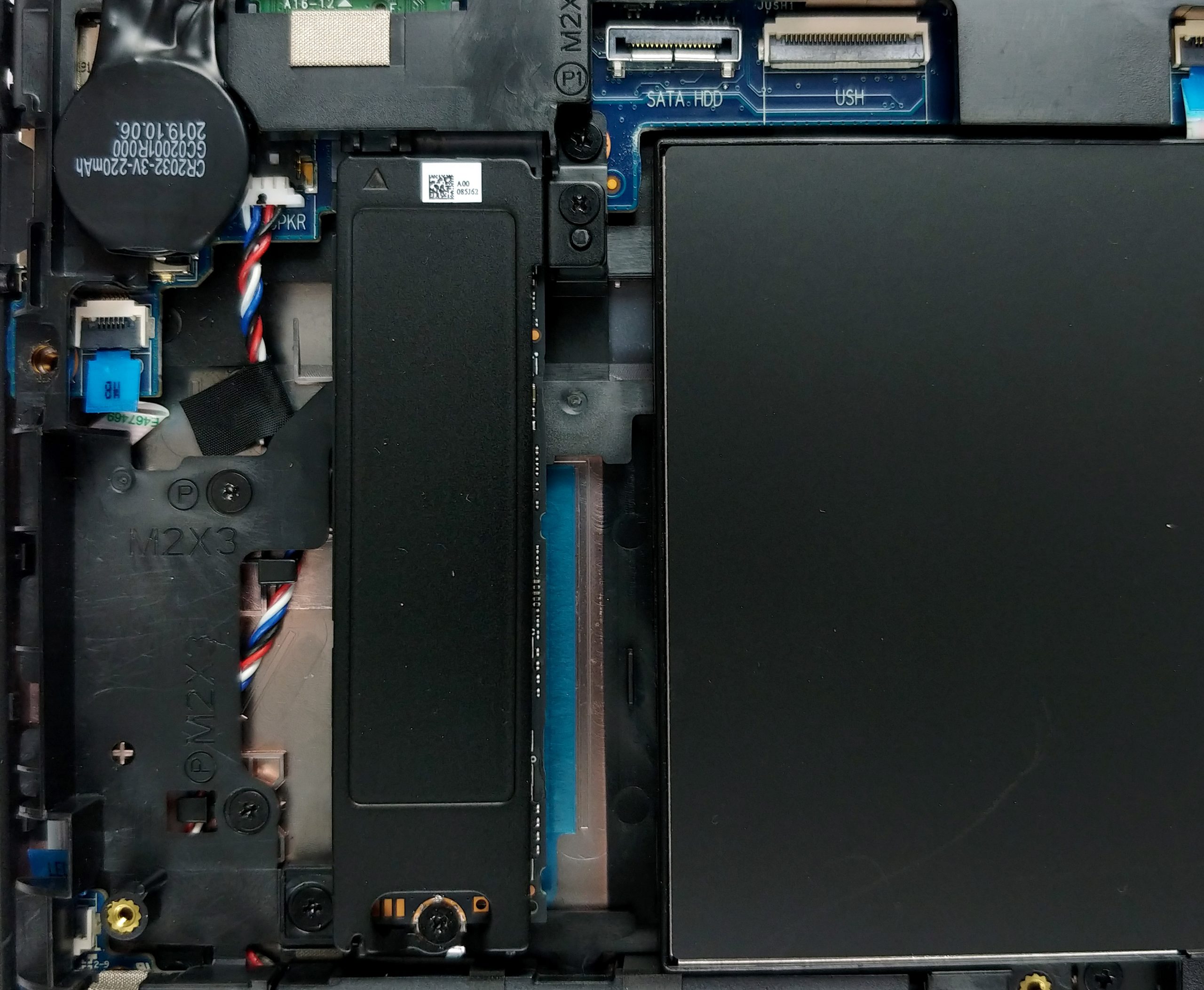
- M.2 插槽
- 1x 2280 PCIe NVMe 3.0 x4 查看照片
- RAM
- up to 32GB
- 操作系统
- Windows 10 Pro, Windows 10 Home, No OS
- 电池
- 51Wh, 3-cell, 68Wh, 4-cell
- 机身材质
- Carbon
- 尺寸
- 323 x 216 x 20 mm (12.72" x 8.50" x 0.79")
- 重量
- 1.53 kg (3.4 lbs)
- 端口和连接
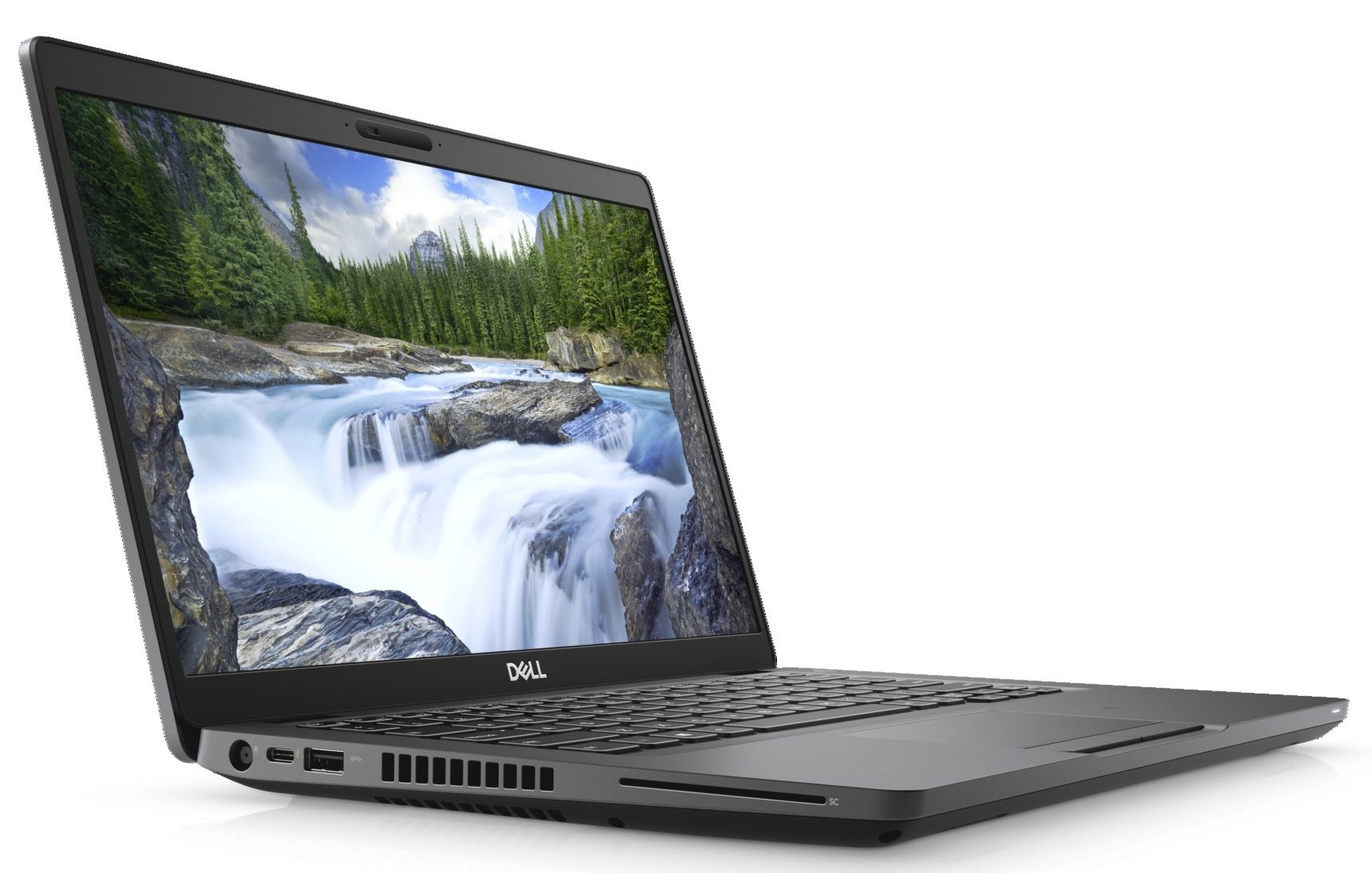
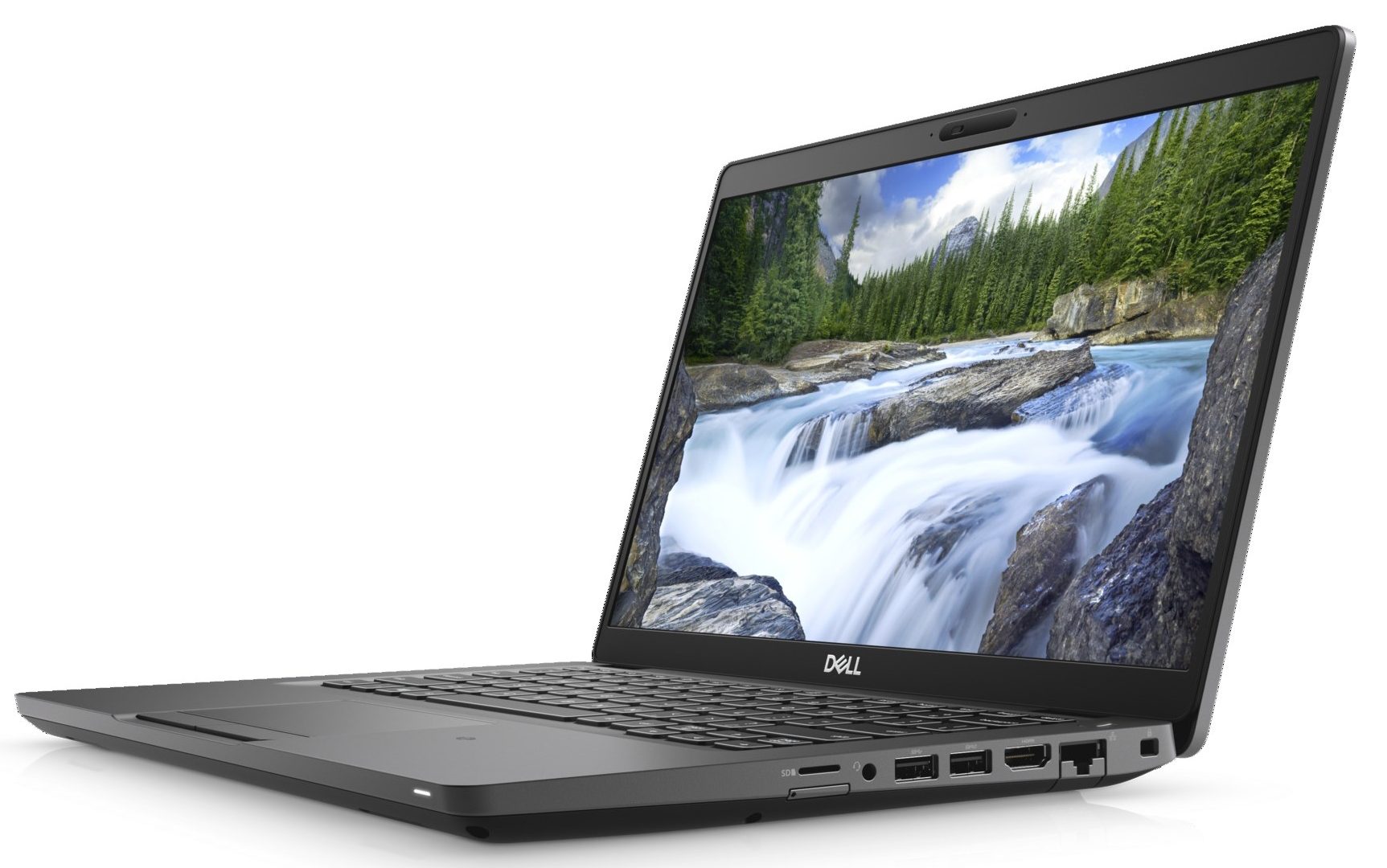
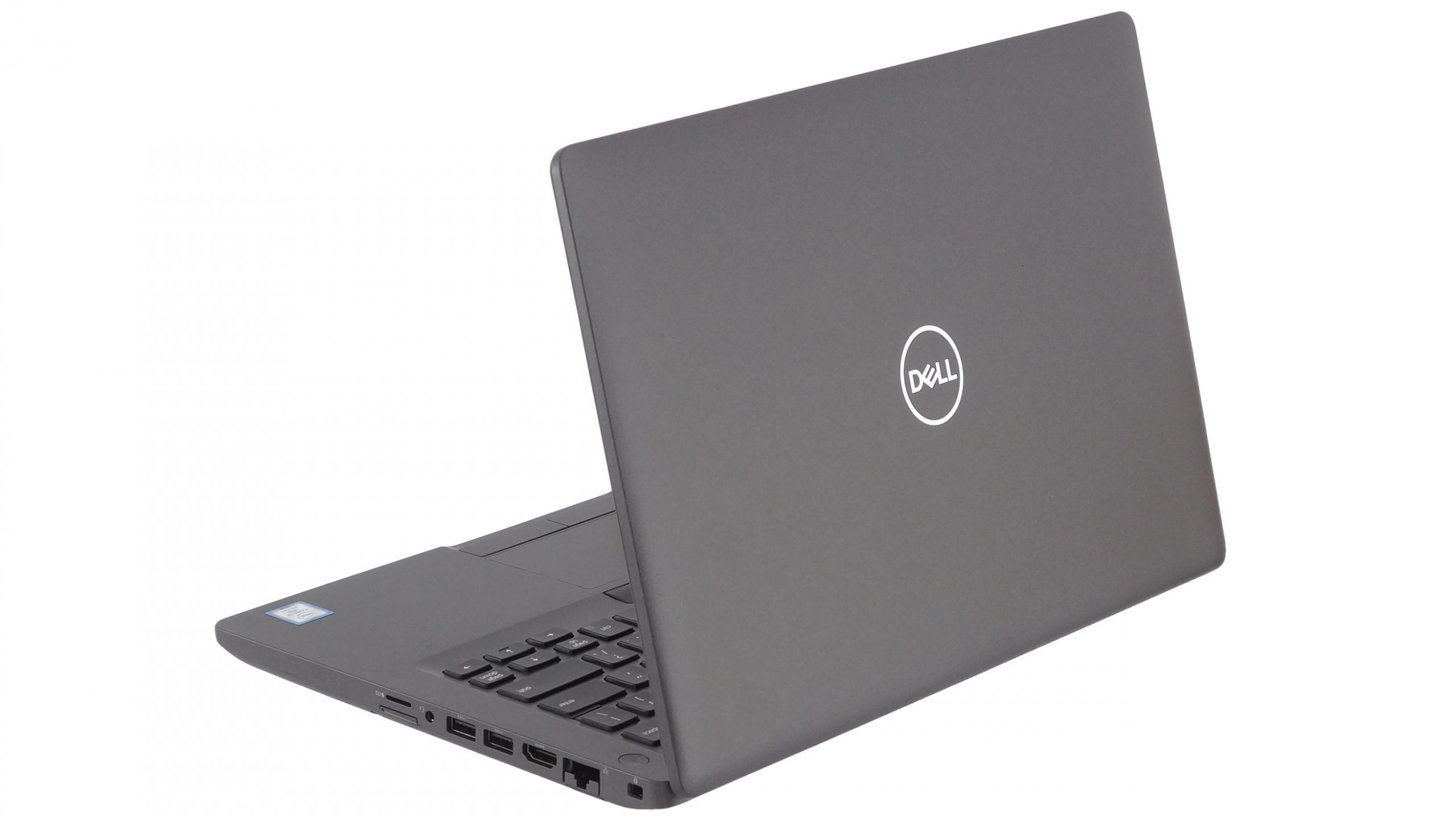
- 2x USB Type-A
- 3.2 Gen 1 (5 Gbps)
- 1x USB Type-A
- 3.2 Gen 1 (5 Gbps), Power Delivery (PD)
- 1x USB Type-C
- 3.2 Gen 2 (10 Gbps), Thunderbolt 3
- HDMI
- 2.0
- 读卡器
- Micro SD
- 以太网 LAN
- 10, 100, 1000
- Wi-Fi
- 802.11ac
- 蓝牙
- 5.0
- 音频插孔
- 3.5 mm combo
- 功能
- 指纹识别器
- optional
- 网络摄像头
- 背光键盘
- 麦克风
- 扬声器
- 2x 2.5W
- 光驱
- 安全锁槽
- fingerprint reader (optional), backlit keyboard
全部 Dell Latitude 14 5401 配置
购买我们的配置文件 BOE NV14N4F-HN4TM (BOE07BB) / 14.0”, Full HD (1920 x 1080), IPS
除了获得高效且有益健康的配置文件外,购买 LaptopMedia 的产品也是对我们实验室发展的支持,我们在实验室中测试设备,以提供最客观的评测。

办公工作
Office Work 主要适用于大部分时间在查看文本、表格或上网的用户。此配置文件旨在通过保持平坦的伽马曲线 (2.20)、原始色温和感知上准确的颜色来提供更好的清晰度。

设计和游戏
此配置文件适用于专业处理色彩的设计师,以及游戏和电影。Design and Gaming 将显示面板推向极限,使其在 Web 和 HDTV 的 sRGB IEC61966-2-1 标准中尽可能准确,白点为 D65。

以 33% 的折扣获取所有 3 个配置文件

CPU 性能
在这里,您可以找到内置的所有CPU之间的价格/性能差异 Dell Latitude 14 5401 系列.
结果来自Cinebench 20多核测试(分数越高越好)。
GPU 性能
在这里,您可以找到内置的所有GPU之间的价格/性能差异。 Dell Latitude 14 5401 系列.
结果来自 3DMark Time Spy (Graphics)。分数越高越好。
Dell Latitude 14 5401 深度评测
The Latitude 5401 is a very interesting piece of machinery. On the outside, it is very similar (if not the same) as the Latitude 5400. It is a great laptop for business entrepreneurs, so don't forget to pay a visit to our In-depth review. So, take the latter, put an H-series processor inside of the ULV ones and you have the Latitude 5401.Quite straightforward, isn't it? However, how can a business notebook with a 14-inch display handle the six-core behemoth of a CPU - the Core i7-9850H. We shall see later. But first, we have to say that it is quite an expensive device. In a configuration [...]
优点
- Strong body build of carbon
- Great battery life
- Wide range of connectivity options
- Easy to upgrade
- Beast processor inside
- Fingerprint reader embedded in the power button + IR face recognition (both are optional)
- PCIe x4, Thunderbolt 3 and (optional) LTE support
弊端
- Has a keyboard with a rather small deck
- Uses aggressive PWM to adjust its brightness up the maximum level of brightness (fixed by our Health-Guard profile) (BOE NV14N4F-HN4TM (BOE07BB))
- Covers only 51% of sRGB (BOE NV14N4F-HN4TM (BOE07BB))
- The cooling struggles a lot under heavy load


![[2026年8月] 亚马逊全球:销量前十的笔记本电脑——苹果MacBook Neo独占鳌头,而平价和中端Windows笔记本则在销量上展开激烈角逐](https://laptopmedia.com/wp-content/uploads/2026/09/Best-Selling-Laptops-GLOBAL-Top-10-400x225.jpg)
![[2026年8月] 亚马逊全球畅销笔记本电脑品牌——苹果在营收方面占据主导地位,而惠普在机型种类方面领跑](https://laptopmedia.com/wp-content/uploads/2026/09/GLOBAL-Best-Brands-400x225.jpg)
![[2026年8月] 亚马逊全球:畅销游戏本前十名——惠普Victus 15荣登榜首,高性价比机型占据榜单主导地位](https://laptopmedia.com/wp-content/uploads/2026/09/Best-Selling-Gaming-Laptops-GLOBAL-Top-10-400x225.jpg)
![[August 2026] Best-Selling Laptop Brands on Amazon Japan – Apple Dominates Market Share and Revenue Led by Strong Unit Sales](https://laptopmedia.com/wp-content/uploads/2026/09/CO.JP-Best-Brands-1-400x225.jpg)
![[August 2026] Best-Selling Laptop Brands on Amazon USA – Apple Dominates Market Revenue and Volume Despite Lower Model Diversity](https://laptopmedia.com/wp-content/uploads/2026/09/COM-Best-Brands-1-400x225.jpg)