HP Pavilion 14 (14-ce3000)
HP Pavilion 14 (14-ce3000) - 规格
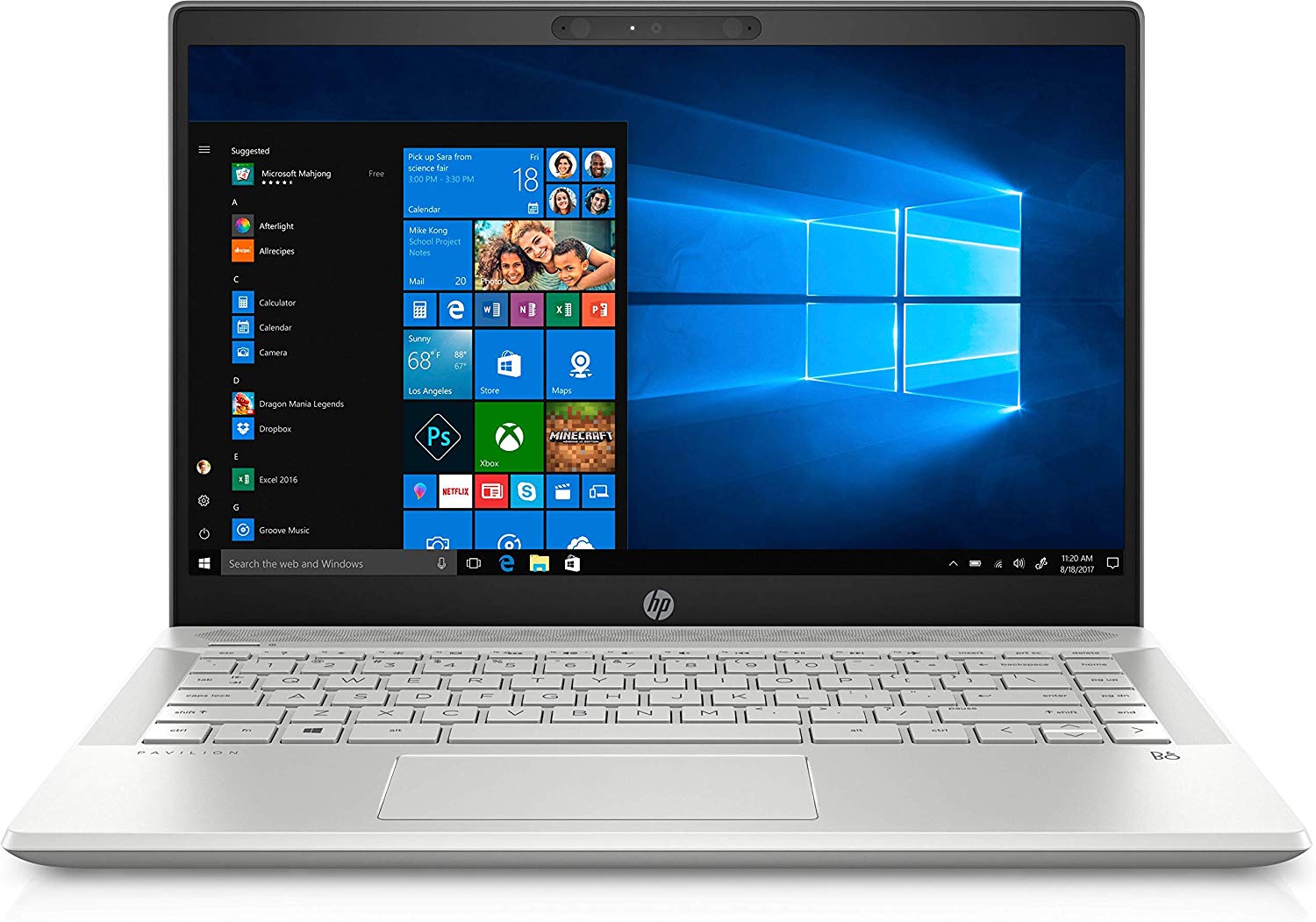

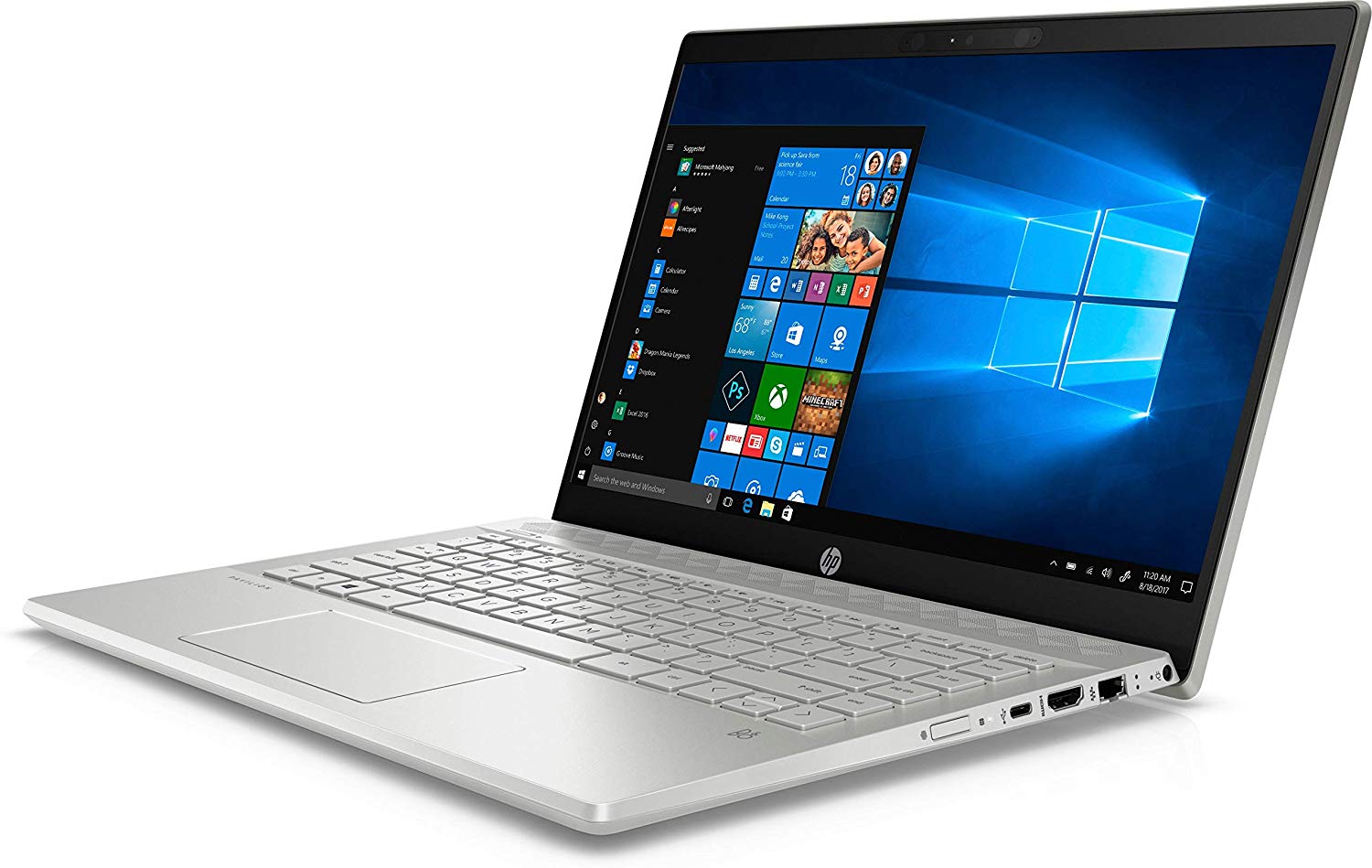
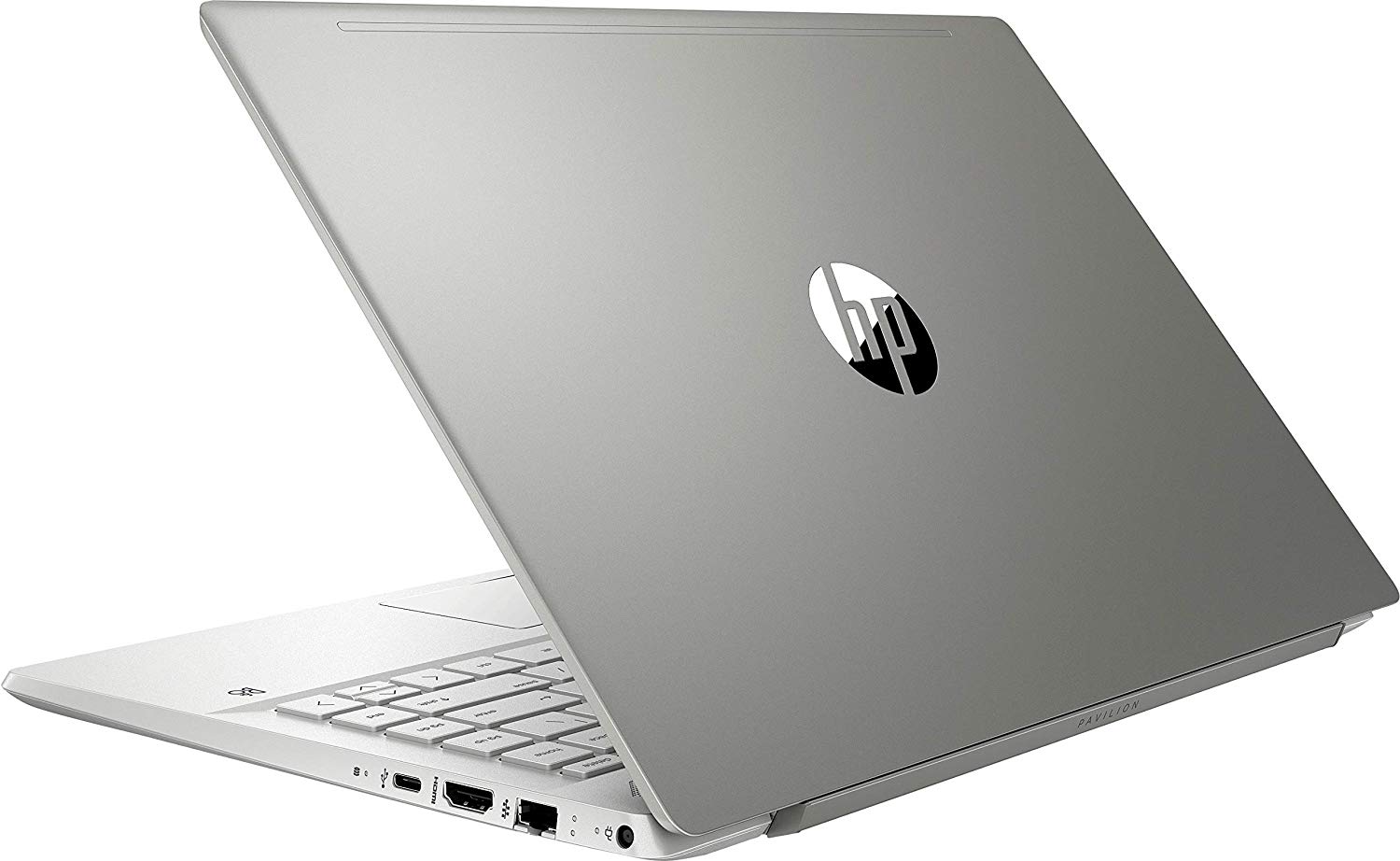
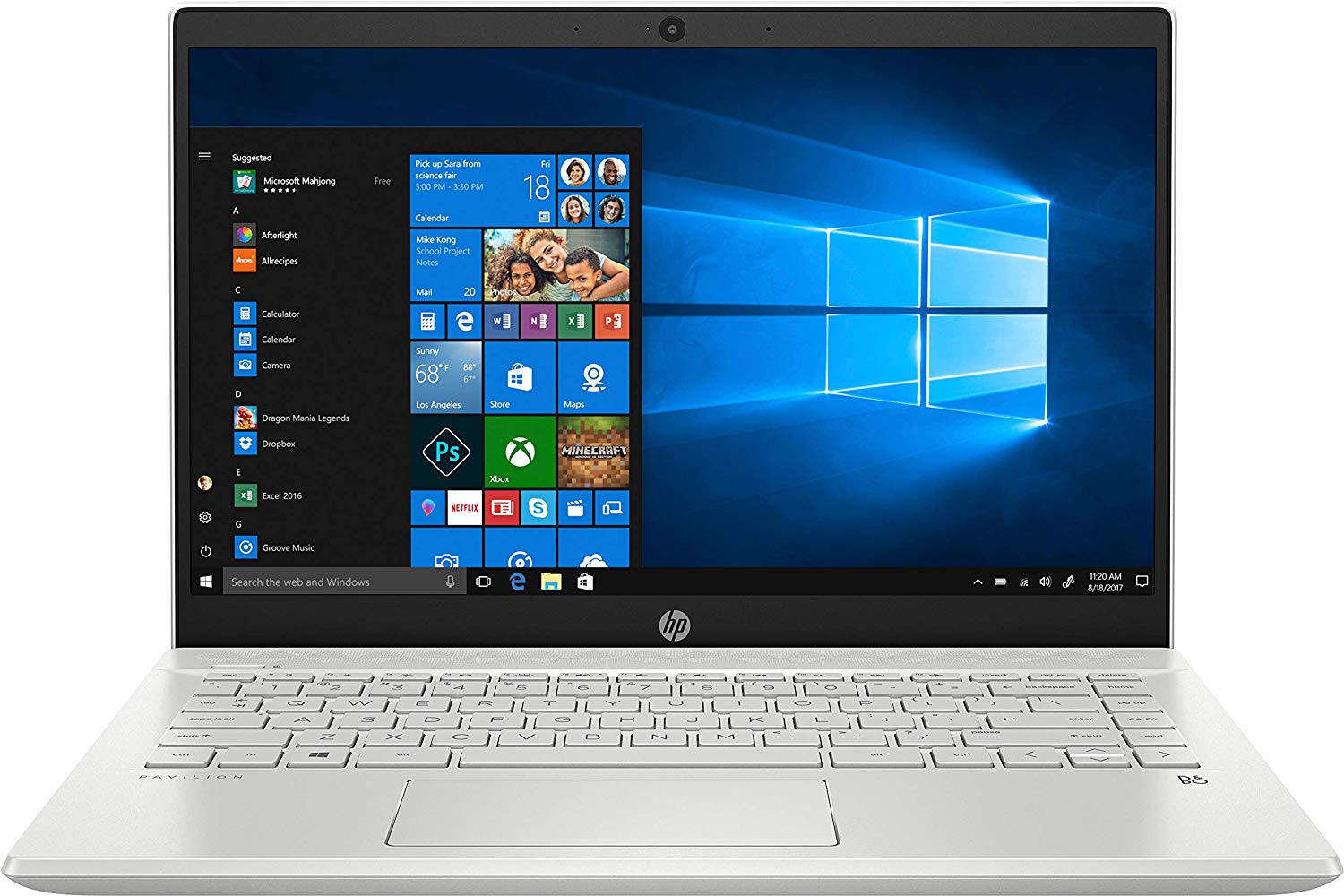
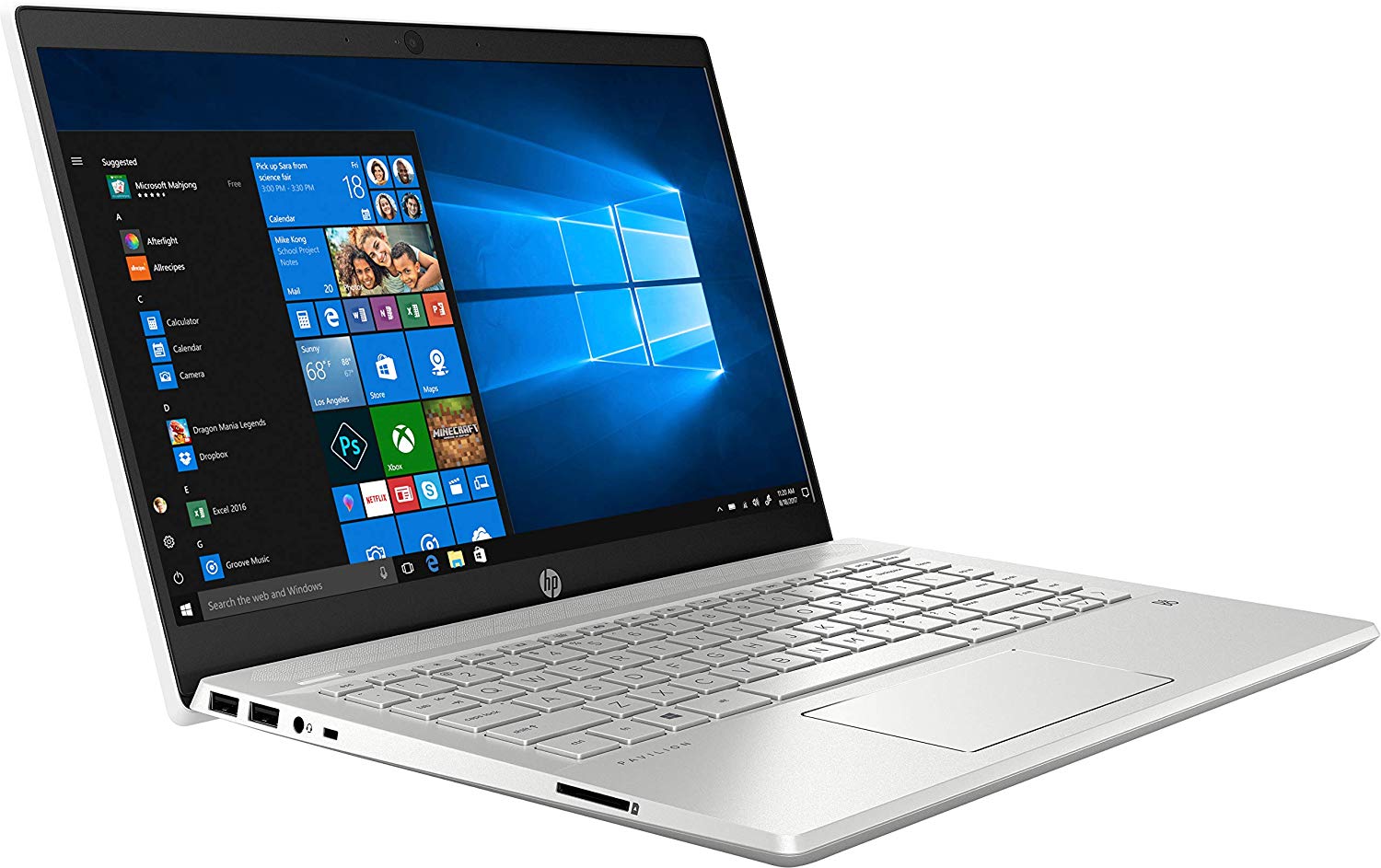
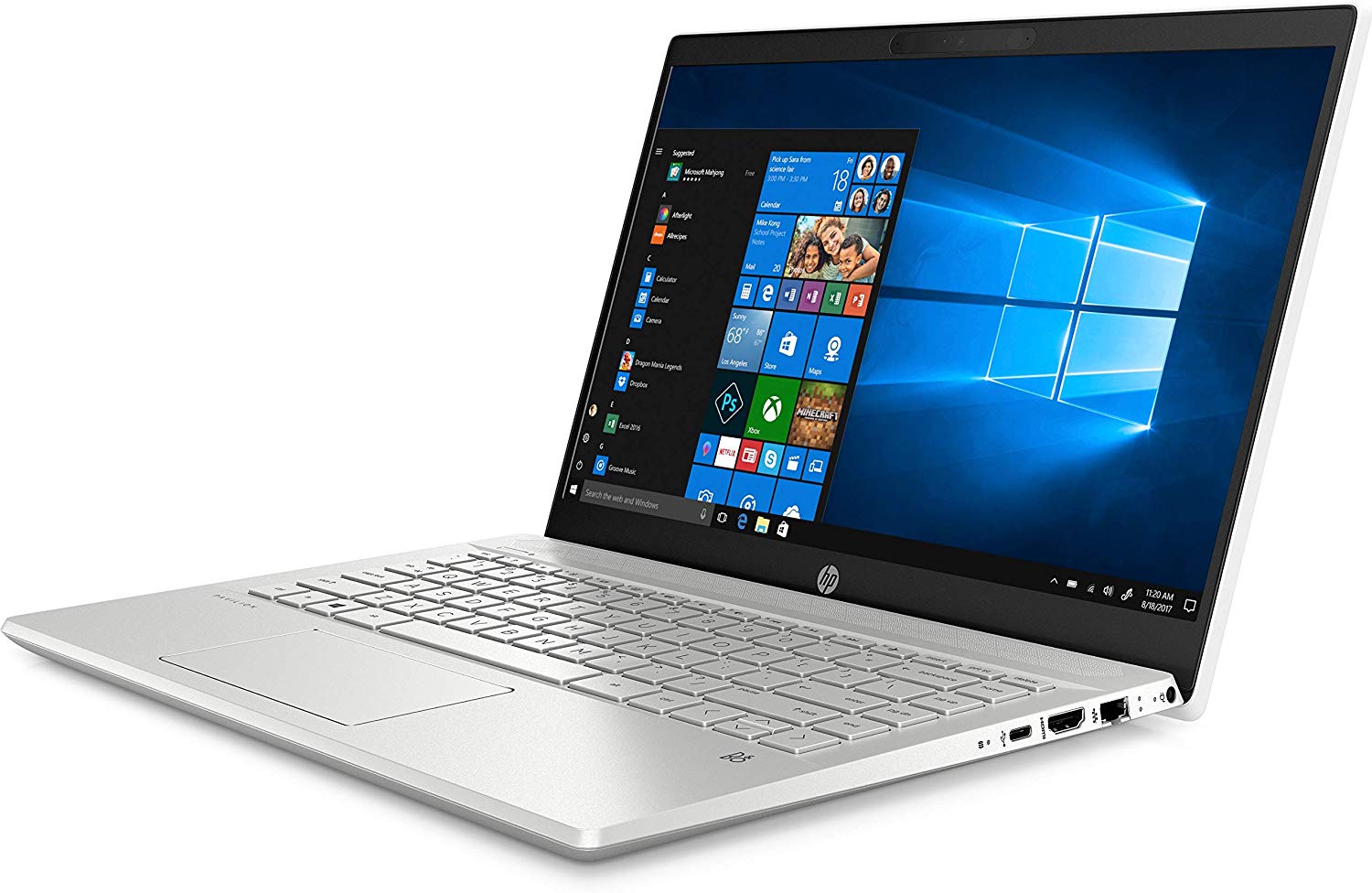
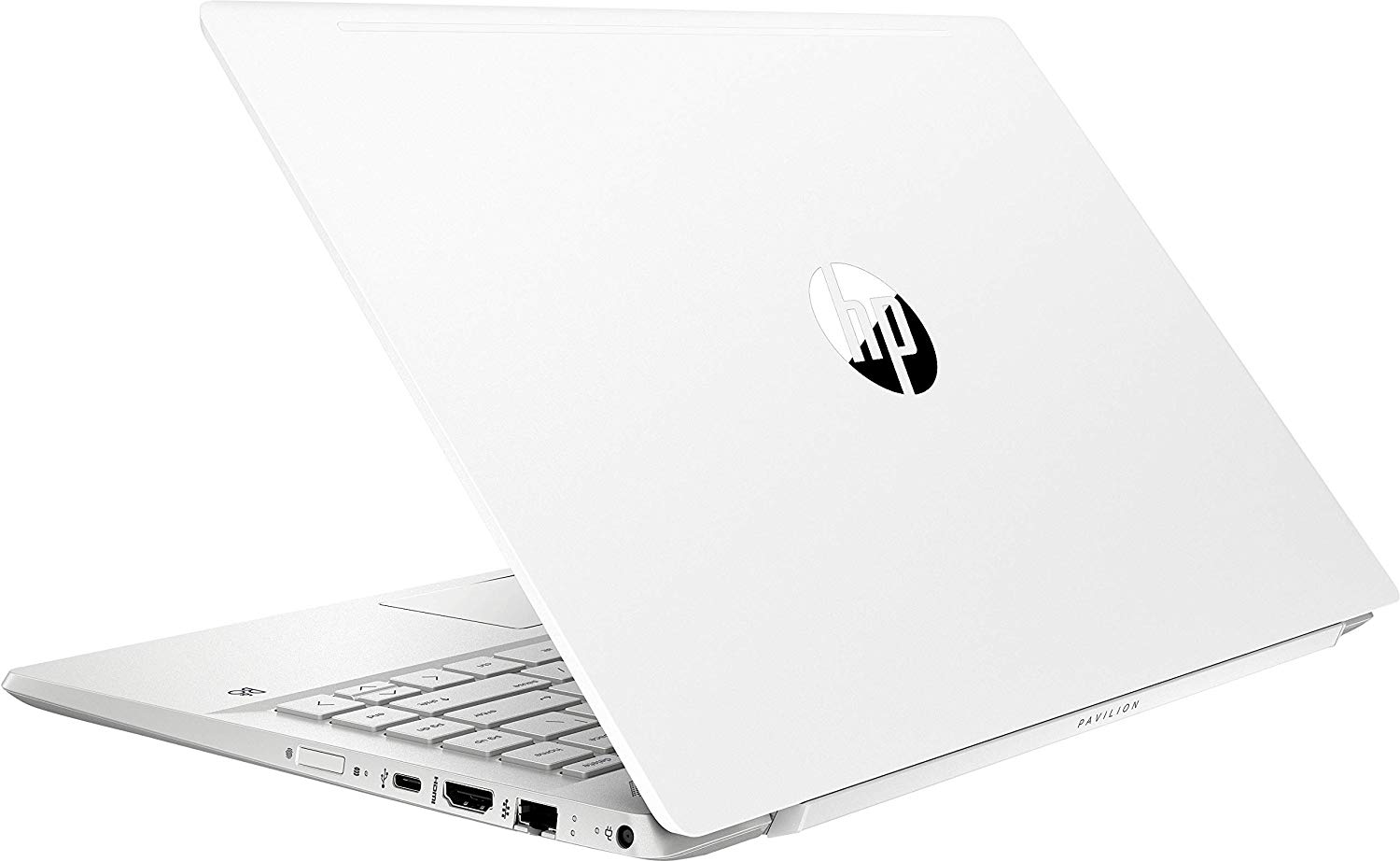
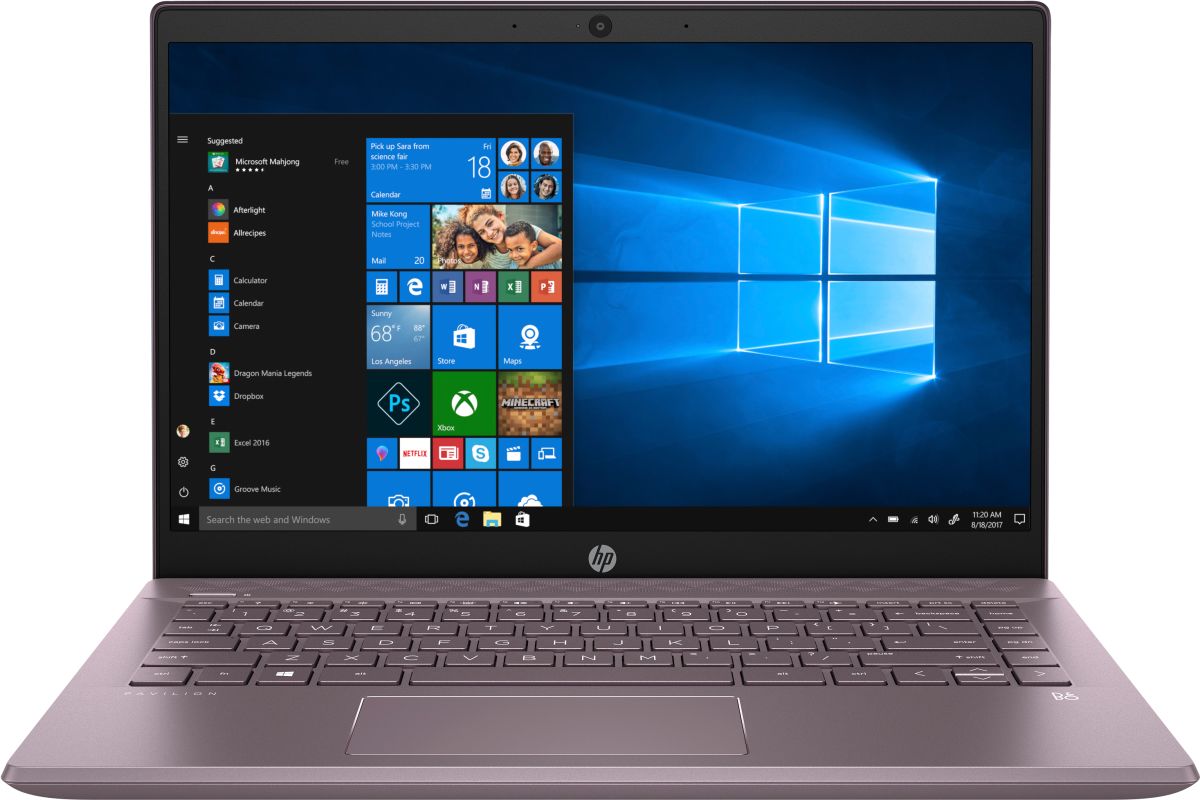
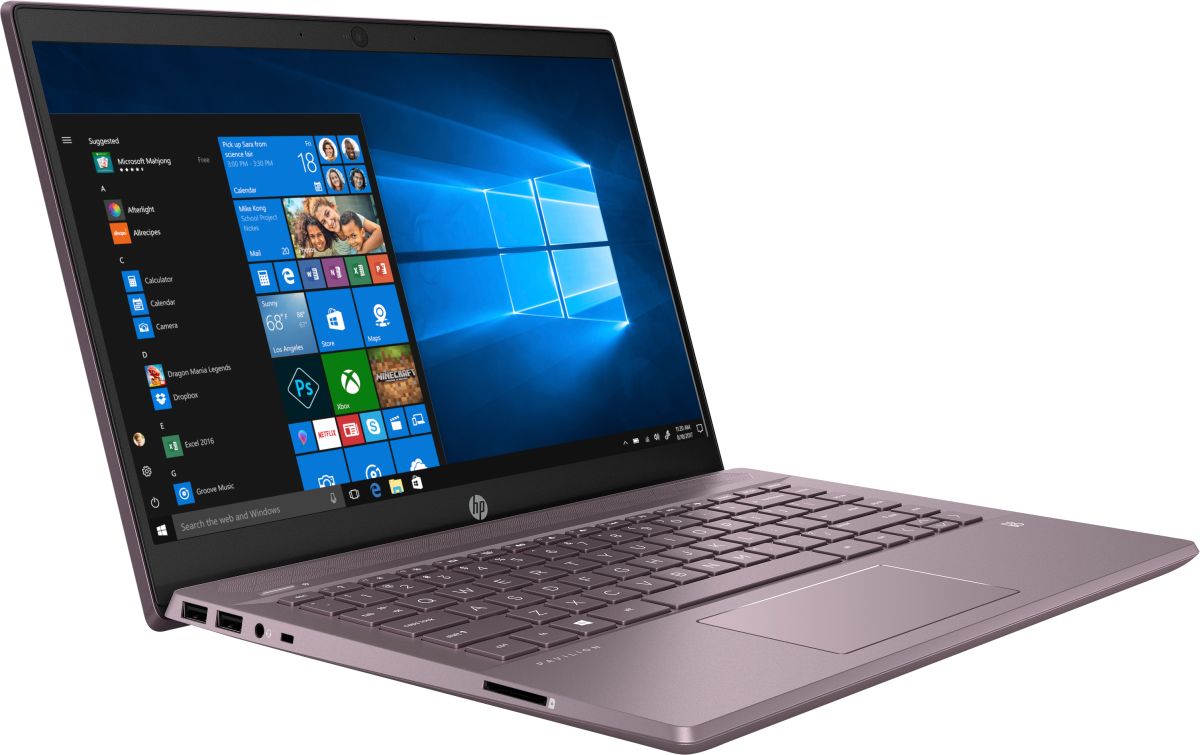
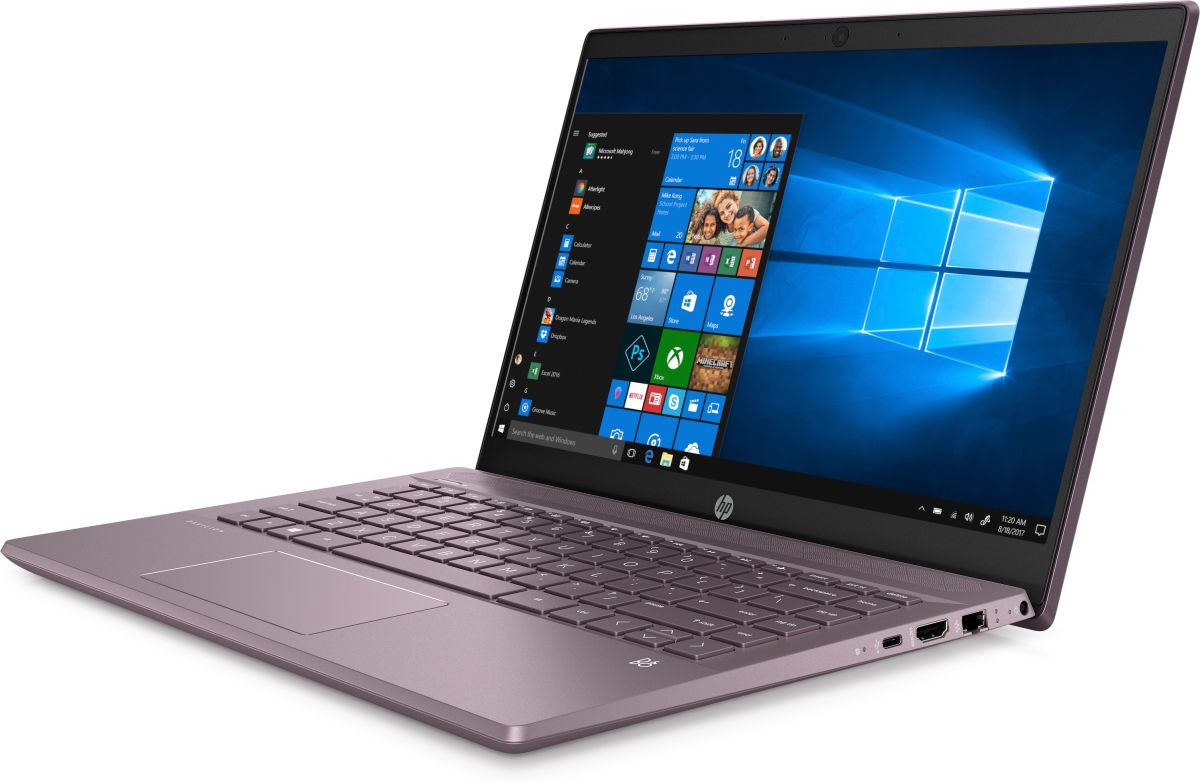
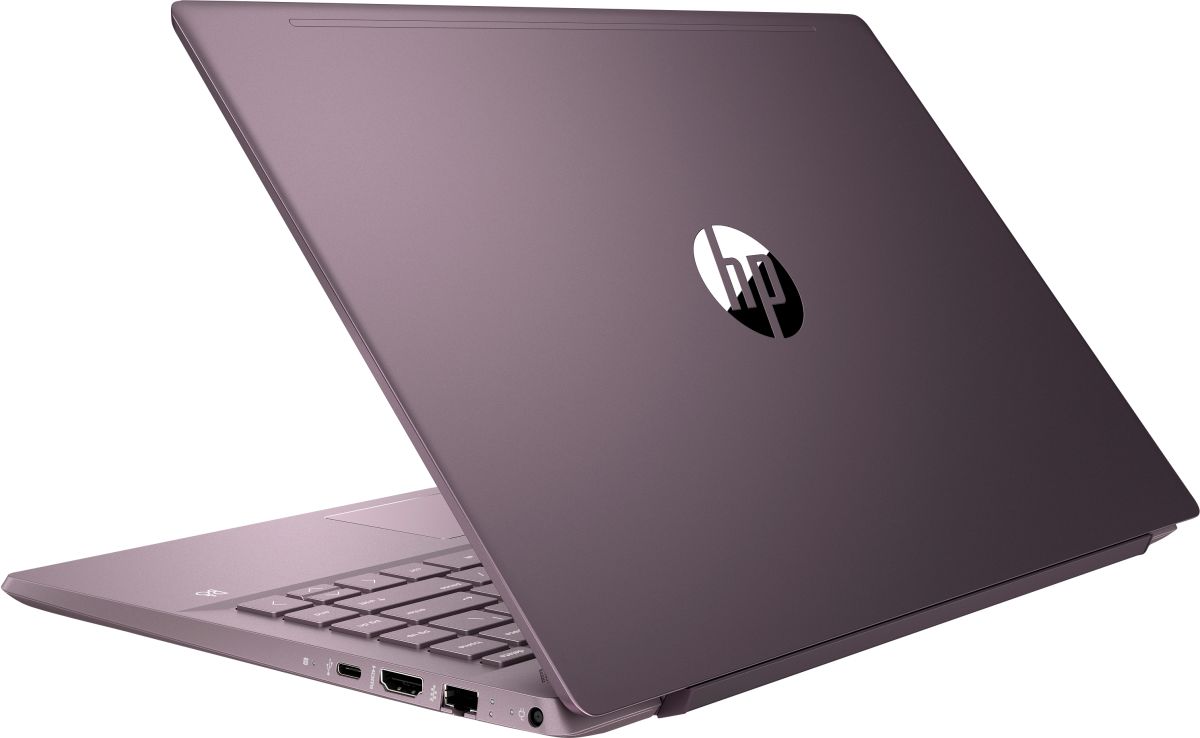

- HDD/SSD
- 高达 1000GB SSD + 高达 1000GB HDD
- RAM
- up to 32GB
- 操作系统
- Windows 10 Home, Windows 10 Pro, No OS
- 电池
- 41Wh, 3-cell
- 尺寸
- 326.8 x 225.5 x 17.9 mm (12.87" x 8.88" x 0.70")
- 重量
- 1.60 kg (3.5 lbs)
- 端口和连接
- 2x USB Type-A
- 3.2 Gen 1 (5 Gbps)
- 1x USB Type-C
- 3.2 Gen 1 (5 Gbps)
- HDMI
- 1.4b
- 读卡器
- Multi Format SD
- 以太网 LAN
- 10, 100, 1000 Mbit/s
- Wi-Fi
- 802.11ax
- 蓝牙
- 5.0
- 音频插孔
- 3.5 mm combo
- 功能
- 指纹识别器
- optional
- 网络摄像头
- FHD IR
- 背光键盘
- optional
- 麦克风
- Dual-Array Digital Microphone
- 扬声器
- 2x Speakers, Bang & Olufsen
- 光驱
- 安全锁槽
全部 HP Pavilion 14 (14-ce3000) 配置

购买我们的配置文件 BOE BO0868 / 14.0”, Full HD (1920 x 1080), IPS
除了获得高效且有益健康的配置文件外,购买 LaptopMedia 的产品也是对我们实验室发展的支持,我们在实验室中测试设备,以提供最客观的评测。

办公工作
Office Work 主要适用于大部分时间在查看文本、表格或上网的用户。此配置文件旨在通过保持平坦的伽马曲线 (2.20)、原始色温和感知上准确的颜色来提供更好的清晰度。

设计和游戏
此配置文件适用于专业处理色彩的设计师,以及游戏和电影。Design and Gaming 将显示面板推向极限,使其在 Web 和 HDTV 的 sRGB IEC61966-2-1 标准中尽可能准确,白点为 D65。

以 33% 的折扣获取所有 3 个配置文件

CPU 性能
在这里,您可以找到内置的所有CPU之间的价格/性能差异 HP Pavilion 14 (14-ce3000) 系列.
结果来自Cinebench R23 CPU测试(分数越高越好)。
GPU 性能
在这里,您可以找到内置的所有GPU之间的价格/性能差异。 HP Pavilion 14 (14-ce3000) 系列.
结果来自 3DMark Time Spy (Graphics)。分数越高越好。
HP Pavilion 14 (14-ce3000) 深度评测
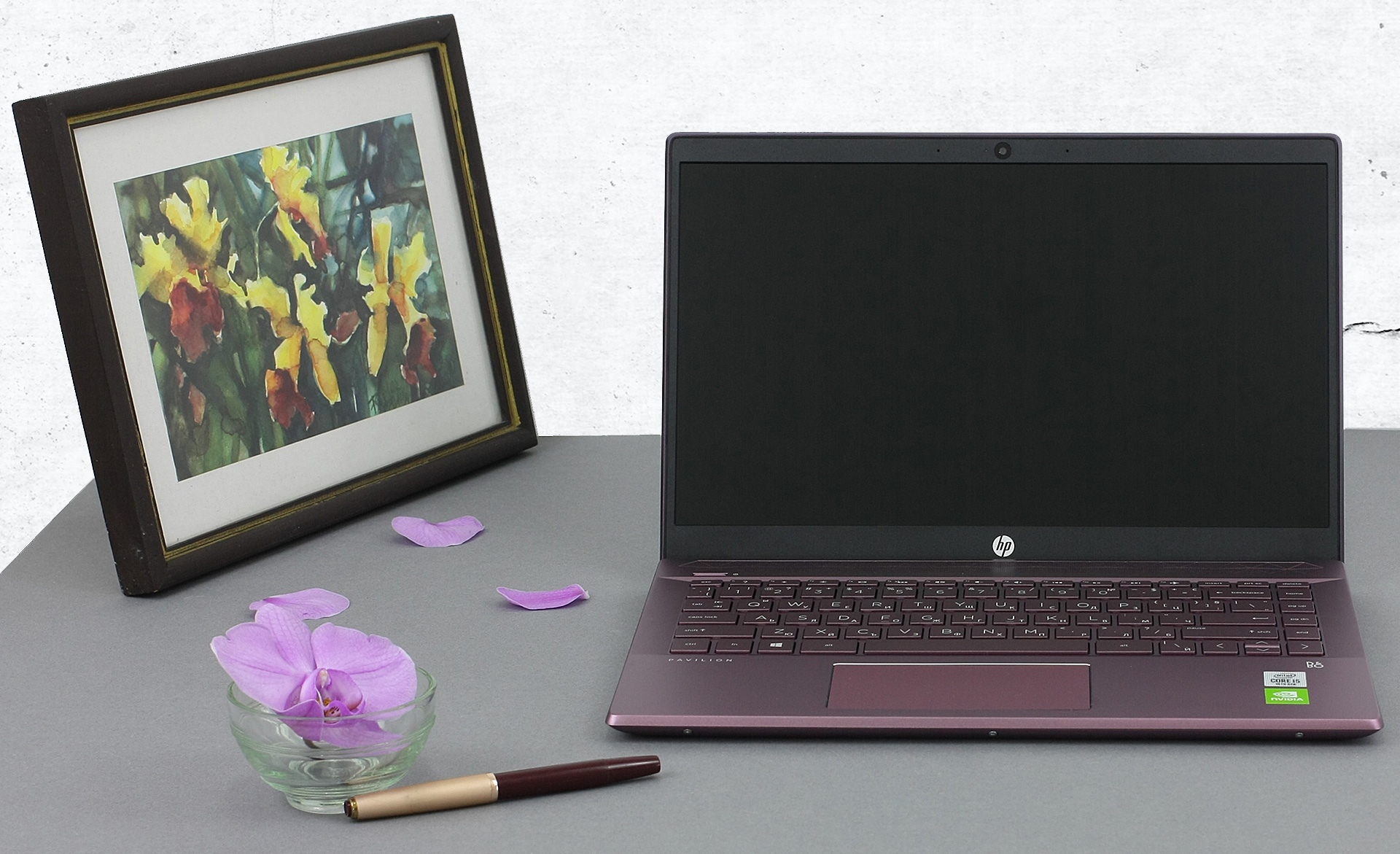
So, the HP Pavilion 14 (14-ce3000) is not exactly a budget offering. Instead, as of lately, the Pavilion brand is closing the gap to its more premium cousins - the Envy and the Spectre, both in terms of price and what it actually offers. Now, the series includes the latest Ice Lake processors from Intel, including the flagship for the series - Core i7-1065G7.Ultimately, this gives you the option of a great integrated graphics solution in the form of the Iris Plus G7. However, should you need slightly more edge in GPU intensive software and games, you can have the blessing of some CUDA core[...]
优点
- Stylish design with a leverage system
- Nice performance/efficiency ratio
- Good contrast ratio and comfortable viewing angles (BOE NV140FHM-N49)
- MicroSD card reader on board
- Great upgradability
弊端
- Lacks Thunderbolt connection
- Covers only 54% of sRGB (BOE NV140FHM-N49)
- Uses aggressive PWM to adjust its brightness levels (our Gaming and Web design profile fixes that)
- Mediocre battery life
- Gets very hot under combined load
- Our unit experienced some vibration issues from the fans
你可以在这个笔记本系列上玩的游戏

Resolution: 1920 x 1080 (Full HD) |
NORMAL |
HIGH |
VERY HIGH |
MAX |
|---|---|---|---|---|
 | 84 FPS 播放视频 | 37 FPS 播放视频 | 20 FPS 播放视频 | 6 FPS 播放视频 |
| Intel Iris Plus Graphics G7 | 30 FPS 播放视频 | 13 FPS 播放视频 | - 播放视频 | - 播放视频 |
| Intel UHD Graphics G1 | 34 FPS 播放视频 | - 播放视频 | - 播放视频 | - 播放视频 |

Resolution: 1920 x 1080 (Full HD) |
MIN |
MAX |
|---|---|---|
| 532 FPS 播放视频 | 42 FPS 播放视频 |
| Intel Iris Plus Graphics G7 | 424 FPS | 36 FPS |
| NVIDIA GeForce MX250 (25W) | 210 FPS 播放视频 | 49 FPS 播放视频 |

Resolution: 1920 x 1080 (Full HD) |
VERY LOW |
MED |
MAX |
|---|---|---|---|
| 230 FPS 播放视频 | 195 FPS 播放视频 | 187 FPS 播放视频 |
| Intel UHD Graphics G1 | 197 FPS 播放视频 | 159 FPS 播放视频 | 96 FPS 播放视频 |
| Intel Iris Plus Graphics G7 | 143 FPS 播放视频 | 114 FPS 播放视频 | 91 FPS 播放视频 |

Resolution: 1920 x 1080 (Full HD) |
MIN |
MED |
ULTRA |
|---|---|---|---|
| 259 FPS 播放视频 | 66 FPS 播放视频 | 31 FPS 播放视频 |
| Intel Iris Plus Graphics G7 | 167 FPS 播放视频 | 24 FPS 播放视频 | 14 FPS 播放视频 |
| Intel UHD Graphics G1 | 142 FPS 播放视频 | 23 FPS 播放视频 | - 播放视频 |

Resolution: 1920 x 1080 (Full HD) |
MIN |
MED |
MAX |
|---|---|---|---|
| NVIDIA GeForce MX250 (25W) | 43 FPS 播放视频 | 31 FPS 播放视频 | 20 FPS 播放视频 |

Resolution: 1920 x 1080 (Full HD) |
PERF. |
ORIG. |
ENCH. |
|---|---|---|---|
| 89 FPS 播放视频 | 66 FPS 播放视频 | 65 FPS 播放视频 |
| Intel UHD Graphics G1 | 37 FPS 播放视频 | 35 FPS 播放视频 | 32 FPS 播放视频 |
| Intel Iris Plus Graphics G7 | 35 FPS 播放视频 | 31 FPS 播放视频 | 28 FPS 播放视频 |

Resolution: 1920 x 1080 (Full HD) |
LOW |
NORMAL |
HIGH |
MAX |
|---|---|---|---|---|
| 104 FPS 播放视频 | 71 FPS 播放视频 | 61 FPS 播放视频 | 44 FPS 播放视频 |
| Intel UHD Graphics G1 | 95 FPS 播放视频 | 55 FPS 播放视频 | 24 FPS 播放视频 | - 播放视频 |
| Intel Iris Plus Graphics G7 | 78 FPS 播放视频 | 46 FPS 播放视频 | 25 FPS 播放视频 | 19 FPS 播放视频 |

Resolution: 1920 x 1080 (Full HD) |
LOW |
MED |
MAX |
|---|---|---|---|
| 118 FPS 播放视频 | 94 FPS 播放视频 | 77 FPS 播放视频 |
| Intel UHD Graphics G1 | 67 FPS 播放视频 | 43 FPS 播放视频 | 24 FPS 播放视频 |
| Intel Iris Plus Graphics G7 | 67 FPS 播放视频 | 38 FPS 播放视频 | 16 FPS 播放视频 |

Resolution: 1920 x 1080 (Full HD) |
HIGH PERF |
HIGH QLT |
|---|---|---|
| 178 FPS 播放视频 | 74 FPS 播放视频 |
| Intel UHD Graphics G1 | 64 FPS 播放视频 | 28 FPS 播放视频 |
| Intel Iris Plus Graphics G7 | 53 FPS 播放视频 | 21 FPS 播放视频 |

Resolution: 1920 x 1080 (Full HD) |
MED |
HIGH |
VERY HIGH |
ULTRA |
|---|---|---|---|---|
| 70 FPS 播放视频 | 49 FPS 播放视频 | 37 FPS 播放视频 | 30 FPS 播放视频 |
| Intel UHD Graphics G1 | 31 FPS | 21 FPS | - | - |


![[2026年8月] 亚马逊全球:销量前十的笔记本电脑——苹果MacBook Neo独占鳌头,而平价和中端Windows笔记本则在销量上展开激烈角逐](https://laptopmedia.com/wp-content/uploads/2026/09/Best-Selling-Laptops-GLOBAL-Top-10-400x225.jpg)
![[2026年8月] 亚马逊全球畅销笔记本电脑品牌——苹果在营收方面占据主导地位,而惠普在机型种类方面领跑](https://laptopmedia.com/wp-content/uploads/2026/09/GLOBAL-Best-Brands-400x225.jpg)
![[2026年8月] 亚马逊全球:畅销游戏本前十名——惠普Victus 15荣登榜首,高性价比机型占据榜单主导地位](https://laptopmedia.com/wp-content/uploads/2026/09/Best-Selling-Gaming-Laptops-GLOBAL-Top-10-400x225.jpg)
![[August 2026] Best-Selling Laptop Brands on Amazon Japan – Apple Dominates Market Share and Revenue Led by Strong Unit Sales](https://laptopmedia.com/wp-content/uploads/2026/09/CO.JP-Best-Brands-1-400x225.jpg)
![[August 2026] Best-Selling Laptop Brands on Amazon USA – Apple Dominates Market Revenue and Volume Despite Lower Model Diversity](https://laptopmedia.com/wp-content/uploads/2026/09/COM-Best-Brands-1-400x225.jpg)
