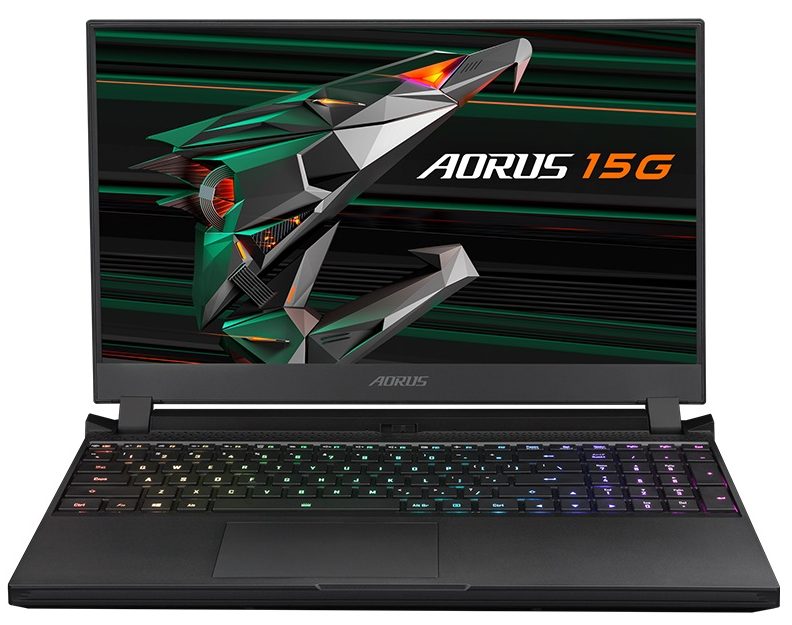
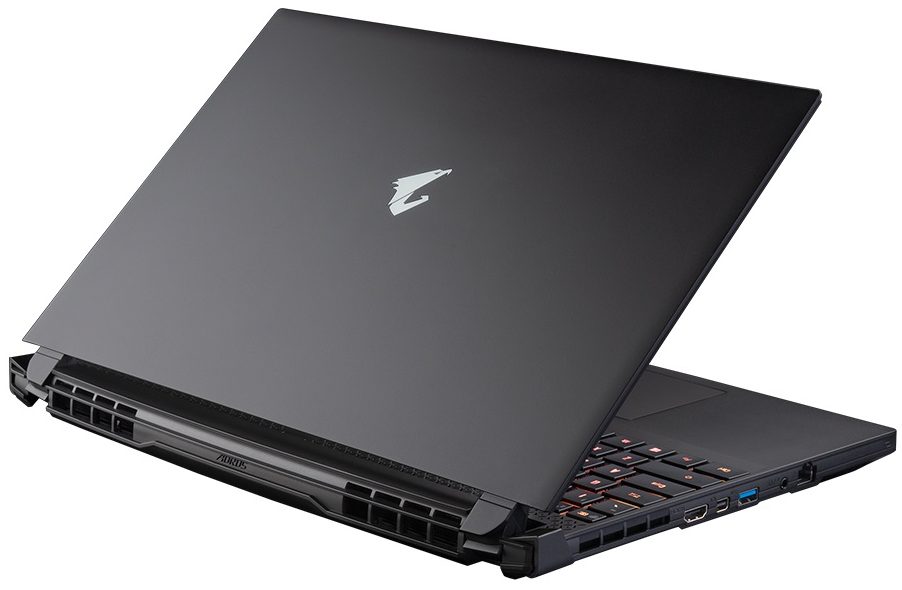
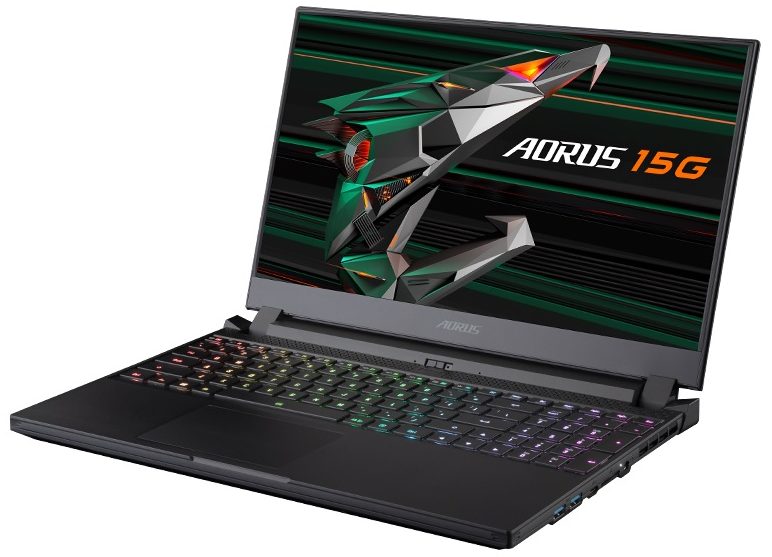
AORUS 15G (RTX 30)
AORUS 15G (RTX 30) - Spezifikationen
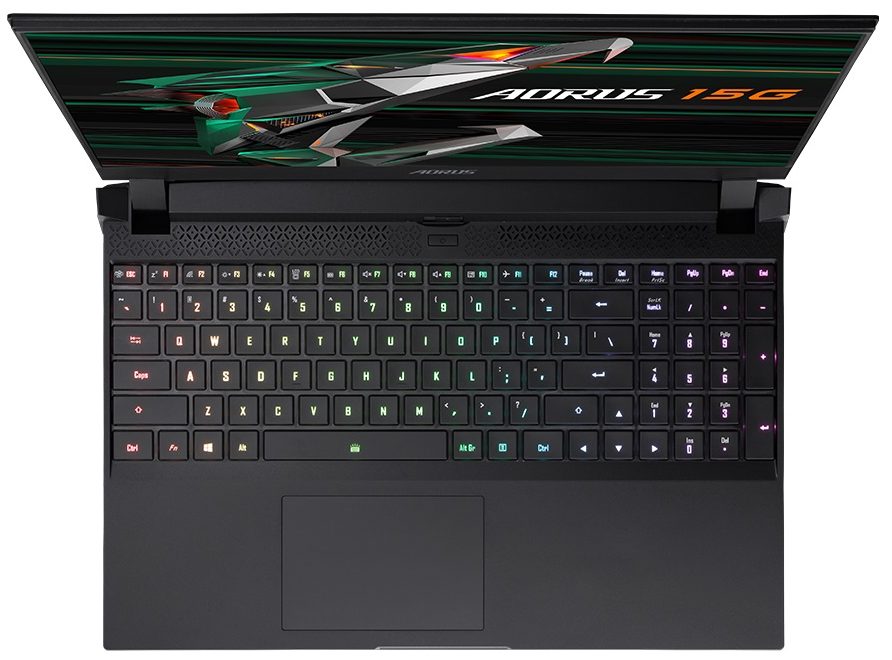

- HDD/SSD
- bis zu 16000GB SSD
- M.2 Steckplatz
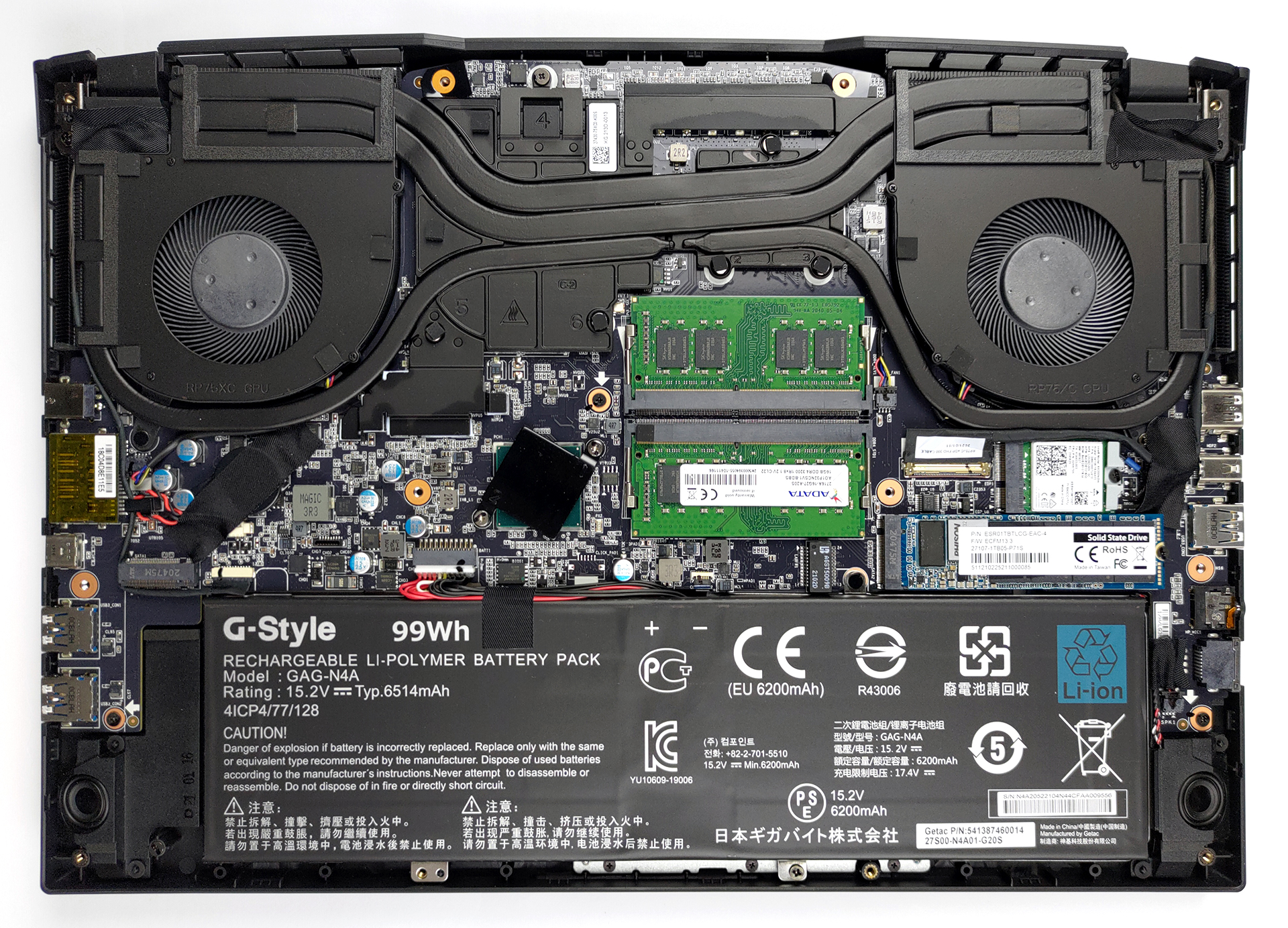
- 2x 2280 M.2 NVMe slots Siehe Foto
- RAM
- up to 64GB
- Betriebssystem
- Windows 10 Home, Windows 10 Pro
- Akku
- 99Wh, 2-cell, 99Wh
- Gehäusematerial
- Plastic / Polycarbonate
- Abmessungen
- 356 x 250 x 23 mm (14.02" x 9.84" x 0.91")
- Gewicht
- 2.00 kg (4.4 lbs)
- Anschlüsse und Konnektivität
- 2x USB Type-A
- 3.2 Gen 1 (5 Gbps)
- 1x USB Type-C
- HDMI
- 2.1
- Displayport mini
- Kartenleser
- UHS-II SD
- Ethernet LAN
- 10, 100, 1000, 2500 Mbit/s
- Wi-Fi
- 802.11ax
- Bluetooth
- 5.0
- Audioanschluss
- 3.5mm Combo Jack
- Merkmale
- Fingerabdruckleser
- Web Kamera
- HD
- Tastatur mit Hintergrundbeleuchtung
- Mikrofon
- Lautsprecher
- 2x 2W, Nahimic 3
- Optisches Laufwerk
- Sicherheits Schloss Steckplatz
Alle AORUS 15G (RTX 30) Konfigurationen
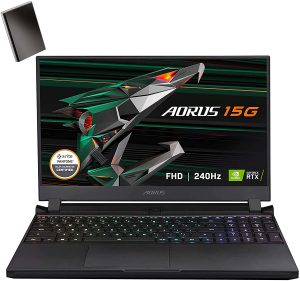

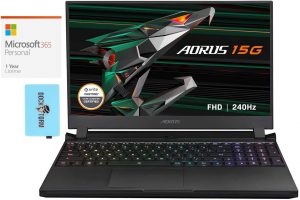
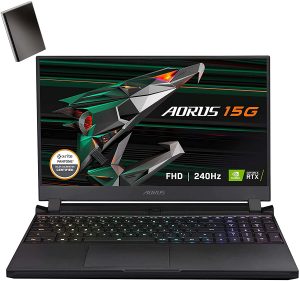
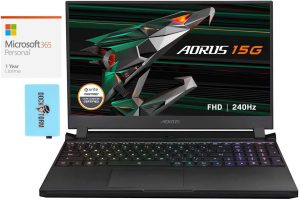

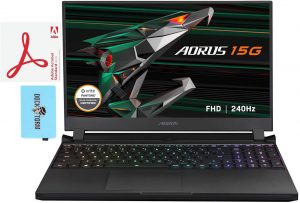


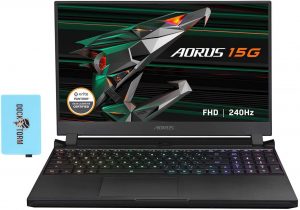
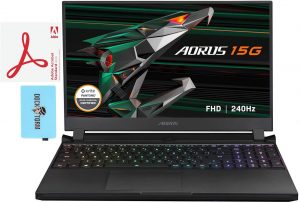

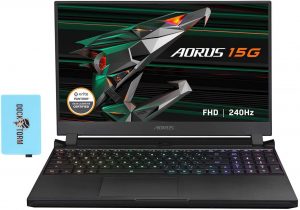

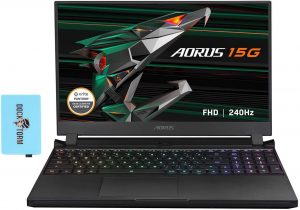

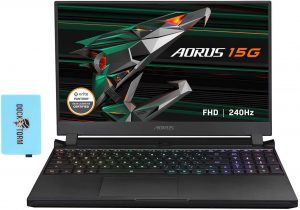

Kaufen Sie unsere Profile für Sharp LQ156M1JW26 (SHP1532) / 15.6”, Full HD (1920 x 1080), 240 Hz, IPS
Zusätzlich zum Erhalt effizienter und gesundheitsfreundlicher Profile unterstützen Sie durch den Kauf von LaptopMedia-Produkten auch die Entwicklung unserer Labore, in denen wir Geräte testen, um möglichst objektive Bewertungen zu erstellen.

Office Work
Office Work sollte hauptsächlich von Benutzern verwendet werden, die die meiste Zeit mit Texten, Tabellen oder dem Surfen im Internet verbringen. Dieses Profil zielt darauf ab, eine bessere Deutlichkeit und Klarheit zu liefern, indem es eine flache Gammakurve (2.20), eine native Farbtemperatur und wahrnehmungsgetreue Farben beibehält.

Design und Gaming
Dieses Profil richtet sich an Designer, die professionell mit Farben arbeiten, sowie für Spiele und Filme. Design und Gaming bringt Displays an ihre Grenzen und macht sie im sRGB IEC61966-2-1 Standard für Web und HDTV am Weißpunkt D65 so genau wie möglich.

Health-Guard
Health-Guard eliminiert die schädliche Pulsweitenmodulation (PWM) und reduziert das negative blaue Licht, das sich auf unsere Augen und unseren Körper auswirkt. Da es für jedes Panel maßgeschneidert ist, gelingt es, die Farben wahrnehmungsgetreu zu halten. Health-Guard simuliert Papier, so dass die Belastung für die Augen stark reduziert wird.
Holen Sie sich alle 3 Profile mit 33 % Rabatt

GPU Leistung
Hier finden Sie den Preis-/Leistungsunterschied zwischen allen GPUs, die im AORUS 15G (RTX 30) Serie.
Die Ergebnisse stammen vom 3DMark Time Spy (Grafik). Ein höherer Wert ist besser.
AORUS 15G (RTX 30) ausführliche Bewertung
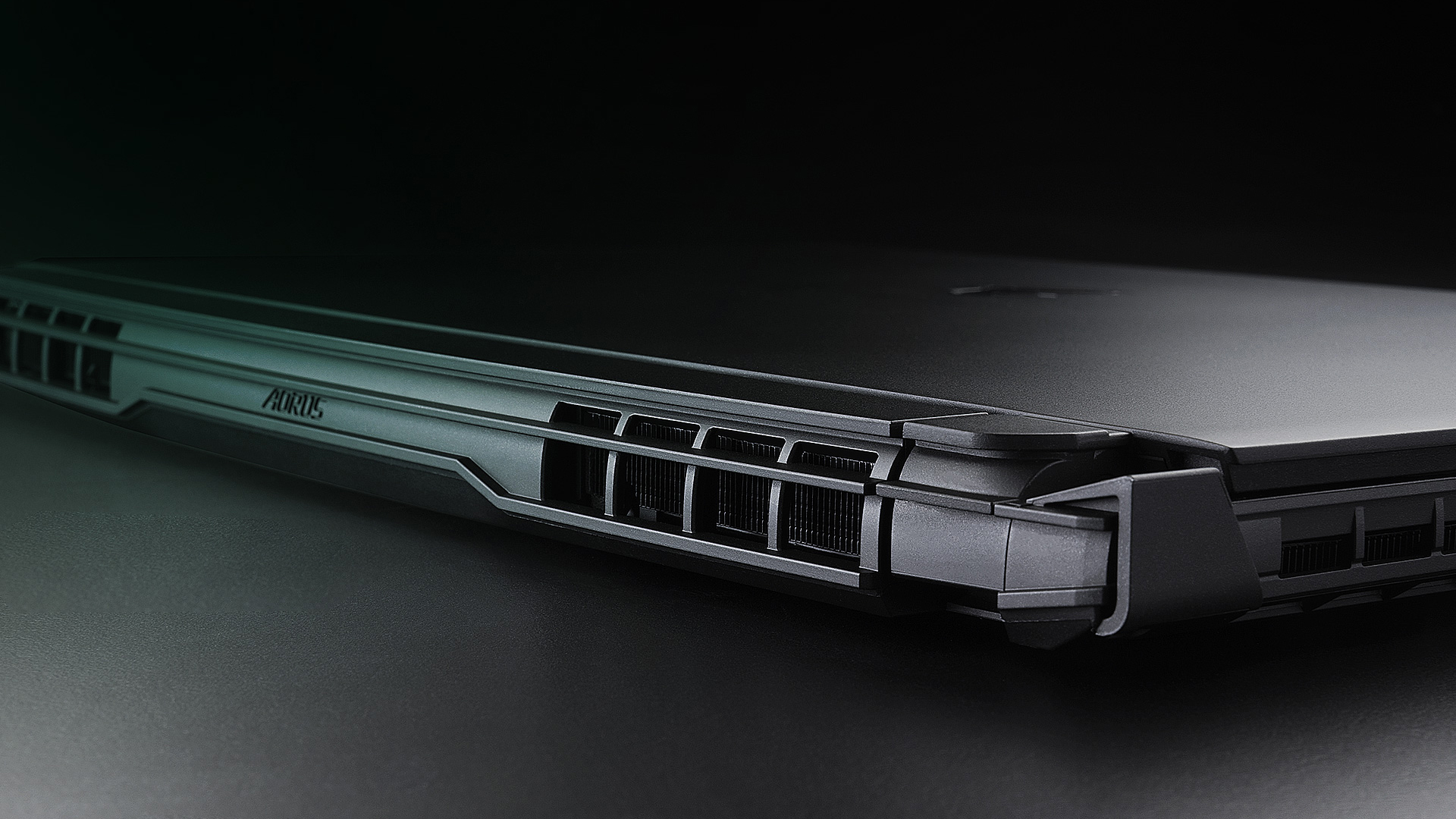
Today, we say. Hello to the AORUS 15G from GIGABYTE. This is a brand highly associated with gaming, so we feel that the expectations are already set high. Obviously, if you want to be competitive, you need the best in terms of hardware. And while GIGABYTE provides you with the latest from NVIDIA in the form of the RTX 3060, RTX 3070, and RTX 3080, we were surprised to see that the processor of choice is the Core i7-10870H. Yep, there is only one option. Although it is slower in computational workloads compared to the Zen 3 and Tiger Lake H45 architectures, it is still a very good gaming CPU. [...]
Profis
- 99% sRGB coverage and brilliant color accuracy
- Good performance
- Decent battery life
- Per-key RGB backlight
- 240Hz refresh rate with super-fast pixel response time
- SD card slot and generally wide I/O
- HD camera with a privacy shutter
- 2x RAM SODIMM slots + 2x M.2 storage slots
Nachteile
- Plastic body
- Horrid battery life
- No Thunderbolt connection
Inside GIGABYTE AORUS 15G (RTX 30) - disassembly and upgrade options
Spiele, die Sie auf dieser Laptop-Serie spielen können

Resolution: 1920 x 1080 (Full HD) |
NORMAL |
HIGH |
VERY HIGH |
MAX |
|---|---|---|---|---|
| NVIDIA GeForce RTX 3080 (Laptop, 105W) | 181 FPS VIDEO ABLAUFEN | 152 FPS VIDEO ABLAUFEN | 95 FPS VIDEO ABLAUFEN | 80 FPS VIDEO ABLAUFEN |

Resolution: 1920 x 1080 (Full HD) |
MIN |
MAX |
|---|---|---|
| NVIDIA GeForce RTX 3080 (Laptop, 105W) | 1766 FPS VIDEO ABLAUFEN | 103 FPS VIDEO ABLAUFEN |

Resolution: 1920 x 1080 (Full HD) |
VERY LOW |
MED |
MAX |
|---|---|---|---|
| NVIDIA GeForce RTX 3080 (Laptop, 105W) | 549 FPS VIDEO ABLAUFEN | 469 FPS VIDEO ABLAUFEN | 418 FPS VIDEO ABLAUFEN |

Resolution: 1920 x 1080 (Full HD) |
MIN |
MED |
HIGH |
ULTRA |
|---|---|---|---|---|
| NVIDIA GeForce RTX 3080 (Laptop, 105W) | 79 FPS VIDEO ABLAUFEN | 97 FPS VIDEO ABLAUFEN | 61 FPS VIDEO ABLAUFEN | 33 FPS VIDEO ABLAUFEN |

Resolution: 1920 x 1080 (Full HD) |
MIN |
MED |
ULTRA |
|---|---|---|---|
| NVIDIA GeForce RTX 3080 (Laptop, 105W) | 663 FPS VIDEO ABLAUFEN | 360 FPS VIDEO ABLAUFEN | 219 FPS VIDEO ABLAUFEN |

Resolution: 1920 x 1080 (Full HD) |
LOW |
MED |
HIGH |
ULTRA |
|---|---|---|---|---|
| NVIDIA GeForce RTX 3080 (Laptop, 105W) | 127 FPS VIDEO ABLAUFEN | 116 FPS VIDEO ABLAUFEN | 93 FPS VIDEO ABLAUFEN | 75 FPS VIDEO ABLAUFEN |

Resolution: 1920 x 1080 (Full HD) |
LOW |
MED |
HIGH |
EPIC |
|---|---|---|---|---|
| NVIDIA GeForce RTX 3080 (Laptop, 105W) | 154 FPS VIDEO ABLAUFEN | 129 FPS VIDEO ABLAUFEN | 107 FPS VIDEO ABLAUFEN | 68 FPS VIDEO ABLAUFEN |

Resolution: 1920 x 1080 (Full HD) |
LOW |
NORMAL |
HIGH |
MAX |
|---|---|---|---|---|
| NVIDIA GeForce RTX 3080 (Laptop, 105W) | 224 FPS VIDEO ABLAUFEN | 189 FPS VIDEO ABLAUFEN | 183 FPS VIDEO ABLAUFEN | 167 FPS VIDEO ABLAUFEN |

Resolution: 1920 x 1080 (Full HD) |
PERF. |
ORIG. |
ENCH. |
|---|---|---|---|
| NVIDIA GeForce RTX 3080 (Laptop, 105W) | 185 FPS VIDEO ABLAUFEN | 164 FPS VIDEO ABLAUFEN | 140 FPS VIDEO ABLAUFEN |

Resolution: 1920 x 1080 (Full HD) |
LOW |
MED |
U.NIGHT |
|---|---|---|---|
| NVIDIA GeForce RTX 3080 (Laptop, 105W) | 267 FPS VIDEO ABLAUFEN | 250 FPS VIDEO ABLAUFEN | 220 FPS VIDEO ABLAUFEN |


![[September 2026] Amazon Deutschland: Die 10 meistverkauften Laptops – Apple dominiert den Markt, während das MacBook Air M5 Platz 1 erobert](https://laptopmedia.com/wp-content/uploads/2026/10/Best-Selling-Laptops-DE-Top-10-400x225.jpg)
![[September 2026] Amazon Deutschland: Die 10 meistverkauften Gaming-Laptops – Der MSI Cyborg 15 holt sich den ersten Platz, während preisgünstige Modelle den Absatz dominieren](https://laptopmedia.com/wp-content/uploads/2026/10/Best-Selling-Gaming-Laptops-DE-Top-10-400x225.jpg)
![[September 2026] Die meistverkauften Laptop-Marken bei Amazon Deutschland – Apple dominiert den Markt mit einem Umsatzanteil von fast 60 %](https://laptopmedia.com/wp-content/uploads/2026/10/DE-Best-Brands-400x225.jpg)
![[August 2026] Weltweite Rangliste der meistverkauften Laptop-Grafikkarten bei Amazon – Apple dominiert, NVIDIAs RTX 5060 führt die Rangliste der dedizierten Grafikkarten an](https://laptopmedia.com/wp-content/uploads/2026/09/Best-Selling-GPUs-GLOBAL-Top-10-400x225.jpg)
![[August 2026] Weltweite Rangliste der meistverkauften Laptop-CPUs bei Amazon – Apple dominiert sowohl im Einsteiger- als auch im Premium-Segment: A18 Pro und M5 lassen Intel und AMD im August 2026 weit hinter sich](https://laptopmedia.com/wp-content/uploads/2026/09/Best-Selling-CPUs-GLOBAL-Top-10-400x225.jpg)