Dell Precision 15 3520
Dell Precision 15 3520 - Spezifikationen
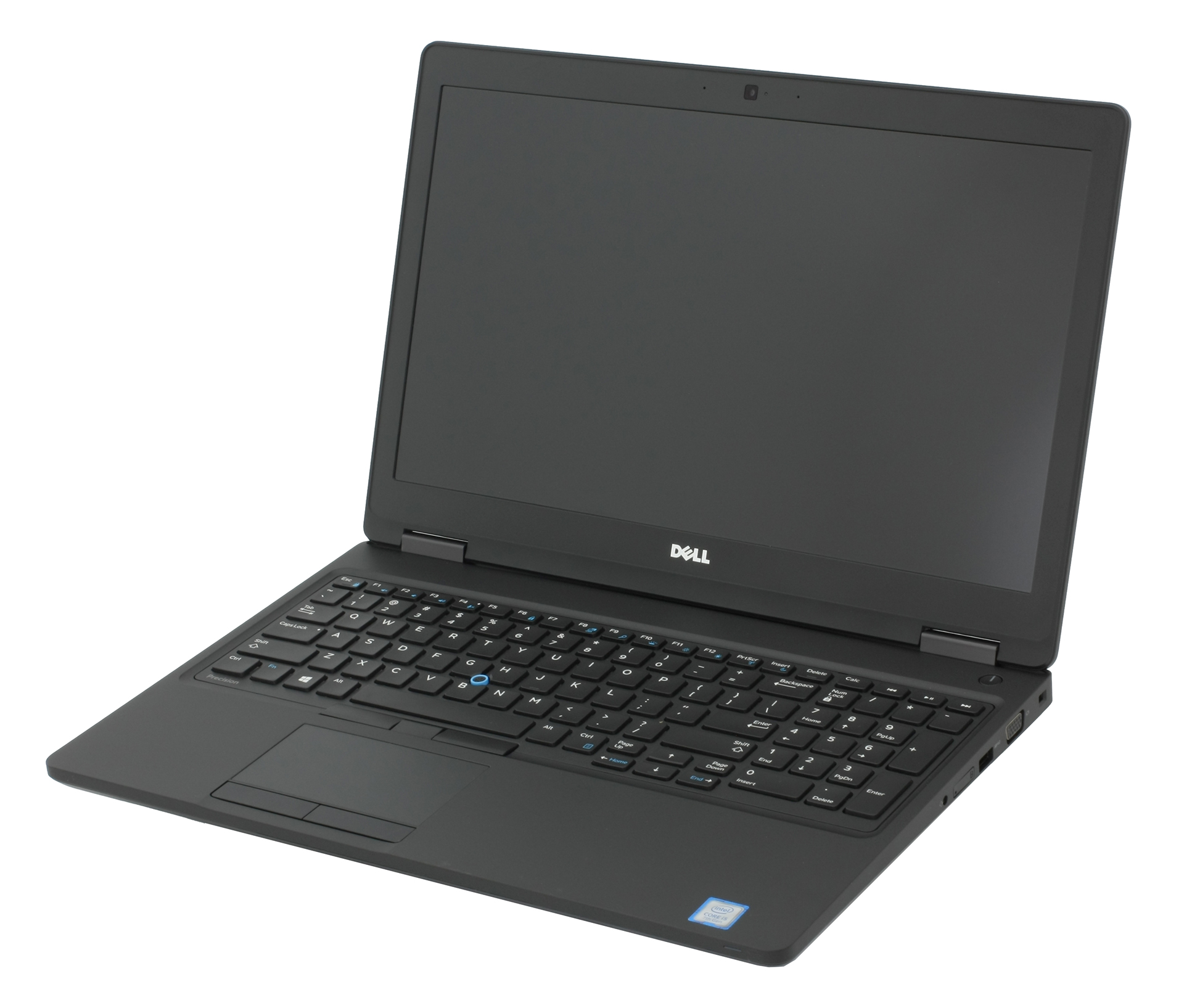
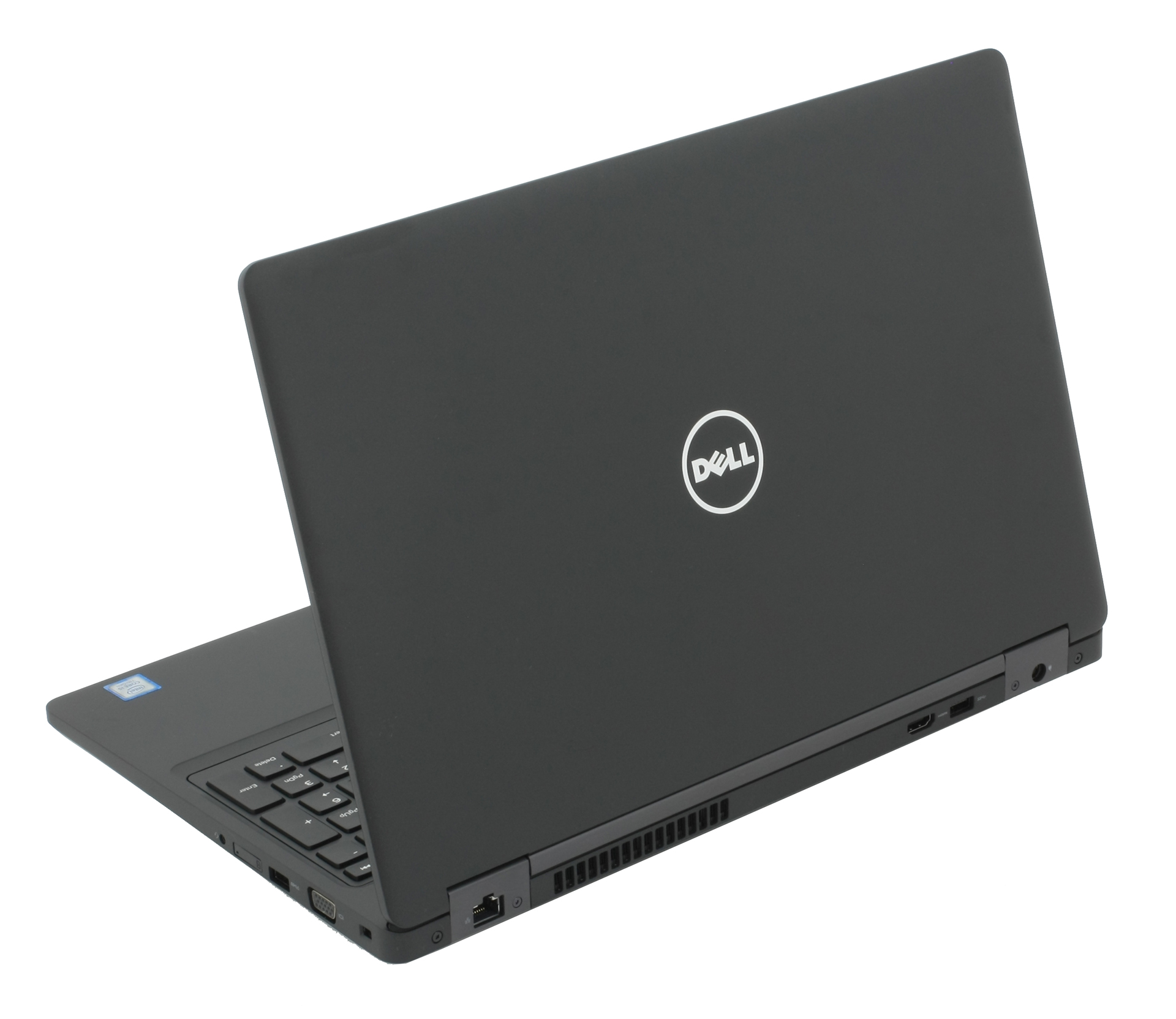
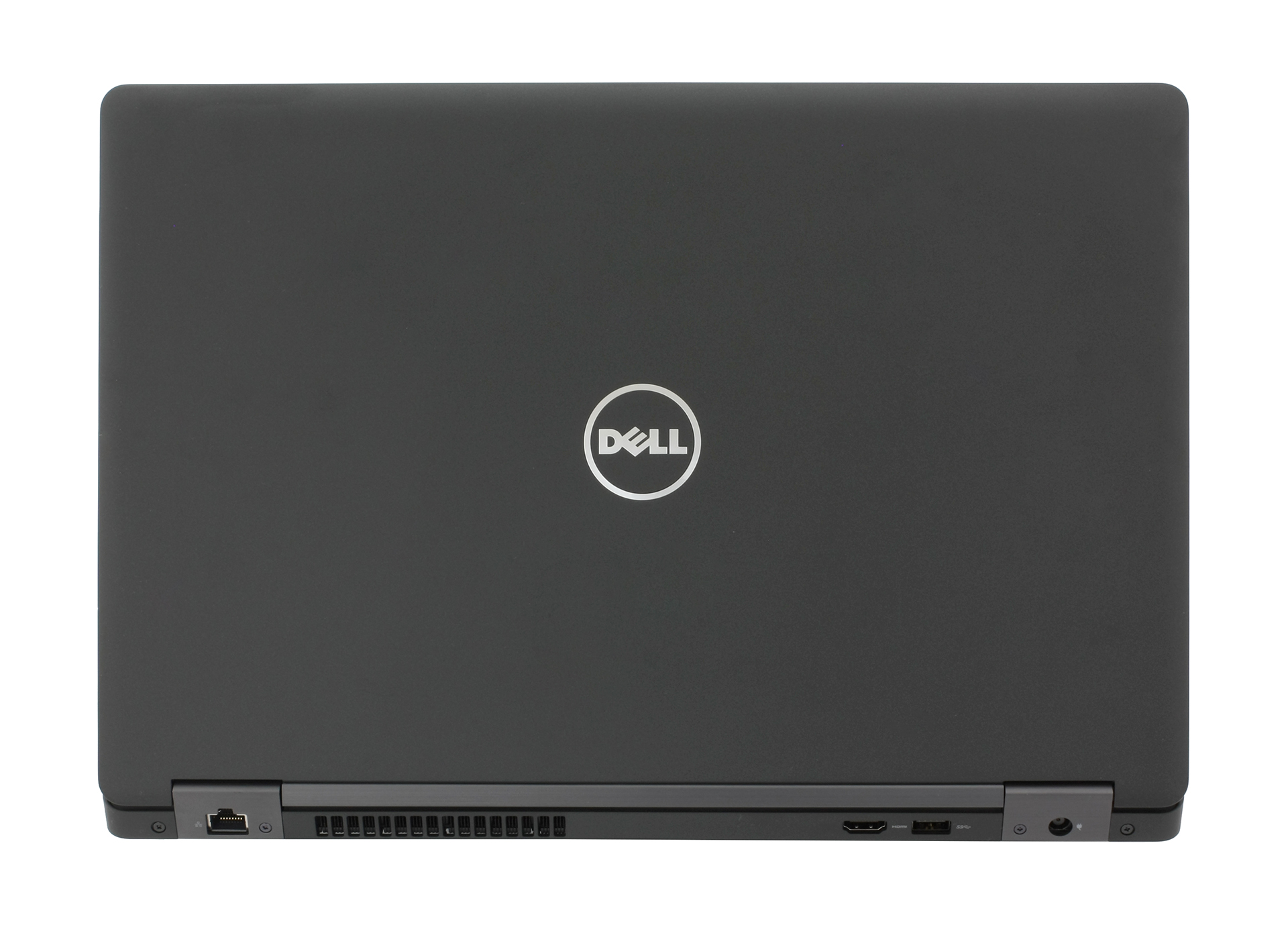
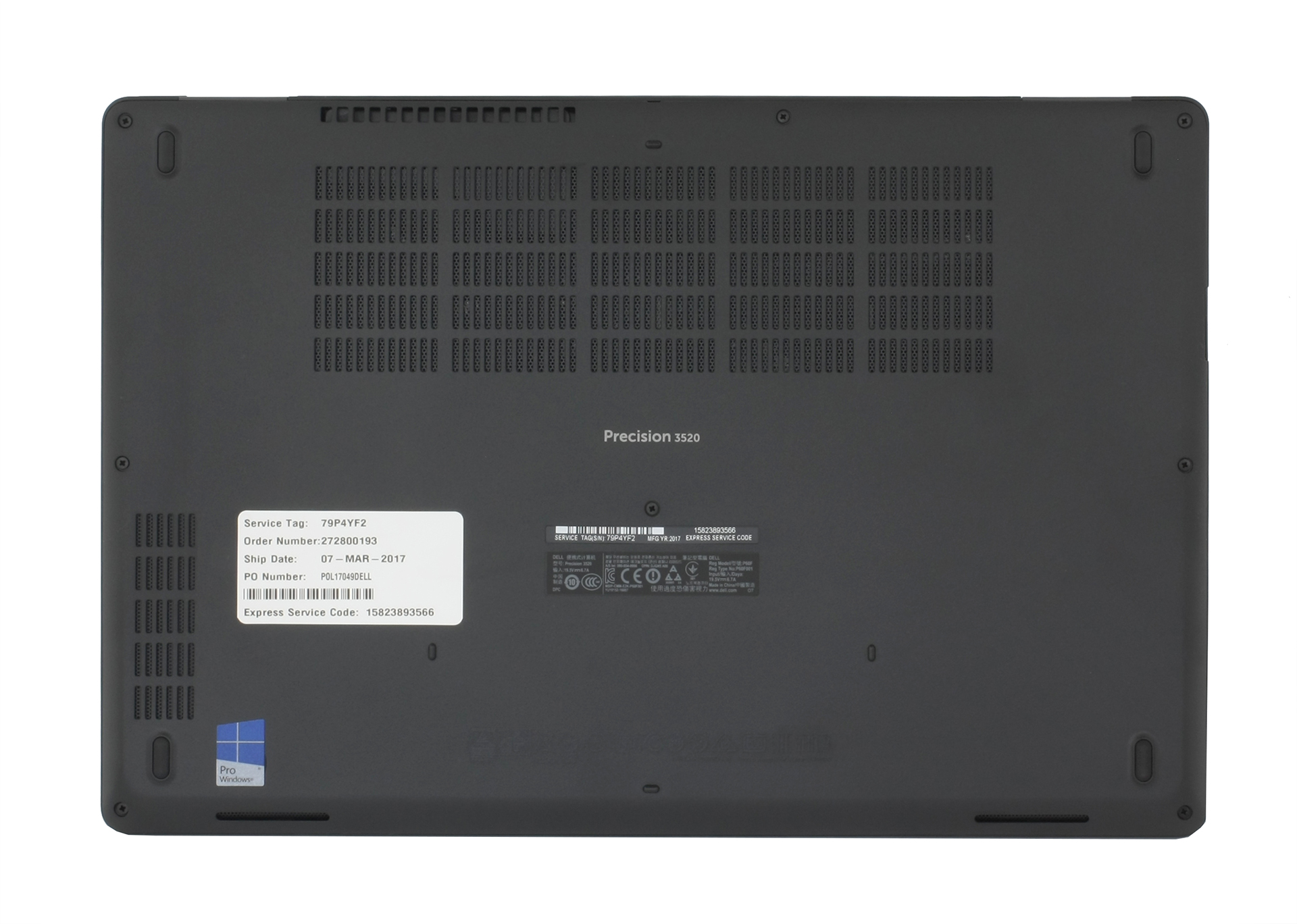
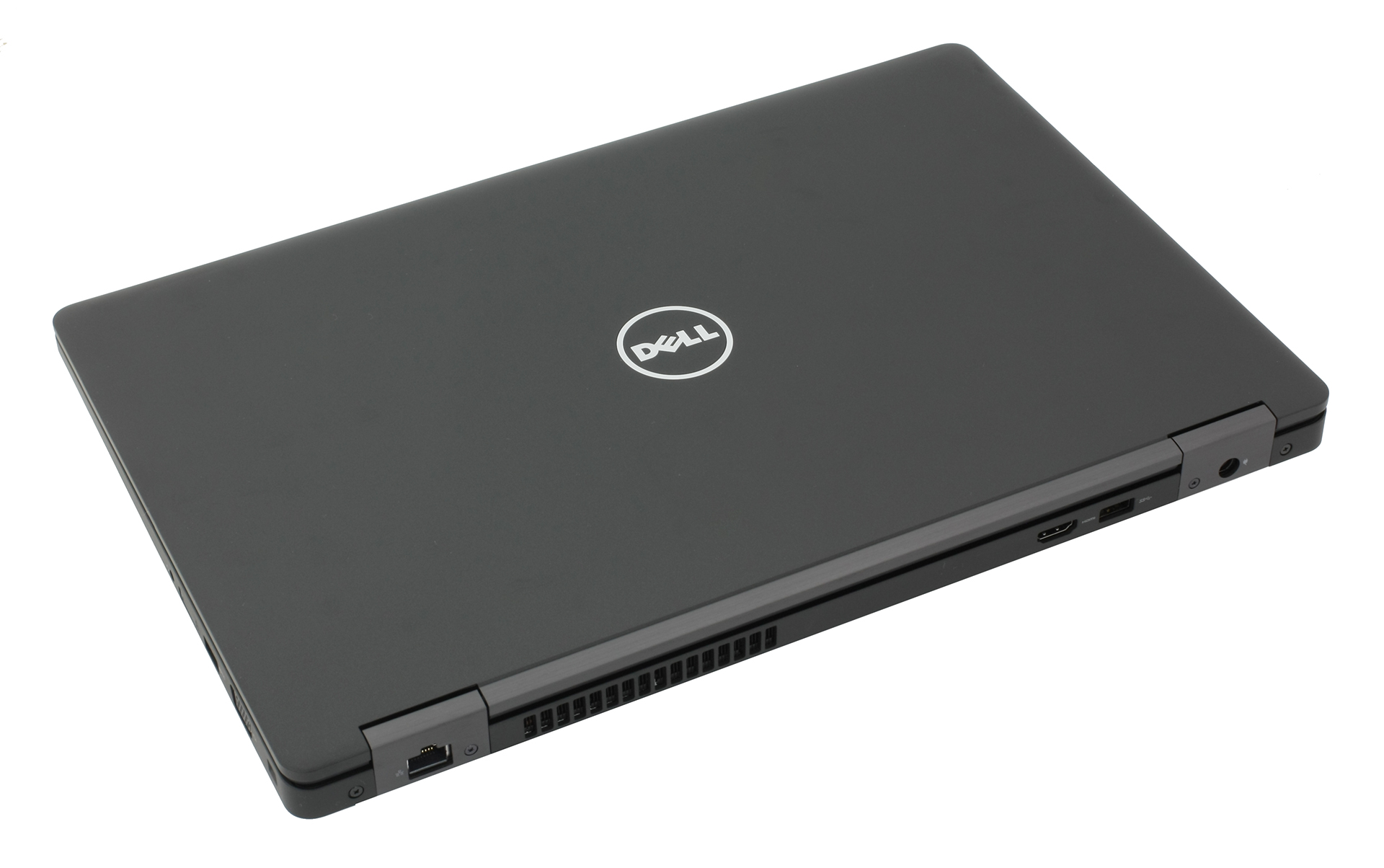
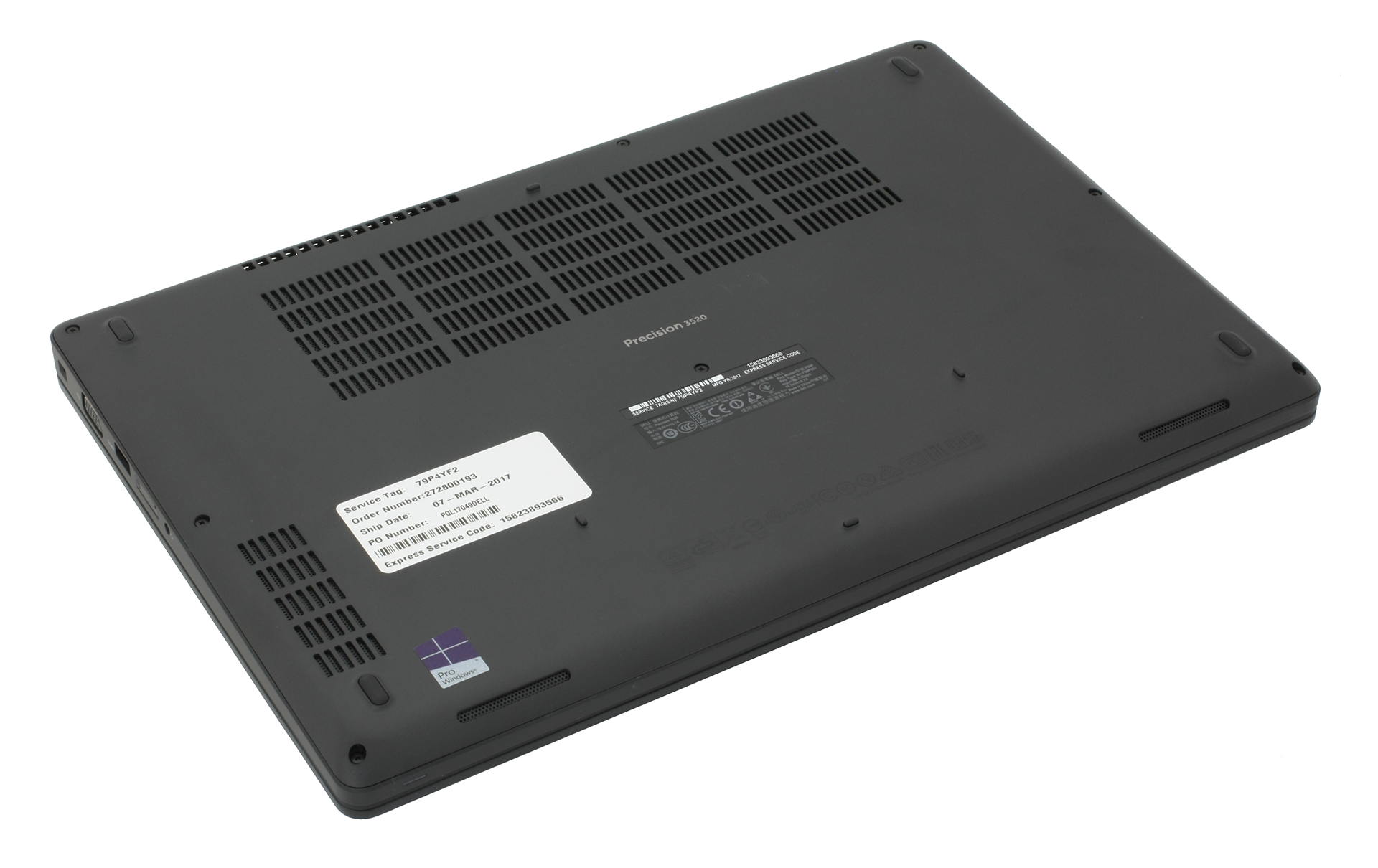

- HDD/SSD
- bis zu 512GB SSD + bis zu 1000GB HDD
- M.2 Steckplatz
- 1x 2280 PCIe 3.0 x4 NVMe (M key)
- RAM
- up to 16GB
- Betriebssystem
- Windows 11 Pro, Windows 10 Pro, Windows OS
- Akku
- 68Wh
- Gehäusematerial
- Plastic
- Abmessungen
- 377 x 252 x 24.55 mm (14.84" x 9.92" x 0.97")
- Gewicht
- 2.34 kg (5.2 lbs)
- Anschlüsse und Konnektivität
- 3x USB Type-A
- 3.2 Gen 1 (5 Gbps)
- 1x USB Type-C
- 3.2 Gen 2 (10 Gbps), Thunderbolt 3
- HDMI
- VGA
- DVI
- Kartenleser
- SD
- Ethernet LAN
- Wi-Fi
- 802.11ac
- Bluetooth
- 4.1
- Audioanschluss
- headphone/microphone
- SIM Card Slot
- Merkmale
- Fingerabdruckleser
- Web Kamera
- Tastatur mit Hintergrundbeleuchtung
- optional
- Mikrofon
- Lautsprecher
- Optisches Laufwerk
- Sicherheits Schloss Steckplatz
Alle Dell Precision 15 3520 Konfigurationen
Kaufen Sie unsere Profile für LG LP156WF6-SPP1 / 15.6”, Full HD (1920 x 1080), IPS
Zusätzlich zum Erhalt effizienter und gesundheitsfreundlicher Profile unterstützen Sie durch den Kauf von LaptopMedia-Produkten auch die Entwicklung unserer Labore, in denen wir Geräte testen, um möglichst objektive Bewertungen zu erstellen.

Office Work / Web Design
If your field is office work or web design, or you just want your monitor's color set to be as accurate as possible for the Internet color space, this profile will prove to be useful.

Gaming and Movie Nights
We developed this profile especially for games and movies. It makes fine nuances in dark scenes easier to discern during long sessions in front of the display.

Health-Guard
This profile reduces the negative impact of Pulse-Width Modulation (PWM) and the Blue Light spectrum, while keeping colors perceptually accurate for this panel.
Holen Sie sich alle 3 Profile mit 33 % Rabatt

GPU Leistung
Hier finden Sie den Preis-/Leistungsunterschied zwischen allen GPUs, die im Dell Precision 15 3520 Serie.
Die Ergebnisse stammen vom 3DMark Time Spy (Grafik). Ein höherer Wert ist besser.
Dell Precision 15 3520 ausführliche Bewertung
We haven't done a lot of reviews of laptops for professional workstations suitable for CAD, DCC and CGI applications and there are probably a lot of people out there wondering if it's really worth spending so much money on NVIDIA Quadro-powered system or should they stick to the mainstream GeForce graphics solutions. We explore the pros and cons of such laptop, in this case, the Dell Precision 3520, and see what this laptop is capable of. Do you really need to spend so much money for good performance in CAD and DCC software and will the Precision 3520 fit another profile as well?If you[...]
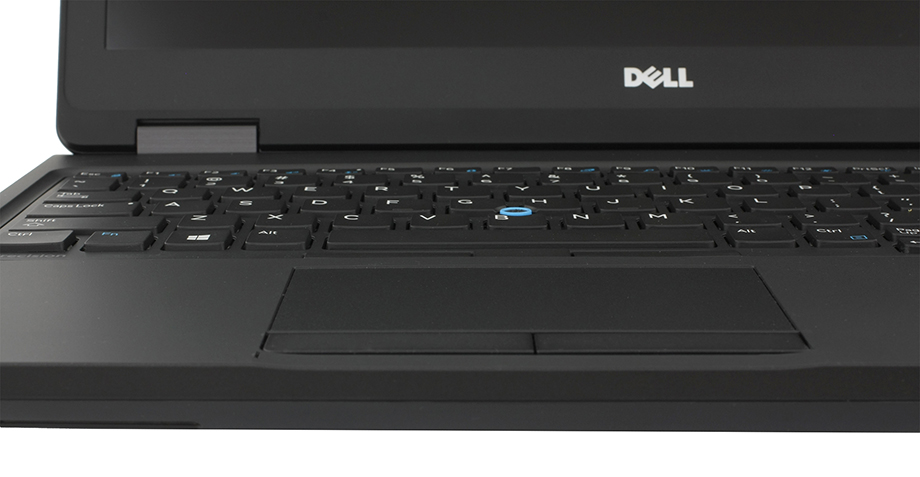
Profis
- Robust chassis, good build quality
- Fairly portable
- Excellent input devices
- Bright IPS panel with high contrast and wide sRGB coverage
- Amazing battery life
Nachteile
- Thermal throttling under heavy workload
- The panel flickers from 0 to 99% brightness (our Health-Guard profile fixes that)
- You can't insert a 2.5-inch drive and an M.2 SSD at the same time
- The base configuration comes with a TN panel


![[September 2026] Die meistverkauften Laptop-Marken bei Amazon Global – Apple dominiert den Markt mit einem Umsatzanteil von über 70 %](https://laptopmedia.com/wp-content/uploads/2026/10/GLOBAL-Best-Brands-400x225.jpg)
![[September 2026] Amazon Global: Die 10 meistverkauften Laptops – Apples MacBook Neo erobert Platz 1, während preisgünstige und Premium-Geräte den Markt dominieren](https://laptopmedia.com/wp-content/uploads/2026/10/Best-Selling-Laptops-GLOBAL-Top-10-400x225.jpg)
![[September 2026] Amazon Global: Die 10 meistverkauften Gaming-Laptops – Der ASUS ROG Strix G16 dominiert den Markt mit rekordverdächtigen Verkaufszahlen](https://laptopmedia.com/wp-content/uploads/2026/10/Best-Selling-Gaming-Laptops-GLOBAL-Top-10-400x225.jpg)
![[September 2026] Weltweite Rangliste der meistverkauften Laptop-Grafikkarten bei Amazon – Apples M5-Chip lässt NVIDIA bei Premium-Laptops weit hinter sich, doch die RTX 5060 ist die einzige dedizierte Grafikkarte, die es in die Top 10 geschafft hat](https://laptopmedia.com/wp-content/uploads/2026/10/Best-Selling-GPUs-GLOBAL-Top-10-400x225.jpg)
![[September 2026] Weltweite Rangliste der meistverkauften Laptop-CPUs bei Amazon – Apples M5 lässt Intel weit hinter sich, während sich der Premium-Markt zu einem Zweikampf entwickelt](https://laptopmedia.com/wp-content/uploads/2026/10/Best-Selling-CPUs-GLOBAL-Top-10-400x225.jpg)
