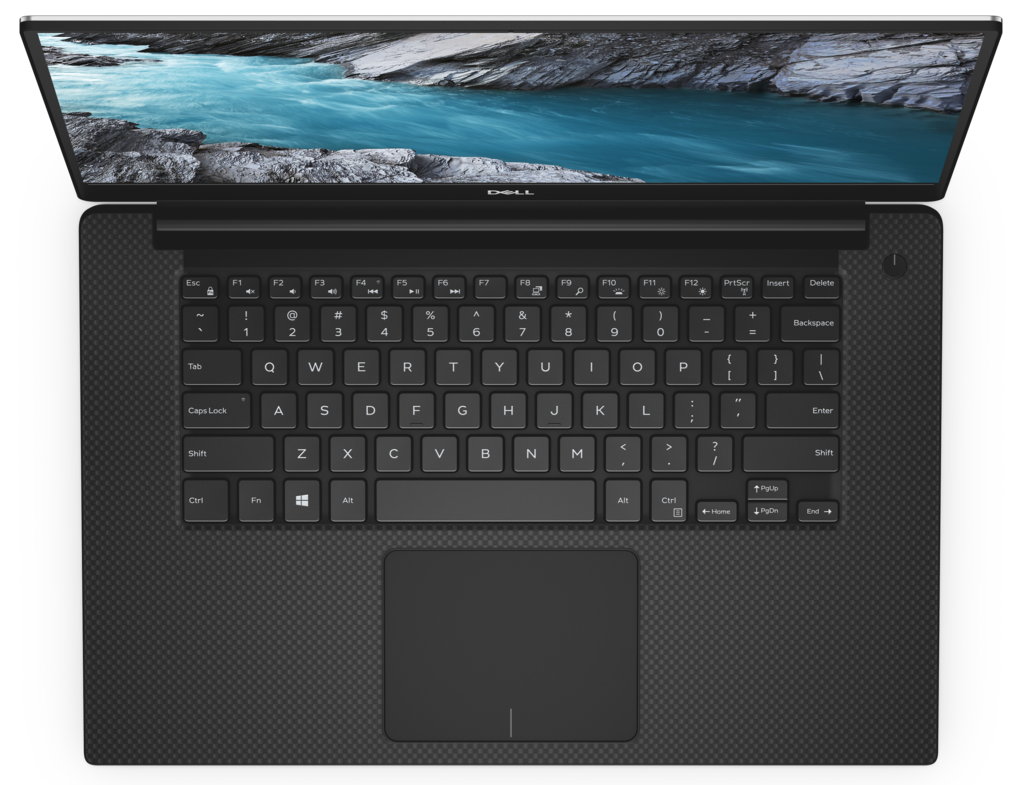
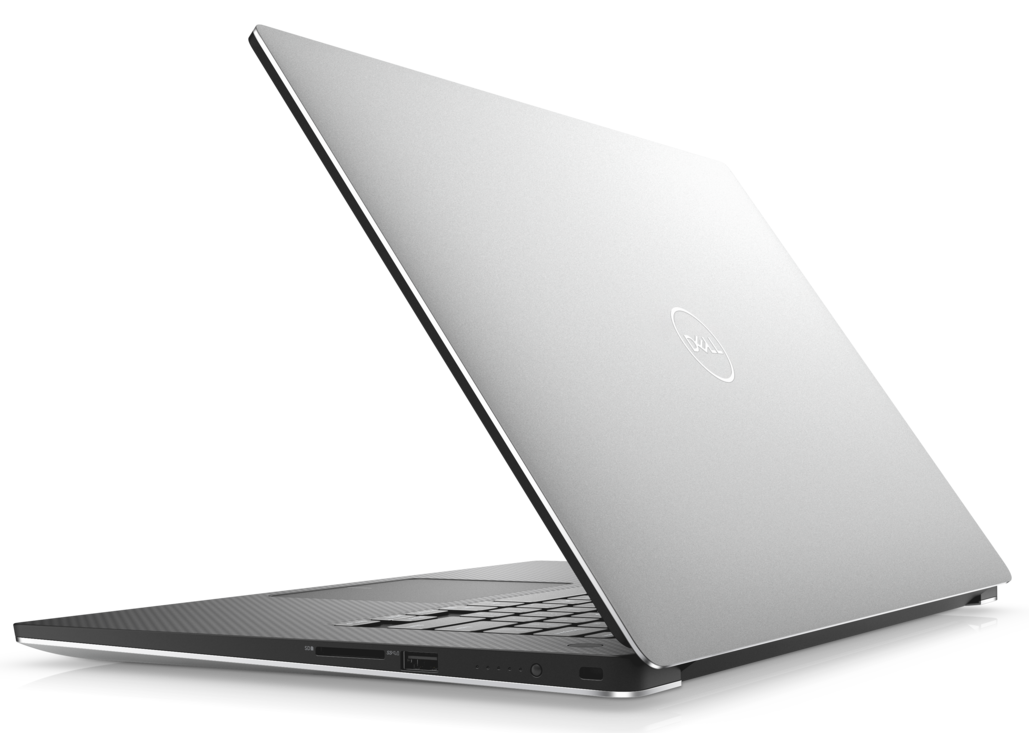
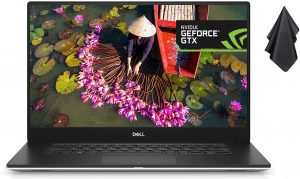
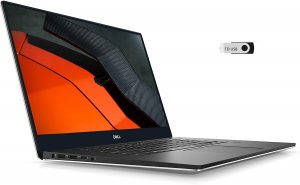
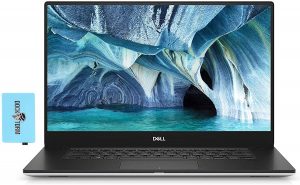
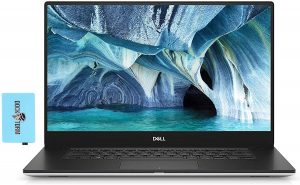
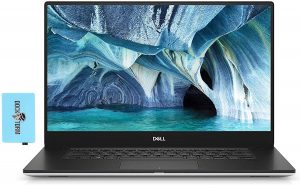
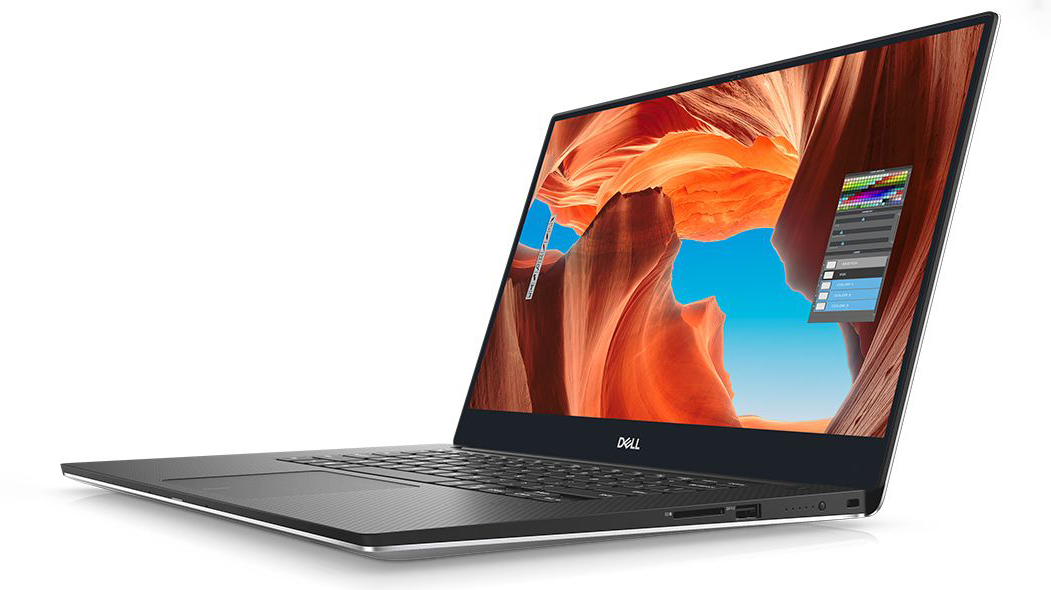
Dell XPS 15 7590
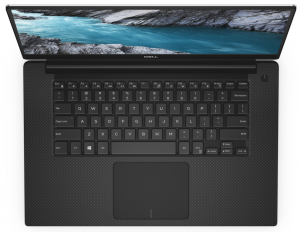
Dell XPS 15 7590 - Spezifikationen

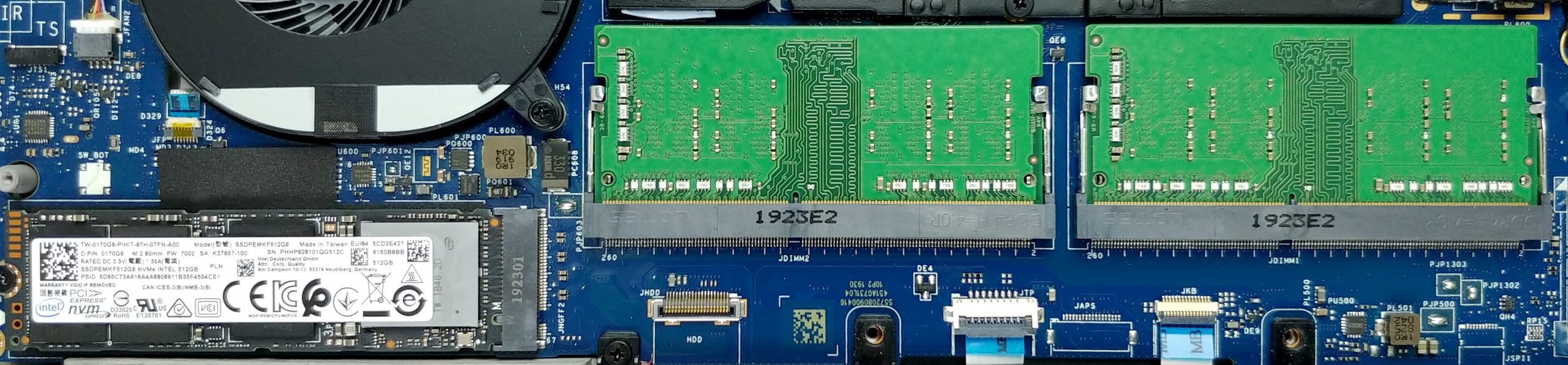
- HDD/SSD
- bis zu 8000GB SSD
- M.2 Steckplatz
- 1x 2280 PCIe NVMe 3.0 x4 Siehe Foto
- RAM
- up to 64GB
- Betriebssystem
- Windows 10 Home, Windows 10 Pro, Windows OS, Windows 11 Home, Windows 10 S
- Akku
- 56Wh, 4-cell, 97Wh, 6-cell, 96Wh, 6-cell, 97Wh, 52Wh, 4-cell, 56Wh, 6-cell, 56Wh, 3-cell, 56Wh
- Gehäusematerial
- Aluminum, Carbon
- Abmessungen
- 357 x 235 x 11-17 mm (14.06" x 9.25" x 0.43")
- Gewicht
- 1.80 kg (4 lbs)
- Anschlüsse und Konnektivität
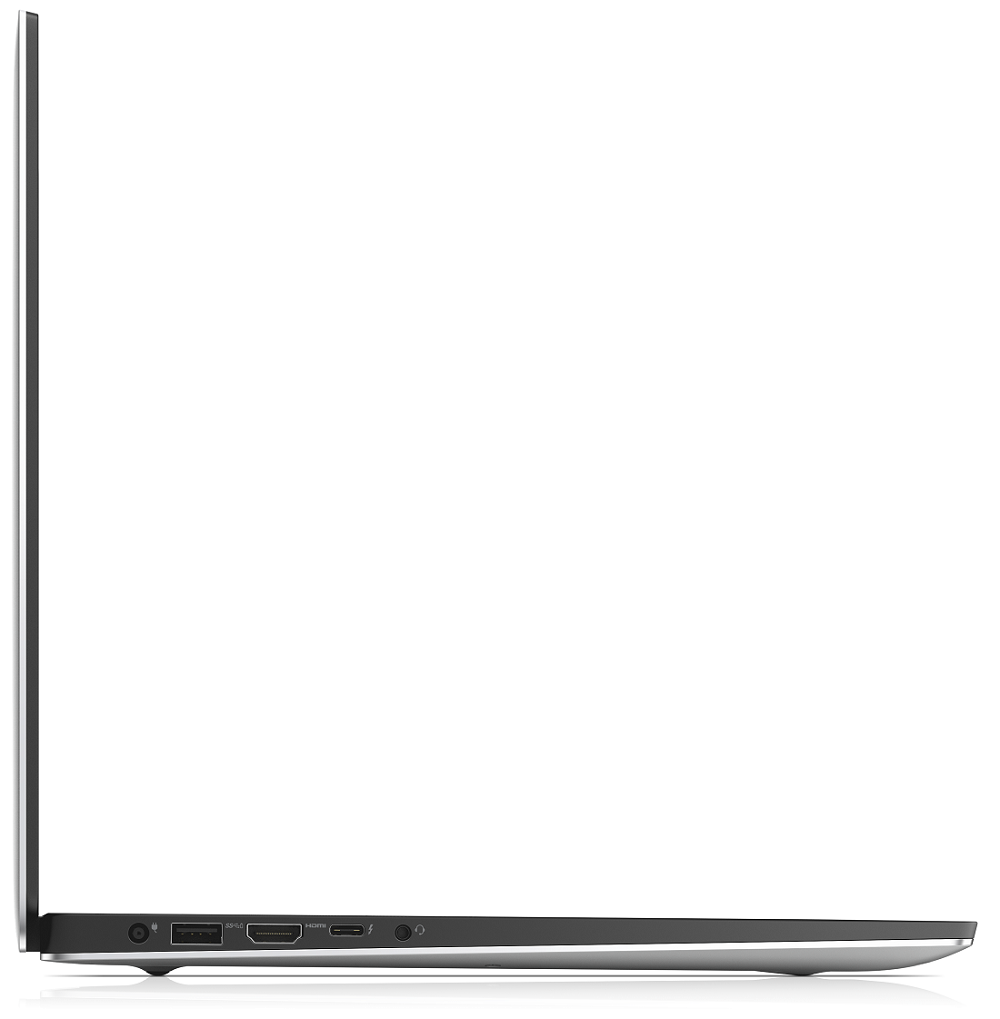
- 1x USB Type-C
- 3.2 Gen 2 (10 Gbps), Power Delivery (PD), DisplayPort
- 2x USB Type-A
- 3.2 Gen 1 (5 Gbps)
- HDMI
- 2.0
- Kartenleser
- SD, SDHC, SDXC
- Wi-Fi
- 802.11ax
- Bluetooth
- 5.0
- Audioanschluss
- combo audio / microphone jack
- Merkmale
- Fingerabdruckleser
- optional
- Web Kamera
- Tastatur mit Hintergrundbeleuchtung
- optional
- Mikrofon
- Lautsprecher
- 2x 2W
- Optisches Laufwerk
- optional
- Sicherheits Schloss Steckplatz
Alle Dell XPS 15 7590 Konfigurationen




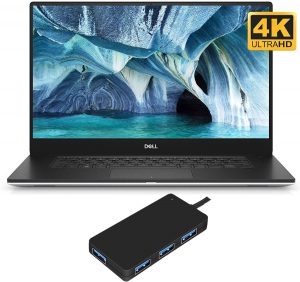
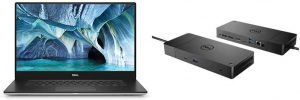
Kaufen Sie unsere Profile für SHP14BA (MWP1T-LQ156M1) / 15.6”, Full HD (1920 x 1080), IPS
Zusätzlich zum Erhalt effizienter und gesundheitsfreundlicher Profile unterstützen Sie durch den Kauf von LaptopMedia-Produkten auch die Entwicklung unserer Labore, in denen wir Geräte testen, um möglichst objektive Bewertungen zu erstellen.

Office Work
Office Work sollte hauptsächlich von Benutzern verwendet werden, die die meiste Zeit mit Texten, Tabellen oder dem Surfen im Internet verbringen. Dieses Profil zielt darauf ab, eine bessere Deutlichkeit und Klarheit zu liefern, indem es eine flache Gammakurve (2.20), eine native Farbtemperatur und wahrnehmungsgetreue Farben beibehält.

Design und Gaming
Dieses Profil richtet sich an Designer, die professionell mit Farben arbeiten, sowie für Spiele und Filme. Design und Gaming bringt Displays an ihre Grenzen und macht sie im sRGB IEC61966-2-1 Standard für Web und HDTV am Weißpunkt D65 so genau wie möglich.

Health-Guard
Health-Guard eliminiert die schädliche Pulsweitenmodulation (PWM) und reduziert das negative blaue Licht, das sich auf unsere Augen und unseren Körper auswirkt. Da es für jedes Panel maßgeschneidert ist, gelingt es, die Farben wahrnehmungsgetreu zu halten. Health-Guard simuliert Papier, so dass die Belastung für die Augen stark reduziert wird.
Holen Sie sich alle 3 Profile mit 33 % Rabatt

CPU-Leistung
Hier finden Sie den Preis-/Leistungsunterschied zwischen allen CPUs, die im Dell XPS 15 7590 Serie.
Cinebench 20 Multi-Core-Test (je höher die Punktzahl, desto besser)
GPU Leistung
Hier finden Sie den Preis-/Leistungsunterschied zwischen allen GPUs, die im Dell XPS 15 7590 Serie.
Die Ergebnisse stammen vom 3DMark Time Spy (Grafik). Ein höherer Wert ist besser.
Dell XPS 15 7590 ausführliche Bewertung
Okay, guys, we are sorry for being late on this one, but we were just able to take the XPS 15 7590 into our grasps. In the tomorrow of CES 2020, we will take some of your precious time by talking about the last-year XPS 15. Indeed it is a very popular device in the world of content creation. However, there are a lot of new models hitting the shelves in a couple of months, so it is interesting to see how a well-overused design is going to compare with them.First off, this notebook has a lot of iterations. Starting at 1200-1300 bucks for a decent model, equipped with a Core i7-9750H and a G[...]
Profis
- Strong body build of carbon fiber and aluminum
- 97Wh battery that delivers more than 16 hours of Web browsing
- 94% sRGB coverage (1080p SHP149A) and with the help of our Gaming and Web design profile you the Average gamma falls to 1.1
- Thin and light
- Boasts up to Core i9-9980HK processor
- Easy upgrade and maintenance
- Wide variety of price options
- Fingerprint reader embedded in the power button
Nachteile
- Has a keyboard with a rather small deck
- Uses aggressive PWM to adjust its brightness up to 150 nits (fixed by our Health-Guard profile)
- Its design is getting old
- The cooling struggles under heavy load
Spiele, die Sie auf dieser Laptop-Serie spielen können

Resolution: 1920 x 1080 (Full HD) |
NORMAL |
HIGH |
VERY HIGH |
MAX |
|---|---|---|---|---|
 | 173 FPS | 174 FPS | 73 FPS | 46 FPS |
-27% | 171 FPS VIDEO ABLAUFEN | 92 FPS VIDEO ABLAUFEN | 49 FPS VIDEO ABLAUFEN | 29 FPS VIDEO ABLAUFEN |

Resolution: 1920 x 1080 (Full HD) |
VERY LOW |
MED |
MAX |
|---|---|---|---|
| 499 FPS VIDEO ABLAUFEN | 402 FPS VIDEO ABLAUFEN | 362 FPS VIDEO ABLAUFEN |
-42% | 242 FPS VIDEO ABLAUFEN | 251 FPS VIDEO ABLAUFEN | 235 FPS VIDEO ABLAUFEN |

Resolution: 1920 x 1080 (Full HD) |
MIN |
MAX |
|---|---|---|
| 1179 FPS VIDEO ABLAUFEN | 101 FPS VIDEO ABLAUFEN |
-41% | 703 FPS VIDEO ABLAUFEN | 48 FPS VIDEO ABLAUFEN |

Resolution: 1920 x 1080 (Full HD) |
MIN |
MED |
HIGH |
ULTRA |
|---|---|---|---|---|
| 96 FPS VIDEO ABLAUFEN | 62 FPS VIDEO ABLAUFEN | 34 FPS VIDEO ABLAUFEN | - VIDEO ABLAUFEN |
-37% | 64 FPS VIDEO ABLAUFEN | 36 FPS VIDEO ABLAUFEN | 20 FPS VIDEO ABLAUFEN | - VIDEO ABLAUFEN |

Resolution: 1920 x 1080 (Full HD) |
MIN |
MED |
ULTRA |
|---|---|---|---|
| 589 FPS VIDEO ABLAUFEN | 262 FPS VIDEO ABLAUFEN | 137 FPS VIDEO ABLAUFEN |
-13% | 622 FPS VIDEO ABLAUFEN | 160 FPS VIDEO ABLAUFEN | 79 FPS VIDEO ABLAUFEN |

Resolution: 1920 x 1080 (Full HD) |
LOW |
MED |
HIGH |
ULTRA |
|---|---|---|---|---|
| NVIDIA GeForce GTX 1660 Ti (Laptop) | 97 FPS VIDEO ABLAUFEN | 81 FPS VIDEO ABLAUFEN | 67 FPS VIDEO ABLAUFEN | 55 FPS VIDEO ABLAUFEN |

Resolution: 1920 x 1080 (Full HD) |
LOW |
MED |
HIGH |
EPIC |
|---|---|---|---|---|
| 136 FPS VIDEO ABLAUFEN | 66 FPS VIDEO ABLAUFEN | 54 FPS VIDEO ABLAUFEN | 34 FPS VIDEO ABLAUFEN |
-34% | 95 FPS VIDEO ABLAUFEN | 41 FPS VIDEO ABLAUFEN | 33 FPS VIDEO ABLAUFEN | 23 FPS VIDEO ABLAUFEN |

Resolution: 1920 x 1080 (Full HD) |
LOW |
MED |
EPIC |
|---|---|---|---|
| 105 FPS VIDEO ABLAUFEN | 81 FPS VIDEO ABLAUFEN | 73 FPS VIDEO ABLAUFEN |
| NVIDIA GeForce GTX 1650 (Laptop) | - VIDEO ABLAUFEN | - VIDEO ABLAUFEN | - VIDEO ABLAUFEN |

Resolution: 1920 x 1080 (Full HD) |
VERY LOW |
NORMAL |
ULTRA |
|---|---|---|---|
| 109 FPS VIDEO ABLAUFEN | 98 FPS VIDEO ABLAUFEN | 76 FPS VIDEO ABLAUFEN |
-36% | 72 FPS VIDEO ABLAUFEN | 63 FPS VIDEO ABLAUFEN | 47 FPS VIDEO ABLAUFEN |

Resolution: 1920 x 1080 (Full HD) |
LOW |
NORMAL |
HIGH |
MAX |
|---|---|---|---|---|
| 180 FPS VIDEO ABLAUFEN | 160 FPS VIDEO ABLAUFEN | 144 FPS VIDEO ABLAUFEN | 122 FPS VIDEO ABLAUFEN |
-8% | 181 FPS VIDEO ABLAUFEN | 147 FPS VIDEO ABLAUFEN | 127 FPS VIDEO ABLAUFEN | 105 FPS VIDEO ABLAUFEN |


![[September 2026] Die meistverkauften Laptop-Marken bei Amazon Global – Apple dominiert den Markt mit einem Umsatzanteil von über 70 %](https://laptopmedia.com/wp-content/uploads/2026/10/GLOBAL-Best-Brands-400x225.jpg)
![[September 2026] Amazon Global: Die 10 meistverkauften Laptops – Apples MacBook Neo erobert Platz 1, während preisgünstige und Premium-Geräte den Markt dominieren](https://laptopmedia.com/wp-content/uploads/2026/10/Best-Selling-Laptops-GLOBAL-Top-10-400x225.jpg)
![[September 2026] Amazon Global: Die 10 meistverkauften Gaming-Laptops – Der ASUS ROG Strix G16 dominiert den Markt mit rekordverdächtigen Verkaufszahlen](https://laptopmedia.com/wp-content/uploads/2026/10/Best-Selling-Gaming-Laptops-GLOBAL-Top-10-400x225.jpg)
![[September 2026] Weltweite Rangliste der meistverkauften Laptop-Grafikkarten bei Amazon – Apples M5-Chip lässt NVIDIA bei Premium-Laptops weit hinter sich, doch die RTX 5060 ist die einzige dedizierte Grafikkarte, die es in die Top 10 geschafft hat](https://laptopmedia.com/wp-content/uploads/2026/10/Best-Selling-GPUs-GLOBAL-Top-10-400x225.jpg)
![[September 2026] Weltweite Rangliste der meistverkauften Laptop-CPUs bei Amazon – Apples M5 lässt Intel weit hinter sich, während sich der Premium-Markt zu einem Zweikampf entwickelt](https://laptopmedia.com/wp-content/uploads/2026/10/Best-Selling-CPUs-GLOBAL-Top-10-400x225.jpg)