Inside HP Envy x 360 15 (15-ed0000) – disassembly and upgrade options
Despite being a 2-in-1, you can upgrade both the memory and the storage, which makes the laptop a good choice for the future.
Check out all HP Envy x 360 15 (15-ed0000) prices and configurations in our Specs System or read more in our In-Depth review.
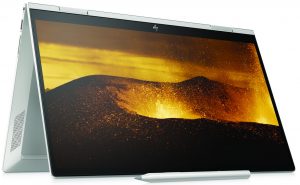
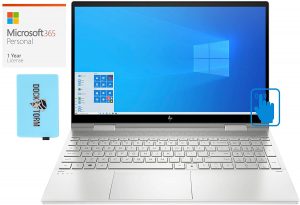
1. Remove the bottom plate
This is one of the cheekiest moves by HP so far. Not only there is only one visible screw at first glance, but it is also of a Torx type. To further make you stay away from this notebooks internals, the manufacturer has hidden all 8 of the rest Phillips-head screws beneath the rubber feet – two in the front and six in the back. After you located and remove them, you only need to pop the panel away with a plastic tool.
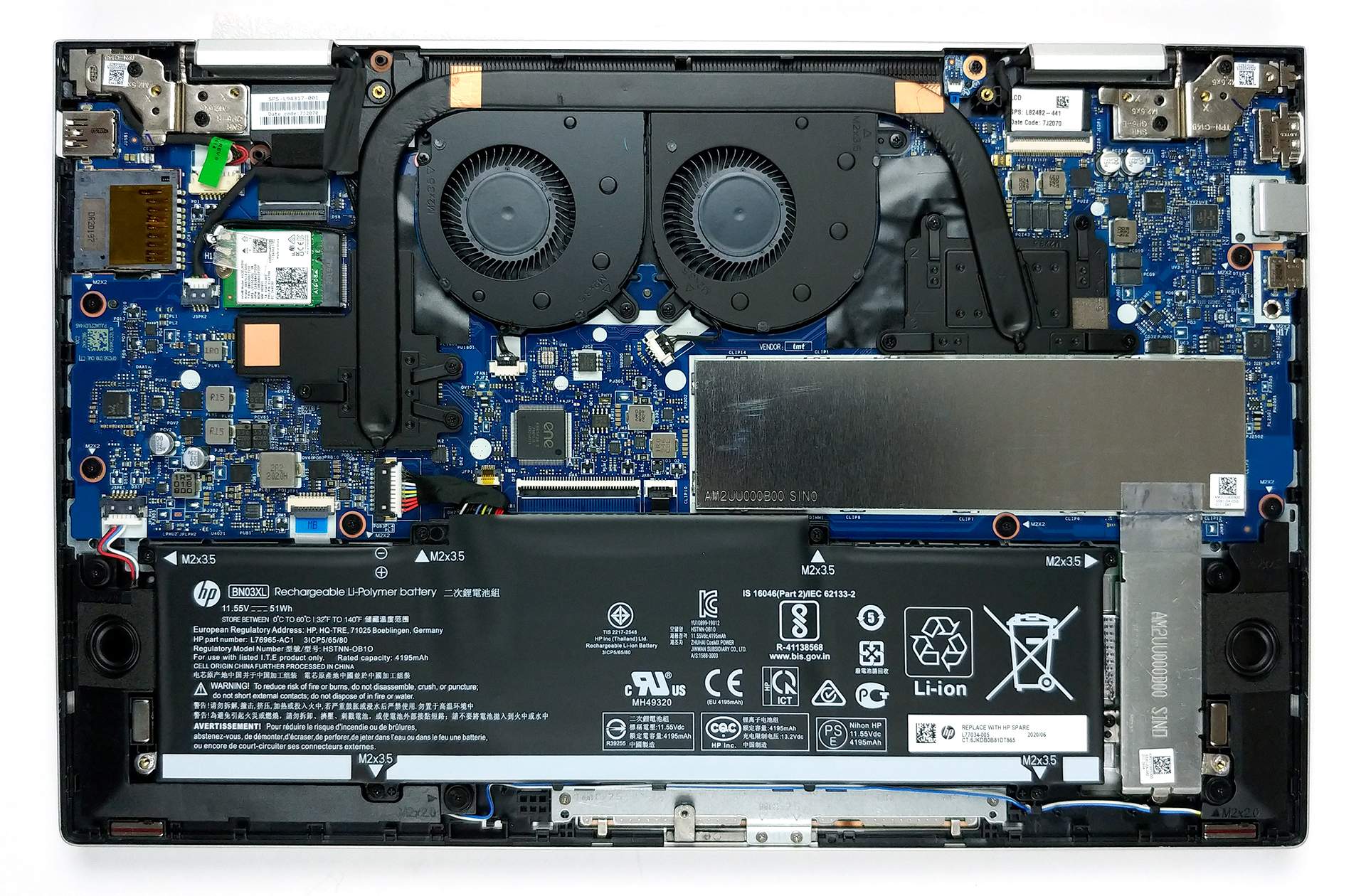
2. Battery
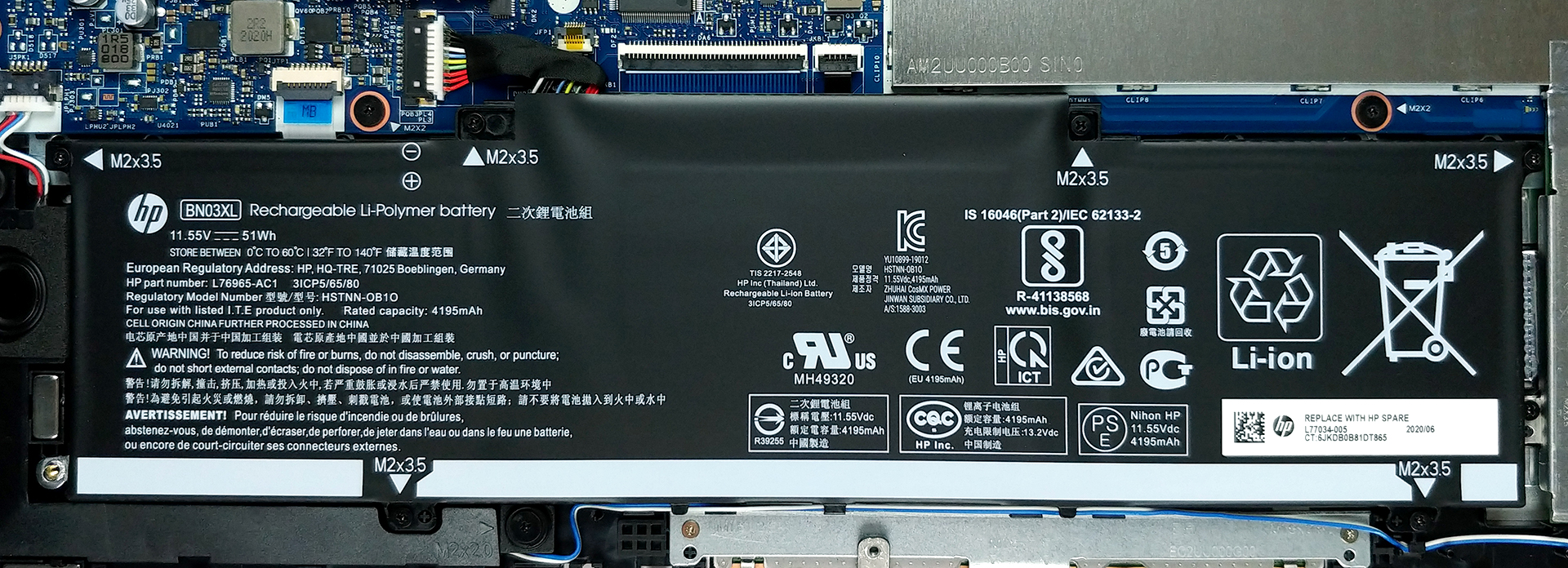
This notebook is powered by a 51Wh battery pack.
3. Memory and storage
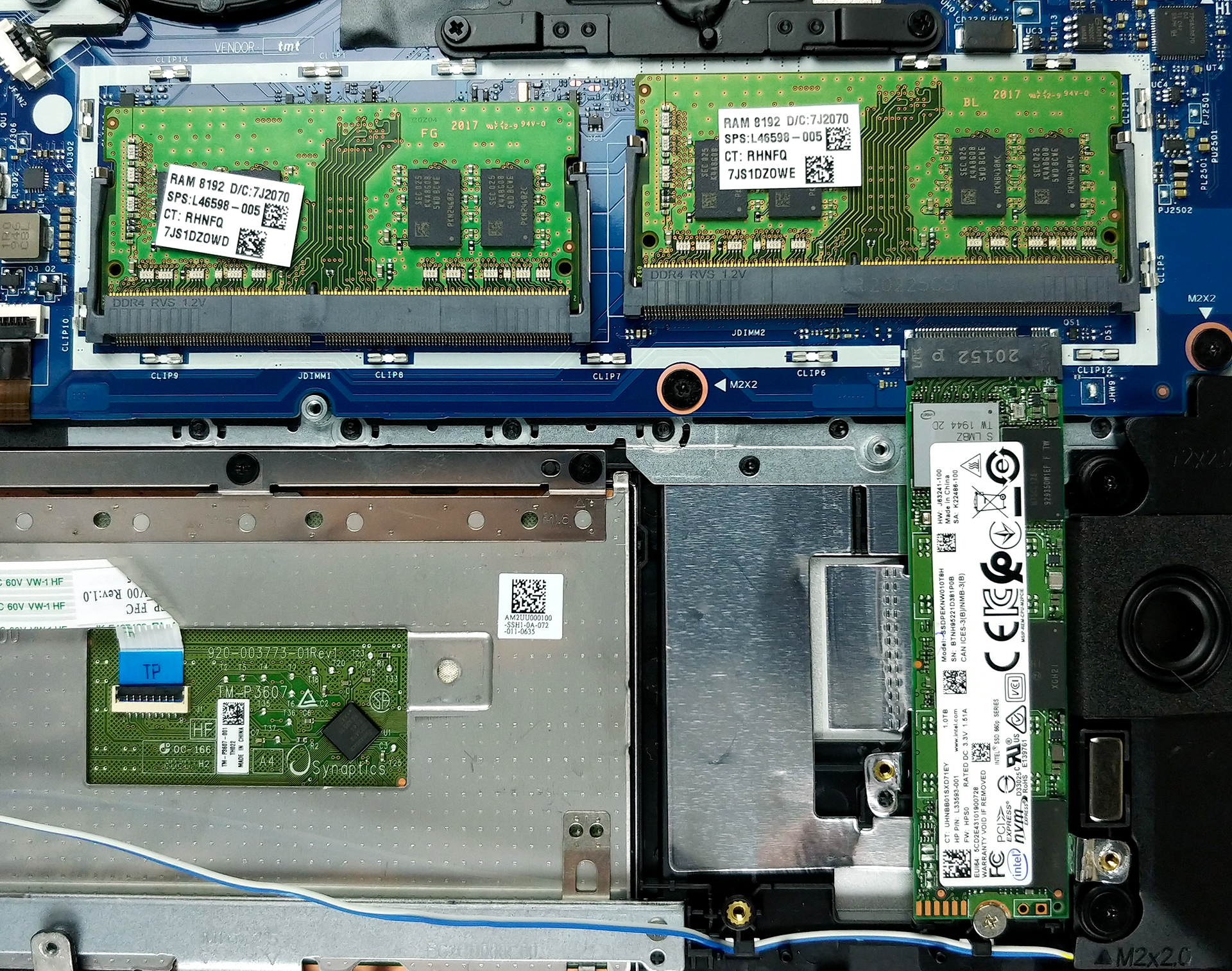
Thankfully, you can upgrade the memory via two RAM SODIMM slots, located beneath a metal cover. And as for the storage, there is one M.2 slot, supporting PCIe x4 drives.
4. Cooling system
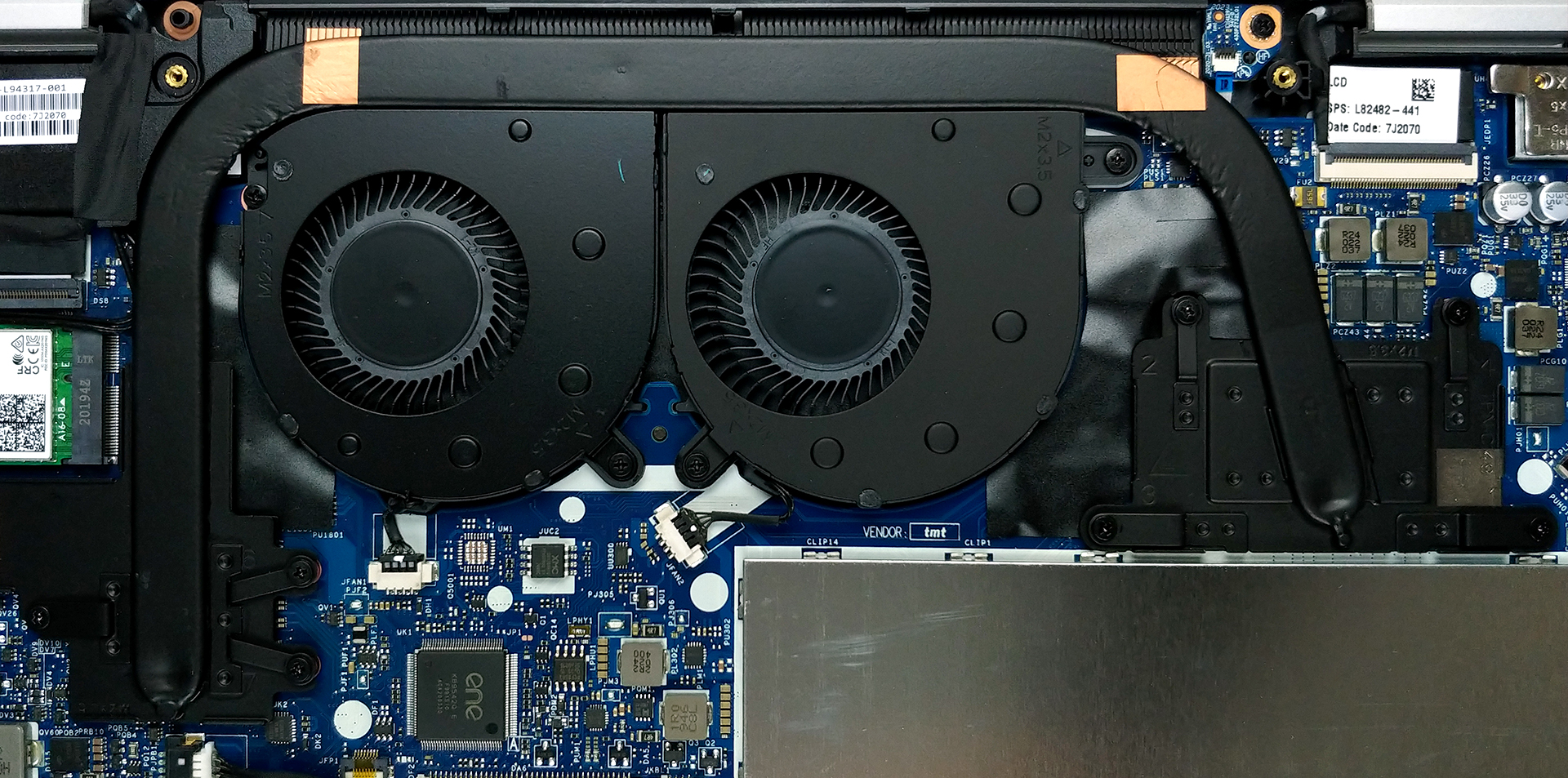
Interestingly, this notebook uses a pretty similar cooling solution to that of the 13-inch model. However, instead of the single fan, there are two inside of this one.
Check out all HP Envy x 360 15 (15-ed0000) prices and configurations in our Specs System or read more in our In-Depth review.
 Author: Alex Iliev

![[Junio de 2026] Las marcas de ordenadores portátiles más vendidas en Amazon Global: el dominio sin rival de Apple en unidades y facturación](https://laptopmedia.com/wp-content/uploads/2026/07/GLOBAL-Best-Brands-400x225.jpg)
![[Junio de 2026] Amazon Global: Las 10 portátiles más vendidas – El nuevo MacBook Neo de Apple se aupó al número 1 y está revolucionando el mercado gracias a su precio asequible](https://laptopmedia.com/wp-content/uploads/2026/07/Best-Selling-Laptops-GLOBAL-Top-10-400x225.jpg)
![[Junio de 2026] Amazon Global: Las 10 portátiles para videojuegos más vendidas – La Nitro V 16S AI de Acer domina las ventas, mientras que ASUS lidera los ingresos totales](https://laptopmedia.com/wp-content/uploads/2026/07/Best-Selling-Gaming-Laptops-GLOBAL-Top-10-400x225.jpg)
![[Junio de 2026] Clasificación mundial de las GPU para portátiles más vendidas en Amazon: la NVIDIA RTX 5060 es la GPU dedicada más vendida](https://laptopmedia.com/wp-content/uploads/2026/07/Best-Selling-GPUs-GLOBAL-Top-10-400x225.jpg)
![[Junio de 2026] Clasificación mundial de las CPU para portátiles más vendidas en Amazon: el Apple M5 domina el mercado, mientras que el AMD Ryzen 7 260 consigue una sólida cuota en el segmento de gama alta](https://laptopmedia.com/wp-content/uploads/2026/07/Best-Selling-CPUs-GLOBAL-Top-10-400x225.jpg)
