Lenovo’s solution to the Yoga “ghost touches” problem
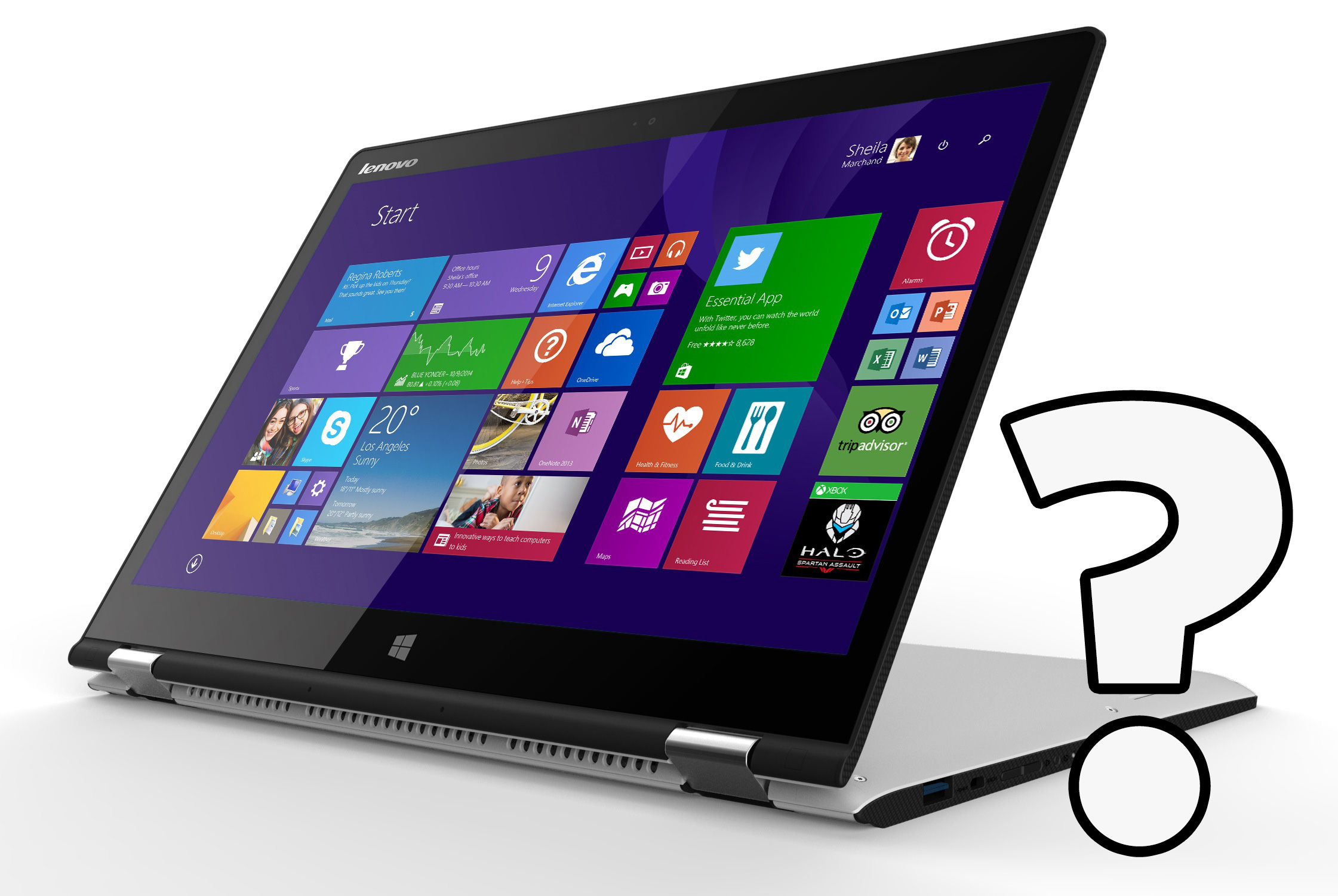 Recently, we showed you an annoying touchscreen problem we stumbled upon while testing Lenovo’s latest Yoga – from time to time (once or twice a day) the notebook starts registering clicks on its own, in random positions. At first, we thought that it’s a hardware-related issue (faulty digitizer, maybe?).
We found more users that are experiencing this kind of problem and, of course, we contacted Lenovo. According to the manufacturer, it’s a software bug which could be resolved by calibrating the display.
The engineering sample of Yoga 3 we had is no longer in our office, but if you have the same problem, you can try to calibrate your machine. Don’t forget to share the result with us in the comment section! Also, If you have any questions, we’ll do our best to help.
In the meantime, you might want to read our in-depth review of Lenovo Yoga 3.
 Author: Simeon NikolovEditor-in-Chief at LaptopMedia.com with 20+ years of experience in testing and analyzing laptops and mobile devices.

![[Junio de 2026] Las marcas de ordenadores portátiles más vendidas en Amazon Global: el dominio sin rival de Apple en unidades y facturación](https://laptopmedia.com/wp-content/uploads/2026/07/GLOBAL-Best-Brands-400x225.jpg)
![[Junio de 2026] Amazon Global: Las 10 portátiles más vendidas – El nuevo MacBook Neo de Apple se aupó al número 1 y está revolucionando el mercado gracias a su precio asequible](https://laptopmedia.com/wp-content/uploads/2026/07/Best-Selling-Laptops-GLOBAL-Top-10-400x225.jpg)
![[Junio de 2026] Amazon Global: Las 10 portátiles para videojuegos más vendidas – La Nitro V 16S AI de Acer domina las ventas, mientras que ASUS lidera los ingresos totales](https://laptopmedia.com/wp-content/uploads/2026/07/Best-Selling-Gaming-Laptops-GLOBAL-Top-10-400x225.jpg)
![[Junio de 2026] Clasificación mundial de las GPU para portátiles más vendidas en Amazon: la NVIDIA RTX 5060 es la GPU dedicada más vendida](https://laptopmedia.com/wp-content/uploads/2026/07/Best-Selling-GPUs-GLOBAL-Top-10-400x225.jpg)
![[Junio de 2026] Clasificación mundial de las CPU para portátiles más vendidas en Amazon: el Apple M5 domina el mercado, mientras que el AMD Ryzen 7 260 consigue una sólida cuota en el segmento de gama alta](https://laptopmedia.com/wp-content/uploads/2026/07/Best-Selling-CPUs-GLOBAL-Top-10-400x225.jpg)

I think you guys have to this right this way; Many of them comes from AC power or other electric wire high frequency electrical ‘NOISE’, that used to exist all around us. One good solution is operate your laptop with touch screen in isolated way(use only battery without any wire connection), then the cost should be disappeared. But you cannot do this all the time because you should plug AC adapter or USB connections as well. This this the solution: Purchase ‘Ferrite core’, that is pretty cheep usually less than a dollar per a piece, according to your cables(AC adopter,… Leer más »
Yoga 500 screen calibration solved the problem, thx !!
So here we are in 2018 and my X1 Yoga laptop that I’ve had for over a year just started exhibiting this behavior. I get phantom touches every 2-3 seconds so needless to say I can’t get anything done. I was able to use the pen and disable the touch screen driver. I don’t have an LG panel any help is appreciated. So Annoying. And it just started out of the blue.
Did you find any permanent solution for this issue ? I am facing the same problem
Random hits occur during calibration and prevent it from working.
Lenovo is the most popular brand in the world. It provides the best quality technical products.You can simply solve the ghost touches by using the latest version of the Operating System.