Inside Dell Inspiron 15 3505 – disassembly and upgrade options
As an old-school device, the Inspiron 15 3505 packs a good amount of upgrade options, which is becoming less and less common in the year 2021.
Check out all Dell Inspiron 15 3505 prices and configurations in our Specs System or read more in our In-Depth review.
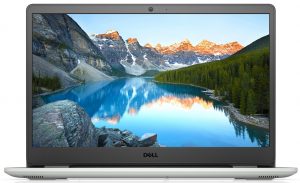
1. Remove the bottom plate
To access the internals of this notebook, you need to undo 9 Phillips-head screws. Then, carefully pry your way around the bottom panel with the help of a plastic tool.
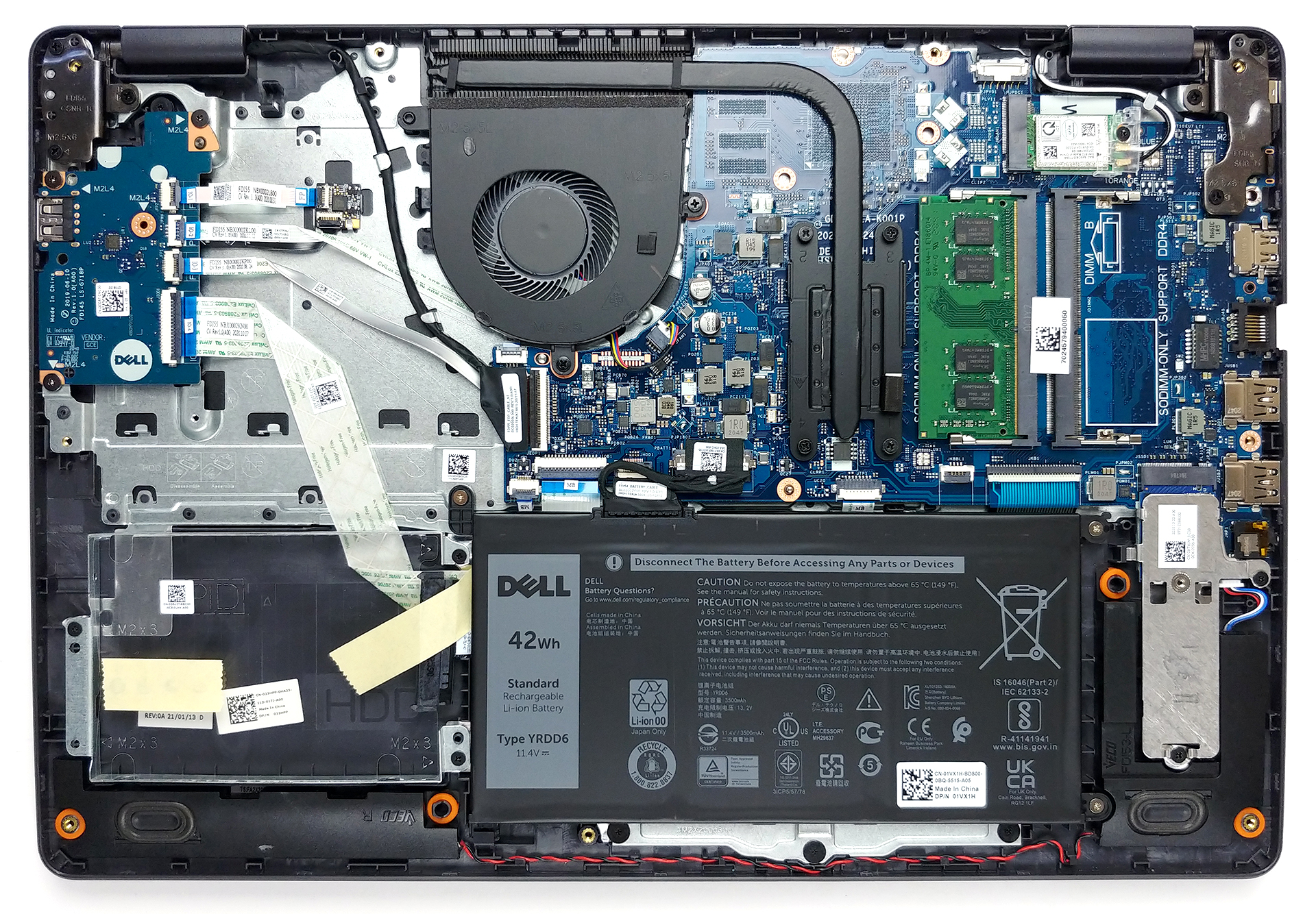
2. Battery
The first thing we see inside is the 42Wh battery pack. Before you start removing stuff out of the device, make sure you unplug the battery connector.
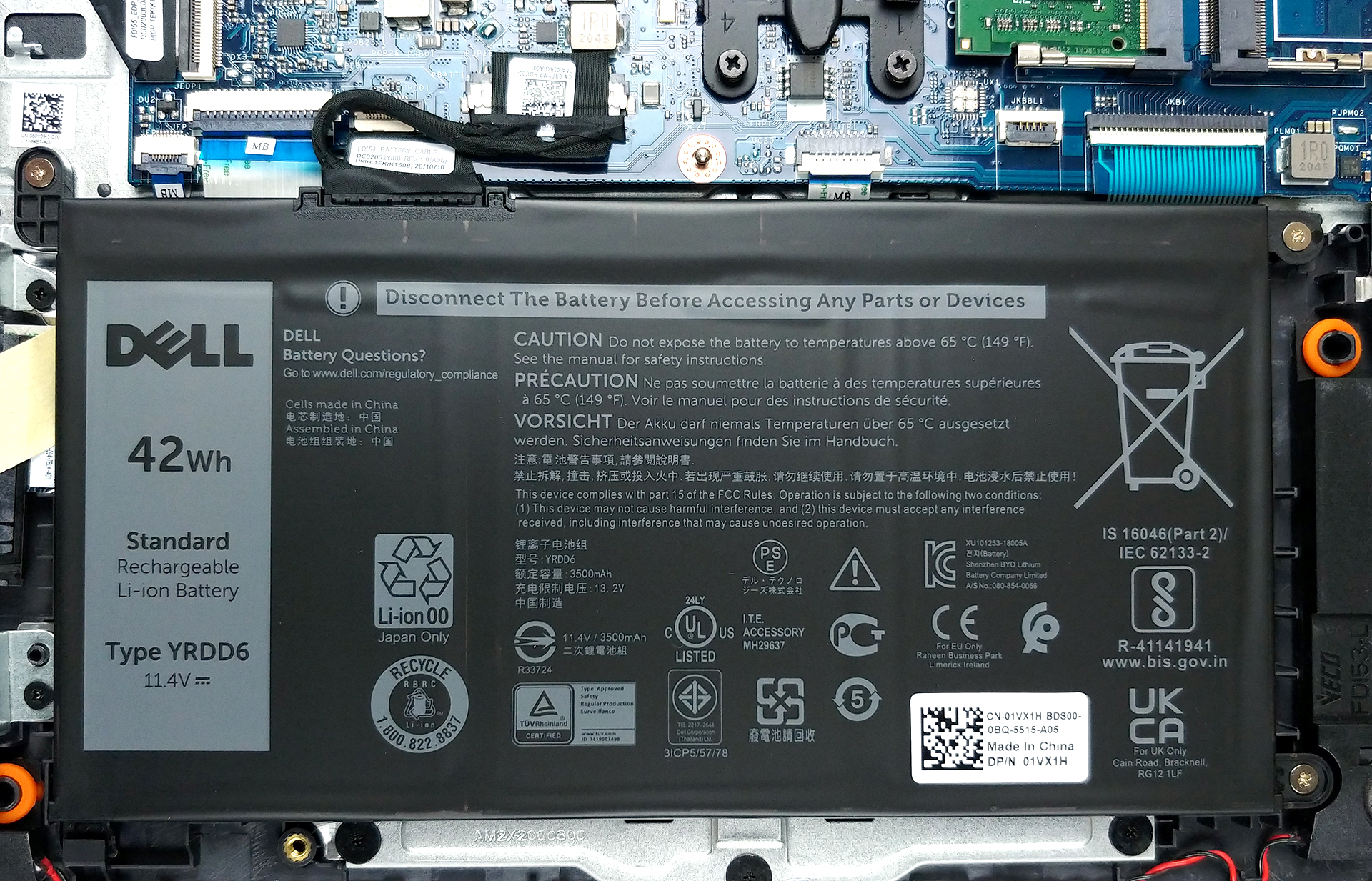
3. Memory and storage
In terms of memory, there are two SODIMM slots, that should support up to 32GB of DDR4 RAM in total. They also work in dual-channel mode. Storage-wise, there is one 2.5-inch SATA drive bay, as well as an M.2 PCIe x4 slot.
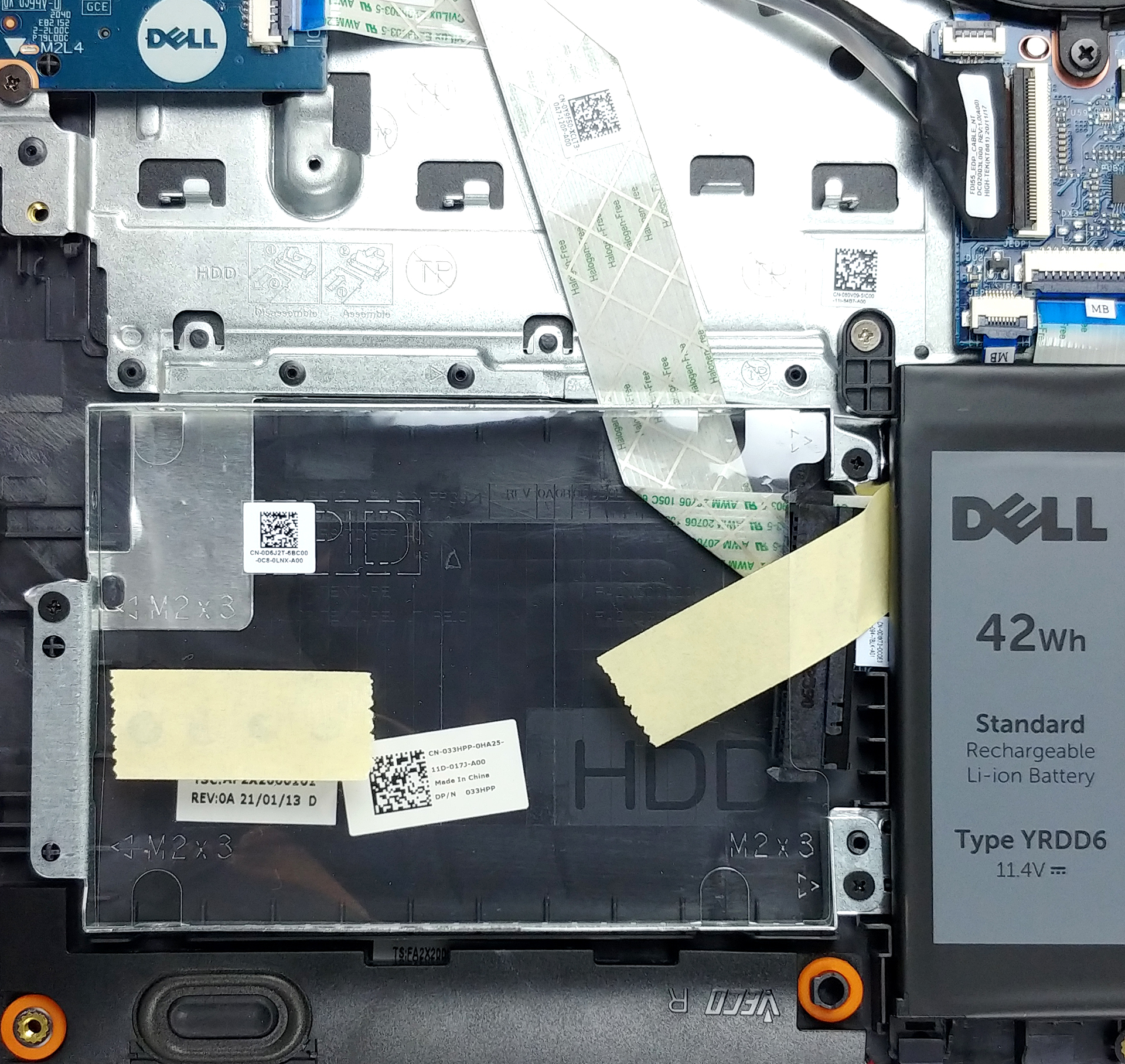

4. Cooling system
As for the cooling, a rather unpretentious heat pipe, heat spreader, and a fan with a medium size. It’s also worth noting that there is a metal bracket over the CPU, that helps evenly distribute the mounting pressure, and drive some residual heat away.
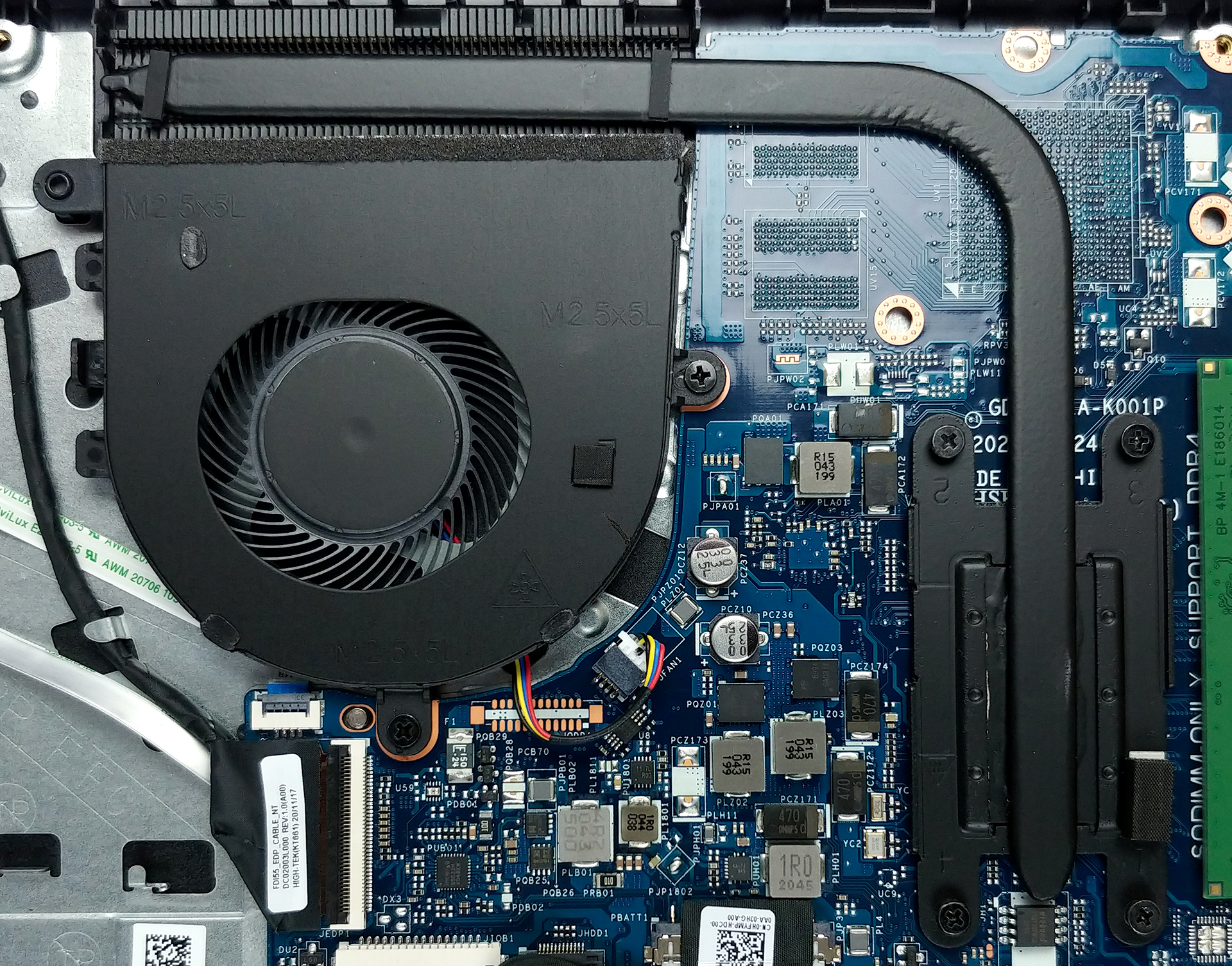
Check out all Dell Inspiron 15 3505 prices and configurations in our Specs System or read more in our In-Depth review.
Dell Inspiron 15 3505 critique approfondie
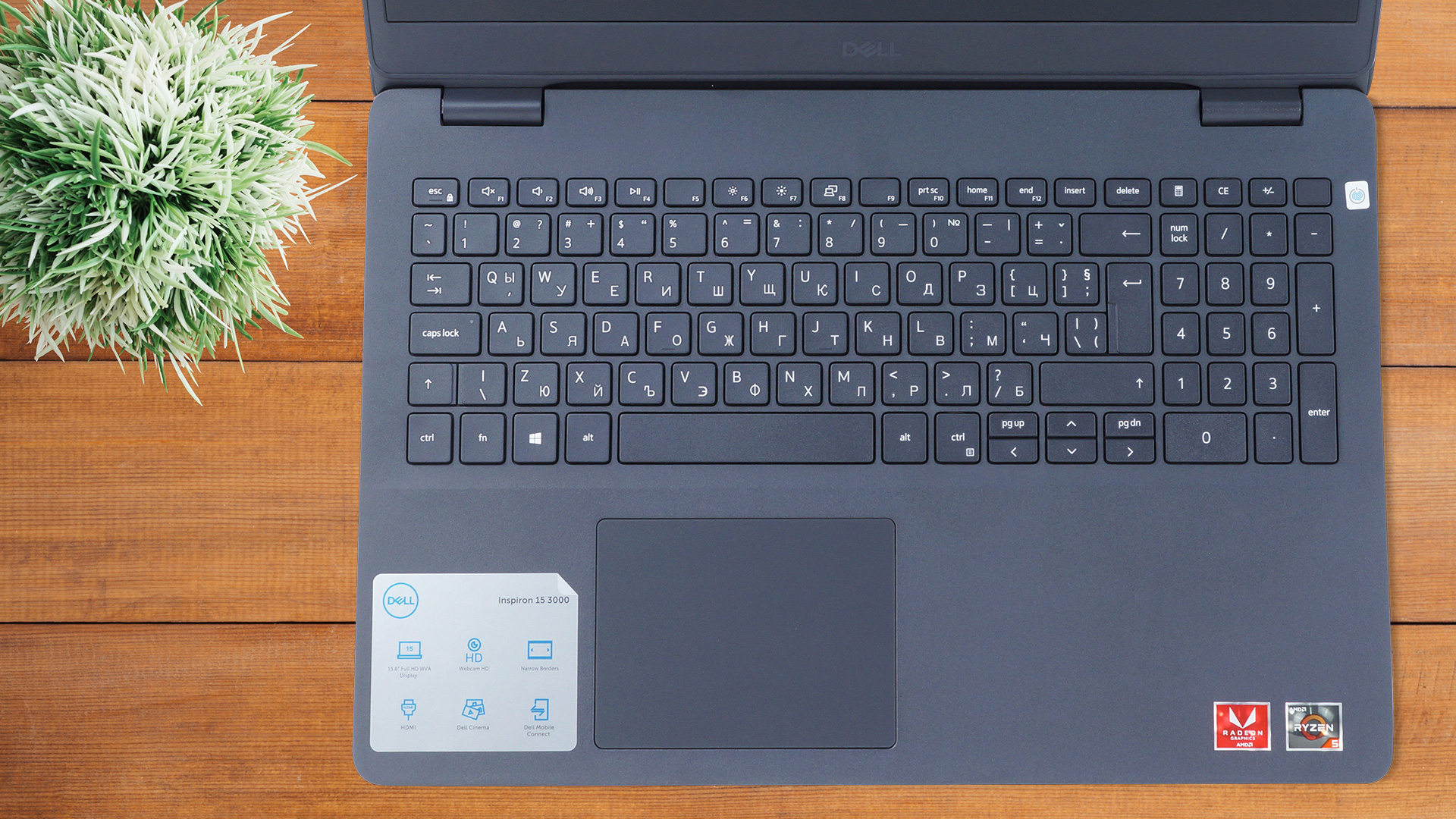
Another manufacturer has released a laptop, equipped with an older SKU. In a world of silicon and graphics card hunger, Dell is looking at previous generations, albeit with newly released processors to feed their machines.With that said, the Inspiron 15 3505 comes at precisely the right time, in order to be influential, and viable for customers. It offers an IPS panel, SSD support, arguably snappy processors of choice, and a proven design. The latter ensures minimum financial effort in terms of design, and maximum yield.Also, considering its rather affordable price, it is good to see [...]
Pour
- Great price
- Up to 32GB of memory in dual-channel, 1x M.2 PCIe x4 + 2.5-inch SATA slot
- Has an SD card reader
- Doesn't use PWM for brightness adjustment (AUO K1MP9-B156HAN)
Cons
- Unsatisfactory build quality
- No USB Type-C port
- Covers only 52% of the sRGB gamut (AUO K1MP9-B156HAN)
 Author: Alex Iliev

![[Août 2026] Classement mondial des cartes graphiques pour ordinateurs portables les plus vendues sur Amazon : Apple règne en maître, la RTX 5060 de NVIDIA arrive en tête du classement des cartes dédiées](https://laptopmedia.com/wp-content/uploads/2026/09/Best-Selling-GPUs-GLOBAL-Top-10-400x225.jpg)
![[Août 2026] Classement mondial des processeurs d’ordinateurs portables les plus vendus sur Amazon : Apple domine aussi bien le segment économique que le segment haut de gamme. Les modèles A18 Pro et M5 écrasent Intel et AMD en août 2026](https://laptopmedia.com/wp-content/uploads/2026/09/Best-Selling-CPUs-GLOBAL-Top-10-400x225.jpg)
![[Août 2026] Amazon Global : le top 10 des ordinateurs portables les plus vendus – L’Apple MacBook Neo domine le classement tandis que les portables Windows d’entrée et de milieu de gamme se disputent les parts de marché](https://laptopmedia.com/wp-content/uploads/2026/09/Best-Selling-Laptops-GLOBAL-Top-10-400x225.jpg)
![[Août 2026] Les marques d’ordinateurs portables les plus vendues sur Amazon Global : Apple domine en termes de chiffre d’affaires tandis que HP se distingue par la diversité de ses modèles](https://laptopmedia.com/wp-content/uploads/2026/09/GLOBAL-Best-Brands-400x225.jpg)
![[Août 2026] Amazon Global : le top 10 des ordinateurs portables de jeu les plus vendus – Le HP Victus 15 s’empare de la première place alors que les modèles abordables dominent le classement](https://laptopmedia.com/wp-content/uploads/2026/09/Best-Selling-Gaming-Laptops-GLOBAL-Top-10-400x225.jpg)

Maximun memory speed?